









Flash sale for photographers, 50% off 📸




Protect your business with professional online contracts
Create, customize, and eSign contracts that keep your business moving.
Go from sent to signed...
faster

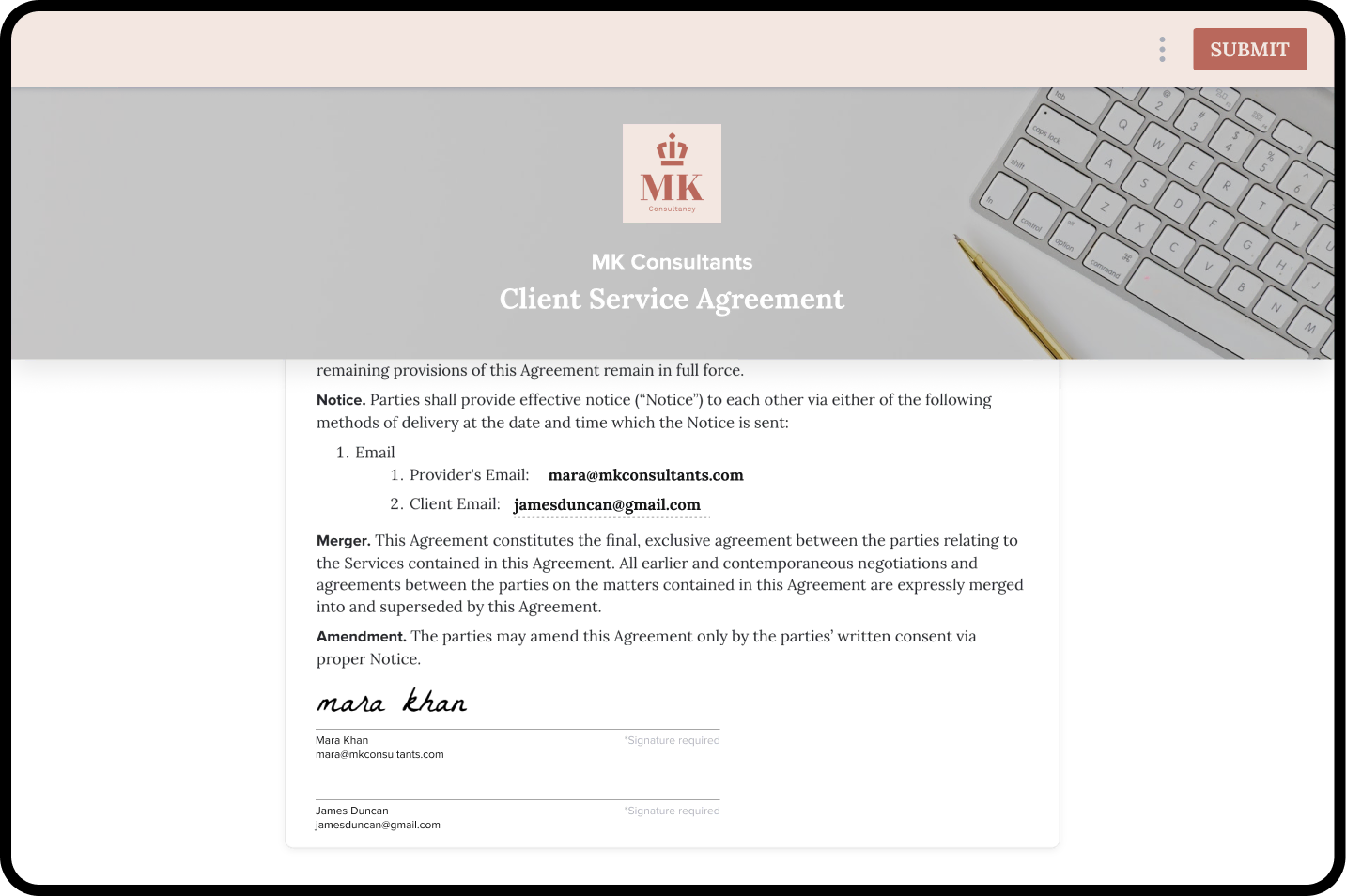
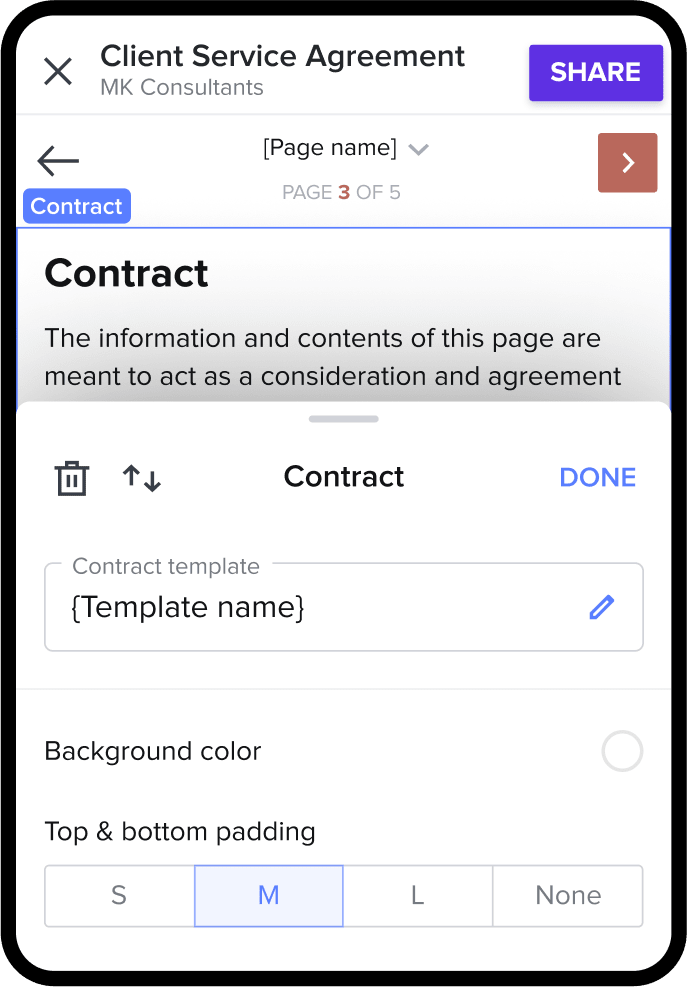
Make signing effortless
An interactive guide walks clients through each step of the process.

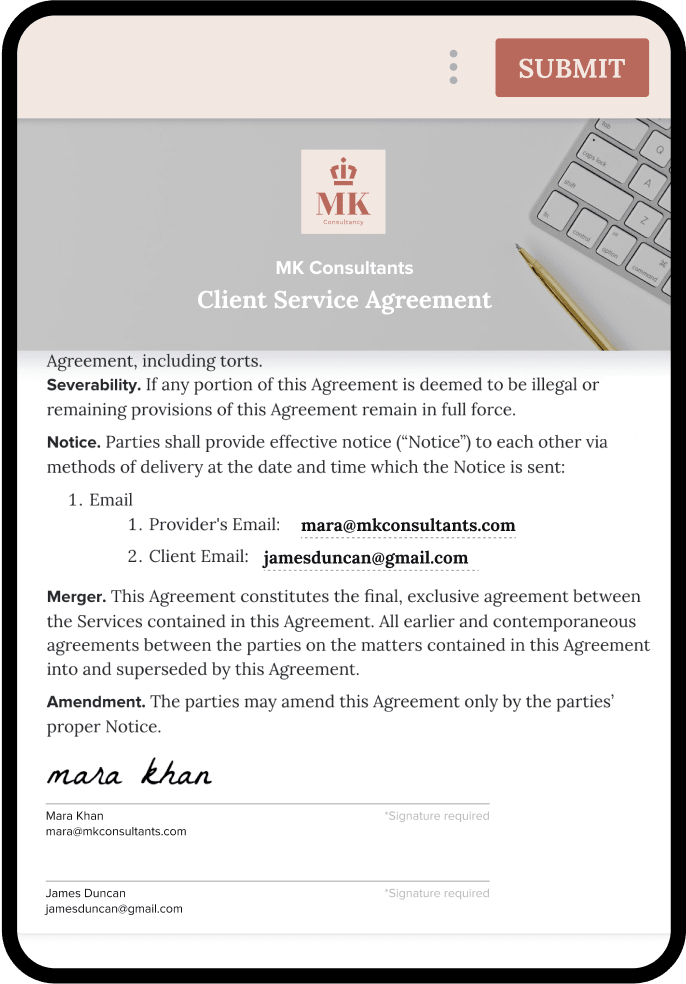
Book clients on the go
Let clients eSign from anywhere, on any device. No download required.

Leave a great impression
Customize your contracts with your branding and style.
Online contracts don't have to be complicated
Prepare your online contracts


Browse legally-vetted templates
Start from templates created by legal experts and customize them to meet your needs.

Auto-fill client details
Smart fields populate with important information, such as locations, dates, names, and more.

Short heading goes here
Lorem ipsum dolor sit amet, consectetur adipiscing elit.
Short heading goes here
Lorem ipsum dolor sit amet, consectetur adipiscing elit.
Prepare your online contracts
Browse legally-vetted templates
Auto-fill client details
Short heading goes here
Short heading goes here


Track the status


Receive status updates
Notifications let you know when clients receive, open, view, and complete online document signing.

Automate gentle reminders
Set up email reminders to clients to ensure files aren't forgotten.
Short heading goes here
Lorem ipsum dolor sit amet, consectetur adipiscing elit.
Short heading goes here
Lorem ipsum dolor sit amet, consectetur adipiscing elit.
Track the status
Receive status updates
Automate gentle reminders
Short heading goes here
Short heading goes here
Ready to sign online contract templates
Access hundreds of lawyer-approved professional templates so you don’t have to start from scratch—or have a law degree.
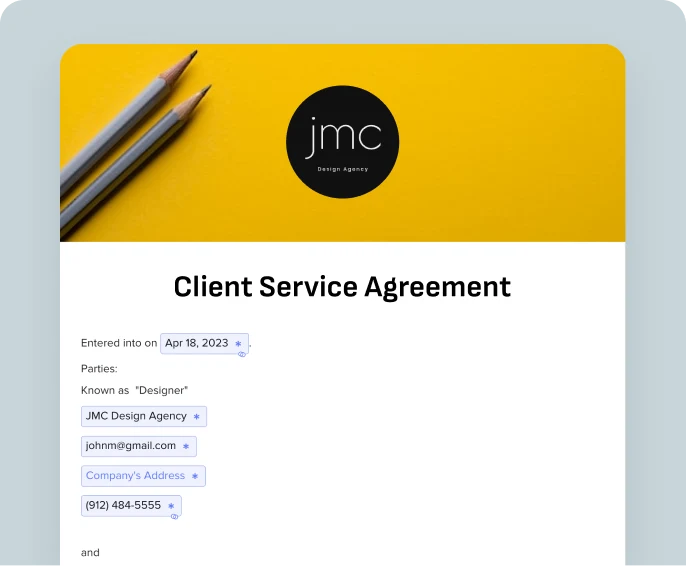
Client service management
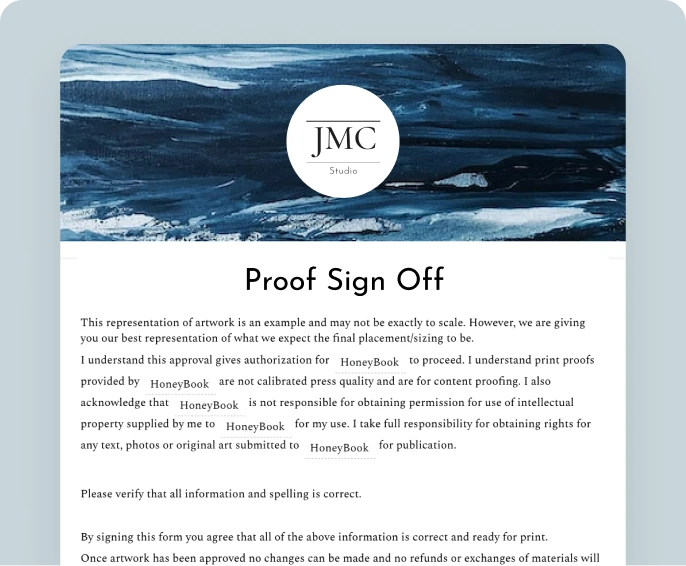
Proof sign off
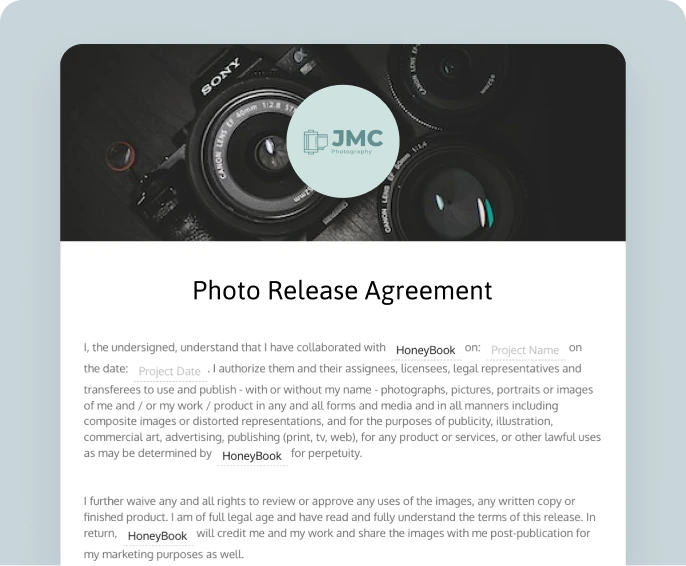
Photo release agreement
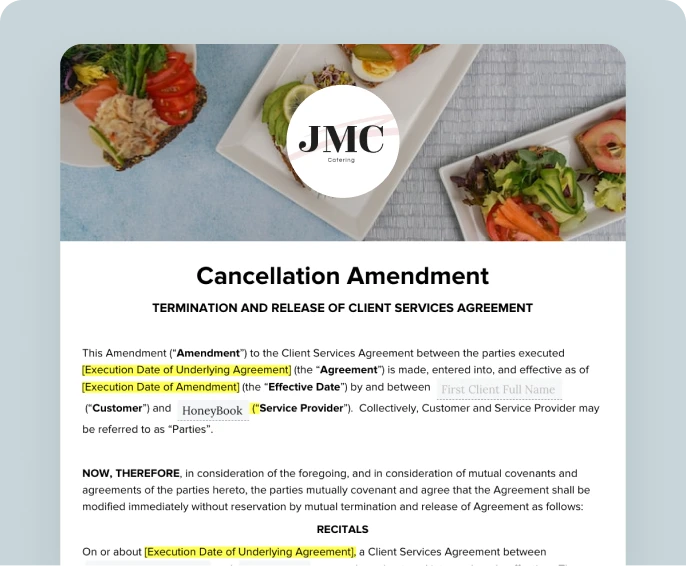
Cancellation amendment
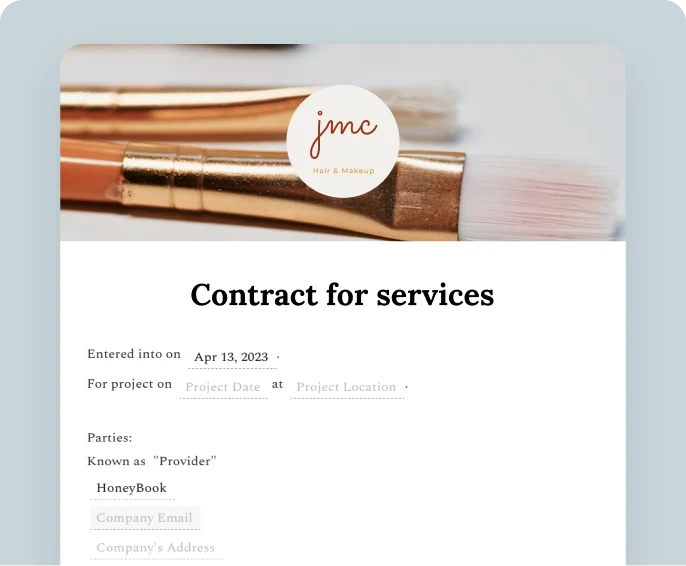
Simple contract for services
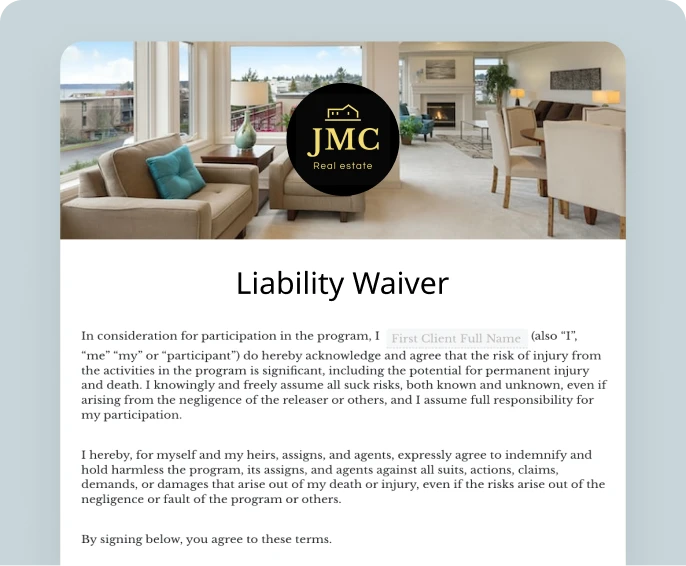
Liability waiver
Client service management
Proof sign off
Photo release agreement
Cancellation amendment
Simple contract for services
Liability waiver
Trusted by 100,000+ independent businesses
Trusted by home stagers and over 100K independent businesses
Trusted by venue managers and over 100K independent businesses
Trusted by event planners and over 100K independent businesses
Trusted by wedding planners and over 100K independent businesses
Loved by freelancers everywhere
Loved by independent social media managers everywhere
Loved by independent marketers everywhere
Loved by independent consultants everywhere
Loved by interior designers everywhere
Loved by independent florists everywhere
Trusted by photographers and over 100K independent businesses
Trusted by caterers and over 100K independent businesses
Loved by independent designers everywhere
93% of members would recommend HoneyBook to a friend.


Angie Minucci
Digital Marketing Strategist @ Angie Minucci

Dianuh A
Artist @ Chasing Love

Danielle Jacek
Business Consultant @ Danielle Jacek Creative Studio
Supercharge your online contracts
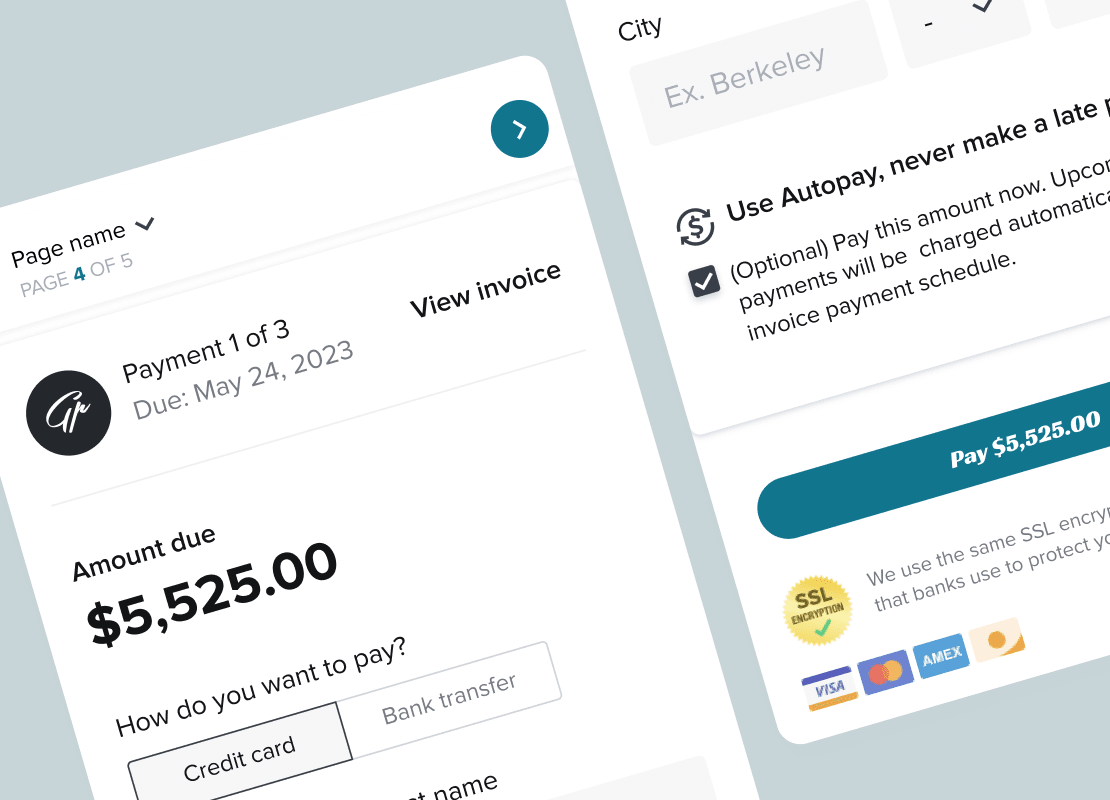
Combine steps of your process to create an even smoother client experience and make for easier online document signing.

Medium length section heading goes here
Lorem ipsum dolor sit amet, consectetur adipiscing elit. Suspendisse varius enim in eros elementum tristique.
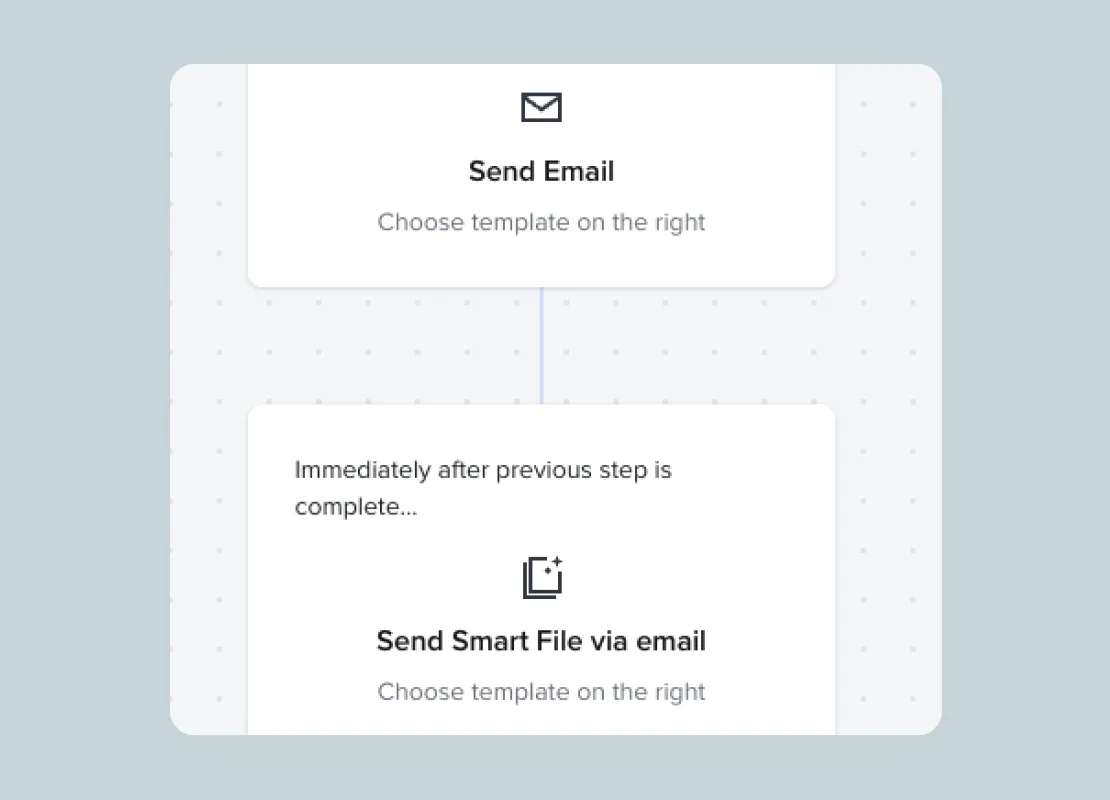

Set up automations
Trigger files or emails to send after signing
Integrate your favorite tools


Online contract FAQs
Our digital contract maker is like your own personal contract workflow wizard. Similar to popular e-signature tools, it streamlines the entire contract creation and digital signing process. Whether you're starting from scratch or tweaking a template, it's a straightforward experience. Once your online contract masterpiece is ready, simply send it off to the necessary parties.
The best part is that these are legal agreements - lawyer-approved, legally sound and no law firm needed.
We highly recommended using an online tool like HoneyBook for creating and sending an online contract. Not only is this going to save you from wasting precious time trying to figure out how to create paper contracts on Microsoft Word, Excel, or Google Docs, but it’s a secure platform that will actually help you accept eSignatures and fast track the entire signing process.
Here’s how to create an online contract: Start a free HoneyBook trial and navigate to the templates tool inside your account. From there, grab one of HoneyBook’s contract templates, or create your own digital contract by pasting in any language you currently use. Use “smart fields” to automatically pull information about your client into your contracts. It’s always recommended to rReview your contract for formatting, typos, terms of service, and accurate information with the help of your attorney. When you’re ready to send your contract to a client, you’ll want to add an accompanying message to give them context about what they are about to review and sign.
Online contract management helps you in a few key ways:
1. Online contracts are faster to create: online contract tools like HoneyBook usually allow you to start from a template or a recently sent contract, plus use dynamic smart fields to auto populate client information. Layout contract terms only once by using contract templates, and make online contract creation easier than ever.
2. Mobile friendly means signing contracts faster: being able to send contracts from your mobile device is great for working on the go. And, on the flip side, providing a mobile-friendly experience for your clients (who, let’s face it, are always on their phones) makes it incredibly easy for them to review and securely sign documents whether they’re on their laptop, phone or tablet.
3. Status notifications: Managing your contracts online means you have a clear online contract signing process, and you get more insight into when a client has viewed and signed. With HoneyBook, you’ll receive status notifications when a client has opened a contract, viewed it, and of course, signed!
Absolutely, freelancers should definitely use online contracts. These agreements provide clarity on project details, timelines, and payment terms, protecting both freelancers and clients. Using an online contract ensures everyone's on the same page, makes getting digital signatures easier and faster, and makes your freelance gig more professional and secure.
Yes, HoneyBook’s mobile app makes it super easy to send an online contract on-the-go. Download the Android app or iOS app for free.
Once you send a client contract using HoneyBook, your clients will be sent an email that includes a secure link to their contract. You can, of course, customize the content within the email to fit your business’s brand and voice. Clients can open the contract from their laptop or mobile device, review it, initial as needed, and sign electronically using a legally binding typed or hand-drawn signature. The last step for clients to sign the contract electronically is simply to hit submit, which will then notify you that your contract has been signed. When your client is ready to receive their online invoice, they will be able to make a direct payment through HoneyBook's online payment software. Which is easy for you and easy for your client!
Yes, online contracts are legally binding. Just like traditional paper contracts, online agreements hold legal validity, ensuring that the terms and commitments outlined are enforceable. And with HoneyBook, our online documents are lawyer-approved, providing an additional layer of security. This ensures that your agreement is not only legally sound but also that your business is thoroughly protected, fostering confidence and peace of mind in your professional dealings.
Yes, your HoneyBook account will come equipped with contract templates to use as a starting point for your contract. You can edit the provided contracts or start from scratch and create your own template with the easy-to-use drag-and-drop editor. While a professional was consulted in drafting the contract templates, it is not a substitute for legal advice. If you have any questions about contract templates or your finished contract as it relates to your specific business, please contact a licensed attorney.







Join the 100,000+ businesses growing with HoneyBook.
