








Flash sale for photographers, 50% off 📸



Professional online invoices
that get you paid fast
Save time with invoices built for faster payments and better client experiences.
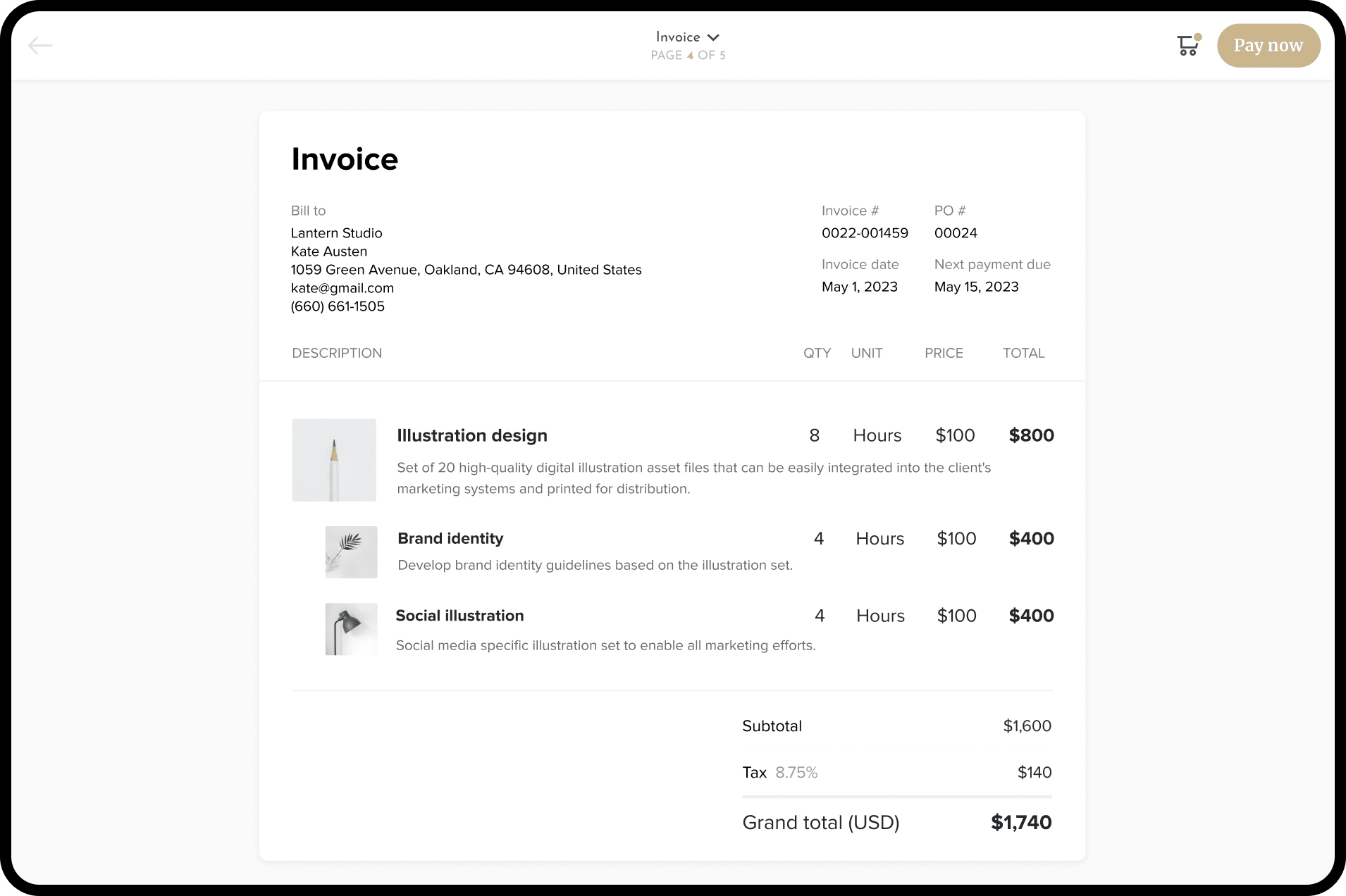
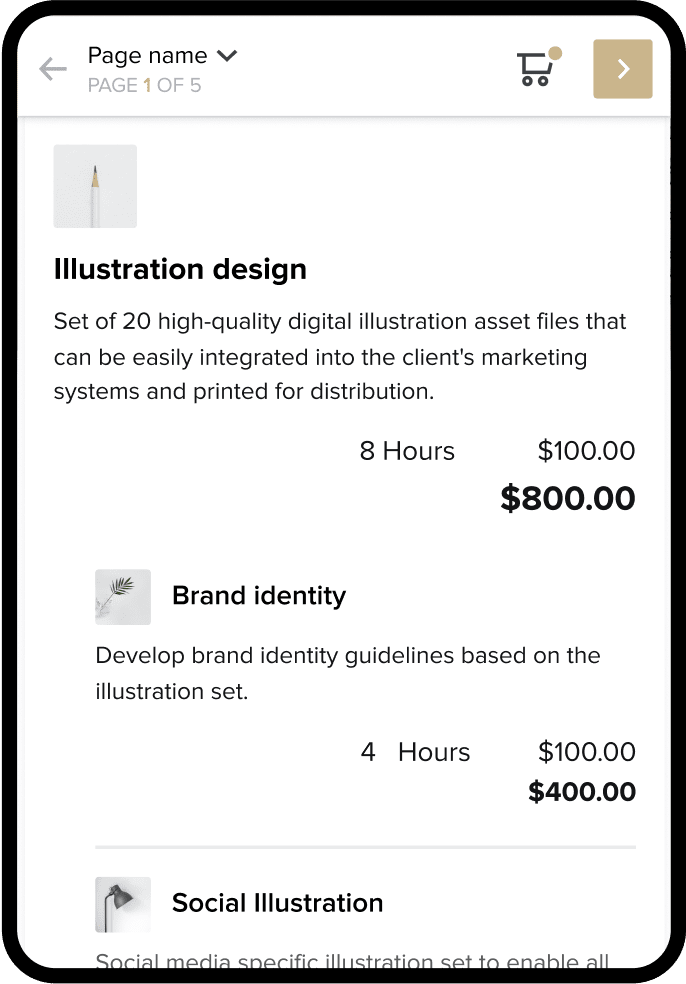
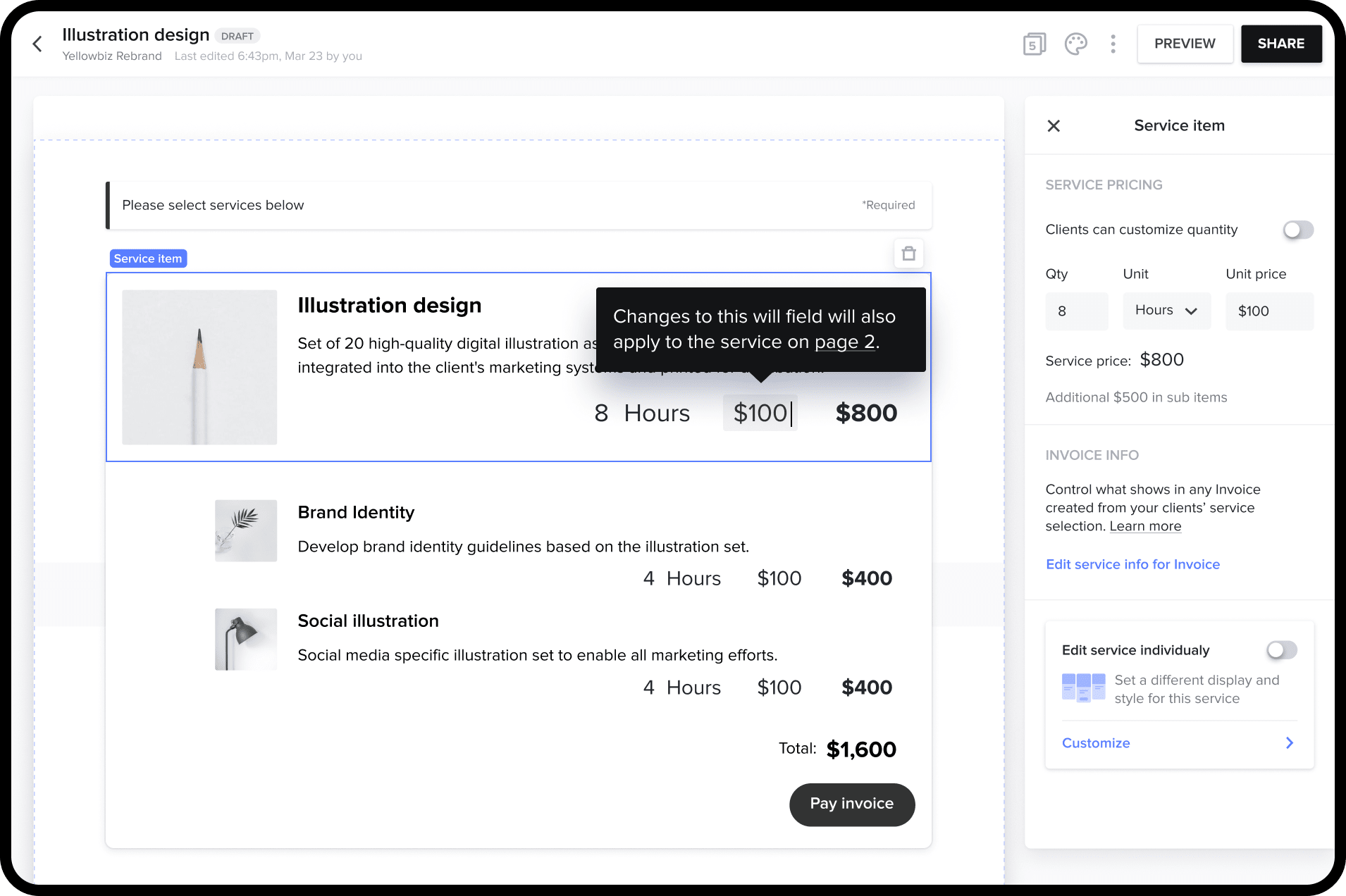
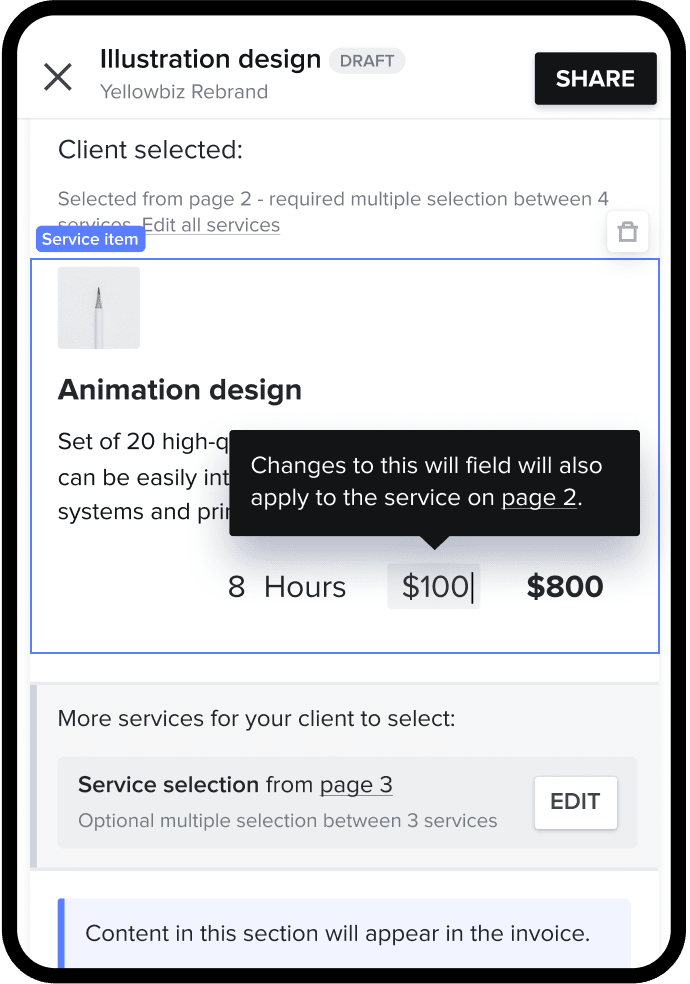
Easy for you to create, even easier to pay

Combine steps
Save time with invoicing and payment in one simple experience.

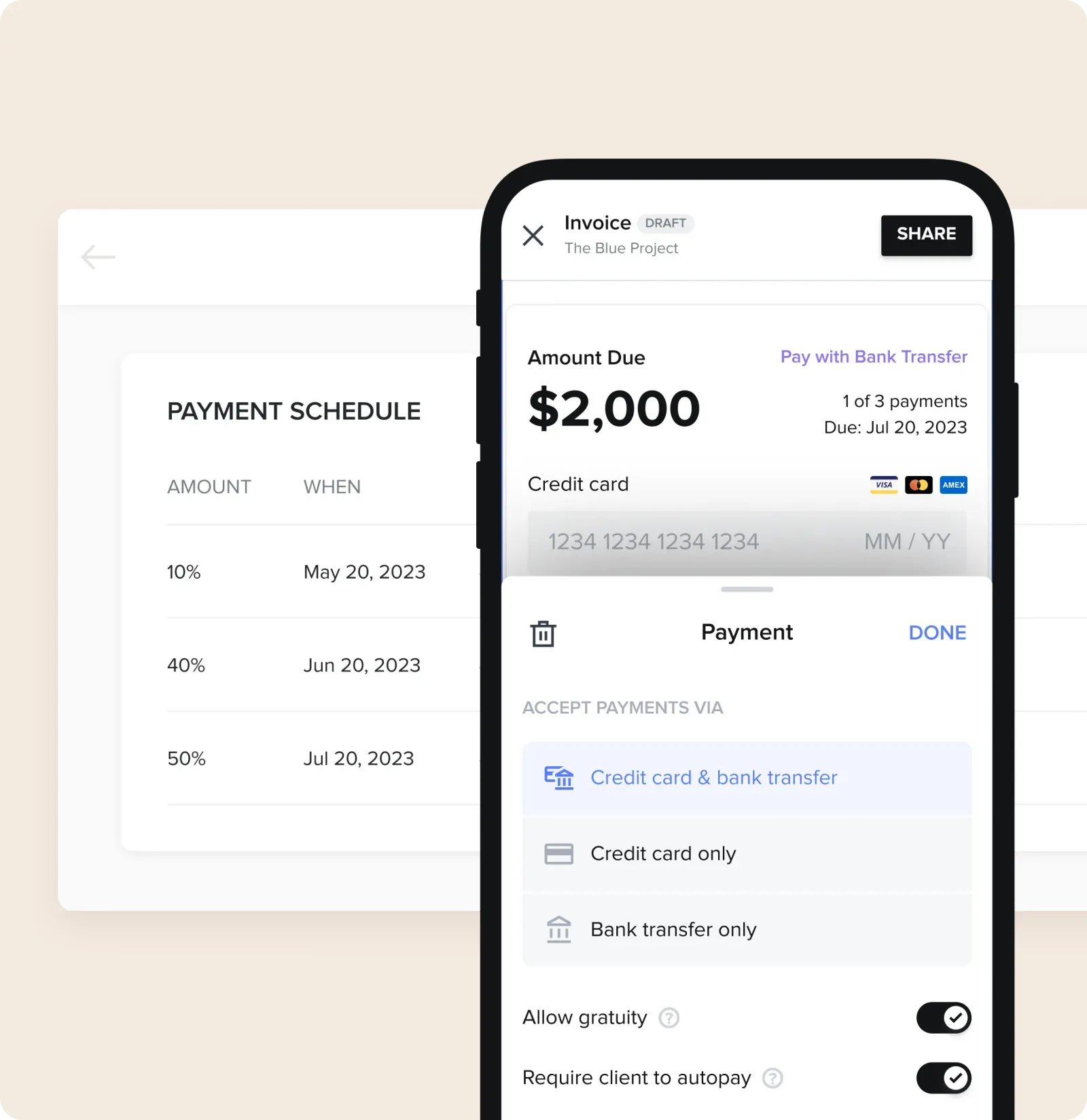
Send link, get paid
Accept credit cards, bank transfers, or autopay from any device.

Access funds instantly
Get direct deposits in minutes, not days. No transfer necessary.
Get invoices paid on
time, every time
Create your online invoice



Add your branding
Customize the look of your invoices to match your brand and business.

Set the payment terms
Accept deposits, bill for one-time services, or invoice as you go with flexible installments.

Short heading goes here
Lorem ipsum dolor sit amet, consectetur adipiscing elit.
Short heading goes here
Lorem ipsum dolor sit amet, consectetur adipiscing elit.
Create your online invoice
Add your branding
Set the payment terms
Short heading goes here
Short heading goes here


Get paid


Keep more of your money
Competitive and transparent fees start at 2.9% +25¢ for card or 1.5% for bank transfer (ACH) payments.

Know your transactions are secure
Do your best work knowing our fraud and security teams are here to keep your transactions safe.
Short heading goes here
Lorem ipsum dolor sit amet, consectetur adipiscing elit.
Short heading goes here
Lorem ipsum dolor sit amet, consectetur adipiscing elit.
Get paid
Keep more of your money
Know your transactions are secure
Short heading goes here
Short heading goes here
Online invoice templates to make your own
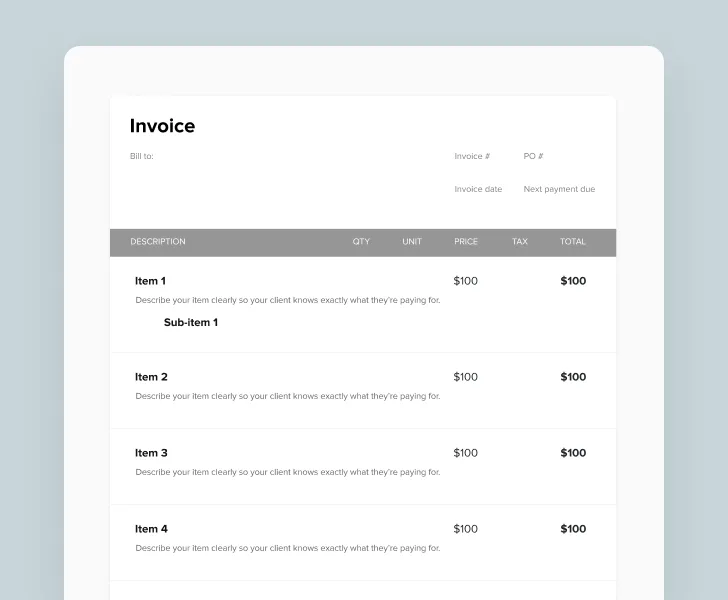
HoneyBook users have access to many professionally-designed invoice templates to make their own, and send in seconds.
Simple invoice
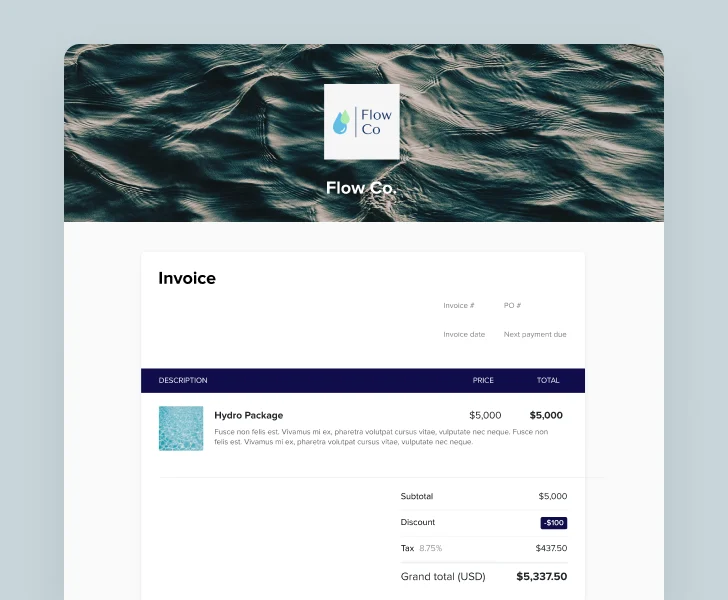
Invoice with images

Instant booking
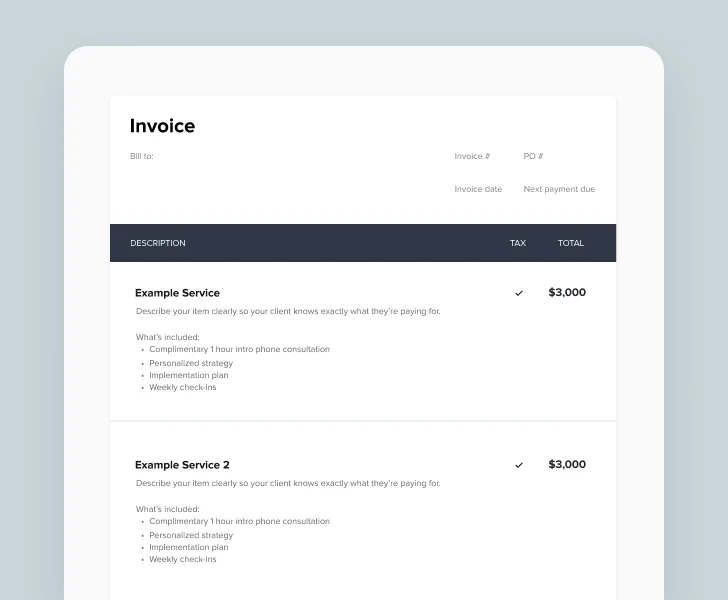
Invoice with payment milestones
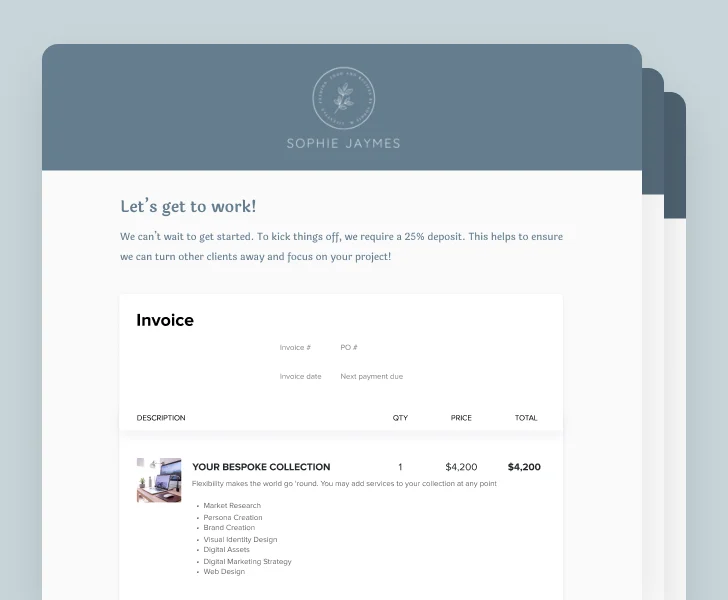
All-in-one booking file
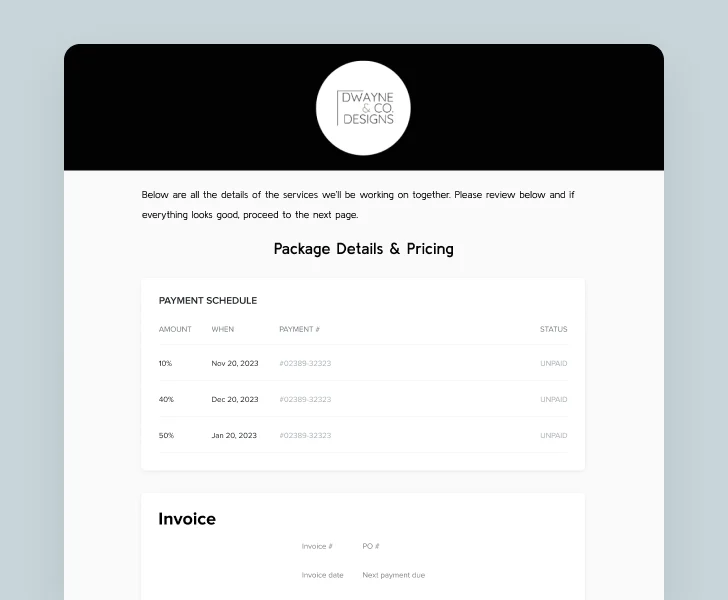
Minimal proposal
Simple invoice
Invoice with images
Instant booking
Invoice with payment milestones
All-in-one booking file
Minimal proposal
Trusted by 100,000+ independent businesses
Trusted by home stagers and over 100K independent businesses
Trusted by venue managers and over 100K independent businesses
Trusted by event planners and over 100K independent businesses
Trusted by wedding planners and over 100K independent businesses
Loved by freelancers everywhere
Loved by independent social media managers everywhere
Loved by independent marketers everywhere
Loved by independent consultants everywhere
Loved by interior designers everywhere
Loved by independent florists everywhere
Trusted by photographers and over 100K independent businesses
Trusted by caterers and over 100K independent businesses
Loved by independent designers everywhere
93% of members would recommend HoneyBook to a friend.


Alexius Simrel
Photographer @ Blck Heart Media

Danielle Boucher
Business Consultant

Jayne Bayquen
Web Designer @ Luna Creative Studio
Add more to your invoices
Combine multiple steps of your process into one simple client flow.
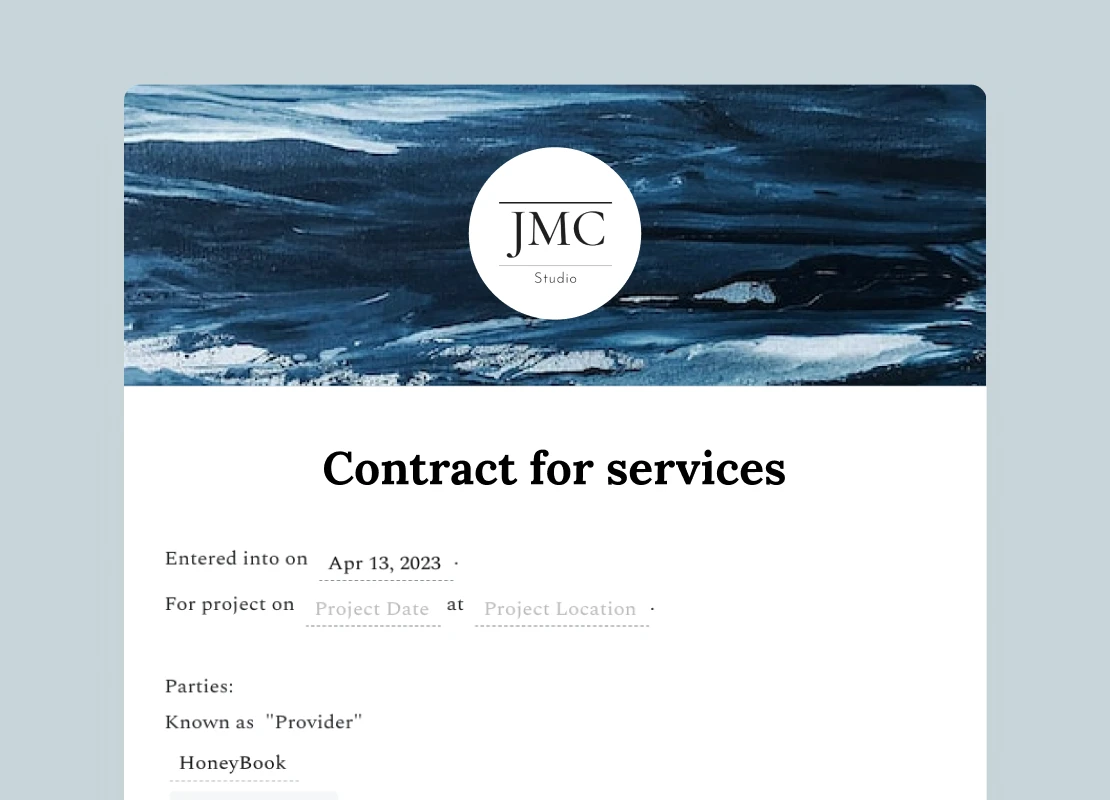

Add a contract
Connect your booking process from contract to payment


Schedule a meeting
Let clients book time once they pay your invoice.
Integrate your favorite tools


Online invoices FAQs
How to create an invoice is easy. Start by choosing a template then add your branding details, such as a logo and business information. Set clear payment terms to avoid confusion. Finally, send the invoice to your client, making the invoice and payment process straightforward.
Sending invoices online as opposed to in the mail or in person is more efficient for you and more convenient for your clients.
With HoneyBook, you can save and reuse invoice templates. Since you’re never starting from scratch, sending a new invoice takes less than a minute. Clients can open your invoice from an email, review it, and pay—from any device.
HoneyBook also automatically reminds clients of upcoming or overdue payments so you don’t have to. That friendly nudge is just one reason 90% of HoneyBook invoices get paid on time.
HoneyBook’s online invoice templates include the following customizable invoice fields:
- Business name
- Business logo
- Invoice number
- Contact information
- Service details and photos
- Pricing field
- Tax toggle
- Discounts
- Payment schedule
Yes, the HoneyBook iOS or Android app lets you create invoices on your phone, send them to clients, and more. HoneyBook's small business clientflow management platform is easily accessible to you and your clients while you go about your day.
You bet. You’ll have access to editable invoice templates for your specific business type. As custom invoices, they can be fully edited to fit your services and brand. Learn more about how to create an invoice with HoneyBook.
HoneyBook users are able to download any invoice they create as a PDF to do with as they please. Not ready to access all of our awesome features just yet? Then head over to our online invoice generator to create a totally free and professional invoice in minutes, and download it as a PDF.
Absolutely. Integrating QuickBooks Online automatically syncs your HoneyBook payments with your QuickBooks account.
Here’s how it works:
- When clients pay you through HoneyBook, the integration automatically creates an invoice and payment in QuickBooks.
- As deposits land in your bank account, those payments will appear in your banking section of QuickBooks. We also account for transaction fees for you. After you've matched a payment, you can view all transaction fees from the Expenses section in QuickBooks.
No, an invoice is not a receipt. An invoice is a document that requests payment and outlines the products or services provided, their quantities, prices, and the total amount due. On the other hand, a receipt is a document issued by the seller to the buyer after the invoice payments have been made. It serves as proof of payment and usually includes details from the invoice, confirming that the transaction has been completed. So, in short, an invoice is a request for payment, while a receipt is proof of payment.
Clients will receive an email from you with a secure link to the online invoice. That link opens the invoice on their phone or desktop (no login or password required).
They’ll review the invoice as you’ve created it in HoneyBook, and then the payment screen will take it from there. Invoices can include your logo, business name, payment details, and the option to opt into Autopay (if you enabled it).
Once the payment has been made, you will receive your funds instantly, there is no waiting days for a transfer. Invoicing with Honeybook is as simple as that.






Join the 100,000+ businesses growing with HoneyBook.
