






New and improved: August 2026 updates
Start a Trial
August’s updates are all about helping you work smarter, save time, and streamline client management in HoneyBook. From managing your business through simple conversation with Claude and turning screenshots into leads instantly, to dedicated phone lines, floor plans, lead form thank-you page rerouting, and multiple email signatures (and more), there’s plenty to explore.
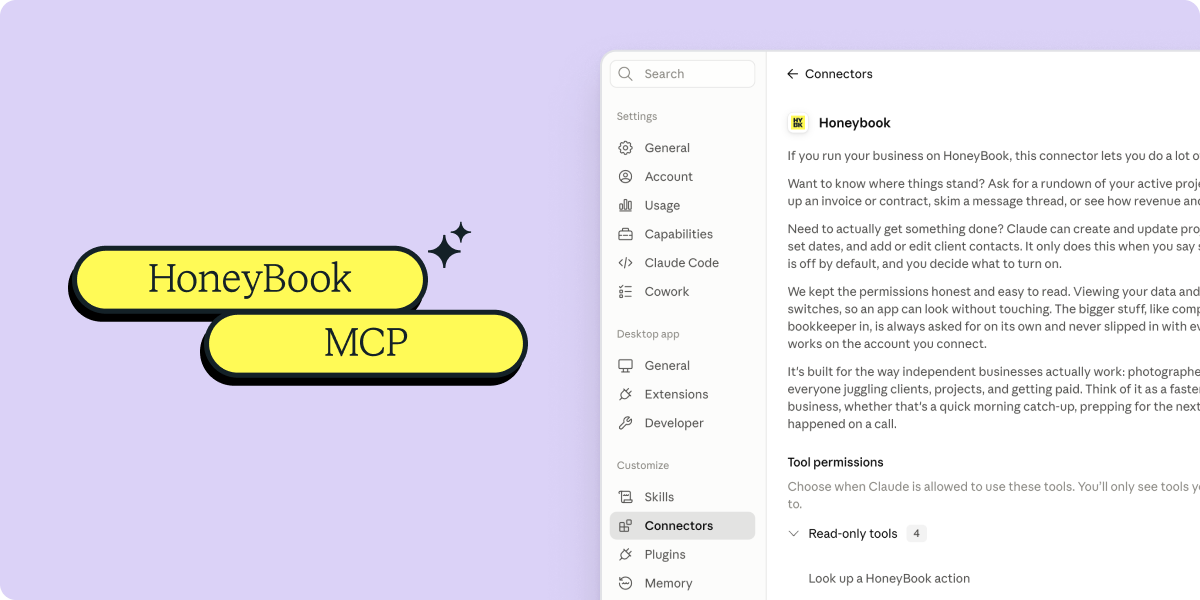
HoneyBook MCP
Now you can link your HoneyBook account directly to Claude or ChatGPT to manage your business through simple conversation. Instantly check project statuses, summarize contract terms, track down unpaid invoices, and draft client communications—all without digging through tabs.
Business Phone & SMS
Get a dedicated business phone number for calls and texts, built right into HoneyBook. Now you can use 2-way SMS to connect with clients, convert more leads, and automate follow-ups.
Screenshot to lead
Take a screenshot of a DM or email on your phone and upload it to HoneyBook! It will build the project for you by automatically pulling the client's name, project type, date, and location. Best of all, it cross-checks your existing contacts so you never have to worry about duplicates.
Lead forms redirect
Send leads straight to your custom thank-you page as soon as they hit submit, making it super easy to track which ads are bringing in clients.
Multiple email signatures
Create, edit, and use multiple email signatures and pick the right one for each email you send. From sending established clients a specific number, to branded blocks on contracts.
Floor plans
Build, edit, and share floor plans, right inside HoneyBook. Draw new layouts or upload existing PDFs, then save them as reusable templates. Clients get one place to view floor plans and project details.
Sign to reserve session
Require clients to sign a contract in Smart Files before reserving a session. No more chasing down missing signatures or dealing with unconfirmed bookings on your calendar!
Lead source tracking
Track where your leads come from by setting the lead source directly in the form's settings. This ensures every new project arrives with that field pre-filled.
Instant deposit countdown
Keep an eye on the Payments page to see how much time you have left to click Deposit Now for your instant deposit!
Proxima Nova → Figtree
We’re replacing HoneyBook’s default font, Proxima Nova, with Figtree. Though nearly identical, Figtree offers a sleeker, more modern design for a cleaner and more polished app experience.
These updates are live now
These updates are designed to help you stay organized, manage more of your work in one place, and run your business more smoothly.

HoneyBook's client relationships platform makes it easy for independent business owners to streamline their processes and create remarkable client experiences by combining essential tasks like an online contract, online invoice, client communication, online payment software, and more all in one place.