









Free email signature generator
Generate a professional email signature in minutes with our instant online email signature generator.
Try our client management platform









Hi Rachel,
Check out this awesome new email signature I created!
See you soon,
Customize your signature with HoneyBook templates
With HoneyBook's free email signature templates, you can select styles such as modern, classic, and crisp, among others. Customize your text, add social media links, incorporate your company logo, and more. Easily create a professional, branded email signature that enhances your communication and supports your business growth with our professional templates.






Start free trial
Own a small business?
We’ve got you covered

Online invoice maker

Mission statement generator

Business personality test

Email Generator

Process Mapping
Try it for free
Features and benefits of HoneyBook
Start free trial
.svg)
Grow on the go.
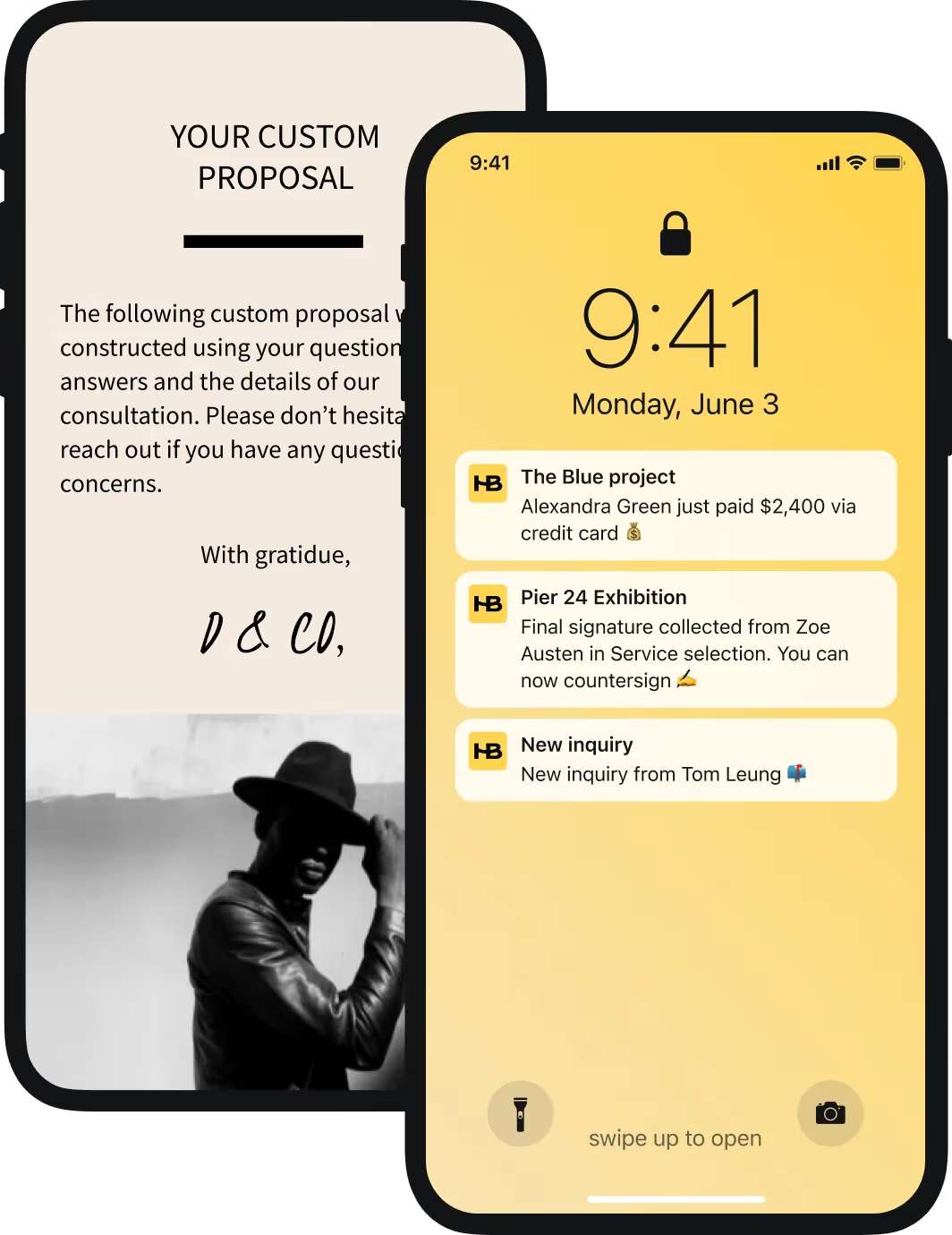
Manage your business from anywhere with the HoneyBook app for iOS and Android.





Why is an email signature important?
Email signatures are essential for anyone with an email address, especially small business owners, freelancers, and entrepreneurs. These individuals frequently use email to build their brand and need a professional sign-off. HoneyBook’s free email signature generator makes creating a polished, branded email signature fast, easy, and free. Our free tool ensures your signature includes all necessary information and appears automatically in every email you send, enhancing your professional communication effortlessly.
Creating a professional email signature is simple with HoneyBook’s free custom email signature generator. Here’s how you can do it:
- Customize Contact Information: Start by entering your essential contact info such as your name, company, phone number, and email address.
- Add Social Media Links: Enhance your signature by adding links to your social media profiles, making it easy for recipients to connect with you on various platforms.
- Choose a Template: Browse HoneyBook’s selection of professionally designed email signature templates. Choose one that aligns with your brand’s look and feel, whether you prefer modern, classic, or crisp styles.
- Preview and Apply: Once you’re satisfied with your design, preview your email signature to ensure it looks perfect. Then, click ‘Finish Signature’ to start using your new email signature.
HoneyBook’s free email signature generator not only makes the process quick and easy but also ensures your signature is professional and visually appealing. Enhance your communication and reinforce your brand identity with every email you send. Try it out today and see the difference a well-crafted email signature can make.
An email signature should include the information that is most important for you to communicate to email recipients — this means your first and last name along with the details you choose. For direct contact information, a good rule of thumb is to include the top two ways of getting in touch with you within your email signature. As far as linking to social media, you should generally only include the platforms on which you publish relevant content regularly. Any good email signature generator, like the one at the top of this page, will help walk you through filling out this information.
Choosing the right email signature design is important for creating a professional and cohesive brand image. HoneyBook’s free email signature generator and templates make this process easy and hassle-free. Start by customizing your email signature with essential contact information such as your name, company, phone number, and other relevant details. Next, add your social media profile links to enhance connectivity and provide recipients with multiple ways to engage with you. Finally, choose the perfect email template that aligns with your brand’s look and feel.
No, if you’ve created a personalized signature using HoneyBooks free email signature generator, your signature should be compatible across a variety of email platforms including Gmail, Yahoo, Outlook, Apple Mail, and more.
To update Gmail with your new HoneyBook generated email signature:
- Log in to your Gmail account and click the gear icon in the top right corner, then select 'See all settings.'
- In the 'General' tab, scroll down to the 'Signature' section.
- If you already have a signature, click to edit it, or click 'Create new' if you don't. Copy and paste your new signature from HoneyBook’s email signature generator into the text box.
- Scroll to the bottom of the page and click 'Save Changes.'
- Compose a new email to ensure your new signature appears correctly.
To update Yahoo with your new HoneyBook generated email signature:
- Log in to your Yahoo Mail account and click the gear icon in the top right corner, then select 'More Settings.'
- In the left sidebar, click on 'Writing email.'
- Under the 'Signature' section, select the email address you want to update. If you don’t have a signature, click 'Create signature.' Copy and paste your new signature from HoneyBook’s email signature generator into the text box.
- Ensure that the 'Append a signature to the emails you send' option is toggled on, then click 'Save.'
- Compose a new email to ensure your new signature appears correctly.