


New and improved: October 2026 updates
Start a Trial

Here is a look at what's new in HoneyBook this month to save you time and give you more control over your business. From BEOs and security deposit holds to Capital for Canada, a public availability calendar and more flexible meetings, there is more to explore.
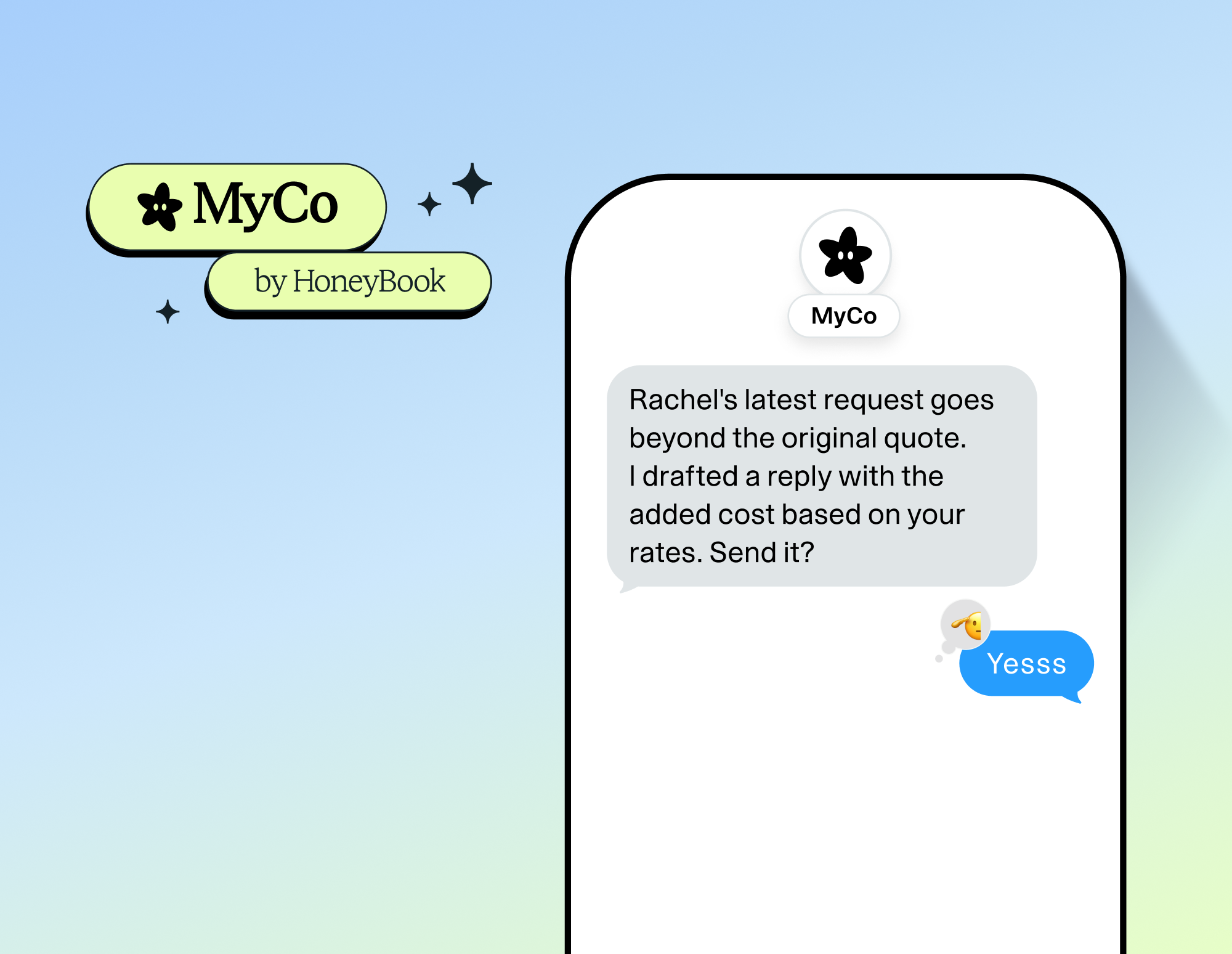
MyCo by HoneyBook
MyCo is an assistant that already knows your business, because it connects to your HoneyBook, email, and calendar. Text it like someone on your team, and it texts you first when something needs you, with the next step ready.
BEO: Banquet Event Order
Build your event-day run sheet in minutes. Your BEO is created right inside the project, pre-filled from your project and contact details, and AI completes the remaining answers from your client conversations and emails. One printable document gives your team the timeline, floor plan, food and beverage, staffing, and vendors.
Security deposit hold
Protect your venue against damages without charging your client up front. Your client saves a card when they book, and HoneyBook places a hold on it shortly before the event.
Capital for Canada
Canadian members can now get funding to grow their business right inside HoneyBook. Apply in minutes, get funds as soon as the next business day, and repay automatically as you get paid.
Inbox on mobile
Inbox is now on your mobile app so you can quickly reply to all of your leads and clients on the go. No more jumping around between projects.
SMS without a project
You can now send SMS to a contact without a project. Call or text them with your business phone, right from the contact workspace.
Public availability calendar
Showcase your availability publicly to prospective clients so they can see which dates remain free to book. Embed the view-only calendar on your website, share it with your leads, or add it to your lead form.
Hide project dates from your calendar
Every project date has a Hide from calendar option. Turn it on, and the date is also hidden from your connected Google and Outlook calendars.
Meetings tab in the client portal
Your clients now see a Meetings tab in their client portal, with their upcoming and past meetings in one place, so they no longer dig through the activity feed.
Clients choose their meeting type
Offer Zoom, Google Meet, your own video link, in-person, or a phone call as a single session type, and let your client pick when they book.
These updates are live now
These updates are designed to help you manage your events, stay in touch with clients, and run your business more smoothly.

HoneyBook's client relationships platform makes it easy for independent business owners to streamline their processes and create remarkable client experiences by combining essential tasks like an online contract, online invoice, client communication, online payment software, and more all in one place.