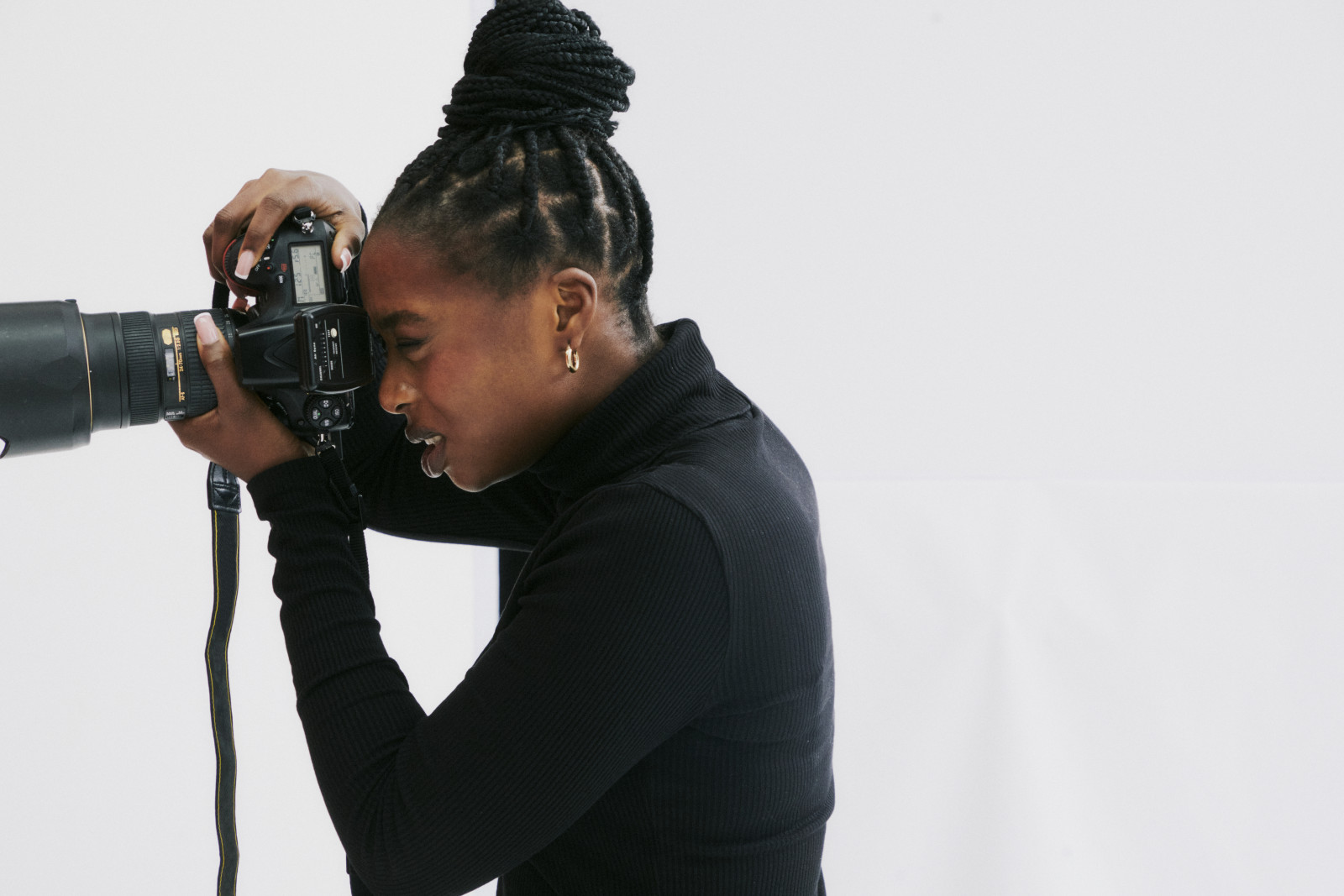







How to properly credit photos on Instagram and other social media platforms
Start a Trial

You’ve found a showstopping photo for your next social media post—but before you hit publish, make sure you’re giving credit to the original photographer.
Proper photo credit ensures artists receive fair recognition for their work, and it also helps you connect with other creatives. Failing to credit images can damage your reputation and, in some cases, even lead to legal issues.
Here’s how to properly credit photos on Instagram, why you need to do it, and the common mistakes to avoid.
Why photo credit matters on social media
As a small business owner, you know just how much effort and passion goes into every project you work on. Photographers and visual artists put the same amount of dedication into their work, and they deserve to be recognized for the beautiful images they create.
Giving proper photo credit in your captions shows that you acknowledge and appreciate the original creator. And if your social media post gains traction or goes viral, the photographer also benefits from the increased visibility.
On the other hand, failing to give proper credit can cause problems later on. The original photographer may report your post, hurting your account and your reputation. Plus, if the image is copyrighted, not crediting or getting permission can lead to legal trouble.
How to request permission before publishing a photo
Before publishing a photo on any of your social media profiles, you must get explicit permission from the owner or authorized rights holder.
If you’re using a stock photo, permission is implied when you download or purchase the image from the platform. Still, crediting or tagging the photographer in your post is a nice gesture and goes a long way in building relationships within the creative community.
For any non-stock image, reach out to the photographer or owner directly. Email or a direct message works best. In your message, explain where the photo will appear, how you plan to use it, and whether it will be altered or posted as-is. Be as transparent as possible so the photographer can make an informed decision when giving permission.
Always wait for a clear yes in writing before posting the photo. Save the confirmation message in your records to prevent confusion or disputes later on.
How to properly credit photos on social media
Each social media platform has its own best practices for photo-crediting and attribution. Here’s how to caption an image on popular social media platforms so the photographer gets due credit.
FTo give photo credit on Facebook, write a caption that mentions the photographer and anyone else involved in creating the image. For example, if a graphic designer helped you edit the photo, you should credit them too.
Make it obvious who deserves credit by using clear language, like “Photo by [photographer’s name]” or “Image credit: [photographer’s name].” If you’re sharing an album of multiple photos, add credit both in the album description and in individual photo captions.
Finally, tag the photographer and any other contributors so the photo appears on their profiles. People also appreciate it if you add a link to their website. It’s not required, but it’s a great way to support their work.
X (Twitter)
Since X has a character limit, photo credit needs to be clear and concise. In the body of your post, include the phrase “photo by” or “photo credit,” followed by @ and the photographer’s handle. For example, you might say “photo by @janedoe.” Before posting, confirm the spelling and formatting of the photographer’s handle to make sure it’s correct.
Instagram is all about visuals, so giving proper photo credit is especially important. Here’s how to give photo credits on Instagram: Start by tagging the photographer’s account directly in the post. Then, write a caption explicitly stating who took the photo.
If you’re using someone else’s photo in your Instagram Stories, you need to credit the photographer there as well. Since Stories don’t have captions, add a visible text block that includes their name and tag. Make sure the credit isn’t hidden behind other tags or stickers.
To credit photos on Pinterest, include a detailed description that clearly names the photographer and any other collaborators. If the photographer has their own Pinterest account, be sure to tag them.
Also, make sure the pin links back to the photo’s original source. For example, if the photographer first shared the image in their portfolio or Instagram account, link to that page so the creator gets full visibility.
Proper photo credit helps you maintain professional credibility on LinkedIn. Explicitly credit the photographer by name in the post body or caption. If they have a LinkedIn account, tag them directly.
You can also tag any business profiles they’re associated with. For example, if they have a page for their photography studio, you can tag both the studio and their personal profile. Including a link to their website is optional but can help drive traffic to their work.
Common photo credit mistakes to avoid
Photo-crediting etiquette can be confusing, especially if you’re new to social media. Here are some common mistakes people make and how to avoid them:
- Assuming credit replaces permission: Tagging a photographer isn’t the same as getting permission. Always ask before using someone else’s photo on social media, especially for client work, event coverage, or branded content.
- Missing or hidden credit: Make sure photo credit is fully visible in the caption and that tags aren’t buried behind stickers or text overlays.
- Tagging incorrect handles: Double-check the photographer’s username on the specific platform you’re using. Many photographers have different handles on different platforms, so make sure you’re tagging the right one.
- Naming the wrong creator: Some photographers may have similar account names, so always check to make sure you’re tagging the right person.
- Using generic acknowledgments: Avoid vague phrases like “credit to the owner.” Always name and tag the photographer or image owner directly.
Why failing to credit photos can cause legal issues
Failing to properly credit photos can have serious consequences for your business, especially when copyrighted work is involved. In more severe cases, the photographer may file a copyright infringement claim, which can result in heavy fines or even a lawsuit.
Even when a photo isn’t copyrighted, using someone else’s work without permission can still backfire. Social media platforms may take down your post or freeze your account, and the photographer could ask for payment or raise a dispute over how their work was used.
What to do if someone uses your photo
If you’re a professional photographer, you might run into situations where someone uses your work online without your permission. Acting quickly and professionally helps protect your business.
Start by reaching out to the person who posted the photo. Depending on the situation, you can ask them to either credit you, pay for usage, or remove the image. For example, if the user is a previous client, you may simply ask for proper credit. But if they’re using the photo in a context you don’t approve of, request that they take it down.
If the user doesn’t comply, document the incident. Take screenshots of their post and round up proof that the image is originally yours. Then, contact the social media platform for support. In more serious cases, consider seeking legal support.
The benefits of properly giving photo credit
Including photo credit captions in your social media posts isn’t just good etiquette but can also help your business grow.
Say you’re a wedding planner and share a beautiful tablescape photo. Anyone planning a wedding who sees your post is likely looking for all sorts of wedding vendors, including professional photographers. With proper credit, both you and the photographer could land some new clients from the post.
It’s also an easy way to network and strengthen relationships within your creative community. When you support photographers by acknowledging their work, they’re more likely to recommend your business to their clients who need a wedding planner.
How HoneyBook helps you stay on top of photo rights and permissions
Whether you’re a professional photographer or a small business owner building a content marketing strategy, HoneyBook helps you keep photo rights and permissions organized.
With HoneyBook, you can create branded contracts that clarify photo usage rights for every project. You can also track all client interactions in HoneyBook’s CRM, so you never lose important permission messages or contact details.
Try HoneyBook free today to manage your entire client workflow in one convenient platform.

Keep every client relationship organized.
Track leads, manage projects, and follow up at the right time, all from one place built for your business.
Try HoneyBook CRMFAQs
Do I need to credit photos on Instagram even if I have permission to use them?
Yes. It’s best practice to credit the original photographer in every Instagram post. Give credit to the photographer by name in the caption and tag their account in the post.
What happens if I use a photo on social media without crediting the creator?
If you use a photo on social media without crediting the creator, the platform could take down your post and freeze or ban your account. If you use a copyrighted photo, the original photographer could also file a copyright infringement lawsuit.
Can I use any kind of photo I find online as long as I give credit?
No. To use a photo in your social media campaigns or other work, you must get permission from the photographer or image owner. Some photos may also require you to pay for a usage license.