








Questionnaire

Get client input, collect project details, and set expectations ahead of—or during—any project.


“
”

October 25, 2026

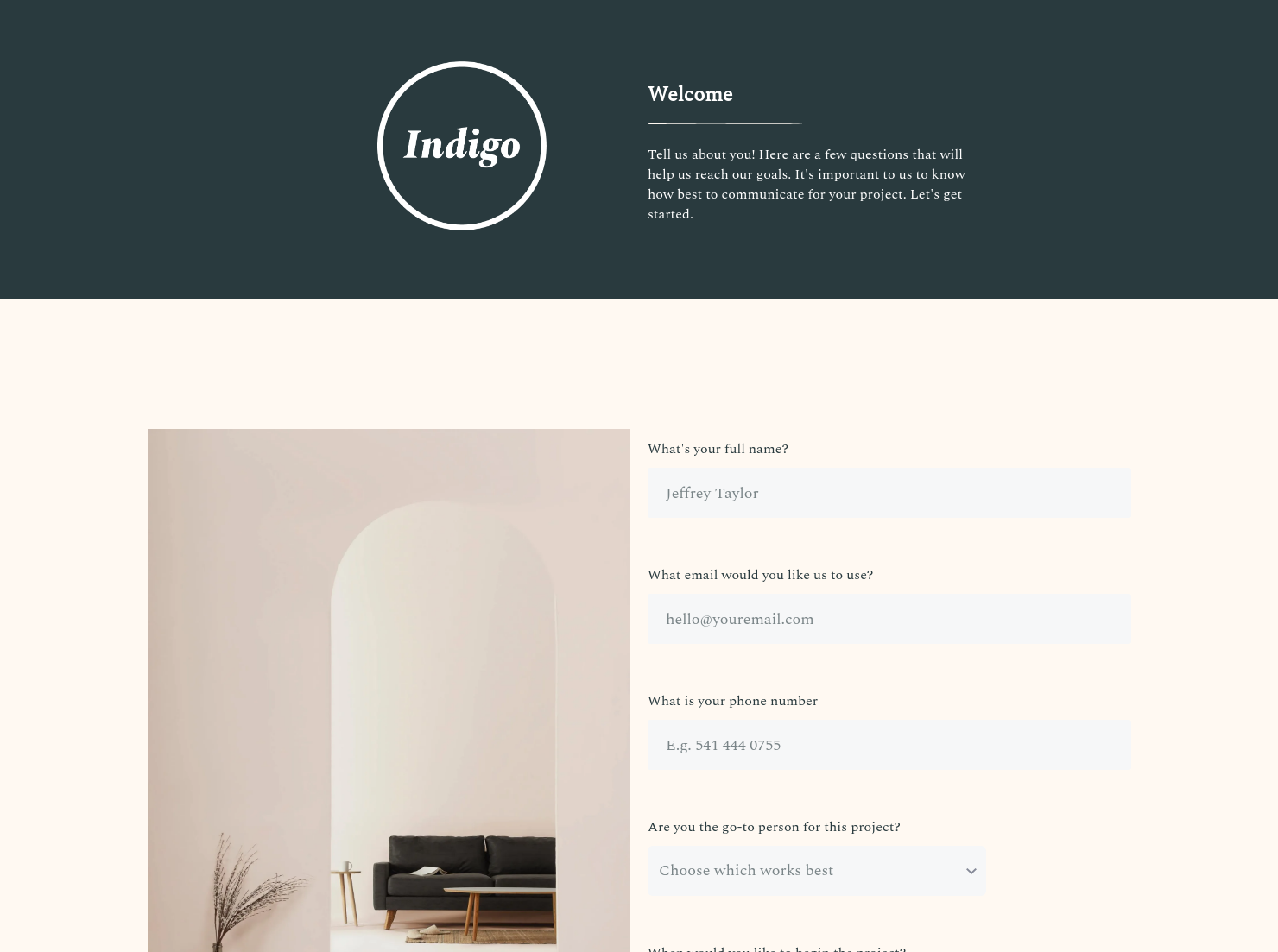
Communication preferences form template: how to customize it for top results
Communication is the cornerstone of any business/client relationship, as it's how you'll discuss everything from the scope of a project to pricing to deadlines. However, in the modern era, while we're more connected than ever, the abundance of communication options can complicate the whole process. One of the best ways to ensure you and your client are on the same page is to utilize a communication preferences form. This way, you can understand how and when to contact your client with the methods that work best for them.
Gone are the days of face-to-face meetings and in-office visits. While those still exist, companies have much more flexibility about where and how to reach out to new clients, and vice versa. Communication has never been easier, and everyone has their own preferences. Some clients like phone or video calls, while others prefer texts.
A communication preferences form helps bridge the gap between you and your prospective clients. On your end, you know the best way to update your client and can plan accordingly. On the client's end, it shows your commitment to professionalism and willingness to accommodate their needs.
Overall, the key benefits of using this form include:
- Build Trust - Clients want to work with companies that value them, and this form is a small but effective way to build that engagement.
- Develop Reliable Communication Channels - You don't want your updates or questions to be sitting in a client's inbox, gathering dust. This form ensures you know the right tools to use to keep the project on target.
- Speed Up Deliverables - Communication is more than just updates. When you're able to reach clients quickly and reliably, that speeds up the entire process, from booking to scheduling to adjustments to payments.
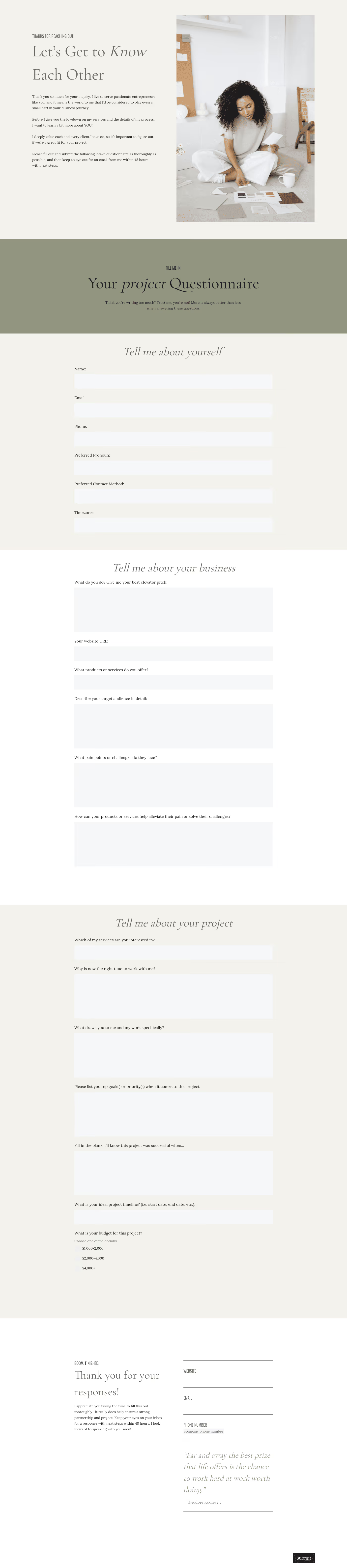
Although this is a simple form, it's imperative to capture the right details. This form should always include the following elements:
- Full Name/Preferred Name
- Communication Channels (e.g., email, phone number, WhatsApp number, etc.)
- Project Start Date
- Names and Details for Other Points of Contact
- Preferred Communication Methods
- Best Communication Times (e.g., mornings vs. evenings)
- Time Zone (if different from your own)
While you want to keep this form as streamlined as possible, it's always better to get more information than you think you need, just in case.
One thing to keep in mind is that most clients will have multiple communication options, so they should rank each method by preference. For example, texting might be the best way to reach them, but if they don't respond, email is next, then a phone call, etc.
Similarly, if multiple people are involved in a project, you need to capture everyone's details and communication preferences. In some cases, you might have to send the form to each person involved. As with ranking each communication method, you should also have your client rank everyone by authority. This way, if you don't hear from your primary contact, you can reach out to the secondary contact, and so on.
Another point to consider is whether your client is in another time zone. Even if you're providing on-site services, some coordinators or managers may be based in another city, state, or country. Knowing these differences can help you avoid headaches and ensure you stick to their preferences.
This form is best used when finalizing contract details or just after you've entered an agreement with the client. This way, you can start the project on the right foot.
Catering has a lot of moving parts, and the menu sits in the center. If your catering menu is scattered across emails, texts, and screenshots, mistakes show up at the worst time.
A structured menu template helps in practical ways.
- Builds client trust and a professional first impression.
- Speeds approvals by making choices simple.
- Reduces payment disputes by documenting totals and terms.
- Saves time by cutting back and forth.
That means fewer surprises for clients and fewer fire drills for you.
FAQs
Below are quick answers to common questions from caterers building a catering menu that clients can approve with confidence.
Yes, ideally, you should send this form to all new clients, even if you're pretty sure you know how and when to contact them. Not only does the form remove any doubt, but it also illustrates that your business cares about the small details, which can build a stronger brand reputation over time.
Not all clients will align with your preferred schedule or communication methods. If you feel like the gaps may be challenging (i.e., they're awake when you're asleep), bring them up and negotiate potential workarounds. Communication goes both ways, so always be upfront about any possible pitfalls before they become problems.
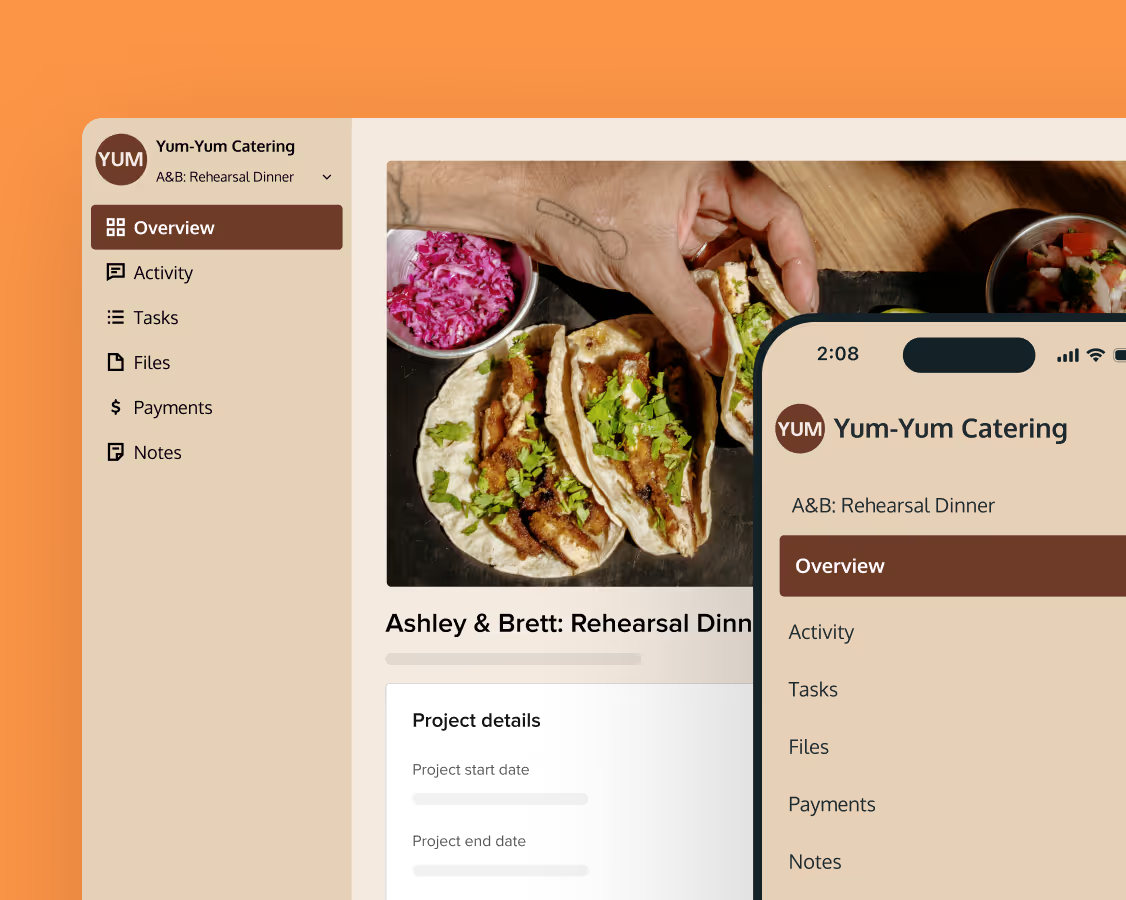
Yes, it's often much easier to get responses when sending forms via mobile, and HoneyBook allows all templates to be optimized for smaller screens.
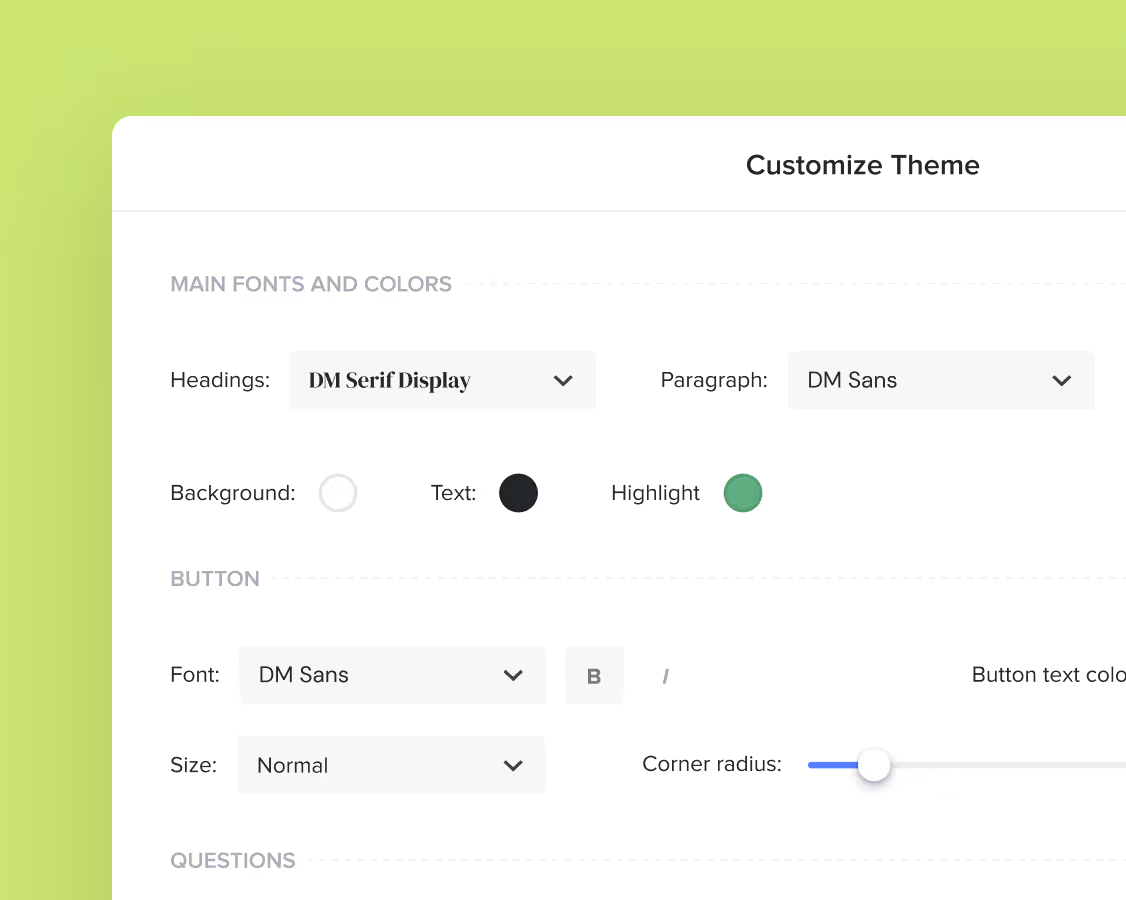
Yes, HoneyBook makes it easy to incorporate branding elements, such as logos, color schemes, and language, into every template.
Related templates




Related Templates





.png)

Make it your own
Fully customize the template to fit your needs. Quickly apply your company branding with just a few clicks.
Share with clients
Create exceptional client experiences through HoneyBook’s dedicated client portal, allowing them to read, review, and take action from any device.
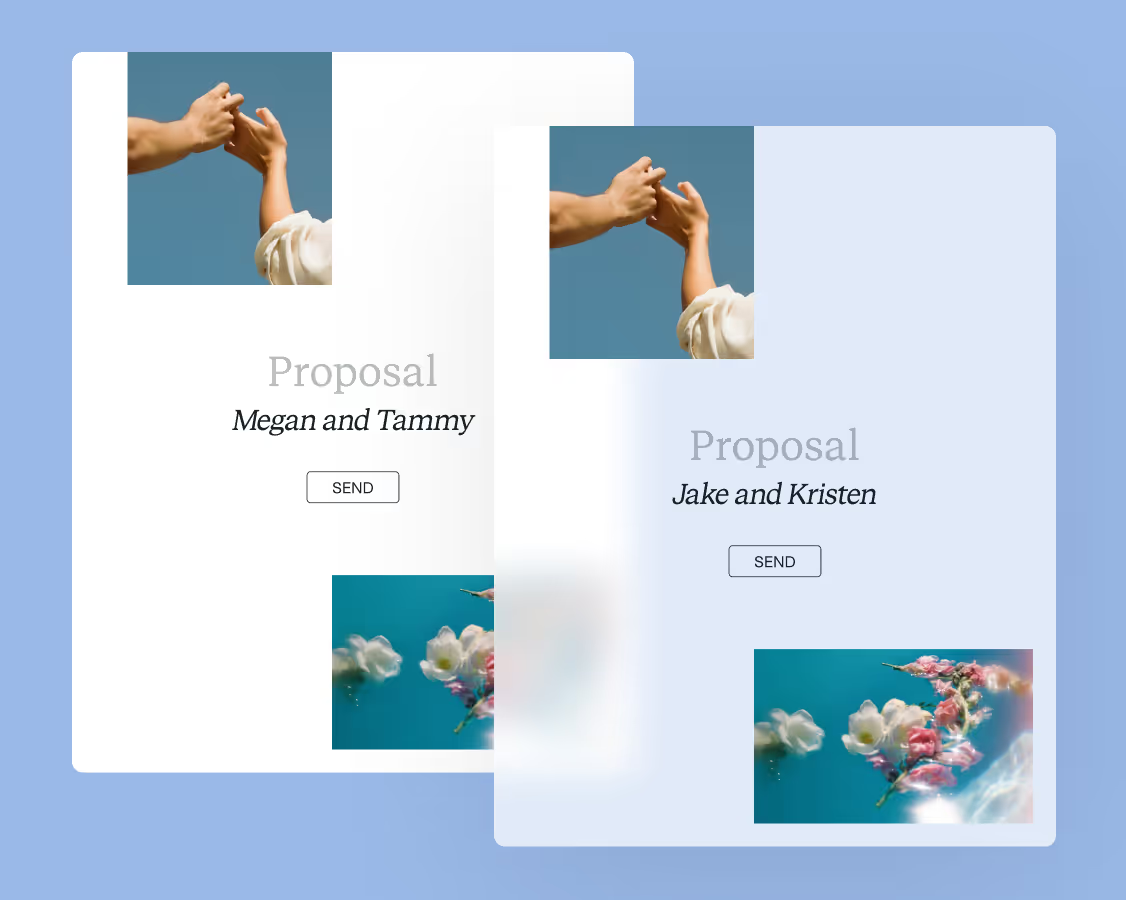
Reuse and scale
Use your customized files with different clients again and again to save time and make managing client interactions that much easier.
Join the 100,000+ businesses growing with HoneyBook.