















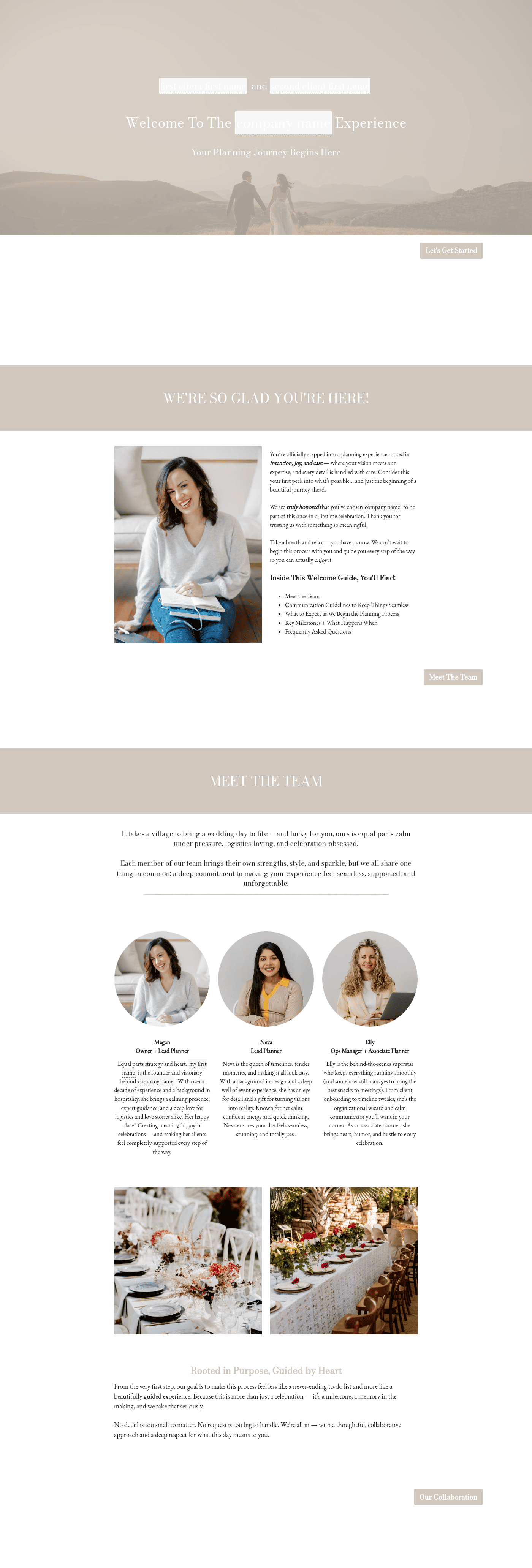
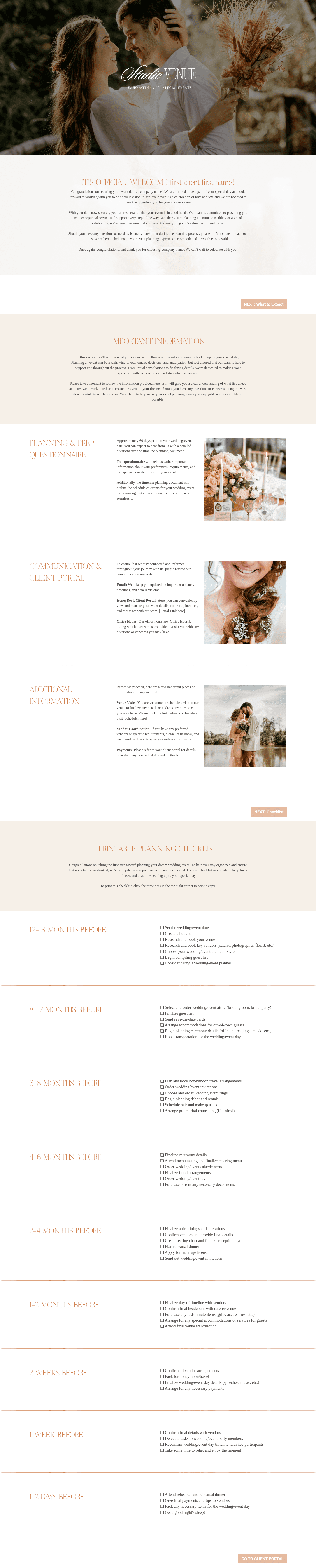
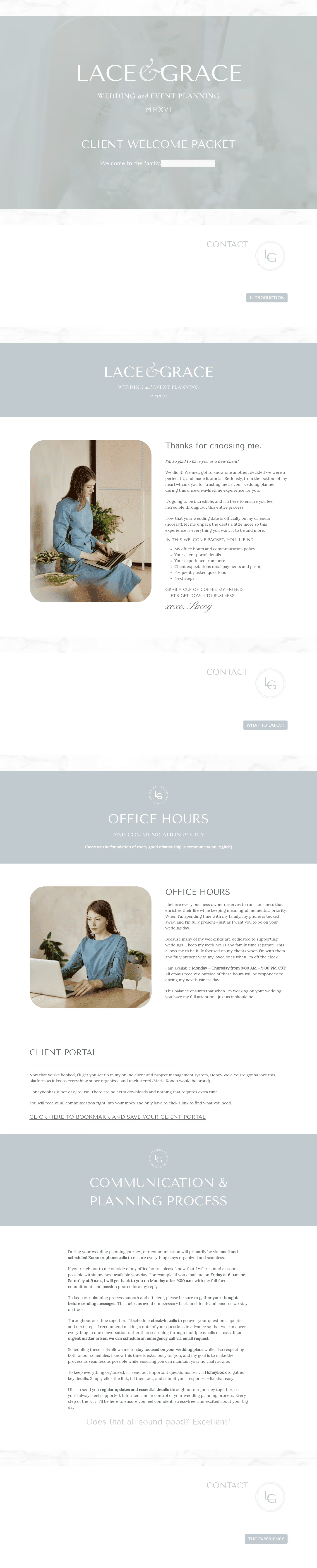
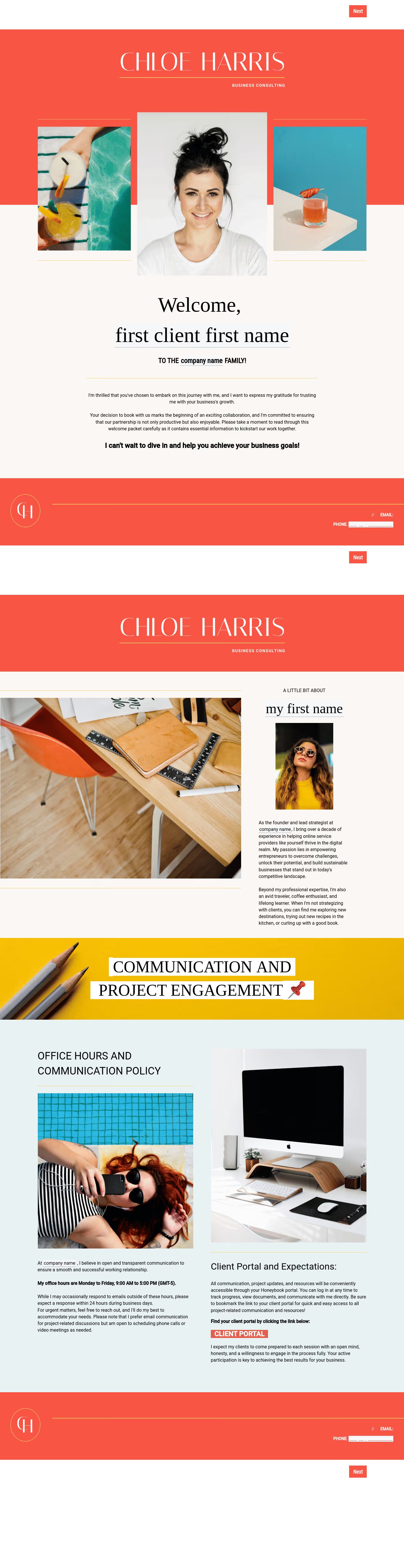
Lead new leads through an onboarding experience that is swift, easy, and friction-free. Find onboarding templates that make it easier to turn leads into clients.







.png)

.png)
.png)
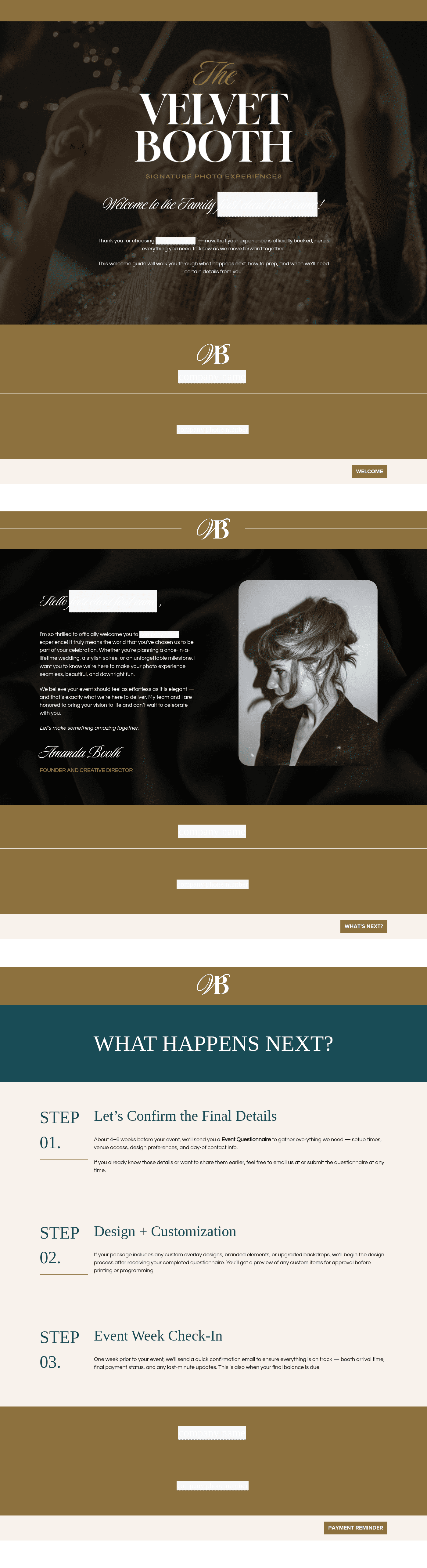
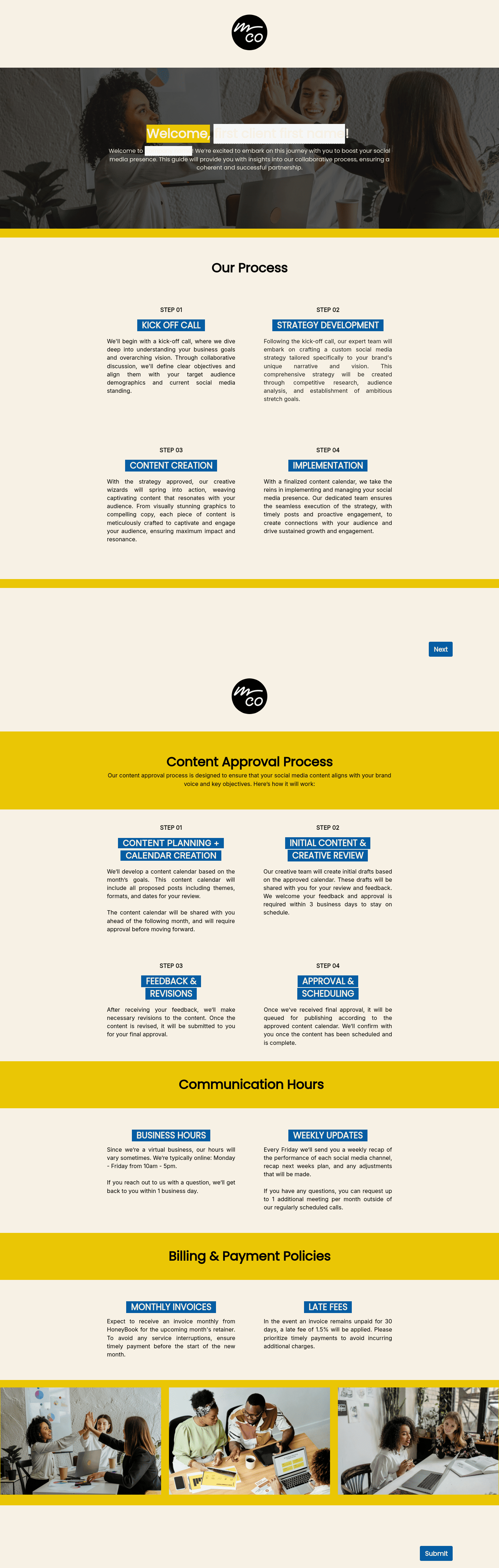

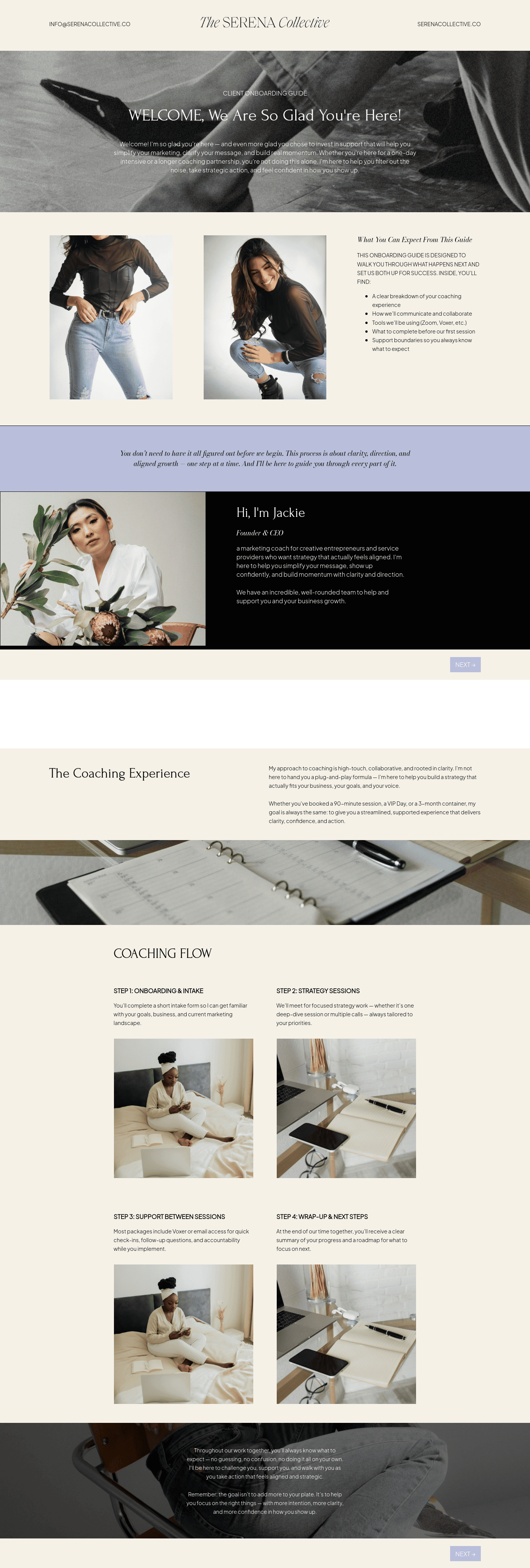

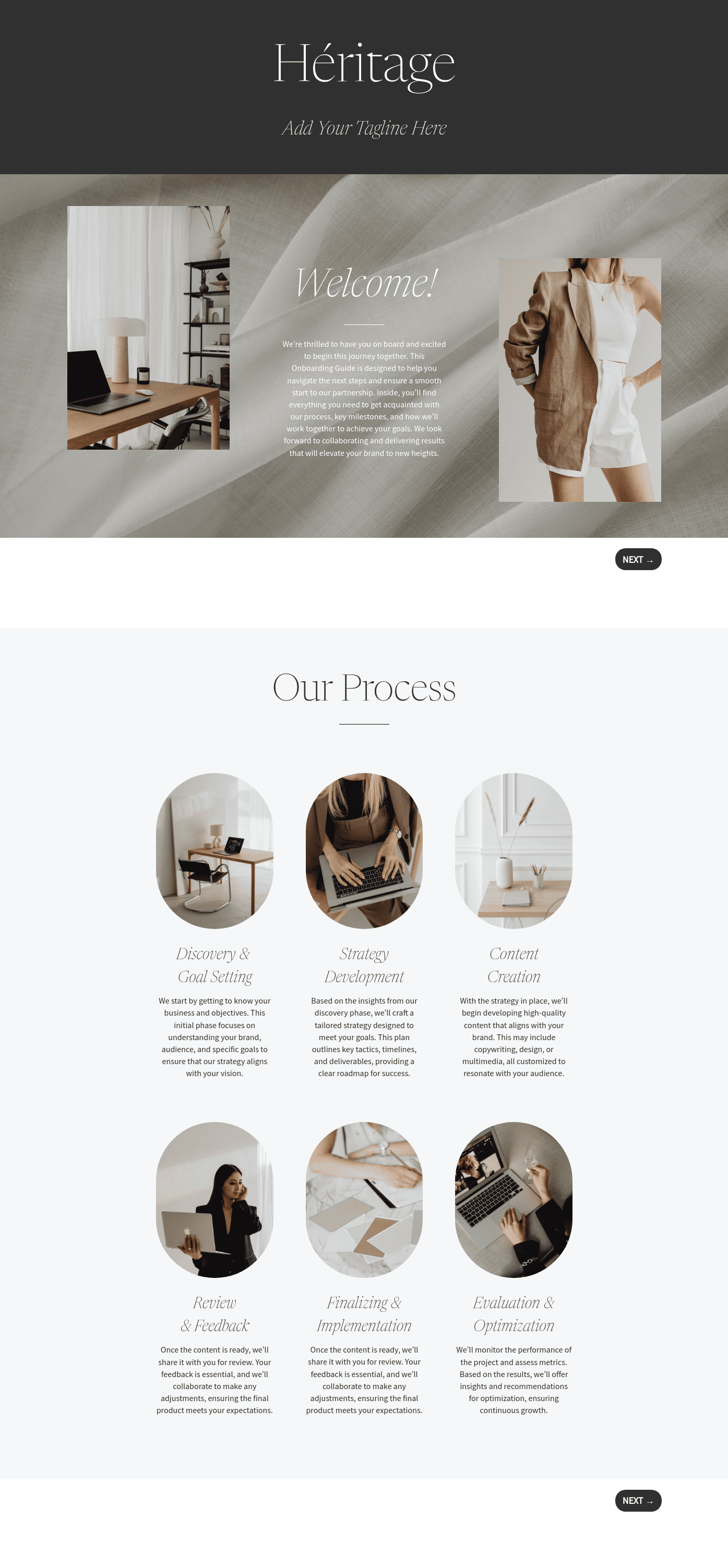
.png)
.png)
.avif)

.png)
.jpeg)




Hmm... Nothing here yet.
Try another keyword for more results.



Start for free,
Attract leads, manage projects, and get paid on the #1 AI-powered client relationship platform for small business.
Templates FAQs
HoneyBook templates make it easy to create great client experiences, from contracts and proposals to brochures and questionnaires. Templates help you get started quickly, and make you look professional.
Select a template in HoneyBook and start customizing it to fit your brand. Apply your branding, adjust sections, and format the content. Preview the file on desktop and mobile, then share it with clients when ready. You can reuse, adjust, or personalize your templates to fit different clients or projects.
Don't sweat it! Start a free 7-day trial to start using these templates. Upgrade to a plan anytime during the trial or after it ends. Learn more about our current pricing here.
HoneyBook lets you send files to clients manually or via automations. Sharing is easy and can be done through email or a direct link. For step-by-step instructions, check out this Help Center article.
To access HoneyBook's free templates, simply sign up for a plan and save the template. From there, you can edit your template anyway you like. If you already have an account, just log in and add the template to your account.
Starting with a template is perfect for non-designers or newcomers! With HoneyBook, you can easily edit, brand, and design files. The file editing modules guide you through branding, using the right fonts, and aligning your files with your website and other client touchpoints.
Templates FAQs
A strategic onboarding process guides a client through three distinct phases: Pre-boarding (contracting and intake), Orientation (the kickoff meeting and tool setup), and Integration (the first 90 days of active project delivery).
Successful onboarding drives client retention and lifetime value; a positive experience makes clients more likely to remain loyal. It sets clear expectations, which reduces mistakes and builds the professional trust necessary for long-term partnerships.
Templates ensure consistency and speed by providing a repeatable framework for each project. By using structured workflows, a business increases team productivity and guarantees that staff members never overlook critical steps during the initial setup.
HoneyBook Pros are their own independent businesses that are using HoneyBook to manage their business. They have a comprehensive knowledge of all things HoneyBook. They can help you set up, build, and optimize your HoneyBook account for any of your business needs.
Yes. HoneyBook works across desktop and mobile devices, making it easy to manage clients, projects, and payments whether you’re at your desk or on the go.
HoneyBook integrates with a range of popular tools for payments, scheduling, accounting, and productivity, helping you connect your existing tech stack and streamline your workflows.
HoneyBook pricing plans include core tools to manage your business in one place, such as client communication, proposals, contracts, invoicing, payments, and workflow automation, with advanced features available on higher-tier plans.
Yes. HoneyBook templates are designed to be fully customizable, allowing you to reflect your brand’s look, tone, and workflow across proposals, contracts, invoices, and client communications.
Join the 100,000+ businesses growing with HoneyBook.
