












Ready-to-use copy

Templates come filled with prewritten copy you can use as is or edit to match your brand and business.


“
”

October 18, 2026

How To Explain Your Day Of Coordination Timeline To Clients Who've Never Seen One
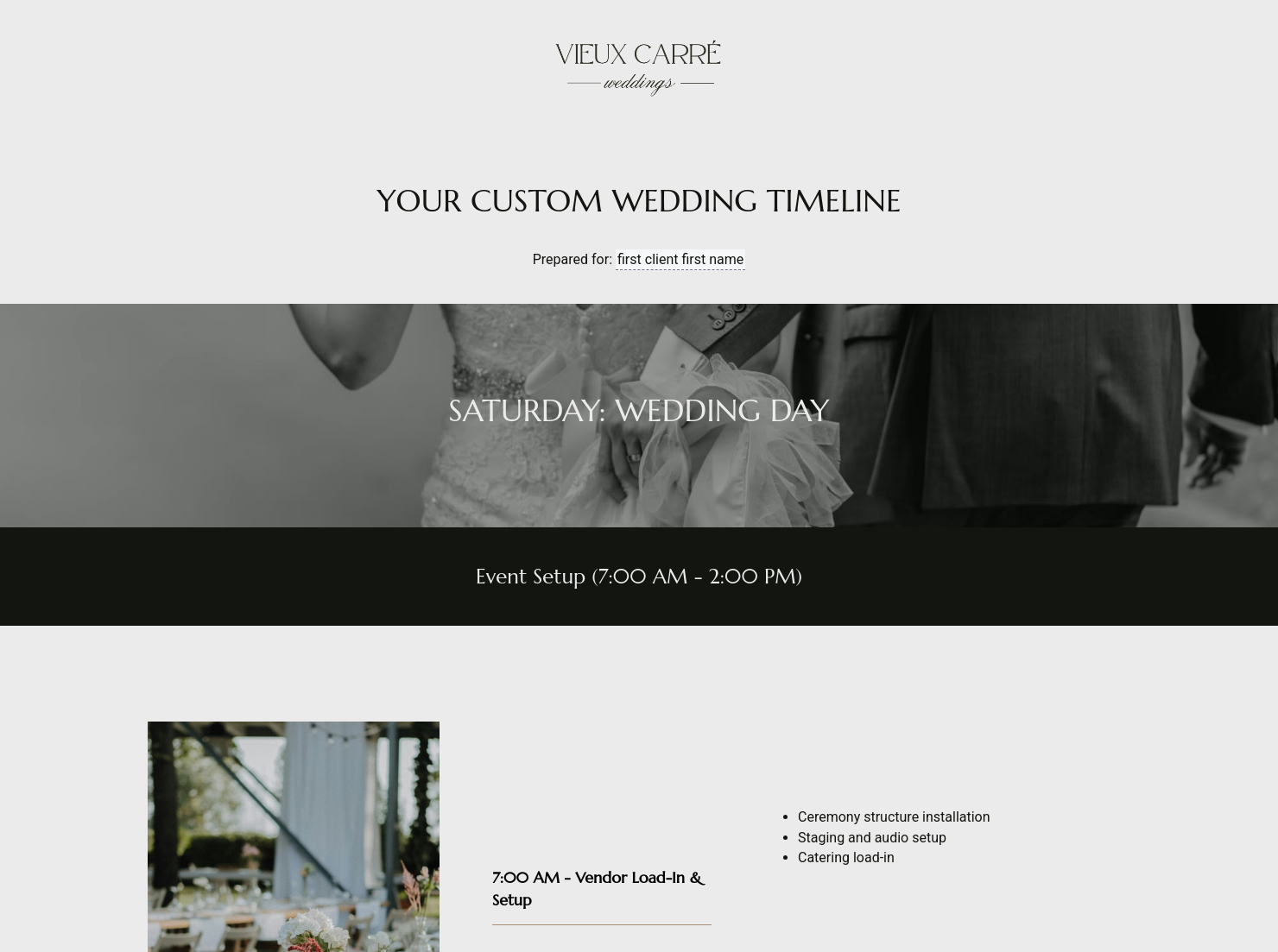
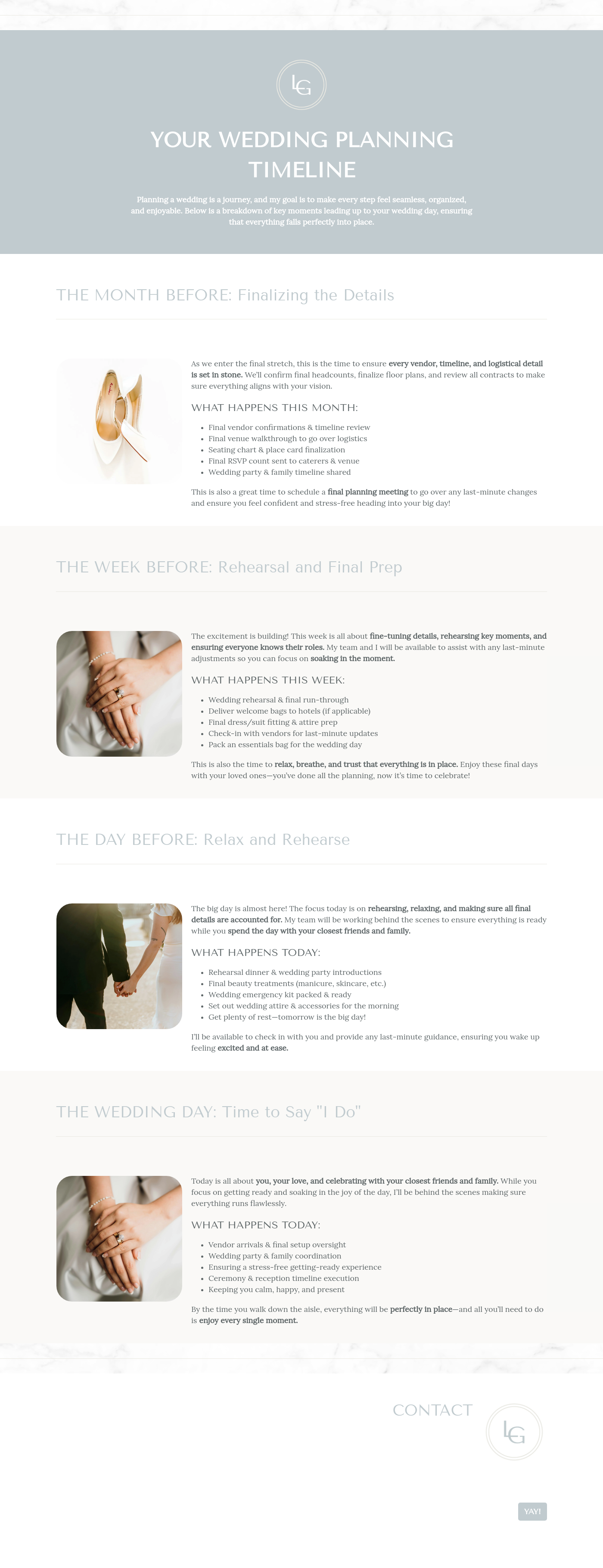
A day of coordination timeline is a logistical document that maps out every minute of a wedding day, from the first vendor arrival to the final cleanup. Typically shared with clients and vendors during the final month of planning, this document helps everyone involved knows exactly where to be and when, turning months of abstract planning into a seamless professional production.
In the wedding industry, your reputation is built on how the actual event flows; if the transition from ceremony to cocktail hour feels disjointed, it reflects directly on you. Without a precise day of coordination timeline, you risk facing vendor overlaps, missed photo opportunities, and a stressed-out couple who feel they have to manage their own party.
A well-structured document helps with:
- Building client trust by showing a level of detail that shows you have total control over the event's moving parts.
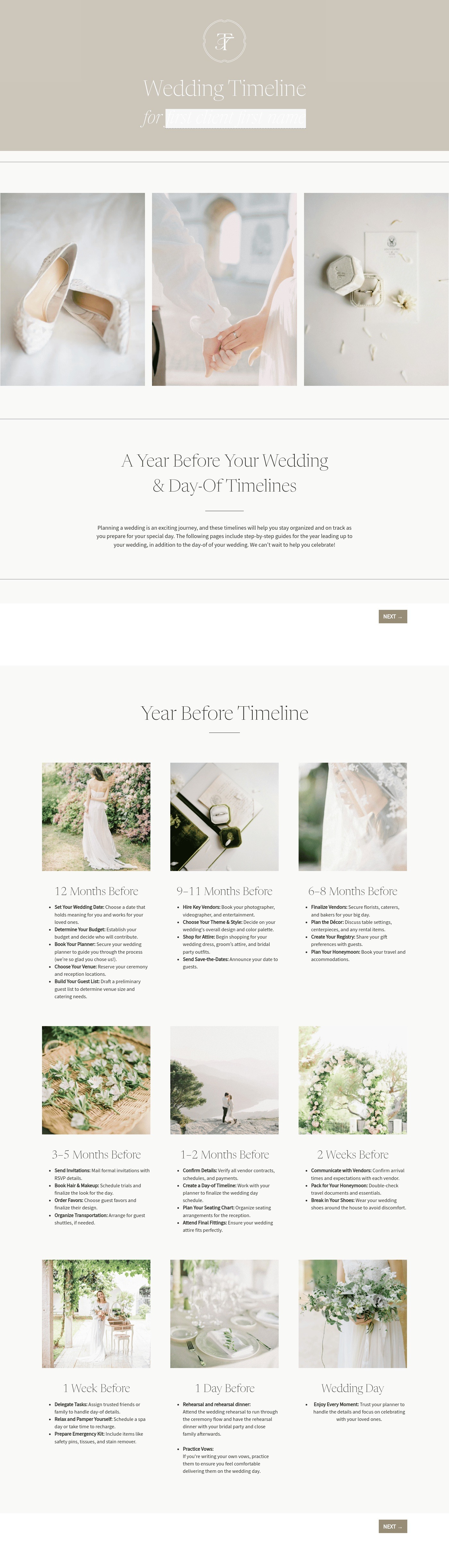
- Improving conversion and approval rates by presenting a sample wedding planner itinerary so you can demonstrate the value of your expertise.
- Saving time by helping to avoid back-and-forth questions from the wedding party and vendors regarding day-of logistics.
A professional timeline should always include certain core elements to help the day remains on track and the couple stays relaxed, including:
- Business and client information: Names of the couple, the primary venue address, and your agency’s emergency contact details.
- Description of the day's flow: A chronological breakdown of each key event like hair and makeup, the first look, and the ceremony start time.
- Vendor arrival and setup times: Specific windows for when vendors such as the florist, caterer, and DJ are expected to be on-site and ready.
- Photography and videography blocks: Dedicated time blocks for things like family portraits and sunset sessions.
- Payment terms and next actions: Information on final gratuities for vendors and the specific steps for the end-of-night load-out.
- Signatures or acceptance mechanism: A way for the couple and key vendors to sign off on the final version of the schedule before the big day.
To make this document effective, use direct language that remains approachable for couples. Instead of listing "Cake Cutting," provide context, like mentioning the DJ’s announcement, to shift the couple's focus from logistics to the celebration.
Customization prevents your timeline from becoming an overwhelming wall of text. Use clear headings and color-coded sections to separate client and vendor tasks, and consider including 15-minute buffer blocks to handle unexpected delays. By using HoneyBook templates, you can keep your timeline visually organized and easily accessible on mobile during the chaos of the event.
This template is most useful when the creative planning is finished and the logistical execution begins.
- You can share a sample wedding day-of timeline template early on to show clients exactly what you will be building for them as the date approaches.
- Use the template to create a wedding timeline for complex, multi-day celebrations or destination weddings that require extra logistics.
- Send the final, polished timeline to all vendors 2–4 weeks before the wedding to help keep the entire team synchronized.
Catering has a lot of moving parts, and the menu sits in the center. If your catering menu is scattered across emails, texts, and screenshots, mistakes show up at the worst time.
A structured menu template helps in practical ways.
- Builds client trust and a professional first impression.
- Speeds approvals by making choices simple.
- Reduces payment disputes by documenting totals and terms.
- Saves time by cutting back and forth.
That means fewer surprises for clients and fewer fire drills for you.
Get started with a day of coordination timeline
Using a ready-made day of coordination timeline template allows you to deliver a professional, stress-free experience for your couples without starting from scratch every weekend. It is the most effective way to help your events run like clockwork and your clients feel supported from start to finish.
FAQs
Below are quick answers to common questions from caterers building a catering menu that clients can approve with confidence.
It is a comprehensive schedule that outlines the entire sequence of events for a wedding day, including vendor logistics and personal milestones for the couple.
While you might start a rough draft months out, the final wedding day of timeline template is usually locked in 3–4 weeks before the event once all vendor contracts and RSVPs are finalized.
Yes, sharing your wedding planner itinerary with the entire vendor team is essential for ensuring that the caterer, photographer, and DJ are all working off the same master schedule.
HoneyBook templates are built to simplify the steps between inquiry and booking, so you can deliver a professional client experience while saving time on repeat tasks.
Yes. You can customize fonts, colors, images, pricing tables, contract language, and messaging to reflect your brand’s voice and visual identity.
Yes. With the HoneyBook mobile app, you can create, customize, send, and manage templates and Smart Files from anywhere. This means you can respond to inquiries, share documents, and keep projects moving whether you’re at your desk or on the go.
Related templates
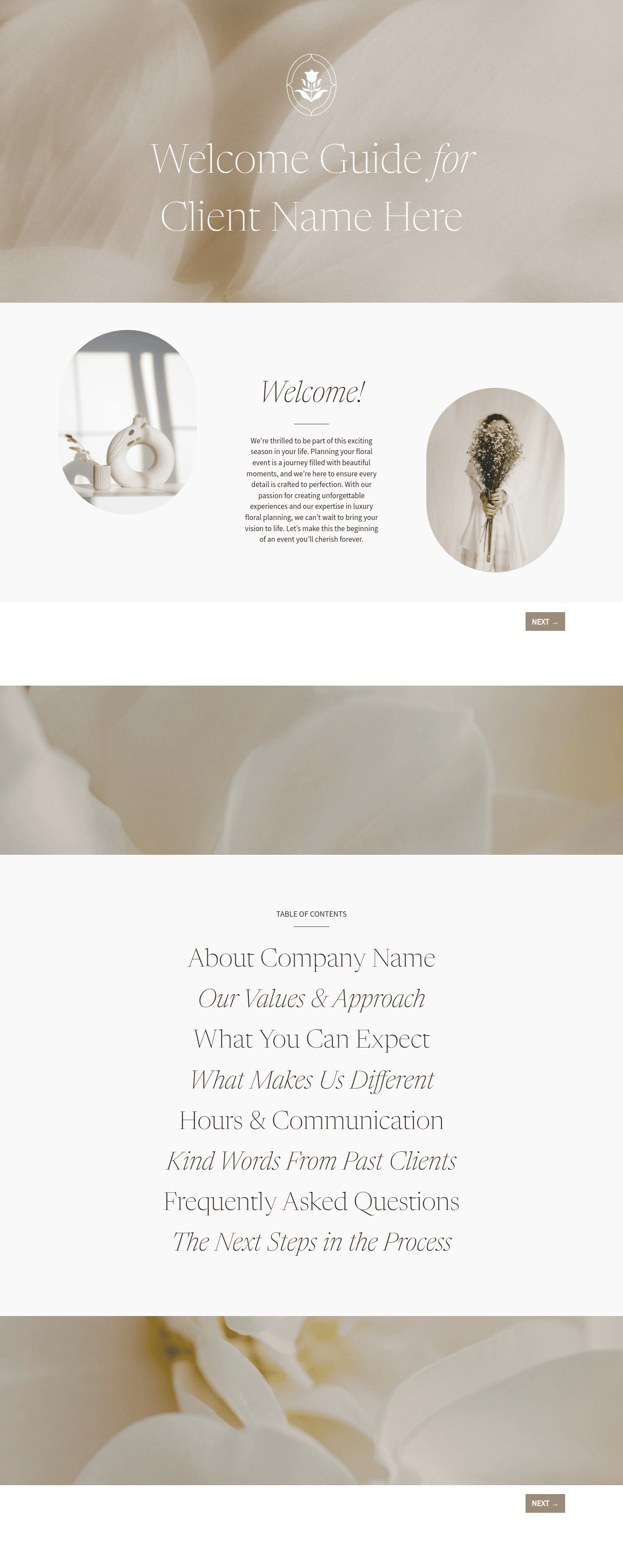

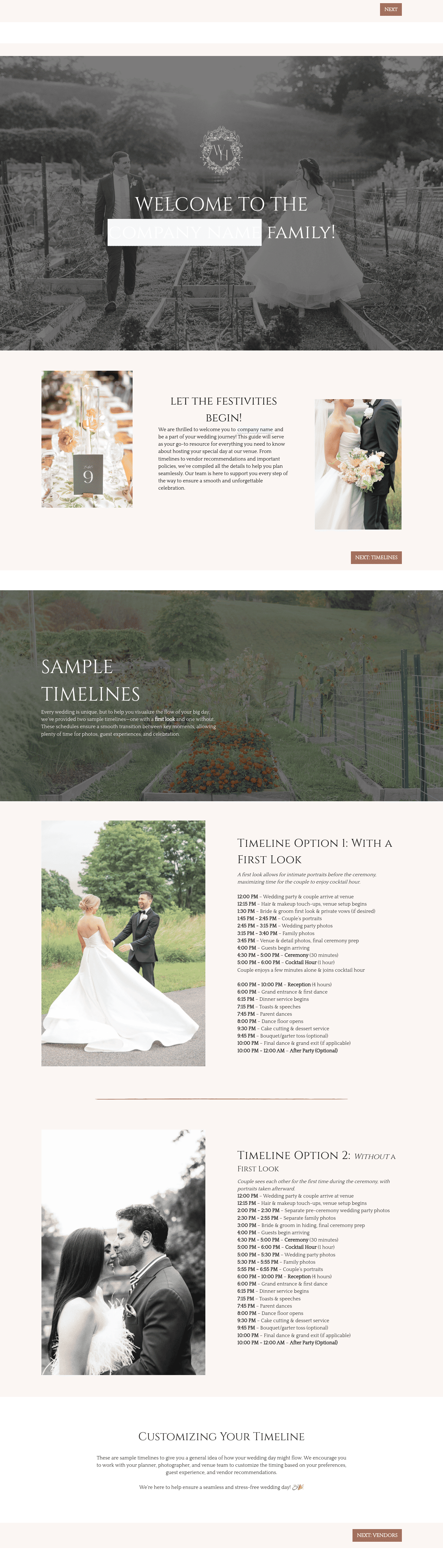


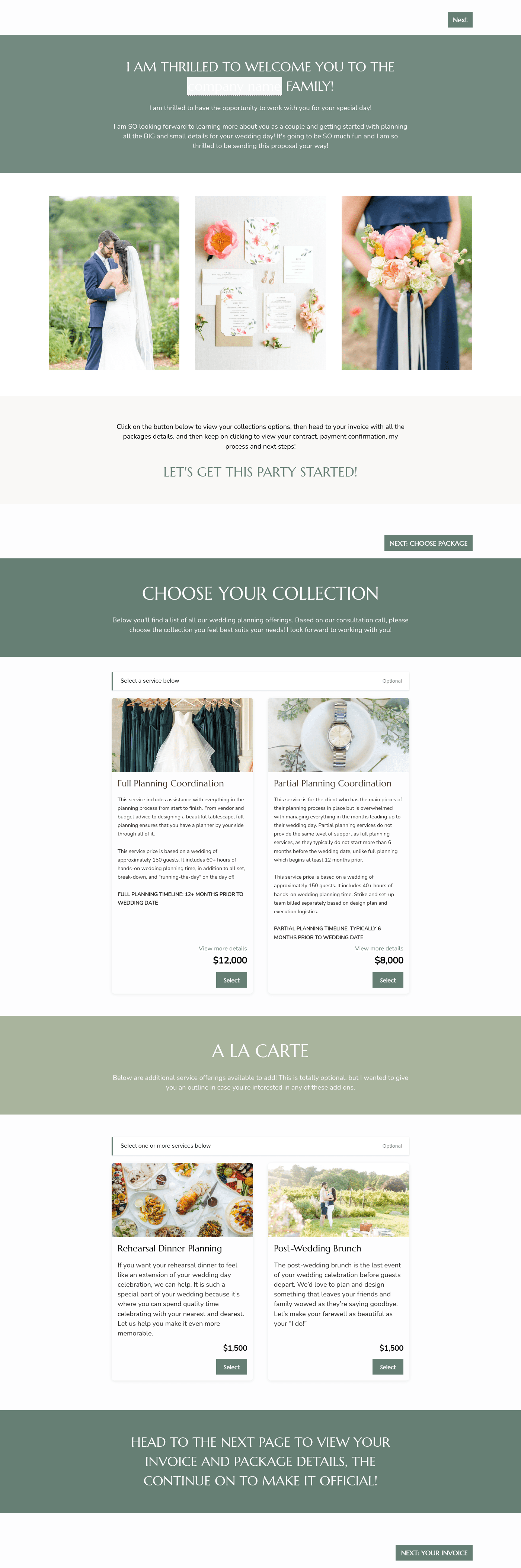

Related Templates
.avif)
.png)




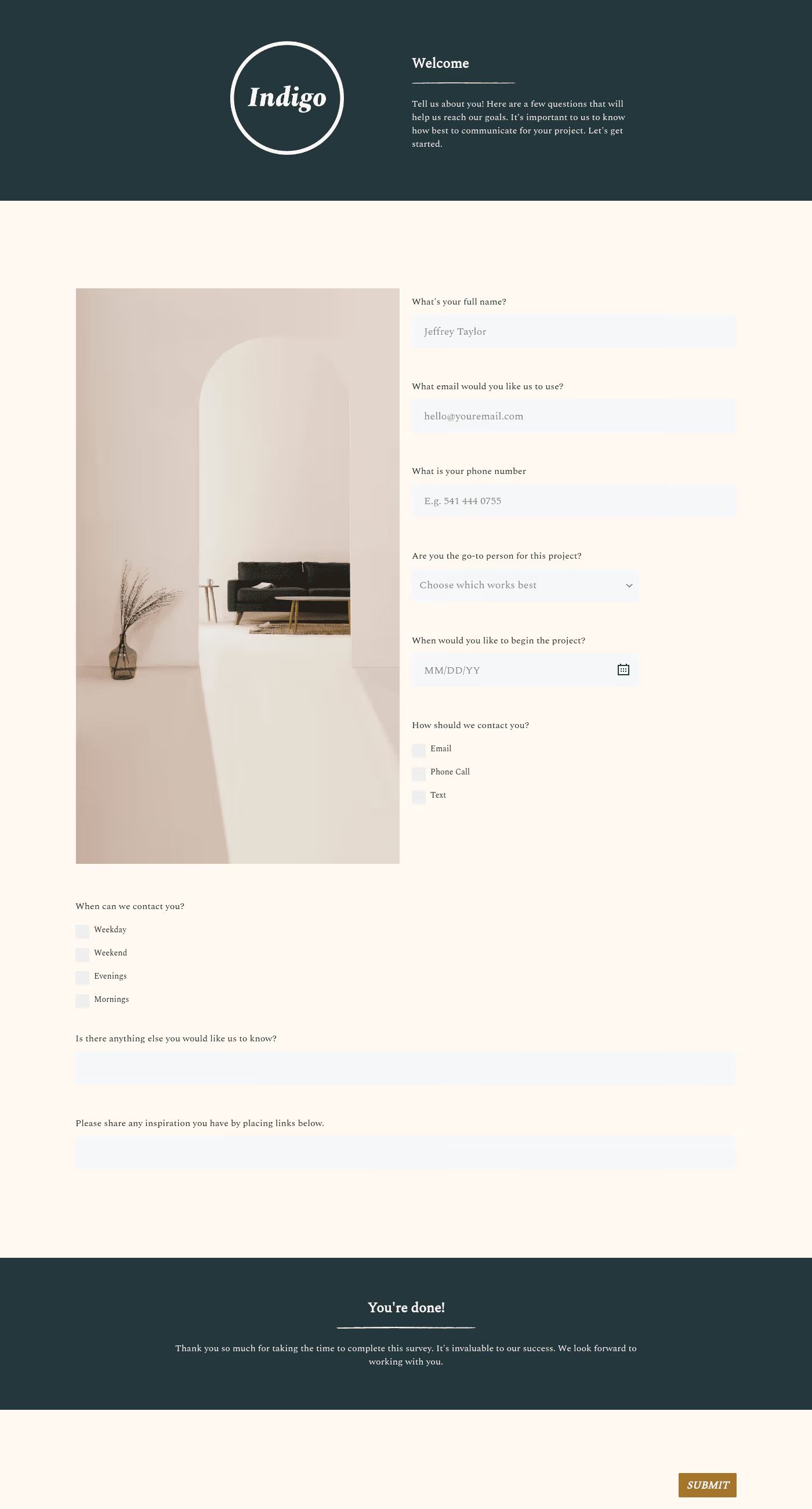
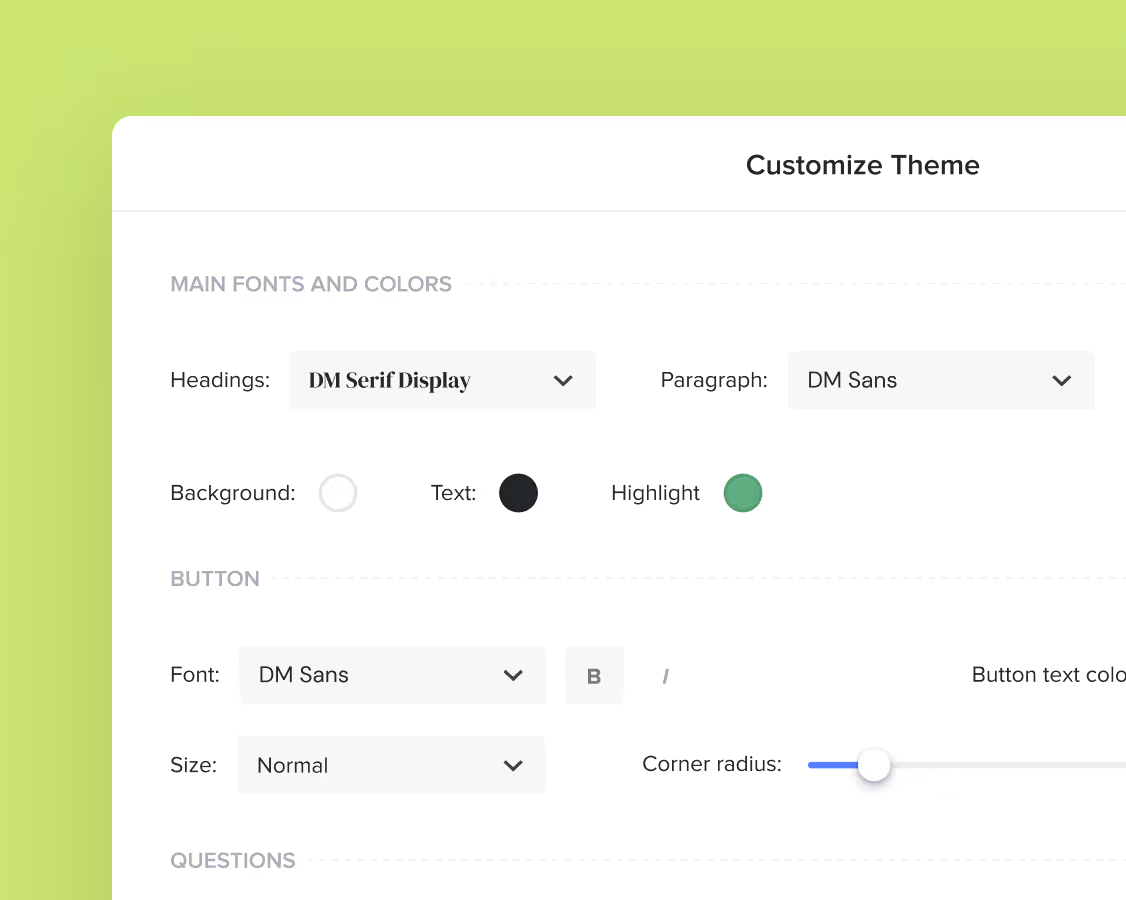
Make it your own
Fully customize the template to fit your needs. Quickly apply your company branding with just a few clicks.
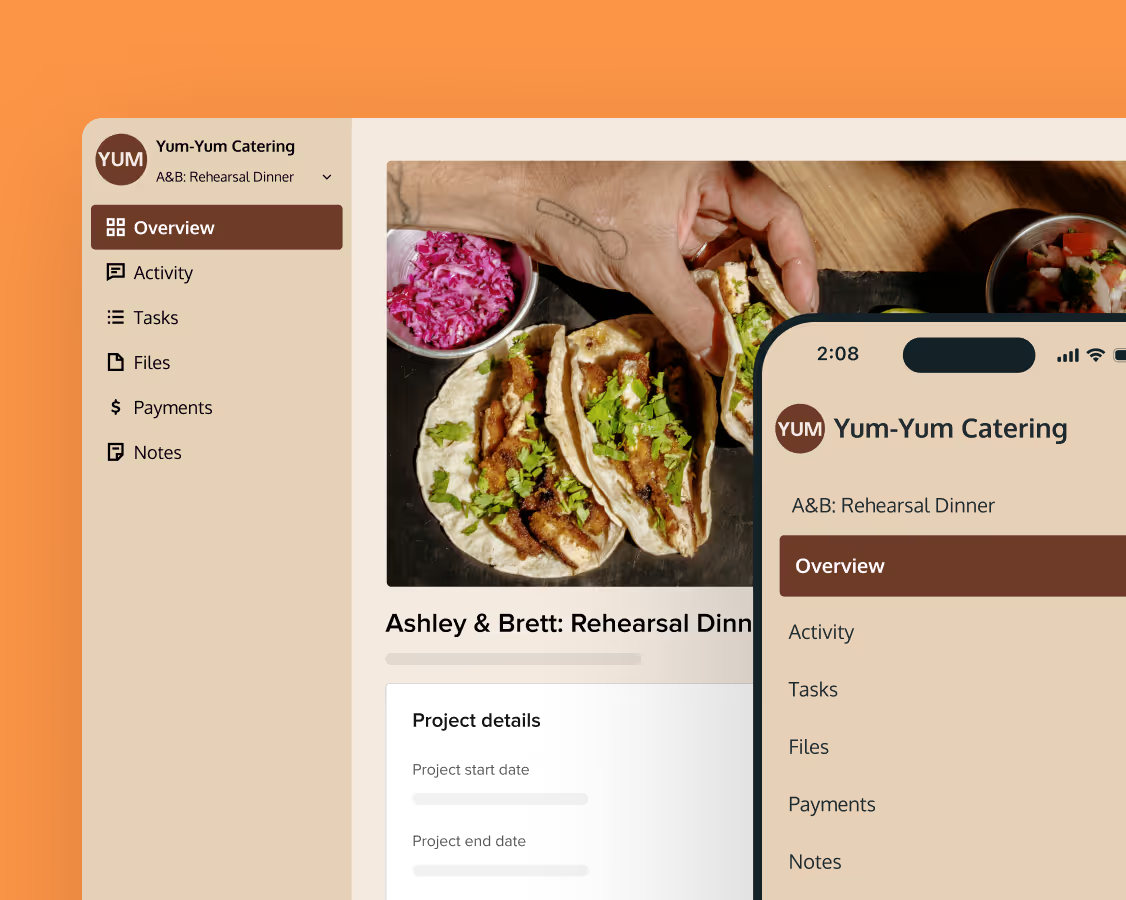
Share with clients
Create exceptional client experiences through HoneyBook’s dedicated client portal, allowing them to read, review, and take action from any device.
Reuse and scale
Use your customized files with different clients again and again to save time and make managing client interactions that much easier.
Join the 100,000+ businesses growing with HoneyBook.