















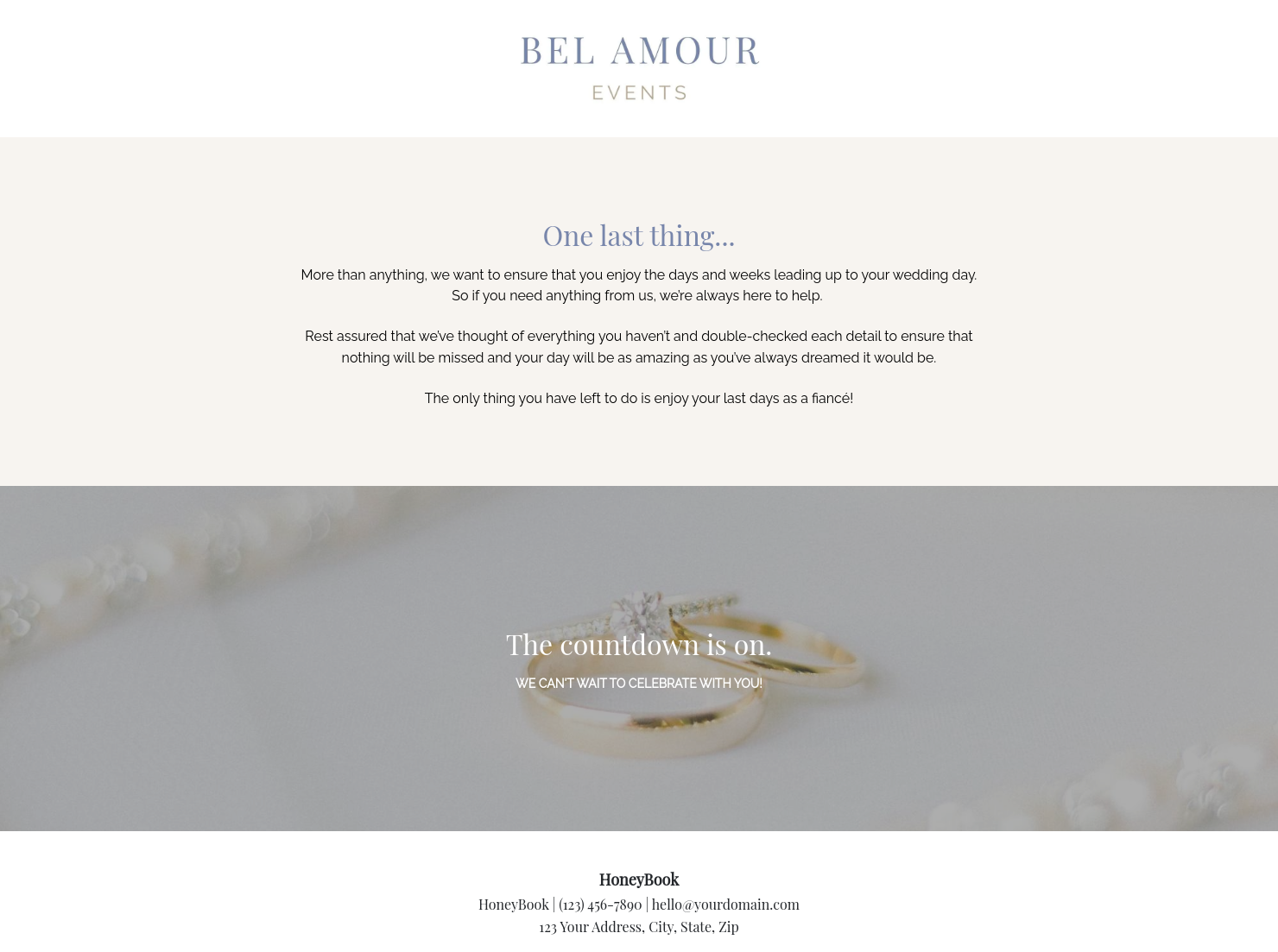

Ready-to-use copy

Templates come filled with prewritten copy you can use as is or edit to match your brand and business.


“
”

October 18, 2026

Timeline for wedding planners template: how to customize it for top results
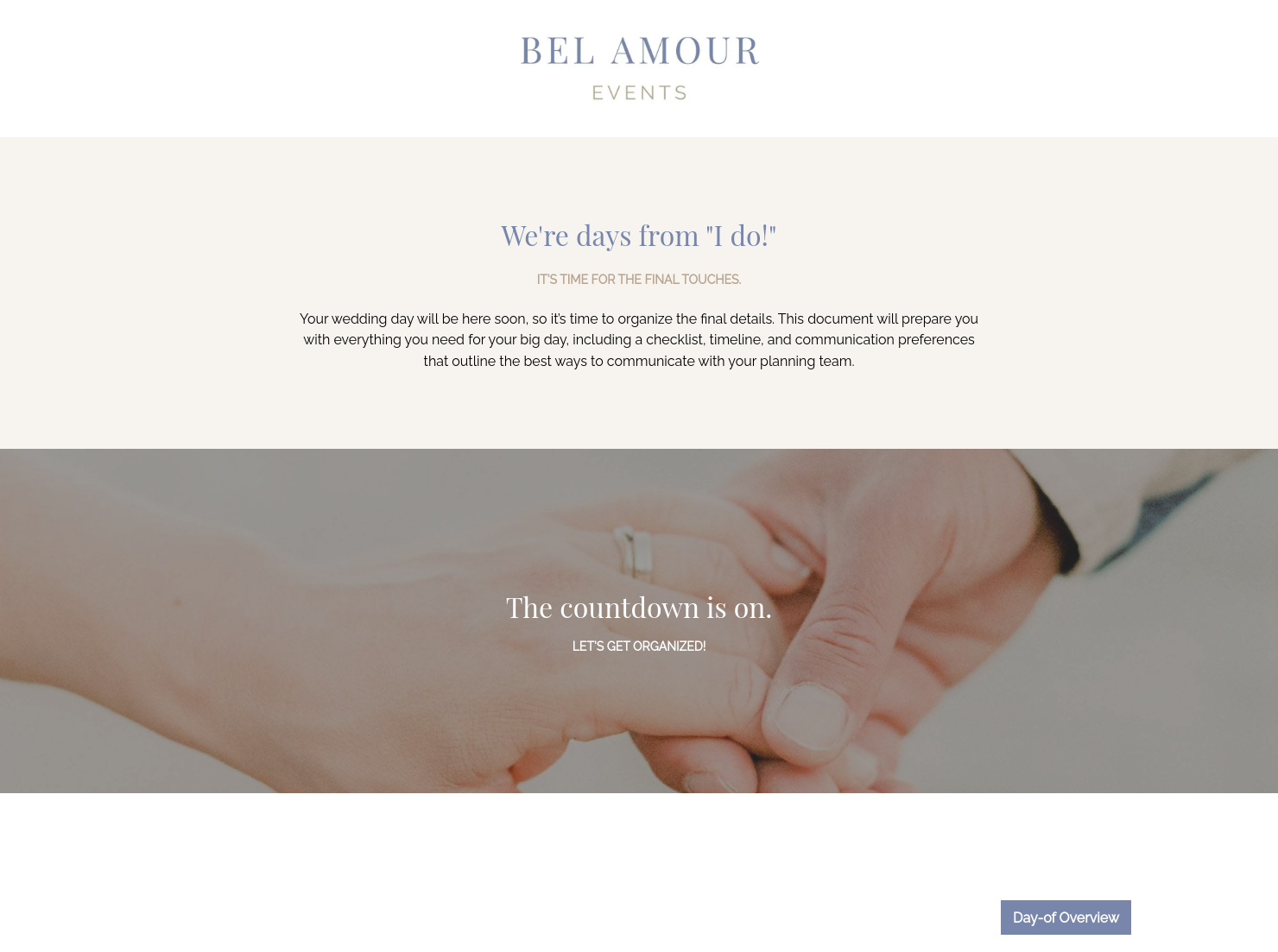
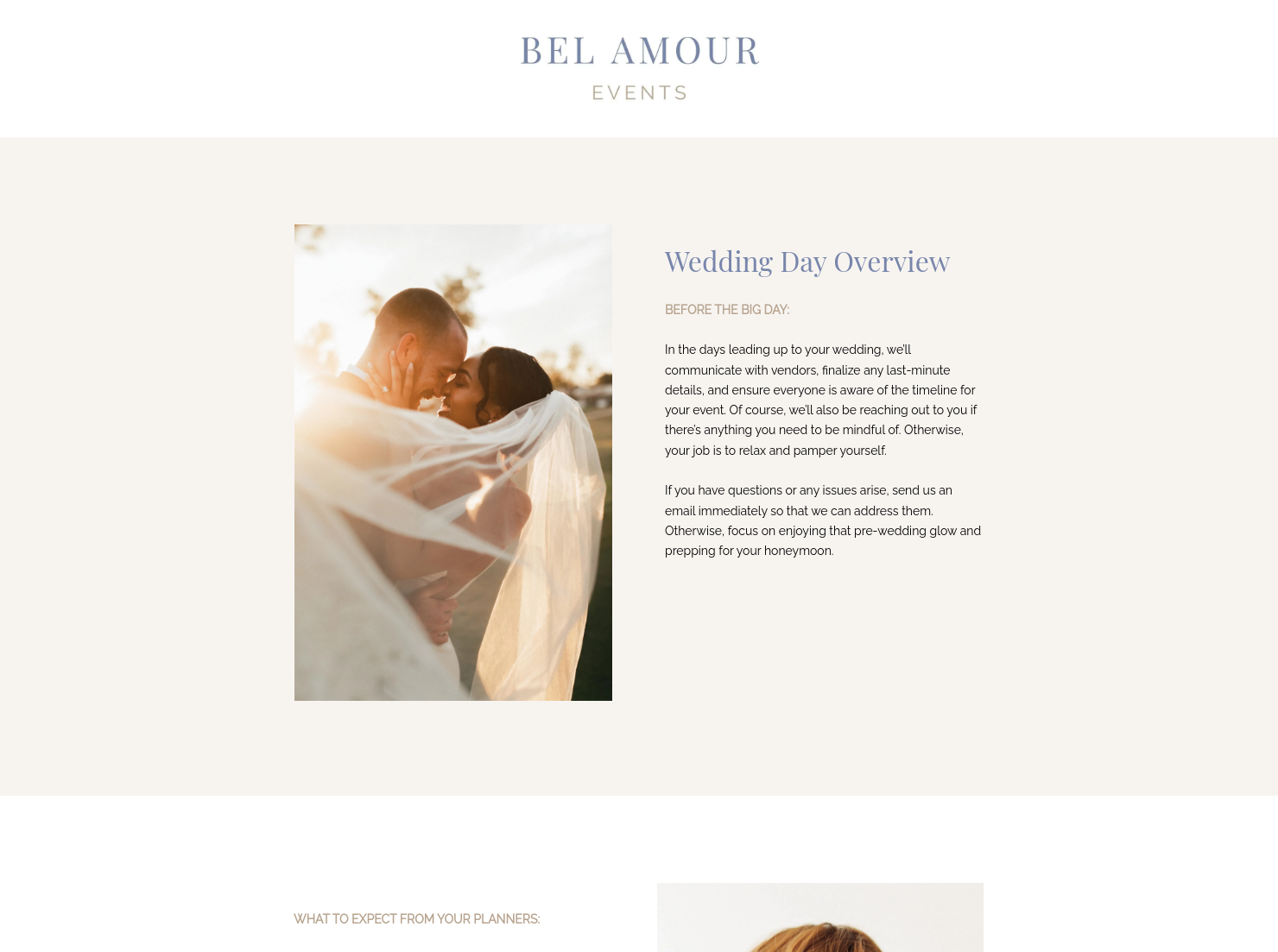
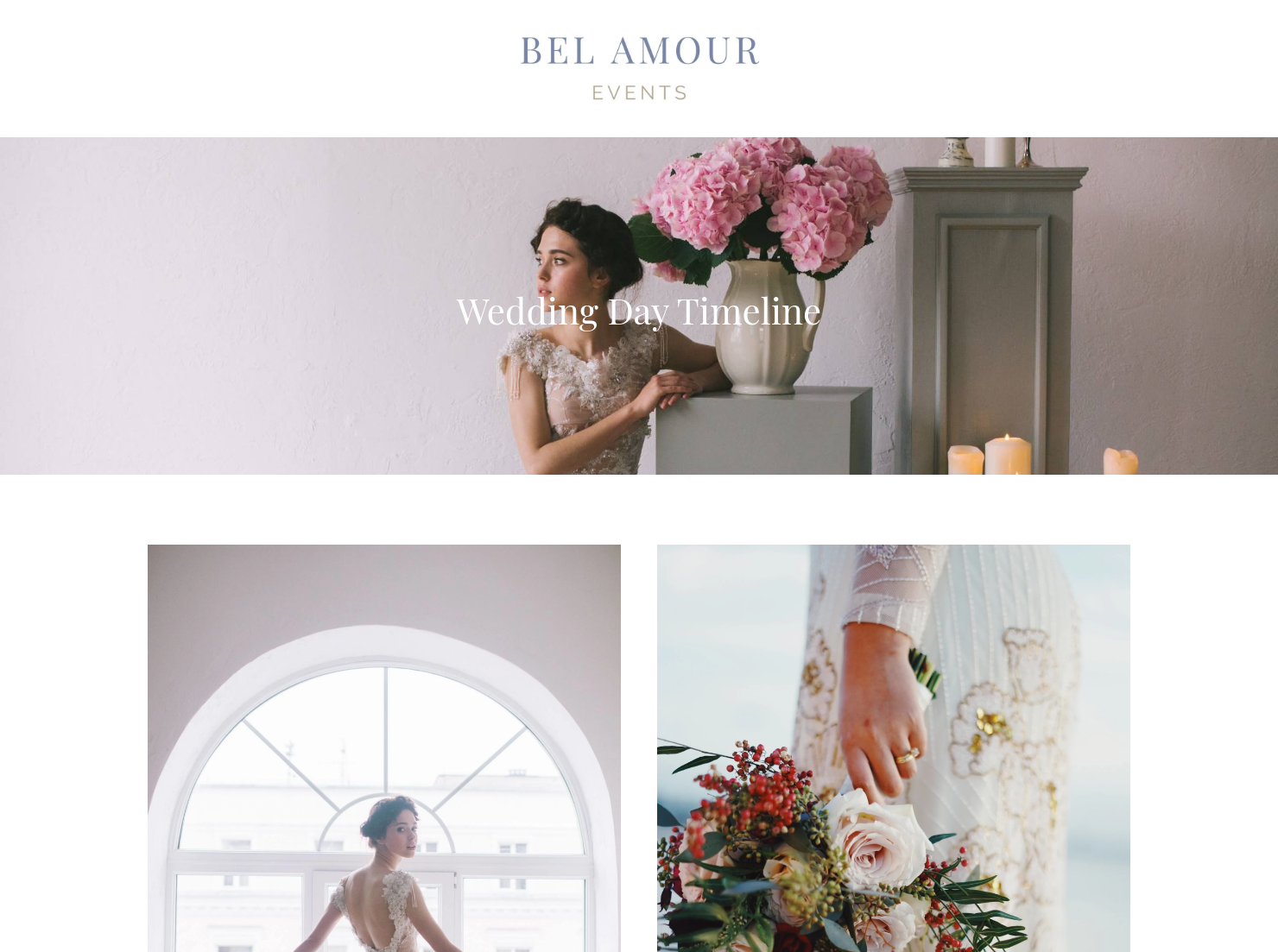
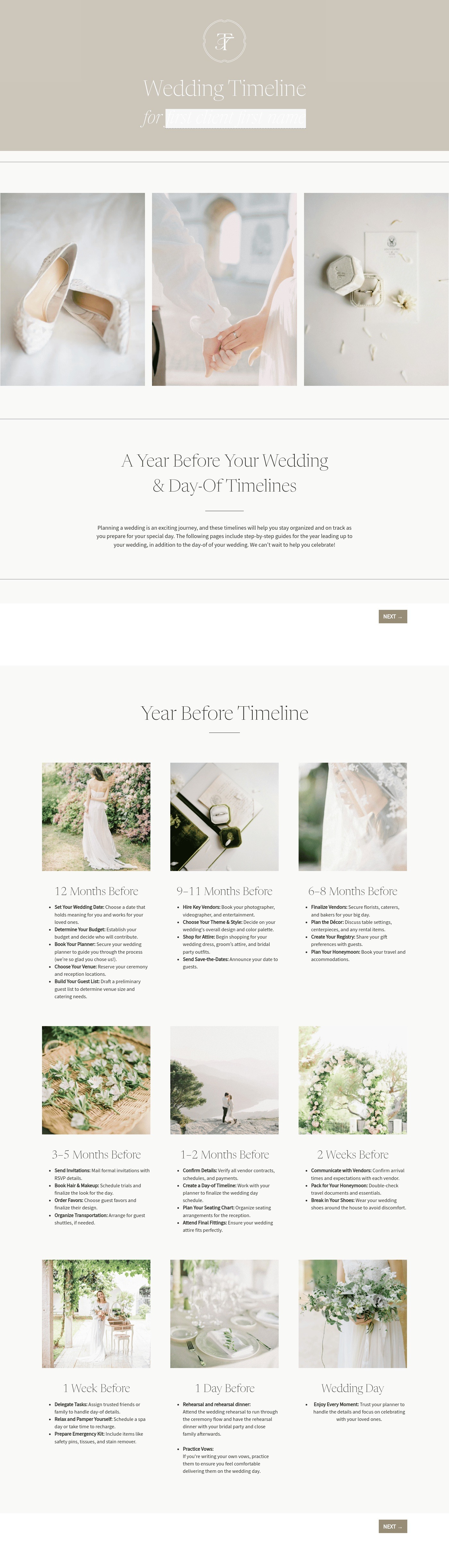
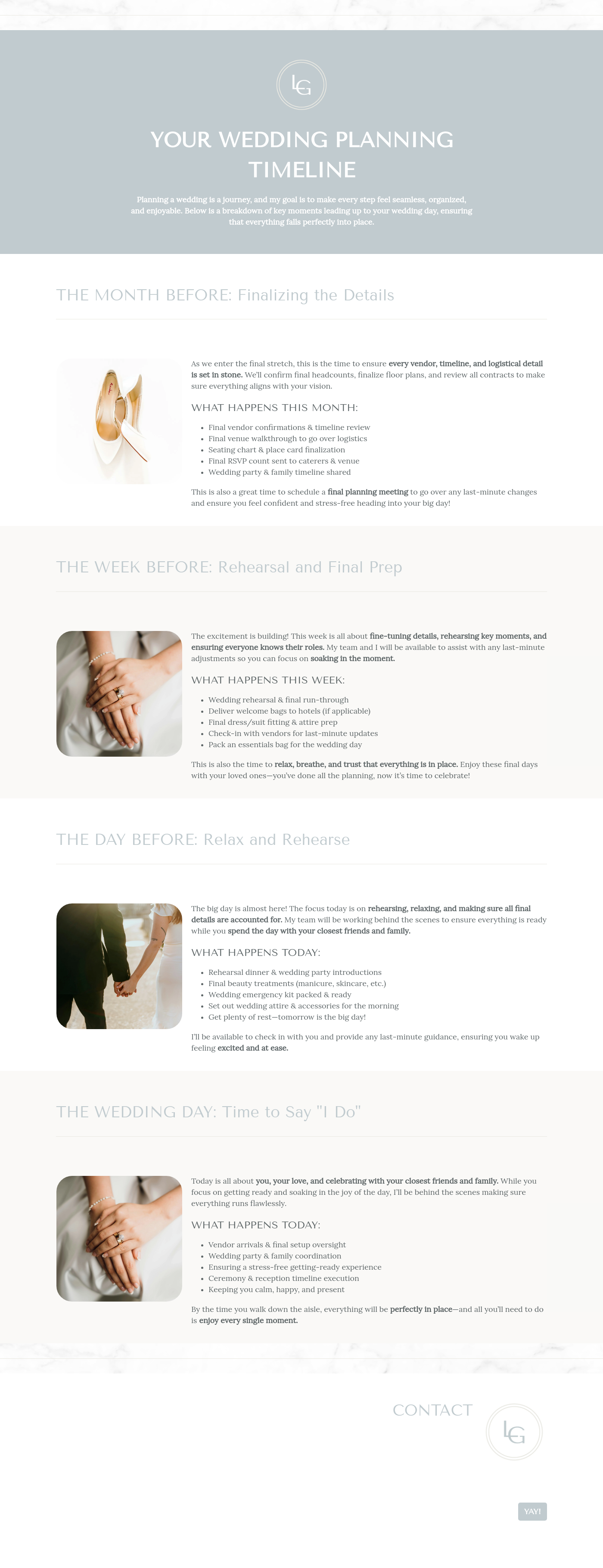
This timeline for wedding planners template helps reassure engaged couples who are getting close to their big day that all of the final details are well-organized and that nothing has fallen through the cracks. It includes a highly detailed wedding checklist, a timeline of the days leading up to the wedding and the wedding day itself, and outline of the best ways for the engaged couple to get in touch with the wedding planning team. While it can be presented to the clients at any point, including during the onboarding process, it is most commonly given to the couple closer to their wedding day. The professional and attractive template and wedding checklist provides clarity and reassurance for the clients that all of the details have been expertly attended to and completed, and that they can focus on relaxing and getting ready for their wedding.
As wedding planners know quite well, weddings involve dozens of details, decisions, and deadlines that continue through the wedding ceremony and reception. Using a well-organized and professional wedding planner timeline template will reassure your clients that all of these tasks have been, or will be, completed prior to the big day. Not using a proper timeline for wedding planners template can lead to an increased risk of missing crucial tasks related to the client’s wedding, as well as their feeling stressed or anxious about how the wedding day will go.
A professional timeline for wedding planners template should always include certain core elements, including:
- A detailed wedding checklist list of tasks
- Key deadlines that must be finished prior to the wedding day
- A highly detailed timeline for the day of the wedding
- Questions about communication preferences with the wedding planner
- Business and client information
Wedding planners are working with clients who are preparing for one of the biggest days of their lives. While this is exciting, stress and other emotions can also run high, and it’s important to find ways to keep clients on an even keel and reassured that everything will go smoothly.
The template should portray a calm and reassuring tone that clearly lets the clients know that the wedding planner is on top of all of the details on the wedding list checklist. It should also let the clients know that the wedding planner will be in touch if there are any questions, and include all communication preferences and contact information, both for the wedding planner and the client. Because there are so many details that can seem overwhelming to the clients, the template should be composed in an organized and concise way.
The template can be introduced at any time; for example, during the client onboarding process or once the wedding planner has had the first meeting with the clients. This will help show the clients that the wedding planner will be on top of all of the details of the wedding, especially as the big day approaches. The template should be officially presented to the clients as the wedding day draws near and everyone is extra focused on completing the items on the planning for a wedding checklist; in most cases, a month or six weeks prior to the event is usually sufficient.
Catering has a lot of moving parts, and the menu sits in the center. If your catering menu is scattered across emails, texts, and screenshots, mistakes show up at the worst time.
A structured menu template helps in practical ways.
- Builds client trust and a professional first impression.
- Speeds approvals by making choices simple.
- Reduces payment disputes by documenting totals and terms.
- Saves time by cutting back and forth.
That means fewer surprises for clients and fewer fire drills for you.
FAQs
Below are quick answers to common questions from caterers building a catering menu that clients can approve with confidence.
Absolutely! Weddings are as unique as your clients, and not every big day will go the same way. For instance, you can customize the wedding day timeline based on what your clients have planned; for instance, if they will have a videographer or not, if they have special songs planned and if anyone is doing a special reading during the ceremony.
Yes. While your clients have probably already received your contact information already, it’s important to have it as easy to access as possible for your clients. You can include any and all contact information within the template.
HoneyBook templates are built to simplify the steps between inquiry and booking, so you can deliver a professional client experience while saving time on repeat tasks.
Yes. You can customize fonts, colors, images, pricing tables, contract language, and messaging to reflect your brand’s voice and visual identity.
Yes. With the HoneyBook mobile app, you can create, customize, send, and manage templates and Smart Files from anywhere. This means you can respond to inquiries, share documents, and keep projects moving whether you’re at your desk or on the go.
Related templates









Related Templates

.avif)
.png)


.jpeg)
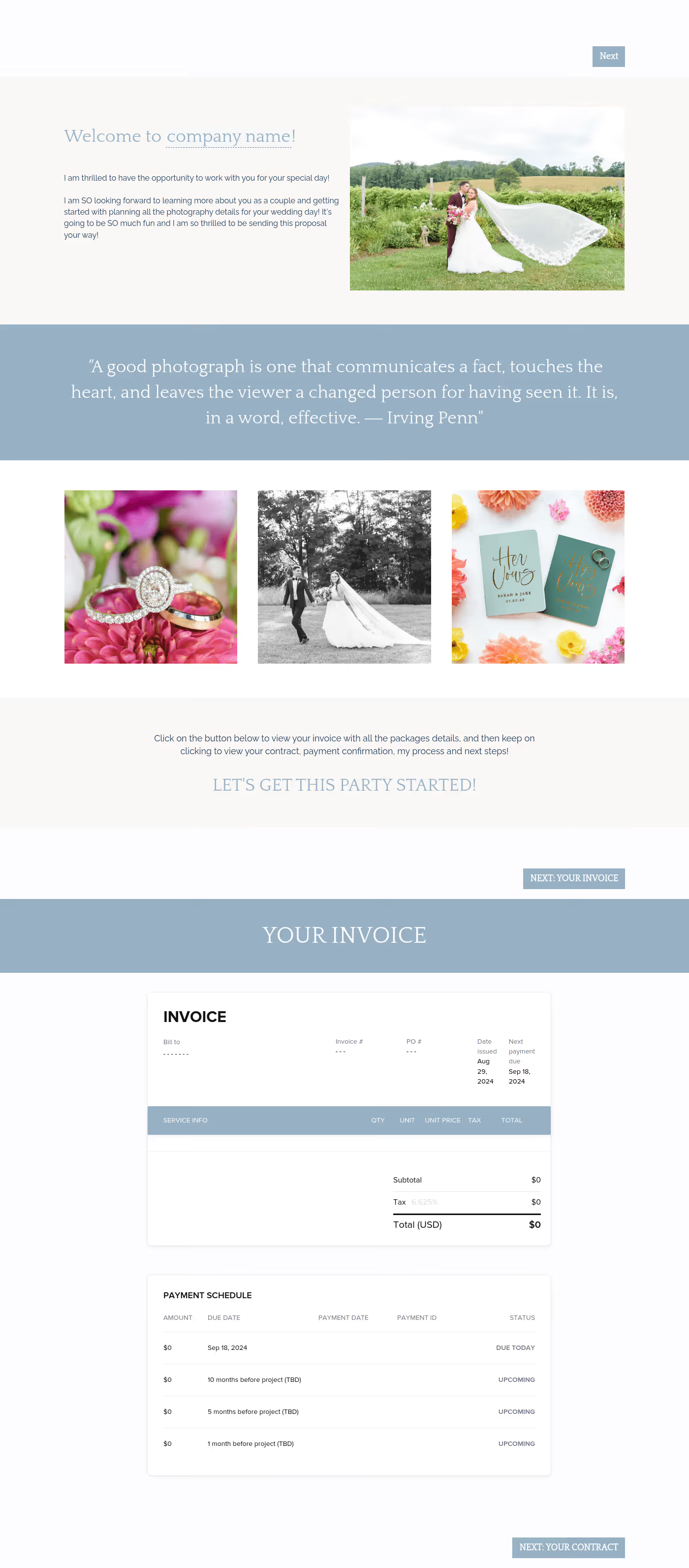
Make it your own
Fully customize the template to fit your needs. Quickly apply your company branding with just a few clicks.

Share with clients
Create exceptional client experiences through HoneyBook’s dedicated client portal, allowing them to read, review, and take action from any device.

Reuse and scale
Use your customized files with different clients again and again to save time and make managing client interactions that much easier.

Join the 100,000+ businesses growing with HoneyBook.
