Meeting scheduler for social media managers to avoid the back and forth
Share your availability, let clients book meetings online, and take back control of your calendar.
No credit card required


SCHEDULING
A calendar that works as hard as your content calendar
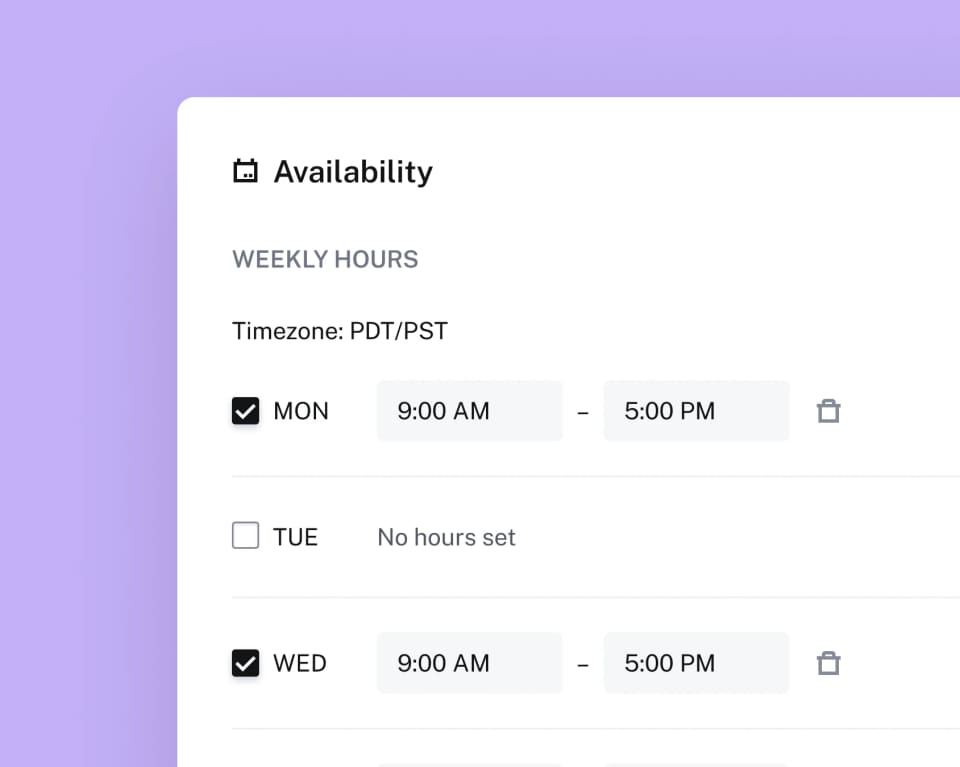
Let clients book time with you directly, without the back-and-forth of finding a slot that works.

How HoneyBook scheduling software supports social media managers
What is scheduling software for social media managers?
Scheduling software lets social media managers share their availability and let clients book meetings online, taking back control of their calendar without the endless back-and-forth.

Why do social media managers need scheduling software?
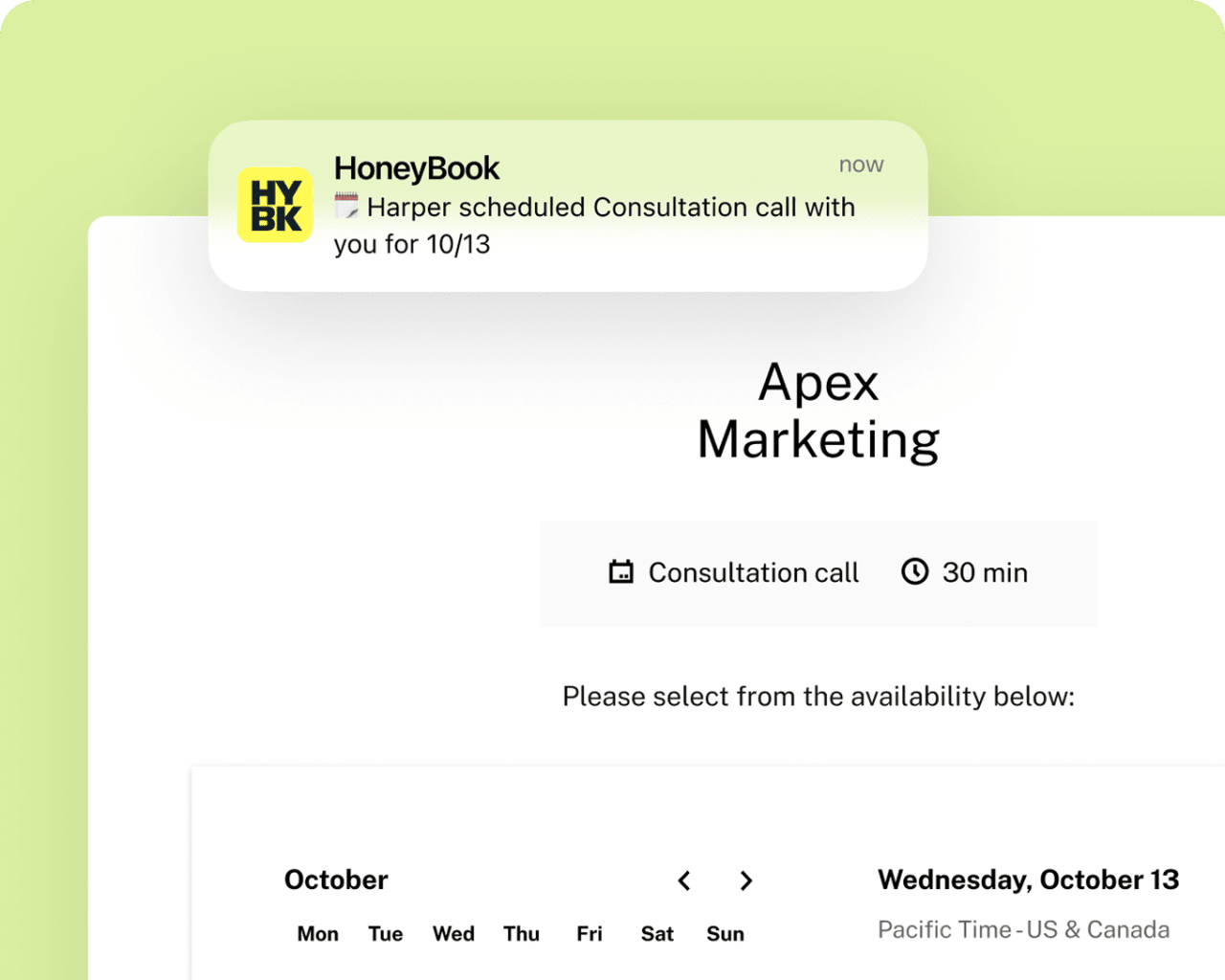
Rather than the endless "when are you free?" emails, social media managers set their availability once and share a session link so clients pick a time with no danger of double-booking.

The HoneyBook difference
HoneyBook lets social media managers have clients schedule, pay, and sign a contract all at once using a single smart file. Smart files can contain any combination of blocks, so process-combining options are virtually endless.

What makes HoneyBook the best scheduling software for social media managers?
- Scheduling is embedded inside proposals, lead forms, and contracts so clients book at the right moment in the process
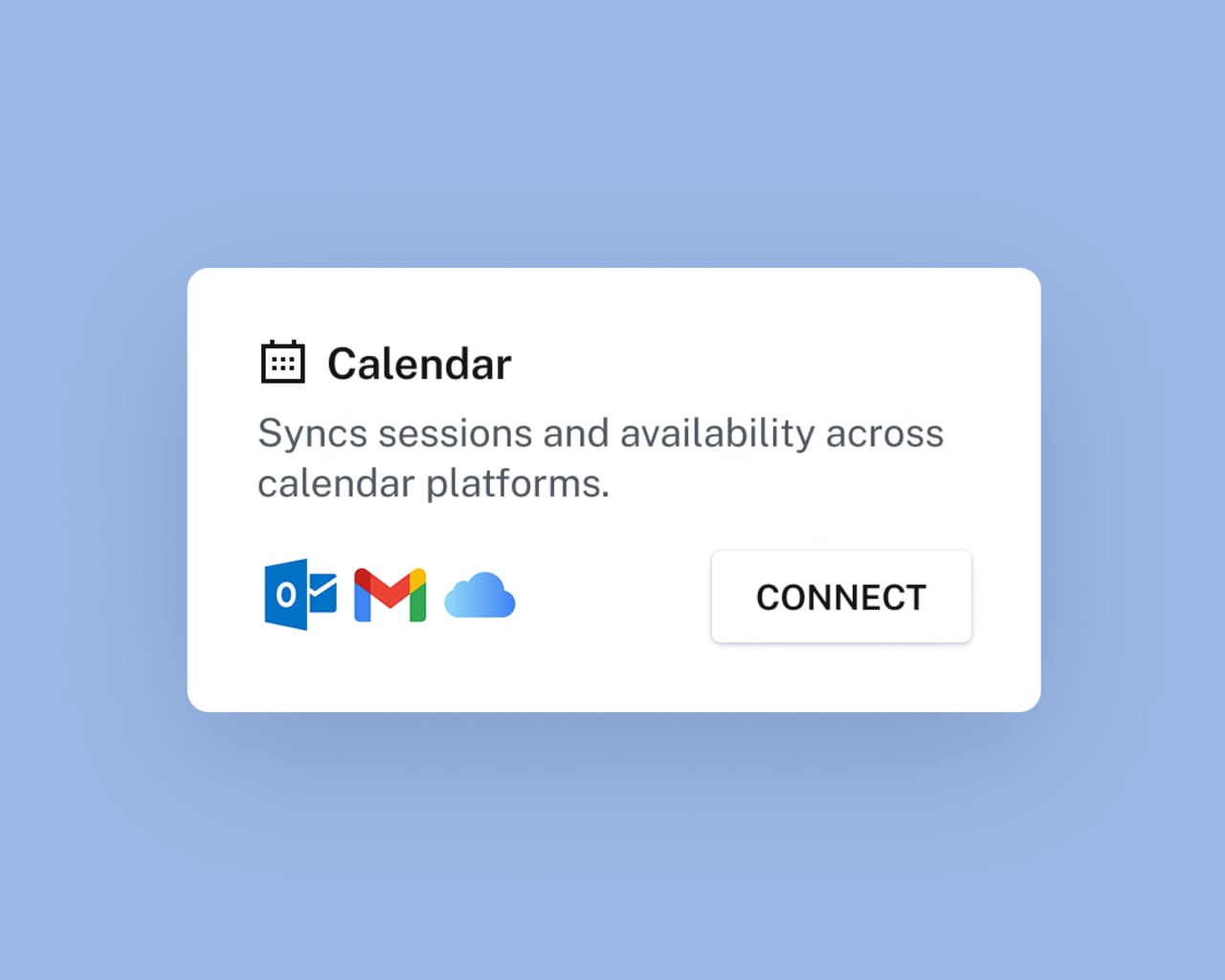
- Syncs with Google Calendar, Outlook, and iCloud to prevent double-bookings across accounts automatically
- AI-generated meeting summaries mean you show up to every call already prepared
- Clients can reschedule themselves right from the booking link, so a conflict doesn't mean an email back-and-forth
- Unlimited session types, each with its own duration, format, and availability, keep every kind of meeting running at the right length

How to set up scheduling software
- You'll need to have session types set up before you add a scheduler to a smart file.
- Create your session types based on common meetings you might schedule. Each session type has its own set of details: how the session will take place, session availability, and session instructions.
- While building your smart file, find or create the page you'll add the scheduler block to, then add the Scheduler block.
- Once your scheduler block is added, you can customize it further.
- Once you've created a session, you can share it via a session direct link or share a smart file with a scheduler block, both of which reflect your real-time availability. You can also sync with your external calendar to make sure all availability is taken into account.
Trusted by over
100K small businesses.


More HoneyBook solutions for social media managers





FAQs
How do social media managers avoid scheduling conflicts across multiple clients?
Most use an online scheduling tool with calendar sync, so a meeting booked by a client is automatically blocked off everywhere else.
What's the best way to schedule discovery calls and check-ins?
Social media managers often set up separate meeting types for a discovery call versus a monthly content review, each with its own length and preparation instructions.
Does HoneyBook's scheduler sync with Google and Outlook calendars?
Yes. HoneyBook calendar sync works with Google, Apple, Outlook, Yahoo, and AOL to block off time automatically.
Can I set different meeting lengths for different types of calls in HoneyBook?
Yes. HoneyBook lets you create multiple session types, each with its own duration, instructions, and availability.
How can social media managers reduce client no-shows?
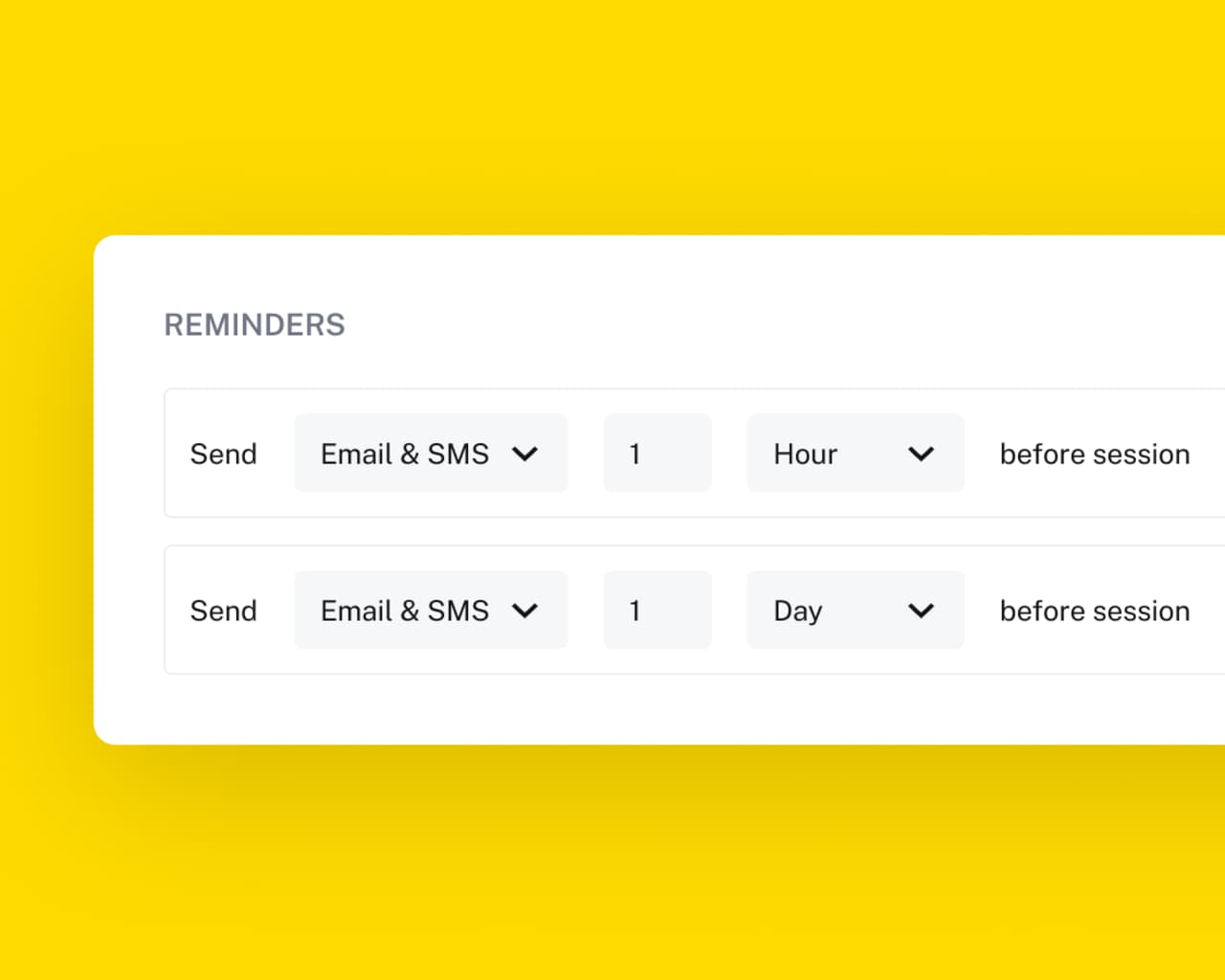
Automated reminders sent ahead of a scheduled meeting are one of the most common ways to cut down on missed calls.