Meeting scheduler for venues to avoid the back and forth
Share your availability, let clients book meetings online, and take back control of your calendar.
No credit card required


SCHEDULING
Fill your event calendar without the coordination chaos
Let couples and planners self-book tours while your calendar stays synced and up to date.

How HoneyBook scheduling software supports event venues
What is scheduling software for event venues?
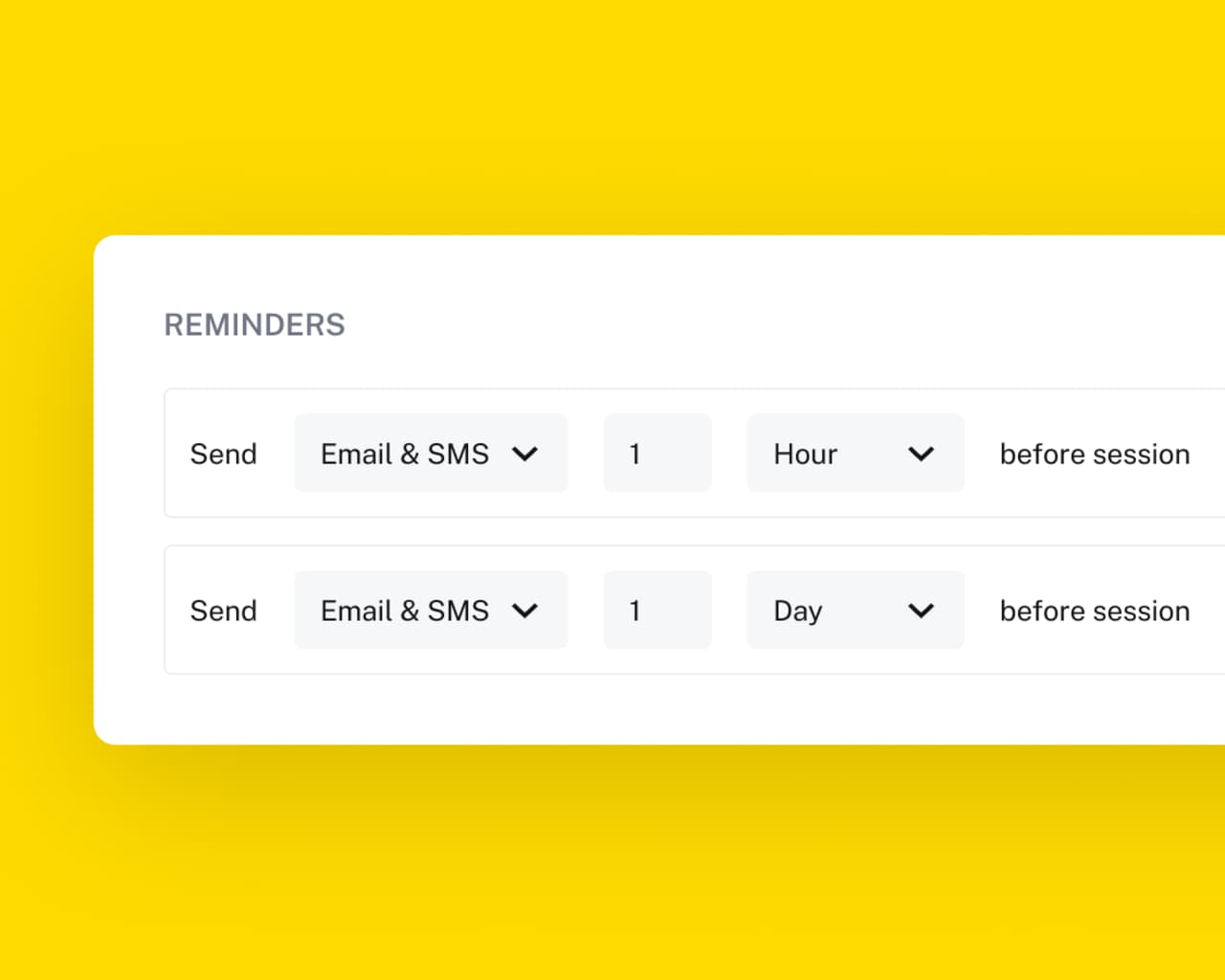
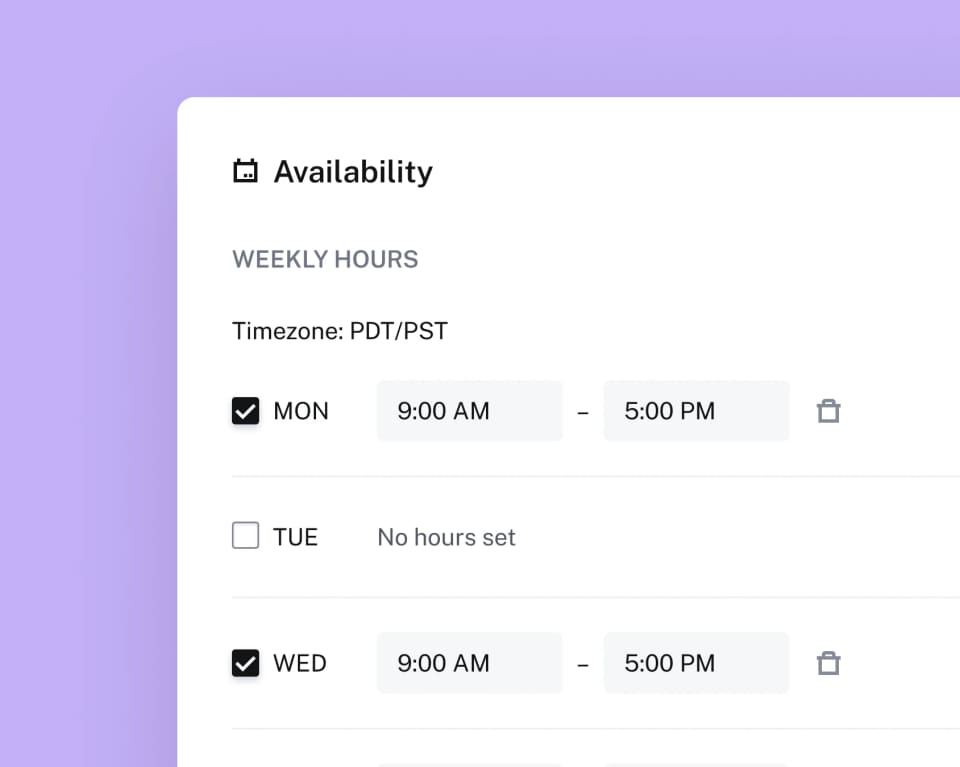
Scheduling software lets venue owners set their availability and lets clients easily schedule time with them, with multiple session types, added locations, and auto-replies and reminders.

Why do event venues need scheduling software?
Scheduling software simplifies communication and coordination so venues can put the spotlight on what matters most, automating follow-ups and reminders to focus on delivering unforgettable events.

The HoneyBook difference
Unlike standalone scheduling tools, HoneyBook scheduling integrates directly into the venue's client workflow, syncing with existing calendars and connecting to contracts and payments so every booking is fully managed in one place.

What makes HoneyBook the best scheduling software for venues?
- Venues can create separate session types for tours, planning calls, and day-of walkthroughs, each with tailored availability settings
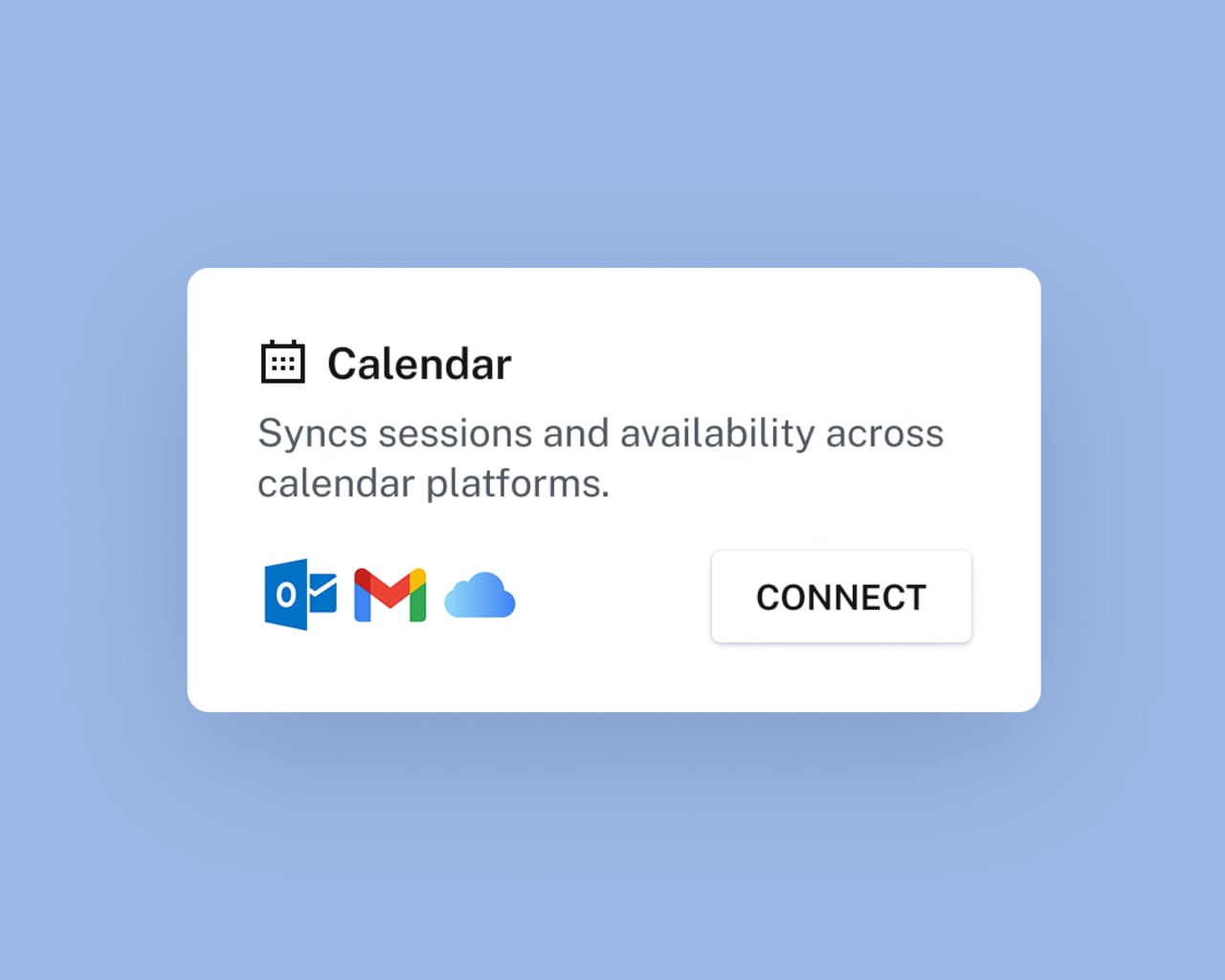
- Syncs with Google Calendar, Outlook, and iCloud so prospective clients only see dates you are genuinely free
- Intake forms collect event details like guest count, date preferences, and event type at the time of booking
- AI-generated client summaries mean you walk into every tour already prepared
- Round-robin distribution splits client meetings evenly across your team so no one staff member gets overloaded

How to set up scheduling software
- You'll need to have session types set up before you add a scheduler to a smart file.
- Create your session types based on common meetings you might schedule. Each session type has its own set of details: how the session will take place, session availability, and session instructions.
- While building your smart file, find or create the page you'll add the scheduler block to, then add the Scheduler block.
- Once your scheduler block is added, you can customize it further.
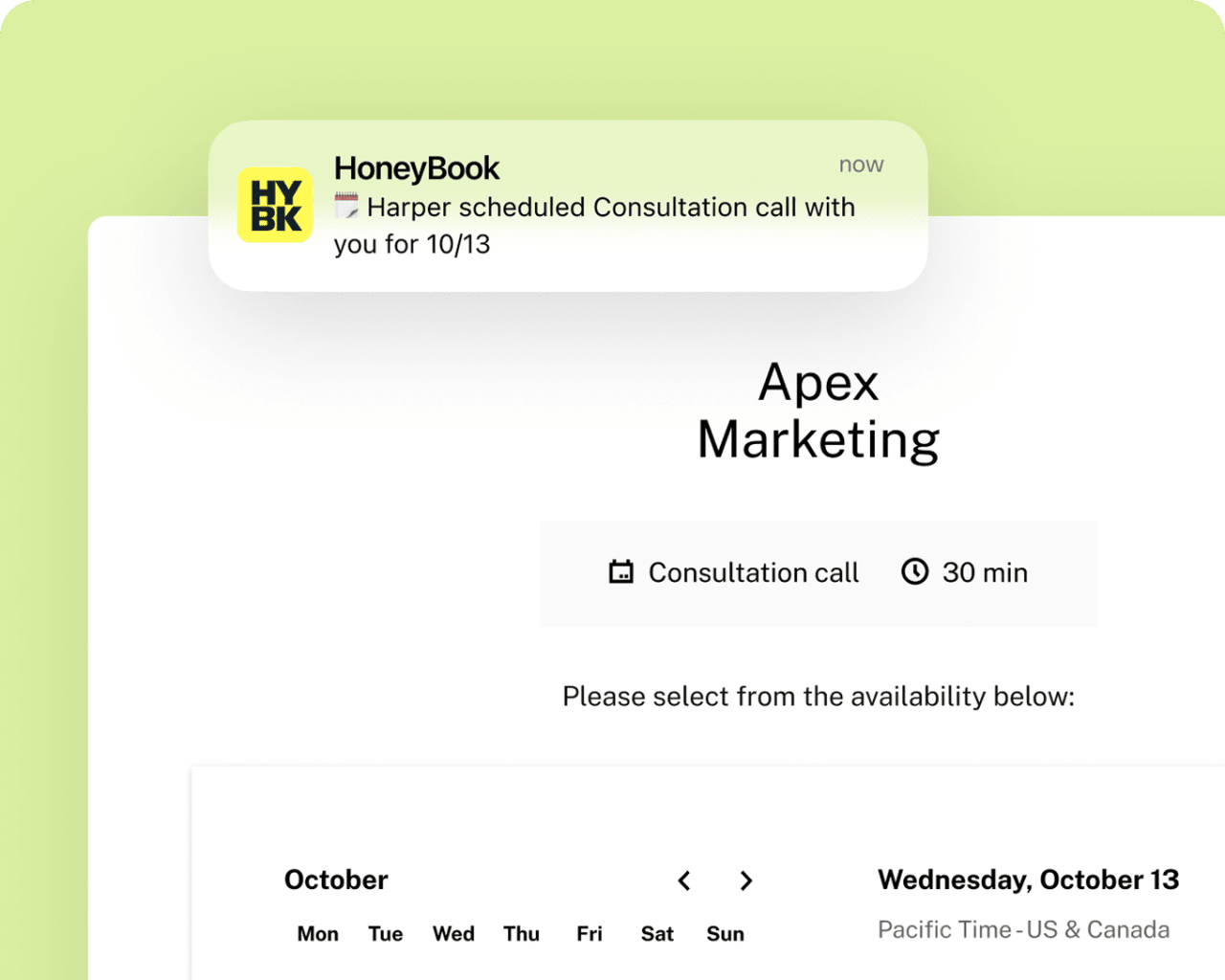
- Once you've created a session, you can share it via a session direct link or share a smart file with a scheduler block, both of which reflect your real-time availability. You can also sync with your external calendar to make sure all availability is taken into account.
Trusted by over
100K small businesses.








FAQs
Can I collect information from prospective clients when they schedule a venue tour?
Yes. HoneyBook's scheduler supports intake forms to collect important details before a meeting, and you can include a questionnaire block in the same smart file as the scheduler to gather event details like guest count, date preferences, and event type before the tour.
Can I set different availability for different types of venue events?
Yes. Each session type in HoneyBook has its own availability window, duration, and instructions. Venues can create different session types for tours, planning calls, and day-of walkthroughs, each with tailored availability settings.
Can I sync my external calendar with my venue's session availability?
Yes. Syncing with Google Calendar, Outlook, or iCloud means your HoneyBook availability reflects existing venue events and bookings, so prospective clients only see dates you are genuinely free and double-bookings are automatically prevented.
Are there scheduling templates available for venues?
Yes. HoneyBook provides an event venue kit with relevant customizable templates for your business.
Will scheduling details autofill in my contracts?
Yes. You can use smart fields to have key session details such as the meeting date, time, location, and name automatically populate in your contracts, saving time and reducing manual data entry.