
Contract software for freelancers to go from sent to signed
Create, customize, and send eSign-ready contracts to seal the deal with your clients.
No credit card required


CONTRACTS
A contract that's ready the moment you need it
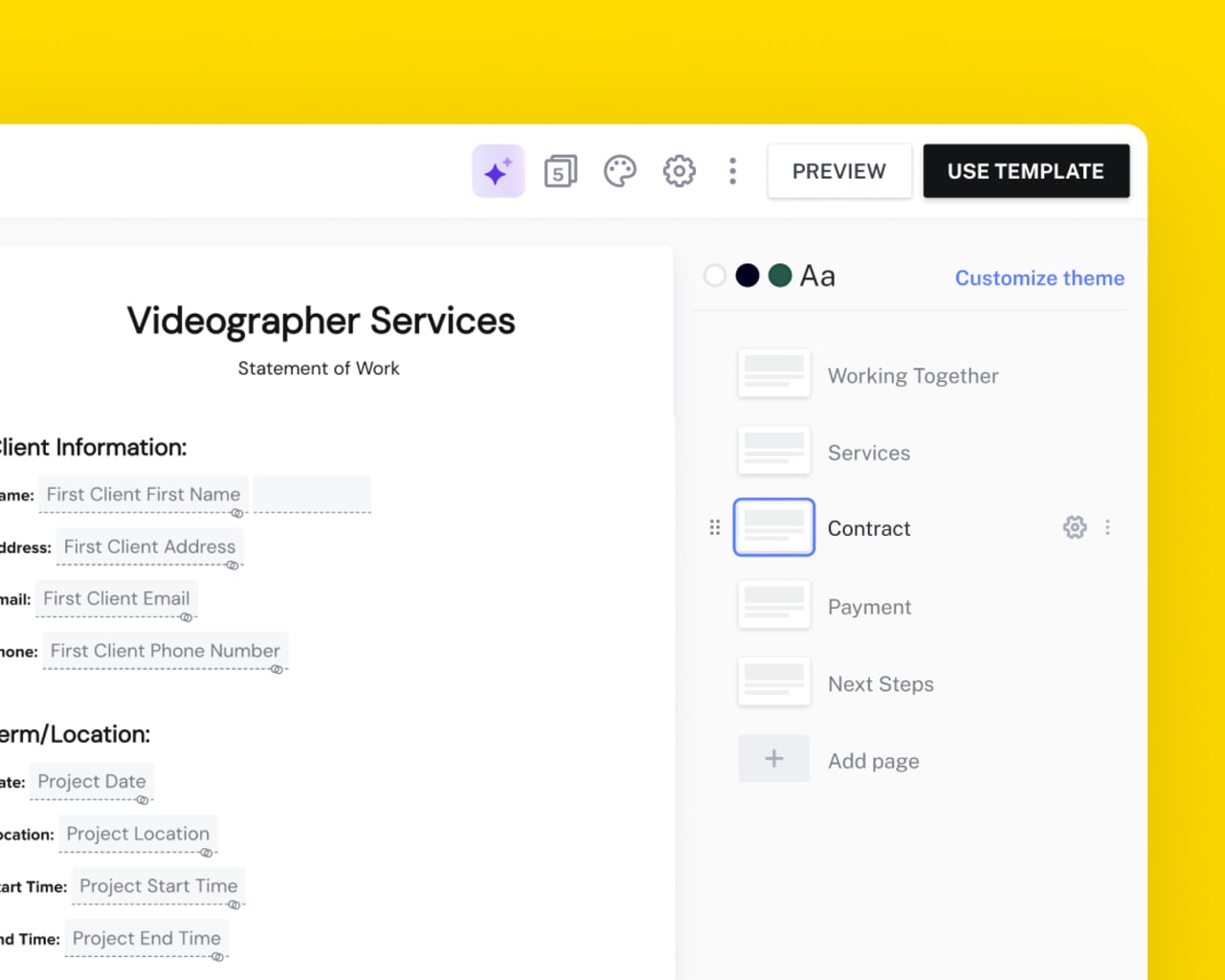
Smart fields pull in client and project details automatically, so you're sending a polished, accurate contract in minutes, not rewriting one from scratch.

How HoneyBook contract software supports freelancers
What is contract software for freelancers?
Contract software lets freelancers create, customize, and send eSign-ready contracts to seal the deal with clients, who can securely sign from any device.

Why do freelancers need contract software?
Contracts clearly define deliverables, timelines, usage rights, and payment terms, while providing a clear path to resolving disagreements and safeguarding your work.

The HoneyBook difference
HoneyBook offers attorney-reviewed contract templates with smart fields that dynamically populate client and project information. Contracts are accessible via desktop or mobile, allowing clients to eSign from any device.

What makes HoneyBook the best contract software for freelancers?
- Attorney-reviewed, freelance-ready templates cover the full range of projects you book
- Smart fields auto-populate client names, project details, and deliverables so contracts are ready to send in seconds
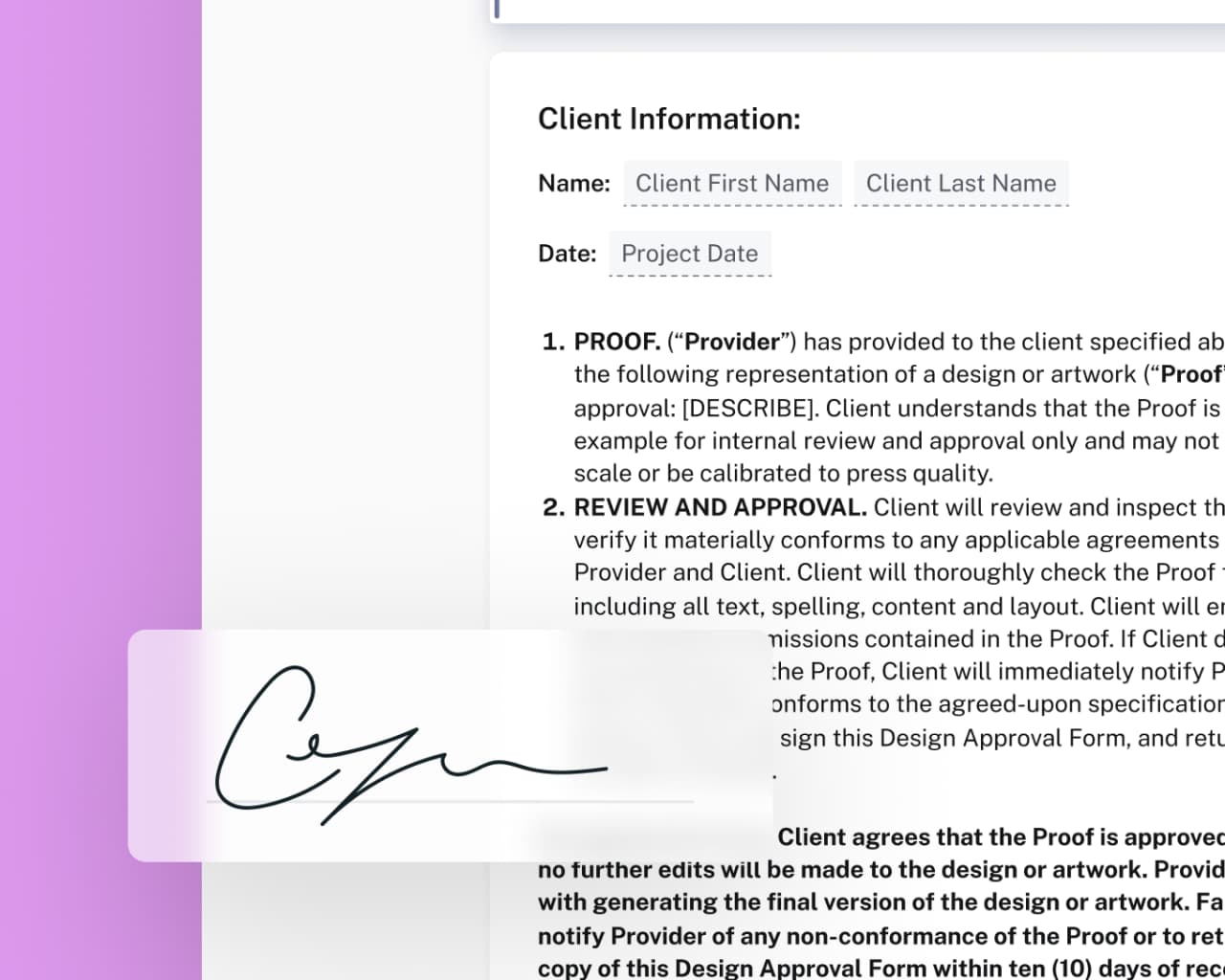
- Clients can eSign from any device with no login required
- Contracts live inside the same smart file as your invoice and proposal, so everything is captured in one place
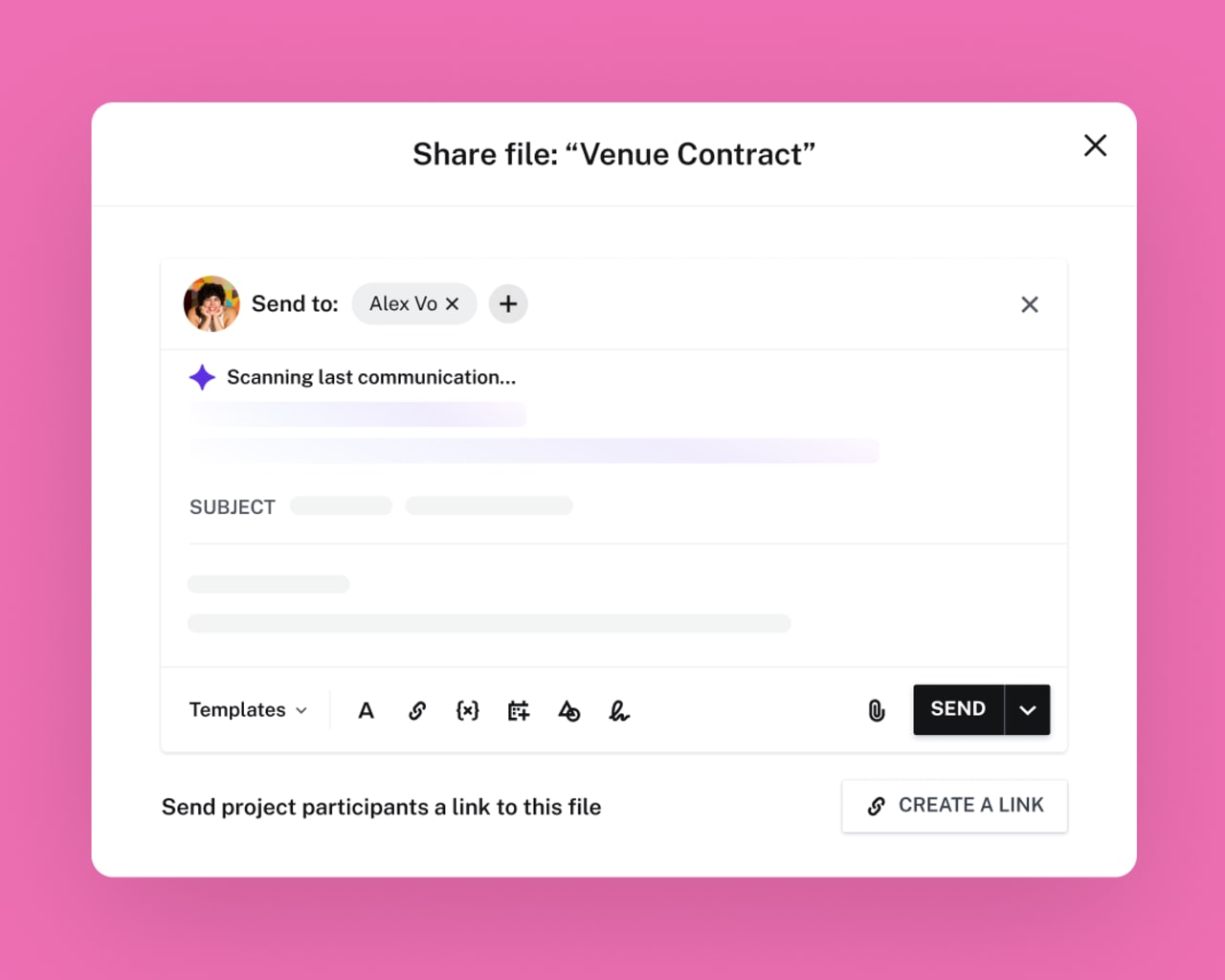
- Real-time notifications let you know the moment a contract is opened, viewed, or signed

How to set up contract software
- Before sharing contracts with clients, set up your templates first. From your navigation menu, select Templates > File Templates. Consider creating templates for various contract types, project types, and client types.
- Once you've created your file, find or create the page where you want the contract to go. In your file, add a new block and select the contract block. You can pull an existing contract into your new template to save time.
- Use smart fields in your contracts to automatically pull in project details, or request clients to input their information, rather than manually typing in project- or client-specific details each time.
- At the bottom of the contract, configure the signature block to set the assignees. Note that there can be only one signature line per email address, and you are required to keep at least one participant and one team member as signatories.
- Once you've built out the contract and the rest of your smart file, click Share. When a client adds a signature, you'll be notified right away.

Trusted by over
100K small businesses.


More HoneyBook solutions for freelancers










FAQs
What should be included in a freelance contract?
Most contracts cover the scope of services, payment terms and schedule, timeline, cancellation policy, and liability terms, and should be reviewed with your own attorney.
Is an e-signature legally binding for a freelance contract?
In most jurisdictions, electronic signatures are legally recognized, though freelancers should confirm the rules in their own location.
Does HoneyBook notify me when a client signs a contract?
Yes. HoneyBook sends notifications when a contract is received, opened, viewed, and completed.
Can clients sign a HoneyBook contract from their phone?
Yes. Clients can sign from a phone or laptop, using a login-free link or an emailed access code.
How do freelancers keep contract details accurate across many clients?
Templates with fields that auto-fill client and project details are a common way to cut down on manual errors when sending contracts regularly.