
Contract software for venues to go from sent to signed
Create, customize, and send eSign-ready contracts to seal the deal with your clients.
No credit card required


CONTRACTS
Lock in every event date with contracts that hold up
Attorney-drafted rental agreements auto-fill with event details and send in moments.

How HoneyBook contract software supports event venues
What is contract software for event venues?
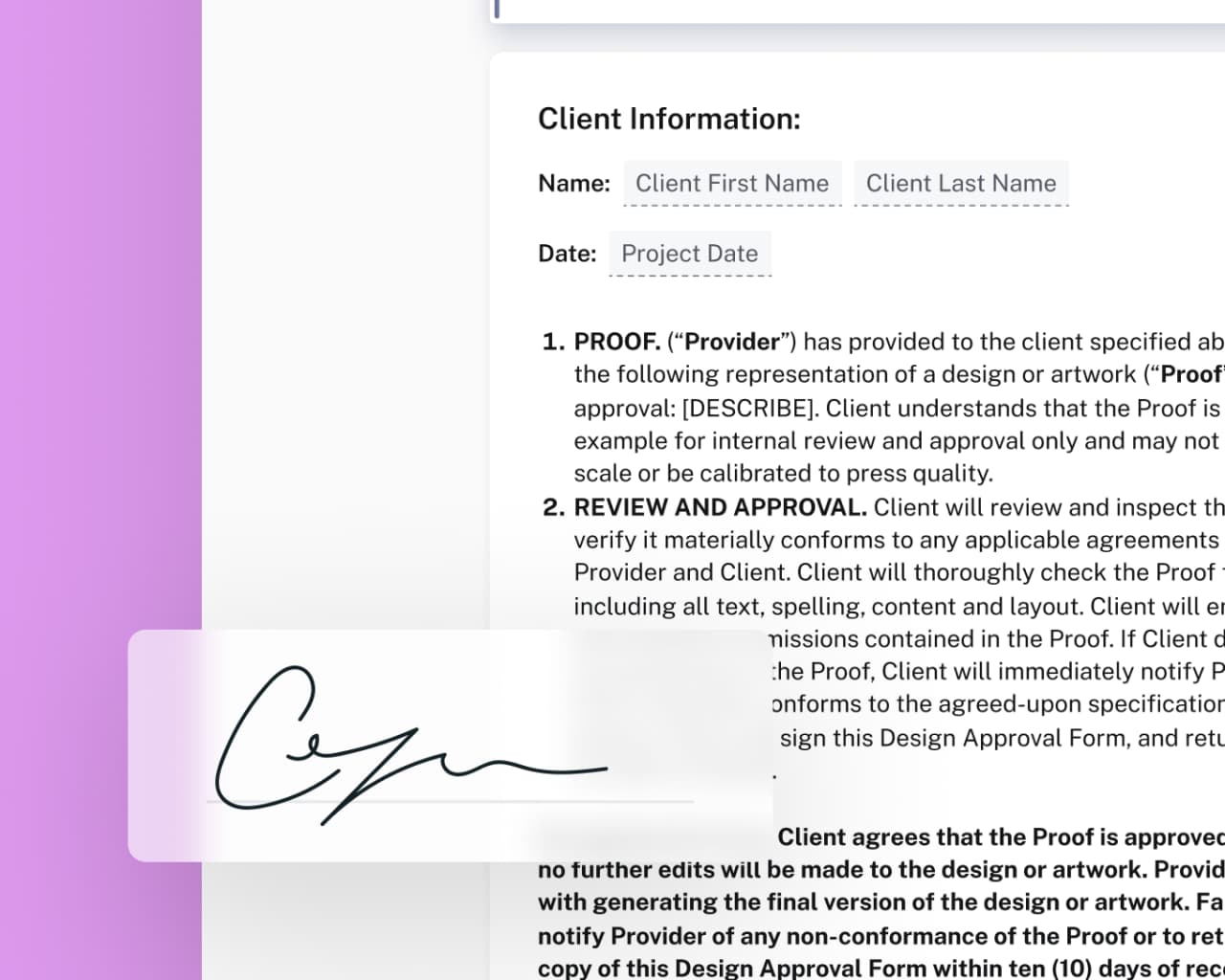
Contract software lets venues create auto-populating, legally binding online contracts from a template, so clients can fill and sign from any device, while venues get notified as soon as a contract is signed.

Why do event venues need contract software?
Venue contract software protects the business, captures legally binding signatures, and uses smart fields to quickly fill out contracts with job-specific details, getting agreements out fast.

The HoneyBook difference
HoneyBook's venue contract templates are auto-populating and legally binding, with smart fields that quickly fill in job-specific details. Venues can add their own legal language and send contracts clients can fill and sign from any device.

What makes HoneyBook the best contract software for venues?
- Attorney-drafted venue rental agreements are fully customizable and protect your business from day one
- Smart fields auto-populate event-specific details like dates, client names, and rental terms so contracts are ready to send in moments
- Clients can eSign from any device to lock in their event date without printing or delays
- Real-time notifications let you know the moment a rental agreement is opened, viewed, or signed
- Contracts live inside the same smart file as your proposal and invoice so the entire booking is captured in one place

How to set up contract software
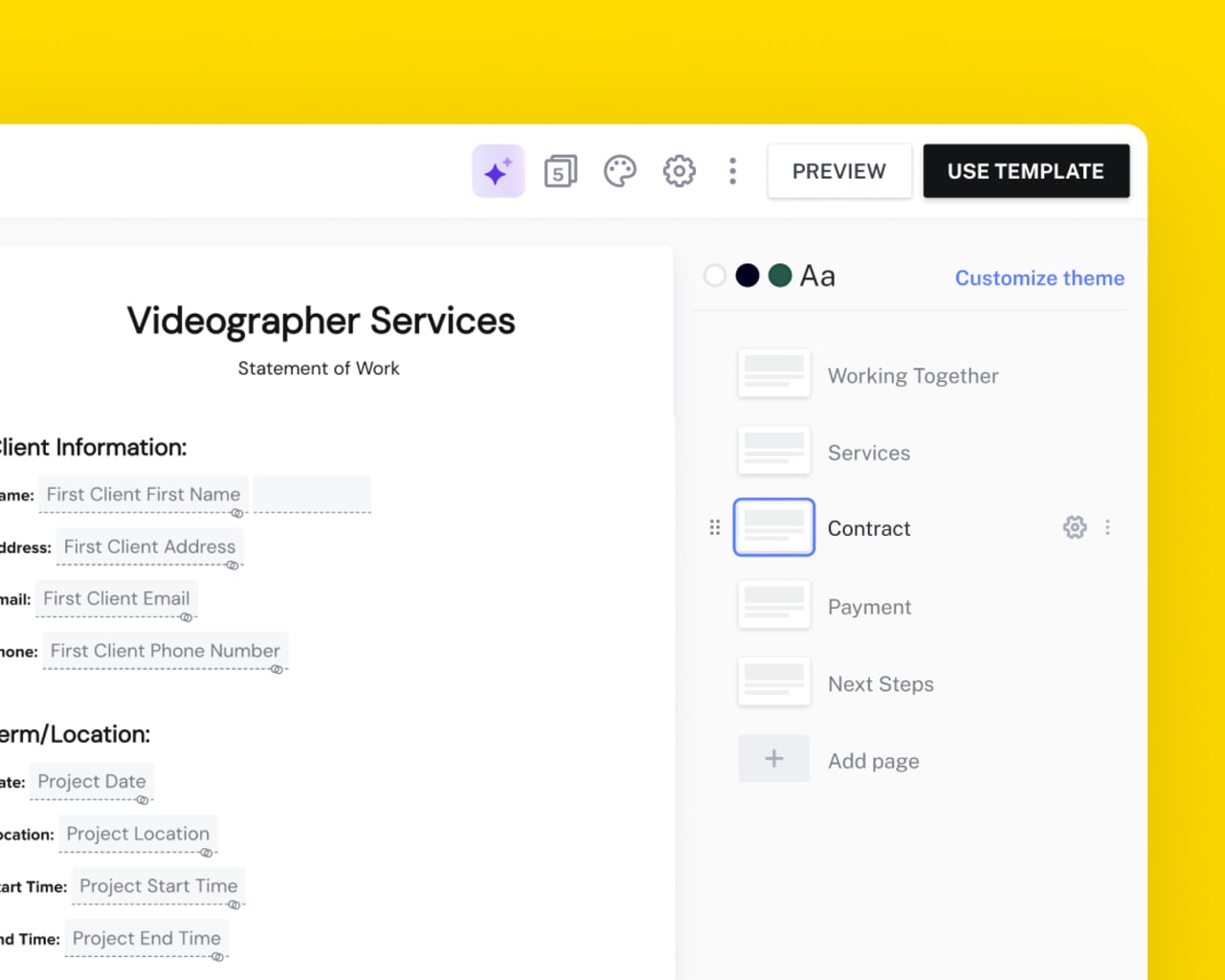
- Before sharing contracts with clients, set up your templates first. From your navigation menu, select Templates > File Templates. Consider creating templates for various contract types, project types, and client types.
- Once you've created your file, find or create the page where you want the contract to go. In your file, add a new block and select the contract block. You can pull an existing contract into your new template to save time.
- Use smart fields in your contracts to automatically pull in project details, or request clients to input their information, rather than manually typing in project- or client-specific details each time.
- At the bottom of the contract, configure the signature block to set the assignees. Note that there can be only one signature line per email address, and you are required to keep at least one participant and one team member as signatories.
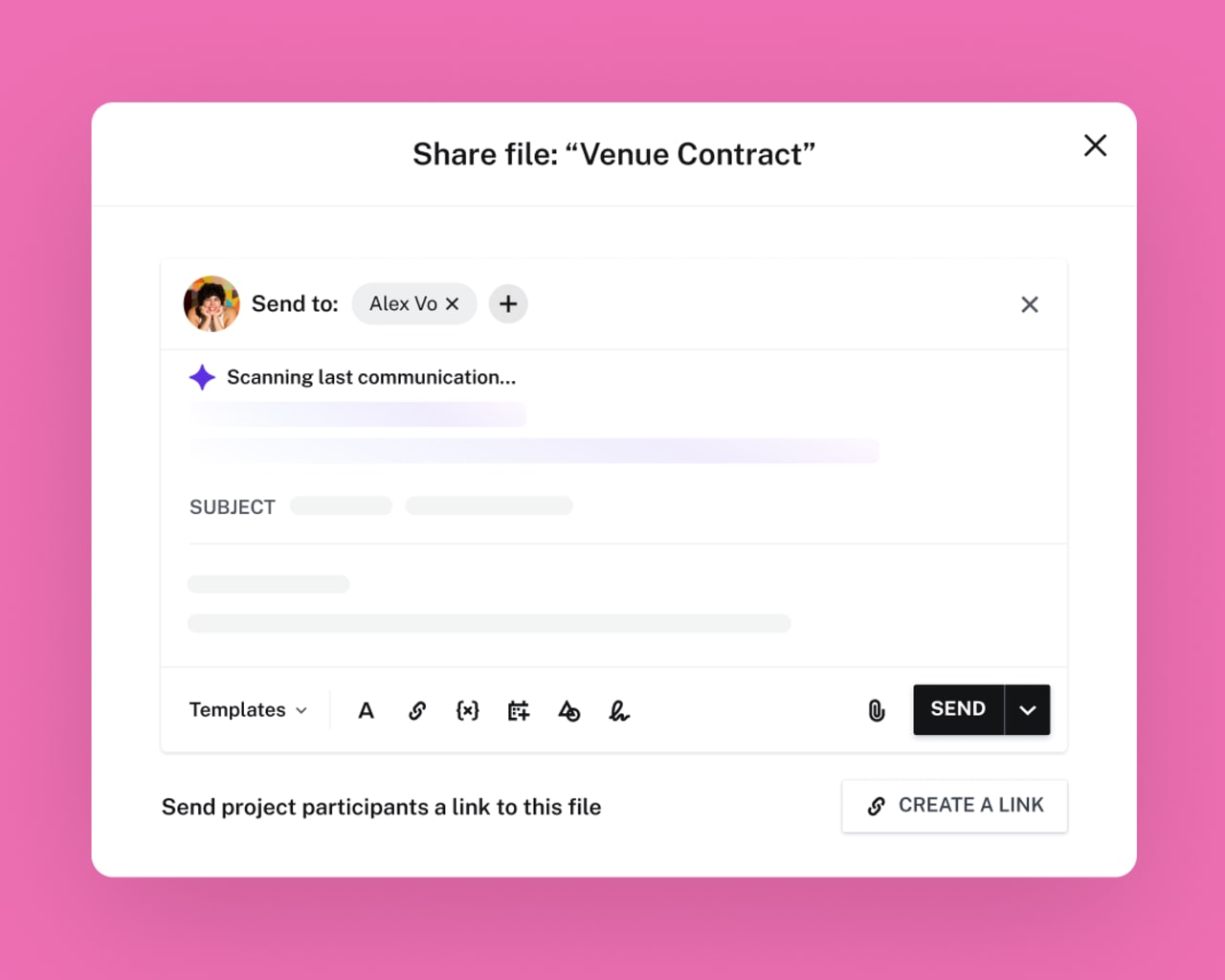
- Once you've built out the contract and the rest of your smart file, click Share. When a client adds a signature, you'll be notified right away.

Trusted by over
100K small businesses.











FAQs
What clauses should be in a venue contract?
A venue contract should include rental rates, usage policies, event schedules, a cancellation policy, refund terms, force majeure, late payment consequences, liability terms, and signature lines. Smart fields can auto-populate event-specific details like dates and client names.
Can I create different contracts for different venue packages?
Yes. HoneyBook venues can create separate contract templates for each package or event type. One venue manager described creating different online contract templates for each of the venue's packages, storing them all in HoneyBook ready to customize and send per client.
What should I include in a venue contract?
A venue rental contract should include rental rates, usage policies, event schedules, payment terms, cancellation and refund policies, liability clauses, force majeure terms, and signature lines to ensure smooth operations and prevent misunderstandings.
Can I create a contract directly from a venue proposal?
Yes. HoneyBook venue proposals include an embedded contract block so clients can review, sign, and pay all in one file. When clients receive the proposal, they can sign the contract, view the invoice, and pay online in one step.
Does HoneyBook provide venue contract templates?
Yes. HoneyBook provides an event venue kit with relevant customizable templates for your business.