
Invoice software for caterers to make getting paid easier
Send sleek, branded invoices that save you time and get you paid faster without the chase.
No credit card required

INVOICES
Get paid on a schedule that matches your menu, not just the event date
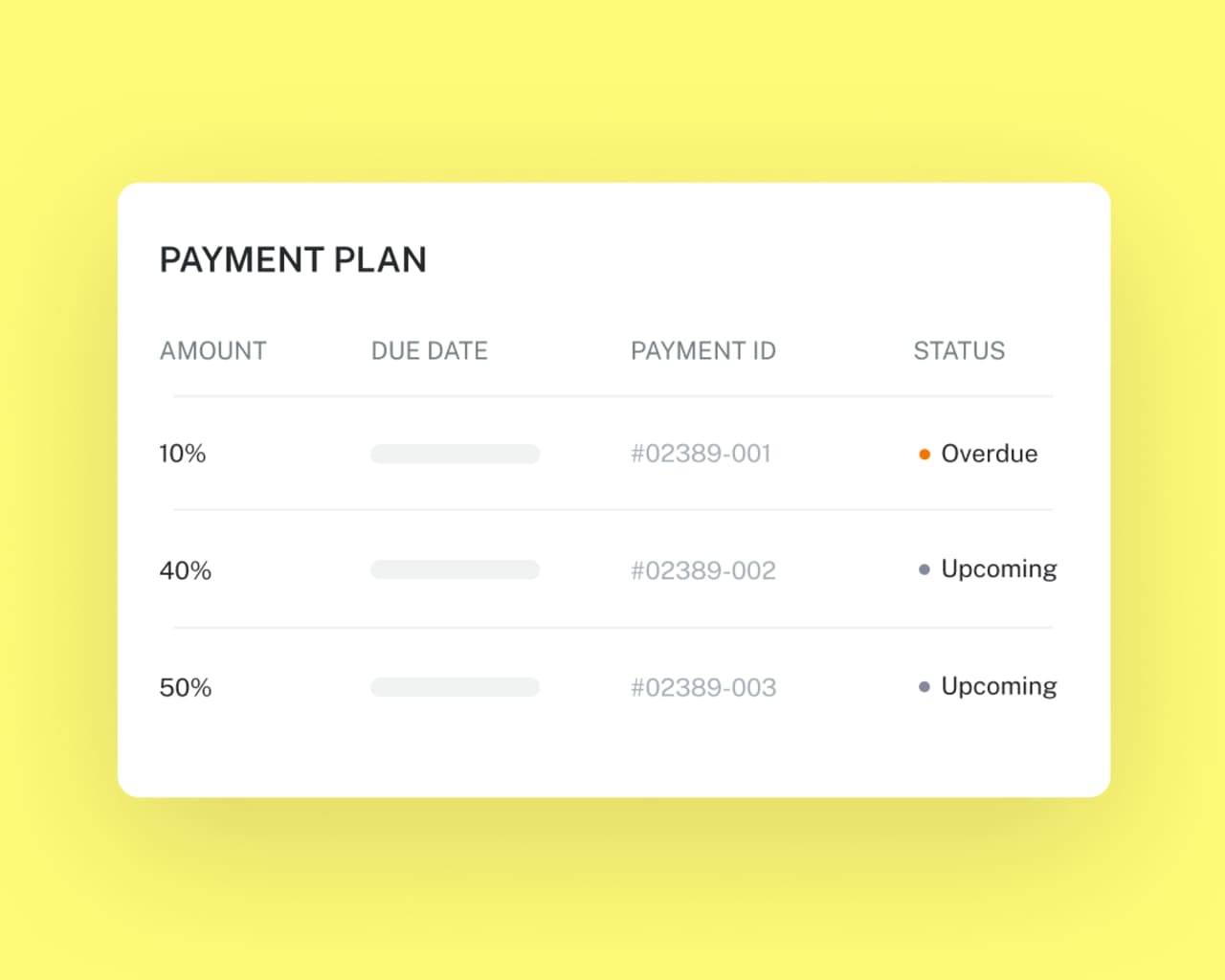
Structure payments around a deposit, guest-count finalization, and final balance, instead of waiting until the event is over.
How HoneyBook invoice software supports caterers
What is invoice software for caterers?
Invoice software lets caterers send sleek, branded invoices that save time and get them paid faster, with 90% of HoneyBook invoices paid on time or early.

Why do caterers need invoice software?
Invoice software saves time by letting templates, automations, and payment tools do the heavy lifting, so caterers get paid faster and look more professional.

The HoneyBook difference
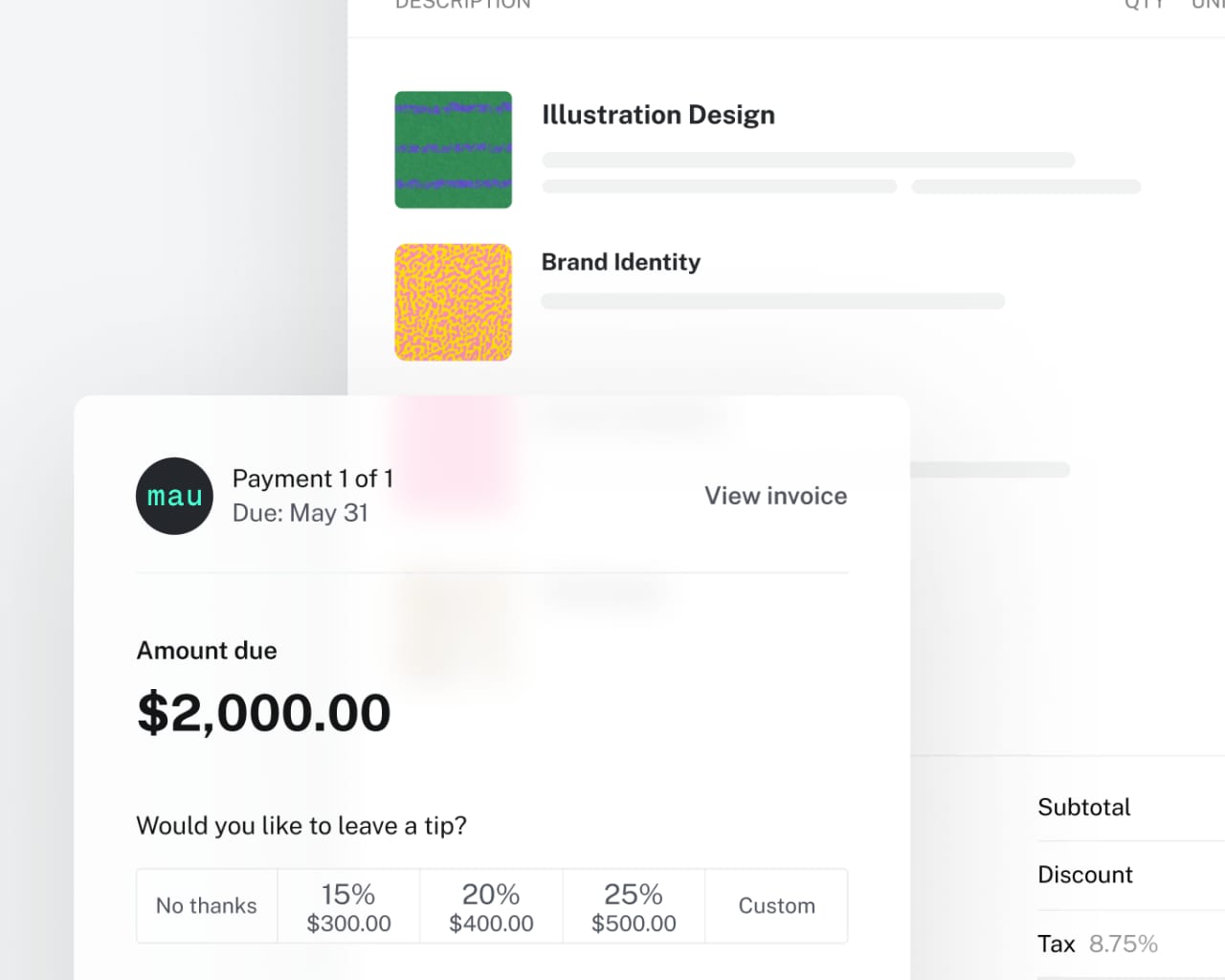
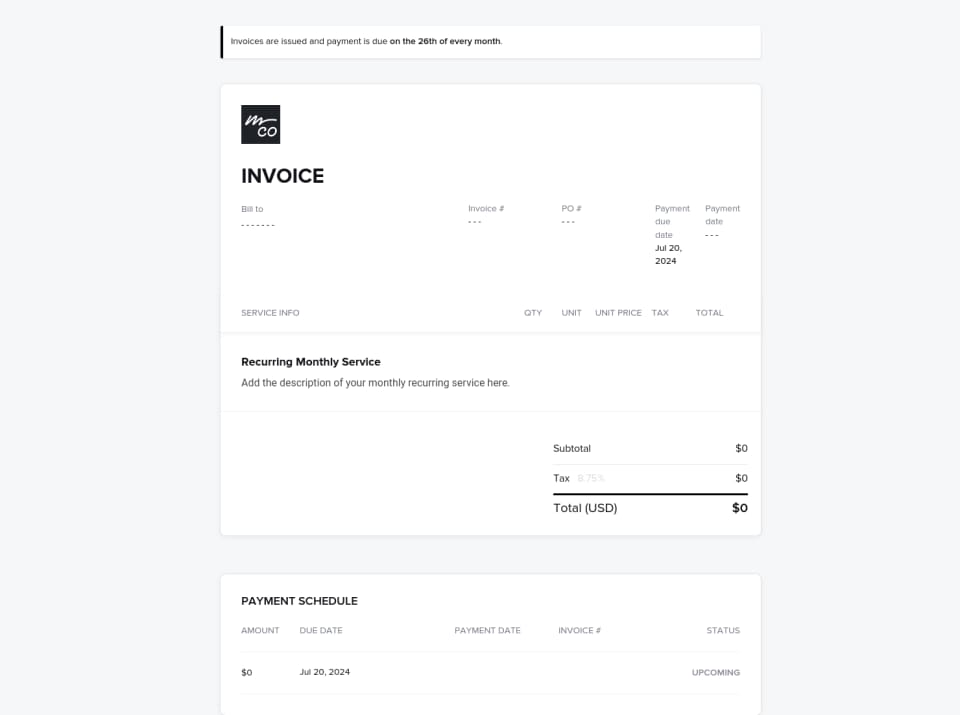
HoneyBook invoice templates are easy to customize from the moment an account is created, supporting text, video, and images via a drag-and-drop editor. Autopay, automatic reminders, and late fees mean caterers never have to chase payments.

What makes HoneyBook the best invoicing software for caterers?
- Supports deposits, final balances, and flexible payment plans built around how catering businesses actually bill
- Autopay and automatic payment reminders handle follow-up so you stay focused on the next event
- Late fees can be configured to apply automatically on overdue invoices, with no manual follow-up needed
- QuickBooks Online integration automatically syncs payments, invoice records, and transaction fees with no manual entry needed

How to set up invoice software
- While creating your smart file, add a new block, then select Invoice & Pay. From here, either start from blank and select your invoice type (standard or recurring), or select an existing smart template to pull in its invoice.
- Add services, items, or packages to the invoice by selecting the search bar in the first empty service item field. Add existing items or create new ones, and edit their details.
- Once you're happy with the invoice contents, adjust the invoice's settings.
- Customize the invoice's design to match your company's branding.
- Edit the invoice's payment schedule (adjusting the amount and due date of each payment).
- Share the smart file with your client as the final step.
Trusted by over
100K small businesses.


More HoneyBook solutions for caterers







FAQs
How do caterers handle deposits and final payments from clients?
Most structure payments in stages, a deposit up front, a payment tied to guest-count finalization, and a final balance before the event.
What payment methods should a catering business accept?
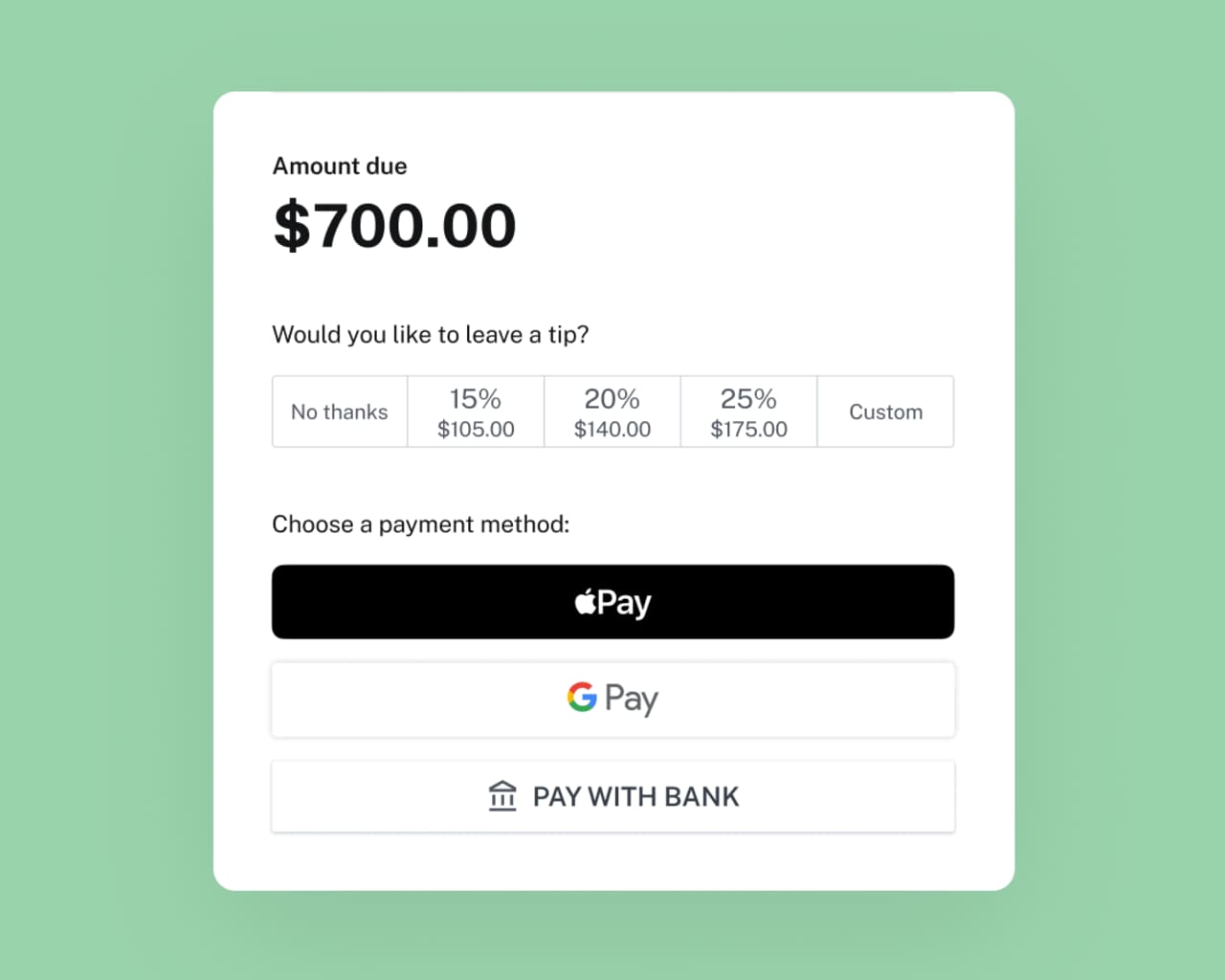
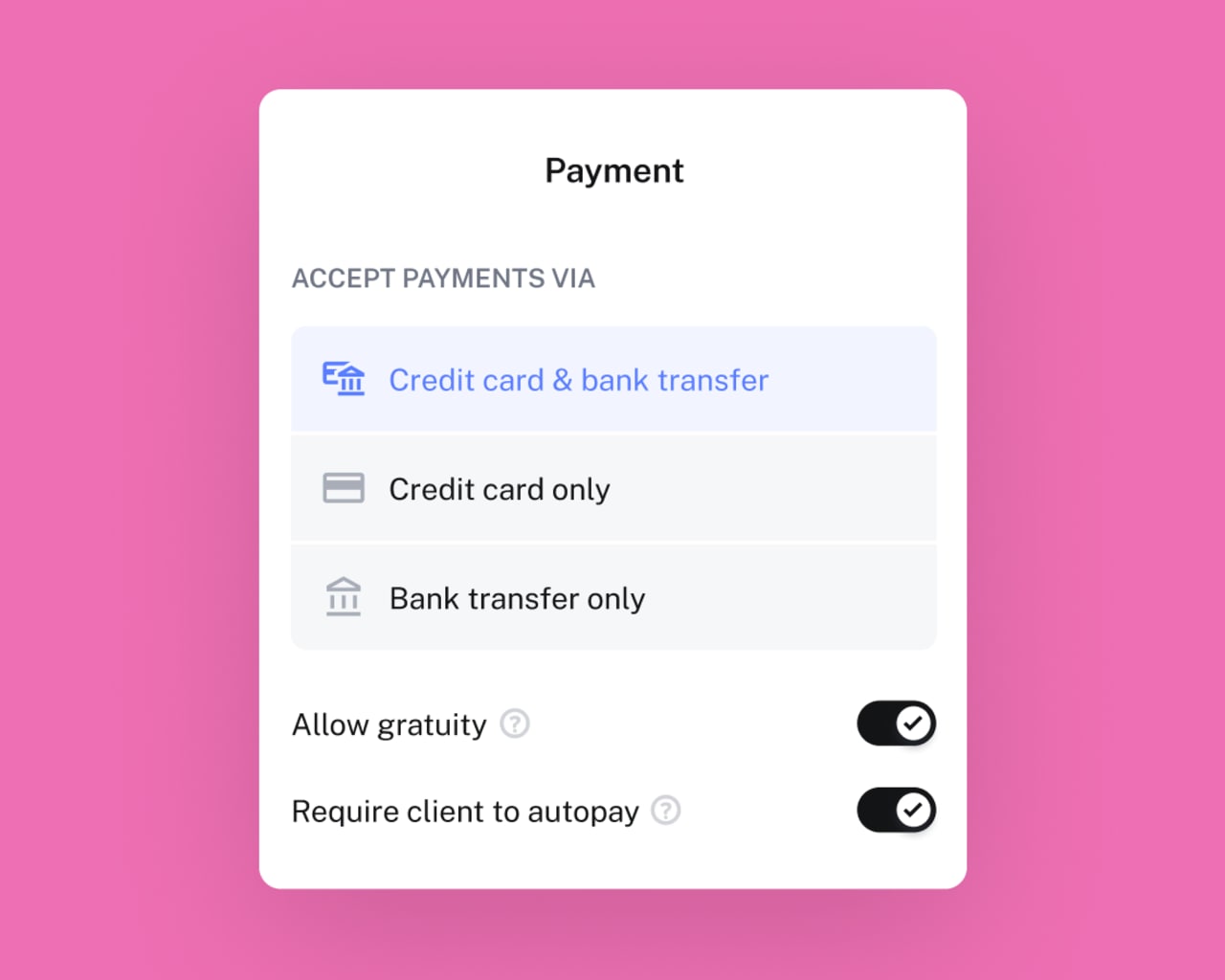
Accepting both card and bank transfer tends to cover the widest range of client preferences, often alongside options like Apple Pay or Google Pay.
Can I send itemized, per-person invoices in HoneyBook?
Yes. HoneyBook supports itemized invoices for per-person pricing, custom menus, and staffing fees.
Does HoneyBook send reminders for overdue invoices?
Yes. HoneyBook lets you set customizable reminders for any unpaid invoice, and clients can enroll in autopay.
How can a caterer reduce late payments from clients?
Scheduled invoices, automated reminders, and offering more than one payment method are the most common ways caterers cut down on late payments.