
Invoice software for venues to make getting paid easier
Send sleek, branded invoices that save you time and get you paid faster without the chase.
No credit card required


INVOICES
Collect every deposit and balance without chasing clients
Send branded invoices, automate reminders for every milestone, and monitor cash flow in one place.
How HoneyBook invoice software supports event venues
What is invoice software for event venues?
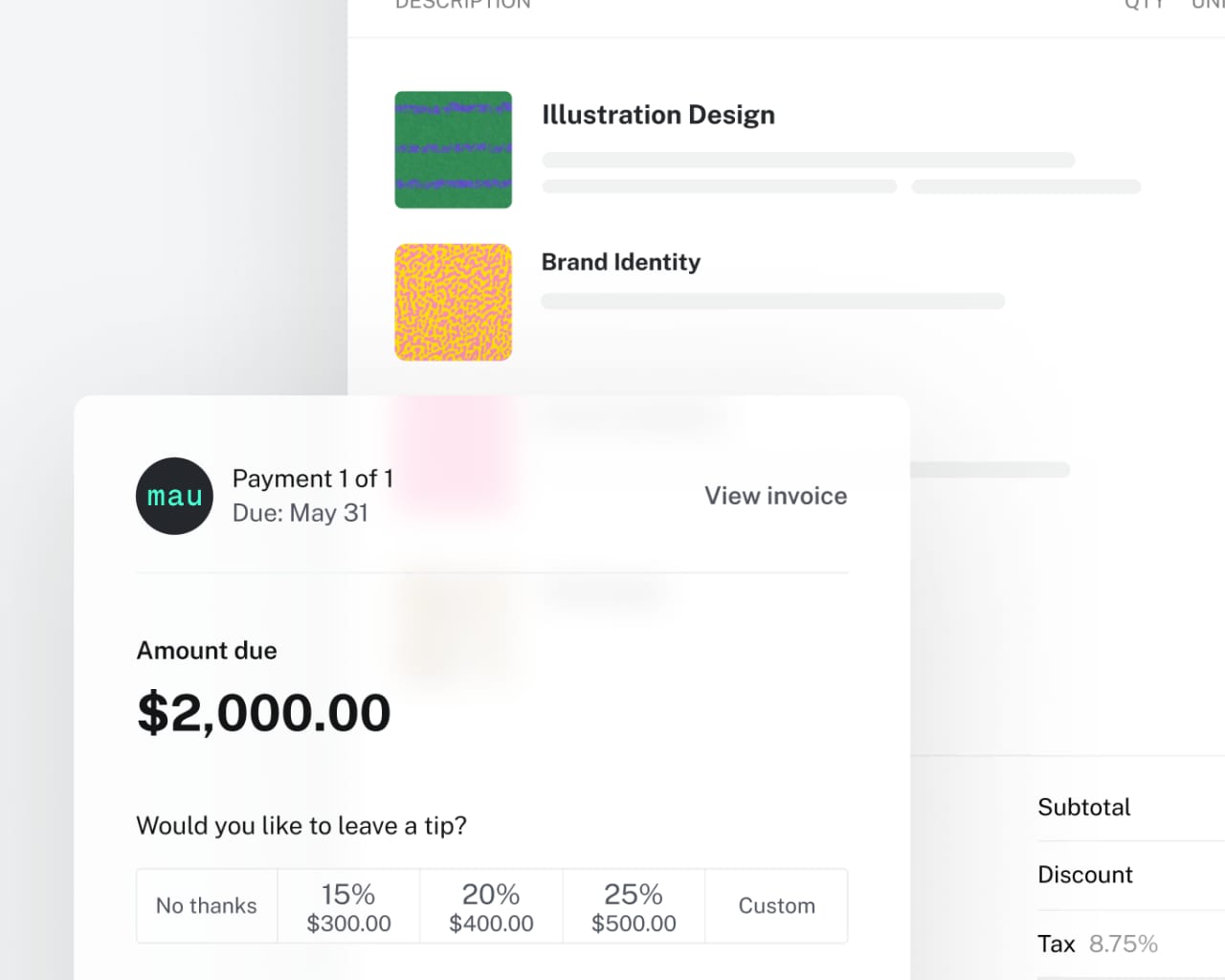
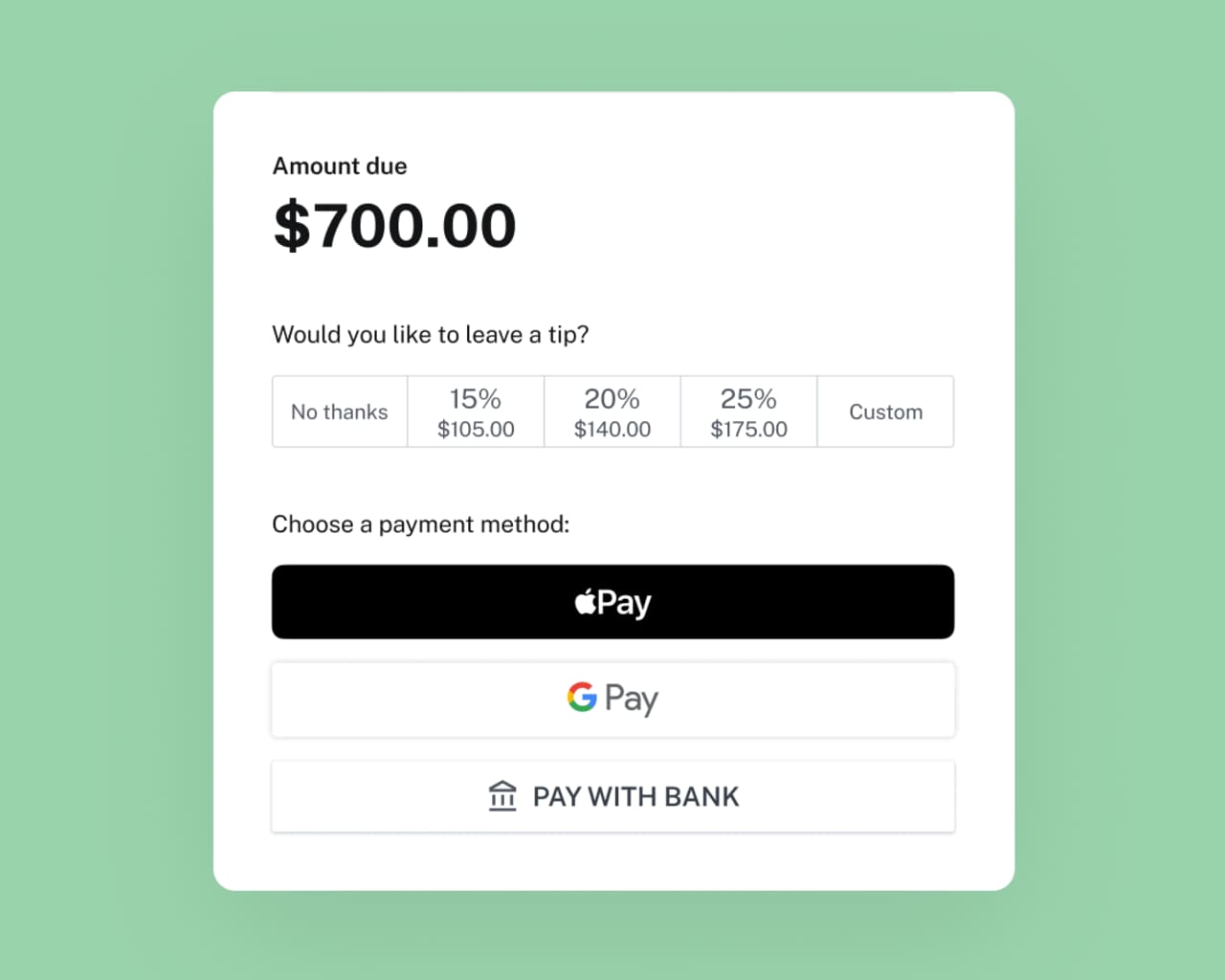
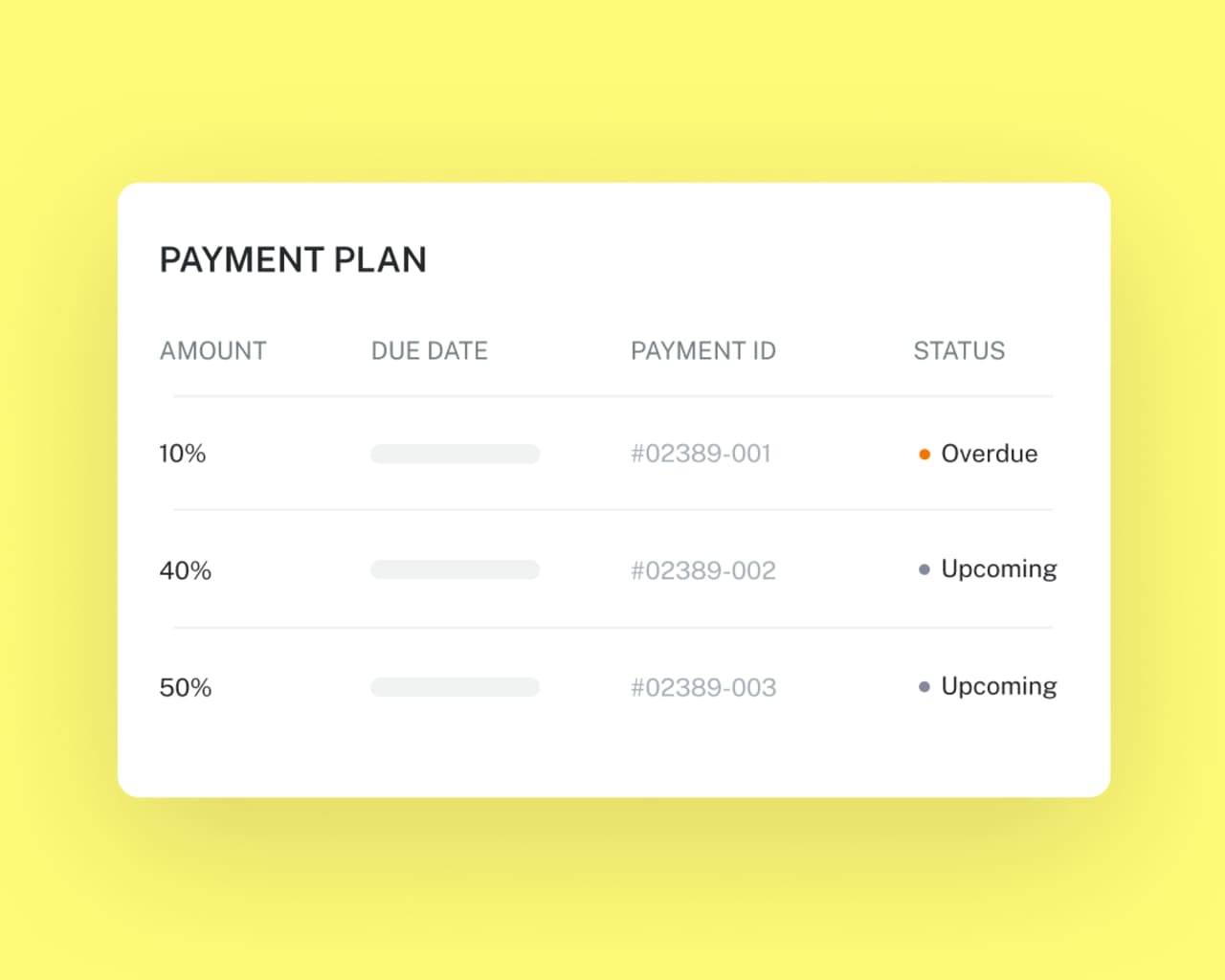
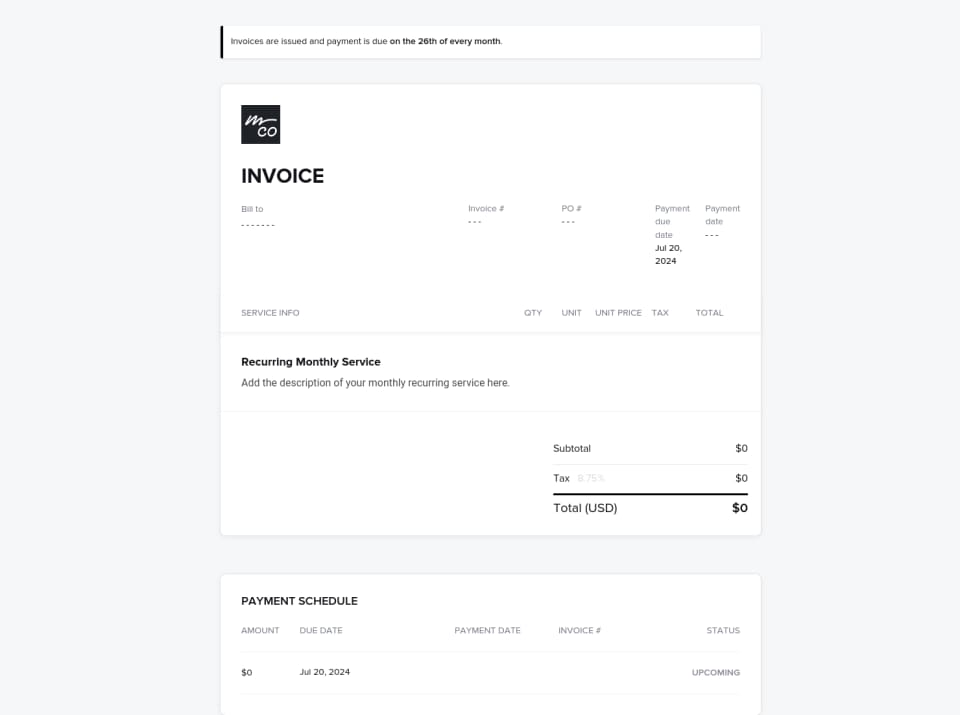
Invoice software lets venues set a fixed payment schedule or charge on a recurring basis, with automatic reminders doing the follow-up, and clients able to view itemized services and pay online.

Why do event venues need invoice software?
Invoice software saves venues time by eliminating the need to start from scratch every time, letting them customize templates for any client and manage bookings, itemized services, and payments in one place.

The HoneyBook difference
HoneyBook's venue invoice templates cover flat rates, upfront deposits, or date-specific billing, letting venues provide tailored invoices with itemized services and packages, all from a customizable starting template.

What makes HoneyBook the best invoicing software for venues?
- Supports flat rental rates, upfront deposits, and milestone-based billing built around how venue businesses actually charge
- Automatic deposit and final payment reminders are sent on schedule so you are never chasing balances across multiple events
- Late fees of up to 10% apply automatically after 30 days overdue, with no manual action needed
- QuickBooks Online integration automatically syncs payments, invoice records, and transaction fees with no manual entry needed

How to set up invoice software
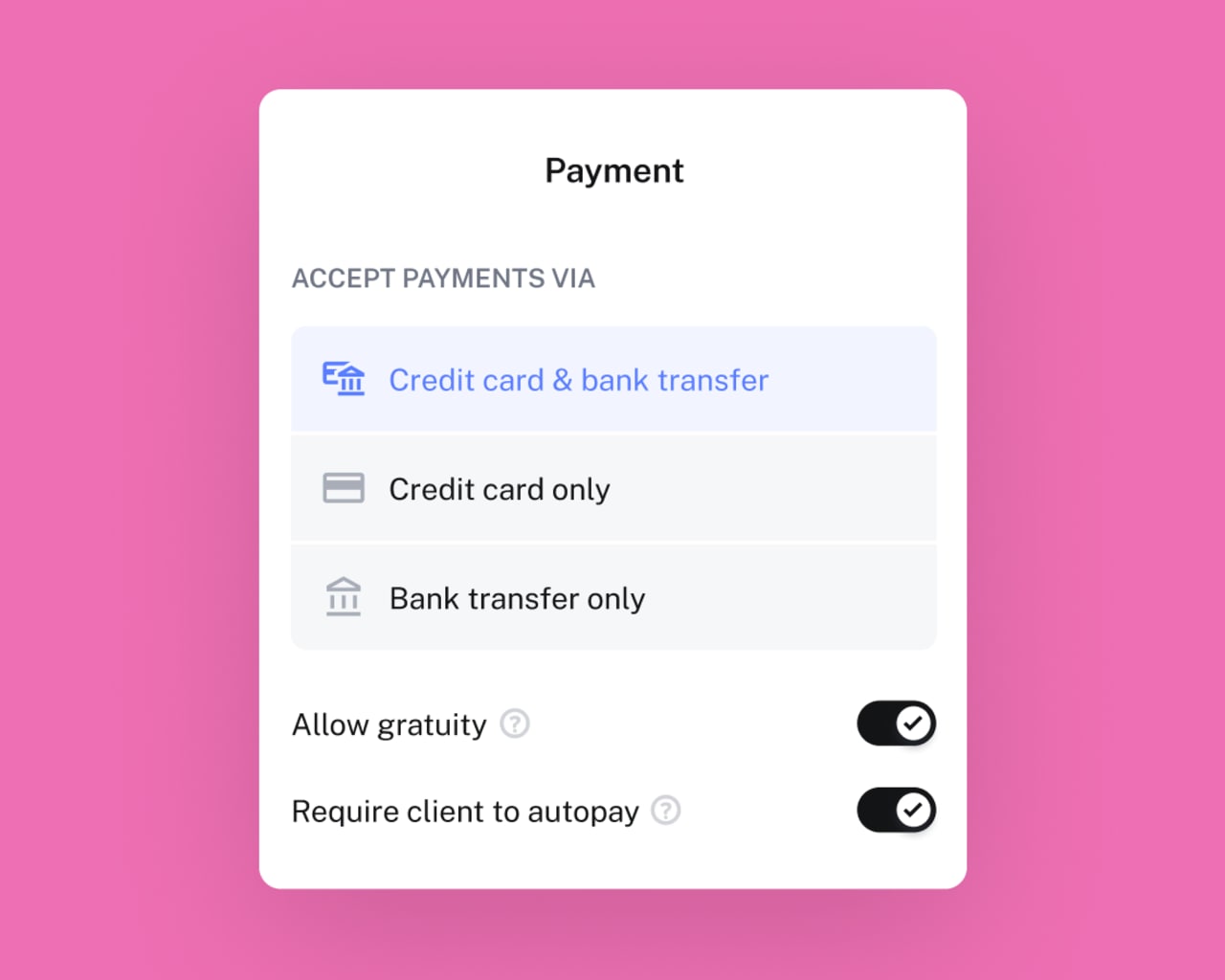
- While creating your smart file, add a new block, then select Invoice & Pay. From here, either start from blank and select your invoice type (standard or recurring), or select an existing smart template to pull in its invoice.
- Add services, items, or packages to the invoice by selecting the search bar in the first empty service item field. Add existing items or create new ones, and edit their details.
- Once you're happy with the invoice contents, adjust the invoice's settings.
- Customize the invoice's design to match your company's branding.
- Edit the invoice's payment schedule (adjusting the amount and due date of each payment).
- Share the smart file with your client as the final step.
Trusted by over
100K small businesses.












FAQs
Can I set up recurring invoices?
Yes. Recurring invoices automate billing on a preferred schedule, saving time and ensuring prompt payment collection. Clients receive invoices on designated dates, can pay through any device, and receive reminders and receipts if on autopay.
Can I send an invoice if I am away from my office?
Yes. With the HoneyBook app for iOS and Android, venue managers can create and send invoices on the go, share forms, check client actions, and communicate with clients all from a mobile device while on site or between events.
How do I handle add-on services that are added after initial booking?
For add-ons added after a contract is signed, HoneyBook recommends sending a separate invoice for the additional services. This keeps the original contract intact and gives clients a clear, standalone billing document for the extras.
How do I quote venue rental services?
HoneyBook venue invoice templates let you provide clients with an itemized breakdown of rental fees, add-on services, and packages. You can start from a template, include pricing for catering, music, decor, and other offerings, and send it as part of a proposal.
How do clients receive and view their invoice?
Clients receive an email with a secure link to their invoice, accessible on any device with no login or password needed. They see it exactly as designed, complete with logo, business name, payment details, and the option to enroll in autopay if enabled.