











Services

Showcase your services for easier client booking.

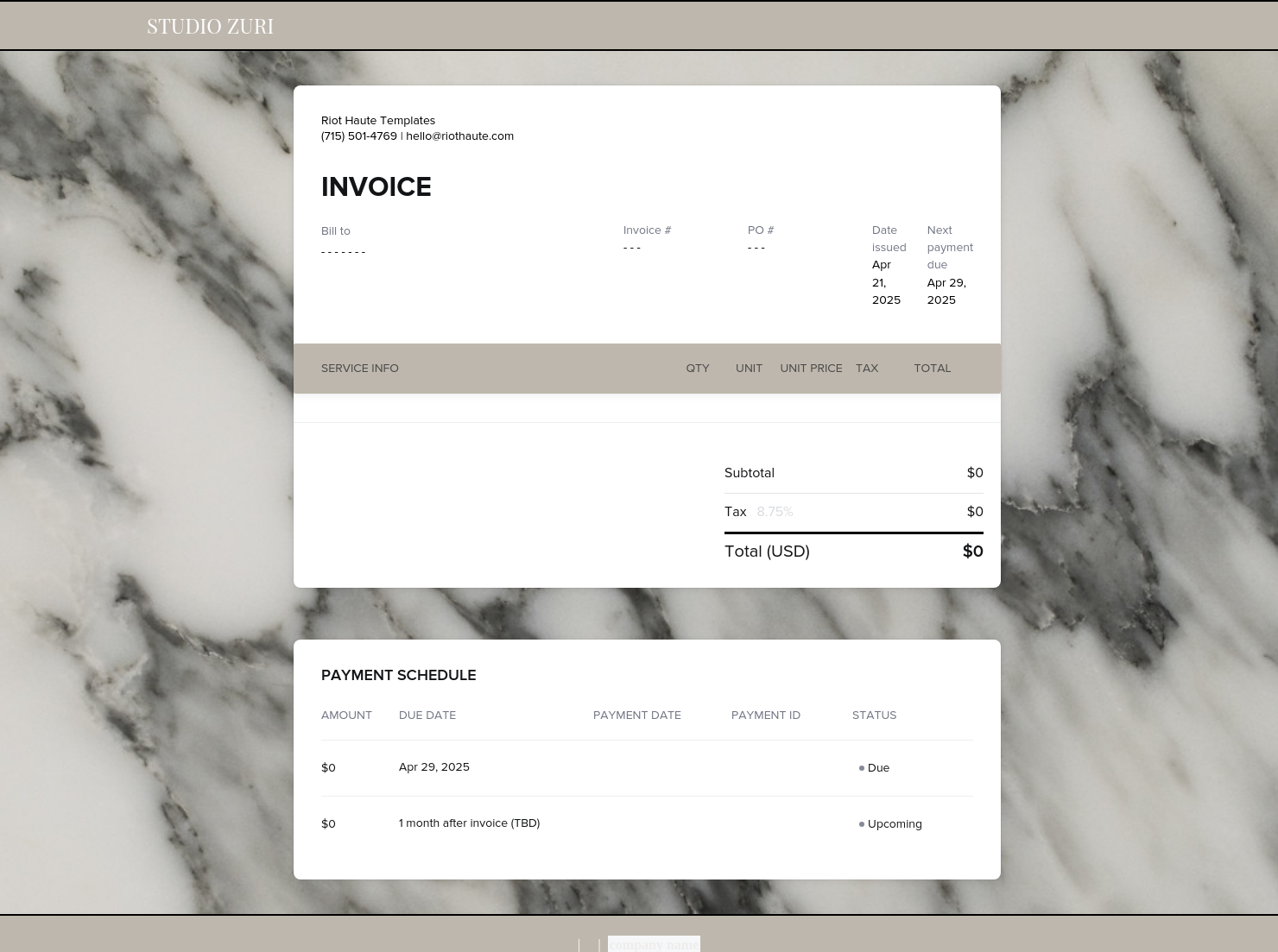
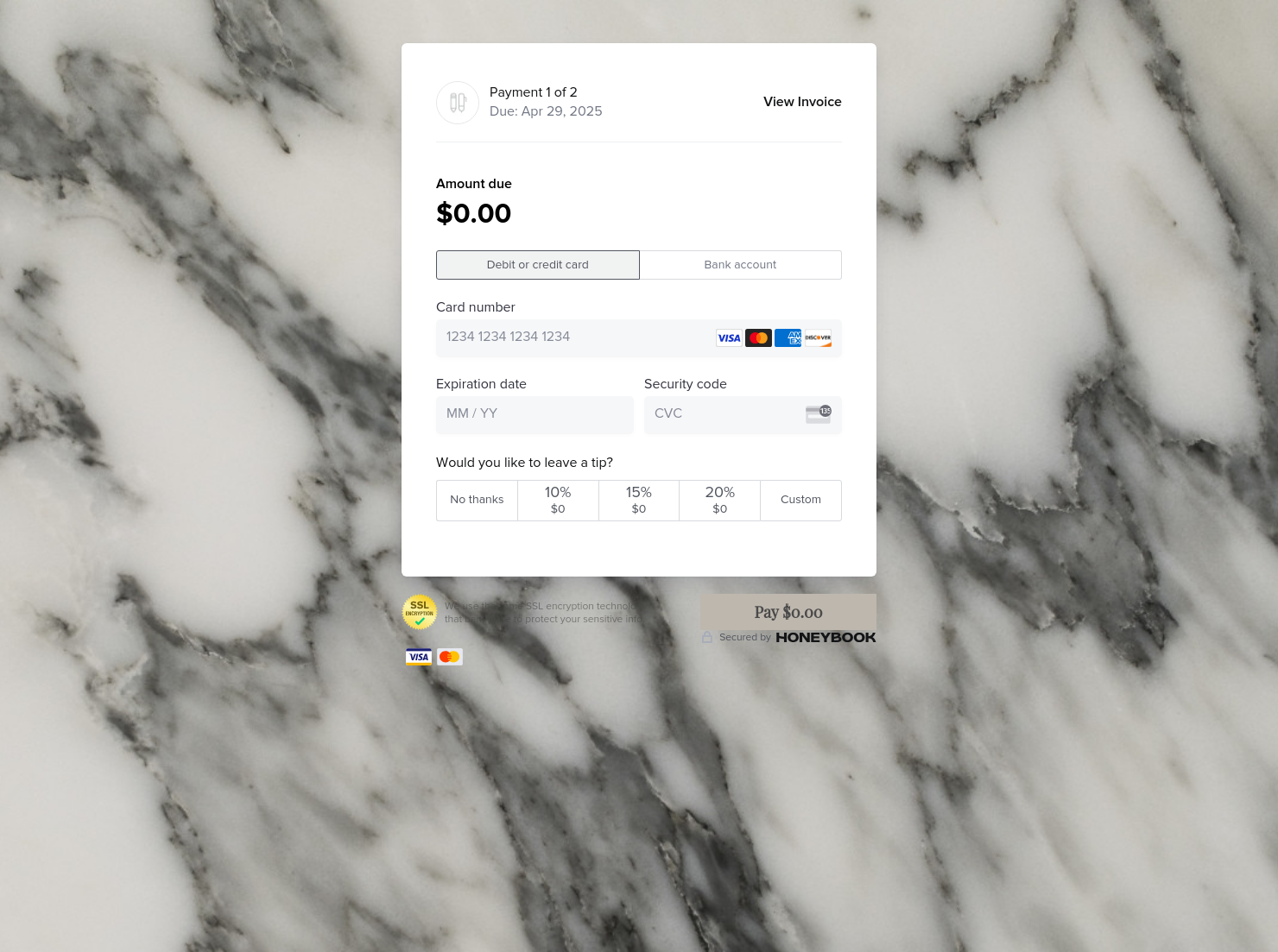
Invoice & online payments
Make it easy for clients to book and pay for your services–all in one file.

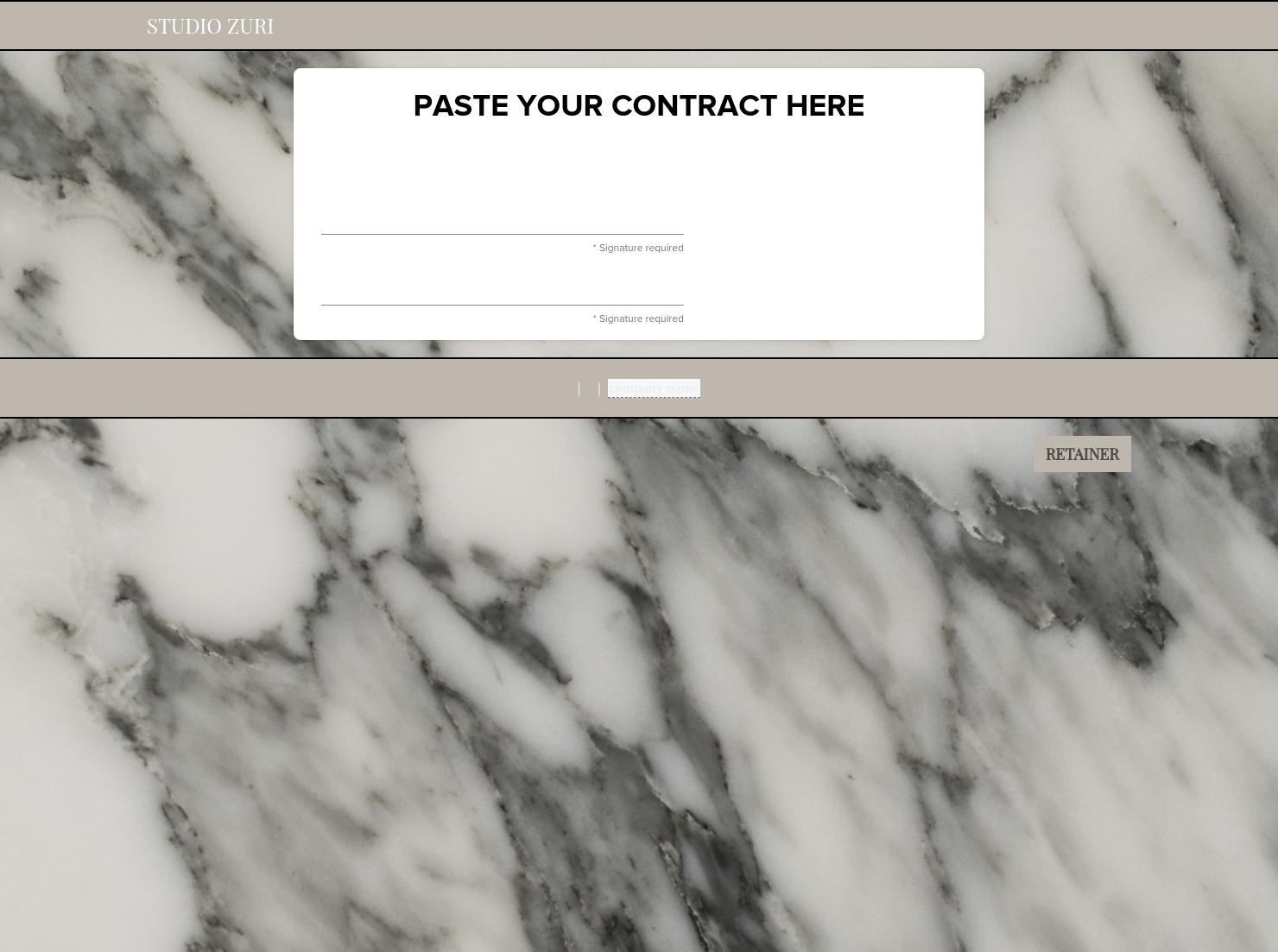
Contract for eSigning
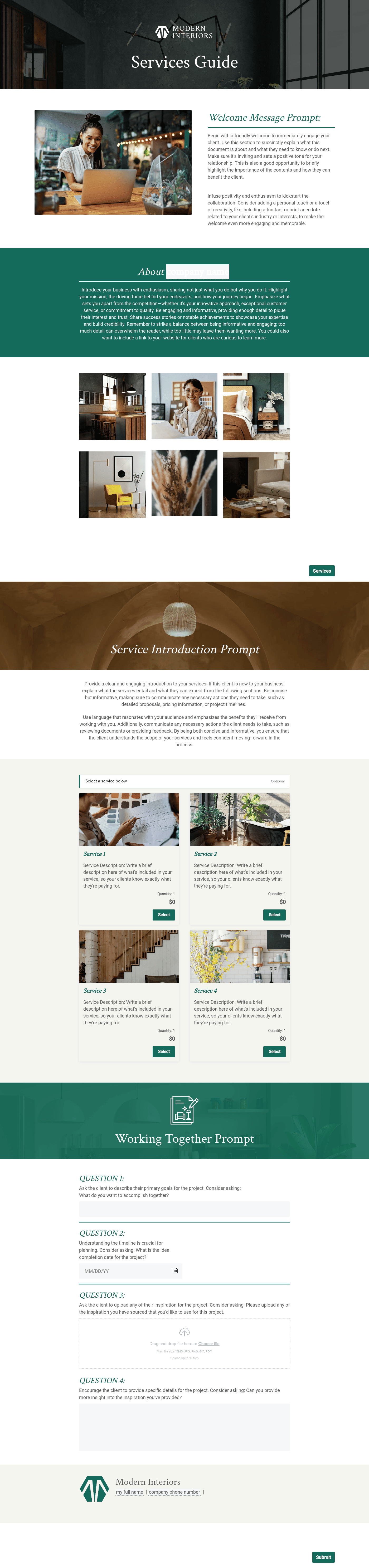
Sign clients easily on the go via eSign with your contracts, or use one of HoneyBook's lawyer-approved contracts

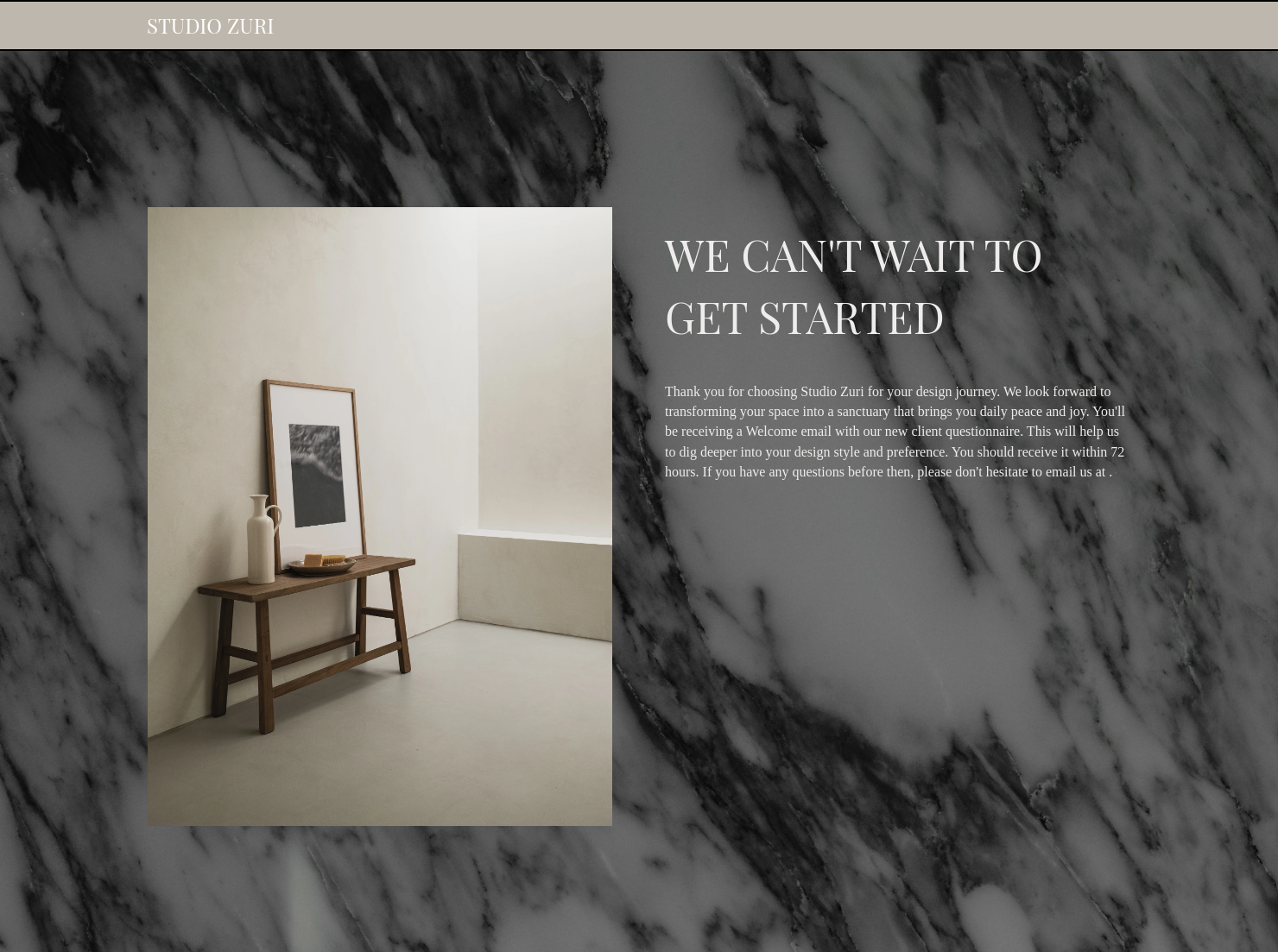
Ready-to-use copy
Templates come filled with prewritten copy you can use as is or edit to match your brand and business.


“
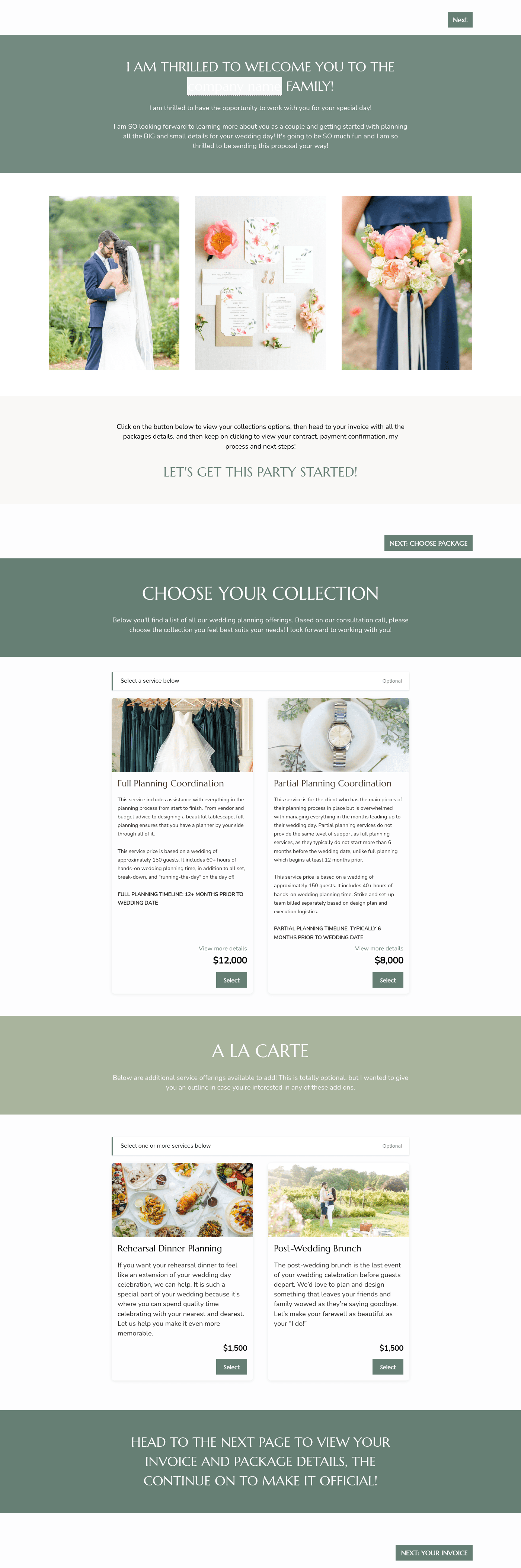
Create a more personalized booking experience by outlining core client needs and proposing a package that fits them best.
”

October 18, 2026

All there is to know about editorial interior designer proposal templates
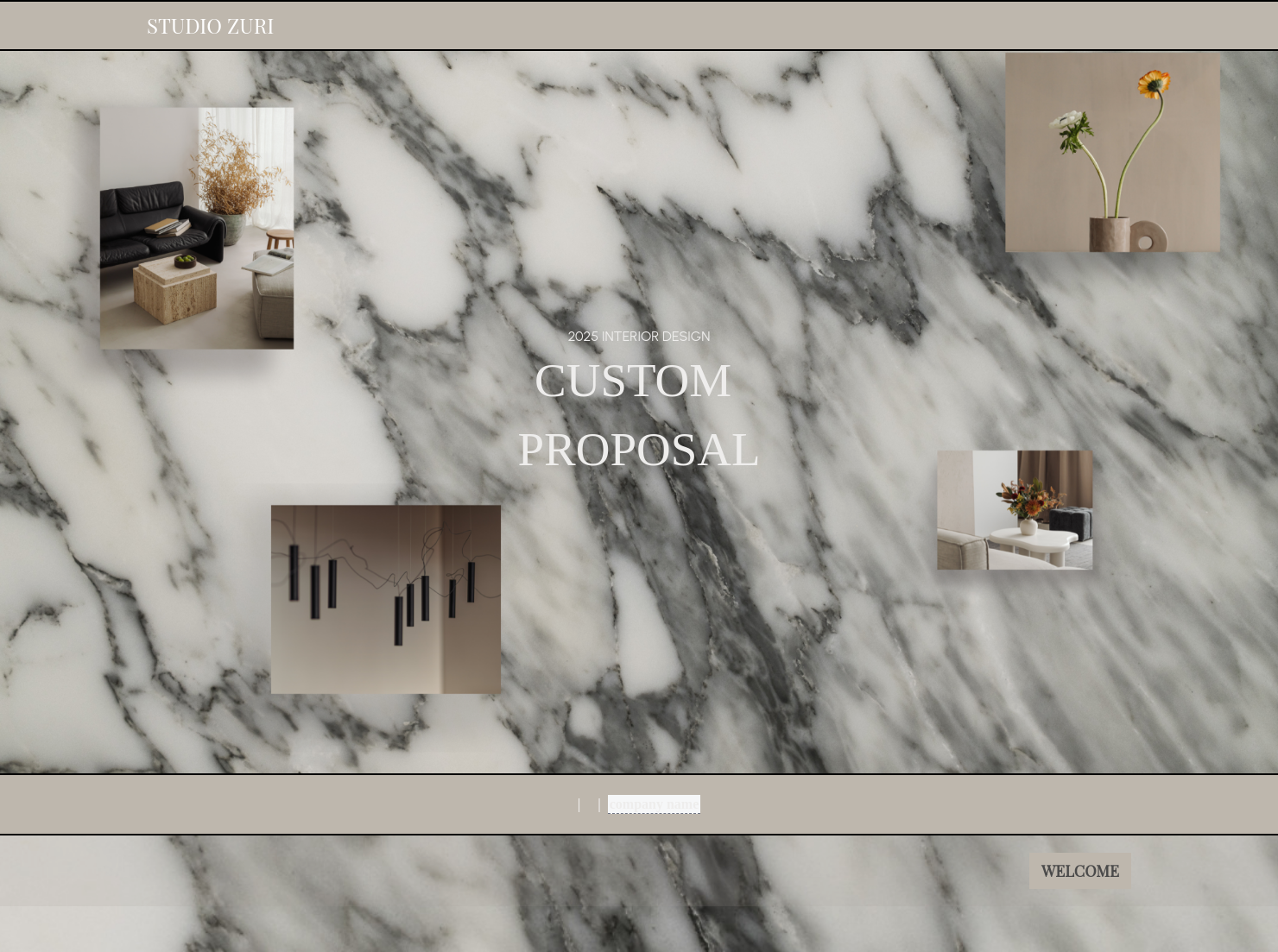
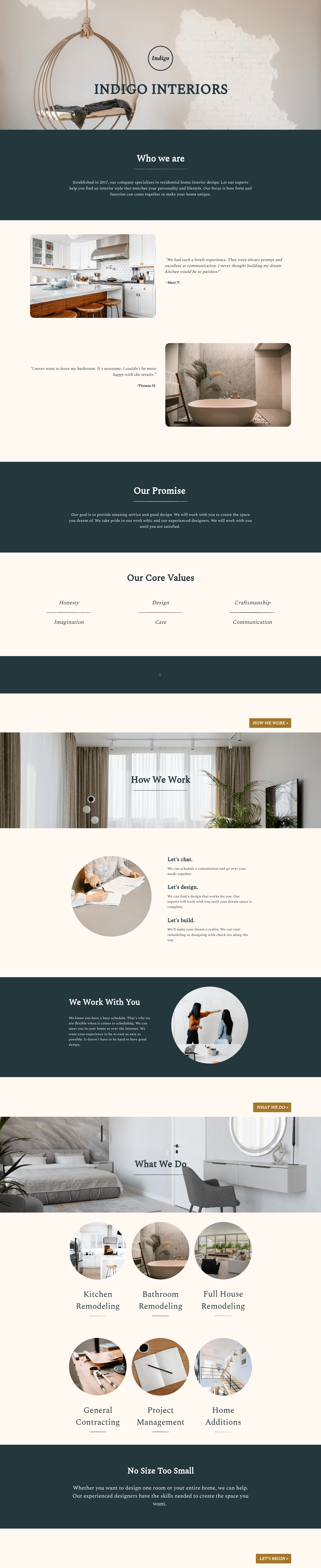
An editorial interior designer proposal template is a ready-to-customize, magazine-style document used to pitch your design services. Instead of manually creating layouts, you can easily swap out themes, fonts, and images on these templates.
A dynamic editorial proposal demonstrates your professionalism and design expertise. If your pitch connects with your audience's visual appeal, they might be more willing to invest higher budgets in a project with you.
- Build credibility with editors and brands through your attention to detail.
- Justify premium pricing with your high-end design story.
- Position yourself as a creative and a professional in the industry.
Plus, clients want quick turnarounds and polished pitches, something that you can achieve with a ready-to-use proposal template.
Balance visual appeal with business information through these key items in your proposal:
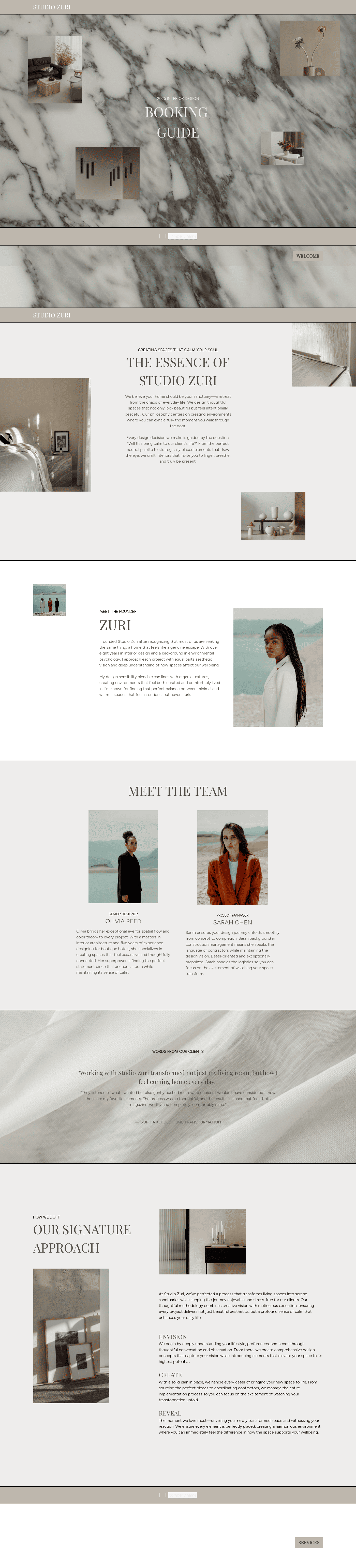
- Striking cover page: Use a high-resolution, full-bleed image of your best work, preferably one that's related to your potential client's project.
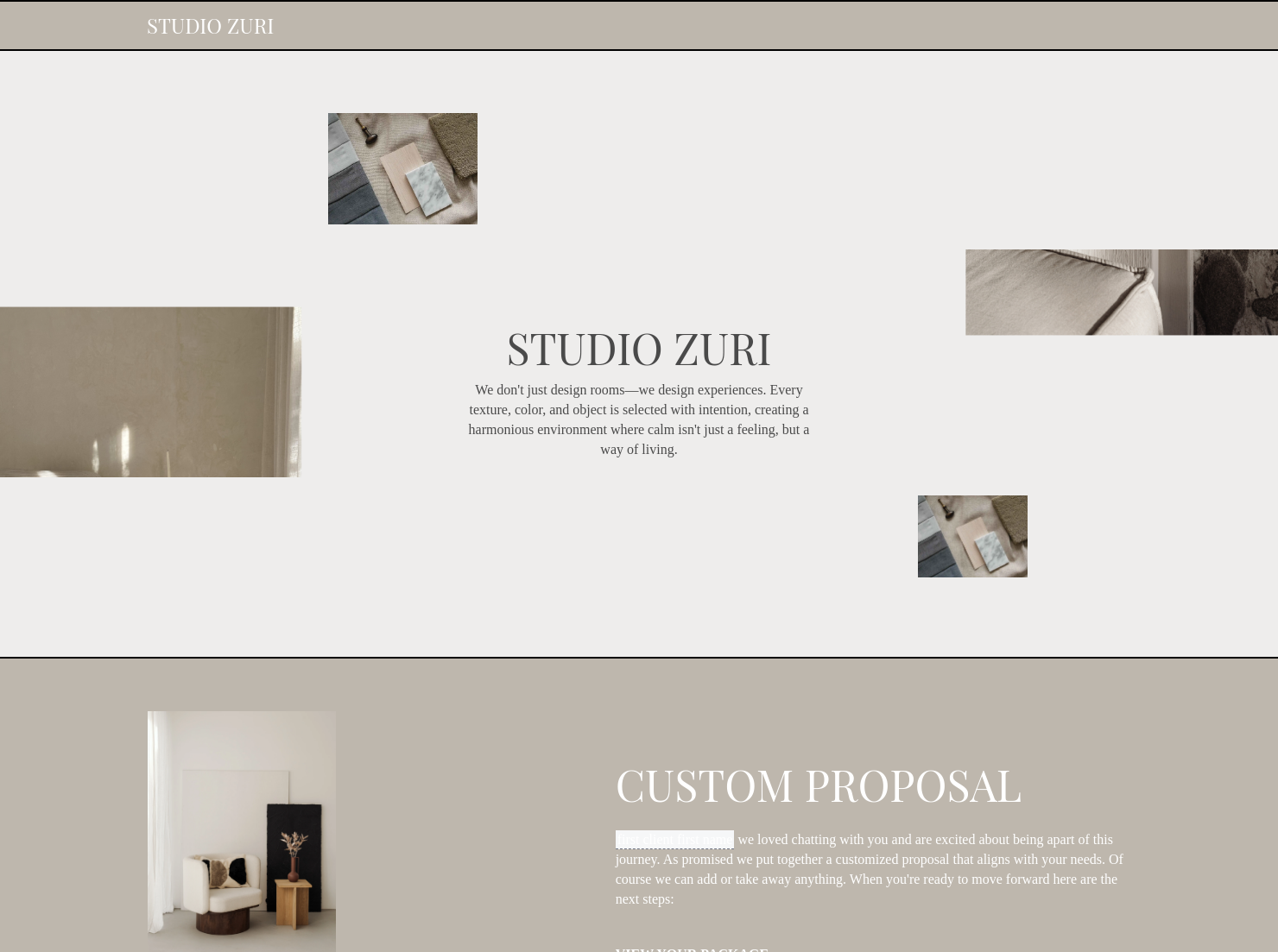
- Personalized welcome letter: Introduce your design philosophy and explain why it aligns best with your client's preferences.
- Creative direction: Summarize your project concept using mood boards, color palettes, textures, and materials.
- Scope of work: Break down your responsibilities, including prop sourcing, furniture arrangement, set design, and on-site execution.
- Deliverables: List down the exact files you'll hand over to the client after the shoot.
- Timeline: Include key dates for concept approval, sourcing, preparations, shoot day, and final delivery.
- Pricing: Use a tiered pricing structure or an itemized list to clearly present what clients are paying for.
- Terms and revisions: Cover how many revision rounds you offer, along with policies for cancellations and usage rights.
An editorial interior designer proposal works best when it is easy to understand and navigate. Follow these simple tips to make your proposal more effective:
- Keep blocks of text to a minimum. Let your images do most of the design storytelling.
- Use your brand's colors, fonts, and taglines. Consistency makes it easier for new and past clients to recognize you.
- Personalize the intro with specific shoot details. This small personal touch can go a long way in building trust with the client.
- Include one-click signing and payments. Go for interactive proposal templates that you could combine with an invoice and a contract.
Moreover, use easy-to-understand design terms and avoid jargon that could confuse your readers.
An editorial proposal is a big part of your branding as an interior designer. But it becomes more essential during these scenarios:
- Pitching a full-service design, including potential projects for an entire home or commercial space.
- Targeting high-end clients who expect premium proposals.
- Pitching to magazines or collaborating with product companies.
- Presenting styled shoot concepts to photographers and creative teams.
- Rebranding or raising your prices to help reinforce your new position in the market.
An editorial proposal might be very difficult to start from scratch, especially in the interior design niche. It's best to have a ready-to-customize template with you, so you can quickly modify and send it out.
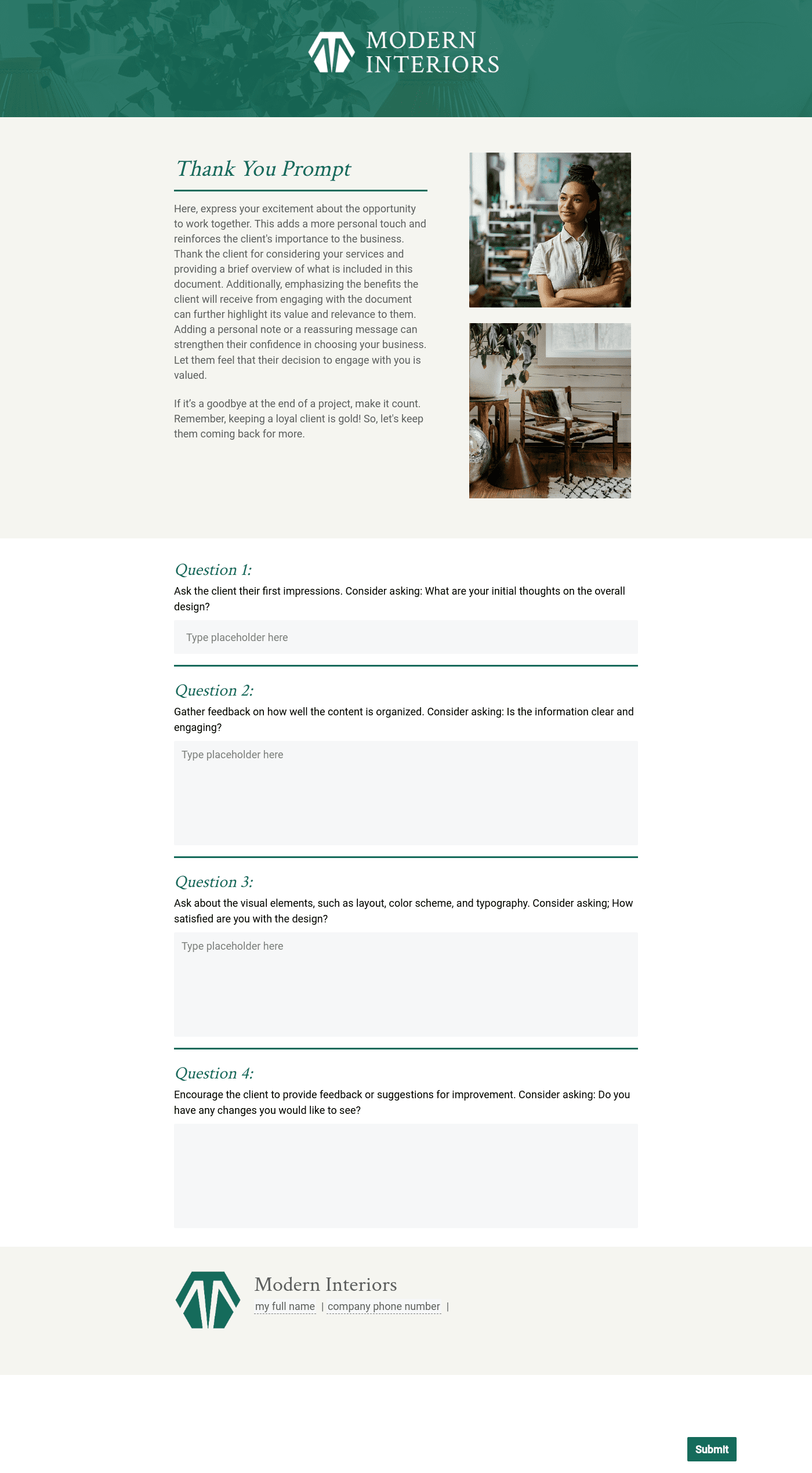
Instead of manually creating a proposal every time, you can use HoneyBook's editorial interior design proposal template to save time. You can easily edit texts and swap in new images that showcase your design expertise.
You can also maximize HoneyBook's templates through these steps:
- Browse HoneyBook's template gallery and choose an editorial design proposal that fits your visual style.
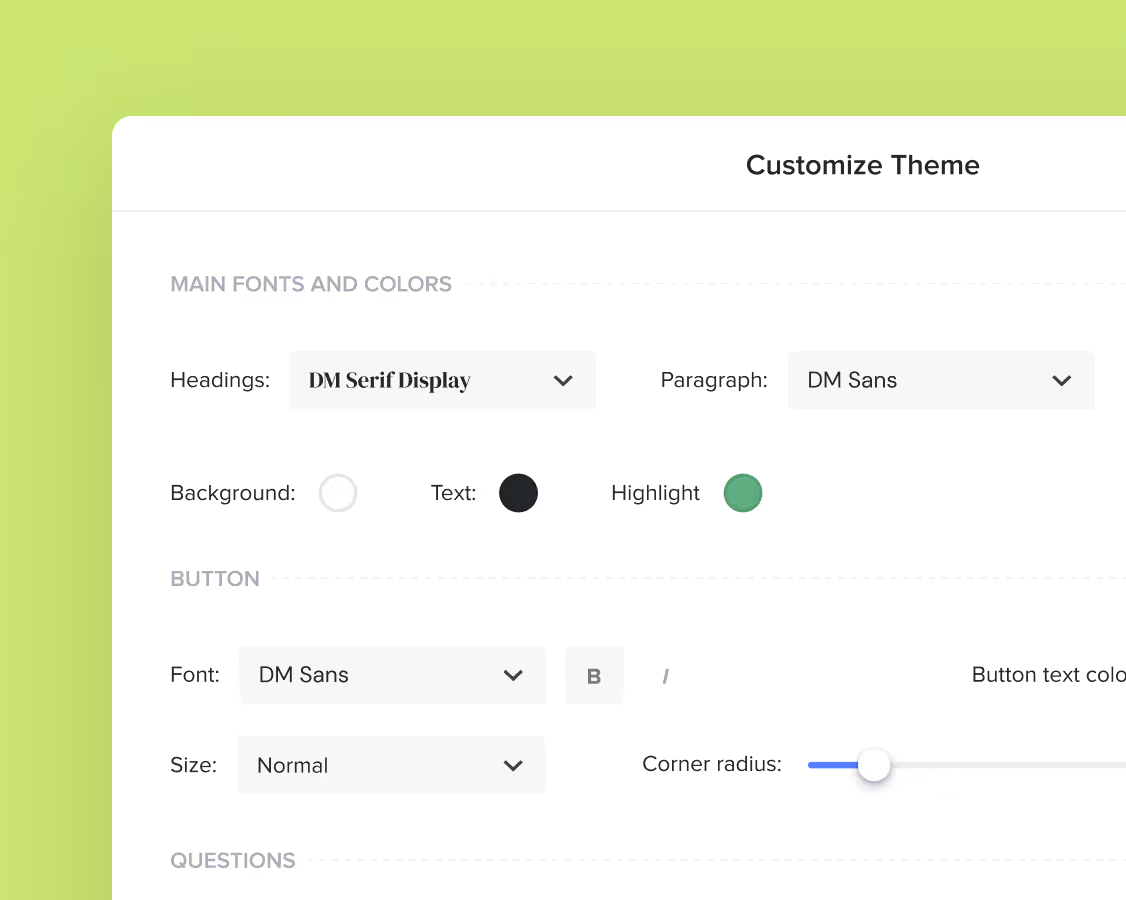
- Swap out placeholder photos, update fonts and colors, and drop your logos to match your branding.
- Add your editorial sections, including mood board and other visuals.
- Attach your contract and invoice to the smart file.
- Reuse the same file for every new lead or inquiry.
Plus, you can email the proposal directly through HoneyBook. You'll get a notification when your client opens it, signs it, or pays for the invoice.
Catering has a lot of moving parts, and the menu sits in the center. If your catering menu is scattered across emails, texts, and screenshots, mistakes show up at the worst time.
A structured menu template helps in practical ways.
- Builds client trust and a professional first impression.
- Speeds approvals by making choices simple.
- Reduces payment disputes by documenting totals and terms.
- Saves time by cutting back and forth.
That means fewer surprises for clients and fewer fire drills for you.
FAQs
Below are quick answers to common questions from caterers building a catering menu that clients can approve with confidence.
An editorial interior design proposal is around 5–10 pages long. It's recommended to keep blocks of text to a minimum and engage your reader more with design visuals and images.
Editorial proposals are more concept-driven to highlight design mood, styling, and storytelling. Standard proposals focus more on functional design and client deliverables.
Open the file, edit text, add your branding, and swap out images. For detailed steps and troubleshooting, visit the HoneyBook Files and Templates section.
Yes. Since many clients will review your pitch on their phones, HoneyBook templates are designed to be mobile-friendly. You can learn more about client experiences in HoneyBook's Client Experience section.
Related templates
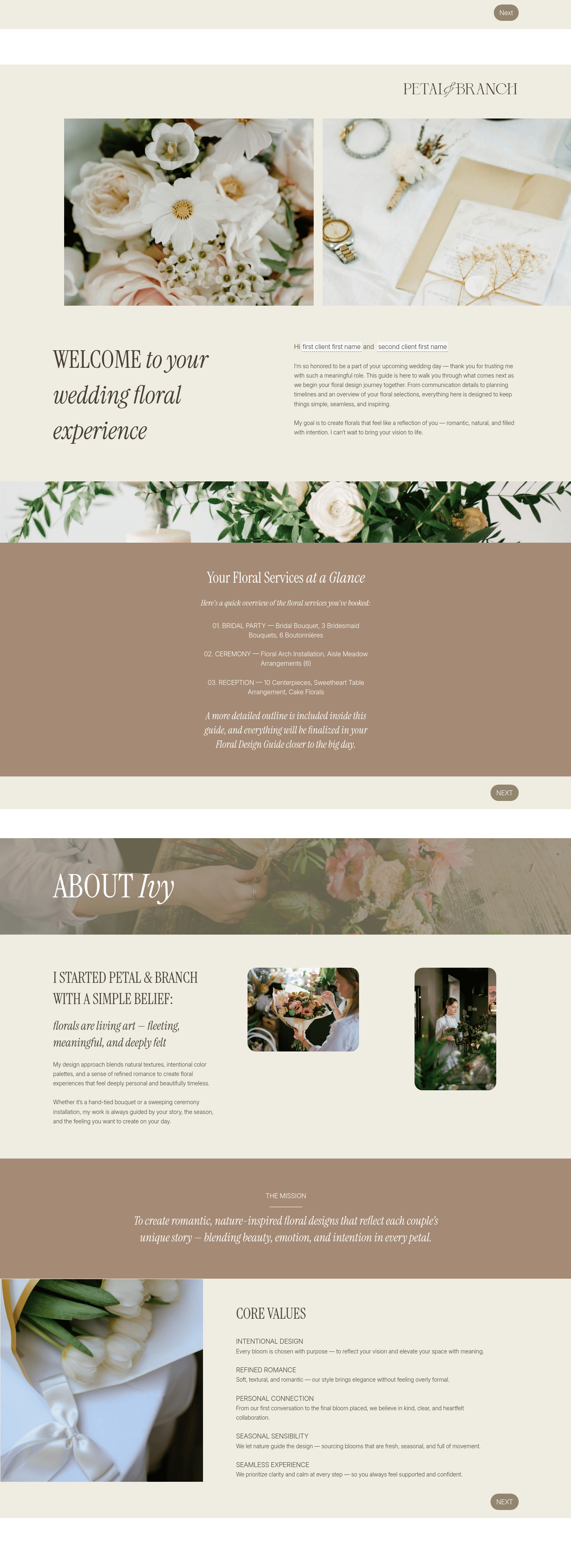
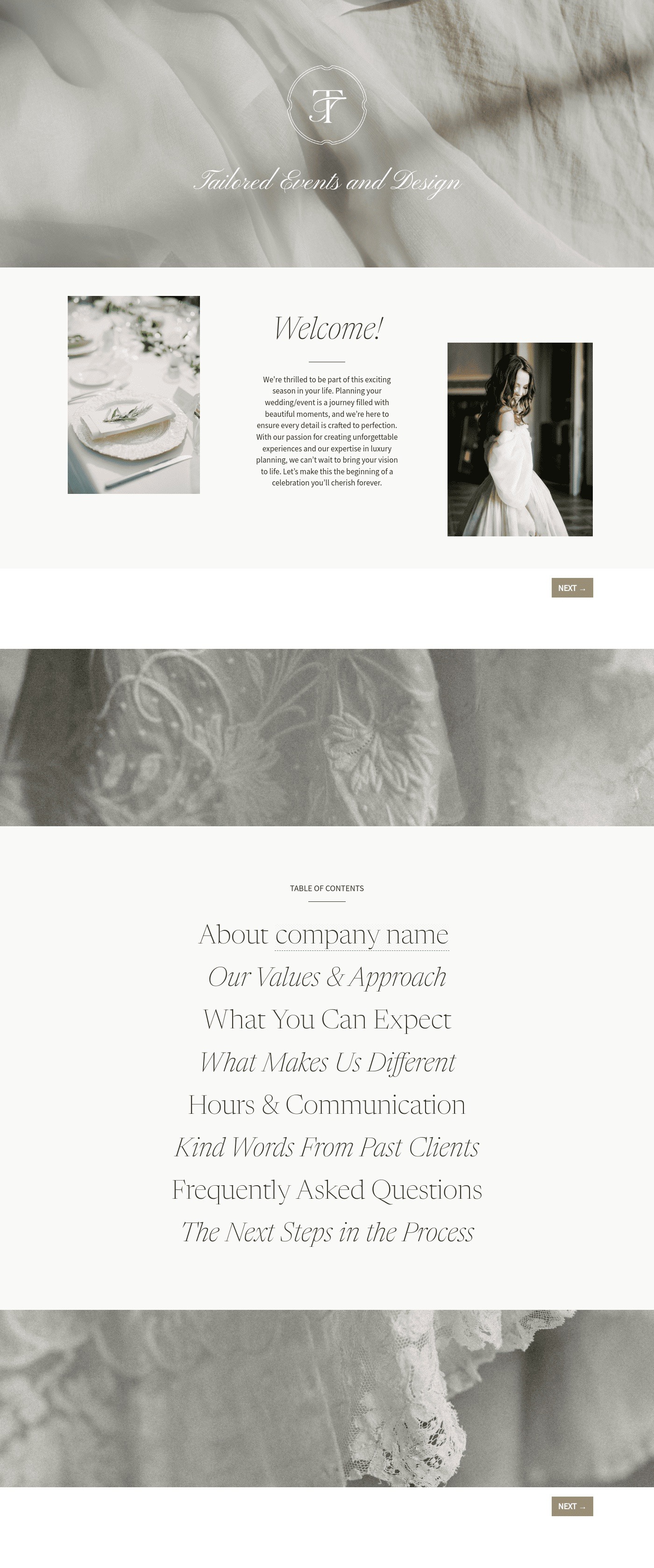
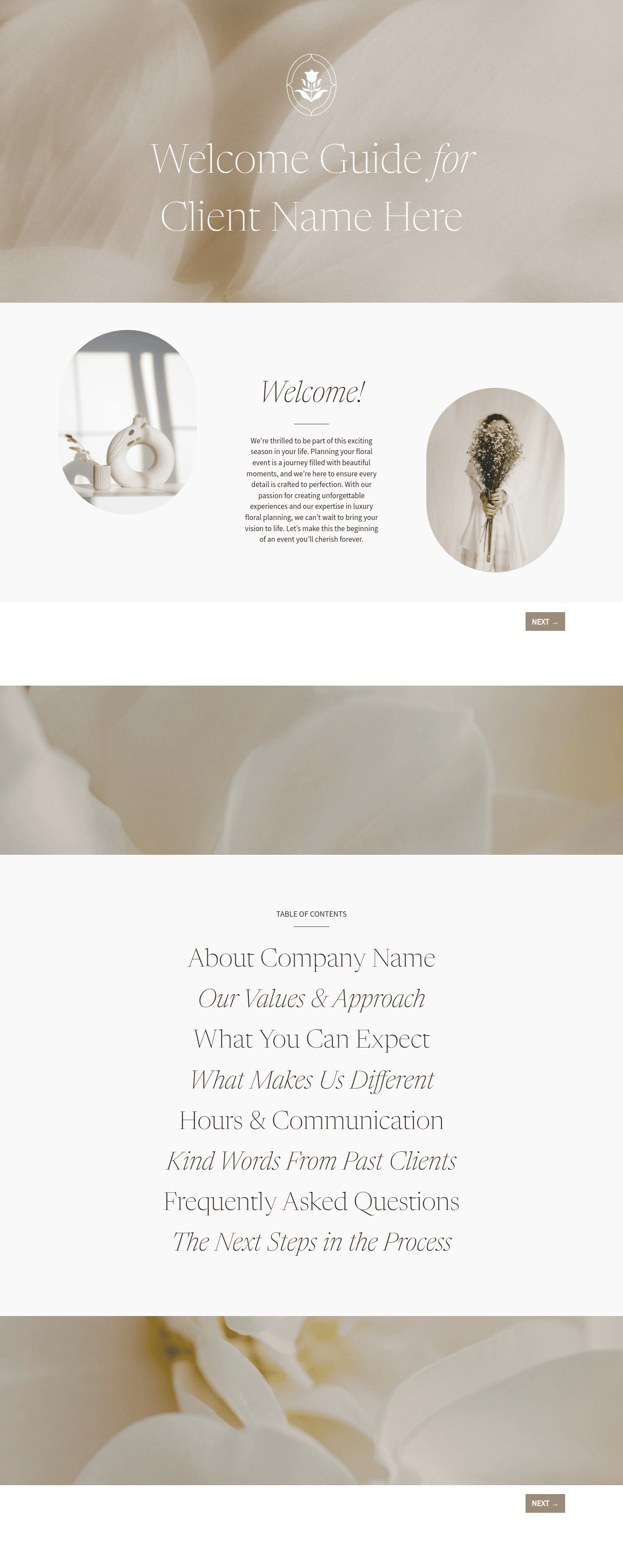

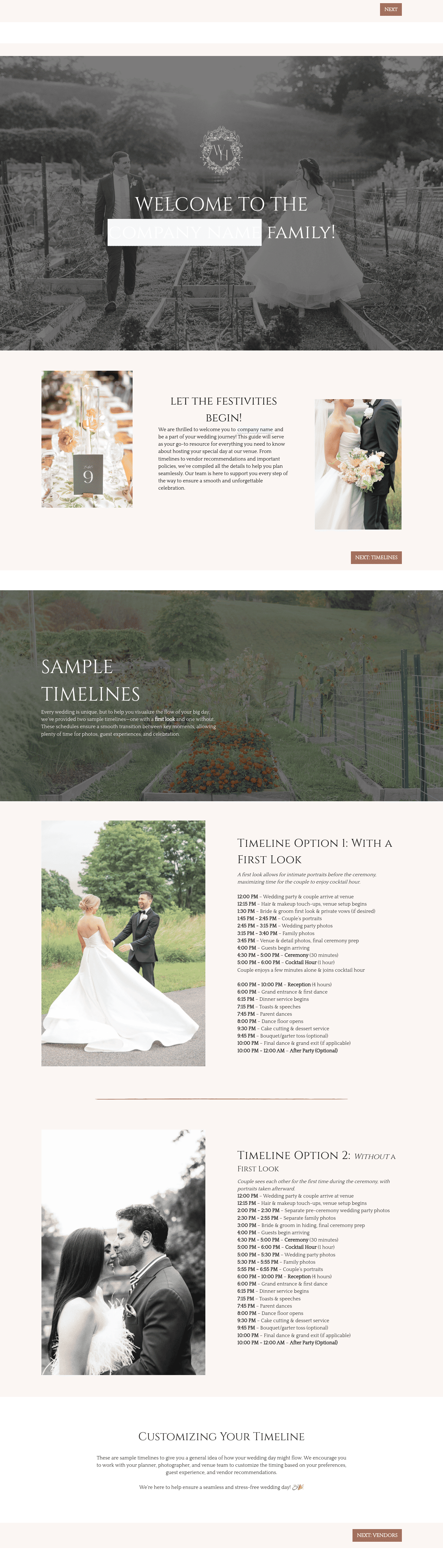



Related Templates

.png)

.png)
.png)
Make it your own
Fully customize the template to fit your needs. Quickly apply your company branding with just a few clicks.
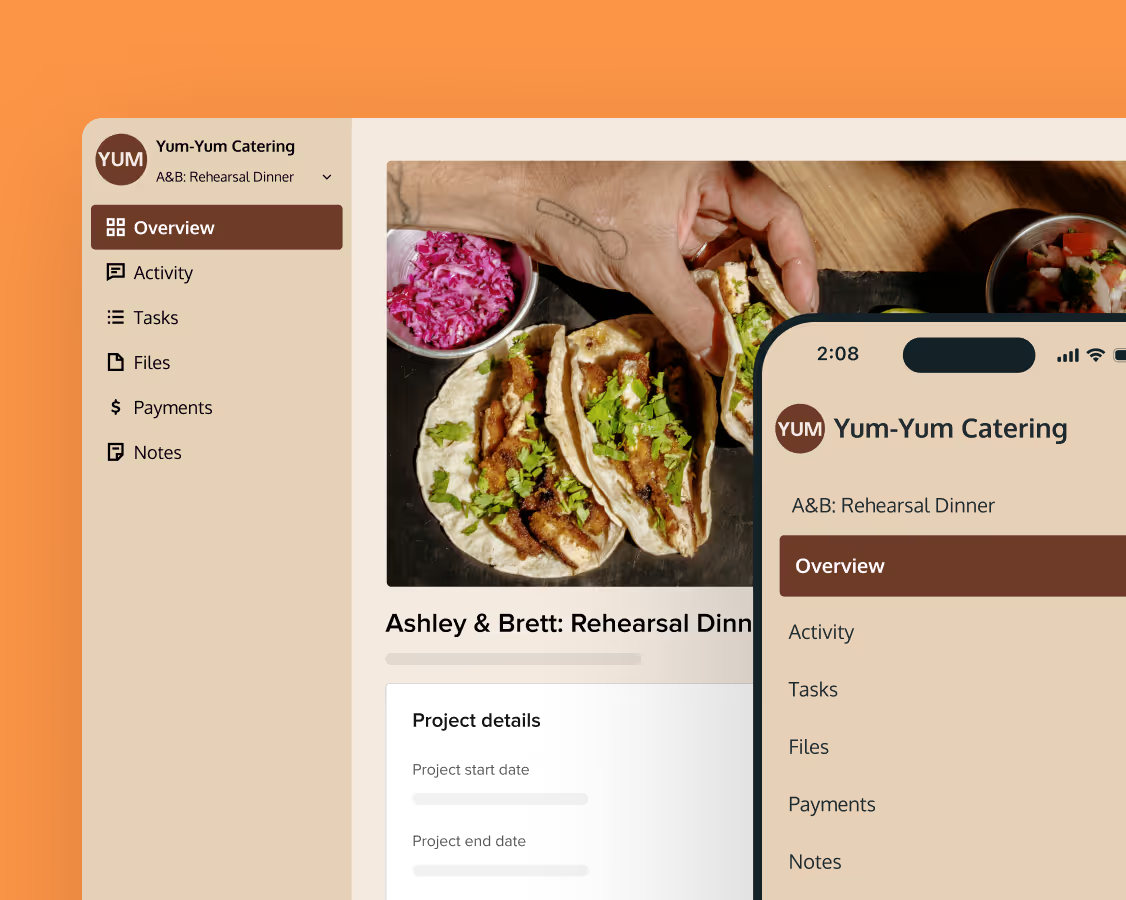
Share with clients
Create exceptional client experiences through HoneyBook’s dedicated client portal, allowing them to read, review, and take action from any device.
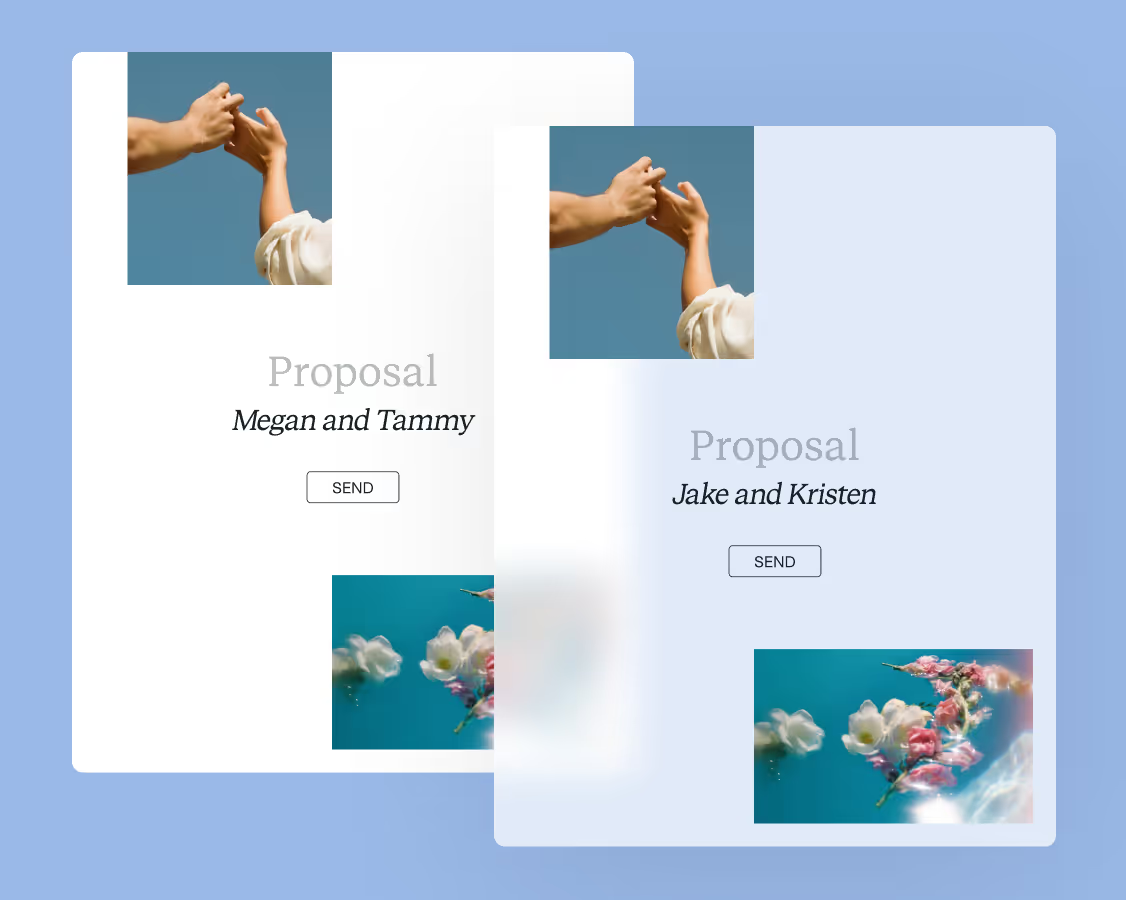
Reuse and scale
Use your customized files with different clients again and again to save time and make managing client interactions that much easier.
Join the 100,000+ businesses growing with HoneyBook.