













Interior design business template kit to streamline your client workflow
Handle projects, approvals, and communication with structured workflows

Featured templates
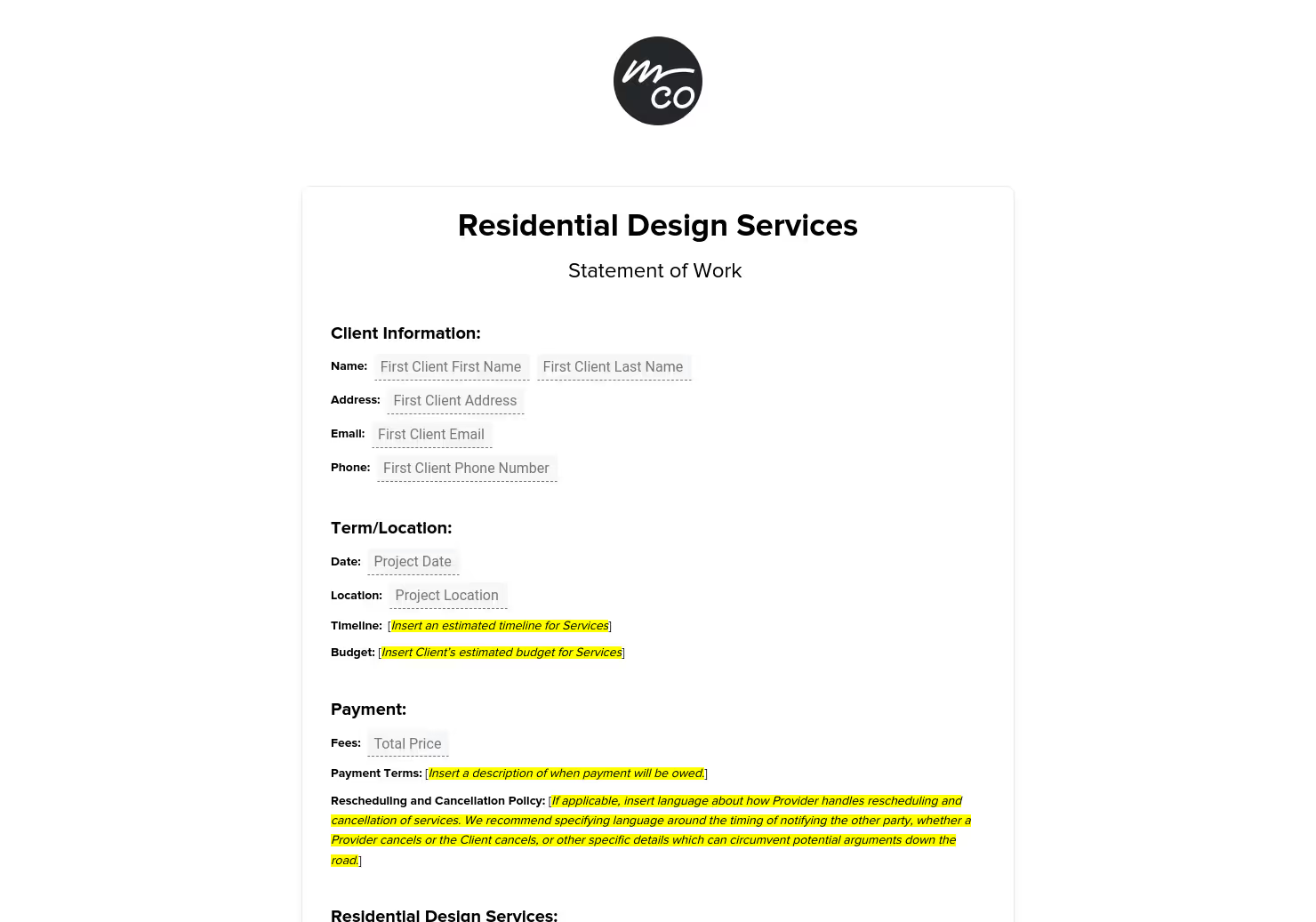

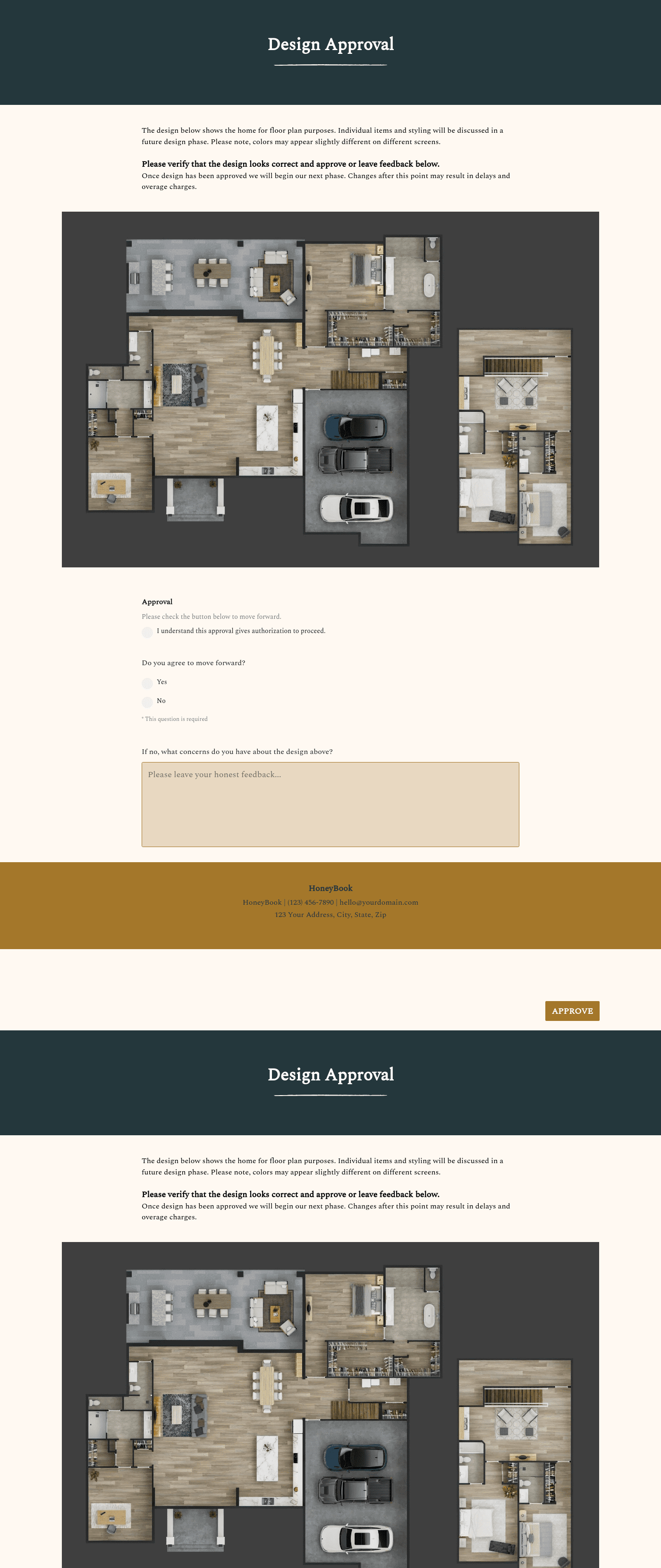

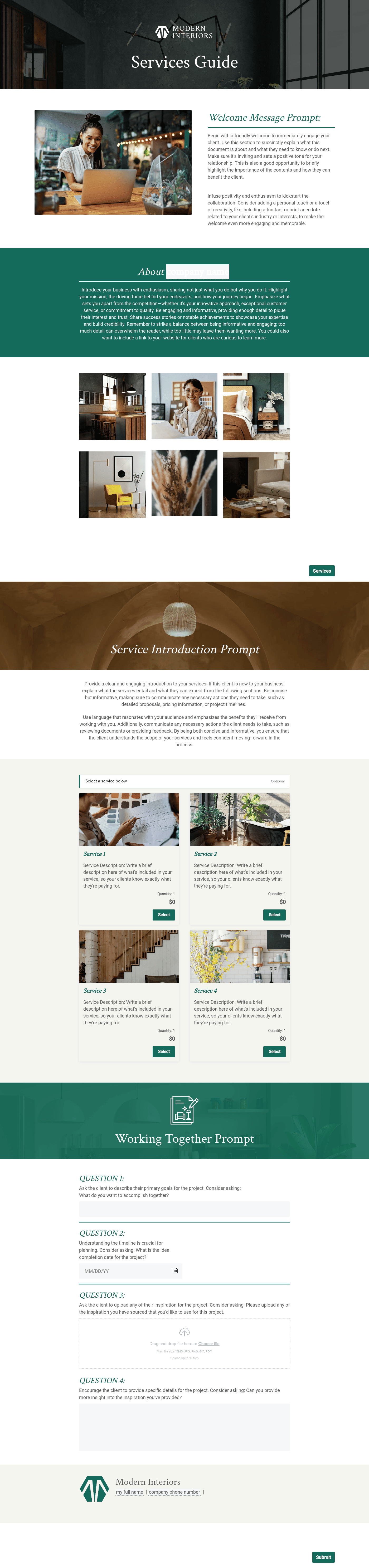

.png)





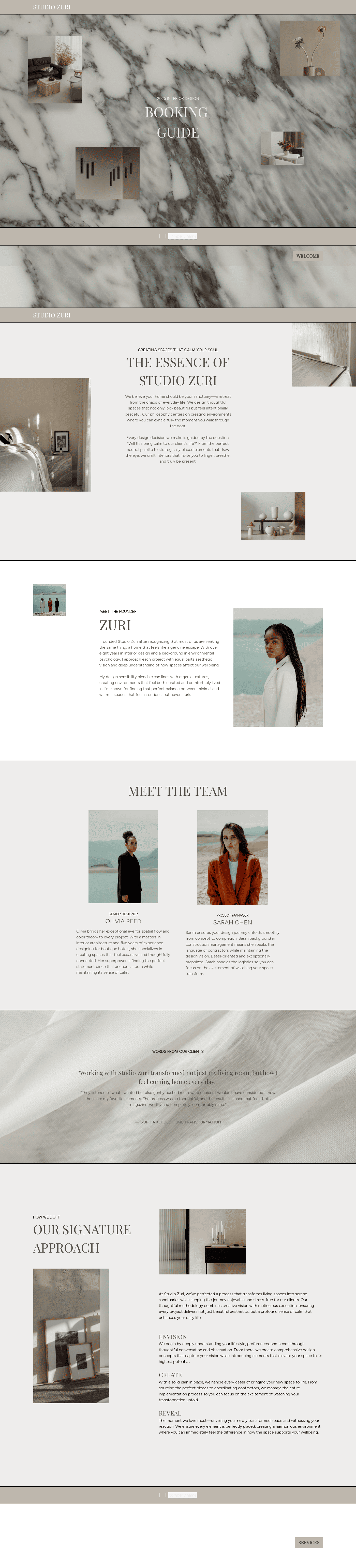
Visit our full catalogue of relevant templates
View all templates
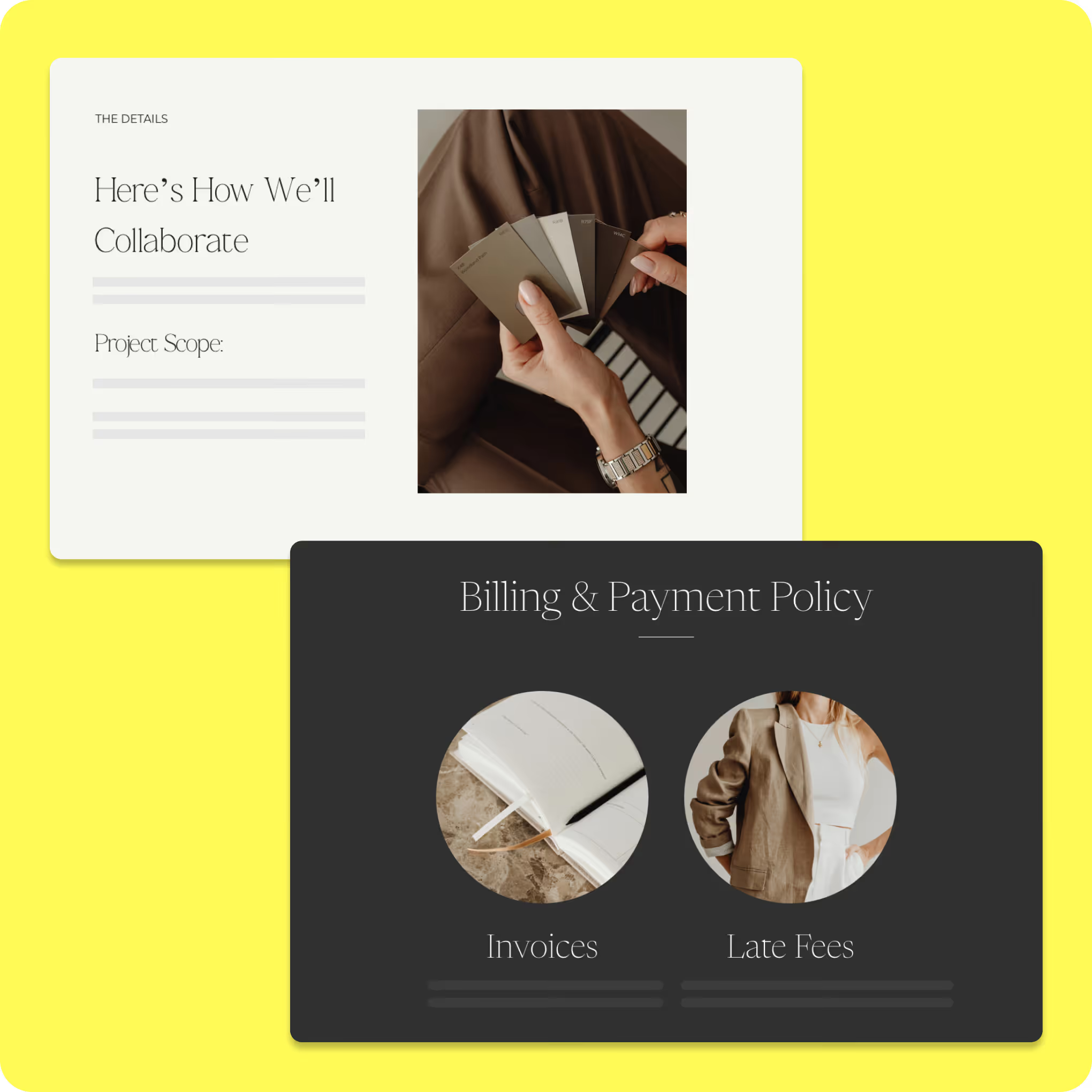
An interior design business template kit brings the core parts of your client process into one place, including inquiry forms, onboarding questionnaires, business proposals, contracts, welcome materials, invoices, and planning documents that help move clients from first contact through booking and delivery.
When those files work together, you spend less time piecing the process together and more time moving clients forward.
What can you do with HoneyBook event planning kit?
A free event planning template allows you to manage all event details in one accessible location, providing clarity that static spreadsheets can’t. From tracking your budget and communicating with vendors to keeping your event on schedule, using a template helps ensure that your event runs smoothly.
Use ready-made client inquiry and onboarding templates
- Capture project type, rooms, budget, timeline, and style preferences in one structured form
- Qualify leads faster by understanding scope and service fit early
- Replace scattered emails with organized intake and onboarding workflows
- Gather measurements, inspiration, and household needs before the project officially begins
- Start projects with clearer expectations and fewer gaps in information
Customize proposals, contracts, and styling packages
- Present design services, deliverables, and pricing in a format clients can easily review
- Define scope, responsibilities, and timelines before work begins
- Keep proposals and contracts consistent across different design project types
- Reduce confusion with clear documentation that clearly informs clients about changes or updates
- Maintain a consistent brand experience across every client-facing file
Organize design workflows from concept to final delivery
- Track sourcing, approvals, and installation steps across each phase of the project
- Keep project details tied to the correct stage to avoid missed updates
- Manage timelines, contractor coordination, and product tracking in one platform
- Improve visibility into project progress for both you and your client
- Create a repeatable workflow that supports smoother, more scalable operations
How to use an event planning template
Once you’ve downloaded an event planning template, getting started is simple. Make a copy of the template and customize it to fit
your specific event.

Customize the template to meet the needs of your event. Give it a unique name and add a clear description outlining the event’s purpose.

Organize tasks into sections that align with the event timeline. Adjust or expand sections to match your schedule.

Get real-time industry insights to help you stay competitive and grow your business.

Give clients your undivided attention while AI takes meeting notes and summarizes to-dos.


Integrations and tools to support an interior design business
Templates are more useful when they fit into the systems you already rely on, including the platforms you use to schedule meetings, share files, collect payments, and keep client communication organized. HoneyBook supports several integrations that help you streamline your workflow and maintain a good client experience.
Most interior design businesses already have the tools. The bigger challenge is getting those systems to work together in a way that feels manageable from week to week.
Depending on how you operate, HoneyBook can help you manage:
- Inquiry capture to collect project details early
- Proposals and contracts to move from consultation to booking
- Invoices and payments to support billing and cash flow
- Client communication in one place
- Workflow steps and reminders that reduce manual follow-up
That is especially helpful when a small team is managing sales, admin, and project coordination at the same time. If your work includes projects with different service levels or billing structures, those built-in tools and integrations can make it easier to keep your documents and payment process consistent.
Depending on your business, that may include tools that support:
- Calendar and scheduling tools to reduce back-and-forth when booking consultations, design meetings, or check-ins
- Email and communication tools to keep approvals, follow-up messages, and project updates easier to manage
- File-sharing and storage tools to organize mood boards, presentations, invoices, and shared documents
- Project management or collaboration tools to track tasks, responsibilities, and project milestones across the engagement
You don't need more software. You need the tools you already use to work together more smoothly. A cleaner setup makes it easier to keep project details current, cut down on duplicate work, and spend less time bouncing between systems just to move one project forward.
Run your interior design business with confidence, every step of the way
A useful template kit gives those client-facing parts of the business more structure: inquiries, proposals, contracts, invoices, onboarding, and project communication. It helps you spend less time rebuilding routine documents and more time keeping work moving.
For interior designers, the process around the design work shapes the client experience almost as much as the final result. Clients notice when documents are easy to review, when next steps are clear, and when communication feels organized instead of scattered.
If you want a more organized way to handle client workflows, proposals, contracts, invoices, and communication, HoneyBook's interior design business template kit can help you streamline your process and maintain consistency in every stage.

Templates FAQs
Yes. Whether you focus on residential or commercial projects, the templates are flexible enough to adapt to different workflows and client needs.
Absolutely. All templates, including proposals, contracts, emails, and workflows, are fully editable, so you can tailor pricing, branding, and terms to match your business's offerings.
Yes. The templates are designed to work with the HoneyBook platform, so you'll need an active account to import, customize, and run the workflows as intended.