













Photographer business template kit to streamline your client workflow
Simplify inquiries, contracts, and communication with reusable templates

Featured templates
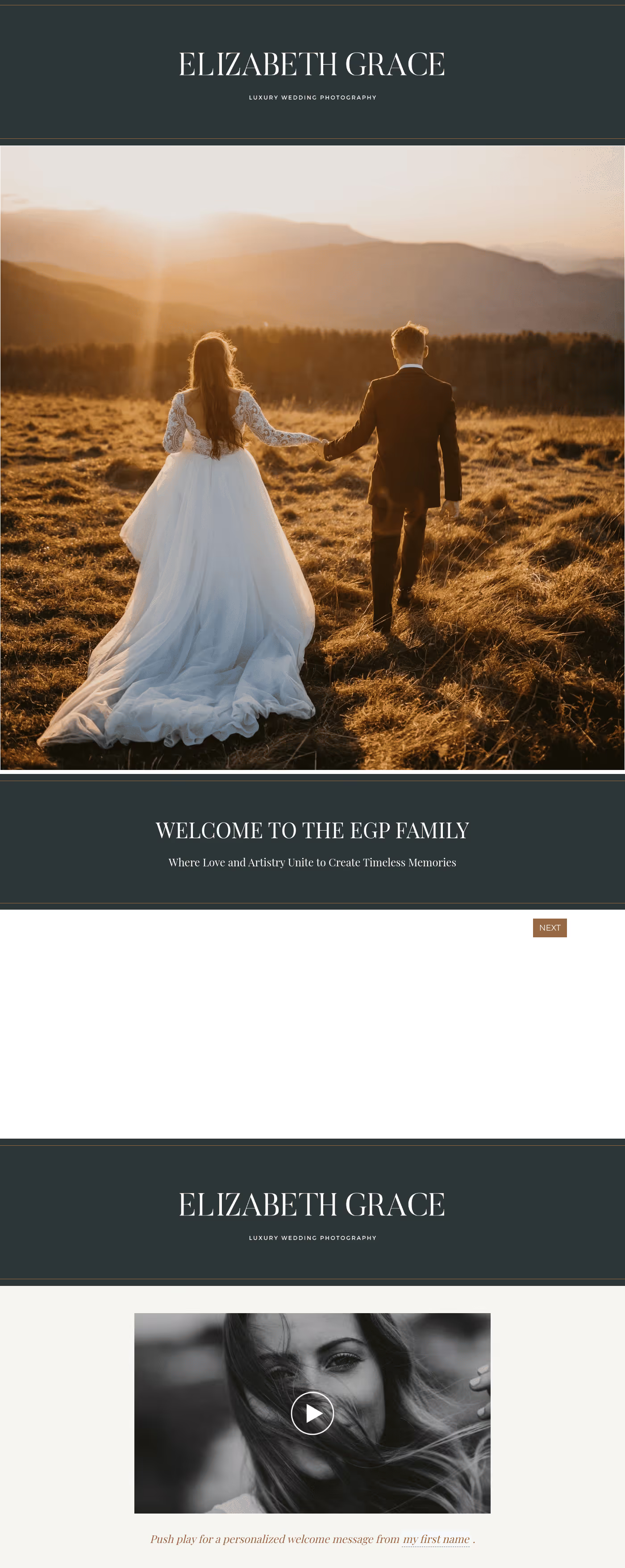


.avif)
%2520(1).avif)

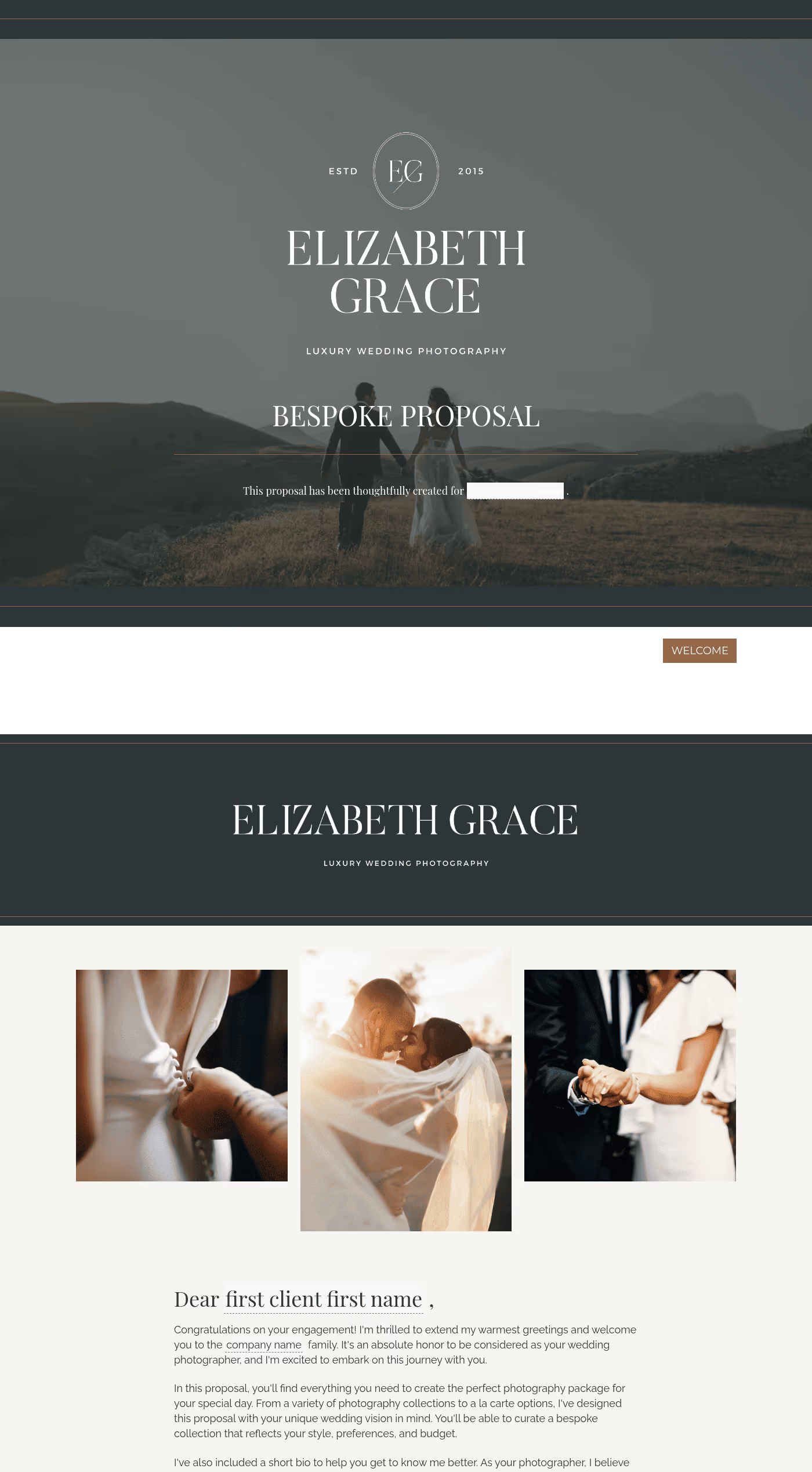


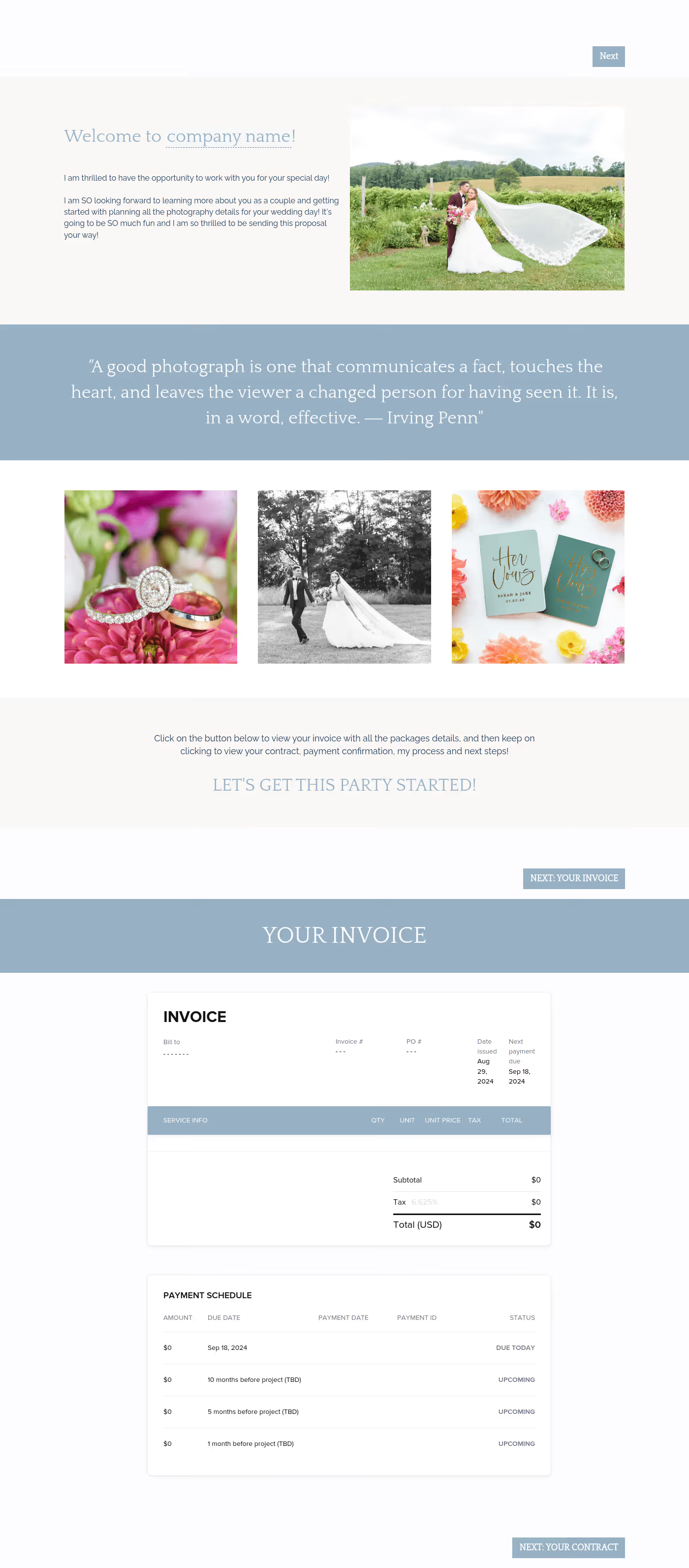

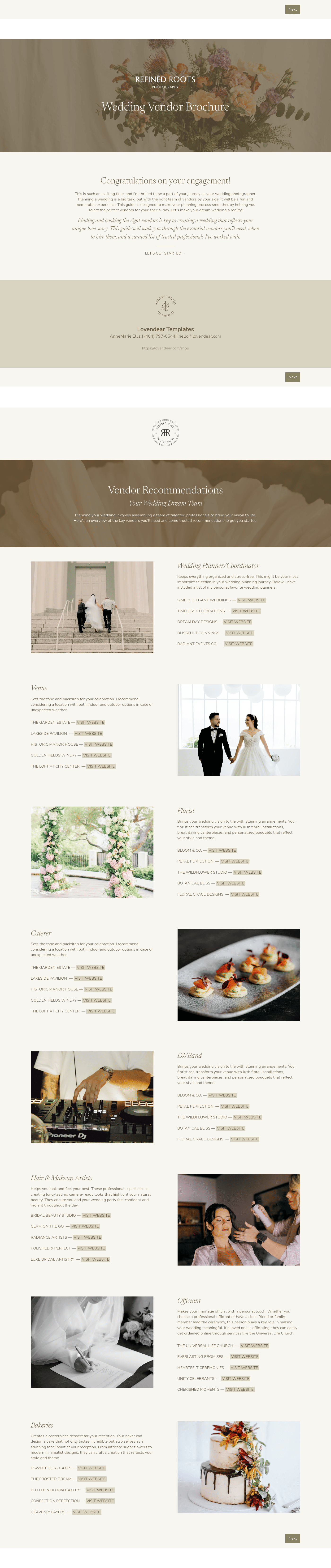
Visit our full catalogue of relevant templates
View all templates
A photographer business template kit is a set of files you can use across your client process. That may include inquiry forms, onboarding questionnaires, proposals, contracts, invoices, emails, and planning documents.
Speed is part of the benefit, but consistency matters too. When the same tasks show up again and again, templates help you handle them in a way that feels more organized and easier to maintain.
They also make the process easier for your clients. If your forms, proposals, and follow-up materials feel connected, the business side of your work becomes easier for clients to follow from the start.
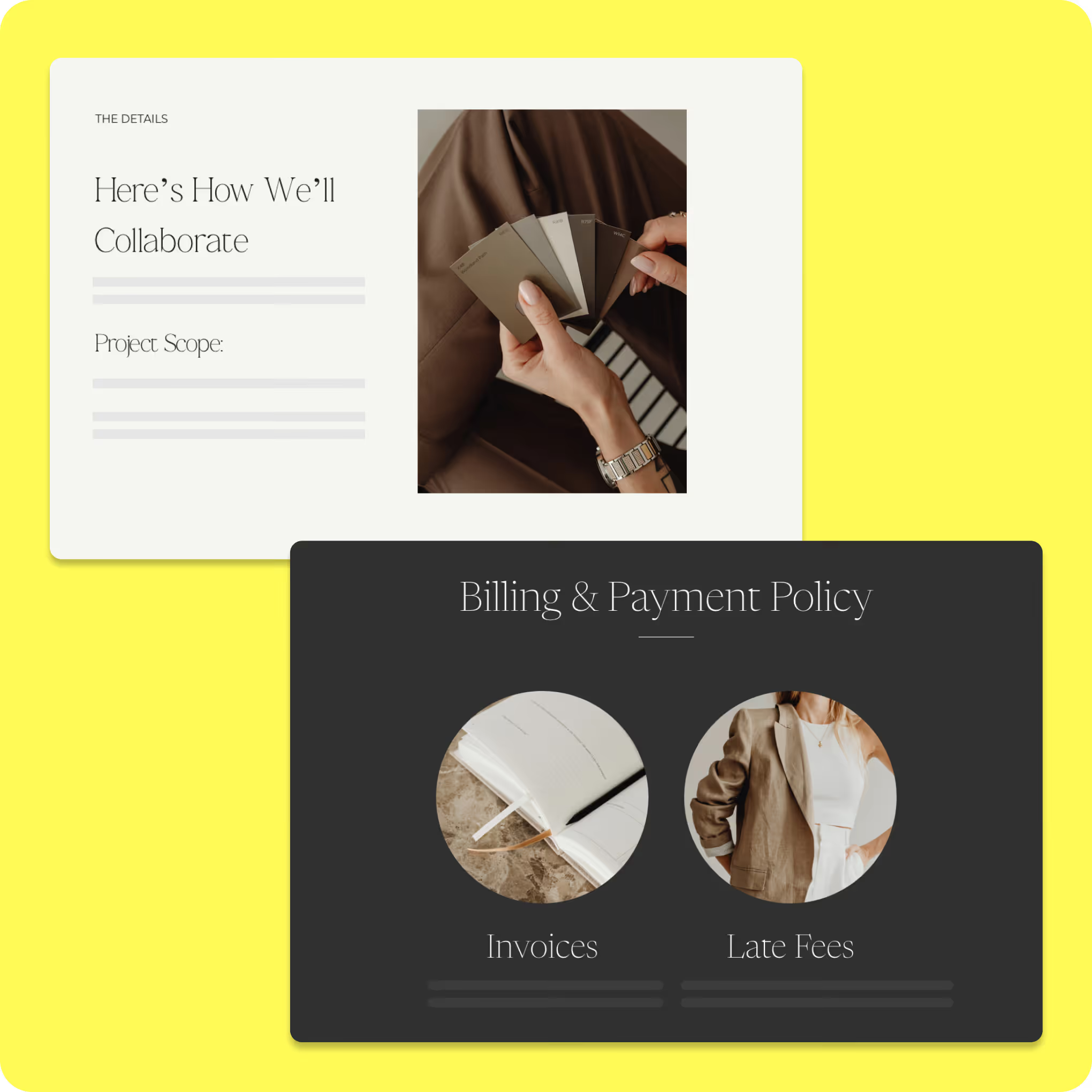
What can you do with HoneyBook event planning kit?
A free event planning template allows you to manage all event details in one accessible location, providing clarity that static spreadsheets can’t. From tracking your budget and communicating with vendors to keeping your event on schedule, using a template helps ensure that your event runs smoothly.
Use ready-made client inquiry and onboarding templates
- Gather project type, location, budget, date, and planning details before the first call
- Reduce fit-check emails by collecting stronger lead information upfront
- Capture usage rights, creative direction, and timeline notes after booking
- Make shoot logistics easier to manage with a more structured onboarding process
Customize proposals, contracts, and styling packages
- Explain services, deliverables, and pricing in a format clients can review clearly
- Standardize booking documents across portraits, weddings, brands, and editorial work
- Set policies and expectations without rewriting the same information each time
- Keep proposals connected to a more polished visual brand experience
Organize styling workflows from concept to final looks
- Track mood boards, wardrobe planning, approvals, and shot coordination in one place
- Reduce delays caused by scattered communication across larger creative projects
- Keep moving parts organized when shoots involve more people and more planning
- Support a stronger behind-the-scenes process that scales with your business
How to use an event planning template
Once you’ve downloaded an event planning template, getting started is simple. Make a copy of the template and customize it to fit
your specific event.

Customize the template to meet the needs of your event. Give it a unique name and add a clear description outlining the event’s purpose.

Organize tasks into sections that align with the event timeline. Adjust or expand sections to match your schedule.

Get real-time industry insights to help you stay competitive and grow your business.

Give clients your undivided attention while AI takes meeting notes and summarizes to-dos.


Integrations and tools to support a photographer's business
Templates are most useful when they work alongside the tools you already use to schedule calls, share files, collect payments, and manage client communication. Most photography businesses already have the tools they need, but too many of them live in separate places. When forms, contracts, invoices, and emails are all spread apart, small tasks start taking up more time than they should.
HoneyBook's photographer business template kit helps bring common parts of the client process into one place.
Depending on how you work, HoneyBook templates can help you manage:
- Inquiry capture to collect details early
- Proposals and contracts to move from interest to booking
- Invoicing and payments to support billing
- Client communication in one place
- Scheduling and workflow steps that reduce follow-up
For many solo business owners, freelance photographer templates help bring inquiry, planning, admin, and delivery into one system.
When you bill across different kinds of shoots, it can also help to build your files around a more consistent invoicing process.
Integrations make it easier to connect your HoneyBook templates with the tools already built into your day-to-day process. Depending on your setup, that may include:
- Calendar and scheduling tools
- Email and communication tools
- File-sharing and storage tools
- Design and brand tools
The goal is to make the tools you already use work together more smoothly and create a setup that feels easier to run from week to week. When your systems work well together, it's easier to keep information current, reduce duplicate tasks, and spend less time switching between tools just to move one project forward.
So, what is the best website template for photographers? There is no single answer that fits every business. The best website template is the one that presents your work clearly, reflects your brand, and makes it easy for the right clients to understand your services and get in touch. Your site should work with the rest of your client process.
Run your business with confidence, every step of the way
This HoneyBook template kit provides you with a repeatable way to handle the parts of the business that clients notice most: inquiries, proposals, contracts, invoices, onboarding, and follow-up.
The way you handle inquiries, contracts, timelines, and follow-up shapes the client experience from start to finish. When the process runs more smoothly, it's easier to stay responsive, keep details organized, and move projects forward without so much manual work.
If you want a more organized way to handle inquiries, proposals, contracts, invoices, and communication, get started with HoneyBook's photographer business templates today and build a process that fits the way you actually work.

Templates FAQs
Yes. Whether you focus on portraits, editorial work, or commercial projects, the templates are flexible enough to adapt to different workflows and client needs.
Absolutely. All templates, including proposals, contracts, emails, and workflows, are fully editable, so you can tailor pricing, branding, and terms to match your business's offerings.
Yes. The templates are designed to work with the HoneyBook platform, so you'll need an active account to import, customize, and run the workflows as intended.