















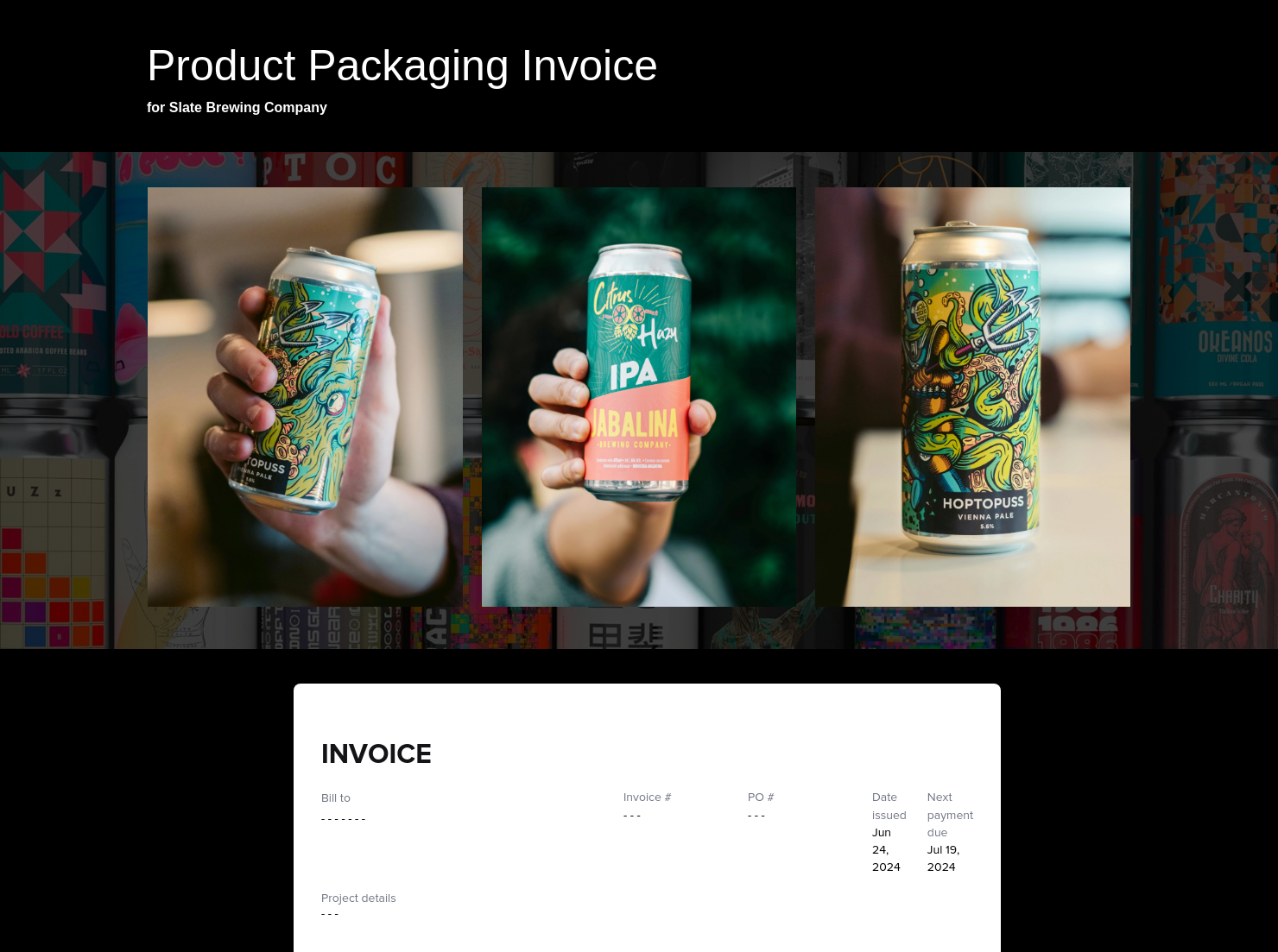
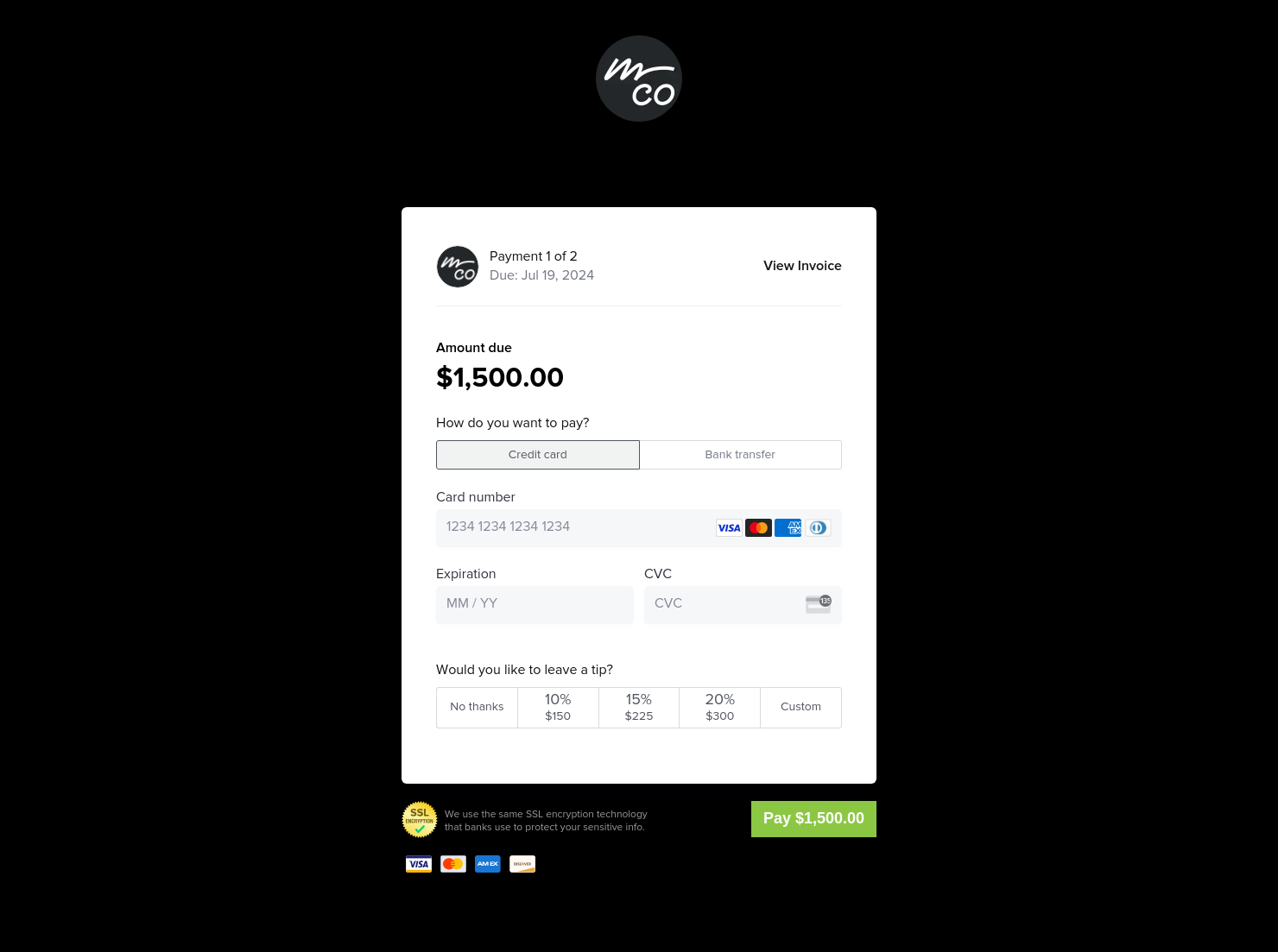

Invoice & online payments

Make it easy for clients to book and pay for your services–all in one file.


“
”

October 11, 2026

All there is to know about graphic design invoice templates
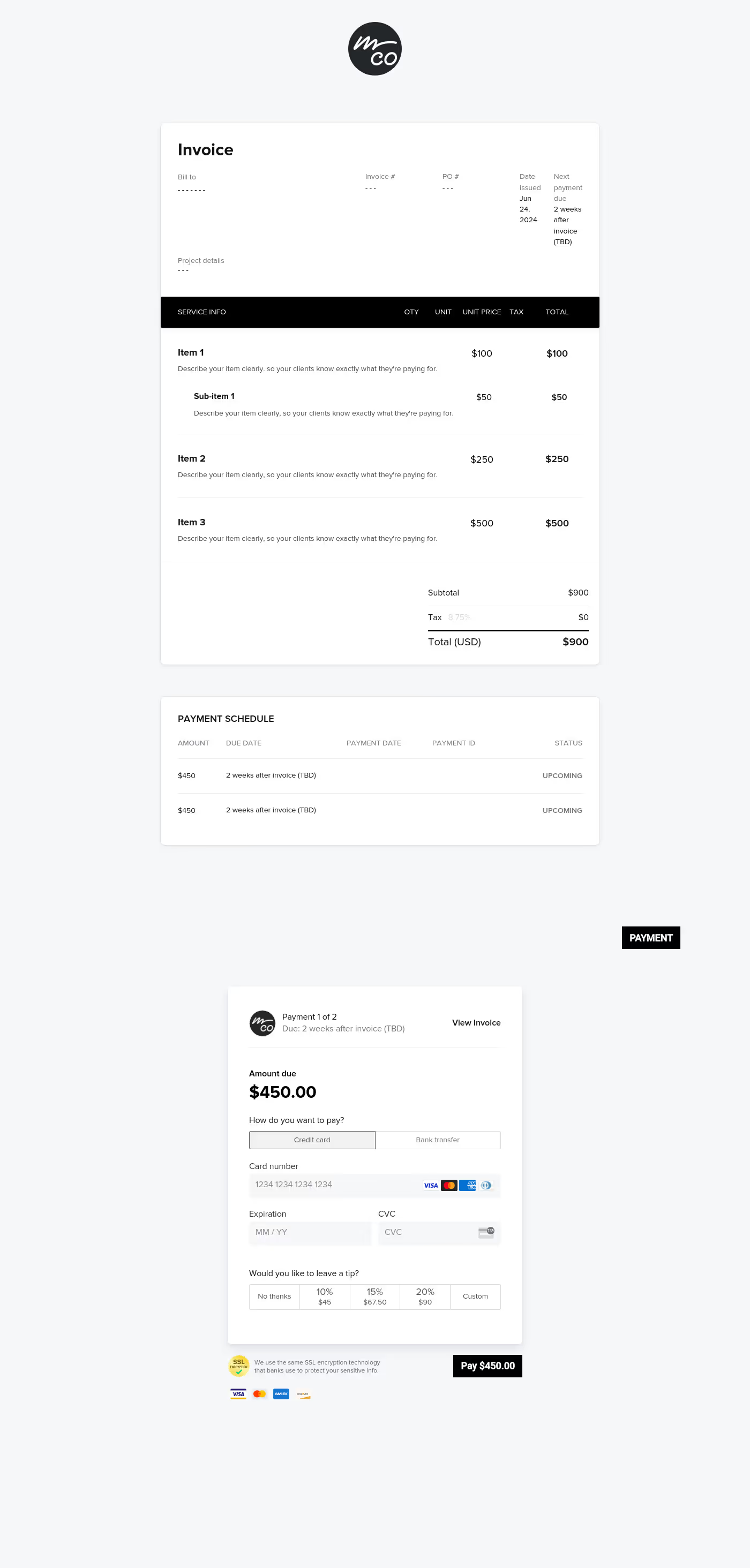
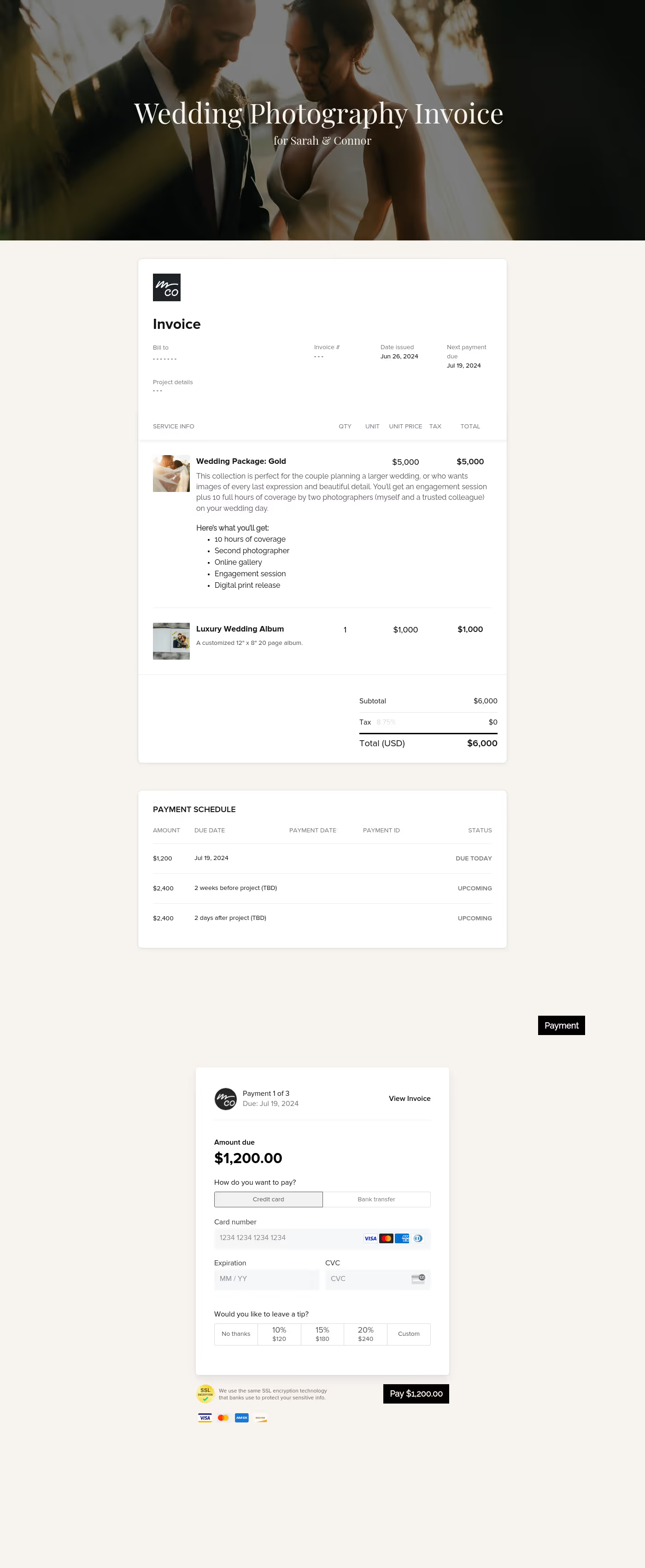
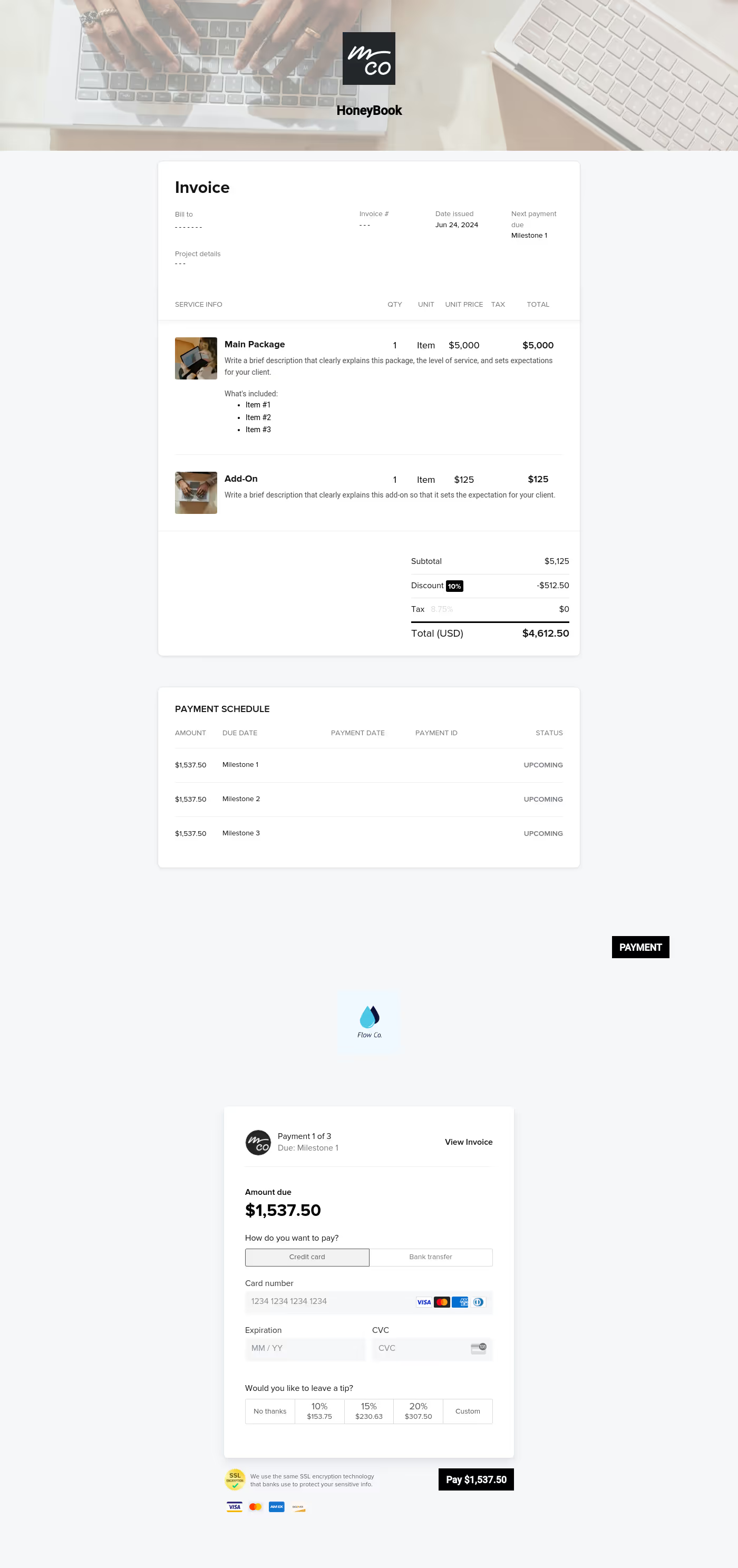
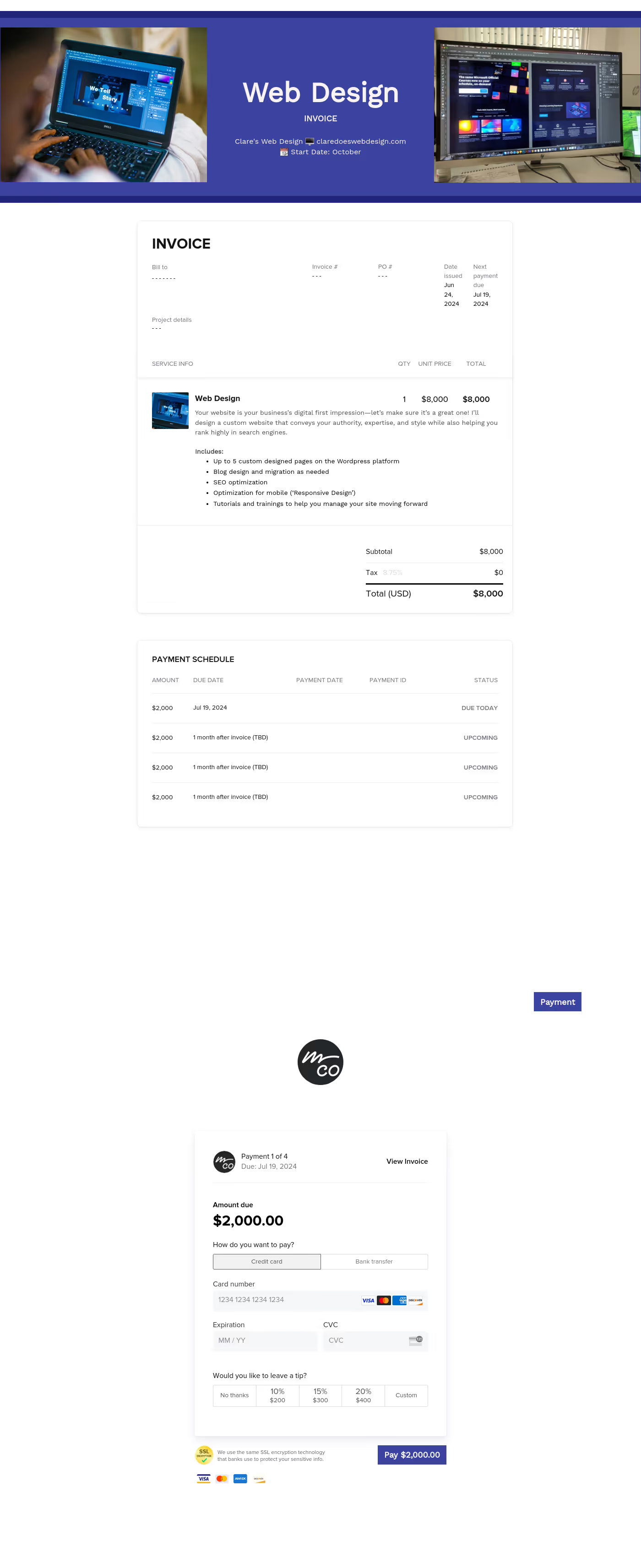
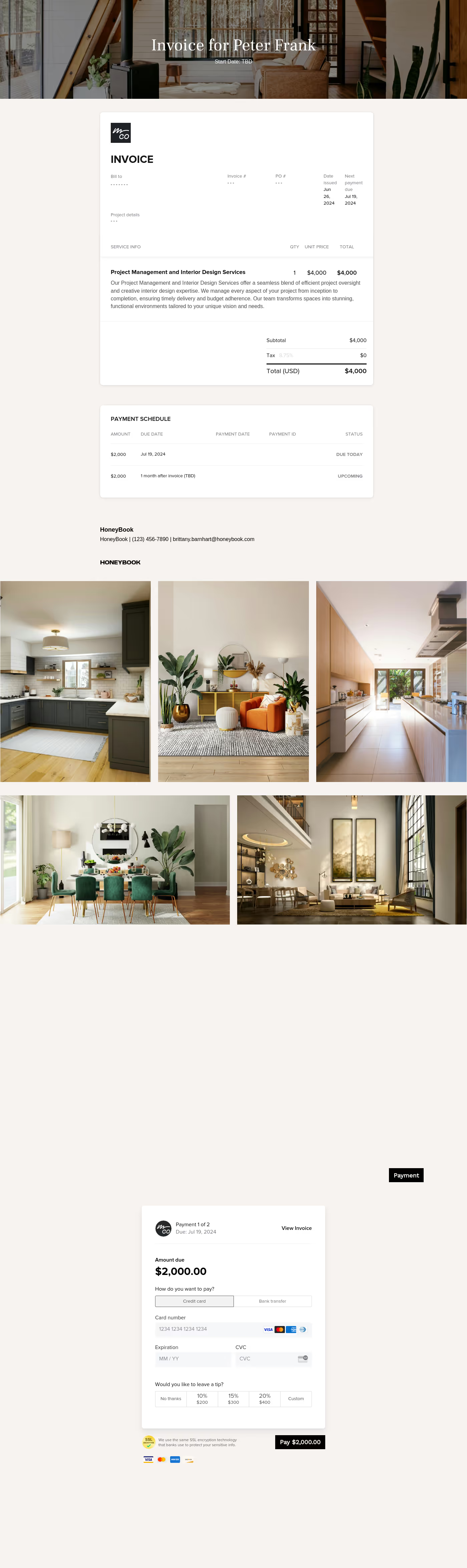
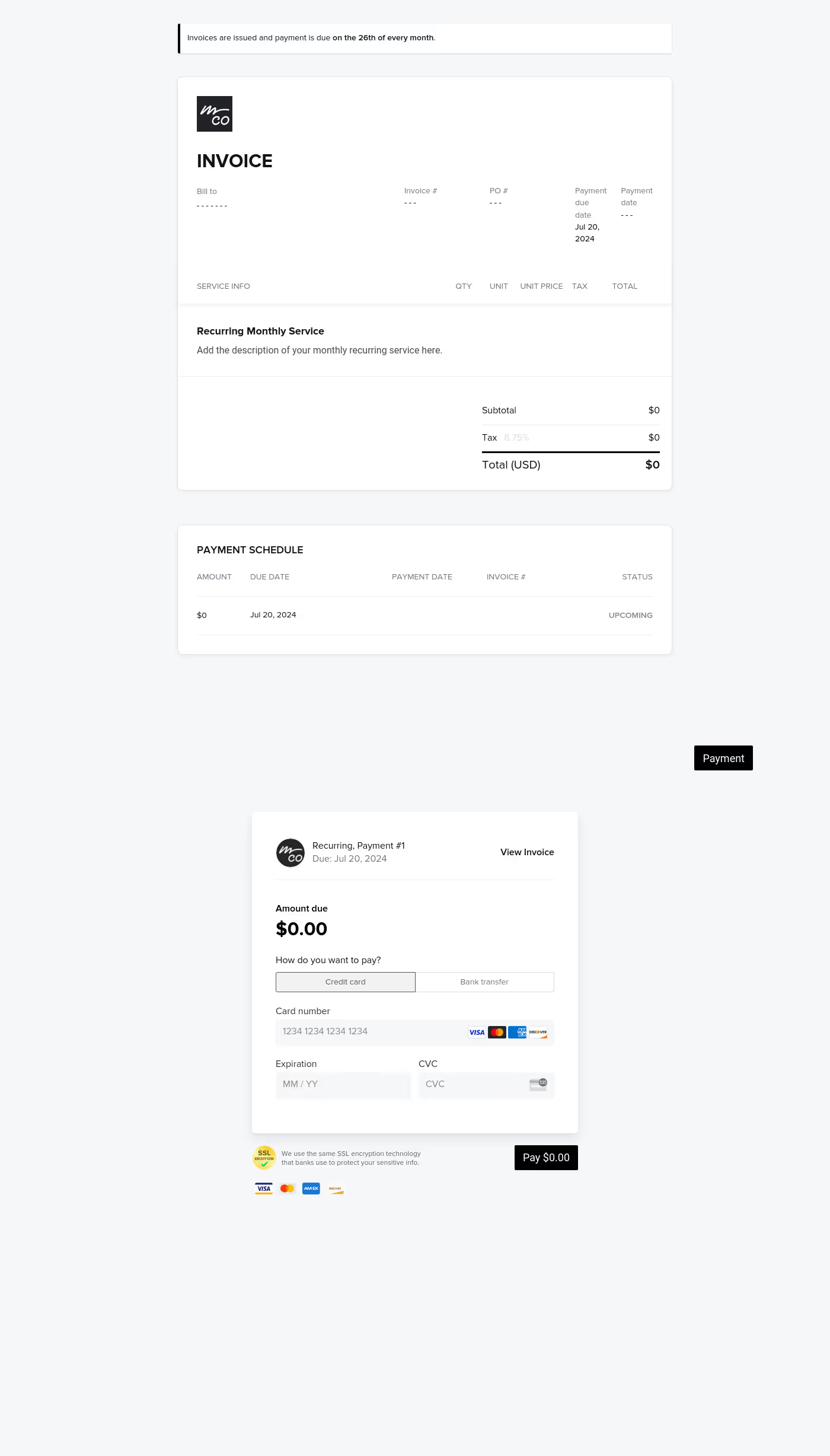
A graphic design invoice is a billing document that outlines the charges for design services delivered to a client, including project scope, fees, and payment terms. Designers use it at the close of a project, for monthly recurring billing, or at key milestones of a larger project. A graphic design invoice template enables you to request payment clearly and professionally, reducing delays and keeping the business side of creative work running smoothly.
Getting paid on time starts with sending a professional graphic design invoice. Designers avoid confusion over scope and disputes about what was agreed upon with a document that shows important information at a glance. If the billing isn’t clear, clients will take longer to pay.
This well-structured invoice template helps graphic designers:
- Establish professionalism and credibility with every client
- Reduce payment delays by making amounts and due dates impossible to miss
- Protect against scope disputes by documenting exactly what was delivered
- Simplify the booking and payment process for your clients
- Save time on repeat projects with a consistent and versatile format
A professional graphic design invoice should always cover the core details clients need to review, approve, and act on without confusion.
- Business and client information: your name or studio, client name, and contact details for both parties
- Invoice number and date: a unique reference number and the date the invoice was issued
- Description of services: a clear itemized breakdown of the design work completed
- Fees and totals: individual line items, any applicable taxes or discounts, and the final amount due
- Payment terms: due date, accepted payment methods, and any late fee policy
- Project reference: the project or job name, contract number, and delivery timeframe
Graphic designers handle multiple clients and project types, from branding and web design to print and illustration. The best sample work invoices reflect that variety. A flexible graphic design invoice template can cover both a one-time logo job and a multi-phase brand project, saving time and keeping your billing consistent.
For freelancers, the design for invoice matters as much as the content. A self-employed blank invoice template that represents your business with your logo, brand colors, and typography signals professionalism before a client even reads the details.
Avoid the common mistakes of vague line items like "design work" without specifics, omitting payment terms or details, or a missing unique invoice number. Streamline the payment process for you and your clients with a clear and complete graphic design invoice.
You can use this template across a range of project types and billing situations:
- At project completion to request final payment
- At scheduled milestones for longer engagements or phased work
- For retaining clients with a consistent and professional format
- For easy scheduling and booking of your standard graphic design services
- To replace informal billing with a scalable invoicing system
Catering has a lot of moving parts, and the menu sits in the center. If your catering menu is scattered across emails, texts, and screenshots, mistakes show up at the worst time.
A structured menu template helps in practical ways.
- Builds client trust and a professional first impression.
- Speeds approvals by making choices simple.
- Reduces payment disputes by documenting totals and terms.
- Saves time by cutting back and forth.
That means fewer surprises for clients and fewer fire drills for you.
Get started with a graphic design invoice template
With this ready-to-use graphic design invoice template, you spend less time formatting and filing invoices and more time doing the work clients hire you for. It is easy to customize to match your brand and billing structure, and reusable for every project and onboarding new clients.
FAQs
Below are quick answers to common questions from caterers building a catering menu that clients can approve with confidence.
Your graphic design invoice should list your business name and contact details, the client's information, an invoice number, the date issued, an itemized list of services with individual fees, the total amount due, payment terms, and the due date. Adding a project reference helps both parties track the project and payments easily.
Start with a self-employed blank invoice template that includes fields for all the essential items listed above. Using HoneyBook, you can build a reusable invoice template for work that goes out automatically as part of your client workflow.
Yes. You can customize fonts, colors, images, pricing tables, contract language, and messaging to reflect your brand's voice and visual identity. See how to customize your Smart Files.
Net 14 or Net 30 are common for graphic designers, meaning payment is due within 14 or 30 days of the invoice date. For larger projects, a deposit upfront (typically 25–50%) followed by a final invoice on completion is standard. Specify your chosen terms clearly on every invoice to avoid delays.
Yes. You can use files and templates to onboard and book clients. HoneyBook templates are built to simplify the steps between inquiry and booking, so you can deliver a professional client experience while saving time on repeat tasks. Learn more about files and templates.
Yes. With the HoneyBook mobile app, you can create, customize, send, and manage templates and Smart Files from anywhere. This means you can respond to inquiries, share documents, and keep projects moving whether you're at your desk or on the go. Learn how to use Smart Files on mobile.
Related templates









Related Templates
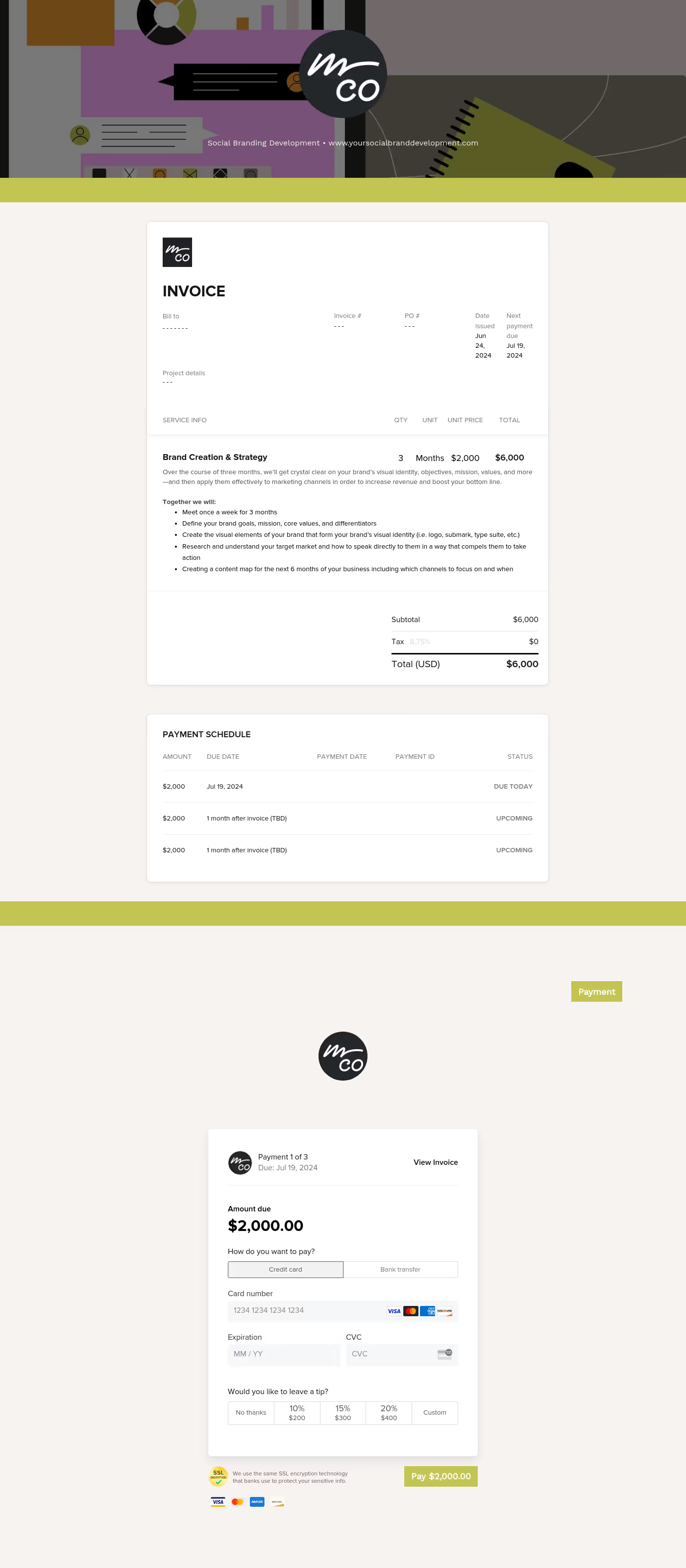

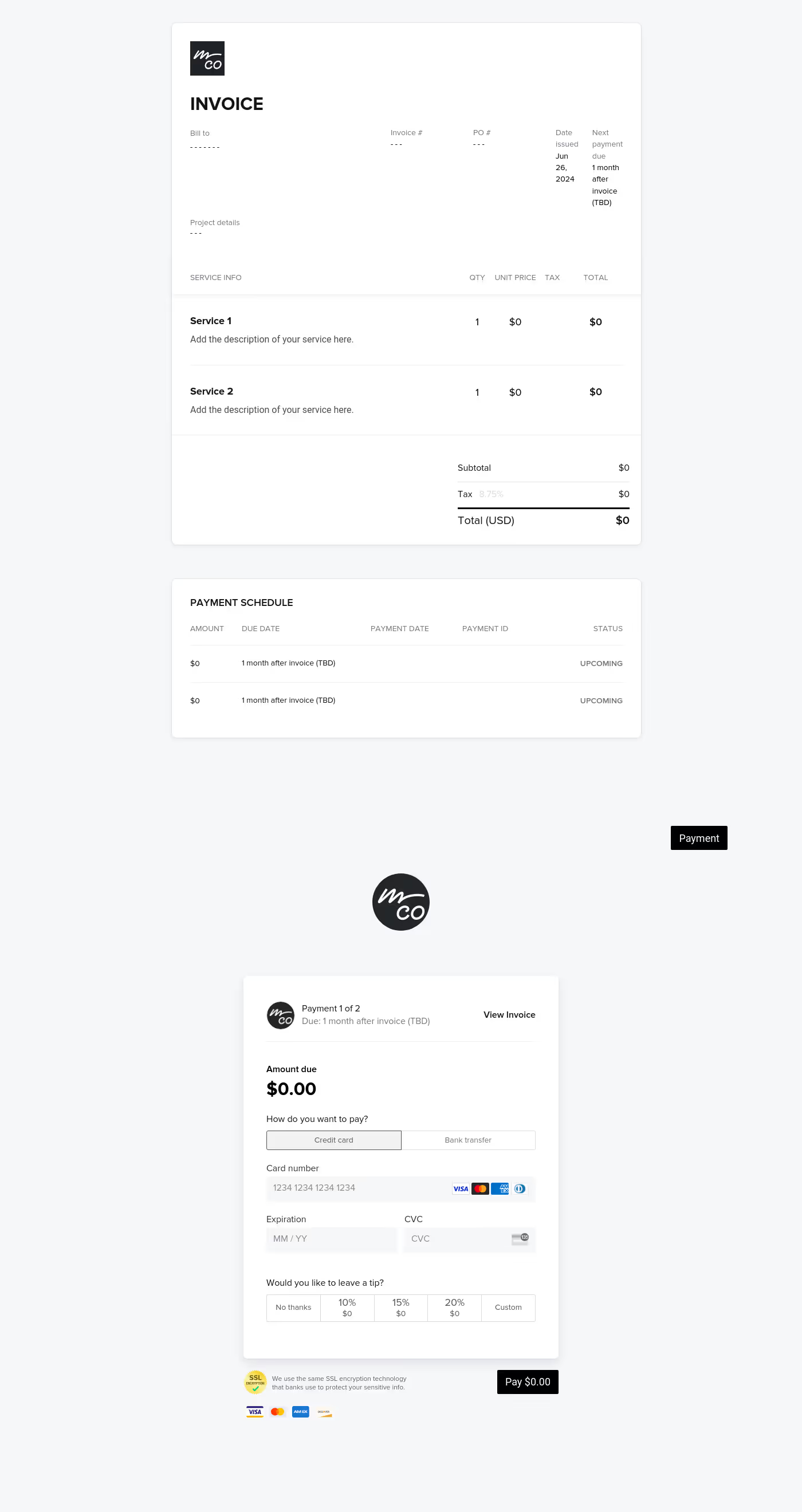
Make it your own
Fully customize the template to fit your needs. Quickly apply your company branding with just a few clicks.

Share with clients
Create exceptional client experiences through HoneyBook’s dedicated client portal, allowing them to read, review, and take action from any device.

Reuse and scale
Use your customized files with different clients again and again to save time and make managing client interactions that much easier.

Join the 100,000+ businesses growing with HoneyBook.
