








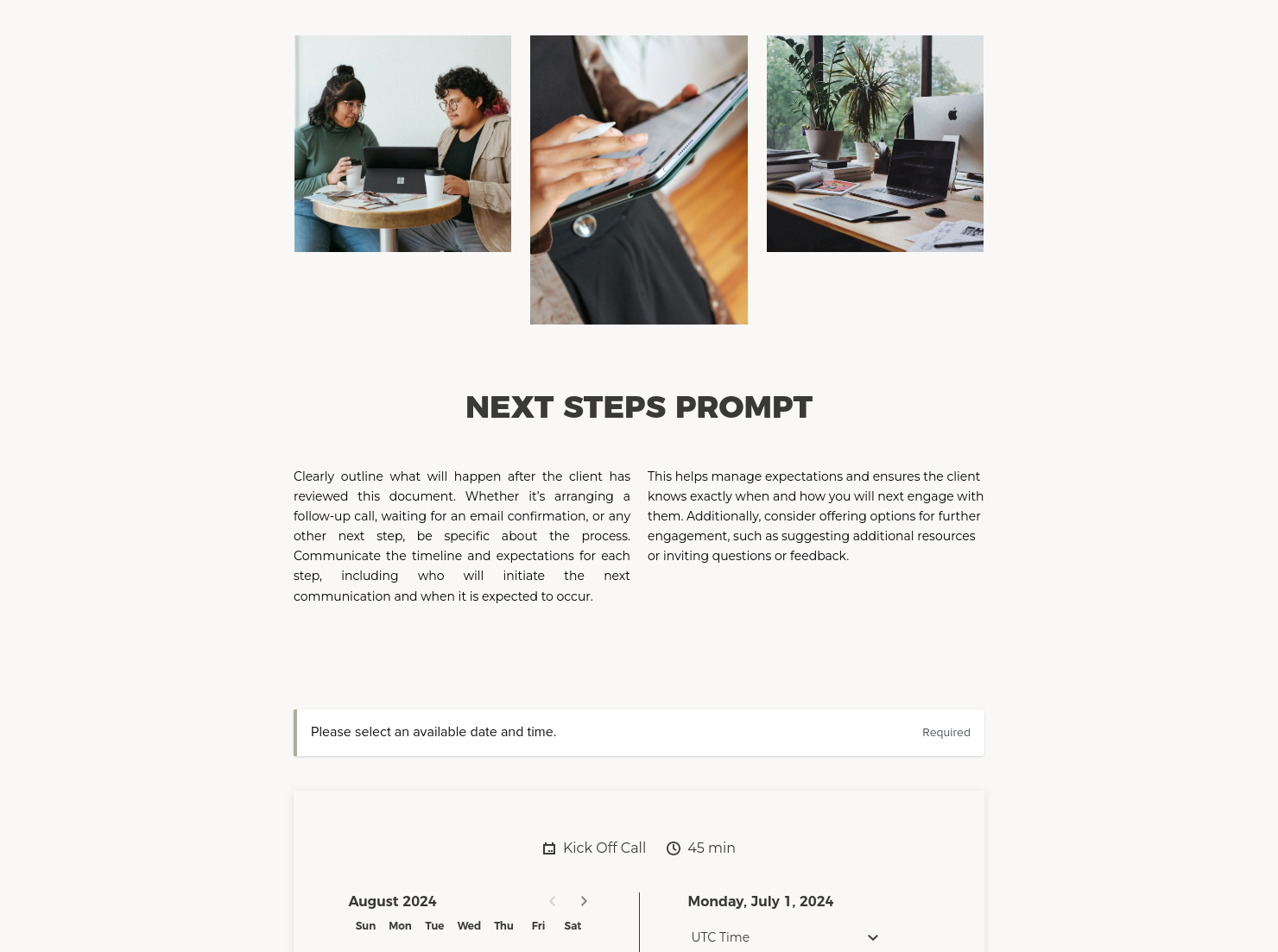

Services

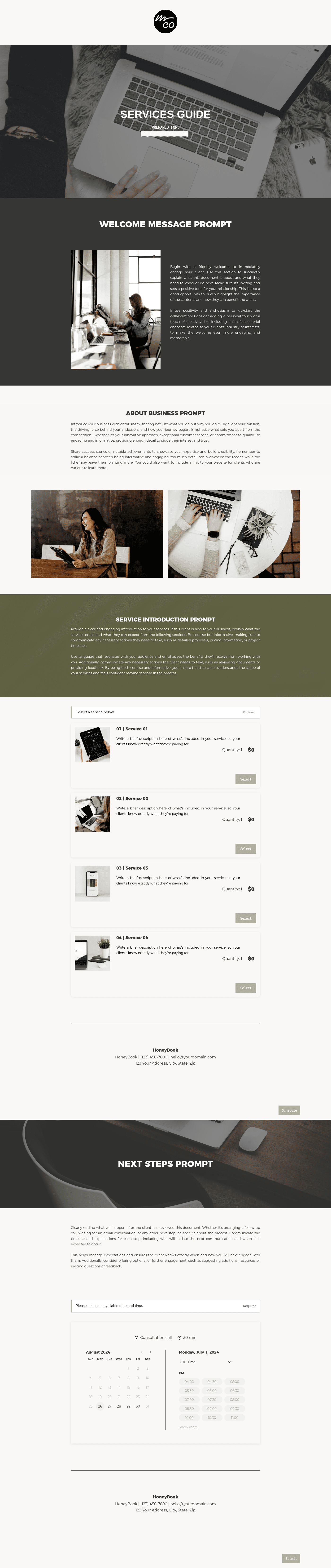
Showcase your services for easier client booking.

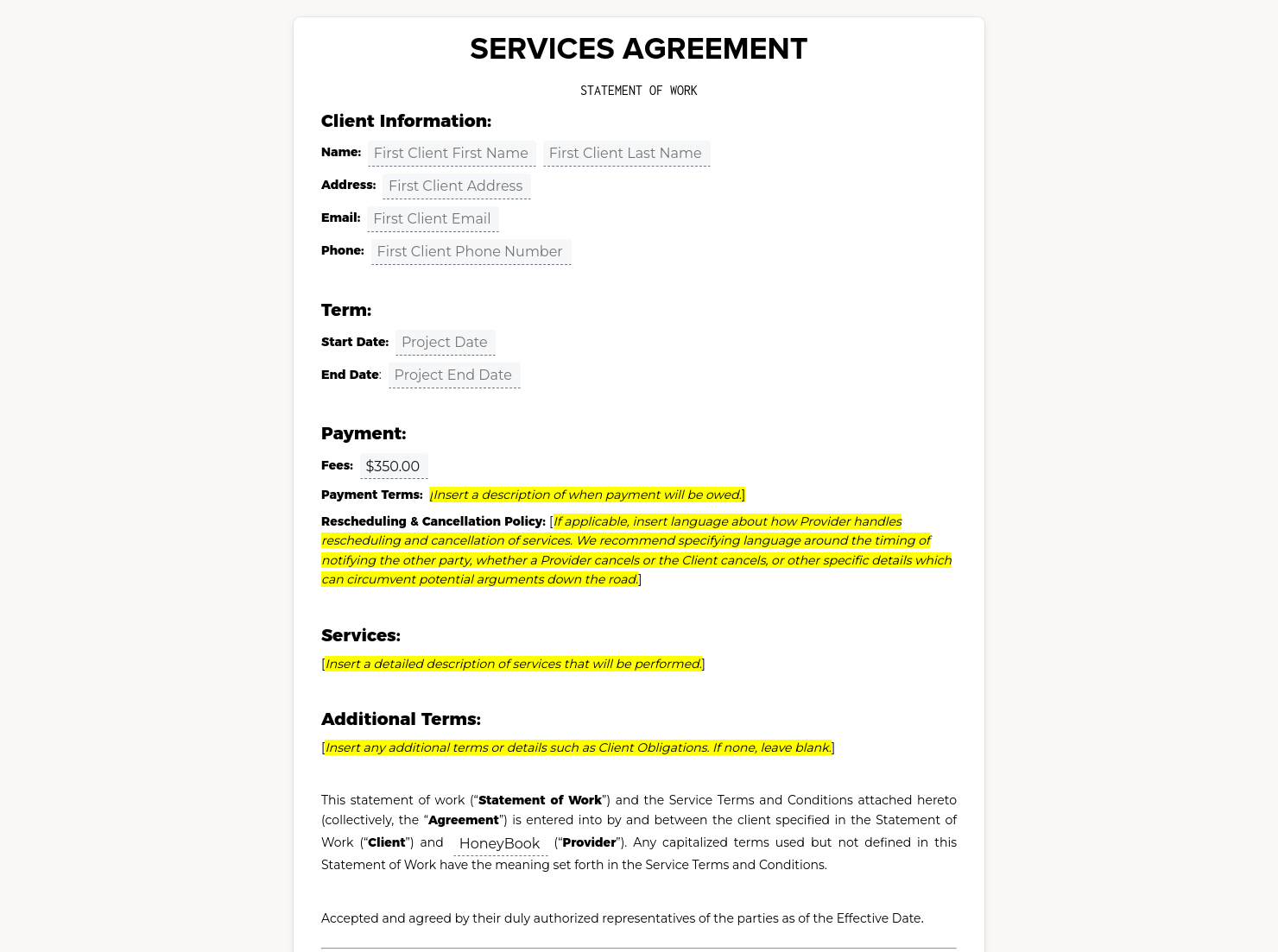
Contract for eSigning
Sign clients easily on the go via eSign with your contracts, or use one of HoneyBook's lawyer-approved contracts

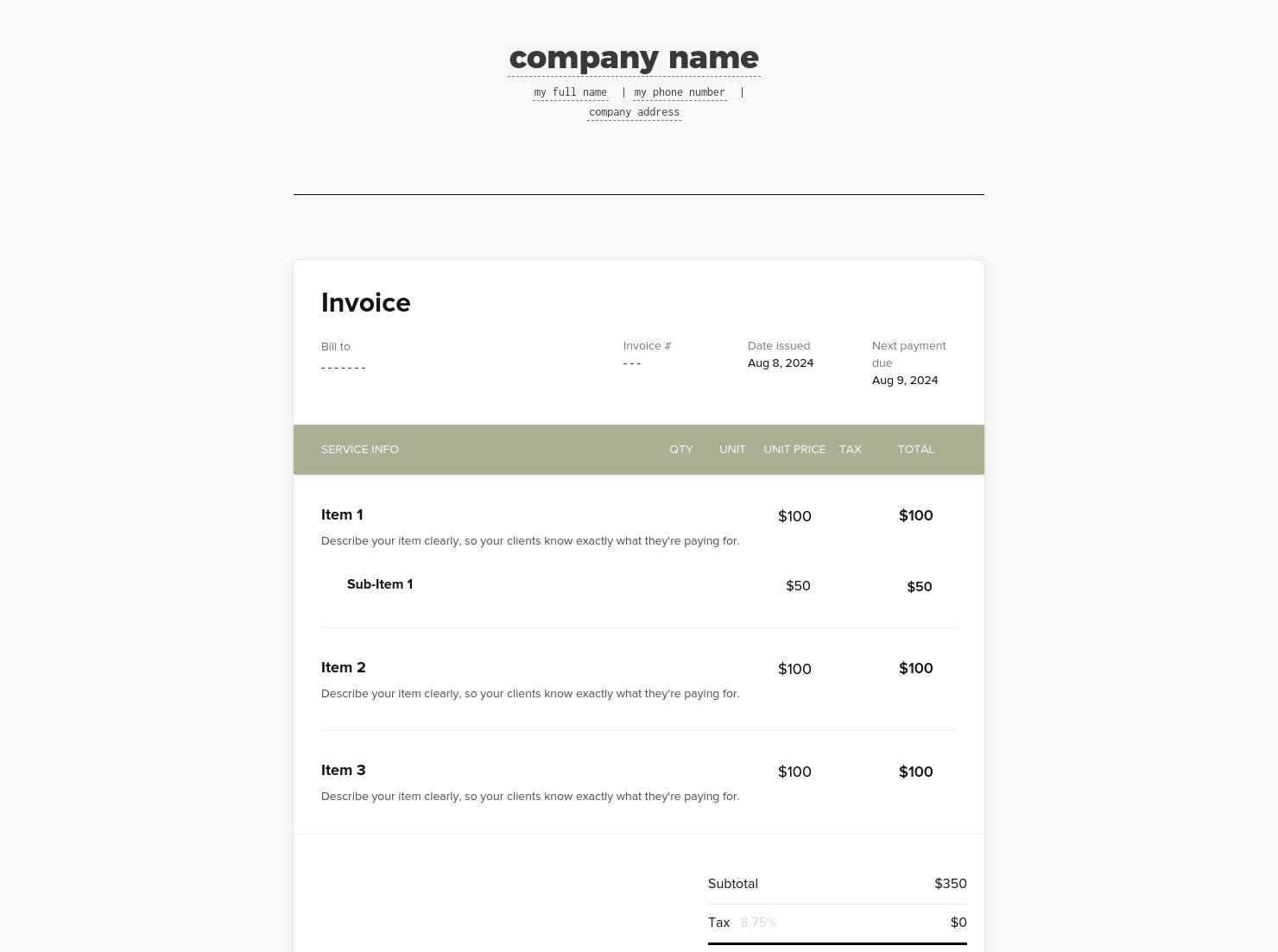
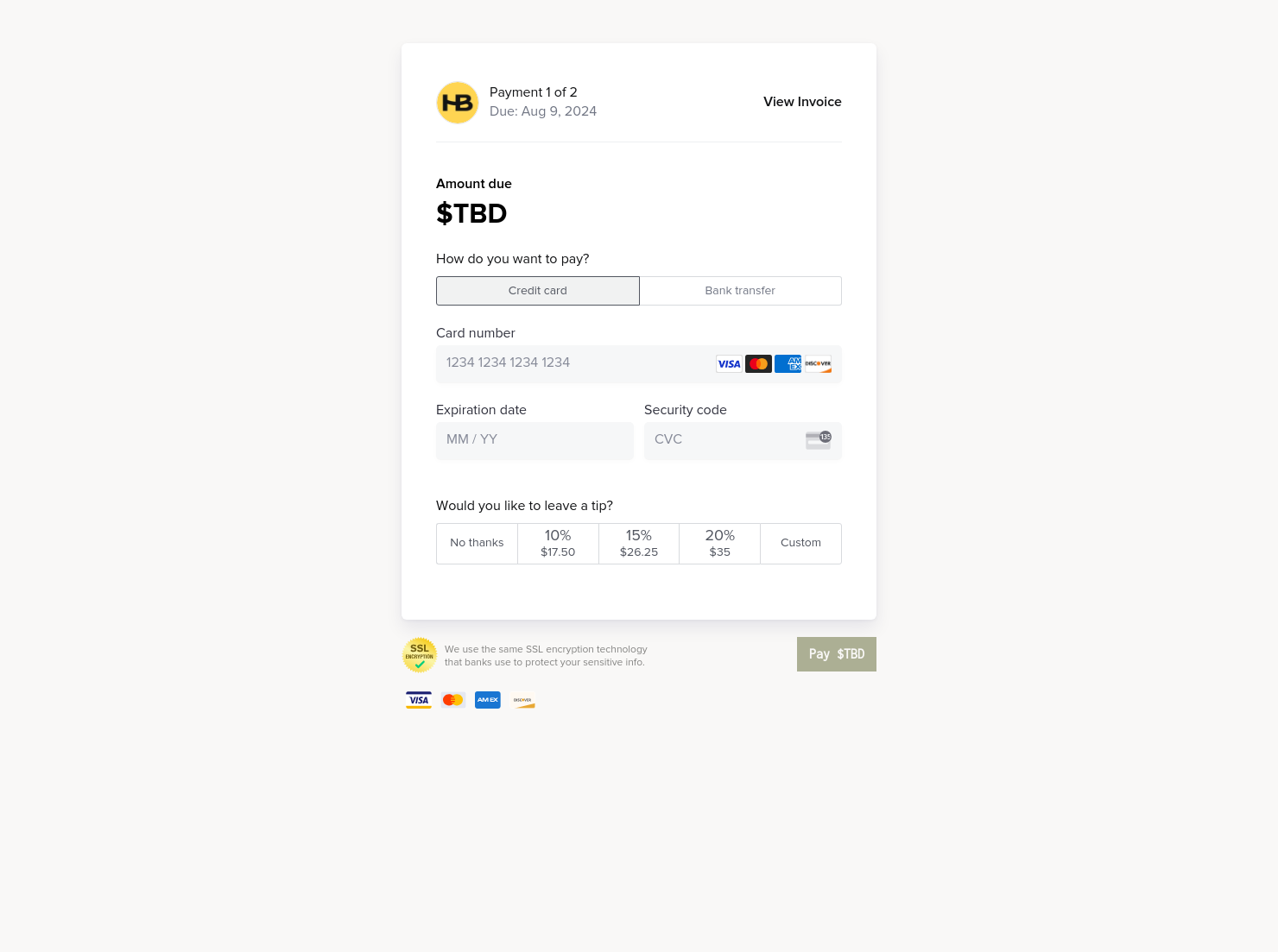
Invoice & online payments
Make it easy for clients to book and pay for your services–all in one file.

Scheduling
Let clients book meetings, sessions, or appointments during your available time slots.


“
”

November 1, 2026

How To Customize Your Graphic Design Proposal To Win More Clients
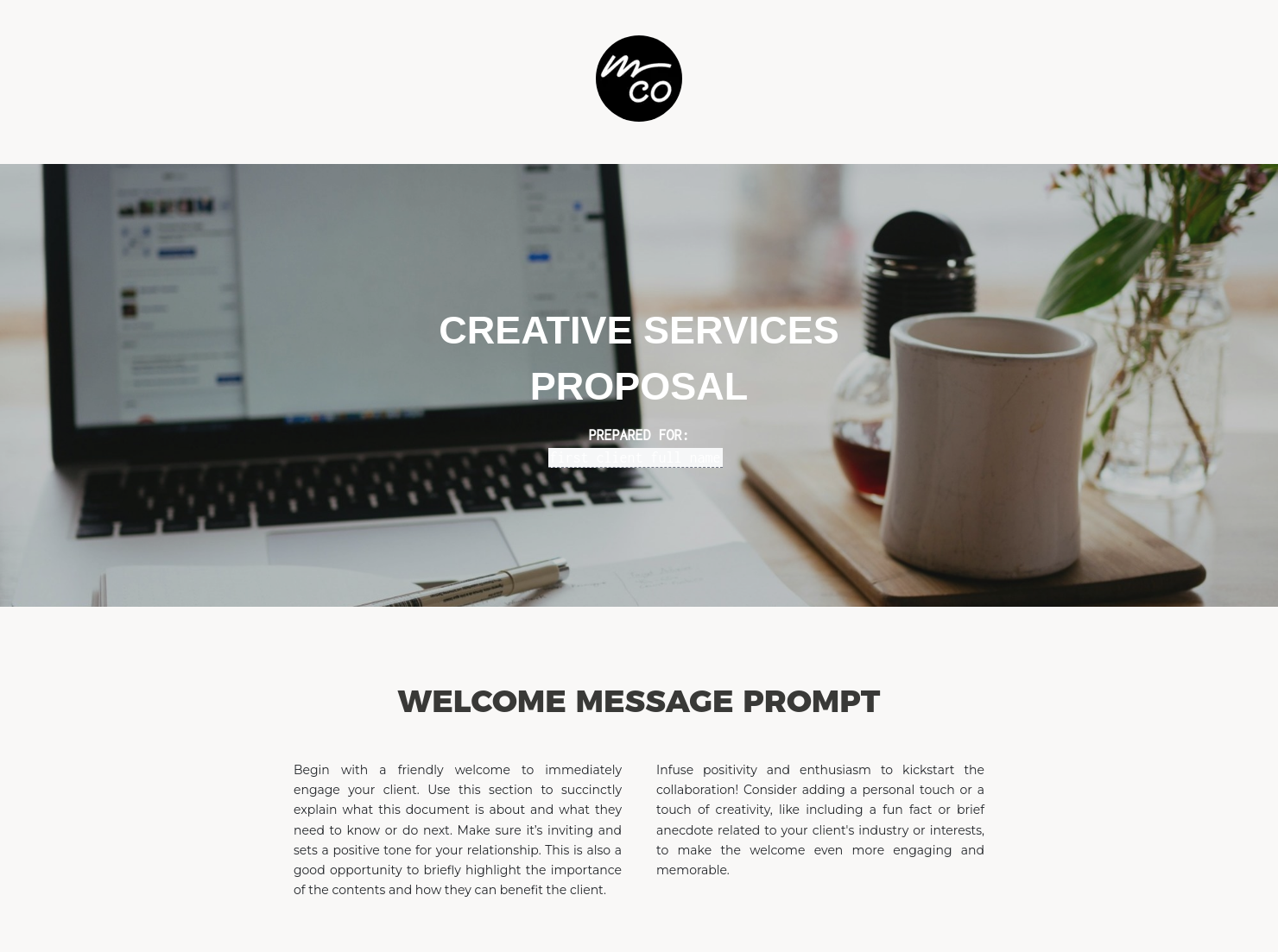
A graphic design proposal outlines services, process, pricing, and terms to a prospective client before a graphic design project begins. Graphic designers use it after an initial inquiry or consultation to give clients a clear picture of what working together looks like. Working with a template makes it easier for you and your client to move from conversation to confirmed booking.
A well-prepared graphic designing proposal is more than a description of the work you’re going to do. It signals that you run a professional business, sets expectations before any creative work begins, and gives clients a concrete reason and easy way to say yes.
Without a structured proposal, designers risk losing projects to competitors who present more clearly with less back-and-forth, or finding themselves mid-project with no agreed scope to fall back on.
A strong graphic design proposal helps you:
- Present your services and process in a format clients can review at their own pace
- Set clear expectations around design deliverables, timelines, and revisions
- Protect your business by documenting what's been agreed before work starts
- Convert more inquiries into bookings with a polished, professional first impression
A professional graphic design proposal should always cover the core details clients need to review, approve, and move forward with confidence.
- Business and client information: your studio or business name, the client's details, and the date the proposal was issued
- Project overview: a summary of the client's goals and how your services address them
- Scope of work: a clear description of the included design deliverables and formats, revisions, policy for additional changes, and exclusions
- Timeline: key milestones, review stages, and the expected completion date
- Pricing: itemized fees, package totals, and any optional add-ons
- Payment terms: deposit requirements, payment schedule, and due dates
- Signature: a mechanism for the client to formally accept the proposal
The best graphic design proposals are specific. A sample of design proposal that reads as generic tends to convert less than one that speaks directly to the client's project, goals, and context.
When building or customizing a design proposal example, lead with a short project summary that reflects the initial conversation you had. Before they commit, clients want to feel understood and know what they’re getting. Be precise about scope: vague descriptions are one of the most common reasons for rejected proposals, or later disputes about scope.
A polished presentation demonstrates the high quality of work clients can expect. Your logo, brand colors, and a clean layout are essential to an on-brand document. Common mistakes in a graphic designing proposal include listing prices without context, omitting revision limits, or leaving out next steps.
This template works across a range of project types and client situations. Use it:
- After an initial inquiry or discovery call to formalize the project scope
- When pitching a new client on a branding, web, or print design project
- For custom or one-off projects that need a clear written agreement
- When a client requests a design proposal sample to compare options
- As a more professional alternative to quoting over email
Catering has a lot of moving parts, and the menu sits in the center. If your catering menu is scattered across emails, texts, and screenshots, mistakes show up at the worst time.
A structured menu template helps in practical ways.
- Builds client trust and a professional first impression.
- Speeds approvals by making choices simple.
- Reduces payment disputes by documenting totals and terms.
- Saves time by cutting back and forth.
That means fewer surprises for clients and fewer fire drills for you.
Get started with a graphic design proposal template
A ready-made graphic design proposal template takes the setup work off your plate and gives every new inquiry a consistent, professional response. Customize it with your services, pricing, and process. Use it as the foundation for every client conversation and convert more inquiries into confirmed projects.
FAQs
Below are quick answers to common questions from caterers building a catering menu that clients can approve with confidence.
A graphic design proposal should cover the project overview, scope of work, deliverables, timeline, pricing, revision policy, and payment terms. Including a clear approval step makes it easy for clients to confirm the project and get started without additional back-and-forth.
Start by summarizing the client's goals in your own words to show you understood the brief. Then outline the scope clearly, list your fees with context, and specify what's included in terms of revisions and delivery. Using a design proposal example as a starting point saves time and ensures you don't miss any key sections.
A proposal presents your offer, including services, scope, pricing, and timeline, for the client to review and approve. A contract is the binding agreement that follows once both parties have agreed on the terms. In HoneyBook, you can combine these, so clients can review your graphic design proposal, sign the contract, and pay the deposit all in one step. Learn more about graphic design workflow management.
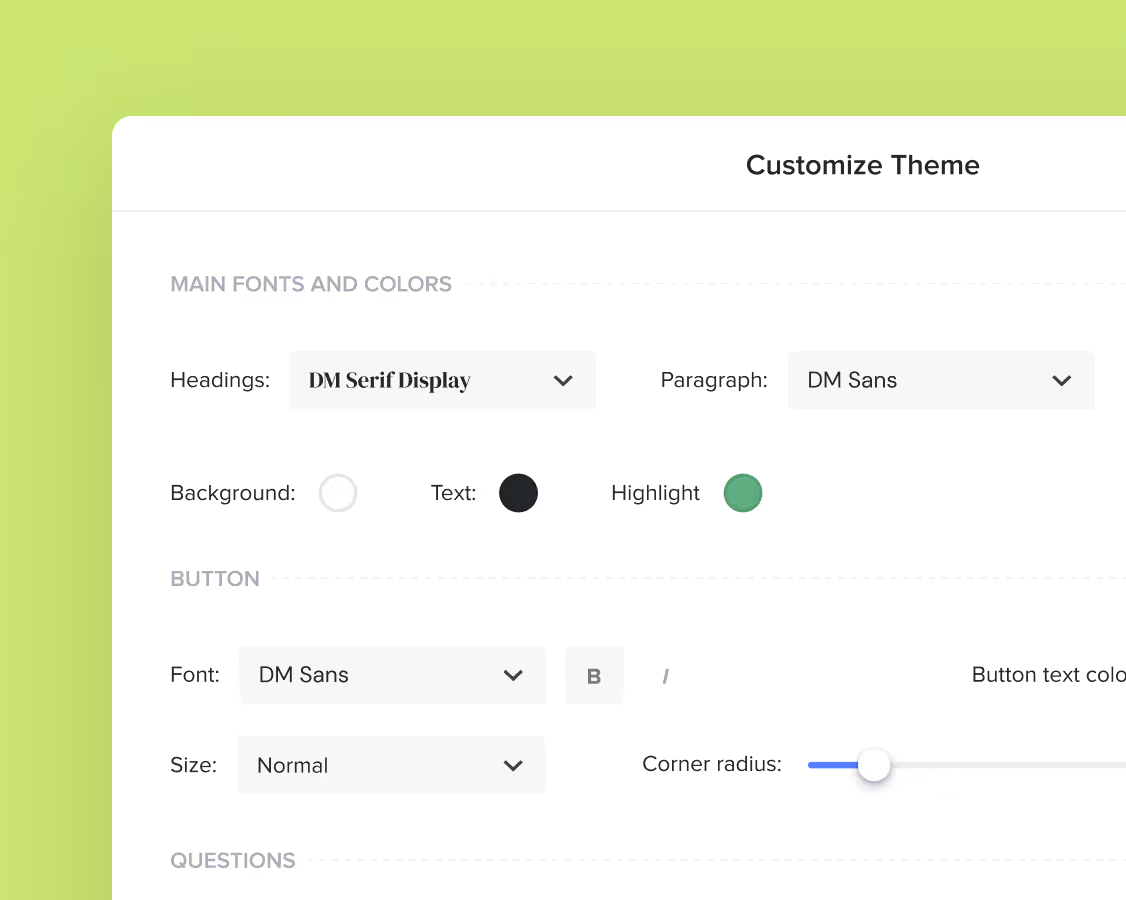
Yes. You can customize fonts, colors, images, pricing tables, contract language, and messaging to reflect your brand's voice and visual identity. See how to customize your Smart Files.
Yes. With the HoneyBook mobile app, you can create, customize, send, and manage templates and Smart Files from anywhere. This means you can respond to inquiries, share documents, and keep projects moving whether you're at your desk or on the go. Learn how to use Smart Files on mobile.
Related templates
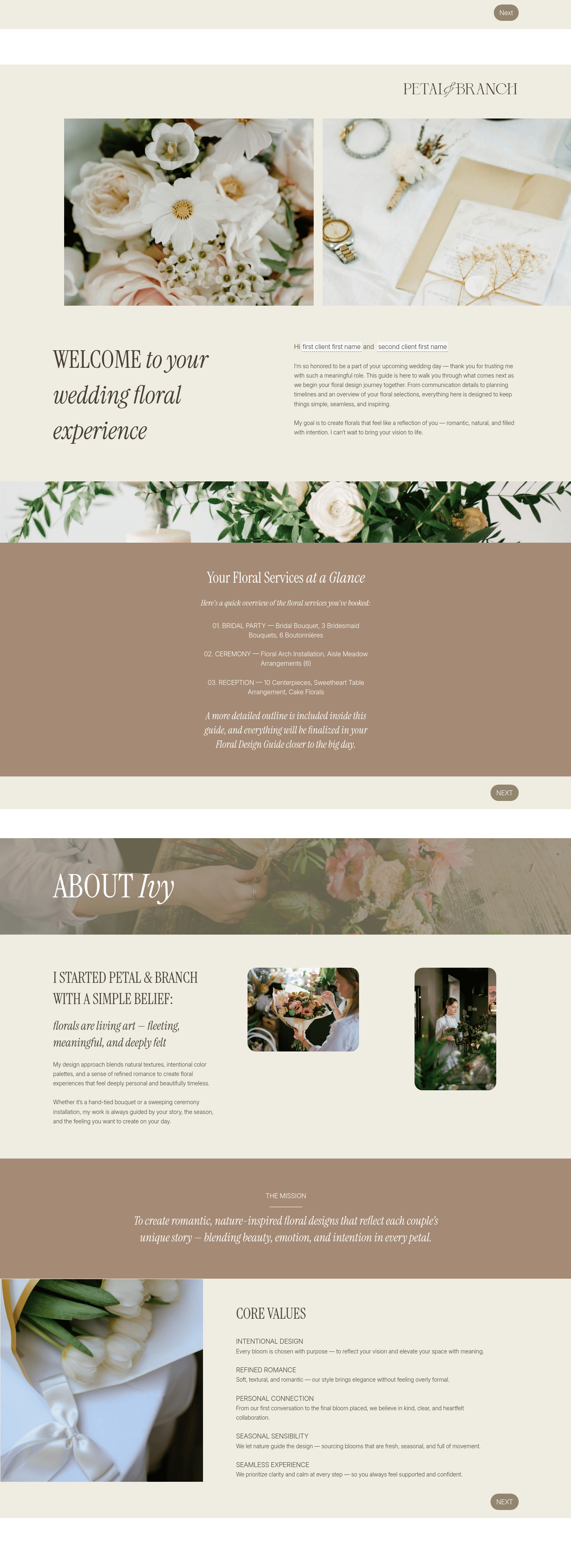
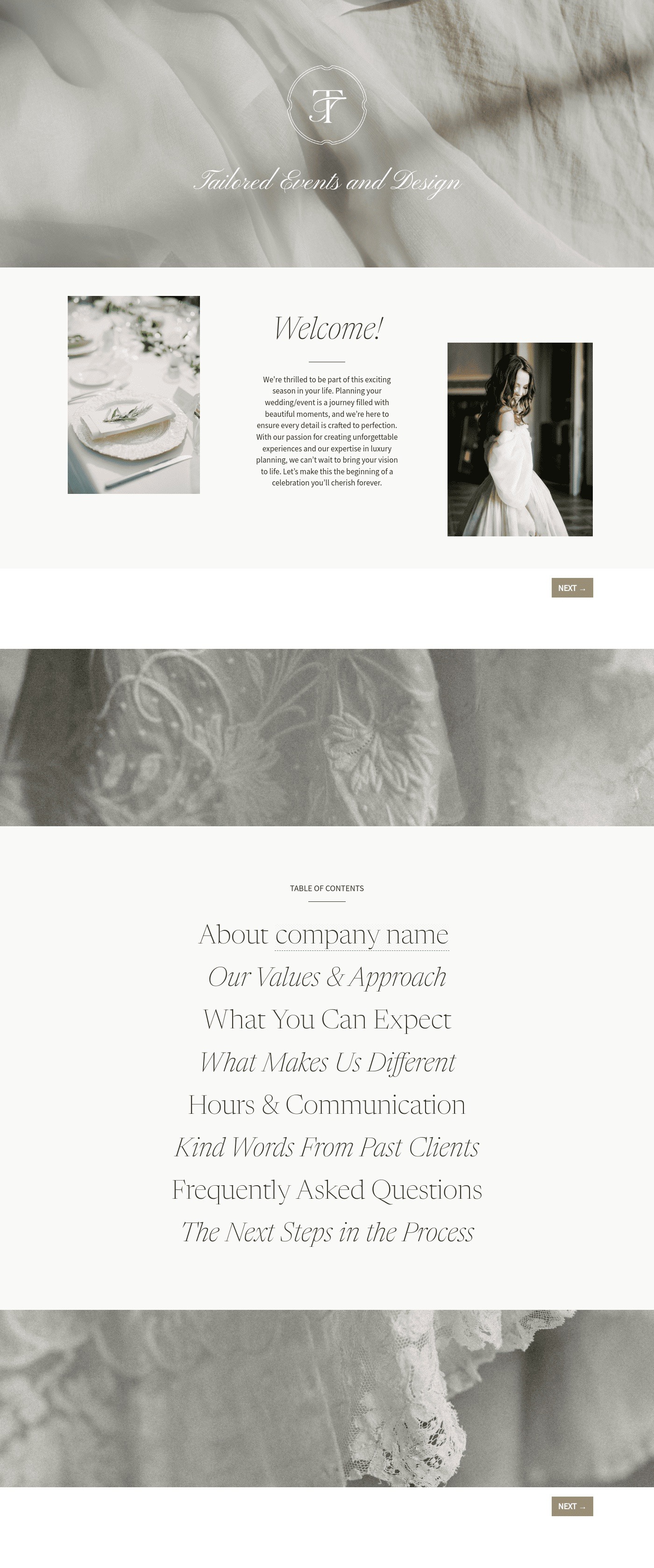
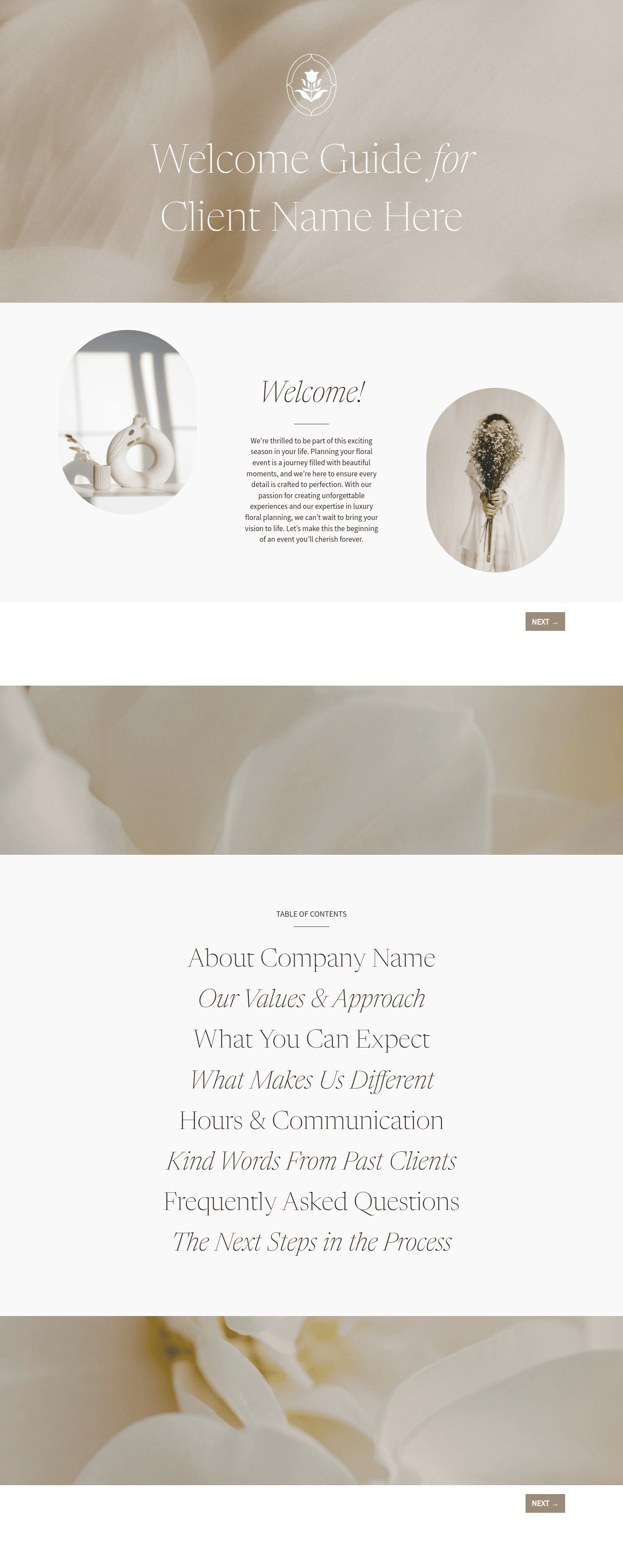

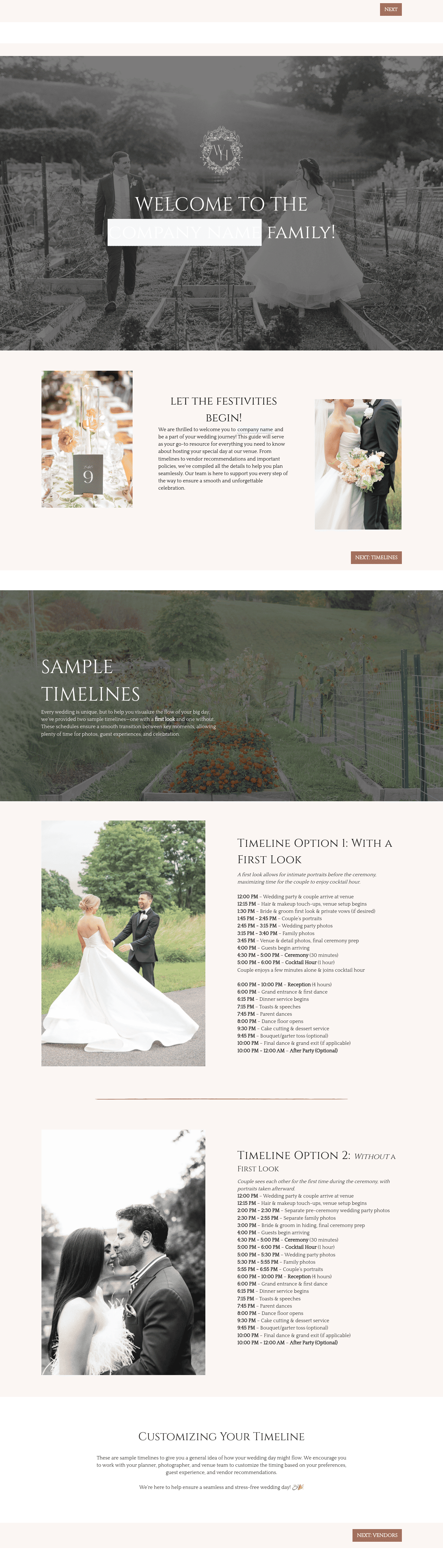


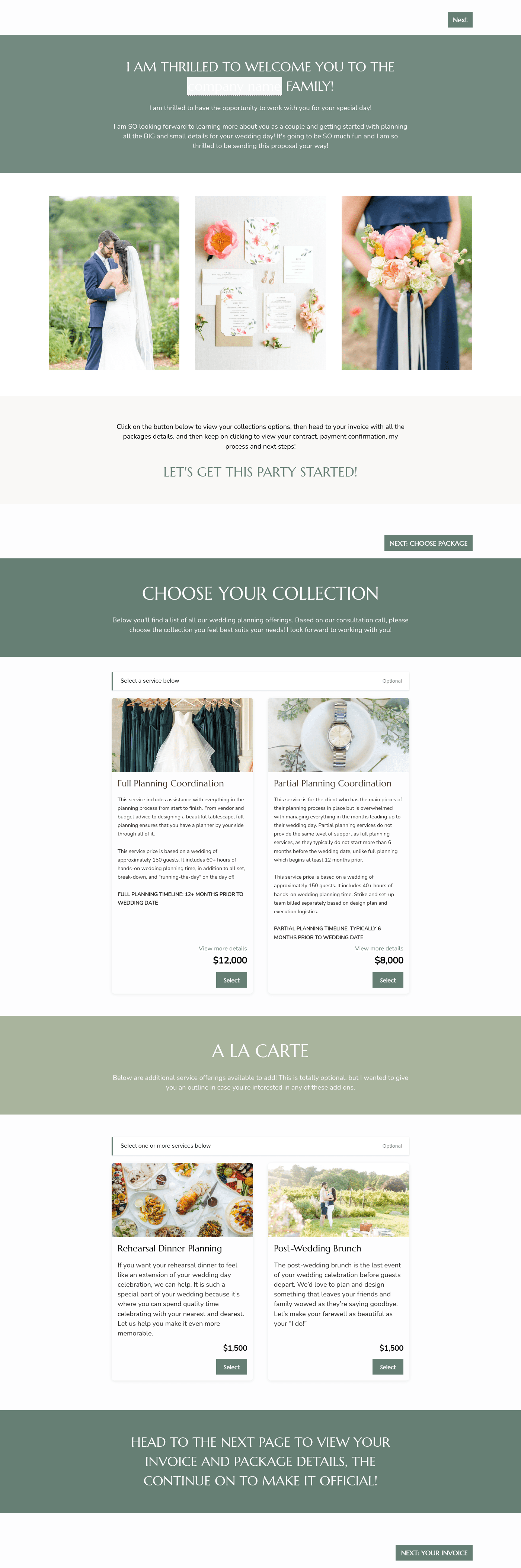

Related Templates



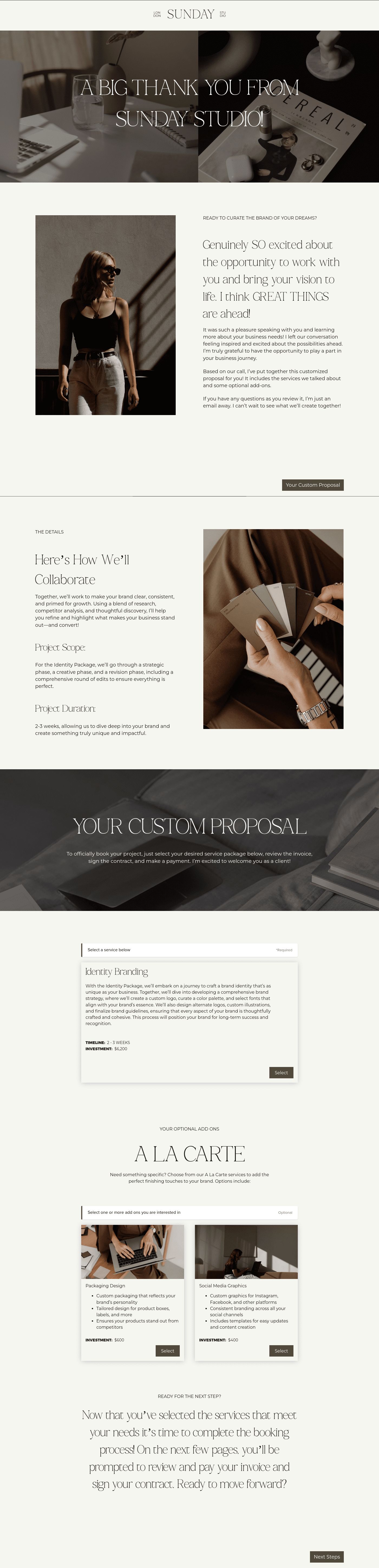
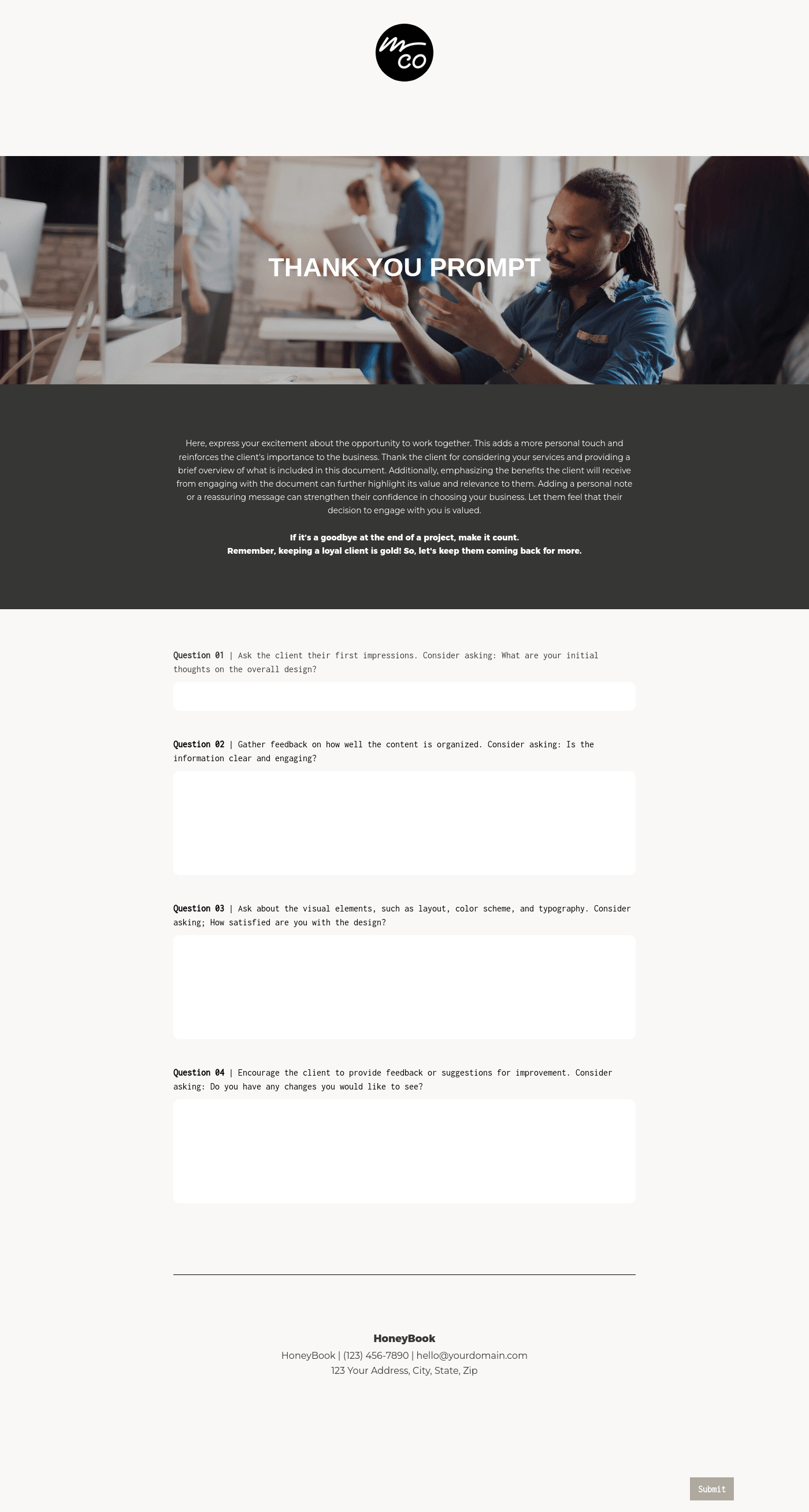


.avif)
Make it your own
Fully customize the template to fit your needs. Quickly apply your company branding with just a few clicks.
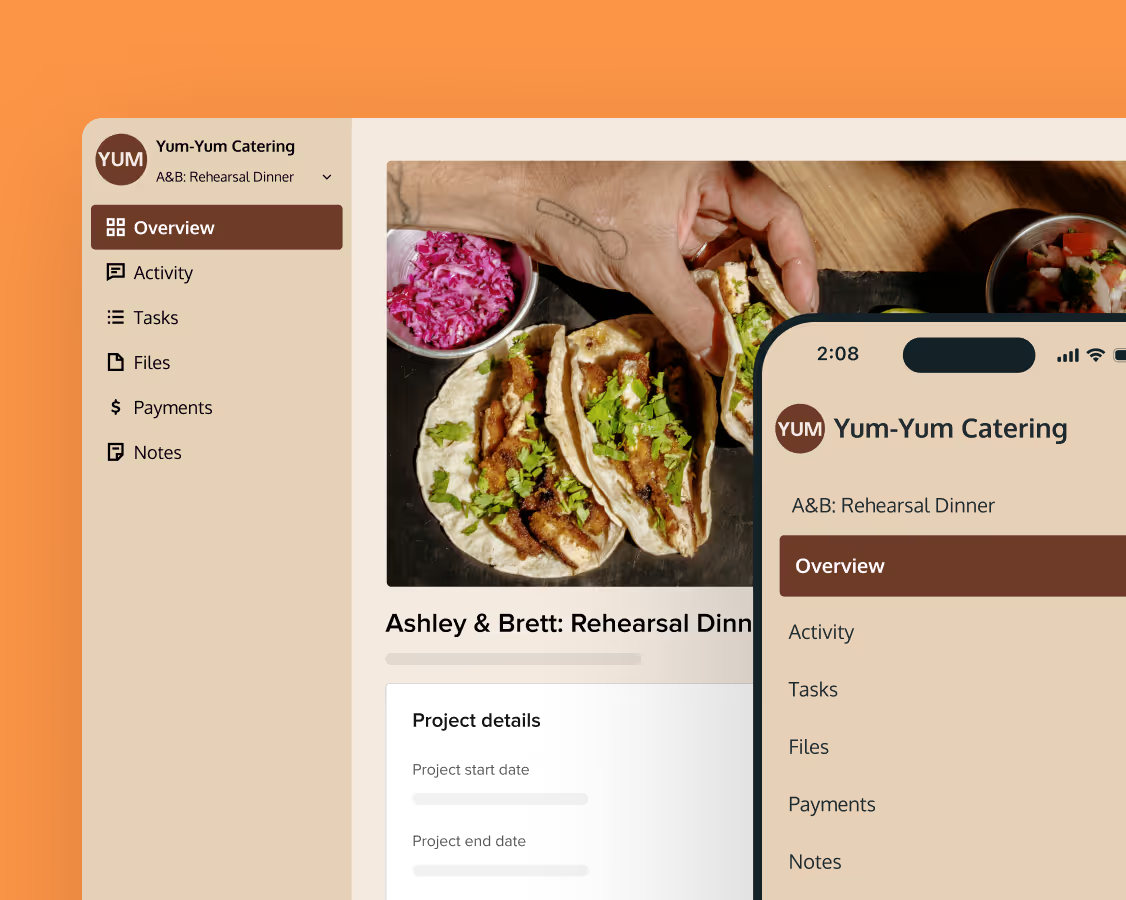
Share with clients
Create exceptional client experiences through HoneyBook’s dedicated client portal, allowing them to read, review, and take action from any device.
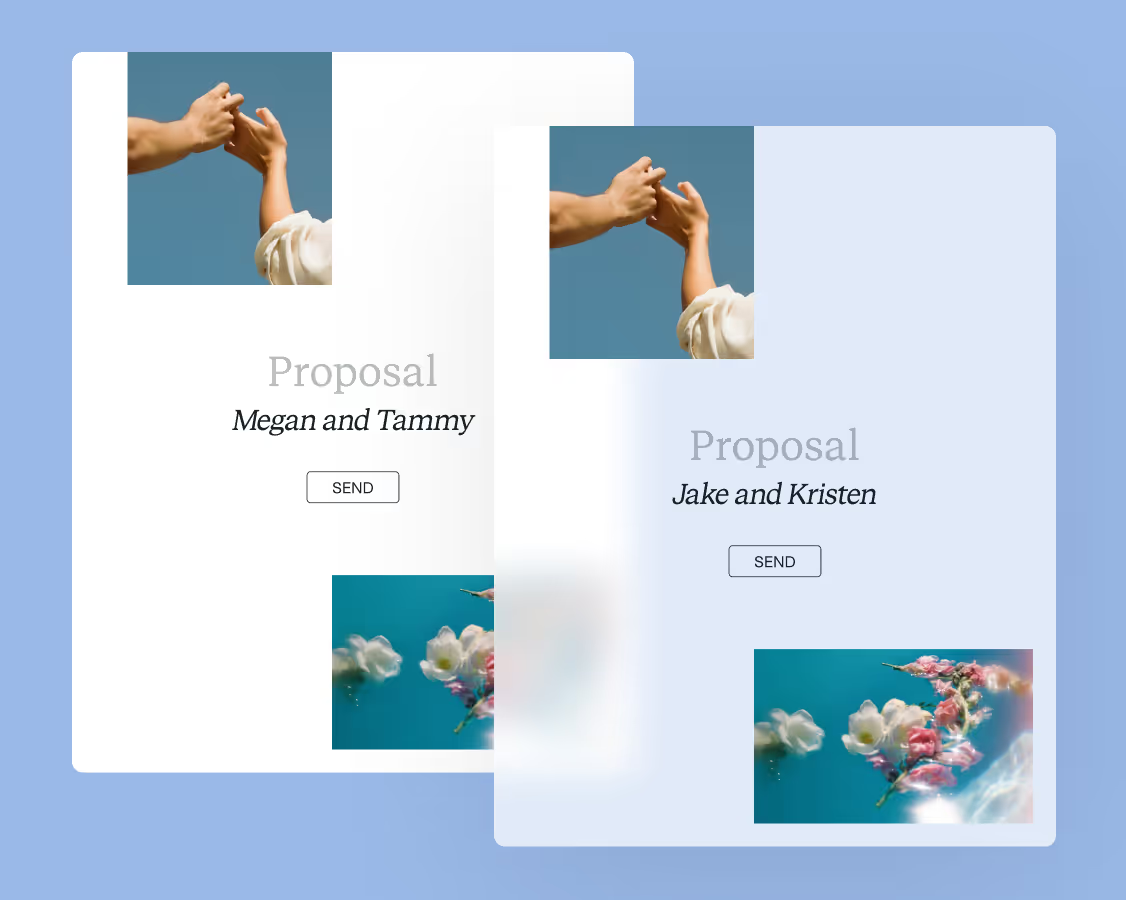
Reuse and scale
Use your customized files with different clients again and again to save time and make managing client interactions that much easier.
Join the 100,000+ businesses growing with HoneyBook.