











Invoice & online payments

Make it easy for clients to book and pay for your services–all in one file.


“
”

October 27, 2026

All there is to know about catering invoice templates
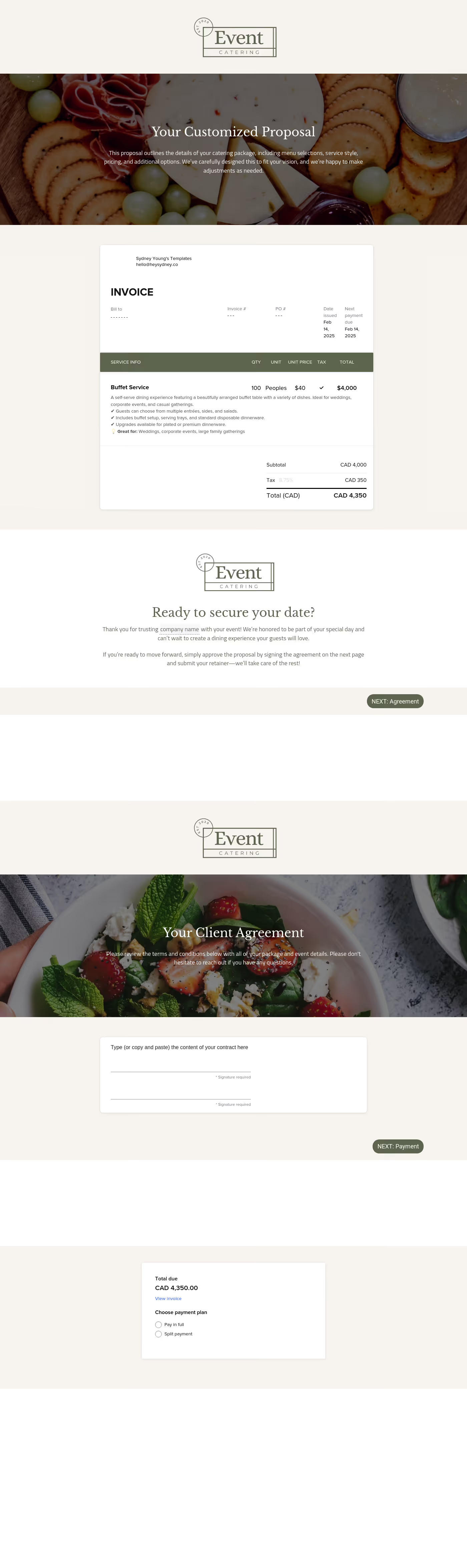
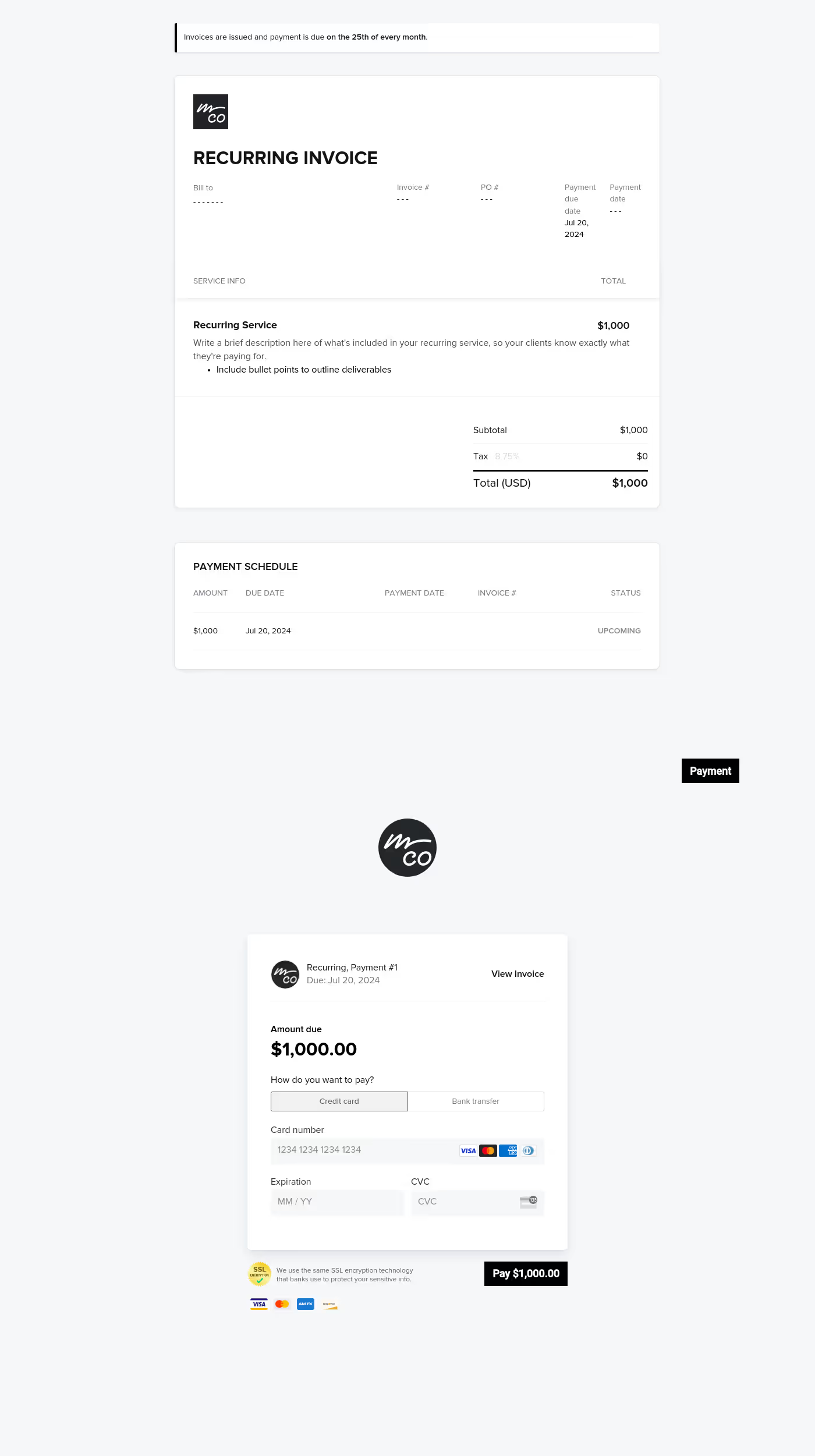
Getting paid is the most important part of any deal — and our catering invoice templates make it easier than ever to collect payments from your clients. This one all-purpose, elegant solution includes all the key info you need while allowing your catering customers to easily make fast and secure payments online.
A caterer's life is already busy enough. The work is difficult, and even the smoothest events usually require some last-minute problem-solving. The last thing any industry professional needs is wasted time chasing down payments.
The right invoice template for catering takes the headache away and ensures you can spend more time working on what matters — not sending endless payment reminders and payment instructions to clients.
- Easily track and collect timely payments
- Boost efficiency and avoid admin overhead
- Streamline the billing process for clients
- Send timely reminders on an automated schedule
- Showcase your professionalism and process expertise
Your invoice should be a simple, lightweight document. There is no need to get fancy — or include anything that could distract the client from completing payment. You can include some simple branding elements to illustrate your professionalism and reinforce any key logos, slogans, or social media presence. But mostly, you just want the basics.
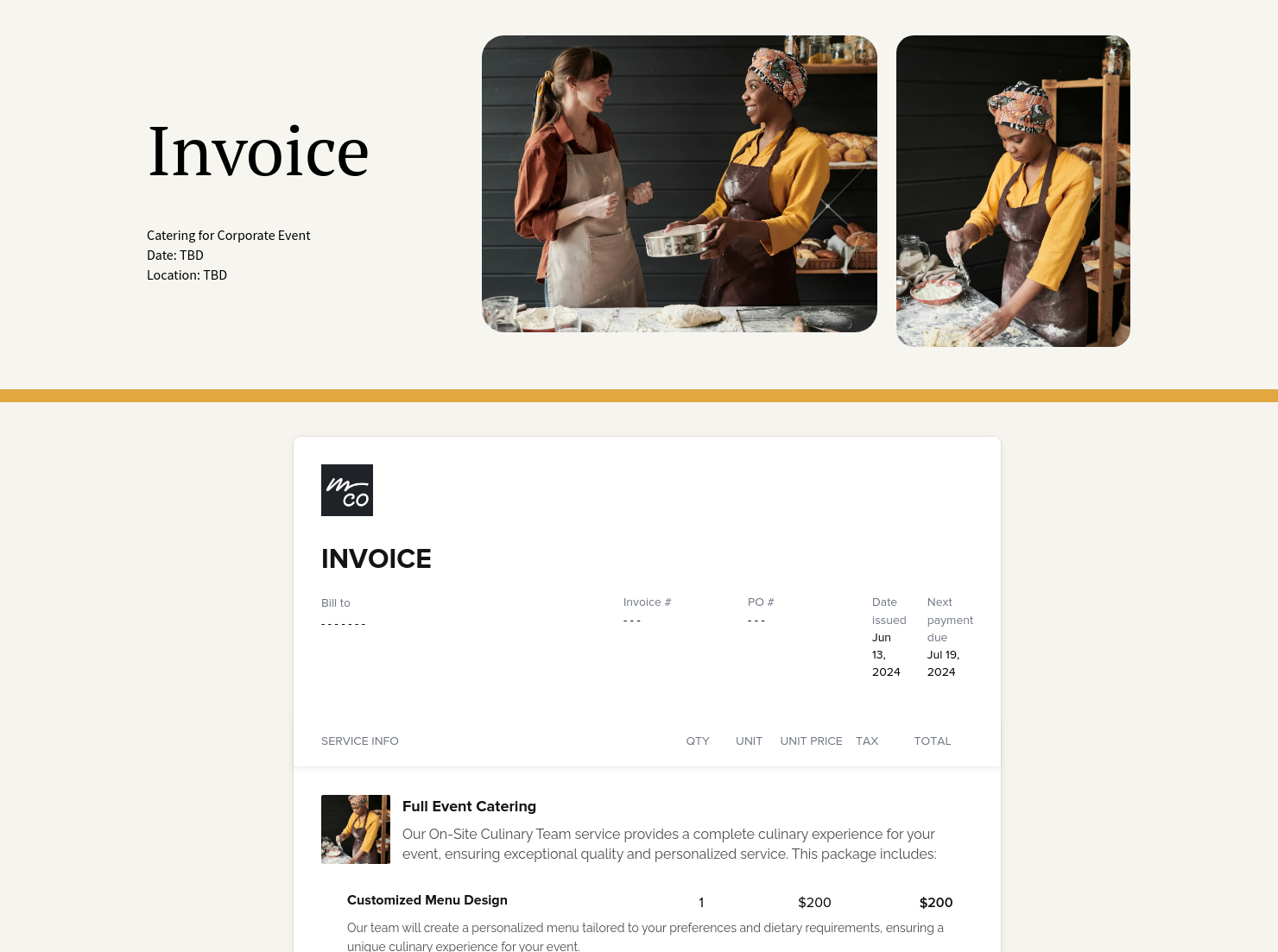
Here's everything you want to include in your invoice template for catering:
- Basic business and client info
- Company logo and optional brand moment (like a slogan, tagline or image)
- Price breakdown
- Menu items and quantities
- Equipment costs (if necessary)
- Staff and services costs (if necessary)
- Included taxes (if necessary)
- Full total
- Payment terms and schedule (including issue date and due date)
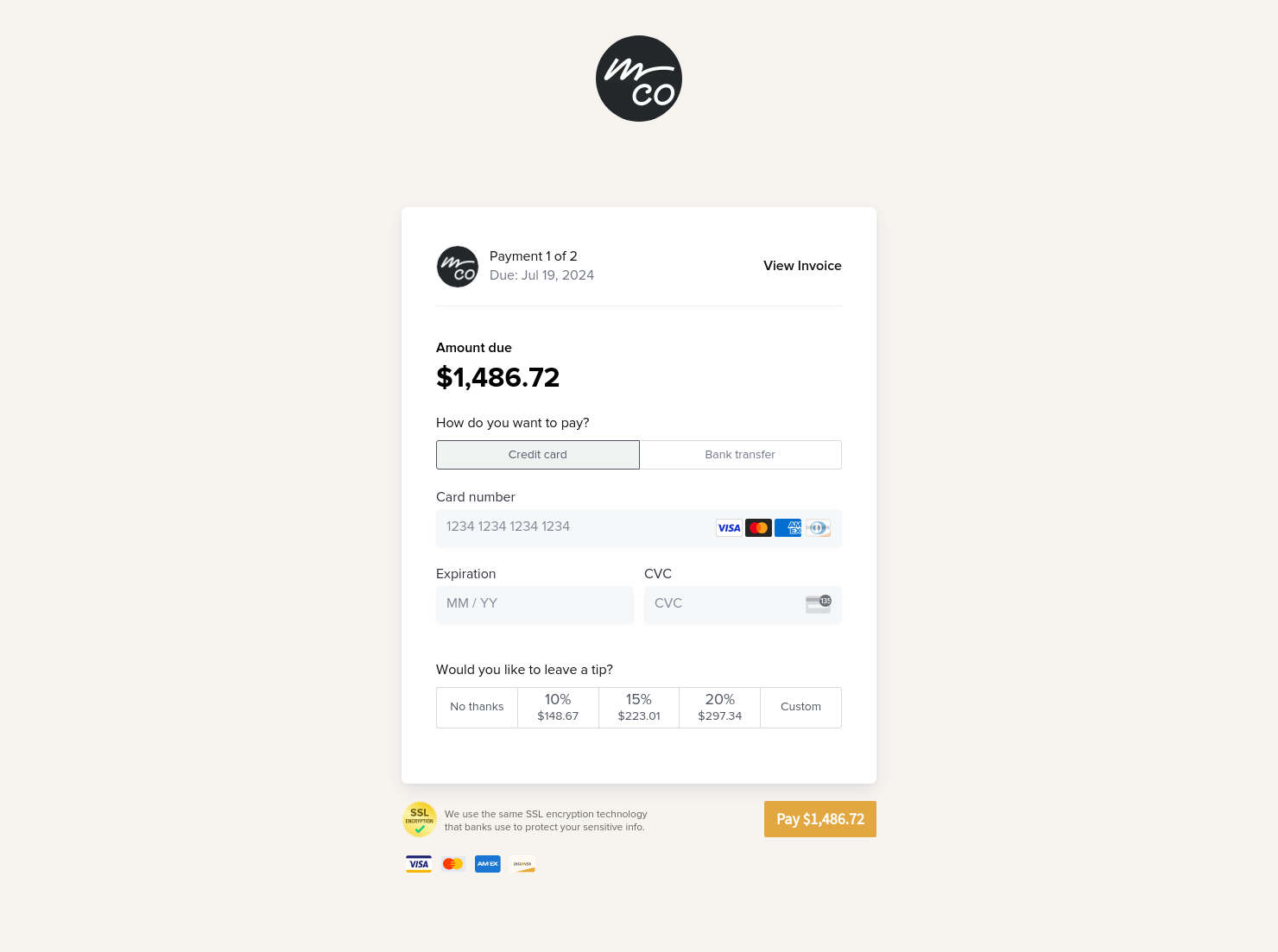
- Payment instructions and options — including online payments
The best catering invoice examples have one thing in common: Simplicity. Give your client exactly what they need in a frictionless experience so they can verify pricing and quickly execute a secure payment. Remember: Every second the customer spends looking at the document is more time before you get paid!
Lay out your pricing, provide a total, and present a secure link so that clients can complete their payment in seconds.
Send the invoice as soon as it's time to get paid. While the typical invoice template for catering will go out to the client once the event has been completed, your payment terms may include upfront payments — or recurring payments on a regular schedule for ongoing work.
The other key factor to consider is timely reminders. The follow-up timeline may differ based on the scale and scope of your work, but it often makes sense to send out a weekly payment reminder following the initial invoice delivery. Or, if you're working on a net-30 (or net-90) basis, you can decide to only send out reminders after the deadline has passed for customers that are slow to pay.
The good news is that HoneyBook's catering invoice templates make it easy to schedule automated reminders. Enjoy kless headache, less admin — more successful payments.
Catering has a lot of moving parts, and the menu sits in the center. If your catering menu is scattered across emails, texts, and screenshots, mistakes show up at the worst time.
A structured menu template helps in practical ways.
- Builds client trust and a professional first impression.
- Speeds approvals by making choices simple.
- Reduces payment disputes by documenting totals and terms.
- Saves time by cutting back and forth.
That means fewer surprises for clients and fewer fire drills for you.
FAQs
Below are quick answers to common questions from caterers building a catering menu that clients can approve with confidence.
It's simple. First, just set up your account and choose the right plan for you. Then you just start customizing your free catering invoice template and adding your company's info. See all the details in our Getting Started Checklist.
Absolutely! Collecting online payments is the best way to get paid fast, including secure credit card transactions and ACH bank transfers. Click here to learn how HoneyBook helps you get paid, manage client payments, and make the most out of your invoice template for catering.
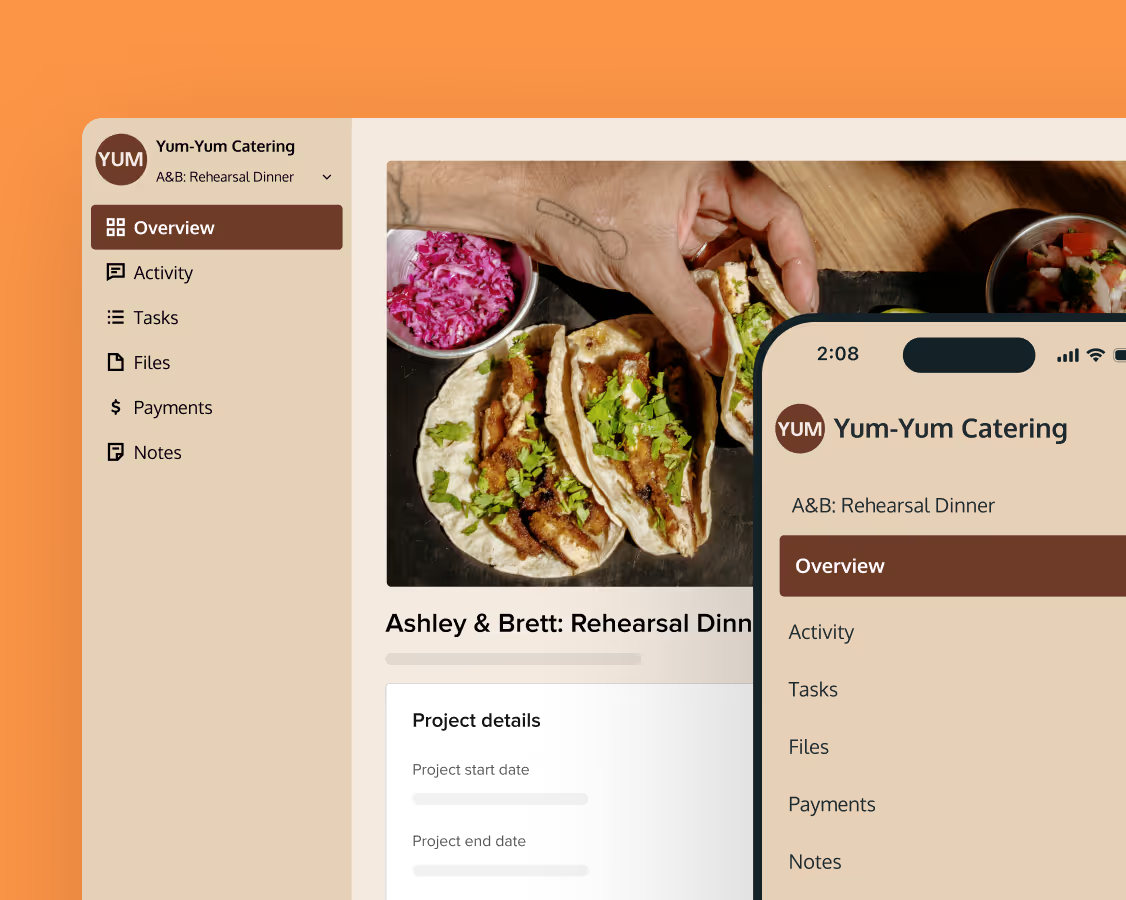
Of course. Clients can easily make payments anywhere — from any device — and you can easily manage your catering invoice through the HoneyBook mobile app. Even when you're on the go, you can still be on the grind. Learn more about using templates on our mobile app.
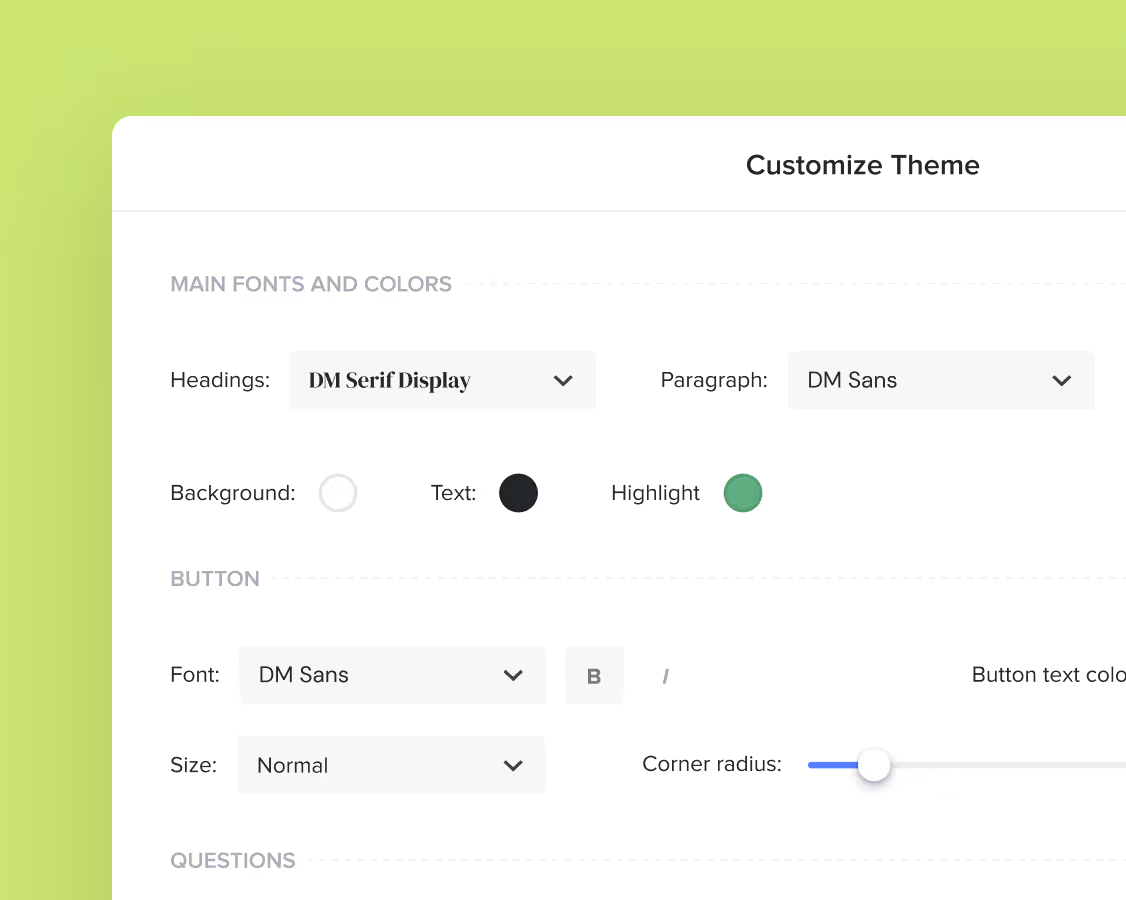
Yes. You can automatically import your company branding, including your business logo, primary brand colors, and more. This way, every client will enjoy a uniform brand experience with your company from start to finish.
Related templates
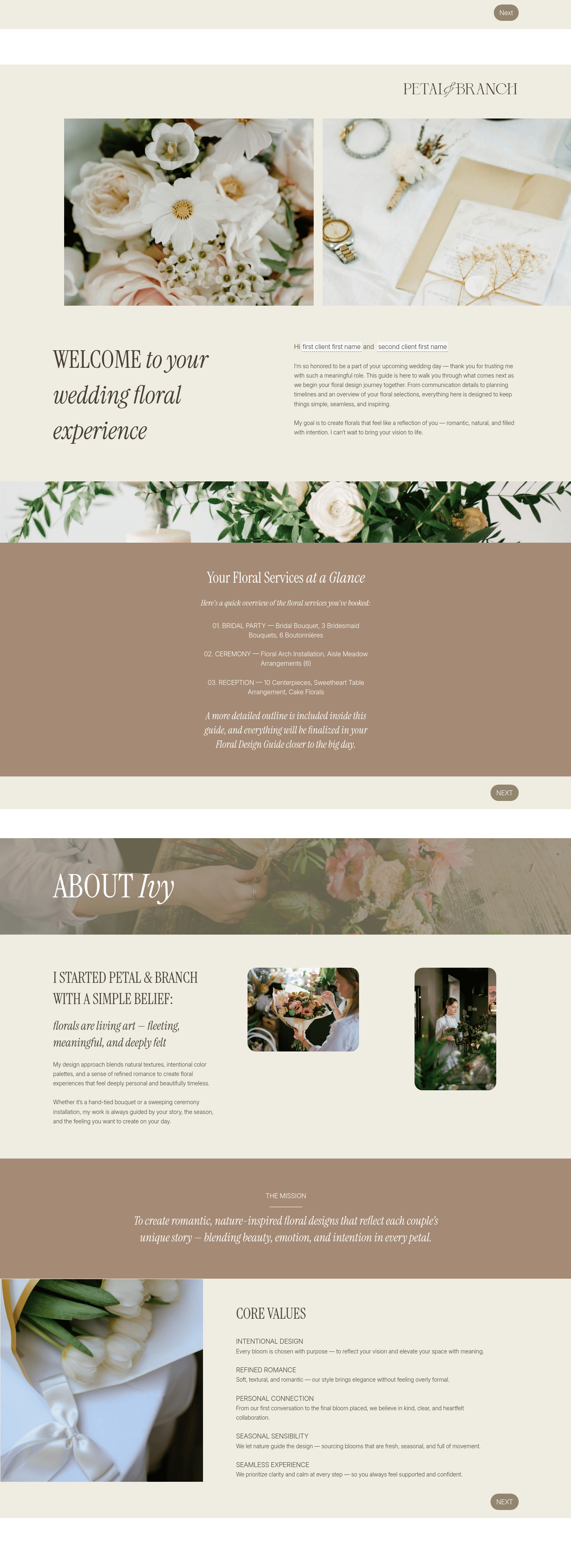
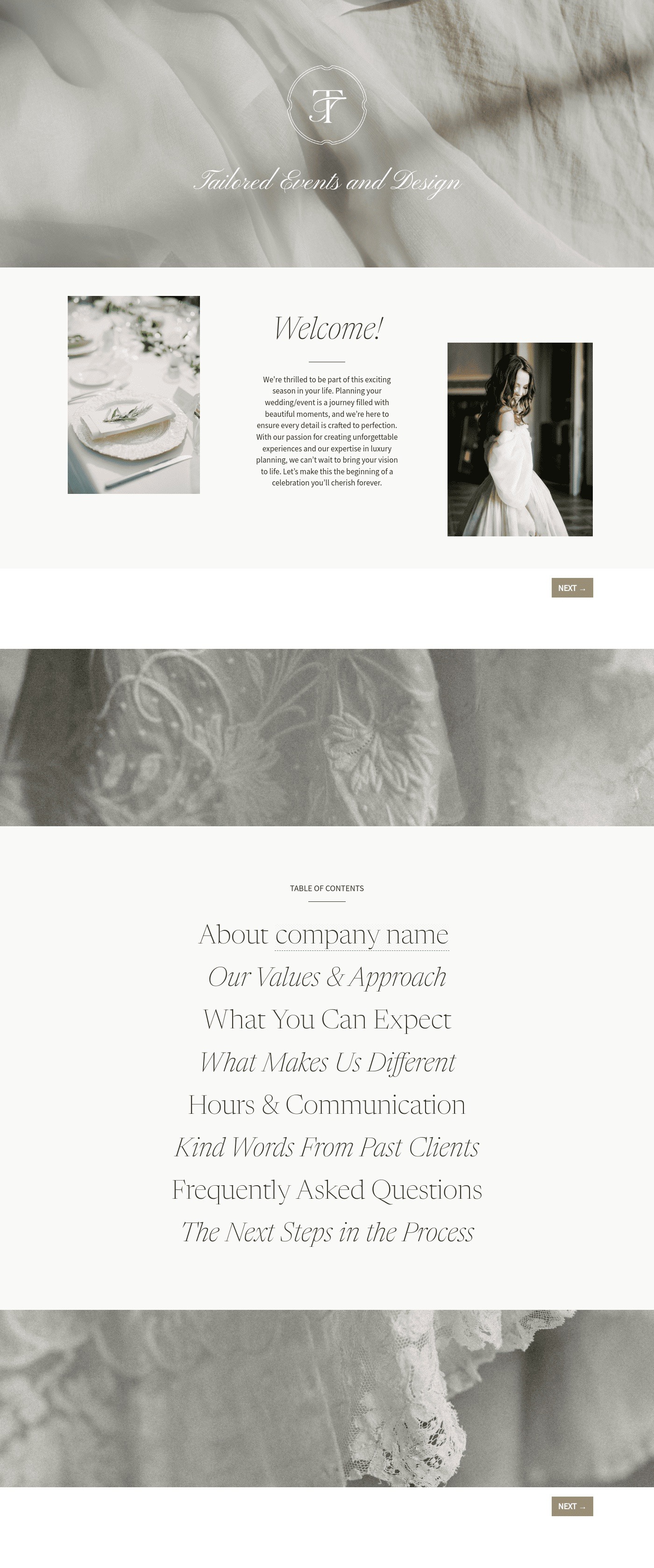
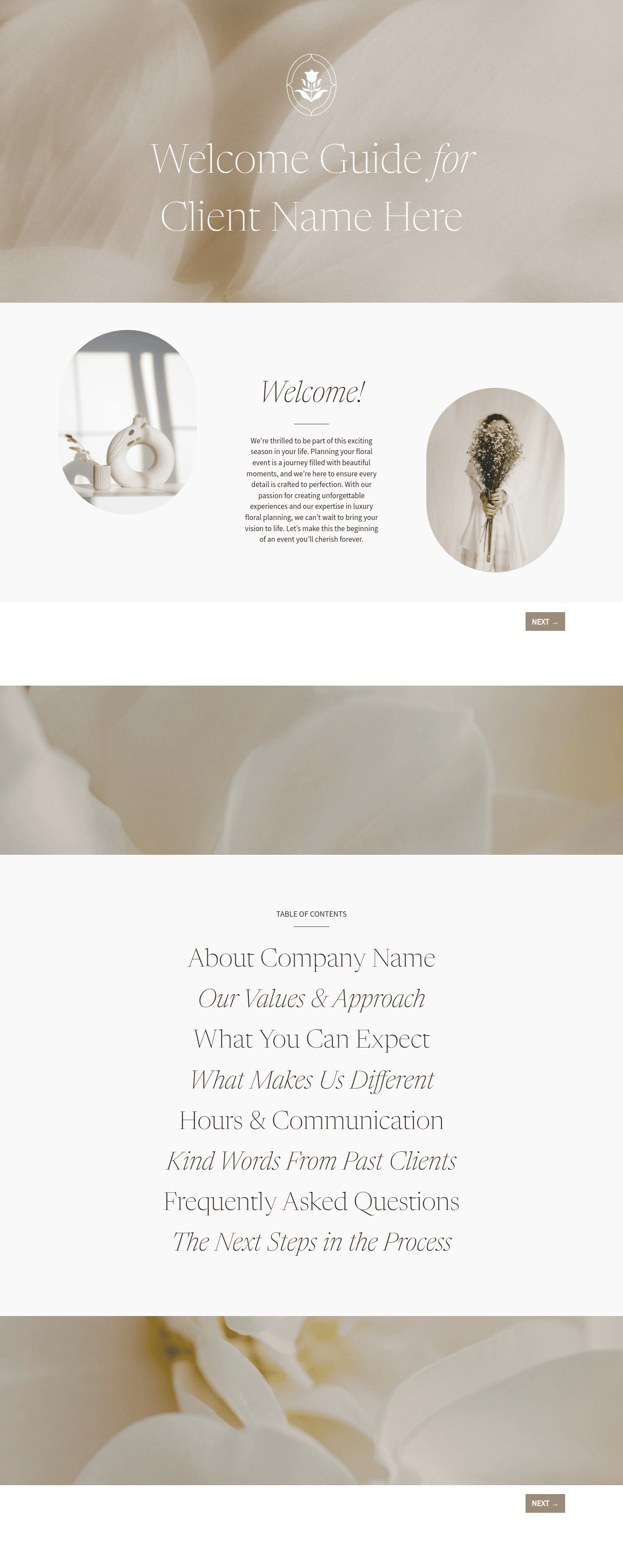

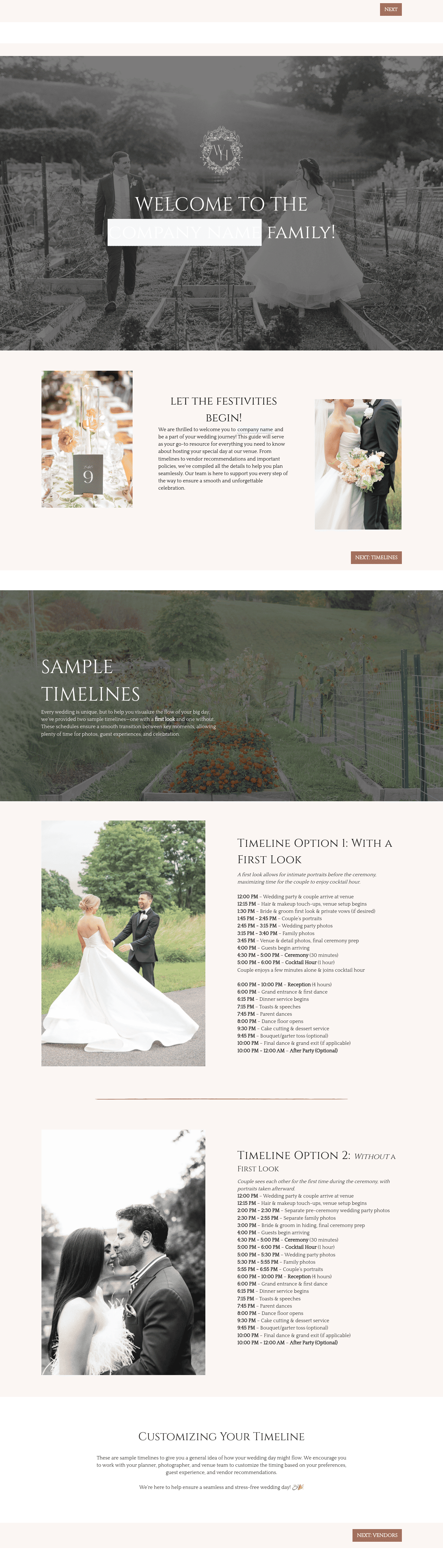



Related Templates
.png)



Make it your own
Fully customize the template to fit your needs. Quickly apply your company branding with just a few clicks.
Share with clients
Create exceptional client experiences through HoneyBook’s dedicated client portal, allowing them to read, review, and take action from any device.
Reuse and scale
Use your customized files with different clients again and again to save time and make managing client interactions that much easier.
Join the 100,000+ businesses growing with HoneyBook.