














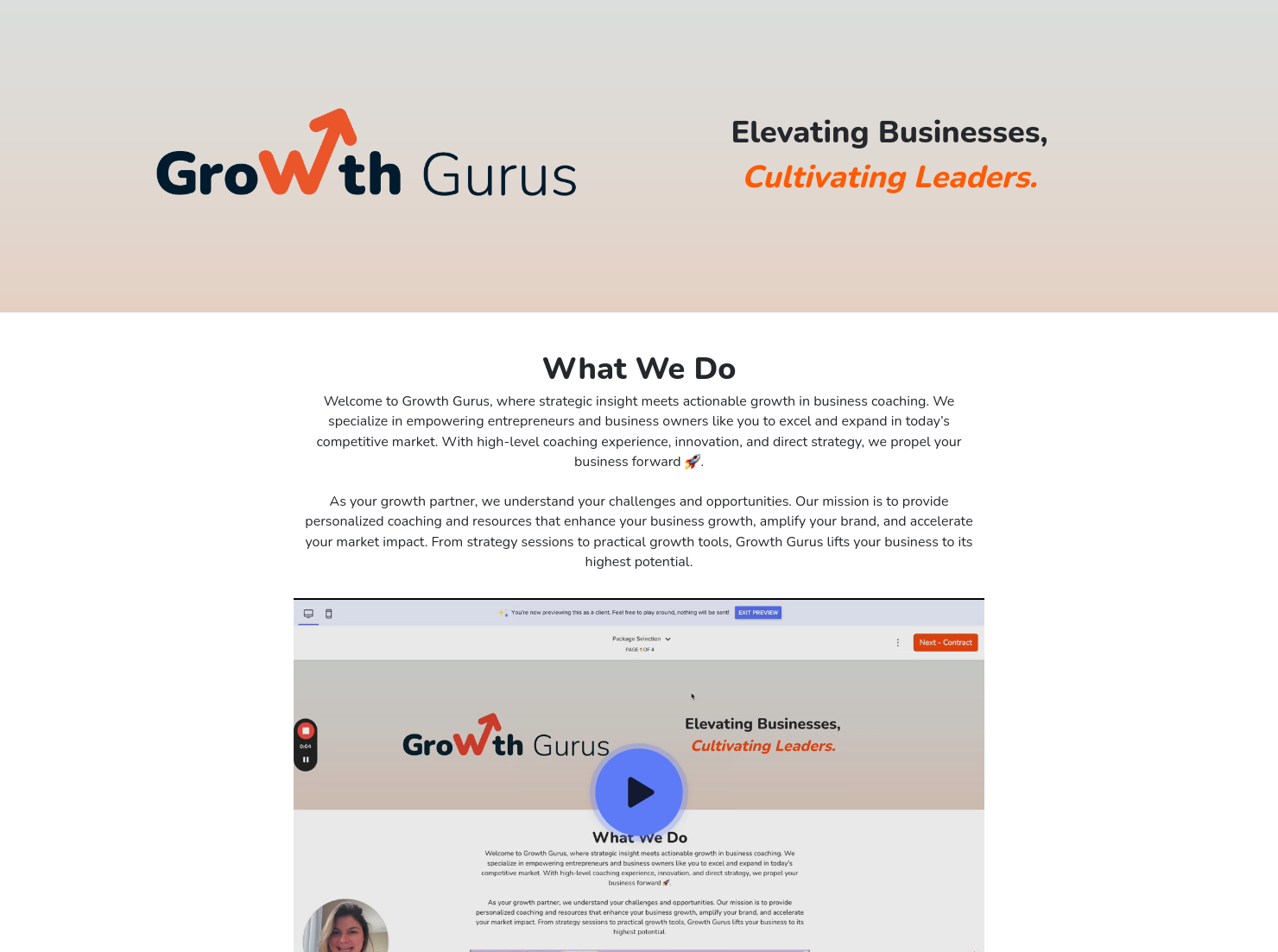
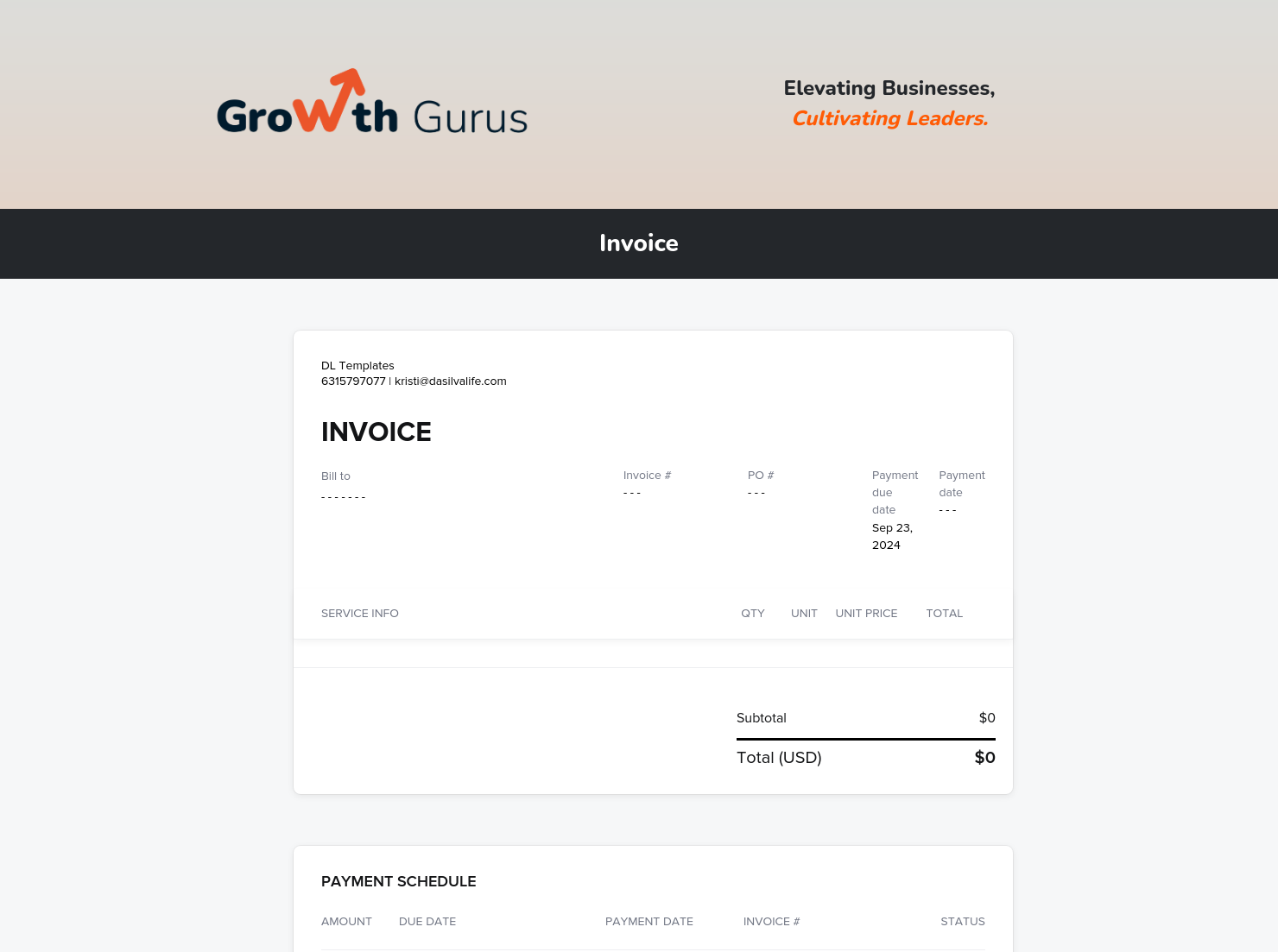
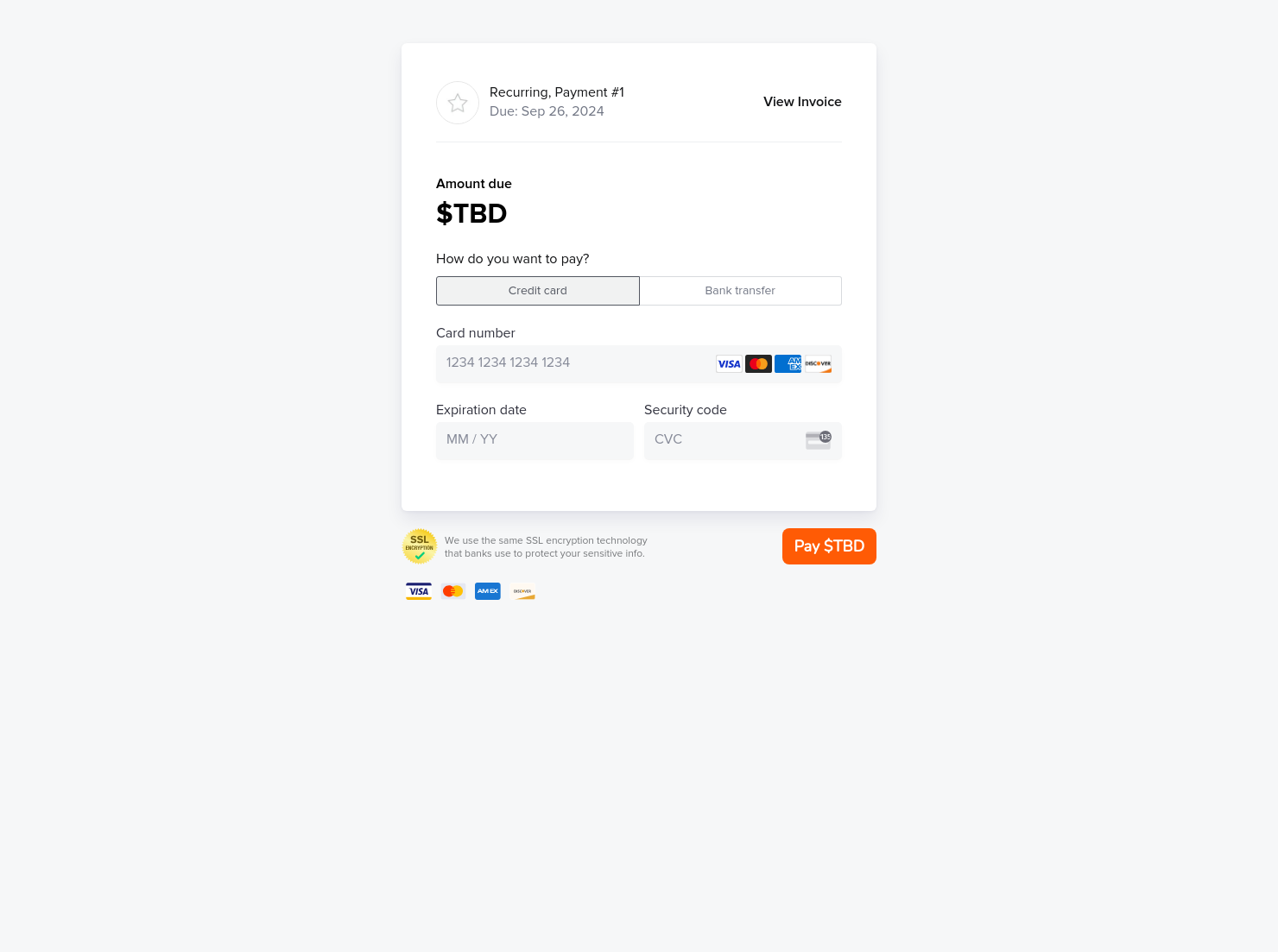

Invoice & online payments

Make it easy for clients to book and pay for your services–all in one file.

Ready-to-use copy
Templates come filled with prewritten copy you can use as is or edit to match your brand and business.

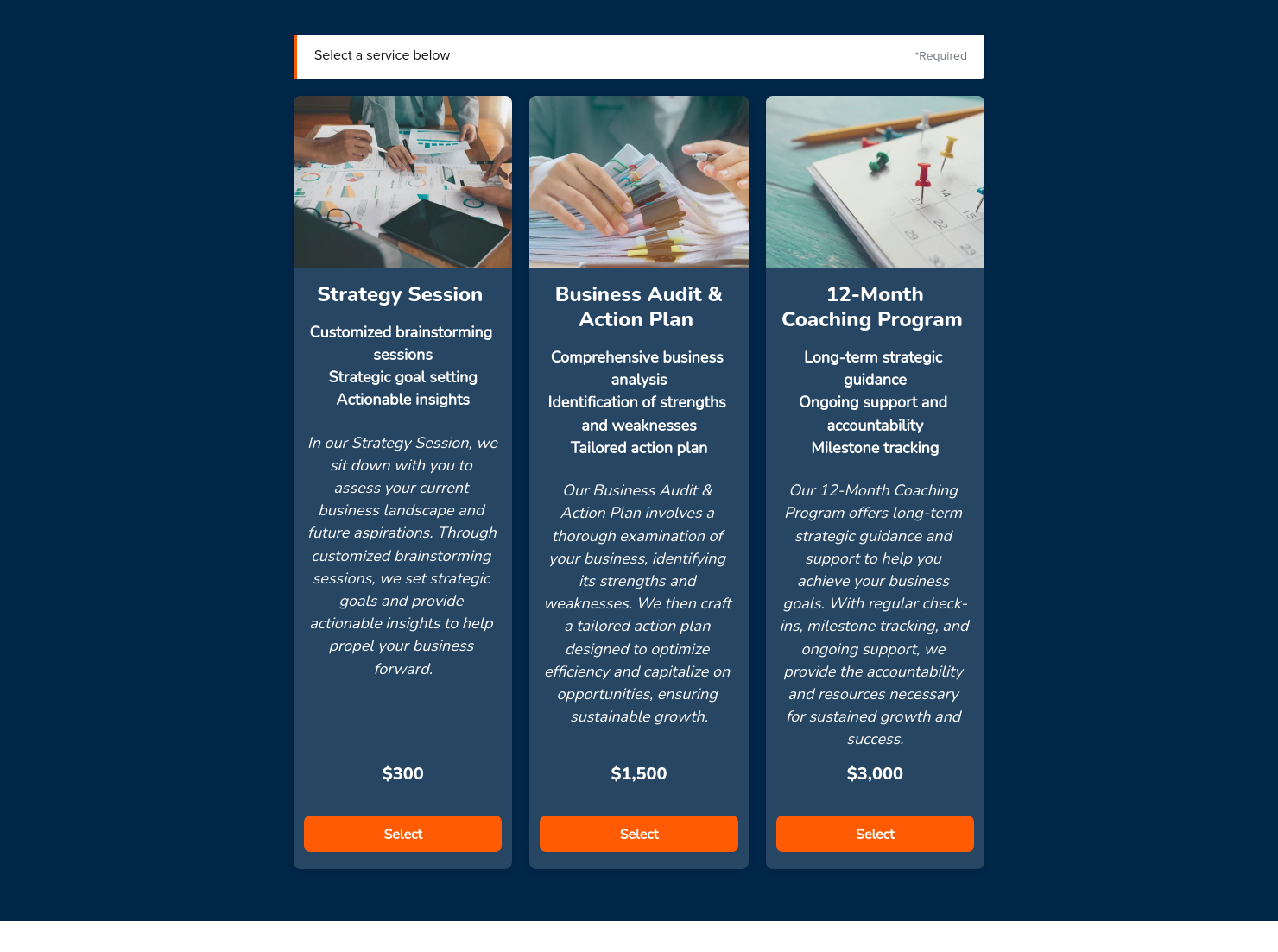
Services
Showcase your services for easier client booking.

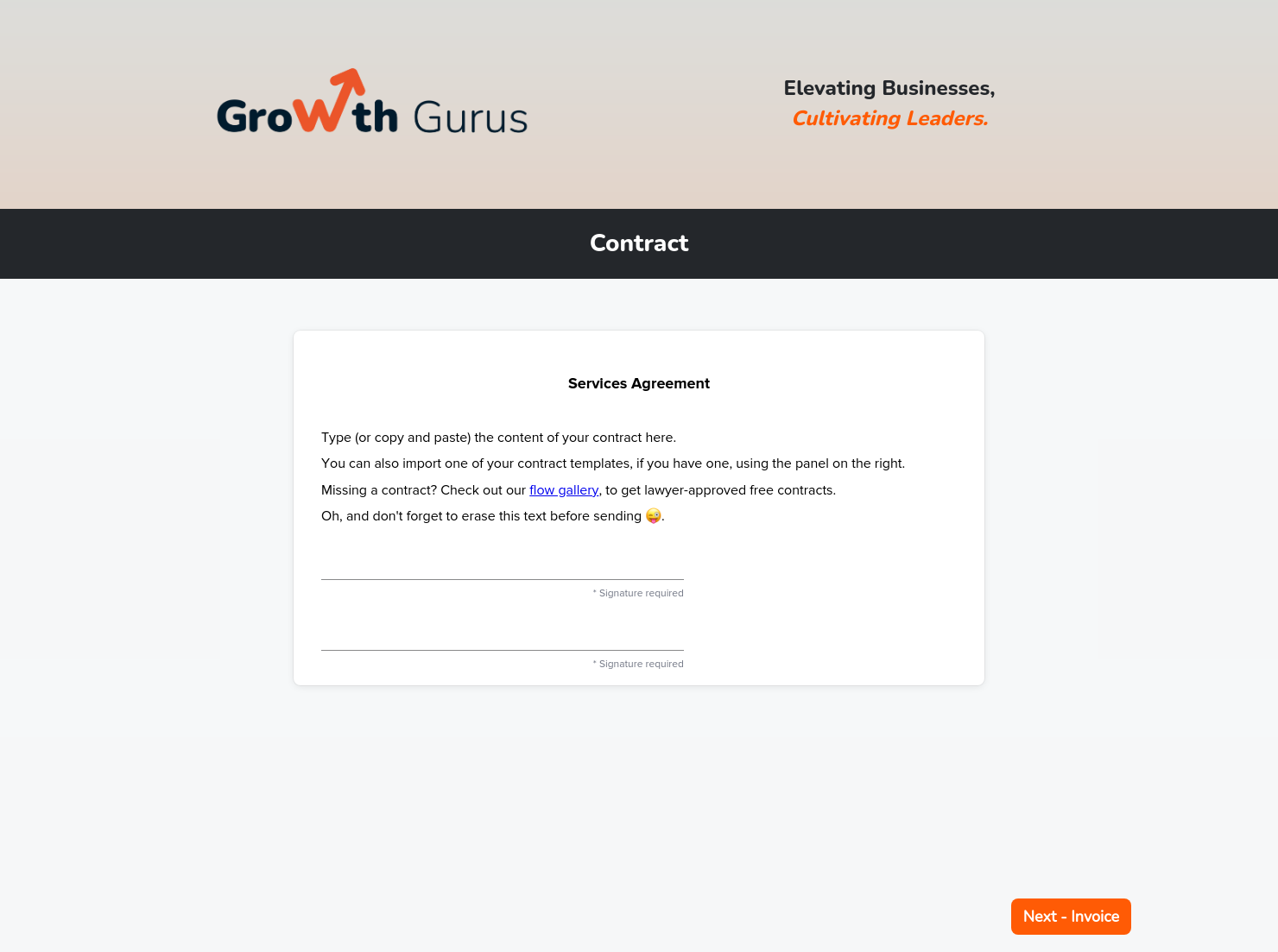
Contract for eSigning
Sign clients easily on the go via eSign with your contracts, or use one of HoneyBook's lawyer-approved contracts


“
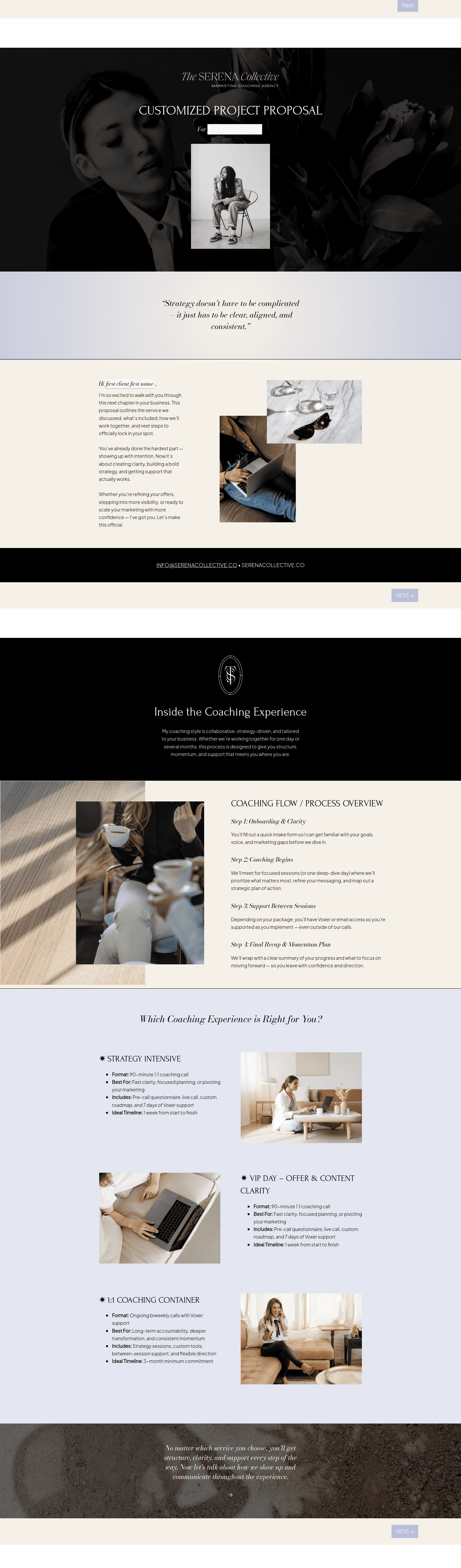
Simplify project bookings with this template, providing a smooth, hassle-free process for both you and your clients from start to finish.
”

October 18, 2026

All there is to know about booking files for coaches consultants templates
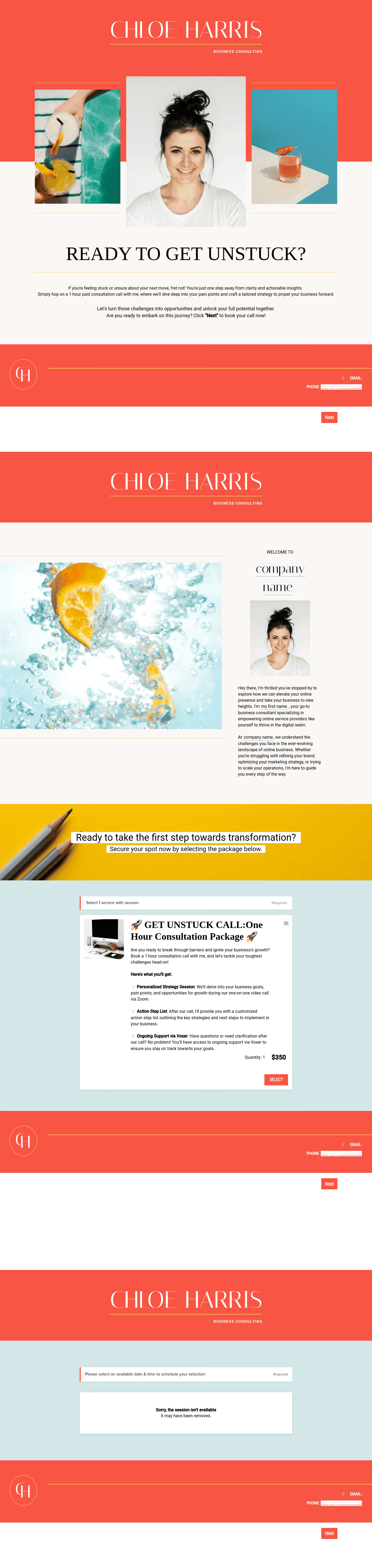
A booking file for coaches and consultants replaces email trails with an all-in-one client onboarding tile. This smart file allows clients to schedule open slots in your calendar, input essential background information, sign contracts, and pay necessary fees.
A properly-structured booking file saves time for both you and the client, while also facilitating a straightforward process from first contact to signed agreement. Moreover, it helps demonstrate your professionalism, an excellent starting point for landing a new client.
If you're still on the fence about creating a booking file, you might want to look at its advantages:
- Close deals faster. You don't have to exchange numerous emails for days with prospective clients. Clients can schedule a consultation with one click, and then sign and pay through that same link.
- Automate reminders and follow-ups. You can schedule automated reminders, which frees you up for other aspects of your coaching business.
- Have more room for scaling. Even if your clients grow in number, these booking files can handle more volume.
Delayed email responses or unseen messages could force high-value clients to walk away. That won't be a problem if you have a smart booking file with you.
A booking file must not appear clunky, as this could turn off prospective clients. However, it should include these essential components:
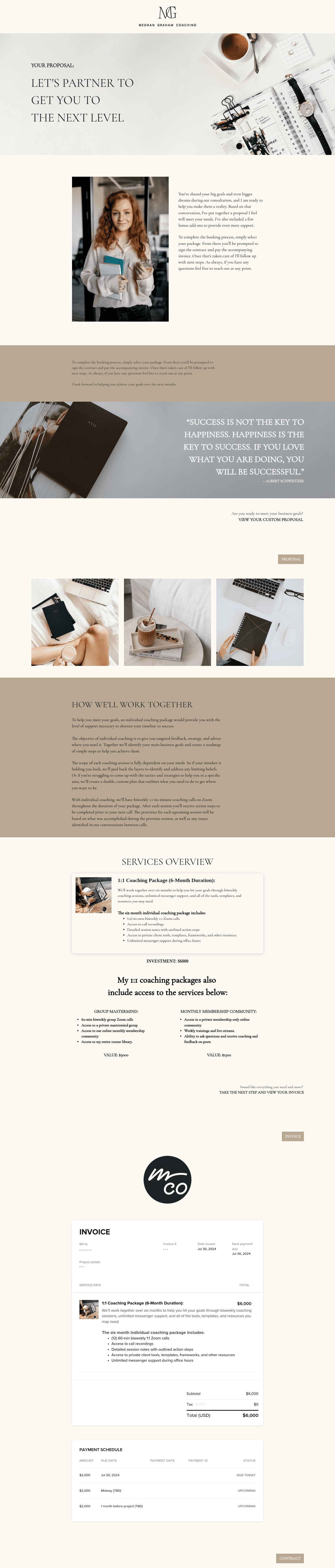
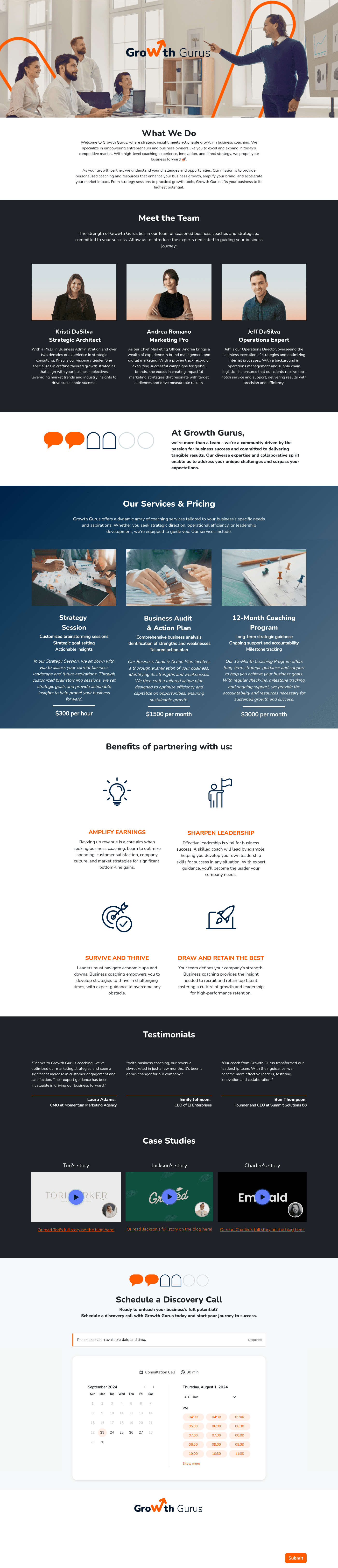
- Service overview: Start with a warm welcome, then detail your offerings and packages, including what clients can expect from your services.
- Integrated scheduler: Embed a calendar tool where clients can see which days and hours remain vacant in your schedule.
- Intake questionnaire: Include a quick questionnaire to gather information about the client's goals, challenges, and preferences.
- Payment structure: Break down the costs for your packages (or for each session, payment schedules, payment methods, and refund policies.
- Legally binding contract: Explain your terms of service, confidentiality clauses, cancellation policies, and an embedded e-signature box for the client to sign.
A booking file must take advantage of its one-stop nature, along with these effective practices:
- Use easy-to-understand terms and short sentences, especially about scheduling policies and session preparation guidelines.
- Include clear calls-to-action (CTAs) that clients can easily see and navigate to.
- Optimize for a mobile-friendly design, as most clients might review your file on their smartphones.
- Integrate every essential component in a logical flow, from scheduler to contract to invoice.
Most importantly, maintain a conversational and friendly tone. This helps set a collaborative approach between you and the client.
As a coach or consultant, you can use a booking file throughout your client journey.
- After initial inquiries on social channels and emails
- After successful discovery calls
- Post-webinars or workshops
- Upselling opportunities to existing clients
- New program launches or group coaching sessions
- Referral follow-ups
A booking file is not just an onboarding tool. You can easily modify it based on your specific marketing goal, especially if you have a workable template.
Instead of starting from scratch, you can reuse HoneyBook's booking file templates to quickly connect with your clients. It helps maintain a consistent, logical flow in your booking process, while also allowing you to customize particular elements.
- Edit headlines, add your bio, and insert information about your services.
- Integrate essential tools, including the scheduler, contract block, and payment options.
- Apply your preferred branding elements, including logos, fonts, and theme colors.
- Set up automatic reminders to politely follow up with the client.
You can also utilize HoneyBook's analytics dashboard to monitor views, signups, and other engagement metrics. This allows you to see what's working, so you can optimize for better results next time.
Catering has a lot of moving parts, and the menu sits in the center. If your catering menu is scattered across emails, texts, and screenshots, mistakes show up at the worst time.
A structured menu template helps in practical ways.
- Builds client trust and a professional first impression.
- Speeds approvals by making choices simple.
- Reduces payment disputes by documenting totals and terms.
- Saves time by cutting back and forth.
That means fewer surprises for clients and fewer fire drills for you.
FAQs
Below are quick answers to common questions from caterers building a catering menu that clients can approve with confidence.
Most coaches send the booking file immediately after a client books a session or inquires about a potential consultation. Sharing the file early helps clients understand expectations and prepare for their first meeting.
Clients should review the document carefully, follow any preparation steps, and note important policies like scheduling or communication rules. This ensures the first session starts smoothly.
No, HoneyBook's drag-and-drop editor for booking files is intuitive for beginners. You can start with pre-made templates, customize the content, and hit publish. You can refer to HoneyBook's Files and Templates support section for step-by-step guides about editing our templates.
Yes, you can sync with calendar tools like Google Calendar or Outlook, CRM platforms, and email apps for automated workflows. Learn more about how to integrate tools with HoneyBook's ready-made templates through our Integrations and Partnerships page.
Related templates









Related Templates



%2520(1).png)
Make it your own
Fully customize the template to fit your needs. Quickly apply your company branding with just a few clicks.

Share with clients
Create exceptional client experiences through HoneyBook’s dedicated client portal, allowing them to read, review, and take action from any device.

Reuse and scale
Use your customized files with different clients again and again to save time and make managing client interactions that much easier.

Join the 100,000+ businesses growing with HoneyBook.
