












Services

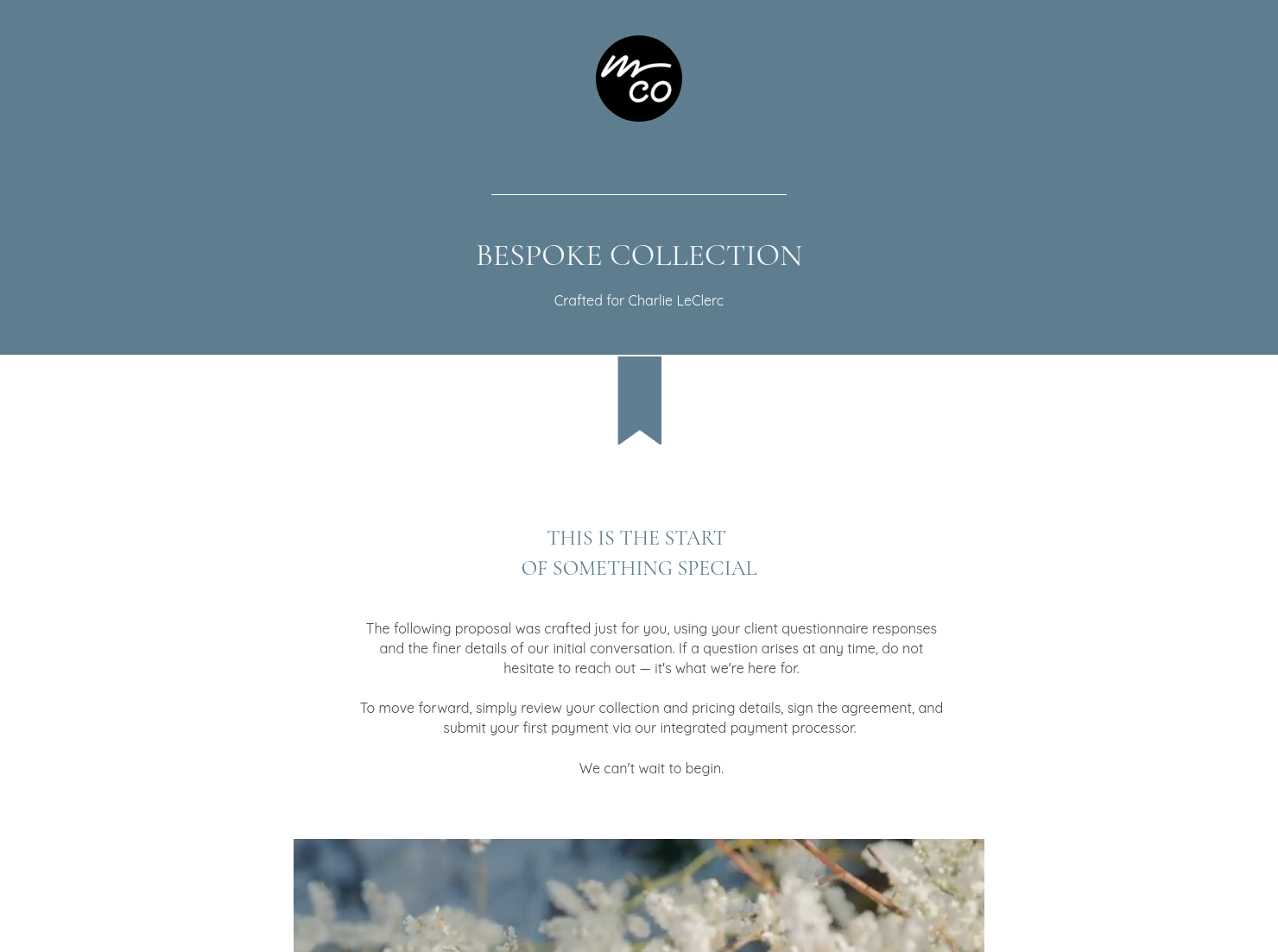
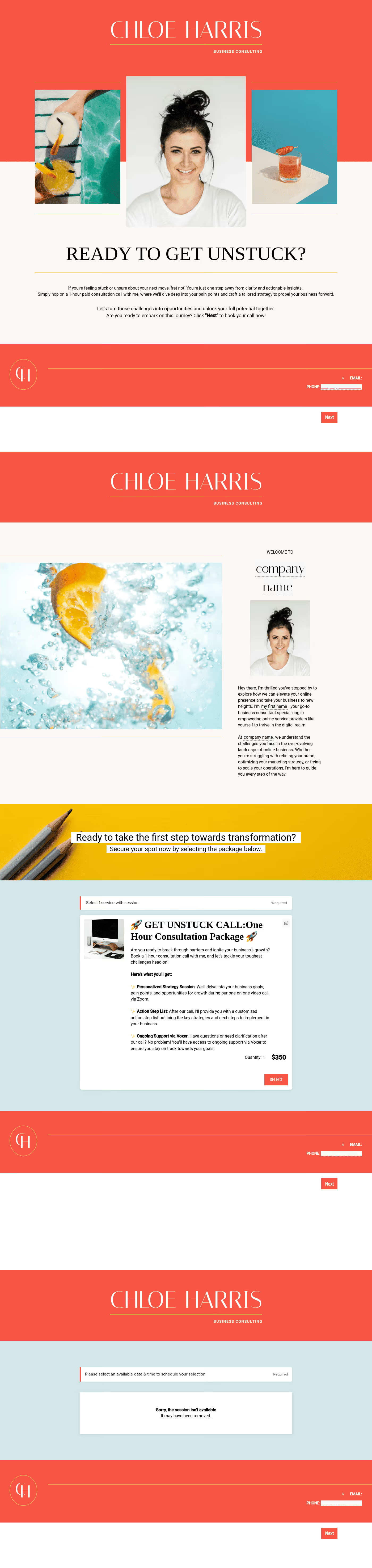
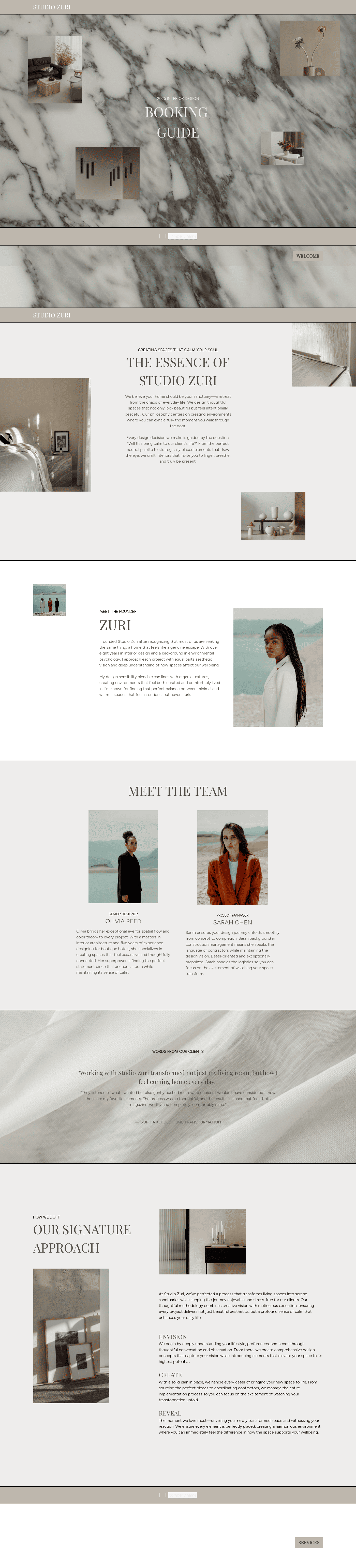
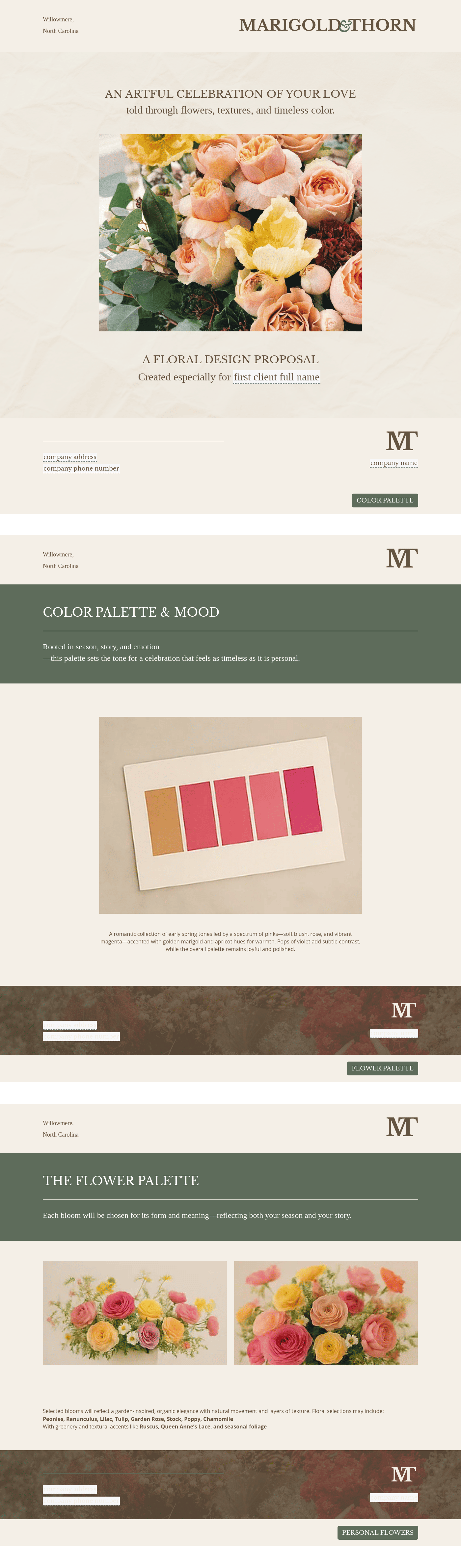
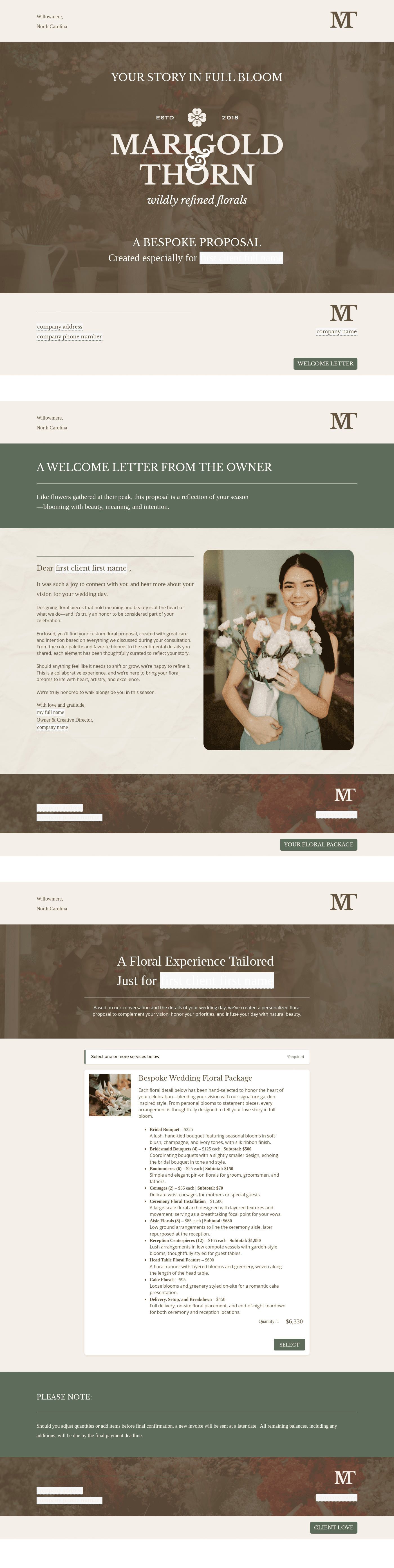
Showcase your services for easier client booking.

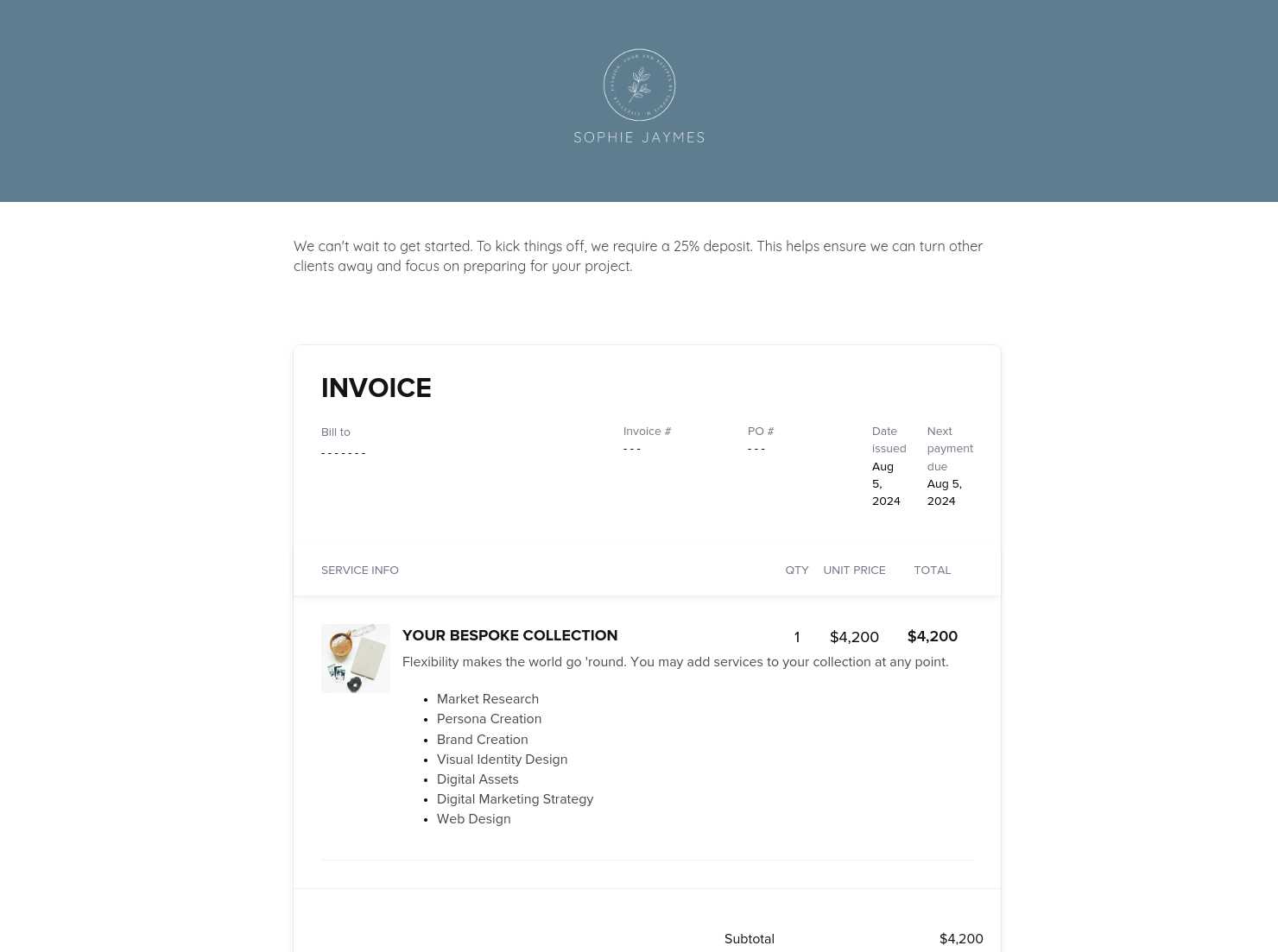
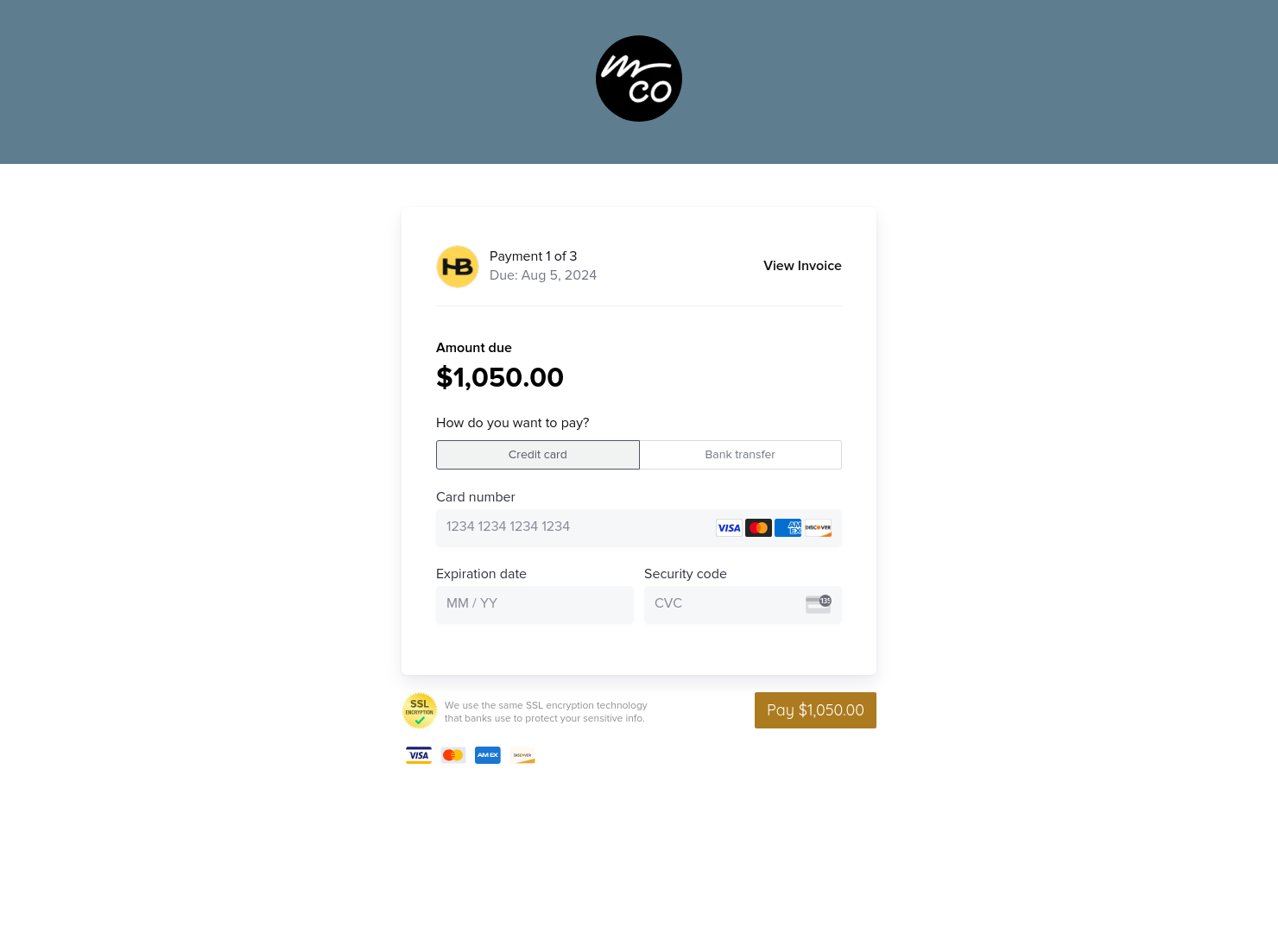
Invoice & online payments
Make it easy for clients to book and pay for your services–all in one file.

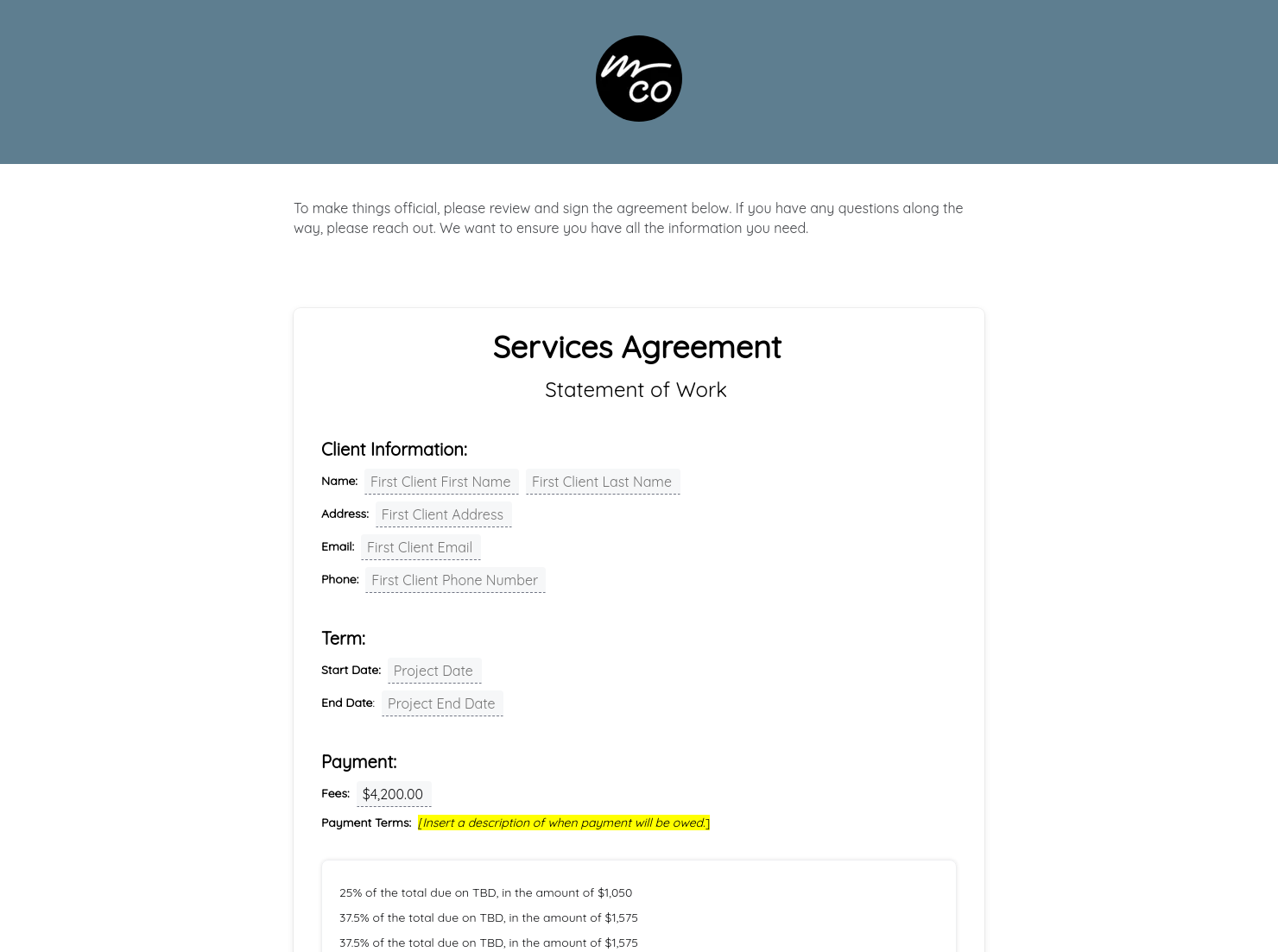
Contract for eSigning
Sign clients easily on the go via eSign with your contracts, or use one of HoneyBook's lawyer-approved contracts

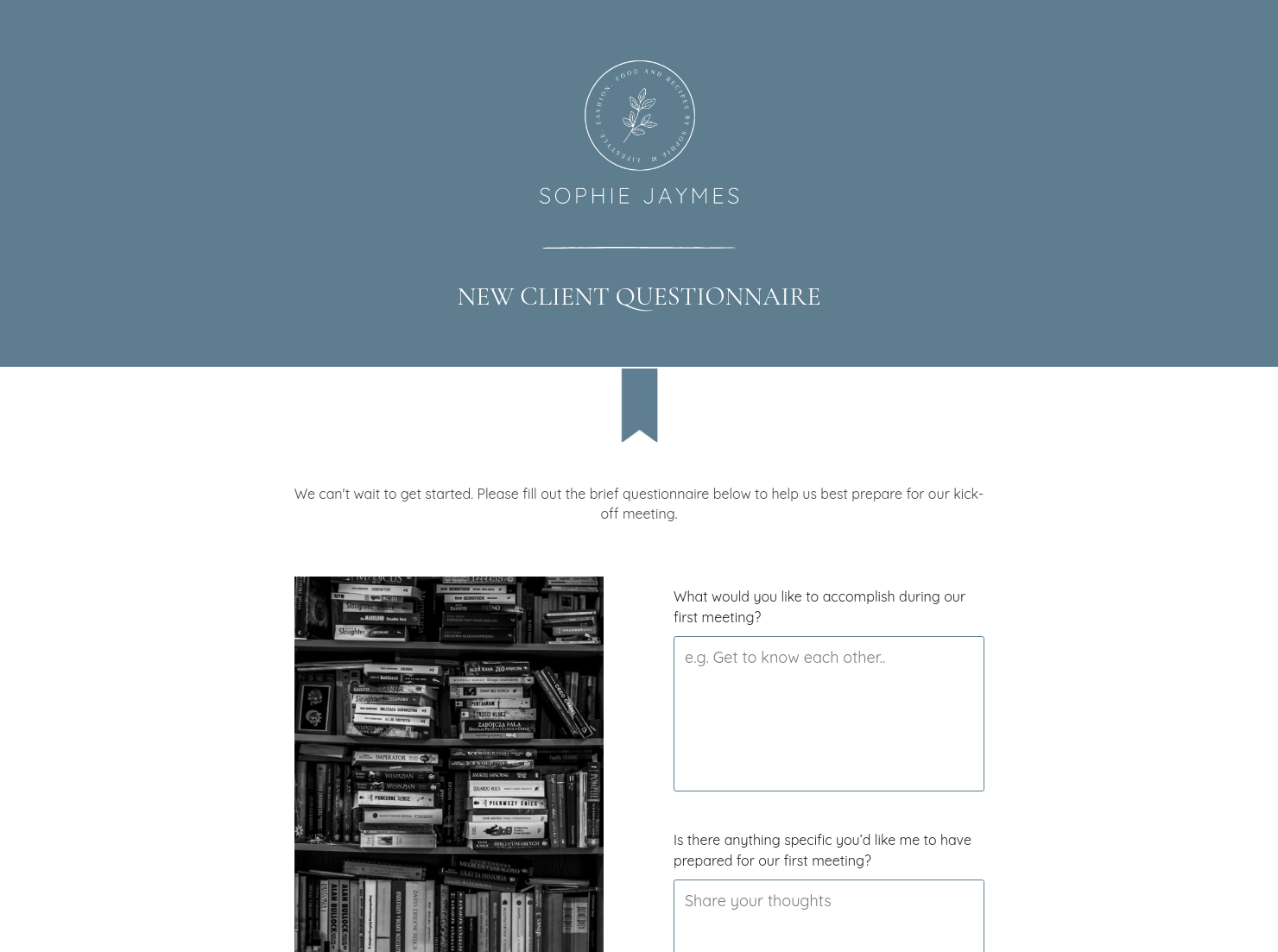
Questionnaire
Get client input, collect project details, and set expectations ahead of—or during—any project.


“
”

October 18, 2026

All There Is To Know About All-In-One Booking File Templates
An all-in-one booking file combines booking applications, scheduling, contracts, and payment collection into a single streamlined document. For service-based businesses, it simplifies the path from inquiry to confirmed booking while creating a professional experience for clients.
For service-based professionals, the booking process often involves multiple steps—sharing service details, confirming availability, sending contracts, and collecting payment. An all-in-one booking file brings these steps together in one place, helping businesses guide clients through the process more efficiently.
A well-structured booking file can help you:
• Build trust with a clear and professional booking experience
• Reduce back-and-forth emails about scheduling and service details
• Secure signed agreements and payments faster
• Simplify client onboarding by keeping everything in one place
A professional all-in-one booking file should include the key details clients need to review services, confirm project information, and complete the booking process smoothly.
Core components typically include:
- Business and client information so both parties understand who the agreement involves
- Service descriptions or packages that outline what the client is booking
- Pricing details and payment options to collect deposits or full payments securely
- Scheduling or availability tools that allow clients to select dates or confirm timelines
- Contracts for eSigning that define expectations and protect both parties
- Questionnaires or intake forms that gather important project details before work begins
Bringing these elements into one file helps streamline booking applications and reduces the need for multiple booking apps or scattered scheduling tools.
For professionals in service-based businesses, a booking file should be clear, organized, and easy for clients to navigate. An effective all-in-one booking file guides clients through the booking process step by step—reviewing services, selecting options, confirming scheduling, and completing the booking without confusion.
Customization also helps create a polished client experience. Businesses can tailor the file with their branding, messaging, and service details while keeping package descriptions, pricing, and scheduling simple to understand.
Avoid overwhelming clients with too much information or splitting key steps across multiple platforms. Keeping service selection, contracts, scheduling, and payments in one place creates a smoother booking experience.
This template is especially useful for businesses that want to guide clients through the entire booking process in a clear, organized way. Instead of managing multiple booking applications, emails, and scheduling tools, an all-in-one booking file keeps everything in one place.
Service-based professionals often need to share service details, confirm availability, send agreements, and collect payments before a project begins. A single booking file allows clients to review services, choose options, schedule their session, and complete the booking without switching platforms.
This template is particularly helpful when:
- Onboarding new clients who need a clear introduction to your services
- Offering structured packages or service tiers
- Booking photography sessions, events, consultations, or creative projects
- Requiring signed contracts and deposits before work begins
- Replacing multiple booking apps with one streamlined workflow
Catering has a lot of moving parts, and the menu sits in the center. If your catering menu is scattered across emails, texts, and screenshots, mistakes show up at the worst time.
A structured menu template helps in practical ways.
- Builds client trust and a professional first impression.
- Speeds approvals by making choices simple.
- Reduces payment disputes by documenting totals and terms.
- Saves time by cutting back and forth.
That means fewer surprises for clients and fewer fire drills for you.
Get started with an all-in-one booking file template
Using a ready-made all-in-one booking file template helps businesses streamline their booking process while maintaining a professional client experience. Instead of creating documents from scratch or managing separate tools for scheduling, contracts, and payments, everything can be handled in one organized file. With HoneyBook templates, businesses can customize service details, pricing, scheduling options, and branding to fit their workflow. This makes it easier to turn inquiries into confirmed bookings while saving time on repetitive tasks.
FAQs
Below are quick answers to common questions from caterers building a catering menu that clients can approve with confidence.
An all-in-one booking file is a single document that combines several steps of the booking process into one place. It can include service descriptions, pricing, scheduling tools, contracts, questionnaires, and payment options so clients can complete the booking process without switching between multiple systems.
HoneyBook templates are designed to simplify the steps between an initial inquiry and a confirmed booking. By organizing important information in one Smart File, businesses can share service details, collect client information, send agreements, and receive payments without juggling multiple documents or platforms.
Yes. HoneyBook templates can be customized to match your brand and business needs. You can edit fonts, colors, images, service descriptions, pricing tables, and messaging so the template reflects your brand identity and client experience.
Yes. With the HoneyBook mobile app, users can create, edit, send, and manage templates and Smart Files from their phone or tablet. This makes it easier to respond to inquiries, schedule projects, and manage bookings even when you’re away from your desk.
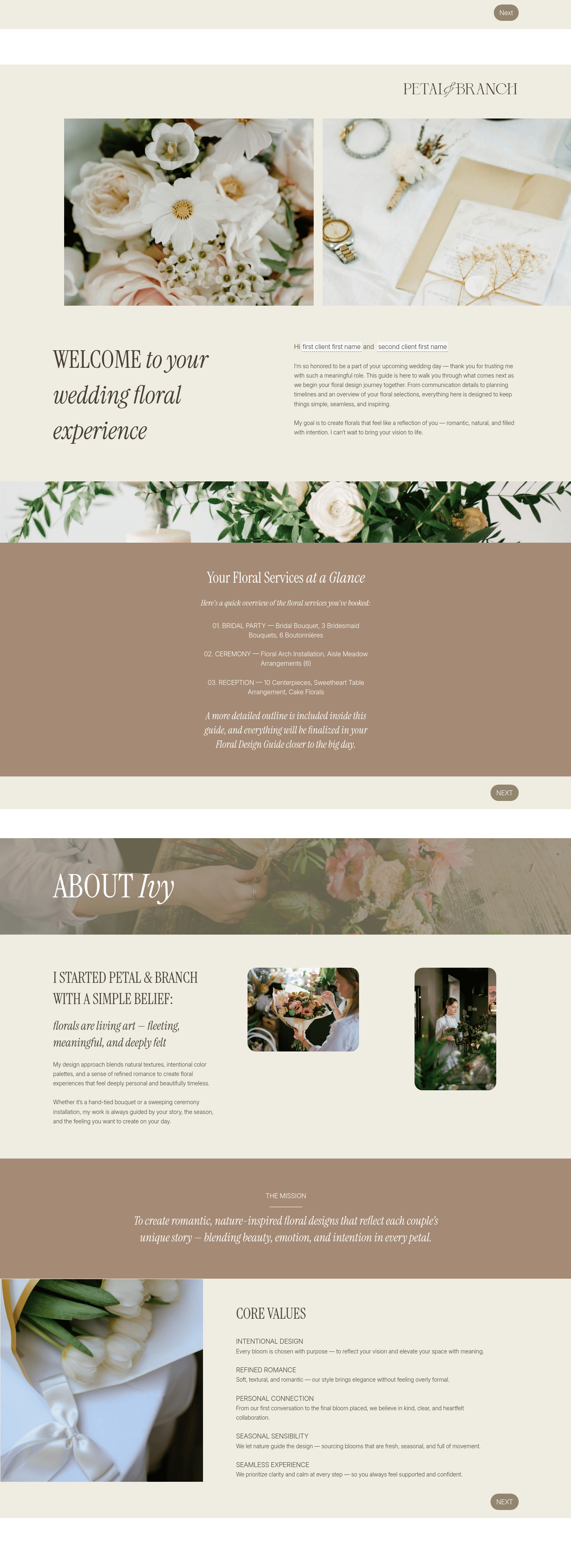
Related templates
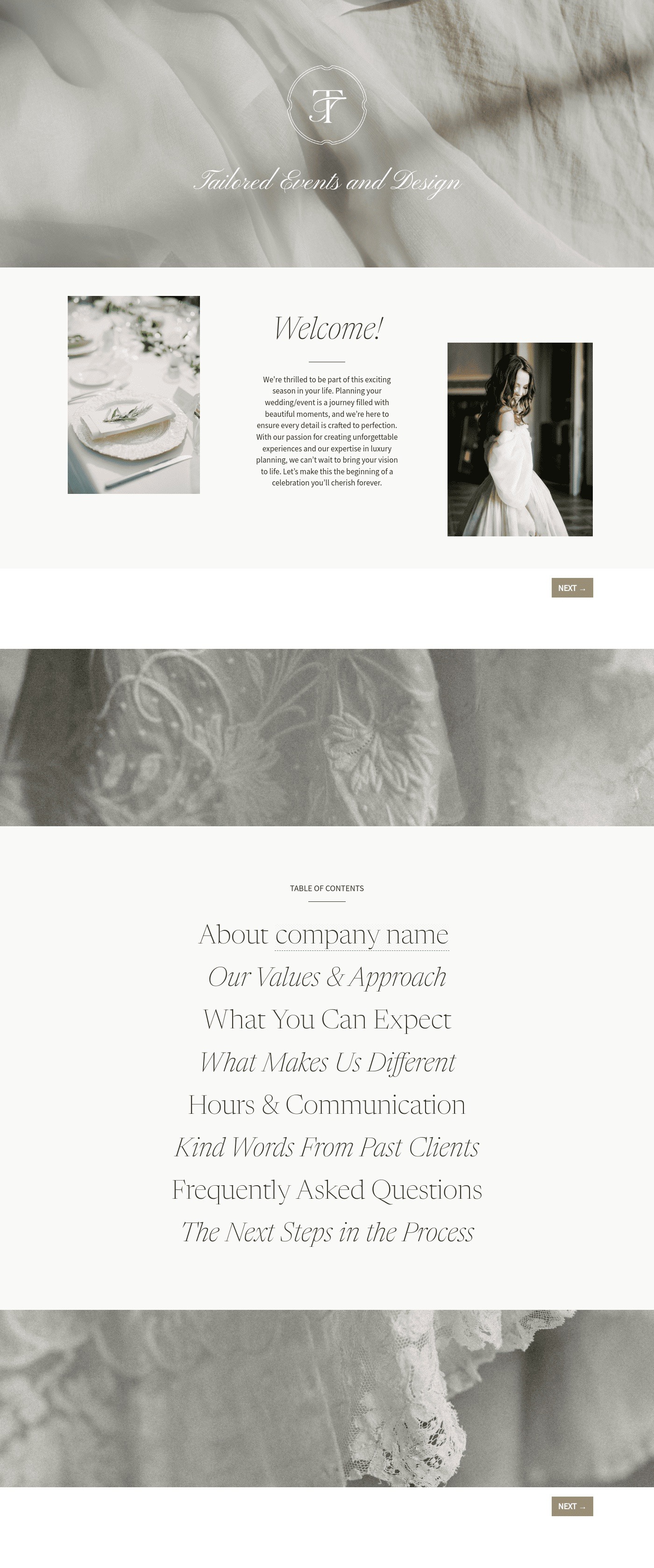
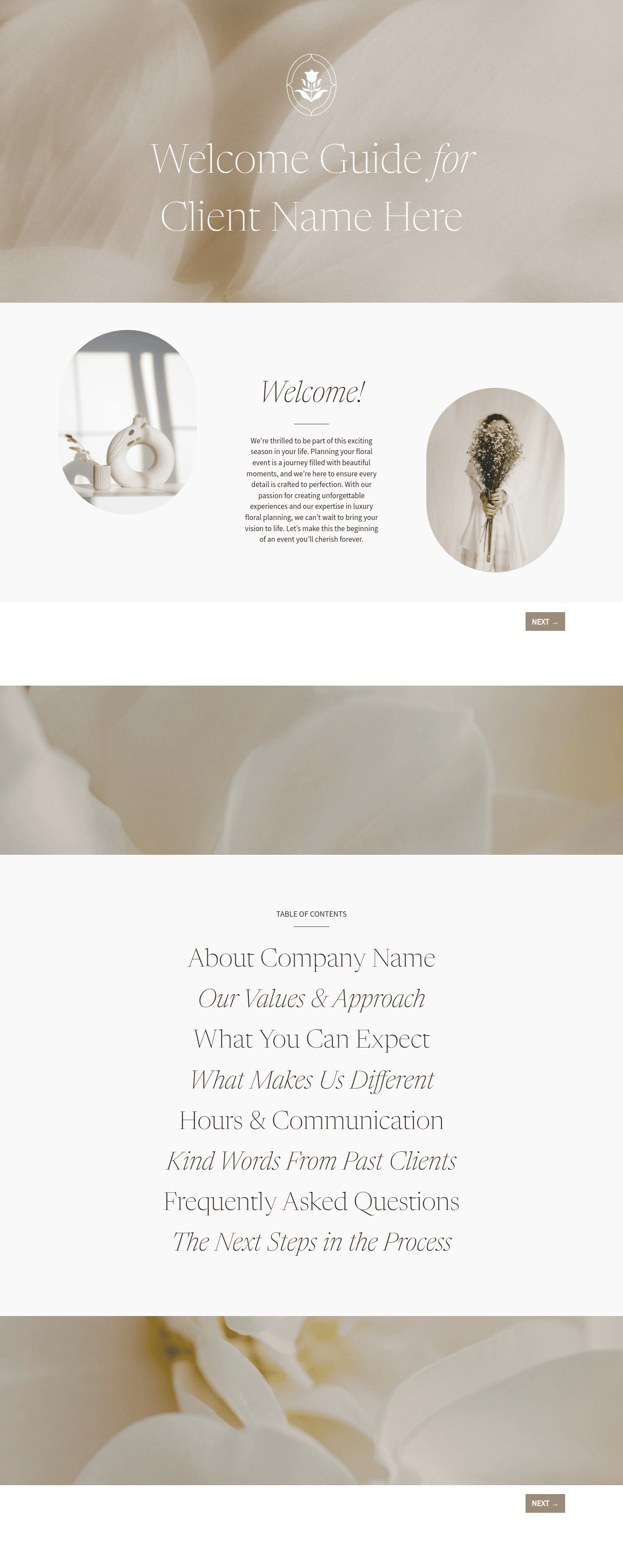

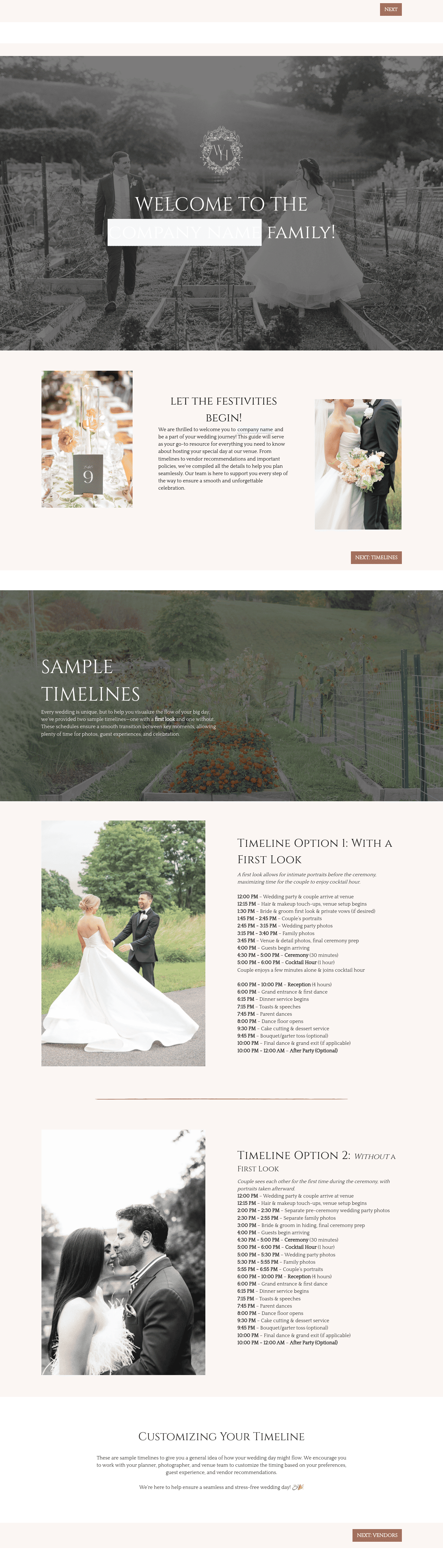


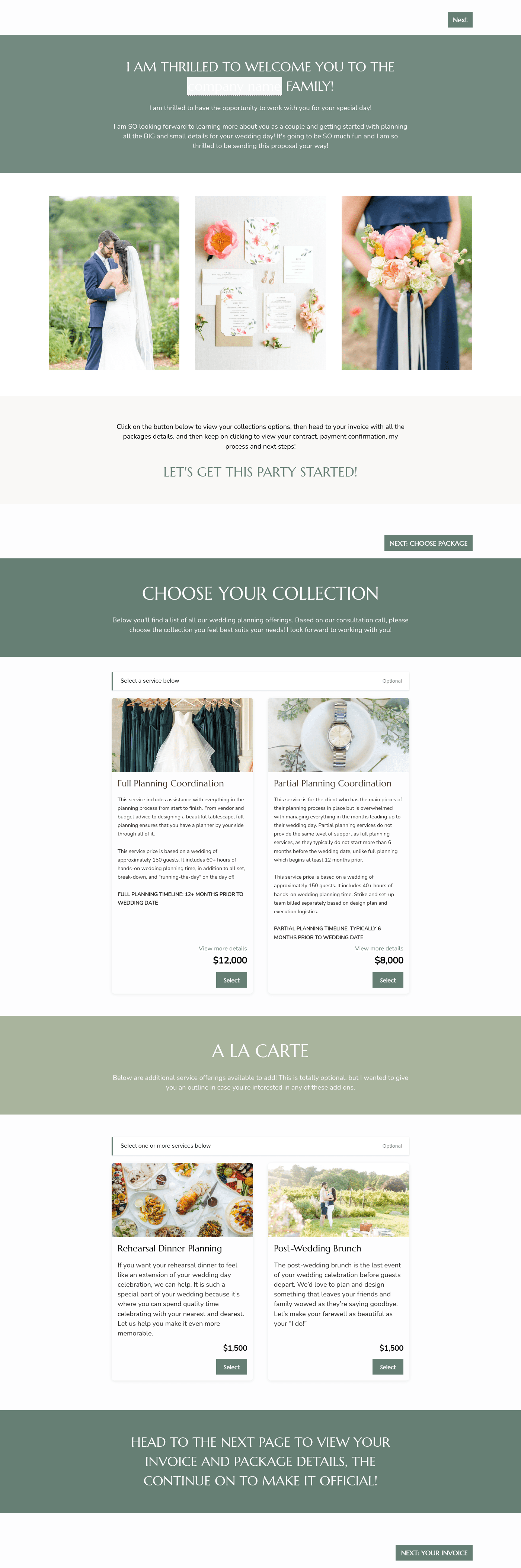

Related Templates
%2520(1).png)

.png)


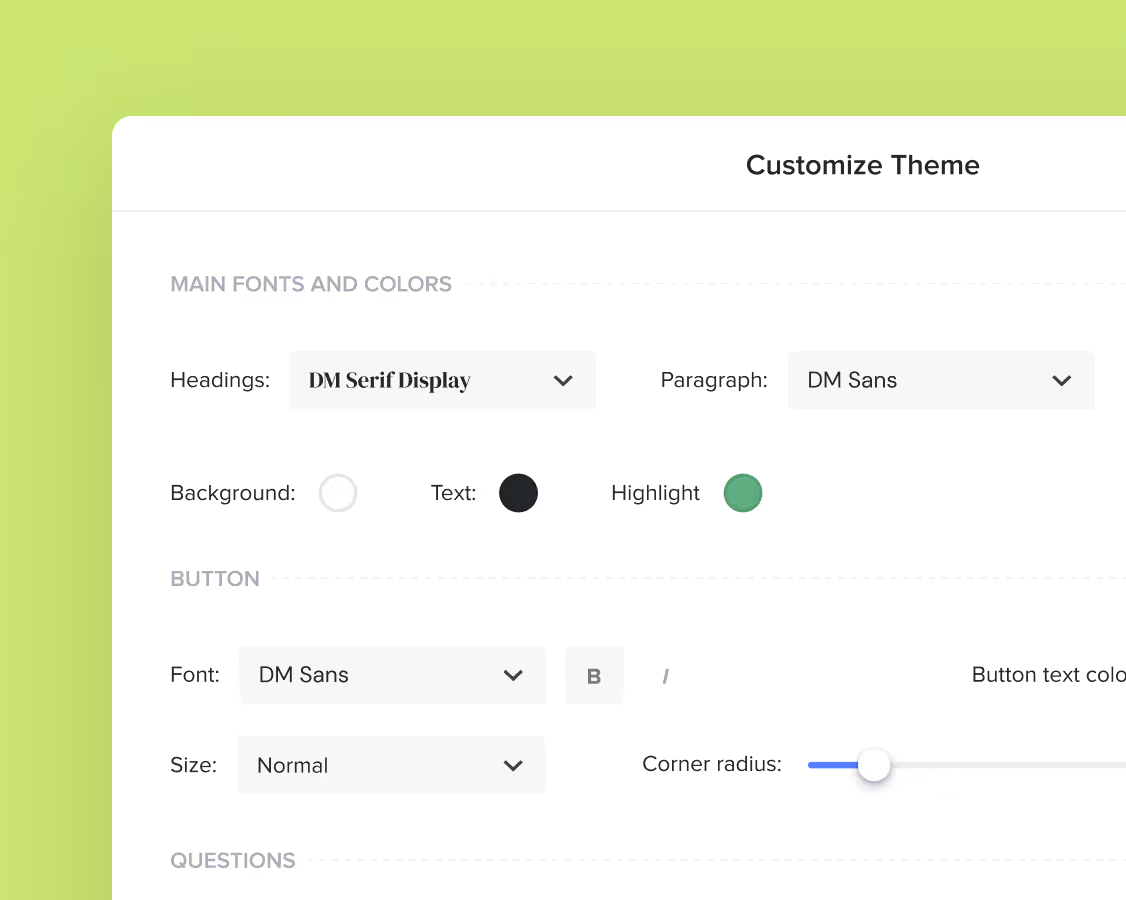
Make it your own
Fully customize the template to fit your needs. Quickly apply your company branding with just a few clicks.
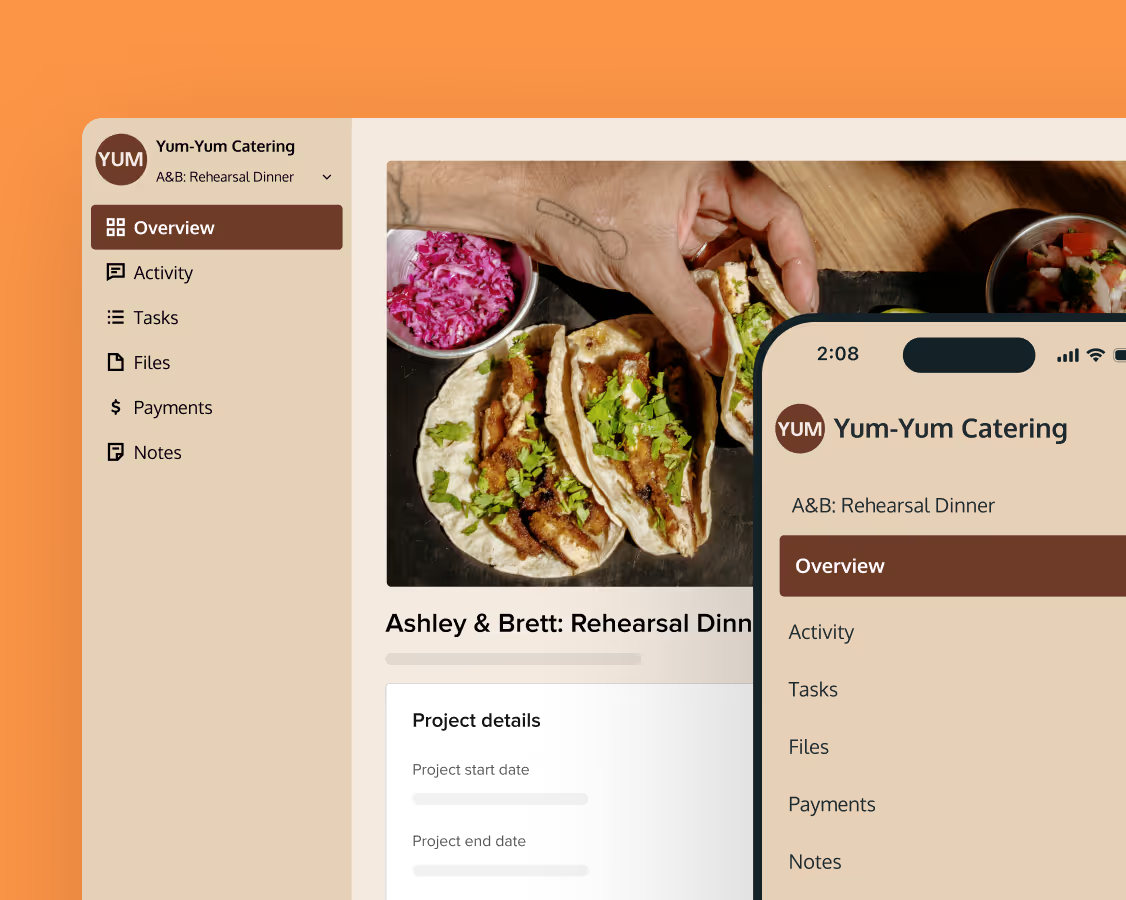
Share with clients
Create exceptional client experiences through HoneyBook’s dedicated client portal, allowing them to read, review, and take action from any device.
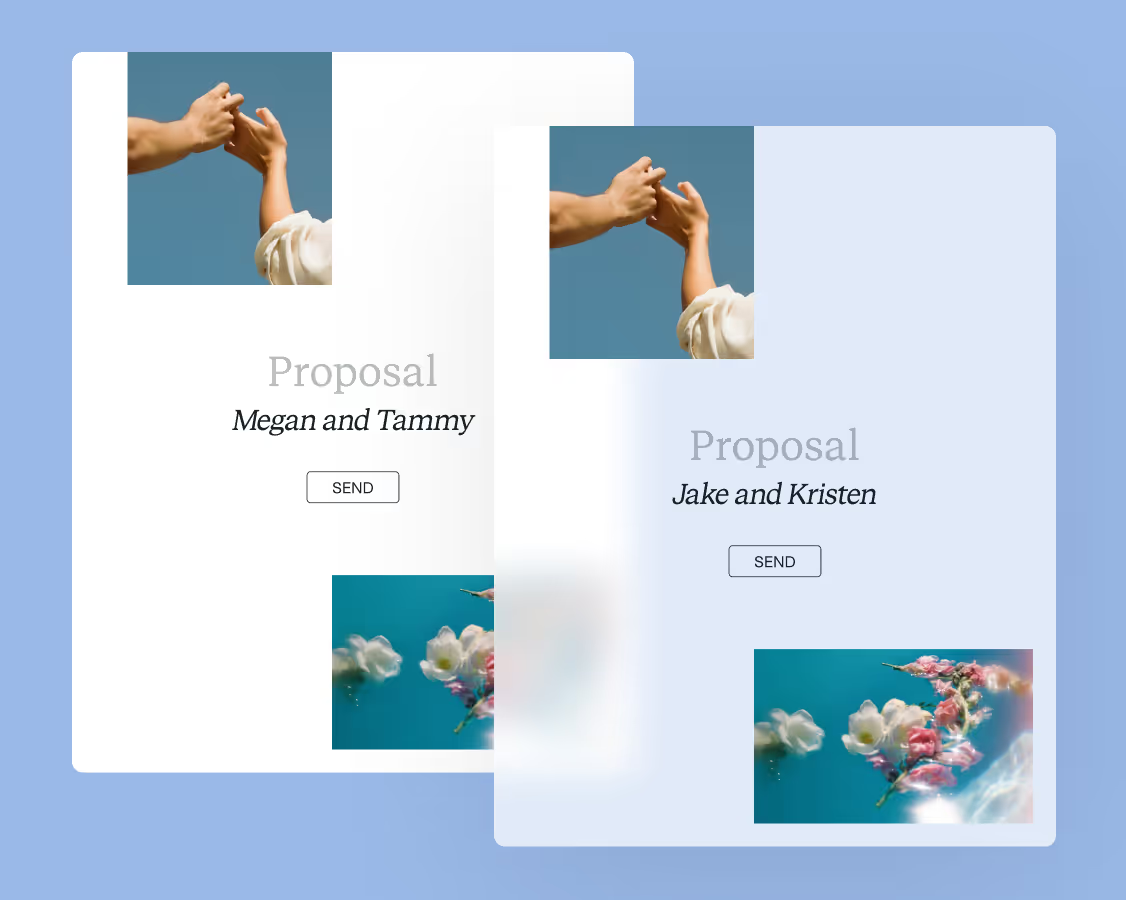
Reuse and scale
Use your customized files with different clients again and again to save time and make managing client interactions that much easier.
Join the 100,000+ businesses growing with HoneyBook.