
















Questionnaire

Get client input, collect project details, and set expectations ahead of—or during—any project.

Services
Showcase your services for easier client booking.

Ready-to-use copy
Templates come filled with prewritten copy you can use as is or edit to match your brand and business.


“
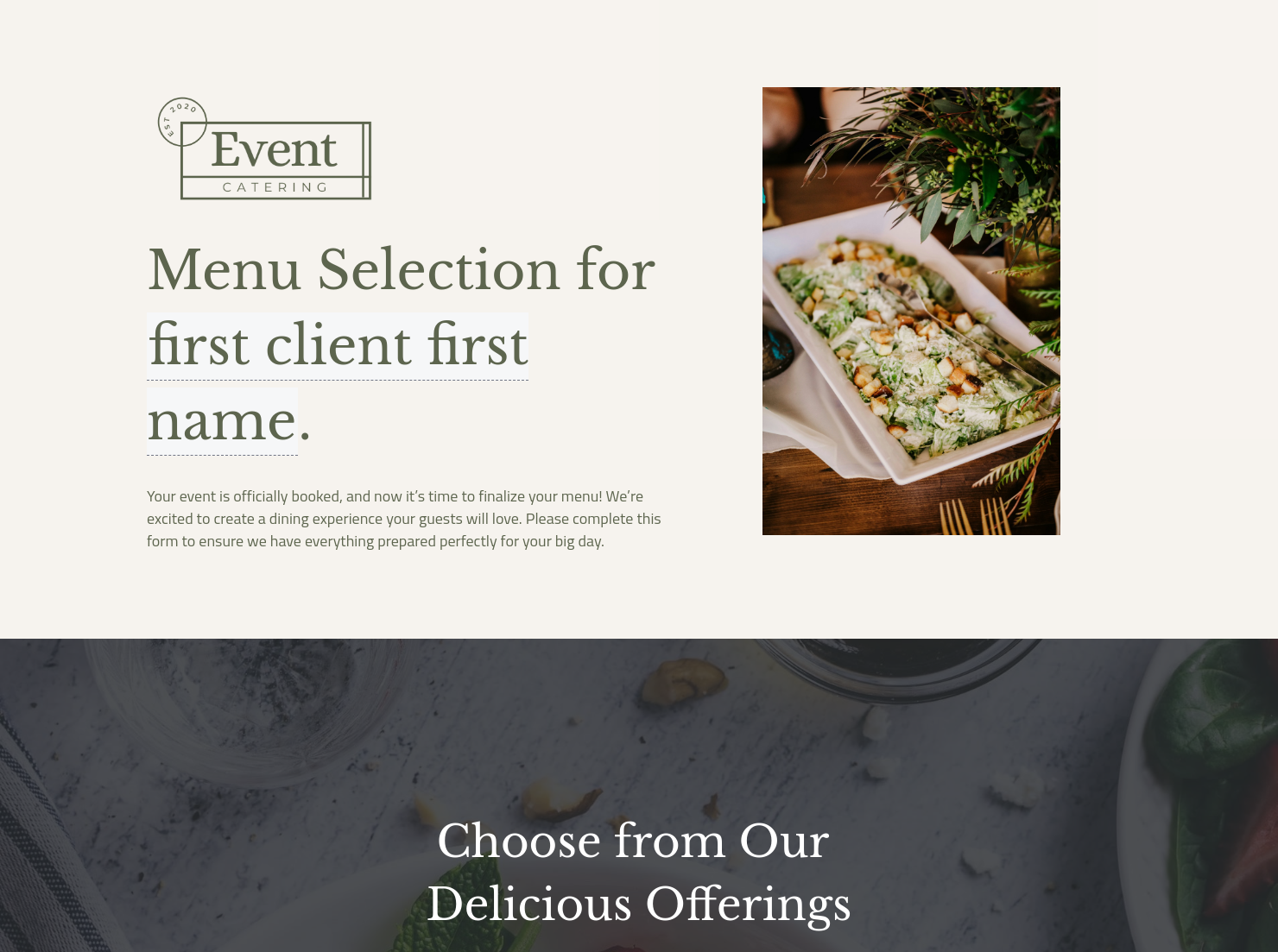
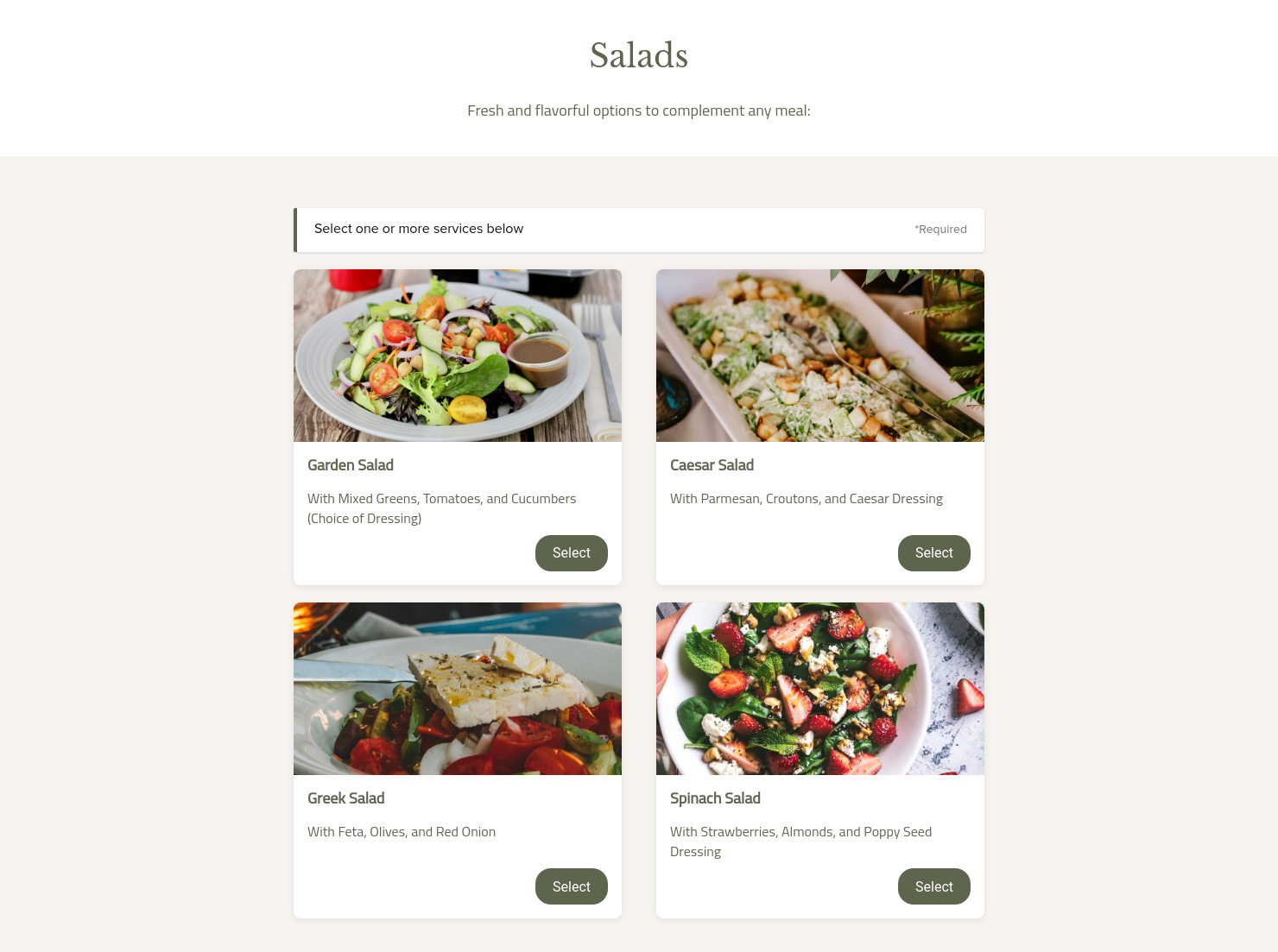
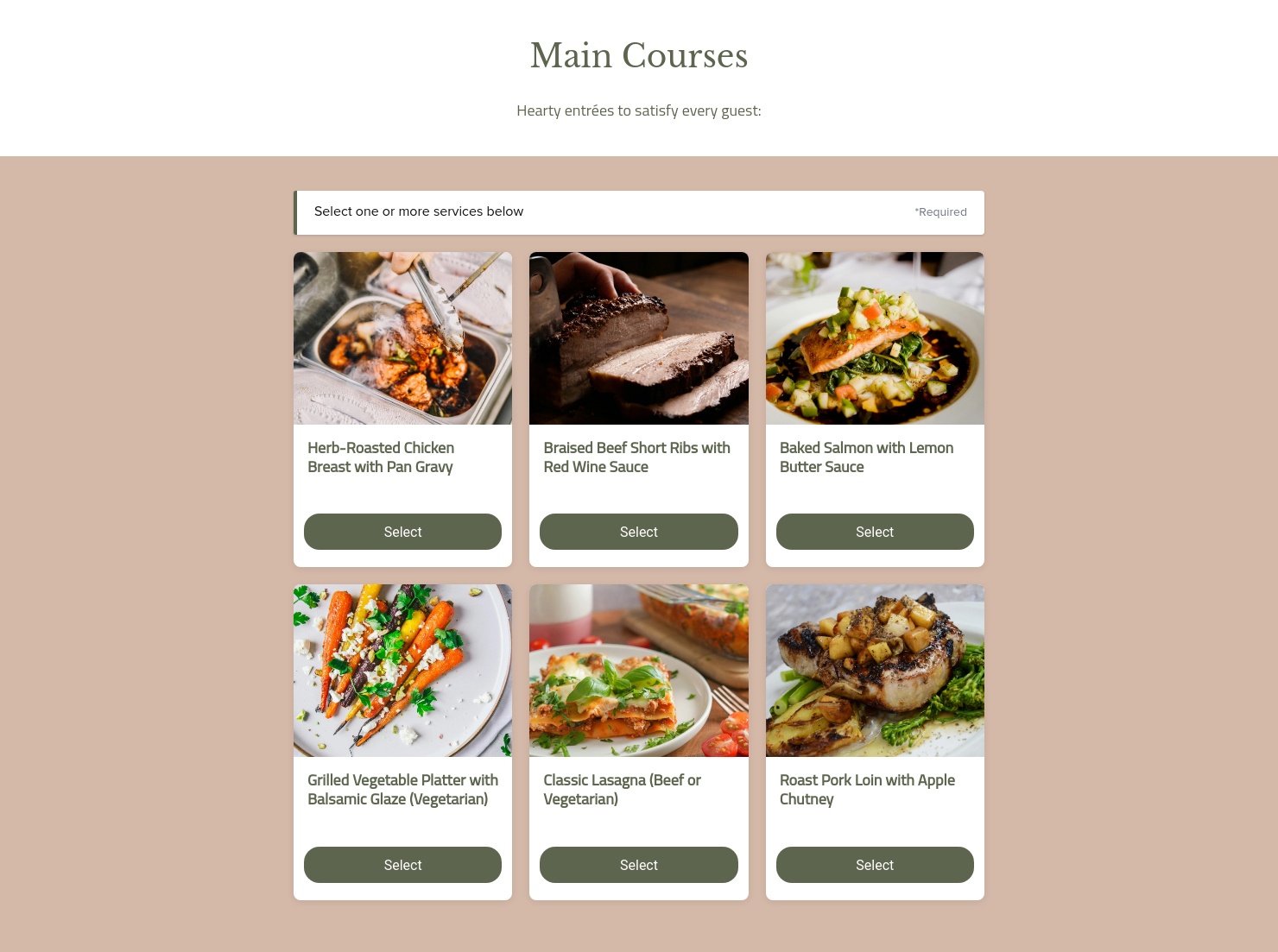
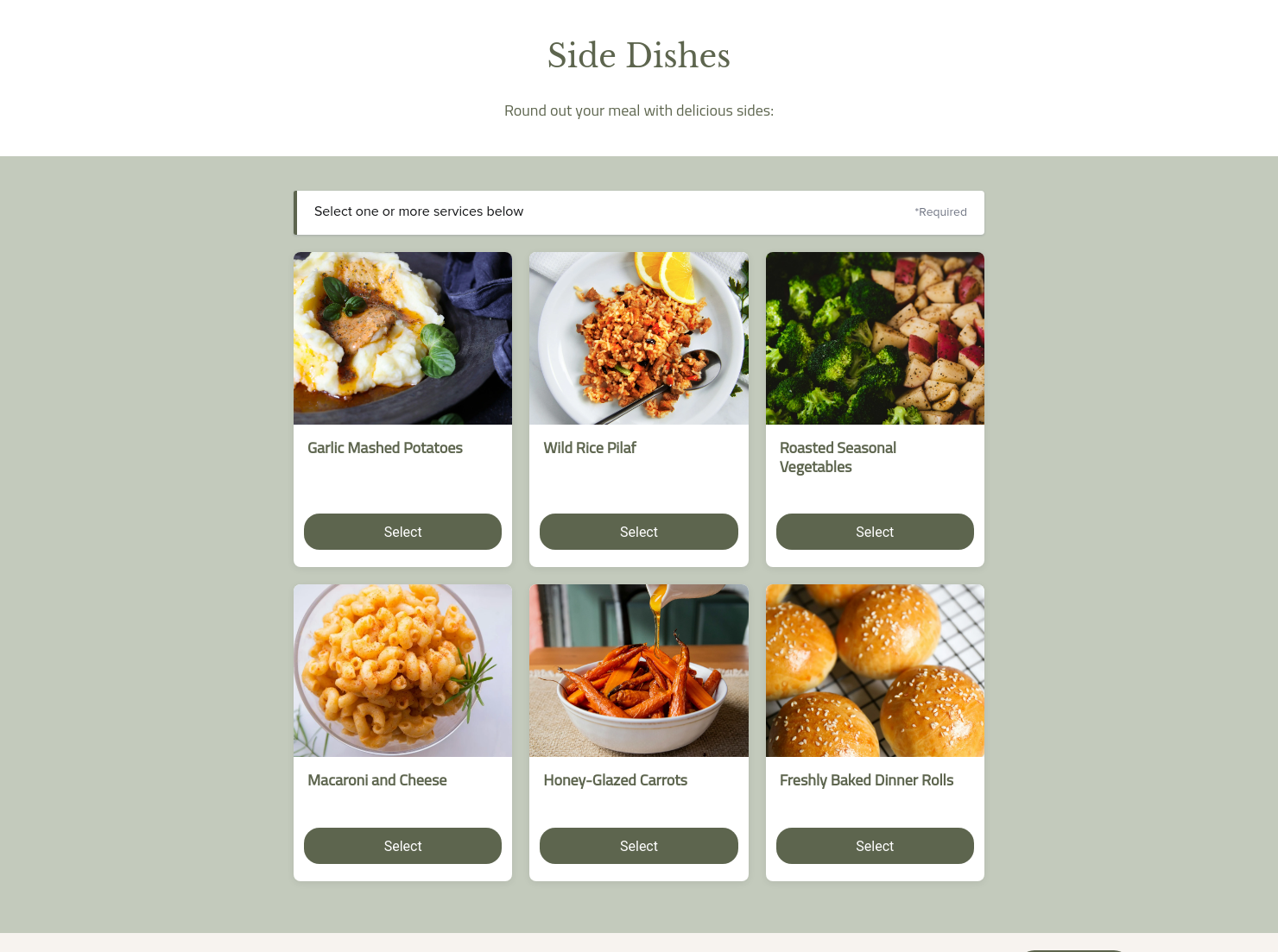
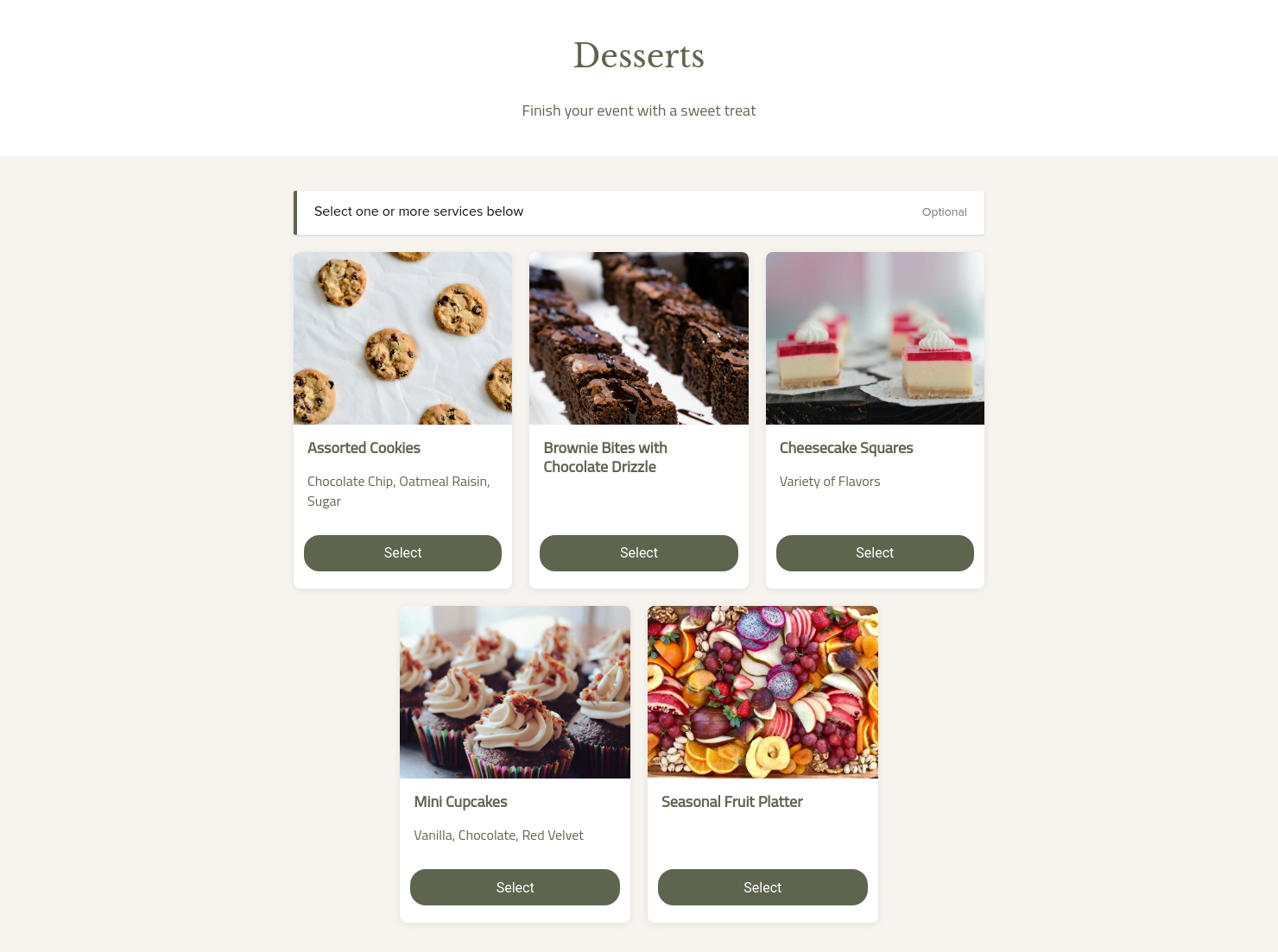
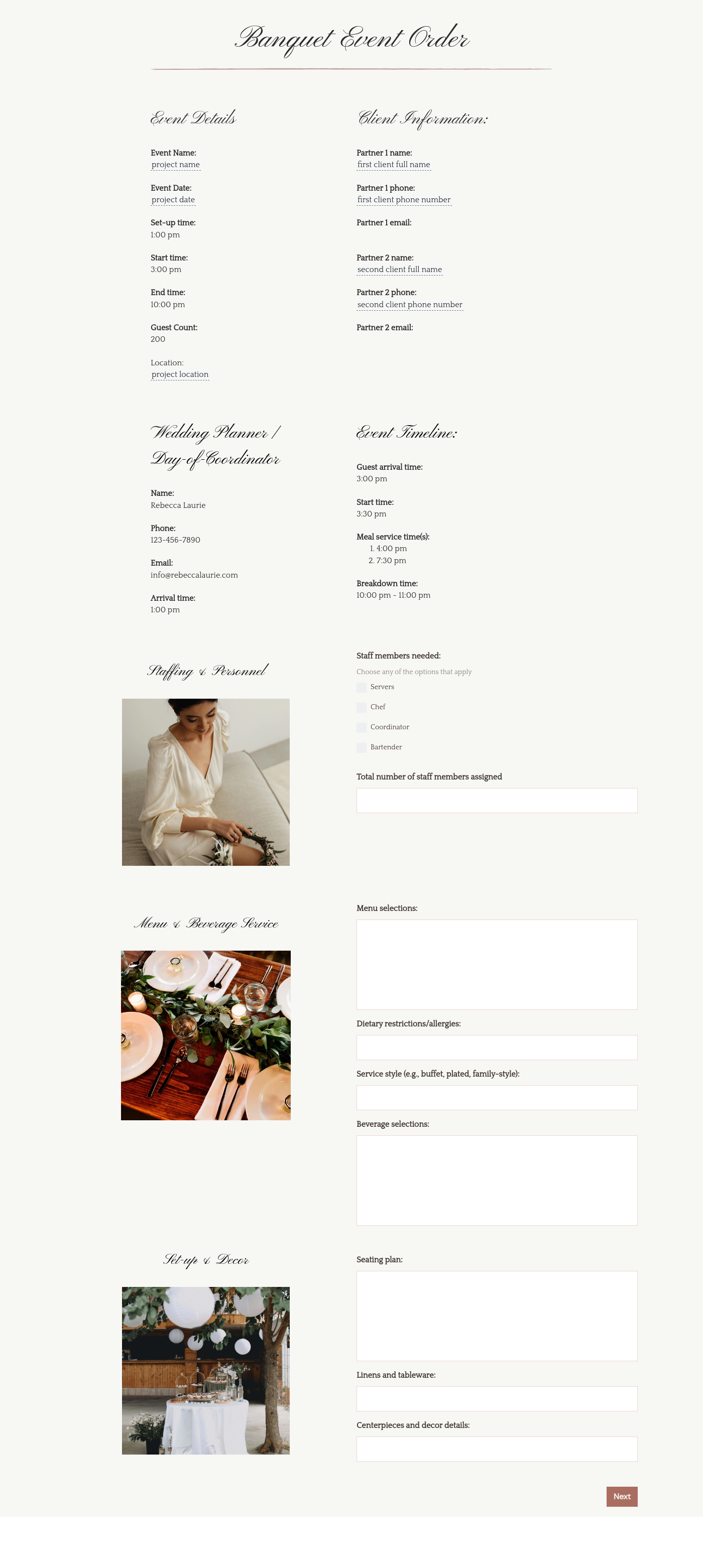
Make menu selection simple and stress-free for your clients with this customizable catering template.
”
-copy.avif)
May 31, 2026

Best practices for using catering menu templates
When someone searches for “catered foods near me,” they’re usually asking two things: what can you serve, and how fast can they get a clear quote? A catering menu template helps you answer both in one move. We suggest using it right after an inquiry or tasting, because it supports faster bookings, cleaner payments, and fewer last-minute surprises.
Catering has a lot of moving parts, and the menu sits in the center. If your catering menu is scattered across emails, texts, and screenshots, mistakes show up at the worst time.
A structured menu template helps in practical ways.
- Builds client trust and a professional first impression.
- Speeds approvals by making choices simple.
- Reduces payment disputes by documenting totals and terms.
- Saves time by cutting back and forth.
That means fewer surprises for clients and fewer fire drills for you.
A professional catering menu should include a few core elements every time.
- Business and client info, plus event location and contact details.
- Event basics, like date, start time, and estimated guest count.
- Menu sections like appetizers, entrées, sides, desserts, and drinks.
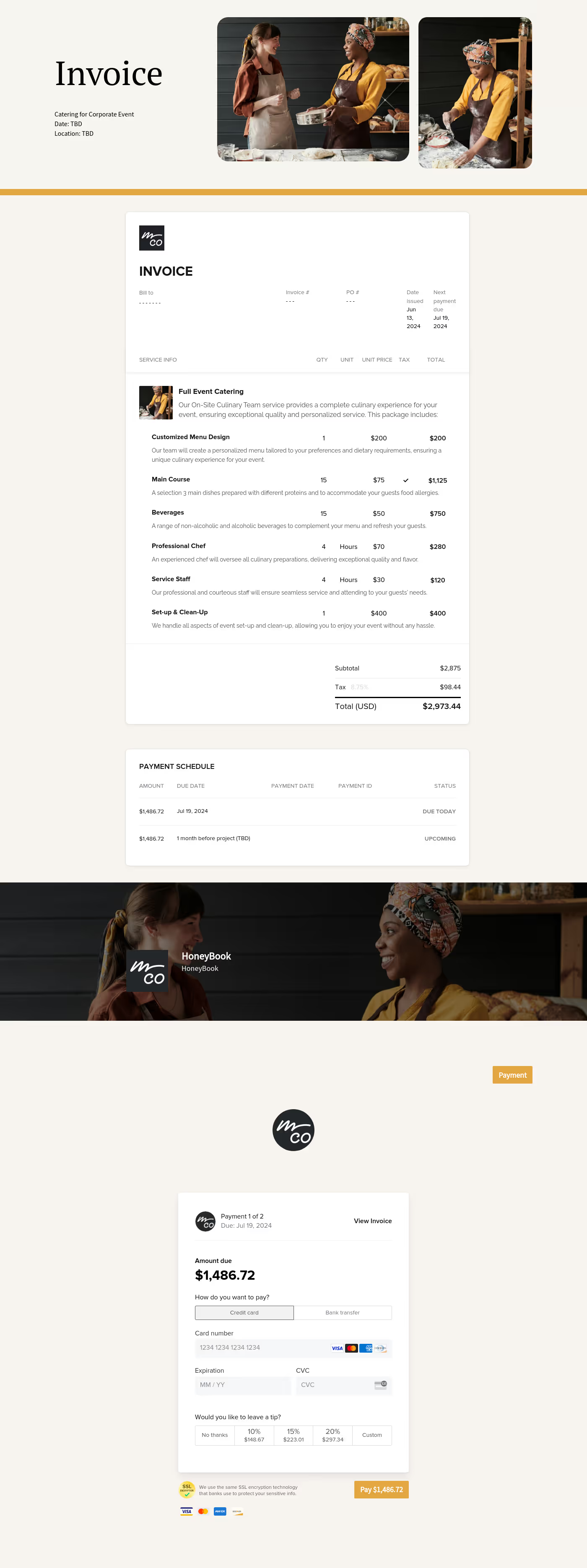
- Pricing and fees, including minimums, add-ons, delivery, staffing, and taxes.
- Validity period, deposit amount, and payment schedule.
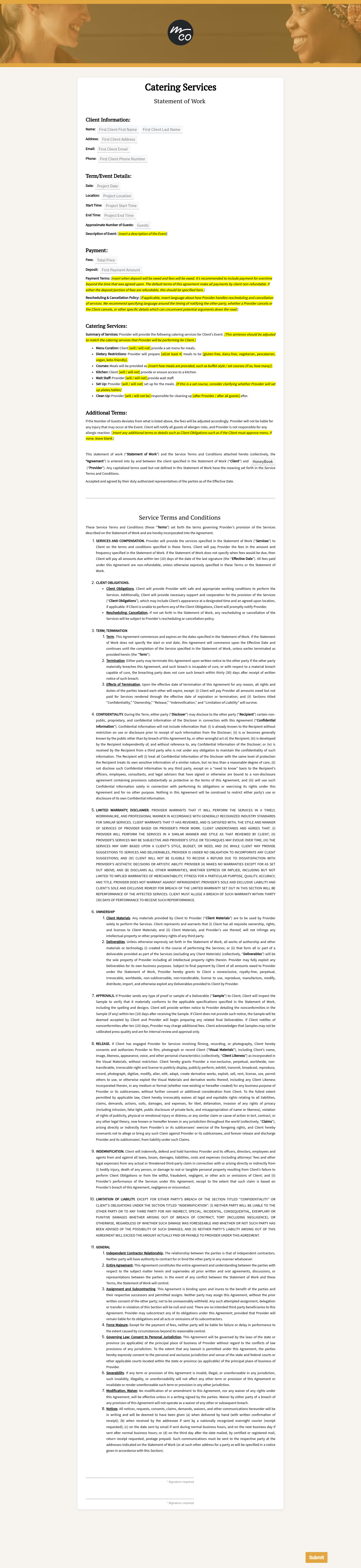
- Approval steps, plus any policy notes like allergens or substitution rules.
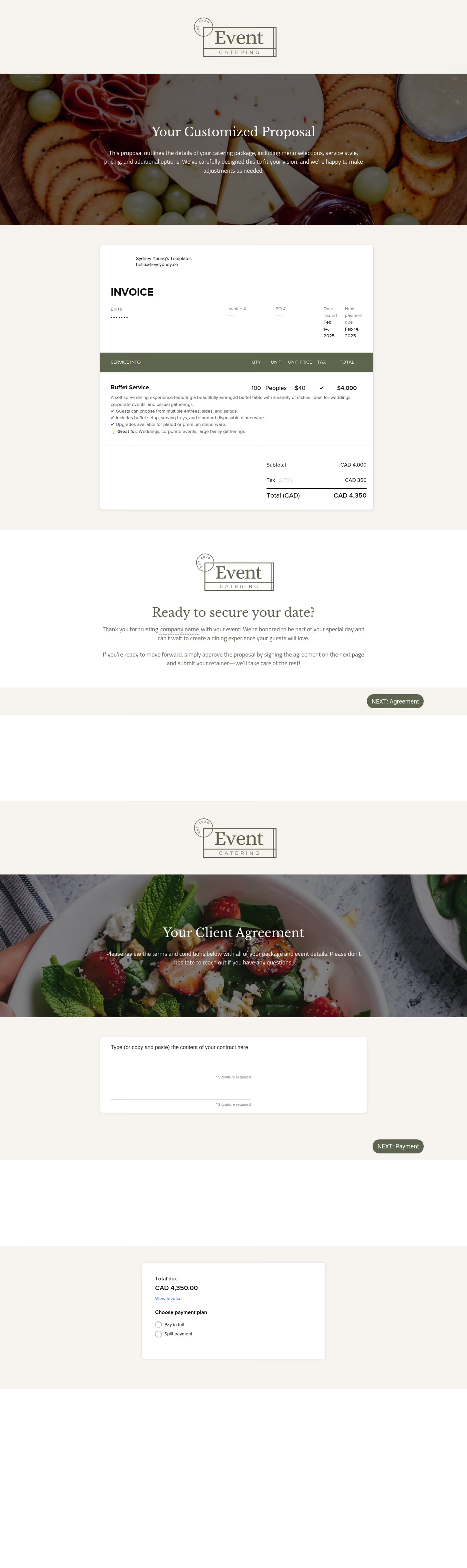
- Acceptance method, such as e-signature, checkbox approval, or written confirmation.
With these pieces in place, you and the client are working from a shared plan.
The best templates guide a client through decisions in the same order you plan production. Start with service style first, then food choices, then add-ons. People looking for “buffet delivered near me” care about setup, serving gear, and pickup timing, so make those details easy to find.
It also helps to write for how clients shop. Many compare “restaurants for catering near me” and “catered breakfast near me” because they want familiar options and clear packages. Keep descriptions plain, use package names that match your brand, and state what’s included in one sentence per package.
This template is most useful any time you need a client to pick options and approve pricing before you buy ingredients or schedule staff.
- New client onboarding after an inquiry call or tasting.
- One-off events like weddings, corporate lunches, and fundraisers.
- Projects that need formal approval before production begins.
It’s a simple way to lock details before the clock starts.
Catering has a lot of moving parts, and the menu sits in the center. If your catering menu is scattered across emails, texts, and screenshots, mistakes show up at the worst time.
A structured menu template helps in practical ways.
- Builds client trust and a professional first impression.
- Speeds approvals by making choices simple.
- Reduces payment disputes by documenting totals and terms.
- Saves time by cutting back and forth.
That means fewer surprises for clients and fewer fire drills for you.
Get started with a catering menu template
HoneyBook exists to help independent businesses run the business side with more clarity and less chaos. Starting with a ready-made catering menu template gives you structure, then you can adjust it to match your food, your pricing, and your voice.
FAQs
Below are quick answers to common questions from caterers building a catering menu that clients can approve with confidence.
Keep them short. Name the dish, note the main ingredients, and call out common allergens. Save the longer story for your website or tasting.
Set a cutoff date, then explain what changes are free and what triggers a new quote. Keep the approved version saved so your team works from one source.
HoneyBook templates help you move from inquiry to booking without rebuilding the same documents each time. You can send a polished file fast, keep details in one place, and spend less time copying and pasting. Learn more in HoneyBook templates.
Yes. You can make Smart Files look and sound like you, from fonts and colors to images and pricing tables. You can also adjust contract language and messaging so the whole file fits your voice. Here’s how: customize smart files.
Yes. If you’re out on a site visit or running an event, you can still send files, make edits, and keep projects moving from your phone. This walkthrough covers it: manage templates and Smart Files from anywhere.
Related templates









Related Templates




Make it your own
Fully customize the template to fit your needs. Quickly apply your company branding with just a few clicks.

Share with clients
Create exceptional client experiences through HoneyBook’s dedicated client portal, allowing them to read, review, and take action from any device.

Reuse and scale
Use your customized files with different clients again and again to save time and make managing client interactions that much easier.

Join the 100,000+ businesses growing with HoneyBook.
