
















Services

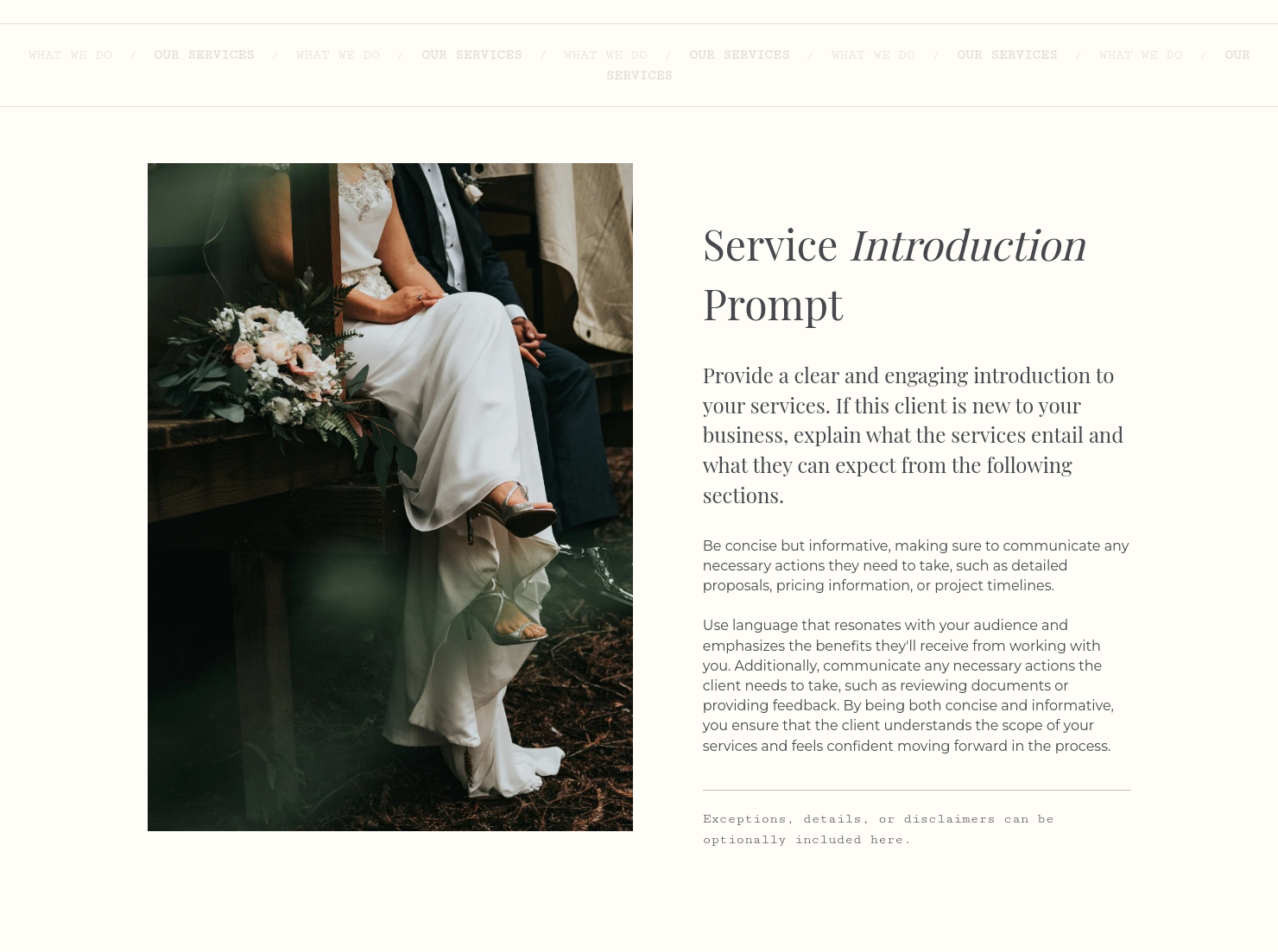
Showcase your services for easier client booking.

Questionnaire
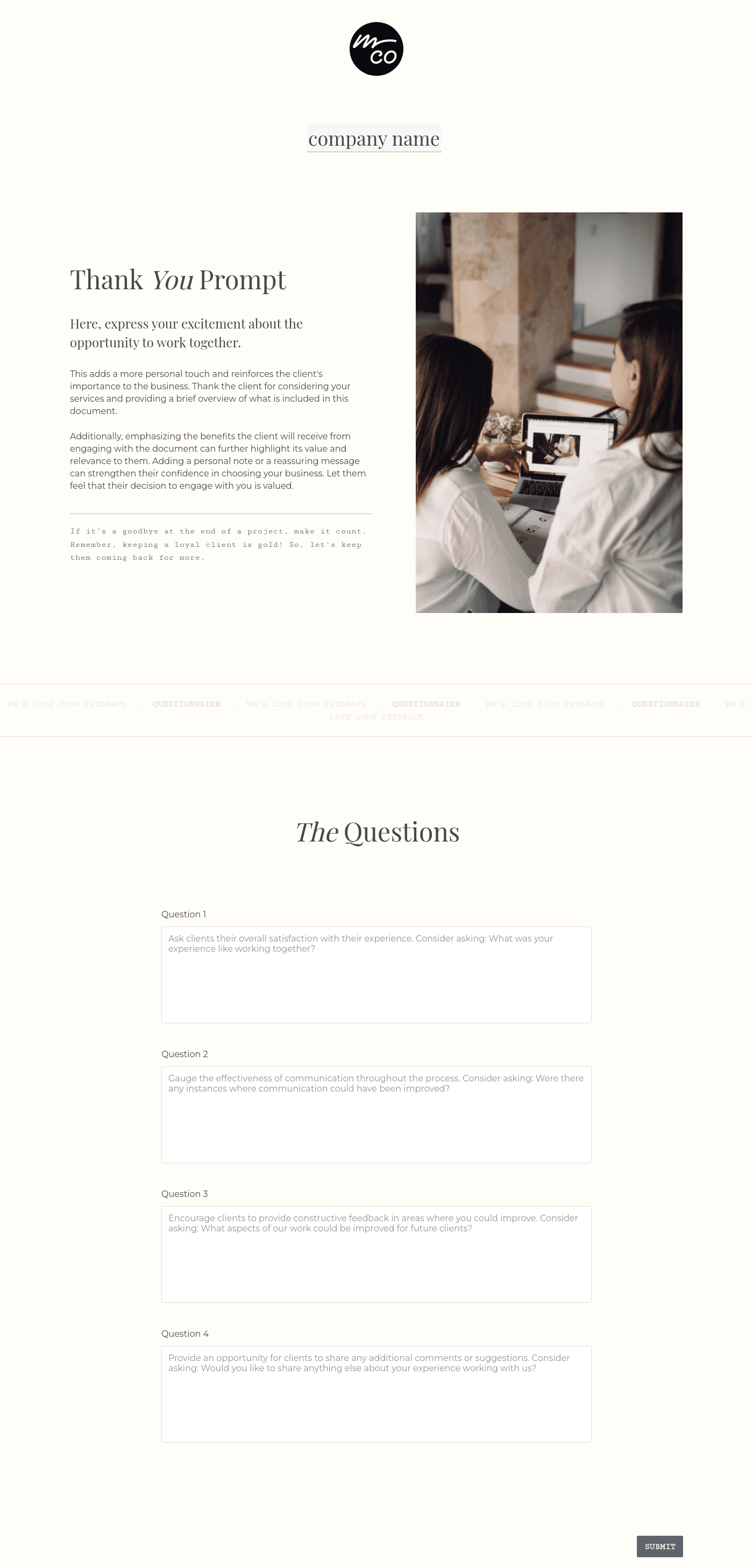
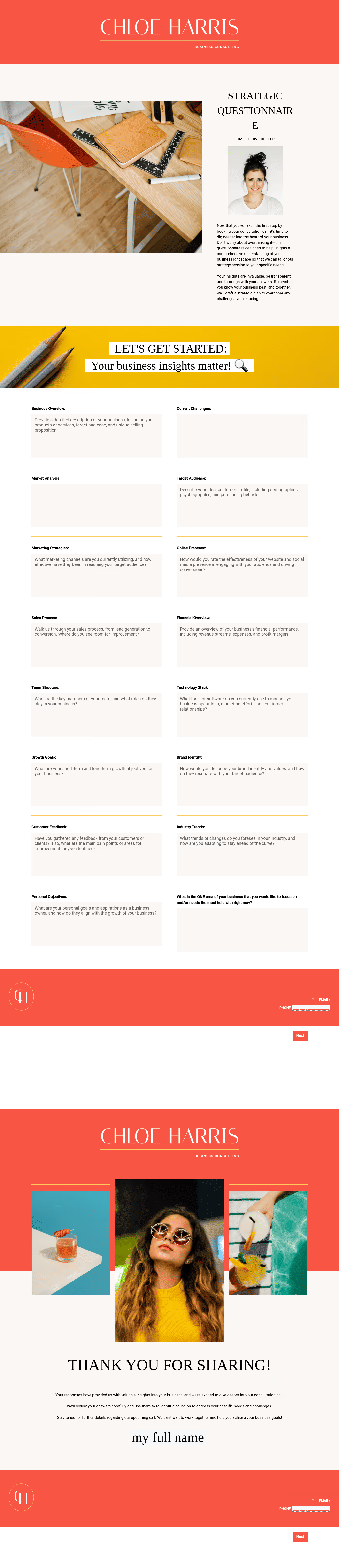
Get client input, collect project details, and set expectations ahead of—or during—any project.

Scheduling
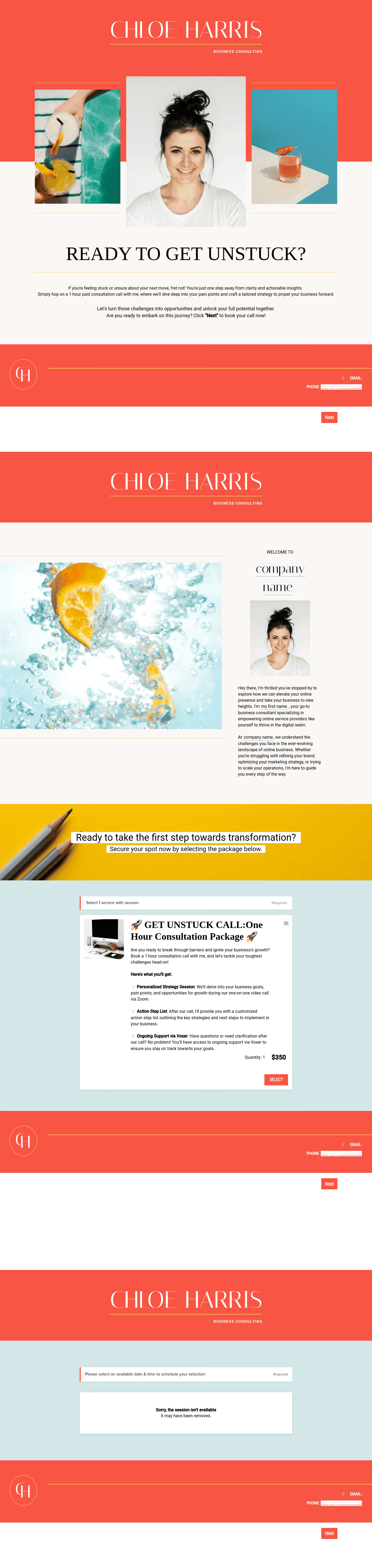
Let clients book meetings, sessions, or appointments during your available time slots.


“
”

October 11, 2026

How to customize your event planning consultant service guide to win more clients
For most event planning consultants, developing high-level strategies isn't the challenge. Rather, the challenge lies in properly defining those strategies and breaking them down into tasks that guide every other individual involved in making that event a success. If unaddressed, a poorly defined project scope leads to confusion and, ultimately, scope creep, affecting the smooth progression of activities on the day of the event. An event planning consultant guide helps address this issue. It helps you, as an event planning consultant, to clearly outline what you offer, how you work, and what clients can expect, ensuring every engagement starts on the same page.
Without a clear service guide, event planning consultants spend a lot of time explaining their offerings, managing misaligned expectations, and handling last-minute changes that fall outside the original scope.
A structured service guide helps you communicate your value upfront. It makes it easier for clients to understand what’s included, what’s not, and how your process works, reducing confusion and back-and-forth. More importantly, it positions you as an organized professional. With HoneyBook, your event planning guide becomes part of a streamlined workflow. You can onboard clients faster, maintain consistency, and focus more on delivering great events instead of managing chaos.
Here are the key elements every event planning consultant service guide should include:
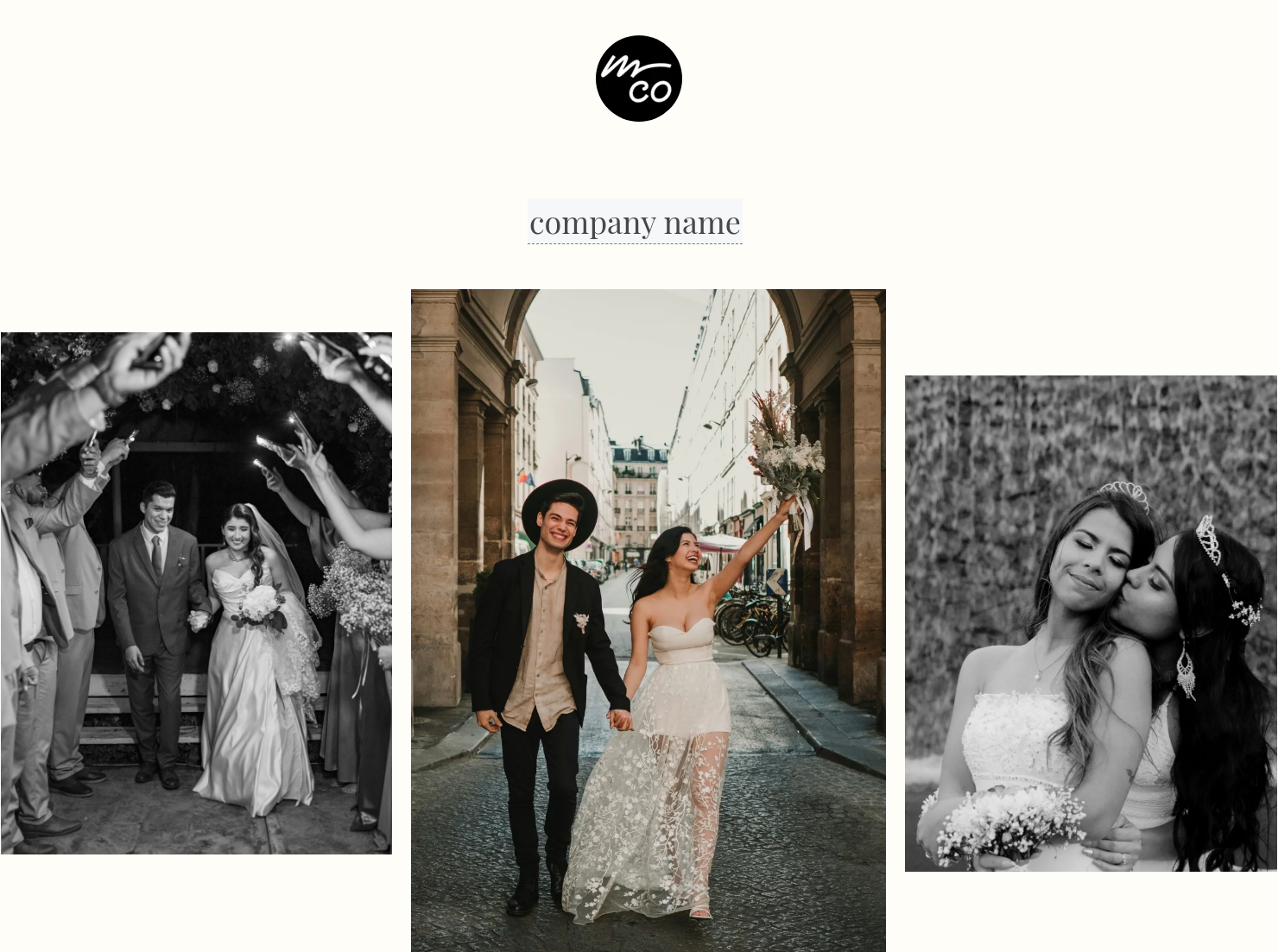
- Your business information: Provide a brief overview of your business and include images from some of your most recent projects.
- Clear scope of services: Define exactly what your consulting covers. Are you providing event strategy only, or also vendor recommendations, timeline reviews, or on-call support? Break this down into tiers or packages so clients can quickly see what fits their needs.
- Detailed deliverables: Go beyond generic descriptions and show what clients will actually receive with concrete examples. These make your service feel tangible and premium. For example:
- A customized event timeline with key milestones
- Vendor shortlists tailored to budget and style
- Mood boards or concept decks for event direction
- Budget breakdown templates
- Pricing and package structure: Outline whether you charge hourly, per session, or via fixed packages. Transparency here reduces friction and filters serious inquiries.
- Client responsibilities and boundaries: Clarify what you expect from clients, like timely feedback and budget approvals, while outlining what falls outside your scope to prevent scope creep.
HoneyBook lets you easily customize your service guide using reusable templates, adjusting sections, pricing, and content for each client without starting from scratch. You can now incorporate it into a Smart File, effectively bringing inquiry, contract, strategy, and work plan into a centralized workflow.
An effective event planning consultant service guide is a document with well-defined and properly broken-down strategies for all the event stakeholders. It leads the planning team towards the event’s stated objectives while providing the client with value for their money.
To achieve this, ensure you clearly define your services and deliverables and properly structure your guide to ease navigation. It will also help to include concrete real-world examples like event concepts and vendor recommendations and to connect it to other parts of your workflow, like contracting and invoicing, for an easy-to-follow experience.
HoneyBook provides an event planning consultant service guide template that serves as a customizable and editable model for any event. Regardless of the scope or schedule of the event, this template helps you quickly reach critical agreements with the client, plan, and also define and break down tasks, while you conserve your creative energy for the actual event date.
This template helps optimize your time, allowing you to engage multiple clients simultaneously without reducing the quality of your service. It allows you to scale your business operations sustainably by introducing new packages, adjusting pricing, or niching down, which can increase your profits.
Catering has a lot of moving parts, and the menu sits in the center. If your catering menu is scattered across emails, texts, and screenshots, mistakes show up at the worst time.
A structured menu template helps in practical ways.
- Builds client trust and a professional first impression.
- Speeds approvals by making choices simple.
- Reduces payment disputes by documenting totals and terms.
- Saves time by cutting back and forth.
That means fewer surprises for clients and fewer fire drills for you.
Get started with an event planning consultant service guide template
Use the right tools to avoid the time-consuming process of creating a service guide from scratch. On HoneyBook, you can build your service guide using ready-made templates and customize them for each client or event type. You can also attach your guide directly to proposals, pair it with contracts, and enable payments without ever having to leave the app.
FAQs
Below are quick answers to common questions from caterers building a catering menu that clients can approve with confidence.
In the deliverables section of the consultant service guide, clearly state what each activity entails and excludes. For example, instead of simply "event coordination," mention "five hours of on-site coordination for up to 150 guests.”
HoneyBook provides a dedicated event planning consultant service guide template that you can easily customize to your business needs.
HoneyBook templates are built to simplify the steps between inquiry and booking, so you can deliver a professional client experience while saving time on repeat tasks.
Yes. With the HoneyBook mobile app, you can create, customize, send, and manage templates and Smart Files from anywhere. This means you can respond to inquiries, share documents, and keep projects moving whether you’re at your desk or on the go.
Related templates









Related Templates





Make it your own
Fully customize the template to fit your needs. Quickly apply your company branding with just a few clicks.

Share with clients
Create exceptional client experiences through HoneyBook’s dedicated client portal, allowing them to read, review, and take action from any device.

Reuse and scale
Use your customized files with different clients again and again to save time and make managing client interactions that much easier.

Join the 100,000+ businesses growing with HoneyBook.
