
















Questionnaire

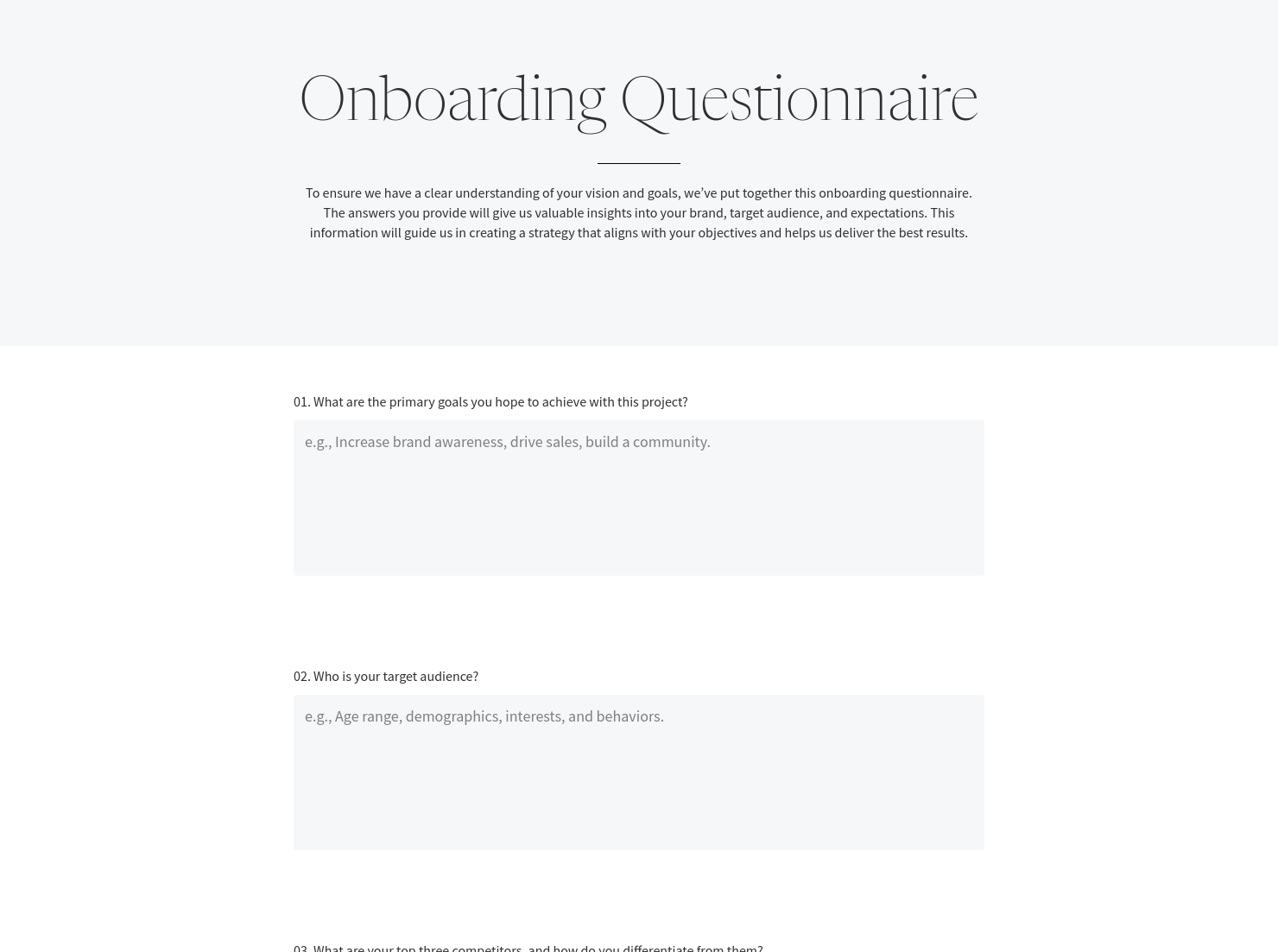
Get client input, collect project details, and set expectations ahead of—or during—any project.

Ready-to-use copy
Templates come filled with prewritten copy you can use as is or edit to match your brand and business.

Scheduling
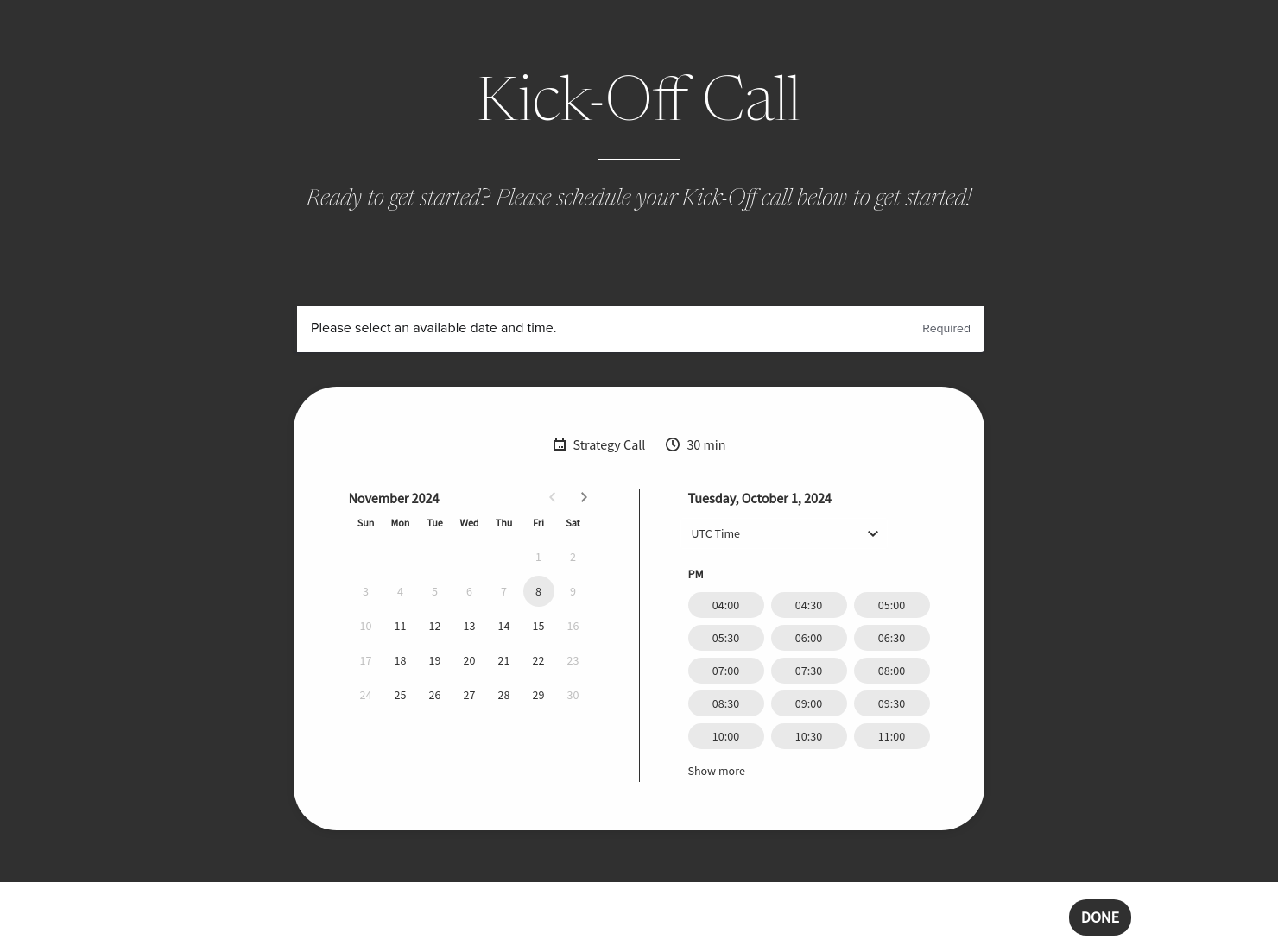
Let clients book meetings, sessions, or appointments during your available time slots.


“
Use this template to guide new clients through the onboarding process, outlining key steps, expectations, and setting the stage for a successful partnership.
”

October 25, 2026

Common Mistakes To Avoid When Sending A Heritage Onboarding Guide For Social Media Marketers
A Heritage onboarding guide for social media marketers is what turns a signed client into a structured working relationship — but it’s also where many projects quietly start to break down. For example, a client signs for Instagram management but delays sharing brand assets or approvals. Or they approve content late, then expect posts to go live on time. In most cases, the issue isn’t the work — it’s unclear onboarding. This guide sets expectations before those problems show up.
Social media work moves quickly, but onboarding mistakes create ongoing friction.
A weak Heritage onboarding guide for social media marketers often leads to:
- Missed deadlines for approvals
- Ongoing back-and-forth due to unclear expectations
For instance, if feedback timelines aren’t defined, a client may send edits late and still expect immediate turnaround. Without a structure, that becomes your problem.
With HoneyBook CRM, onboarding stays centralised — so expectations don’t get lost across emails or threads.
A strong onboarding guide should walk the client through your process clearly without overwhelming them.
In a typical HoneyBook setup, the Heritage onboarding guide for social media marketers includes:
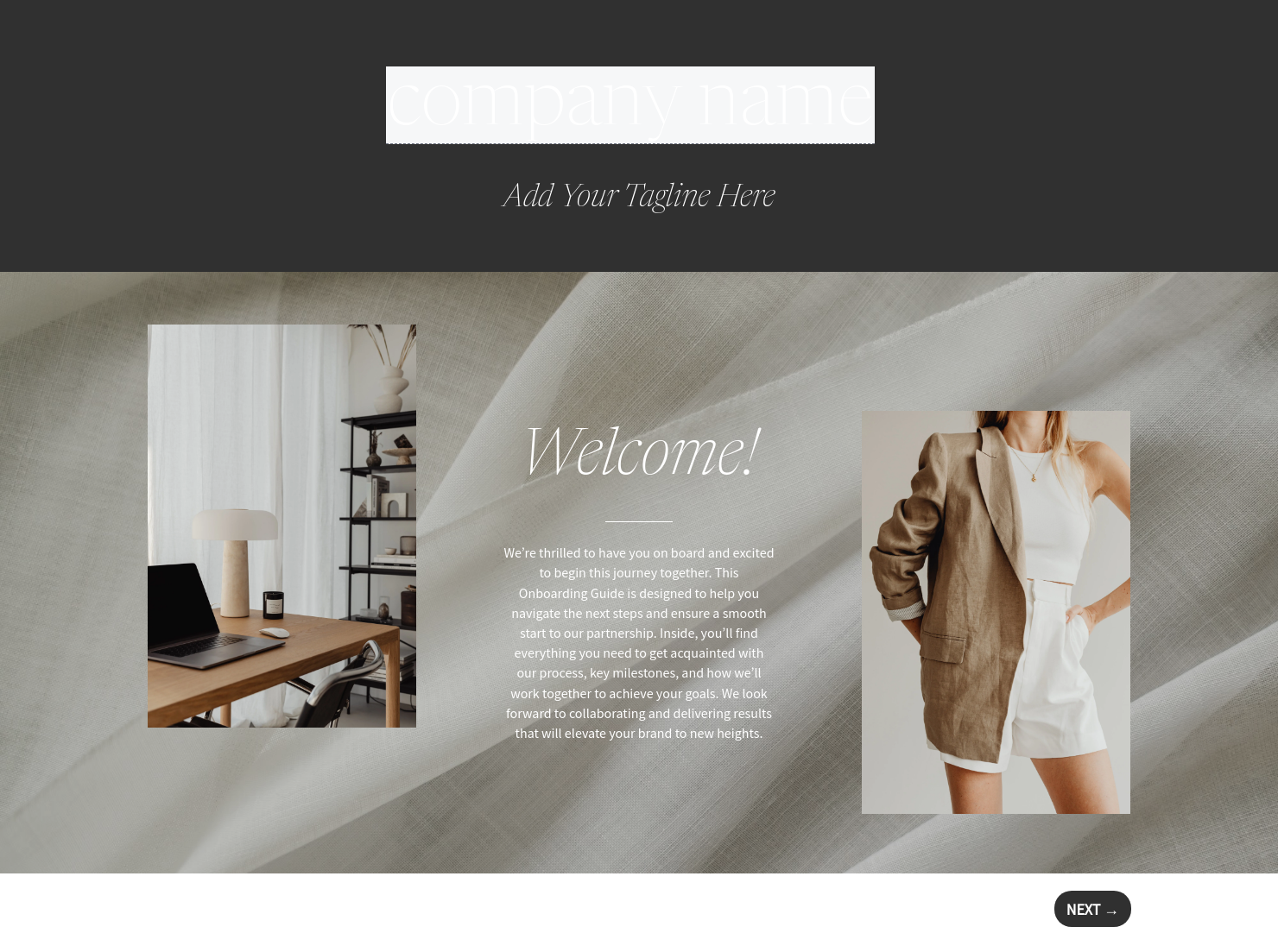
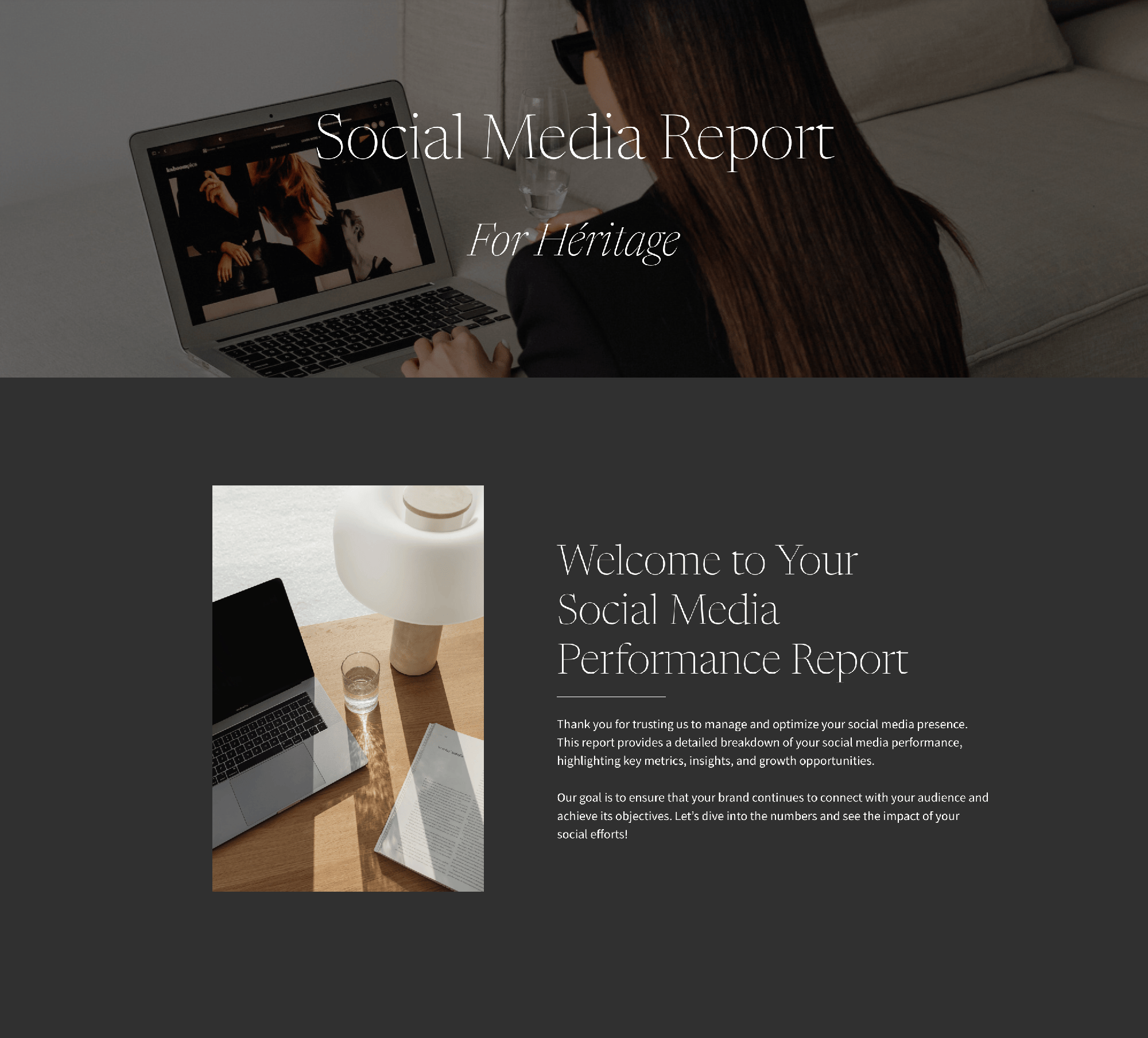
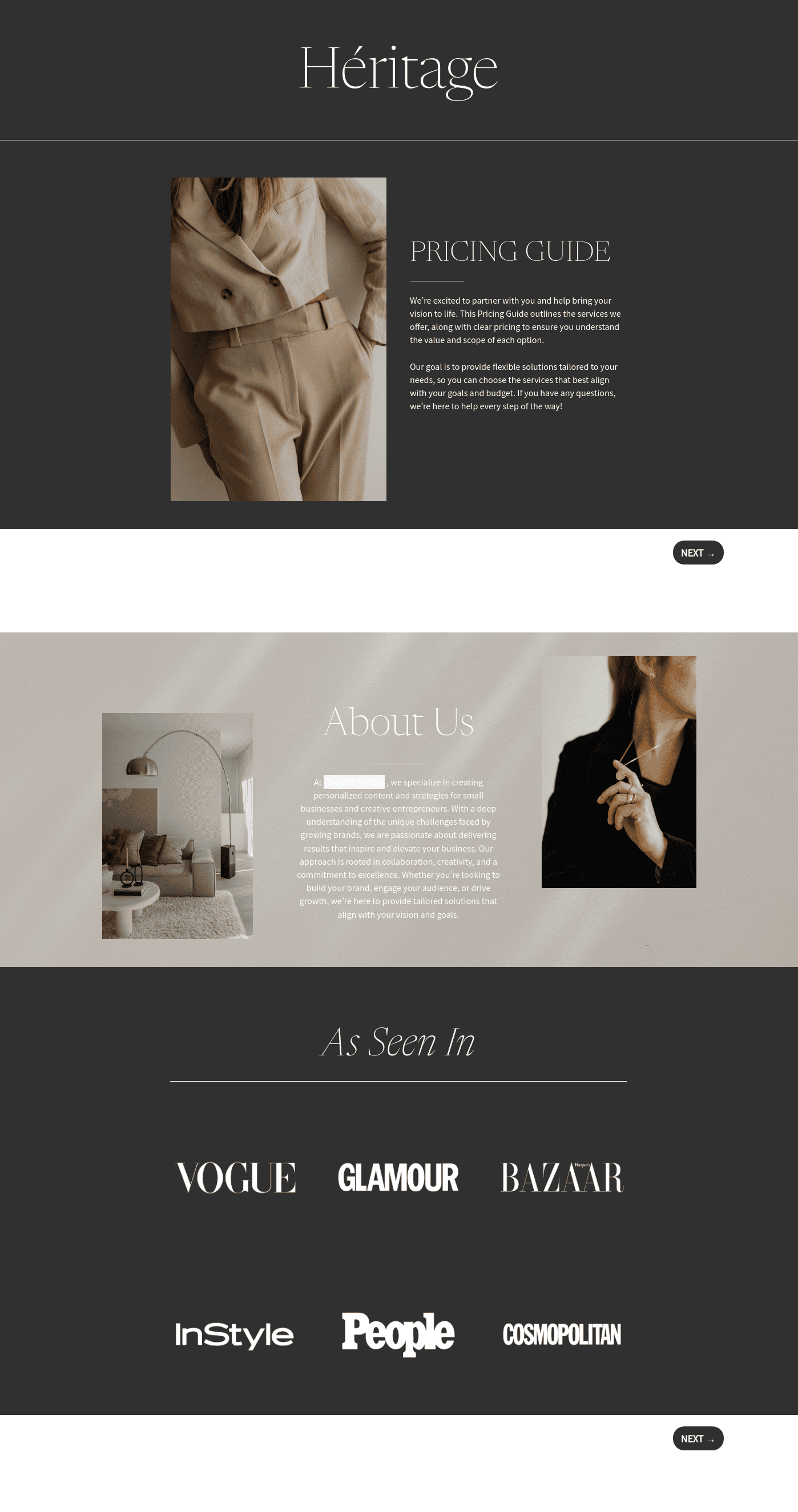
- Welcome cover section: Many marketers keep this too generic. After a discovery call with a fashion brand, you might open with: “You’re launching a new product line — we’ll focus on building visibility and consistent engagement.” It shows immediate alignment.
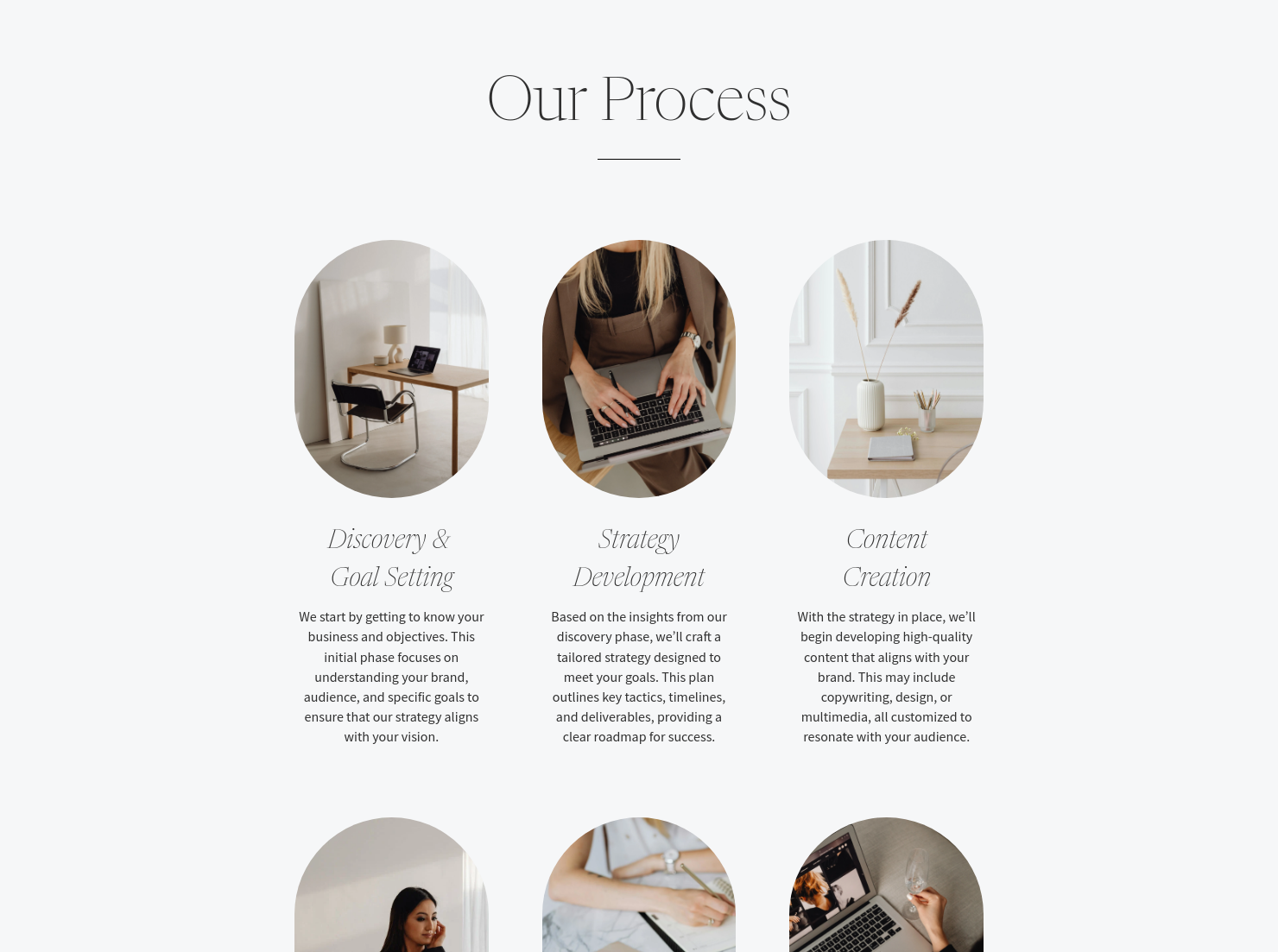
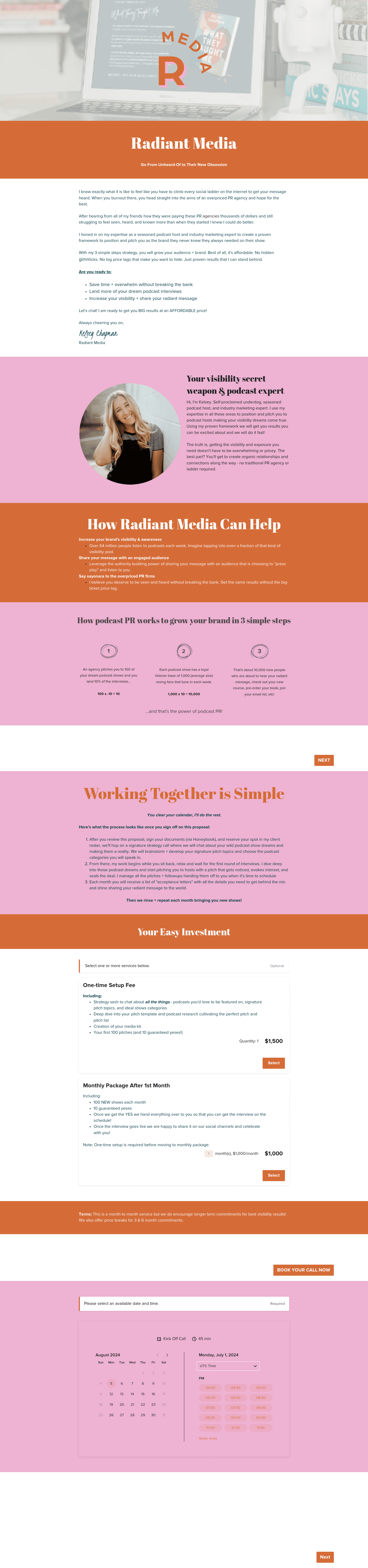
- Process page: One of the biggest mistakes is not explaining your workflow clearly. A client may assume flexible feedback timing while you expect structure. A simple line like “Content is shared Mondays; feedback is due within 48 hours” prevents delays.
- About section: Often overlooked, this is where you position how you work — not just who you are. If your approach is data-driven or content-first, say it. It helps clients understand decisions later.
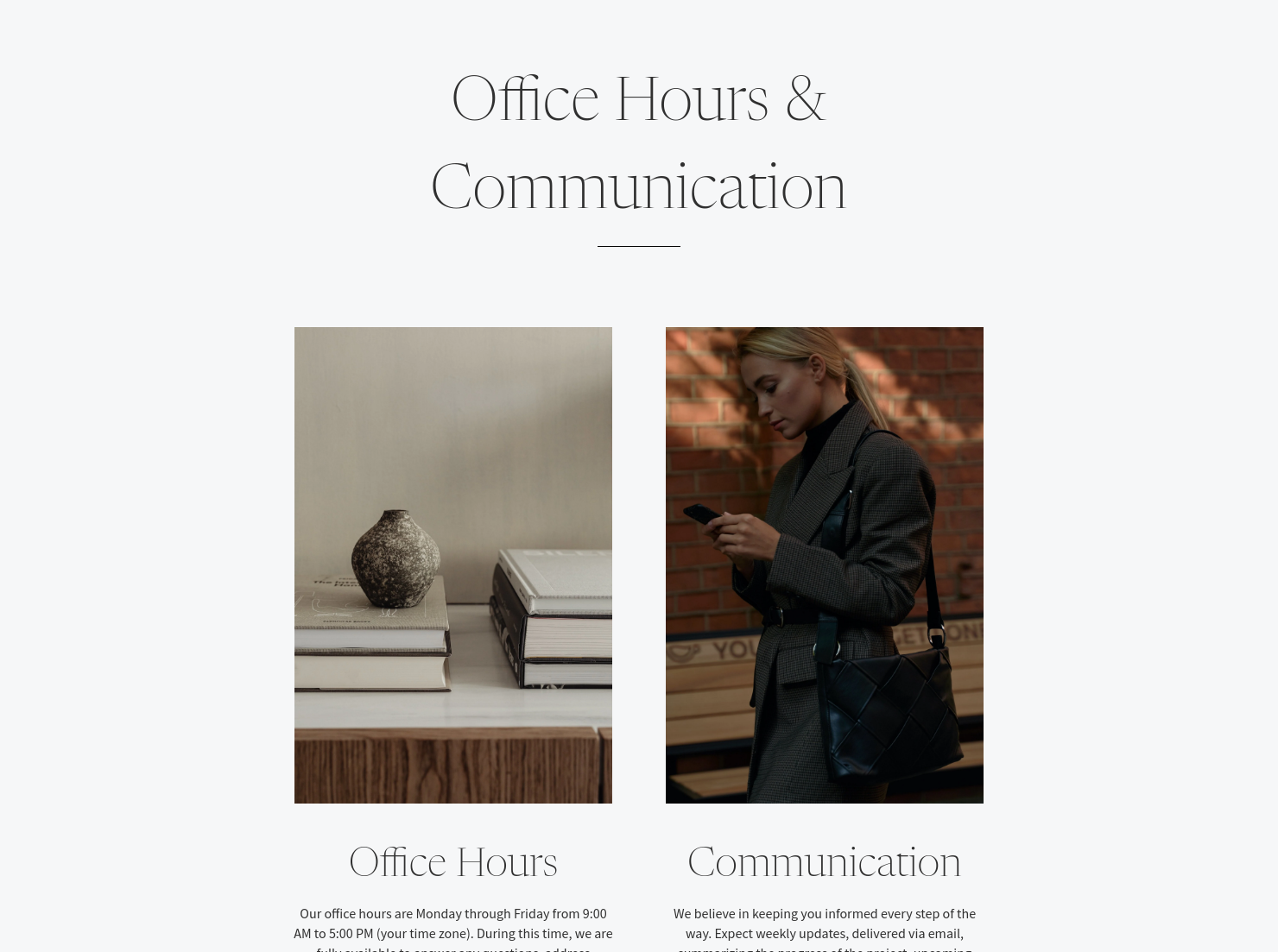
- General information page: This is where operational issues are prevented. Without it, clients may message anytime or expect unlimited revisions. Setting boundaries early avoids that tension. Using HoneyBook Smart Files, this stays structured and easy to revisit.
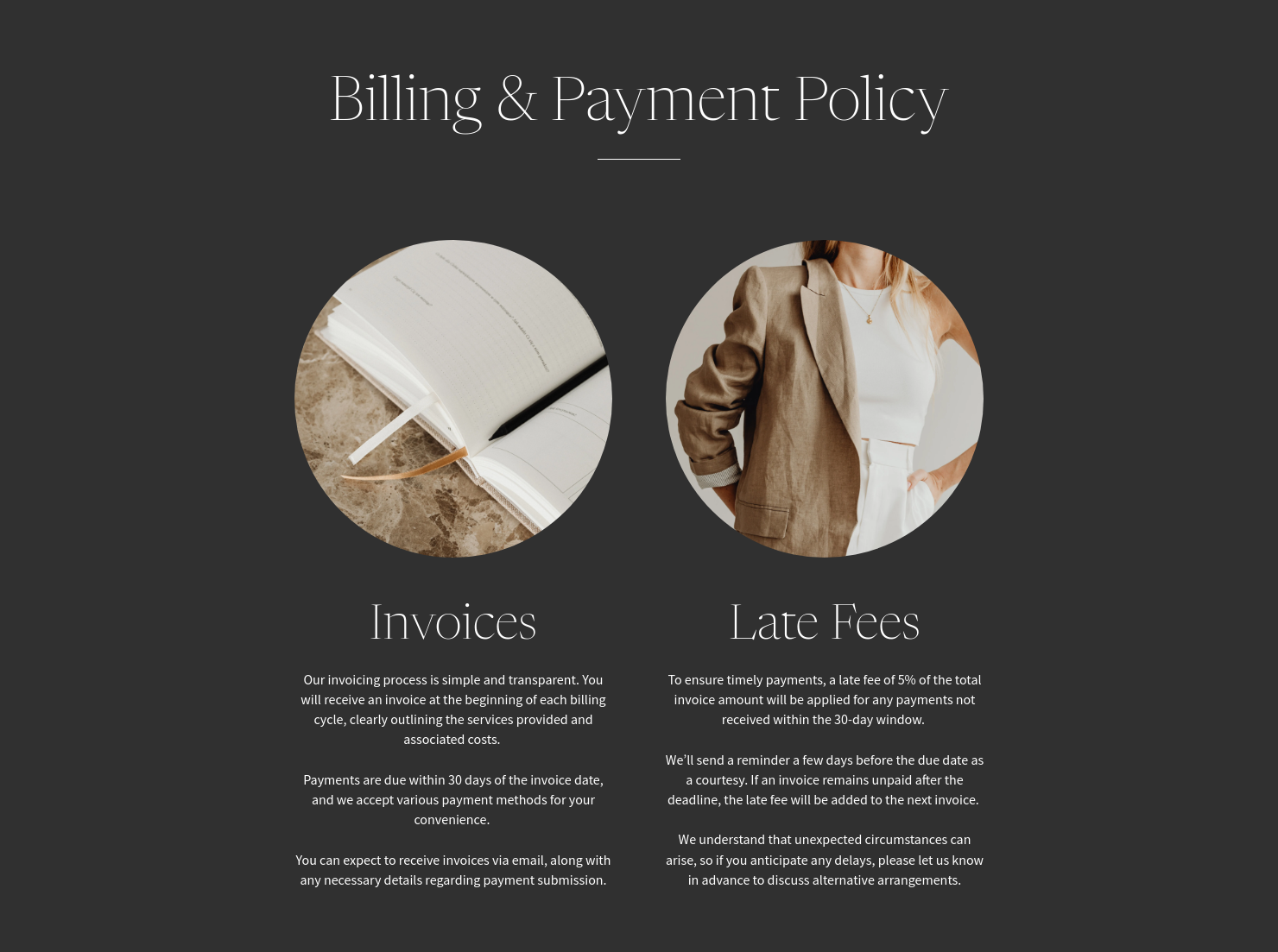
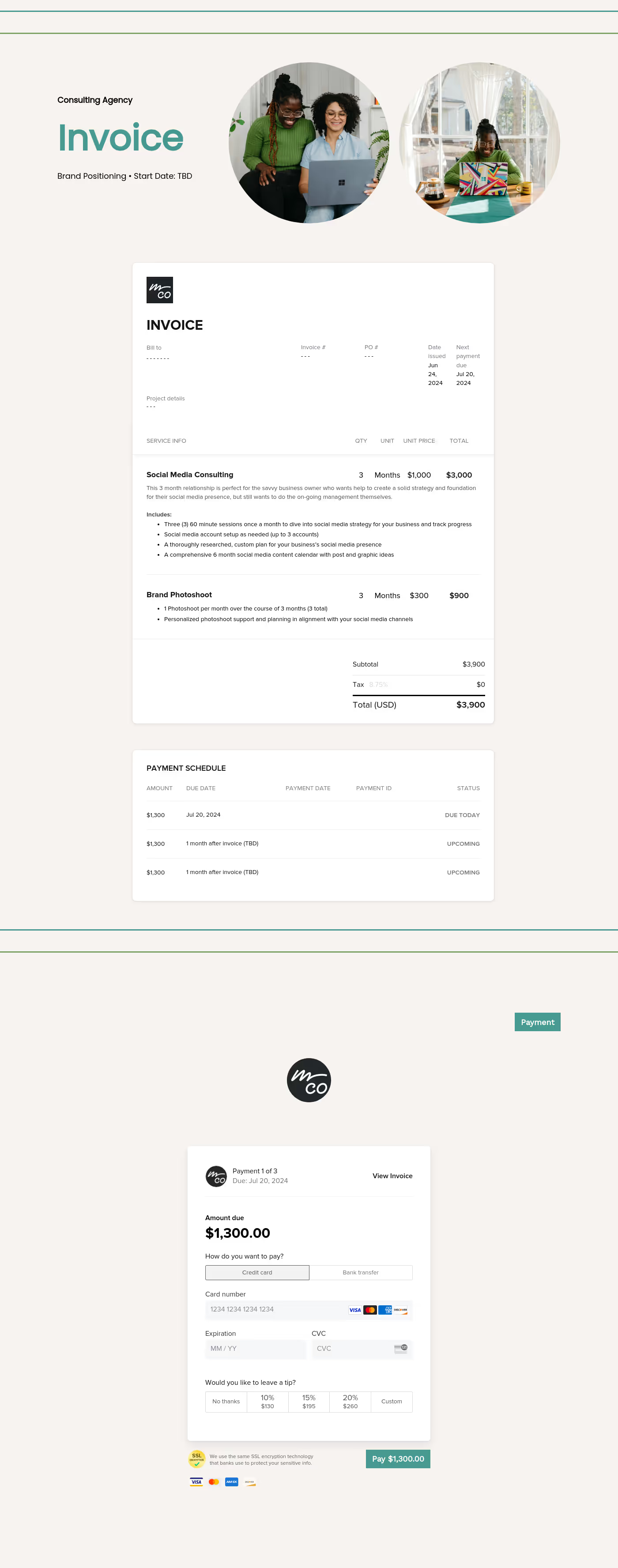
- Billing page: A common mistake is assuming clients understand payment expectations. If late fees or timelines aren’t stated, delays follow. With HoneyBook online invoices and online payment software, you can define this upfront.
- Questionnaire section: Skipping this leads to weak content later. If you don’t ask about tone or audience, you might deliver captions that feel off-brand — leading to multiple revision rounds. A clear questionnaire removes that guesswork.
- Scheduler section: Without this, onboarding calls turn into back-and-forth emails. With HoneyBook meeting scheduler, clients can book instantly and keep momentum from day one.
Each of these sections solves a specific issue. When one is unclear, the problem usually shows up later.
An effective Heritage onboarding guide for social media marketers doesn’t just explain your process but prevents common client issues.
Most onboarding problems follow the same pattern:
- Expectations weren’t clearly defined
- Timelines weren’t enforced
- Clients filled in the gaps incorrectly
Take a common scenario: client delays feedback but still expects posts to go live on time. Without a clear onboarding rule, you either rush the work or take the blame.
A stronger onboarding guide addresses this directly:
- “Feedback must be submitted within 48 hours to maintain posting schedules”
- “Delays in approvals may shift content timelines”
That’s not rigid and it protects the workflow.
Another real scenario: a consultant onboarding a multi-location brand includes a billing clause outlining late fees and payment timelines. Without it, invoices are paid inconsistently. With it, payments become predictable.
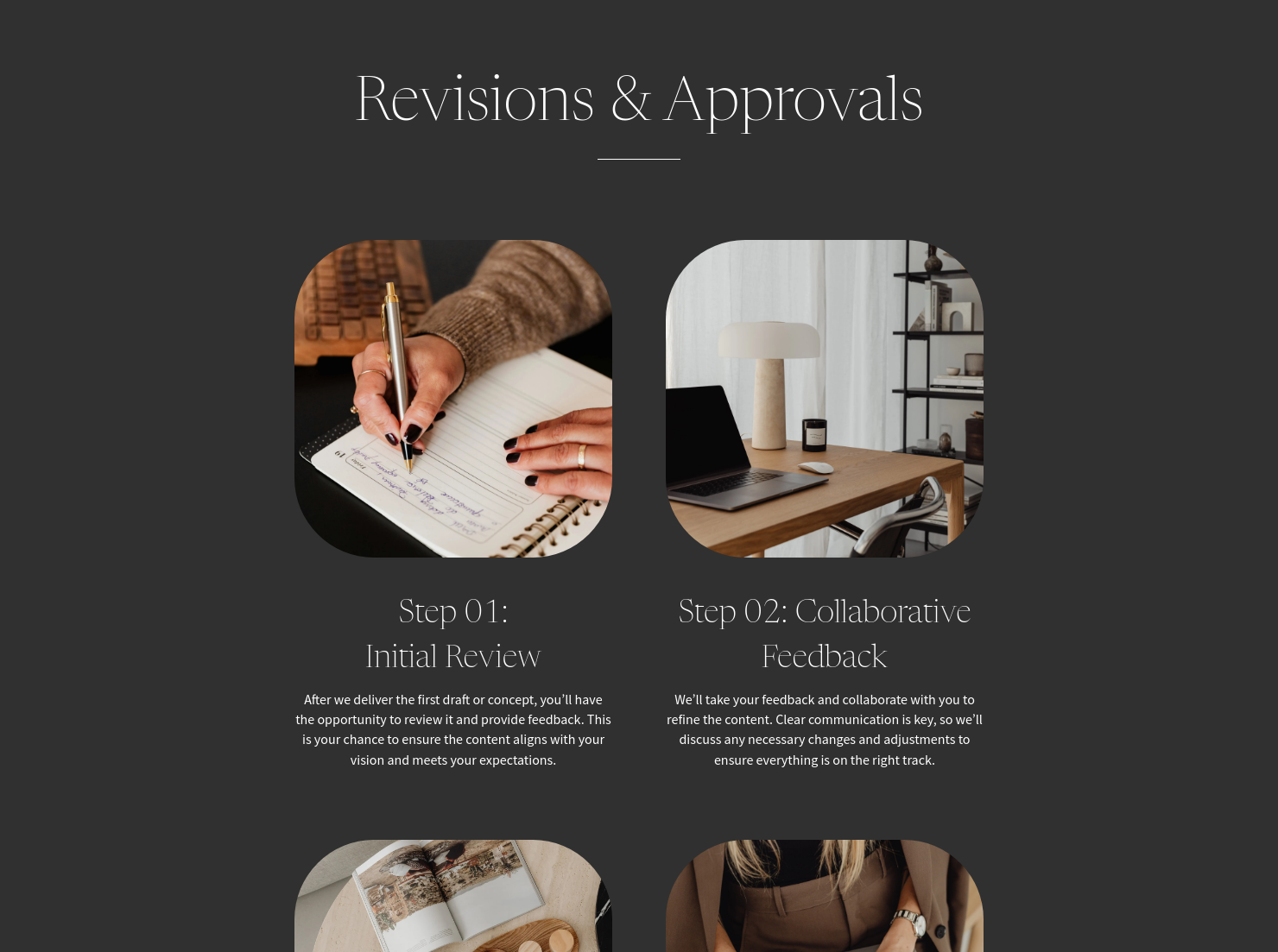
When using HoneyBook automations, you can reinforce this with reminders for approvals, forms, or next steps without manually chasing clients.
Common mistakes to avoid:
- Sending onboarding as a static PDF that clients skim — causing missed steps later
- Leaving timelines and approval processes vague — which creates delays mid-project
- Skipping billing clarity — leading to late or inconsistent payments
An effective onboarding guide doesn’t just inform. It sets boundaries early so you don’t have to enforce them later.
A Heritage onboarding guide for social media marketers should be sent immediately after a client signs.
Use it for:
- New client onboarding after proposal approval
- Retainer-based social media services
- Projects involving multiple stakeholders
- Clients unfamiliar with your workflow
If your work relies on consistent collaboration, onboarding becomes part of the service and not an extra step.
Catering has a lot of moving parts, and the menu sits in the center. If your catering menu is scattered across emails, texts, and screenshots, mistakes show up at the worst time.
A structured menu template helps in practical ways.
- Builds client trust and a professional first impression.
- Speeds approvals by making choices simple.
- Reduces payment disputes by documenting totals and terms.
- Saves time by cutting back and forth.
That means fewer surprises for clients and fewer fire drills for you.
FAQs
Below are quick answers to common questions from caterers building a catering menu that clients can approve with confidence.
A strong Heritage onboarding guide for social media marketers should define your workflow, communication expectations, timelines, billing terms, and content process so clients understand how the partnership will run.
It should remove uncertainty without overwhelming the client. Clear sections, defined expectations, and simple instructions tend to work better than vague documents.
HoneyBook templates bring onboarding into one flow, combining information, scheduling, and payments so clients can move through each step without confusion.
Yes. You can tailor each Smart File page, from questionnaires to billing details, so your onboarding guide reflects your workflow.
Related templates









Related Templates

.png)
.png)


Make it your own
Fully customize the template to fit your needs. Quickly apply your company branding with just a few clicks.

Share with clients
Create exceptional client experiences through HoneyBook’s dedicated client portal, allowing them to read, review, and take action from any device.

Reuse and scale
Use your customized files with different clients again and again to save time and make managing client interactions that much easier.

Join the 100,000+ businesses growing with HoneyBook.
