
















Ready-to-use copy

Templates come filled with prewritten copy you can use as is or edit to match your brand and business.

Scheduling
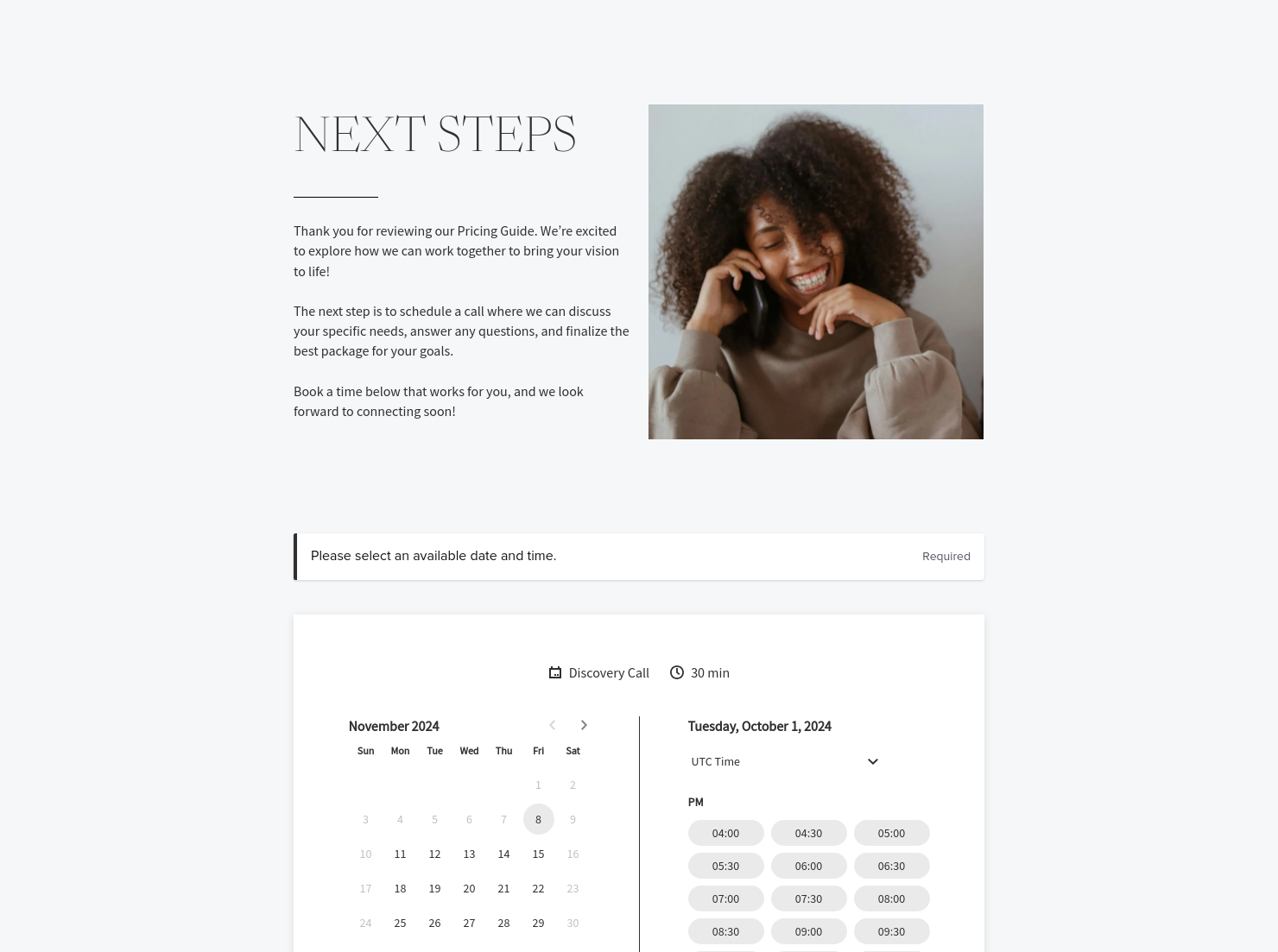
Let clients book meetings, sessions, or appointments during your available time slots.

Services
Showcase your services for easier client booking.


“
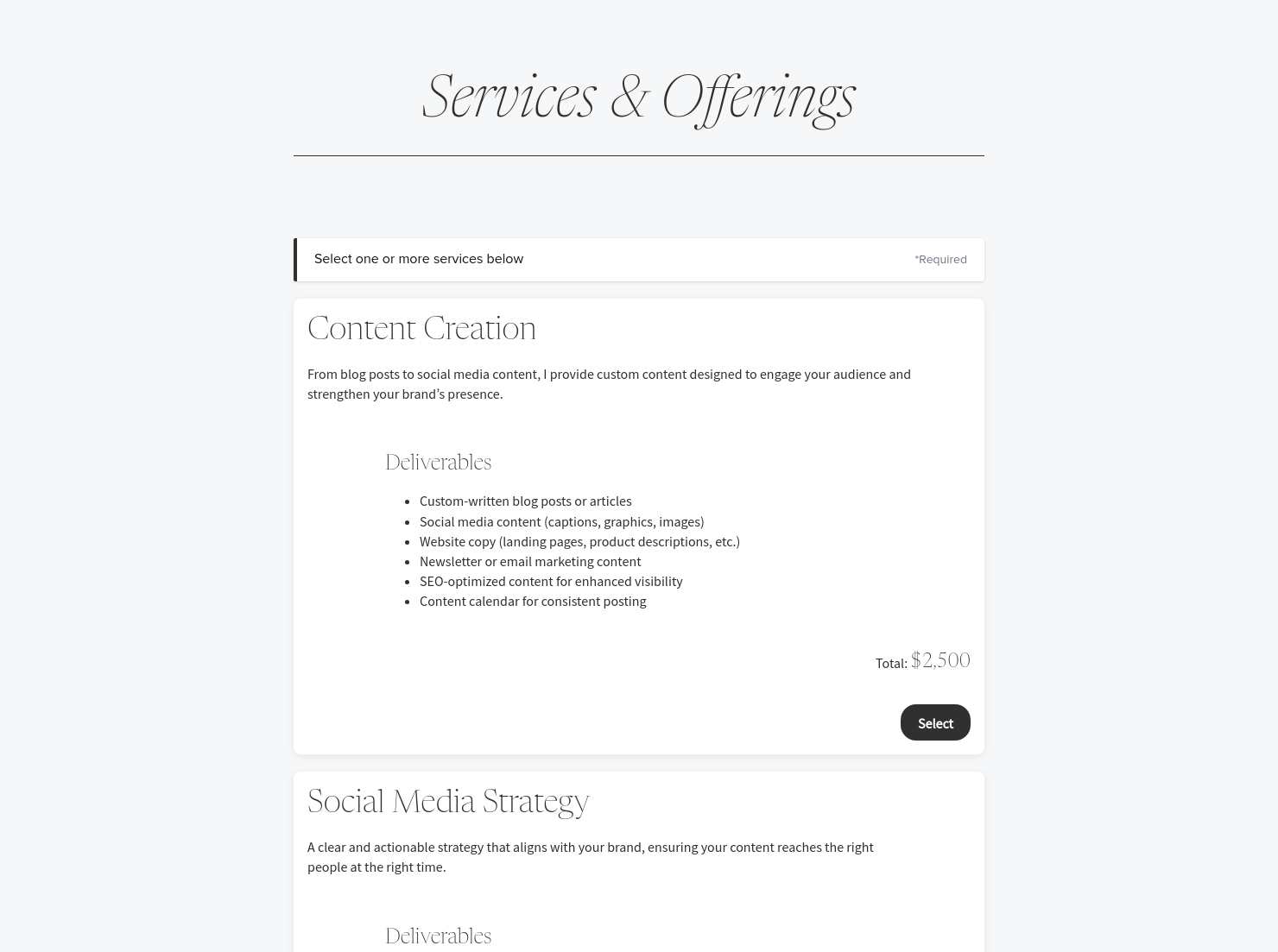
Use this template to display your services and pricing clearly, helping clients understand your value and choose the options that best fit their needs.
”

October 18, 2026

What To Include In Your Heritage Pricing Guide For Social Media Marketers (And What To Leave Out)
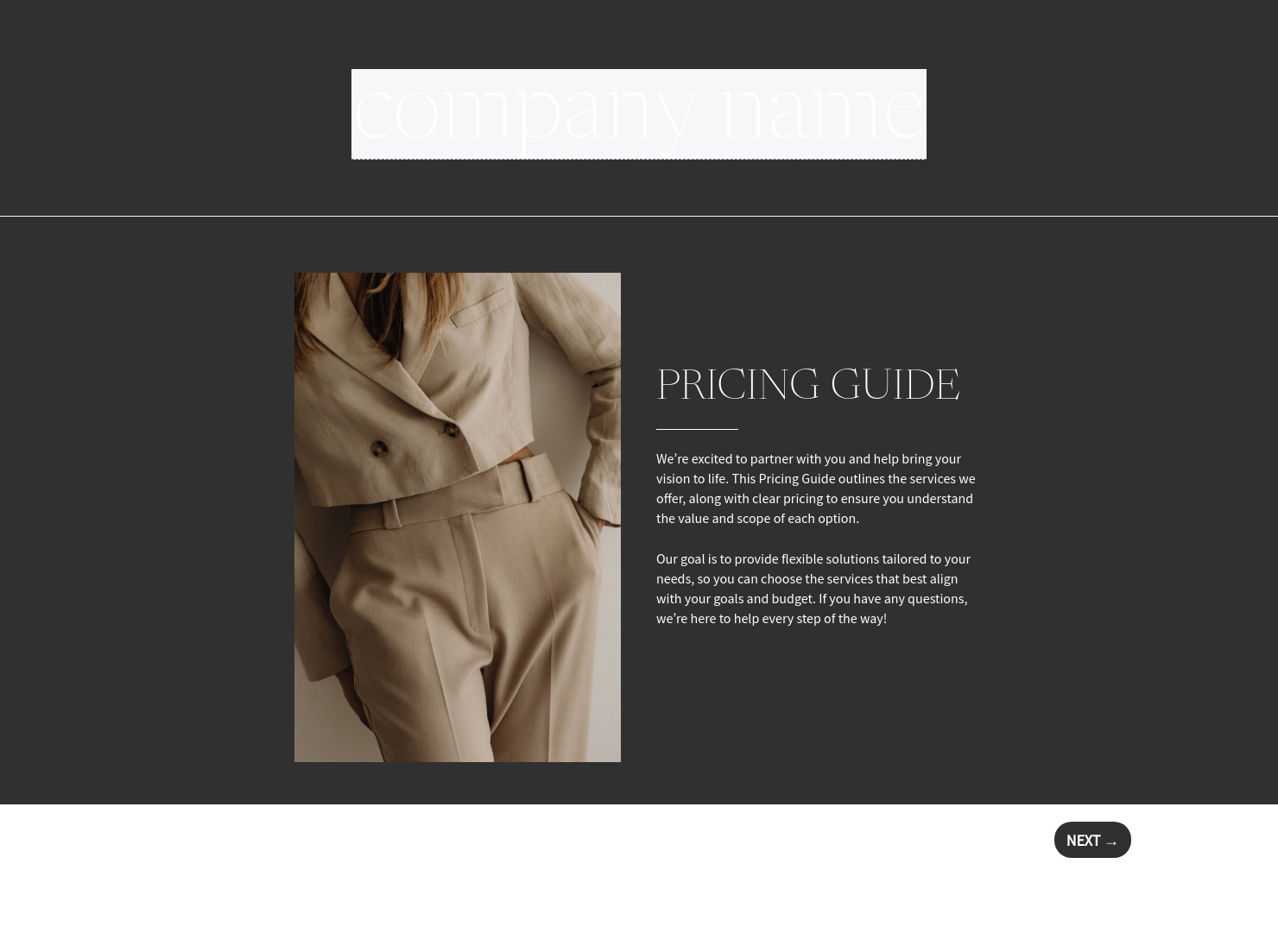
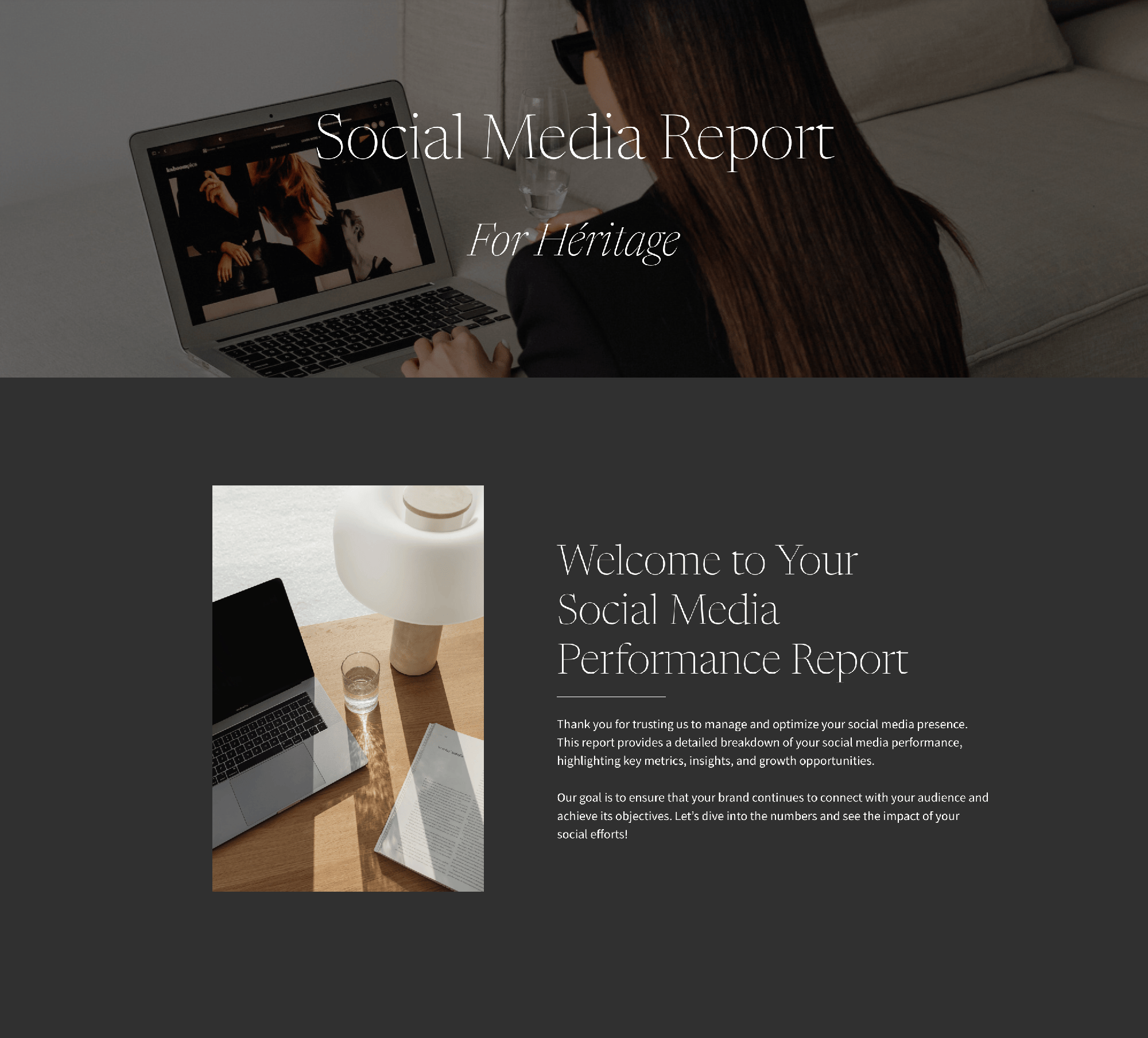
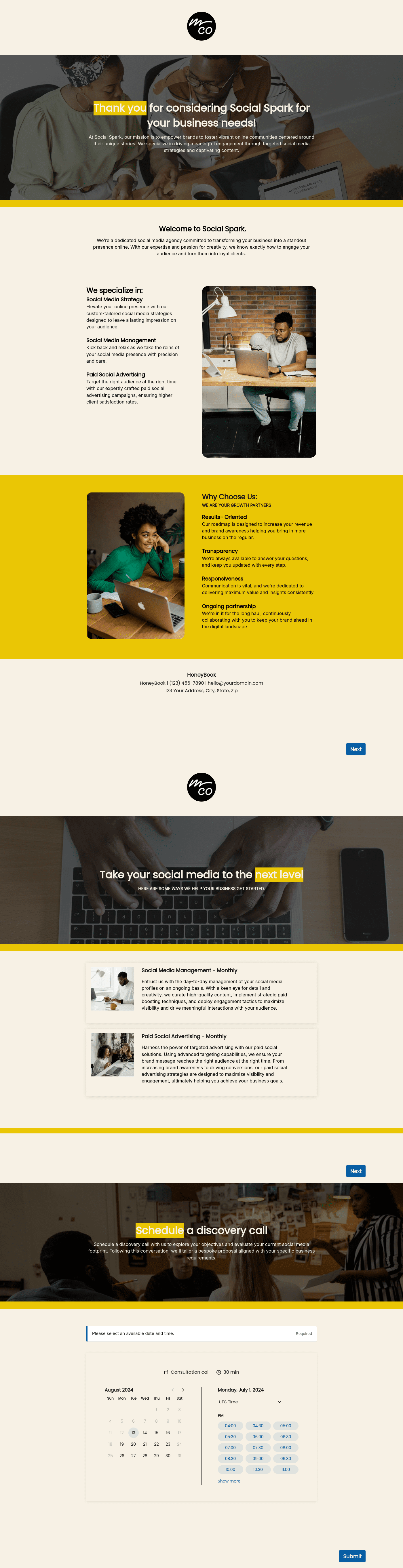
A heritage pricing guide for social media marketers is a high-end presentation tool designed to showcase your expertise, service tiers, and strategy-driven value to potential clients. Typically sent after a discovery call, this guide helps you present your social media pricing packages in a clear format that helps move the needle from just-an-inquiry to a new client.
In an industry where services can often feel invisible to the client, a professional guide is key to building up your value. Without a structured pricing guide, you risk dealing with constant changes in project scope, budget objections, and clients who don't fully understand the strategy or depth of your work.
A well-structured document helps with:
- Building client trust and professionalism by showing your social media packages pricing in a polished layout proves that you are an established expert.
- Improving conversion rates by presenting clear options, making it easier for clients to choose the tier that fits their goals.
- Saving time and avoiding back-and-forth by answering common questions about social media package prices upfront.
A professional pricing guide should always include a few core elements so that both the marketer and the client have clarity on the investment, including:
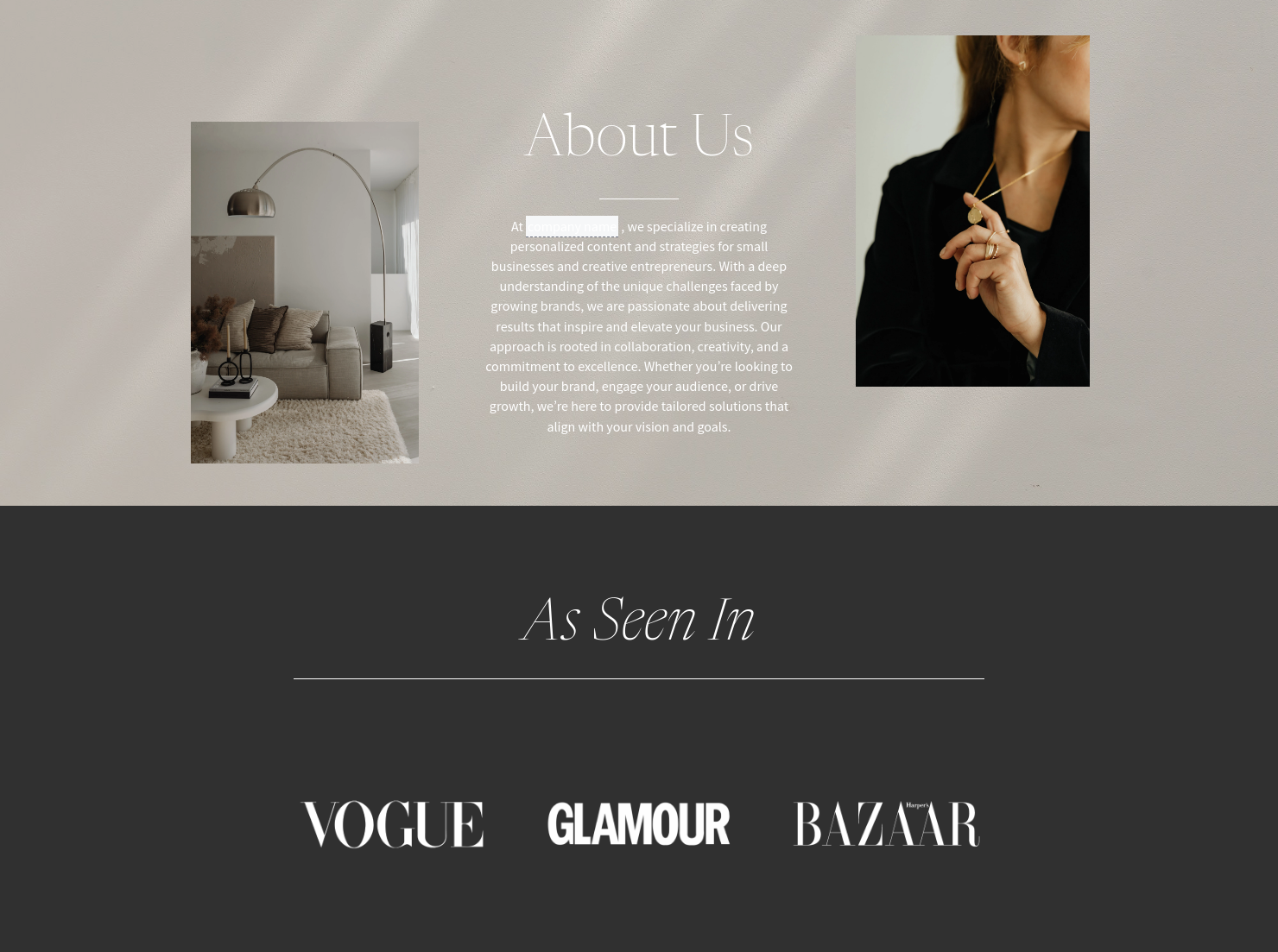
- Business and client information like your agency’s logo, contact details, and a brief introduction that introduces your marketing philosophy.
- Description of services and deliverables including a detailed breakdown of what is included from content creation to community management.
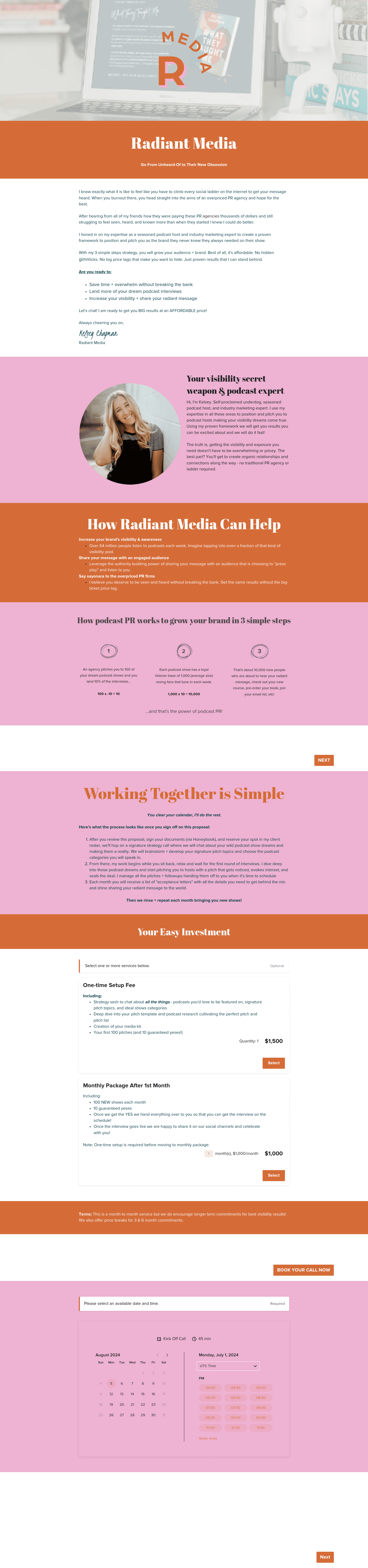
- Packages with transparent tiers to cater to different business sizes.
- A timeline for how long the quoted rates are valid to encourage timely decision-making.
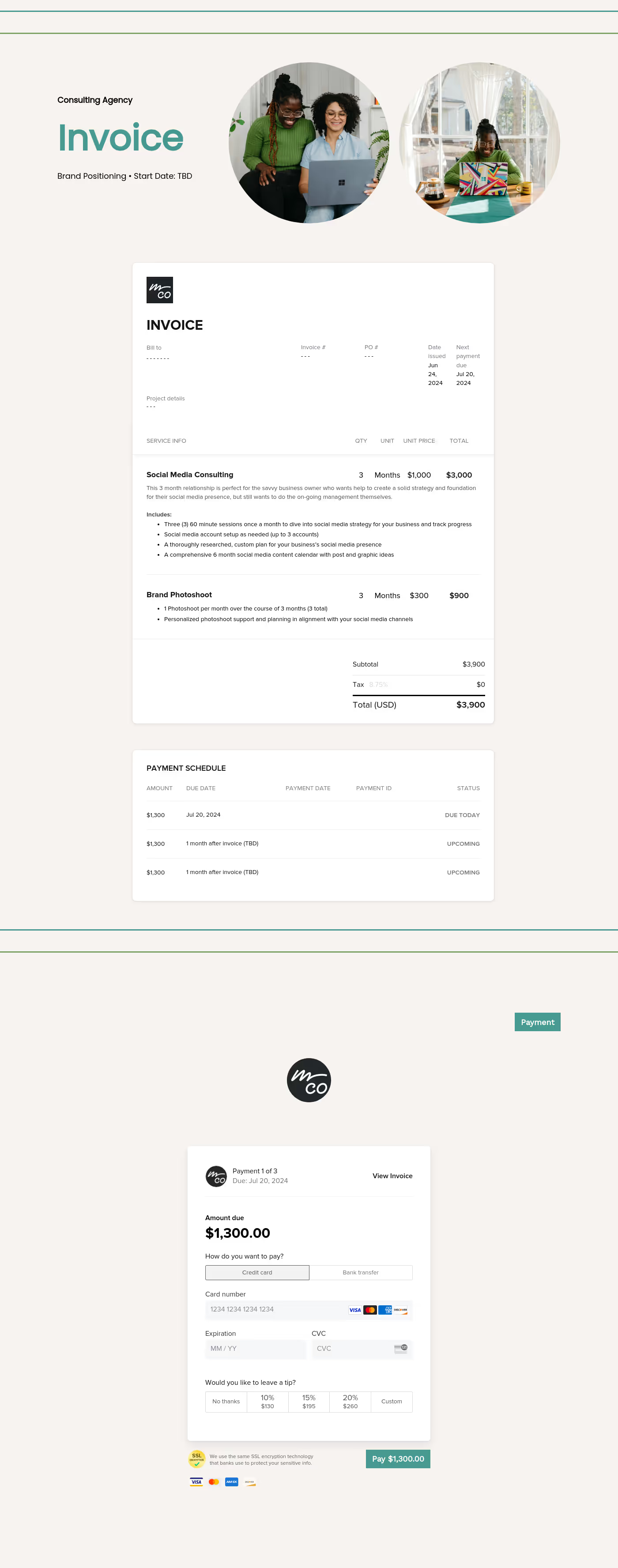
- Payment terms and next actions with clear instructions on how to pay the deposit and the next steps needed to officially kick off the project.
- An easy approval function like a simple button or signature line that allows the client to accept the proposal instantly.
For social media marketers, effectiveness is all about perceived authority. The heritage style is rooted in a timeless, sophisticated aesthetic, so your guide should focus on the long-term ROI and brand legacy you provide rather than just a list of tasks. Instead of listing "3 posts per week," frame your deliverables around strategic growth and audience connection to elevate the perceived value of your social media pricing packages.
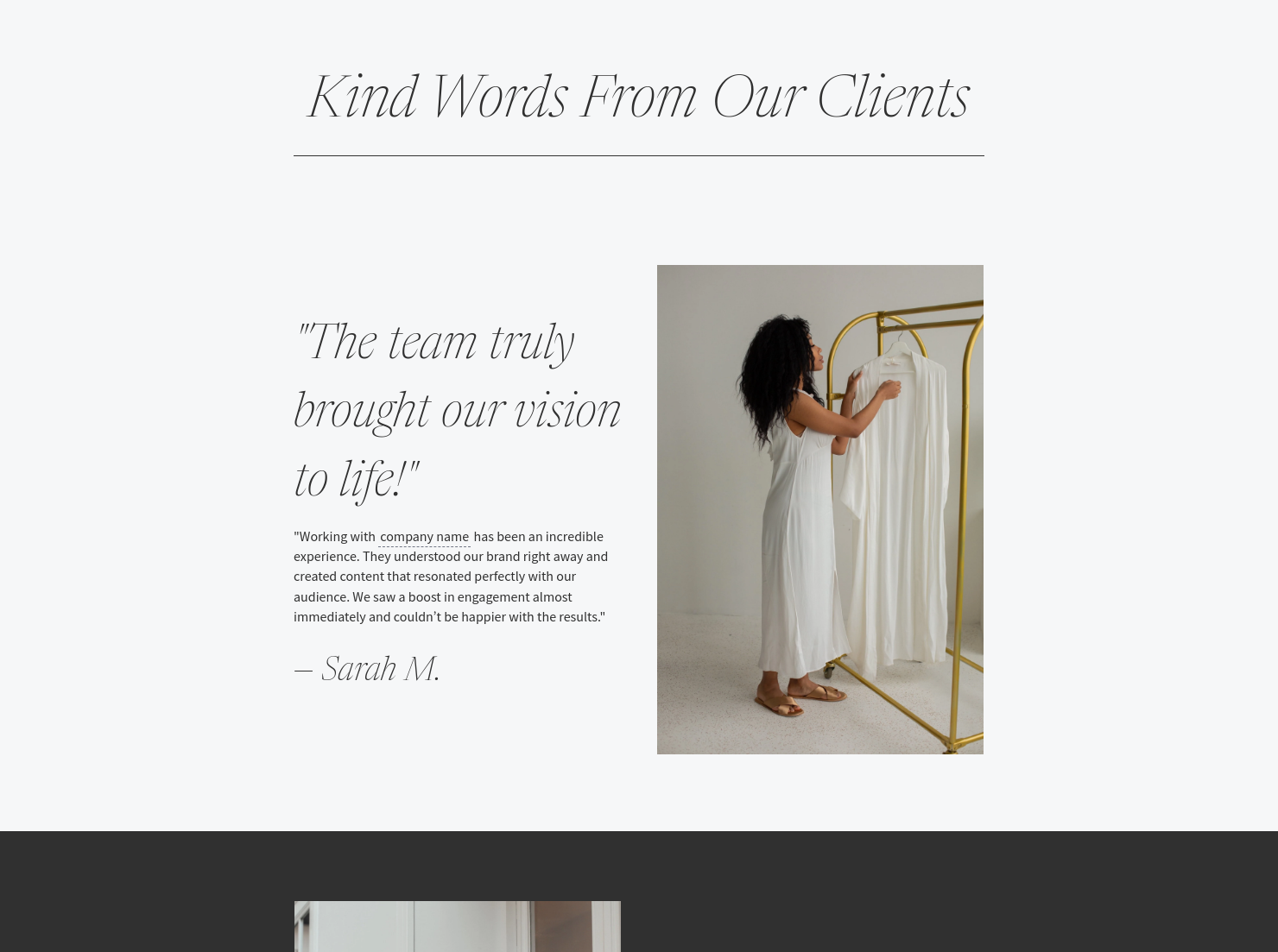
Customization is the key to closing high-ticket deals. You should adapt your guide to speak directly to the client's industry, using brand-specific imagery and case study highlights that prove your track record. A common mistake to avoid is overwhelming the client with too many choices; three clear tiers are usually the sweet spot for avoiding decision fatigue.
By using HoneyBook templates, you align your typography, colors, and layouts to look as sophisticated as the content you produce.
This template is most useful when you are ready to transition a lead into a long-term partner.
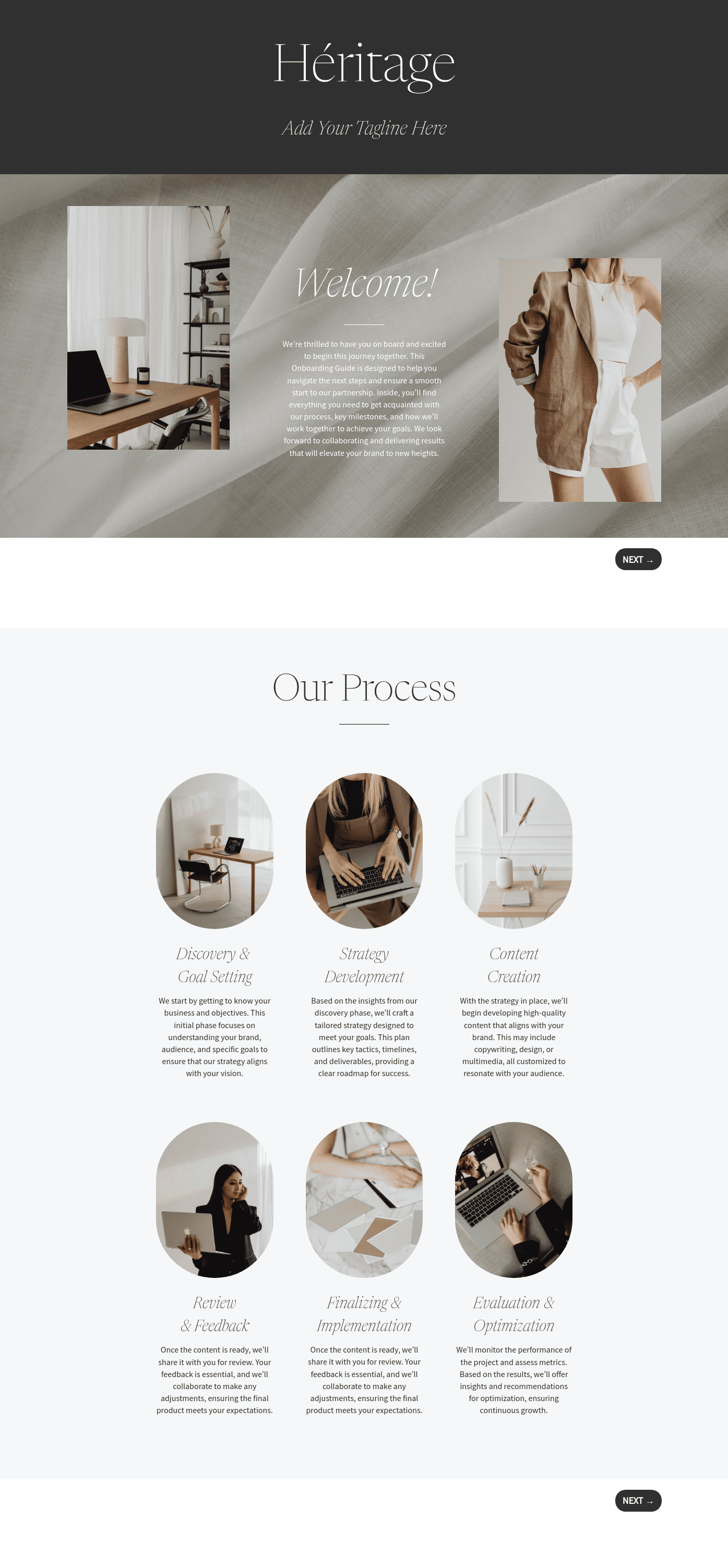
- During new client onboarding, you can use the guide to introduce your agency’s strategic approach and get them excited about their long-term social media growth right away.
- For custom or one-off projects, the guide allows you to break down the investment for specialized services like comprehensive profile audits or intensive brand launches.
- For ongoing retainer services, you should share the pricing guide immediately following a discovery call to make sure your social media pricing packages are aligned with the client’s budget before moving to the contract stage.
Catering has a lot of moving parts, and the menu sits in the center. If your catering menu is scattered across emails, texts, and screenshots, mistakes show up at the worst time.
A structured menu template helps in practical ways.
- Builds client trust and a professional first impression.
- Speeds approvals by making choices simple.
- Reduces payment disputes by documenting totals and terms.
- Saves time by cutting back and forth.
That means fewer surprises for clients and fewer fire drills for you.
Get started with a heritage pricing guide for social media marketers
Using a ready-made pricing guide allows you to present your social media package prices with confidence and style. This is an efficient way to put your best foot forward so that your agency looks as professional on paper as it does on screen.
FAQs
Below are quick answers to common questions from caterers building a catering menu that clients can approve with confidence.
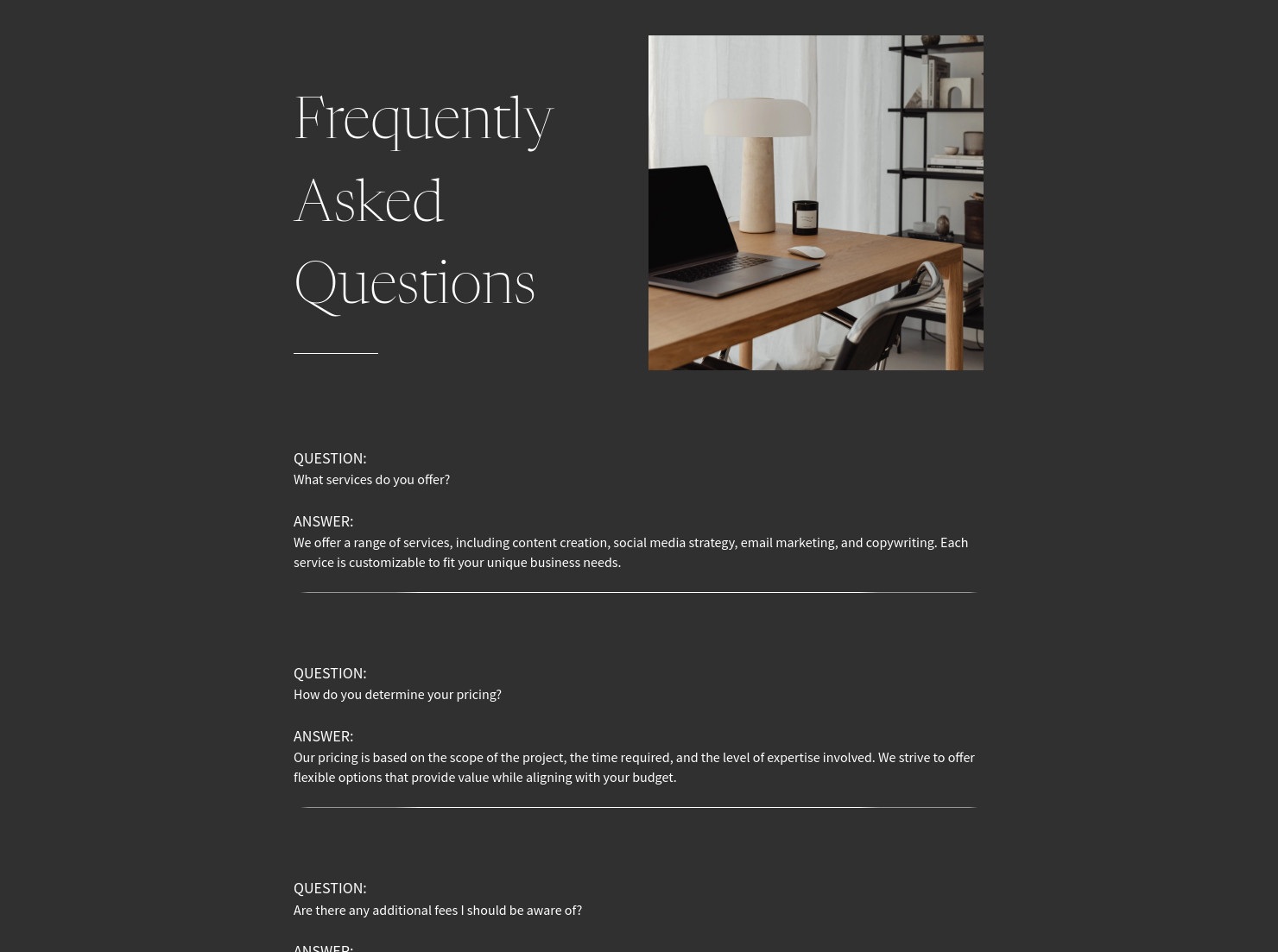
It is a customizable document used to outline your services and social media packages pricing in a way that emphasizes your experience and brand authority.
Many experts prefer to share specific social media pricing packages within a guide after a discovery call to make sure services are tailored to the client's actual needs.
Yes, including a menu of optional add-ons is a great way to increase your project value while keeping your base social media packages pricing easy to understand.
HoneyBook templates are built to simplify the steps between inquiry and booking, so you can deliver a professional client experience while saving time on repeat tasks.
Yes. You can customize fonts, colors, images, pricing tables, contract language, and messaging to reflect your brand’s voice and visual identity.
Yes. With the HoneyBook mobile app, you can create, customize, send, and manage templates and Smart Files from anywhere. This means you can respond to inquiries, share documents, and keep projects moving whether you’re at your desk or on the go.
Related templates









Related Templates
.png)
.png)


Make it your own
Fully customize the template to fit your needs. Quickly apply your company branding with just a few clicks.

Share with clients
Create exceptional client experiences through HoneyBook’s dedicated client portal, allowing them to read, review, and take action from any device.

Reuse and scale
Use your customized files with different clients again and again to save time and make managing client interactions that much easier.

Join the 100,000+ businesses growing with HoneyBook.
