















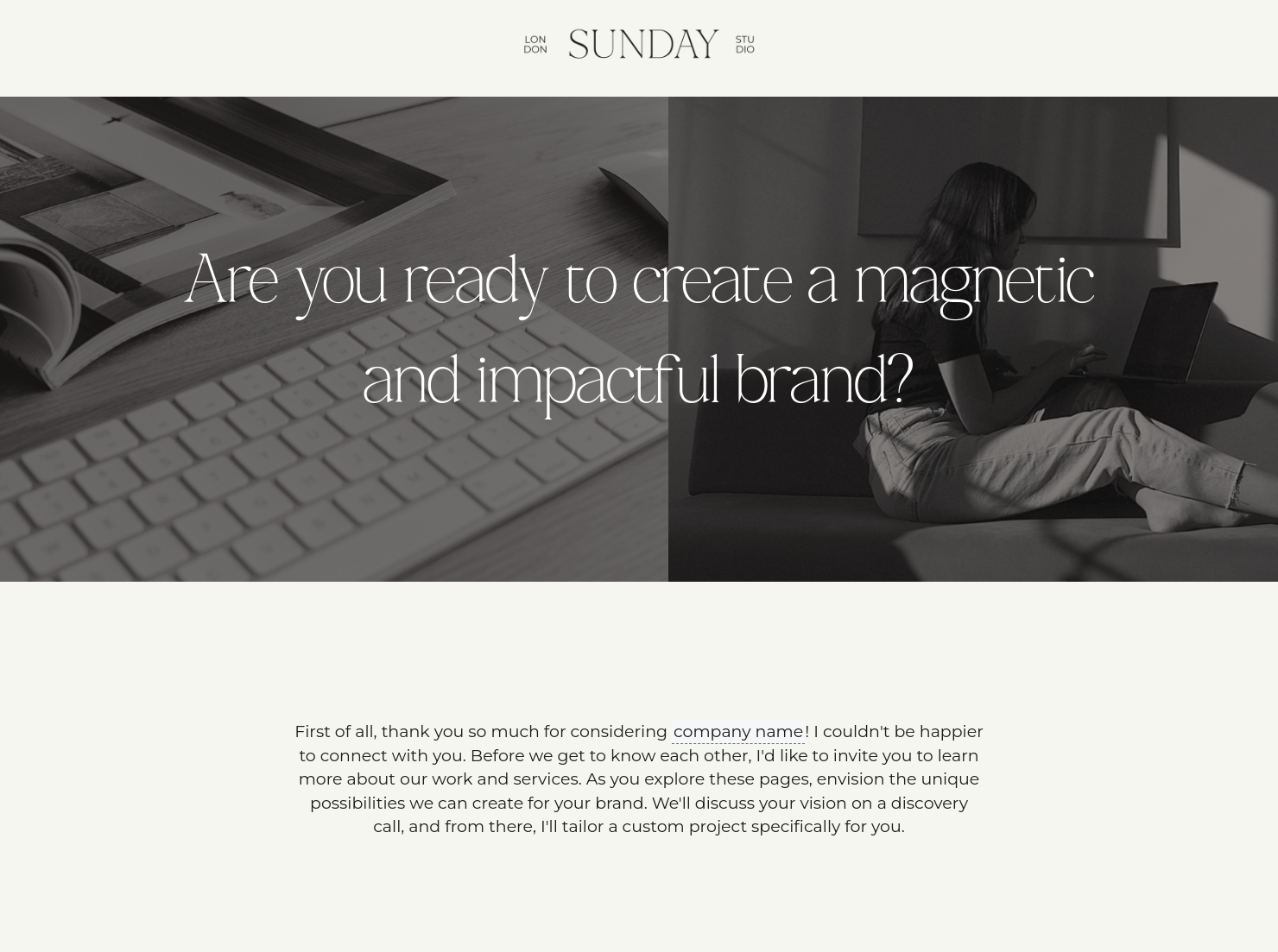
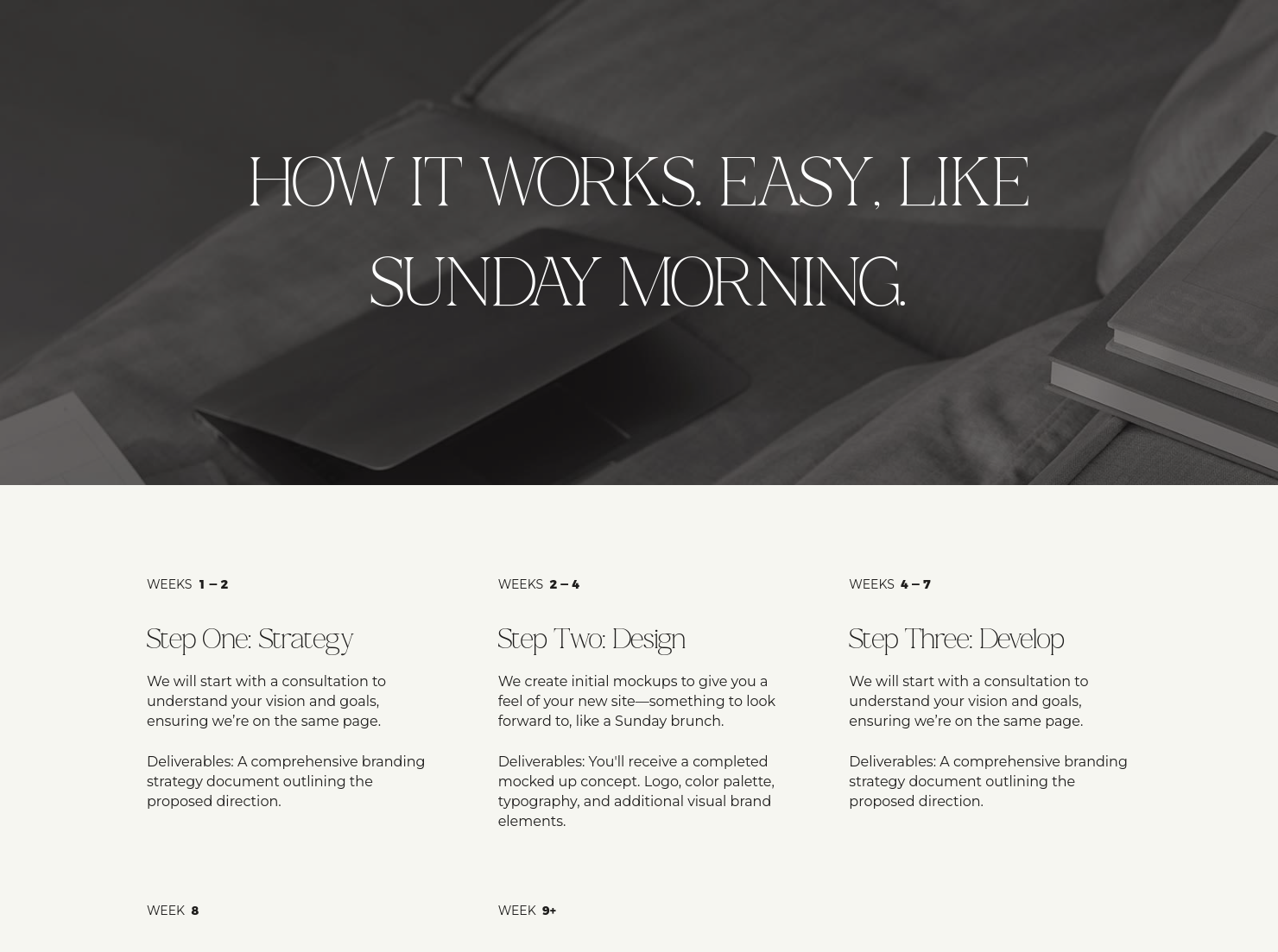

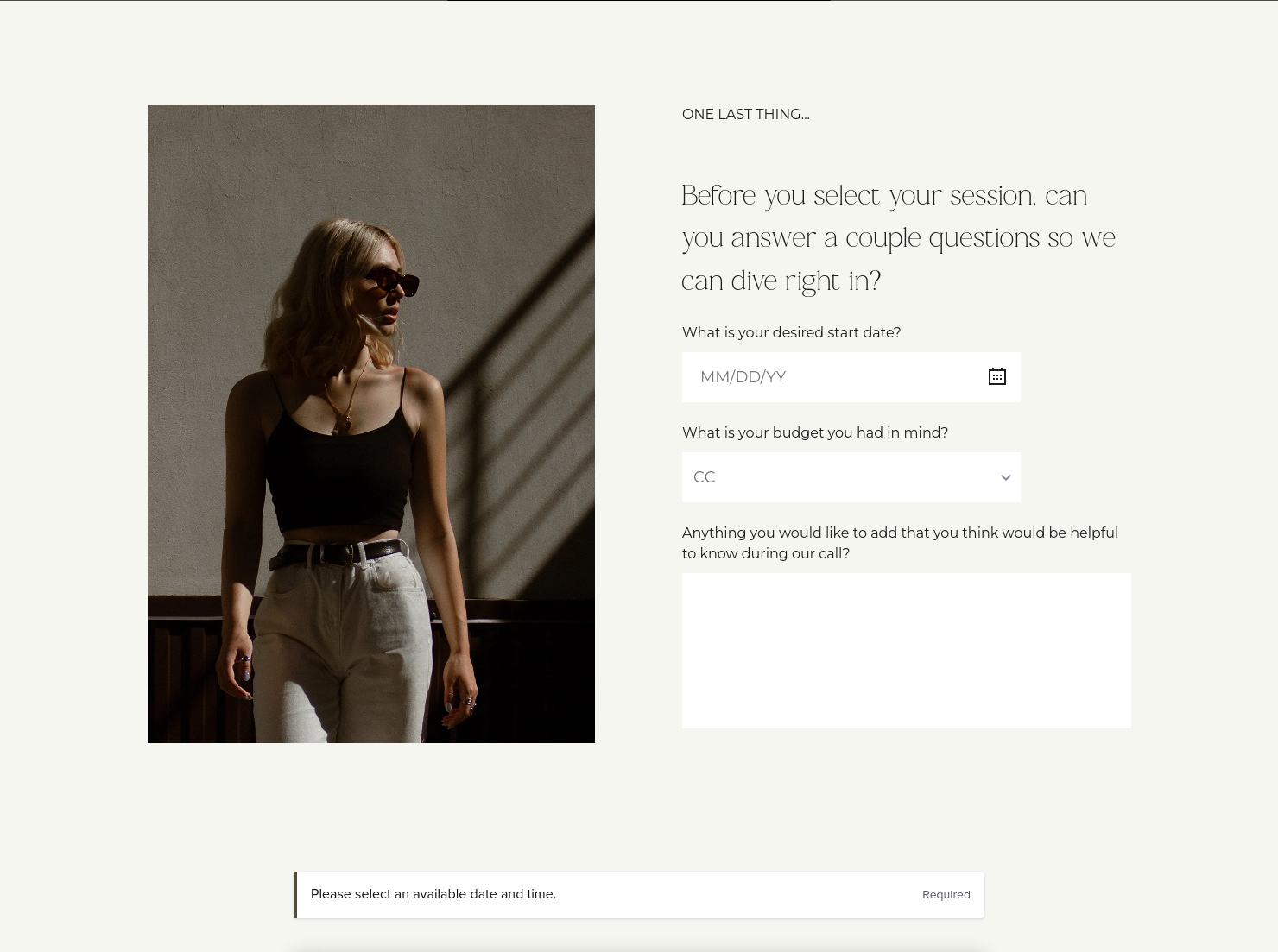

Ready-to-use copy

Templates come filled with prewritten copy you can use as is or edit to match your brand and business.

Scheduling
Let clients book meetings, sessions, or appointments during your available time slots.

Services
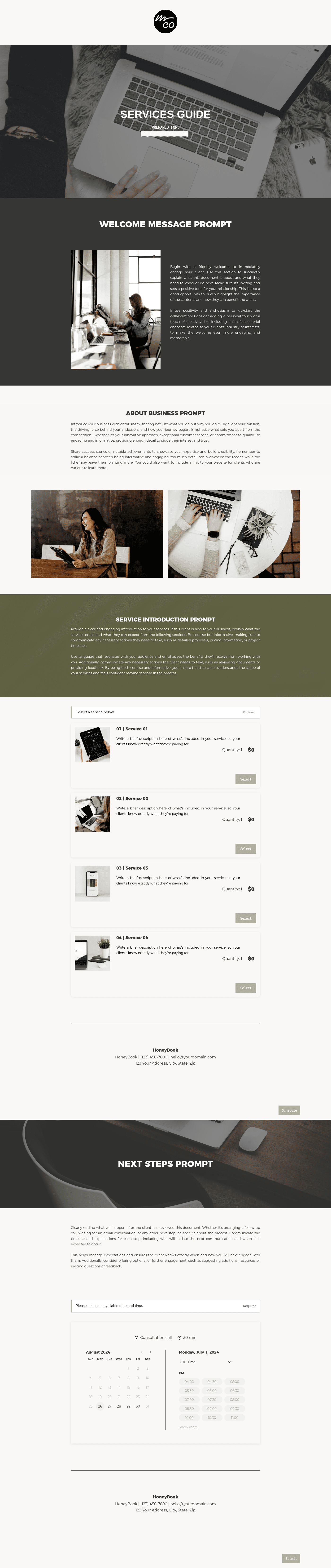
Showcase your services for easier client booking.


“
Customize this template with your unique services and rates. Send it to clients to clearly communicate your pricing structure and streamline your booking process.
”

October 4, 2026

Best practices for using the Sunday pricing guide for graphic designers templates
A pricing guide for graphic designers does more than list rates. It helps turn early interest into real momentum by showing clients what you offer, what it costs, and how to move forward with confidence. For graphic designers, this kind of guide works as a polished bridge between inquiry and booking. Instead of leaving clients to guess at freelance graphic design prices or compare scattered numbers, it gives them a clear, professional view of your services, pricing, and next steps.
Graphic design is visual work, but the business side lives in the details. If a pricing guide looks polished but leaves out scope, revisions, timeline, or ownership terms, clients can walk away with the wrong idea about your graphic design price list.
A good pricing guide for graphic designers makes graphic design pricing easier to understand because clients can see the offer, the limits, and the next step.
- It builds trust by showing services, terms, and next steps together.
- It cuts back and forth by clarifying scope, revisions, timing, and fees early.
- It gives you fewer headaches around source files, usage rights, and last-minute add-ons.
- It makes it easier for clients to say yes, ask a question, or request something custom.
Little details can cause real confusion in design projects. A clear guide helps keep everyone on the same page.
A professional pricing guide should always cover the core details a client needs to review and approve your work with confidence.
- Your business name, branding, and contact information.
- Client name or project details.
- Clear service or package names.
- Scope and deliverables for each offer.
- A clear breakdown of project pricing, hourly rates, or retainer costs.
- Any added fees for rush work, extra revisions, or licensed assets.
- Project timing, turnaround windows, or milestone dates.
- Revision limits and approval steps.
- Usage rights, ownership terms, and source-file policy.
- Payment terms, quote validity, and a clear next action.
For freelance graphic design prices, clarity matters more than volume. Clients need a graphic design price list that shows what they get, what they pay, and what happens next.
The best pricing guide for graphic designers does two jobs at once. It looks like it came from a designer, and it reads like a business document. Good layout and brand styling build confidence. Clear wording around deliverables, revisions, and rights keeps confusion down.
Many guides miss the mark. They show pretty packages and vague rates, then leave out the things that shape real graphic design freelance rates. If a client cannot tell how many concepts are included, how many revisions come with the fee, or if editable files are part of the deal, the pricing feels random.
A better approach is simple. Keep the page easy to scan. Add a few visuals that reflect your work. Use short service descriptions. Make your buttons direct. HoneyBook’s template supports that flow by pairing pricing with services and scheduling in one client experience.
Use this template after someone reaches out and wants pricing, but before the project is fully locked in. It gives them one place to look over your rates, compare options, and get a feel for how you work before you send a proposal or contract.
Here are a few times it tends to work well.
- Right after an inquiry, when someone asks about freelance graphic design prices.
- Before you build a full proposal, you want to share your graphic design price list first.
- For package-based services, clients need to sort through a few options.
- For custom work, when you want to set expectations around graphic design freelance rates before a call.
- For retainer or monthly design work, when you need one file to explain recurring support and add-ons.
Used at the right time, the Sunday pricing guide template saves repeated explanation and gives us a better way to present graphic design pricing.
Catering has a lot of moving parts, and the menu sits in the center. If your catering menu is scattered across emails, texts, and screenshots, mistakes show up at the worst time.
A structured menu template helps in practical ways.
- Builds client trust and a professional first impression.
- Speeds approvals by making choices simple.
- Reduces payment disputes by documenting totals and terms.
- Saves time by cutting back and forth.
That means fewer surprises for clients and fewer fire drills for you.
FAQs
Below are quick answers to common questions from caterers building a catering menu that clients can approve with confidence.
Include services, deliverables, revision limits, timeline, rights, pricing, and next steps. If source files are not included, say that clearly.
Yes. That is one of the most common pain points in design projects. Clear wording helps protect both sides.
HoneyBook templates help simplify the steps between inquiry and booking, so we can give clients a polished experience while saving time on repeat work. HoneyBook also connects templates and smart files with service selection, scheduling, contracts, invoices, and payments.
Yes. We can update fonts, colors, images, pricing tables, language, and page sections in the smart file customization guide.
Yes. The mobile smart file help article explains how to work with files on the go, and the Files and templates collection covers broader template help.
Related templates









Related Templates
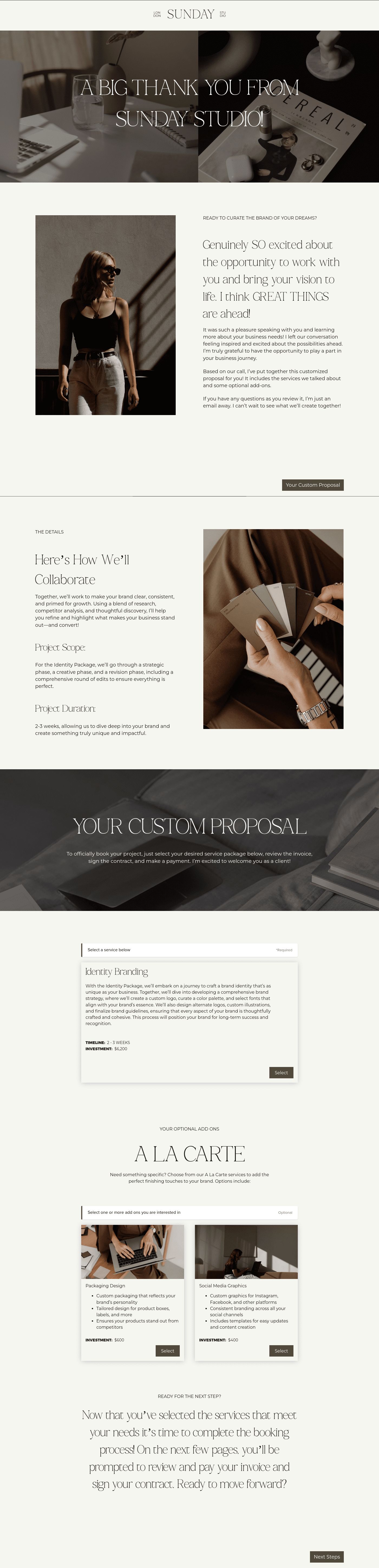






Make it your own
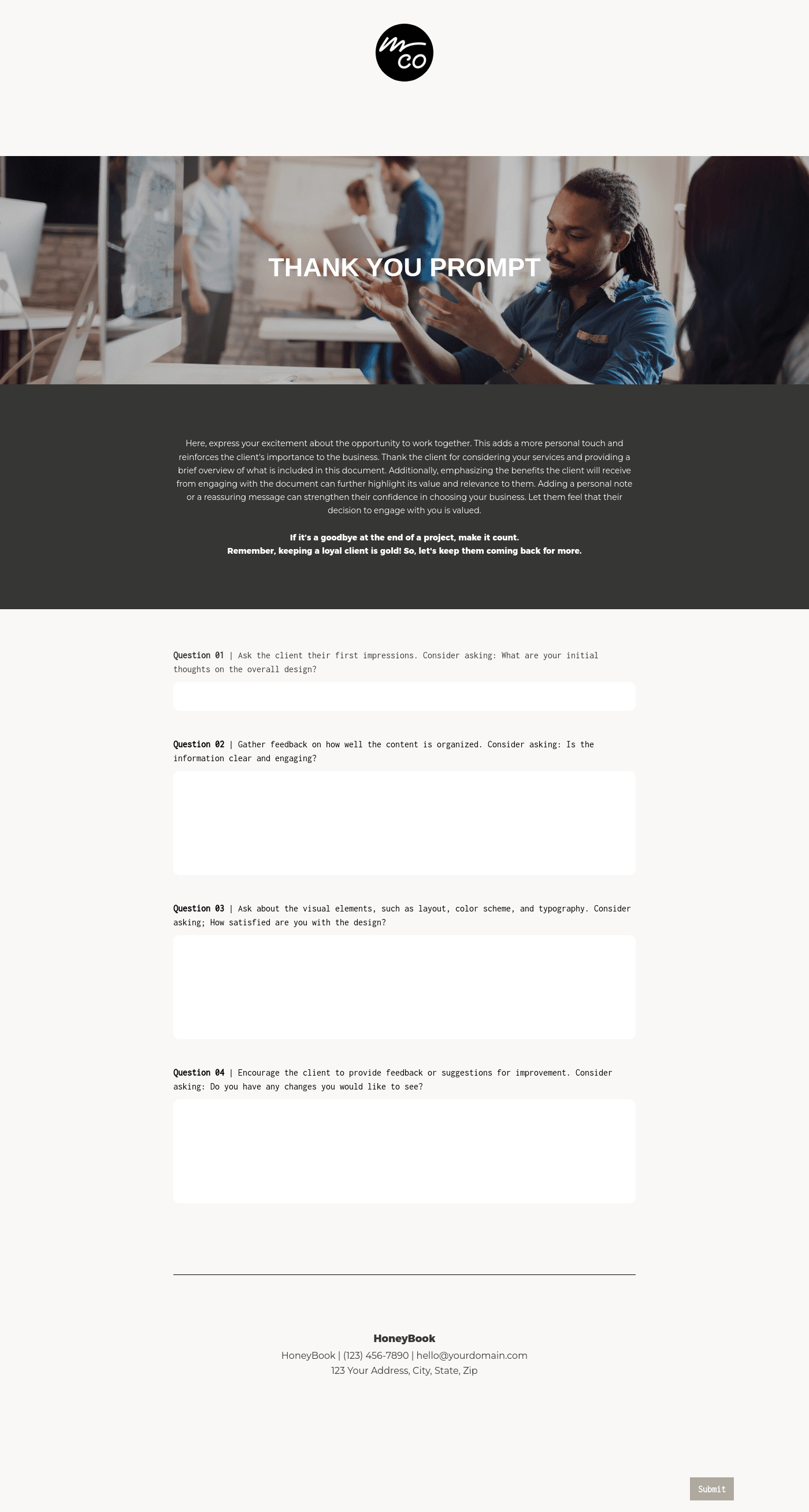
Fully customize the template to fit your needs. Quickly apply your company branding with just a few clicks.

Share with clients
Create exceptional client experiences through HoneyBook’s dedicated client portal, allowing them to read, review, and take action from any device.

Reuse and scale
Use your customized files with different clients again and again to save time and make managing client interactions that much easier.

Join the 100,000+ businesses growing with HoneyBook.
