













Wedding planner business template kit to streamline your client workflow
Guide planning decisions with structured workflows and templates

Featured templates










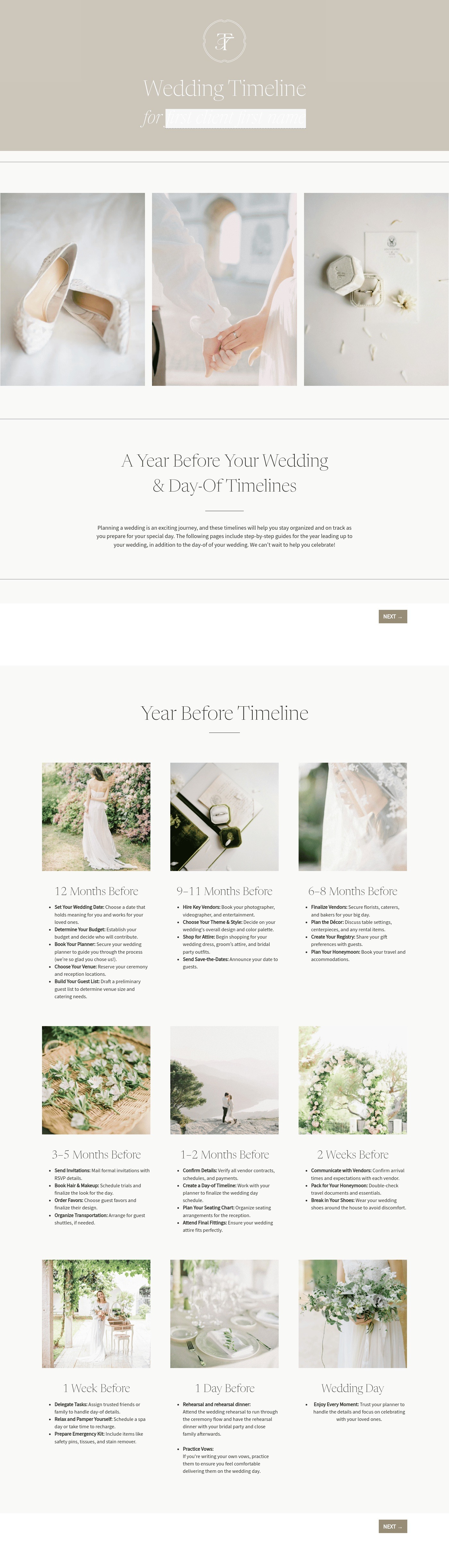


Visit our full catalogue of relevant templates
View all templates
A wedding planner business template kit is an editable, structured workflow system designed around how weddings actually happen in real life.
It supports the full lifecycle of inquiry, onboarding, booking, planning, and execution. Instead of managing separate documents, planners work within a system that already accounts for real conditions.
For example:
If a venue requires full teardown by midnight, that impacts:
- Vendor booking times
- Staffing requirements
- Transport logistics
When this is built into the workflow early, the wedding planner avoids having to renegotiate or adjust under pressure later.
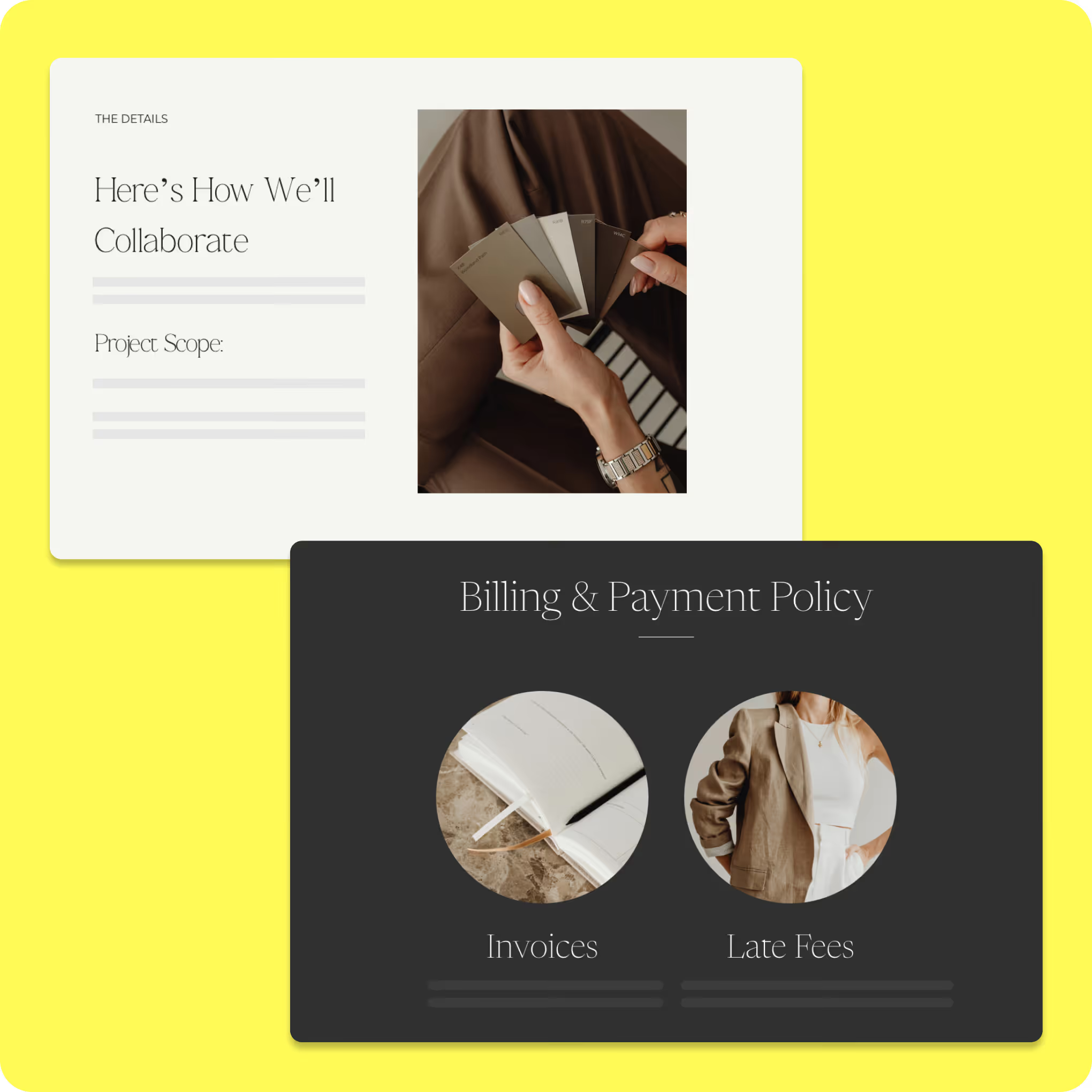
What can you do with HoneyBook event planning kit?
A free event planning template allows you to manage all event details in one accessible location, providing clarity that static spreadsheets can’t. From tracking your budget and communicating with vendors to keeping your event on schedule, using a template helps ensure that your event runs smoothly.
Use ready-made client inquiry and onboarding templates
- Uncover venue, layout, power, and contingency details before the planning moves forward
- Capture project information early so issues surface when solutions are still flexible
- Store planning inputs within the project for faster follow-through on recommendations
- Build a stronger foundation for vendor coordination, rentals, and timeline planning
Customize proposals, contracts, and styling packages
- Define partial planning versus full-service support in a way that couples can compare clearly
- Put verbal expectations into writing so the scope stays aligned after the consultation
- Help clients review, sign, and pay in one connected booking process
- Trigger the next stages automatically once a package is selected and secured
Organize planning workflows from concept to wedding day
- Build timelines that evolve as vendor details, guest counts, and logistics change
- Keep ceremony, photography, catering, and reception timing aligned in one system
- Adjust schedule shifts without restarting the planning process
- Update key changes once, so everyone involved stays aligned with the plan
How to use an event planning template
Once you’ve downloaded an event planning template, getting started is simple. Make a copy of the template and customize it to fit
your specific event.

Customize the template to meet the needs of your event. Give it a unique name and add a clear description outlining the event’s purpose.

Organize tasks into sections that align with the event timeline. Adjust or expand sections to match your schedule.

Get real-time industry insights to help you stay competitive and grow your business.

Give clients your undivided attention while AI takes meeting notes and summarizes to-dos.


Integrations and tools to support a wedding planning business
HoneyBook's wedding planner template kit connects with built-in features and external integrations that support real planning conditions. By linking automations, scheduling, financial tracking, and communication in one system, planners can keep every moving part aligned without switching between platforms.
HoneyBook's wedding planner template kit is designed to work with the platform's built-in tools, helping planners manage every stage of the wedding journey in one place.
Key integrated features include:
- Workflow automations: Trigger questionnaires, consultation requests, timeline drafts, vendor confirmations, and final checklists based on real planning milestones.
- Scheduling tools: Let couples book calls based on live availability, removing delays at stages where decisions need to happen quickly.
- Online payment processing: Issue invoices for last-minute service additions, confirm payment, and update vendor arrangements, in the right order.
- Proposal and contract templates: Send and collect signatures digitally to move clients from inquiry to booked without waiting on paperwork.
- Client communication tracking: Keep all messages, documents, and project details organized so nothing gets missed across a busy planning period.
These features help planners stay on top of fast-moving logistics while keeping the client experience organized from first inquiry through wedding day.
HoneyBook integrations extend the workflow into real execution, where most coordination actually happens.
From here, planners can support detailed, real-world scenarios such as:
1. Google Drive (shared, live wedding documents)
A seating chart is finalized two weeks before the wedding — but changes again three days prior. Instead of sending multiple versions, the planner updates it once in Drive. The caterer prints the latest version, the venue sets tables accordingly, and the planner avoids mismatched layouts on the day.
2. Gmail (tracking vendor conversations in one place)
A florist confirms arrival at 10am, while the rental company is scheduled for 11am. Later, the venue sends a message restricting access until 11:30am. With Gmail integration, the planner can see all three conversations within the project and adjust the timeline before the day becomes disrupted.
3. Zoom (final walkthrough with real-time adjustments)
One week before the wedding, the planner meets with the couple to review the wedding itinerary template. During the call:
- The couple decides to move speeches after dinner
- The planner adjusts timing live
- The updated version is immediately shared with vendors
4. QuickBooks (ensuring financial alignment before execution)
A couple adds last-minute décor upgrades. The planner invoices for the changes and confirms payment before finalizing vendor orders — ensuring no costs are absorbed unnecessarily.
5. Calendly (capturing momentum at inquiry stage)
A couple inquires late at night. Instead of waiting for a response, they book a consultation instantly. By the next day, the planner is already moving them through onboarding while interest is still high.
Run your business with confidence, every step of the way
With ready-to-use wedding planning business templates, you can streamline your workflows, stay organized, and deliver a seamless client experience without building systems from scratch. This kit gives you the structure you need to manage projects, communicate clearly, and keep everything moving forward from first inquiry to final payment.
So, by the time the wedding day arrives, the workflow has already been tested, every detail has been clarified, and every dependency has been accounted for. Every vendor is working from the same plan, and even when something suddenly shifts, the wedding planner can adjust within a platform that already supports flexibility. That's what HoneyBook's wedding planner business template kit provides: structure behind the scenes, so the experience in front of the client feels effortless.

Templates FAQs
Yes. No matter what kind of weddings you plan, you can adjust these templates to suit how you work. They're easy to tweak for things like client communication, timelines, and managing vendors, so they fit into your process.
Absolutely. All templates, including proposals, contracts, emails, and workflows, are fully editable, so you can tailor pricing, branding, and terms to match your business's offerings.
Yes. The templates are designed to work with the HoneyBook platform, so you'll need an active account to import, customize, and run the workflows as intended.