













Catering business template kit to streamline your client workflow
Streamline catering inquiries, menus, bookings, and event execution with structured workflows

Featured templates



.png)


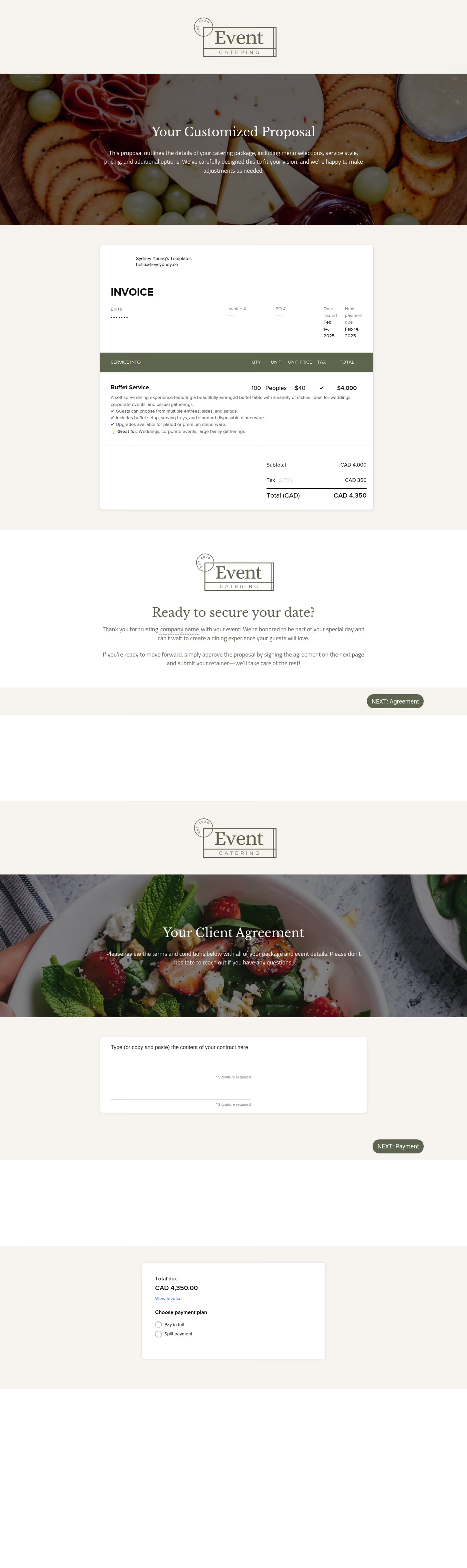


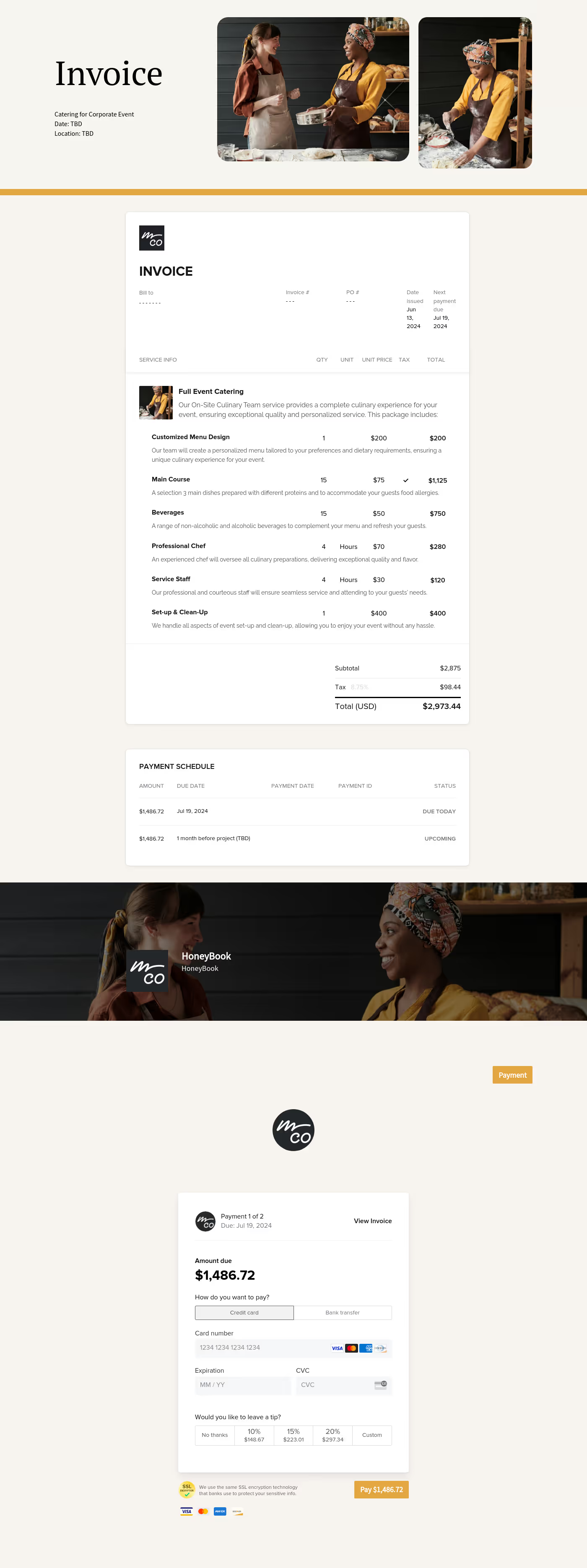
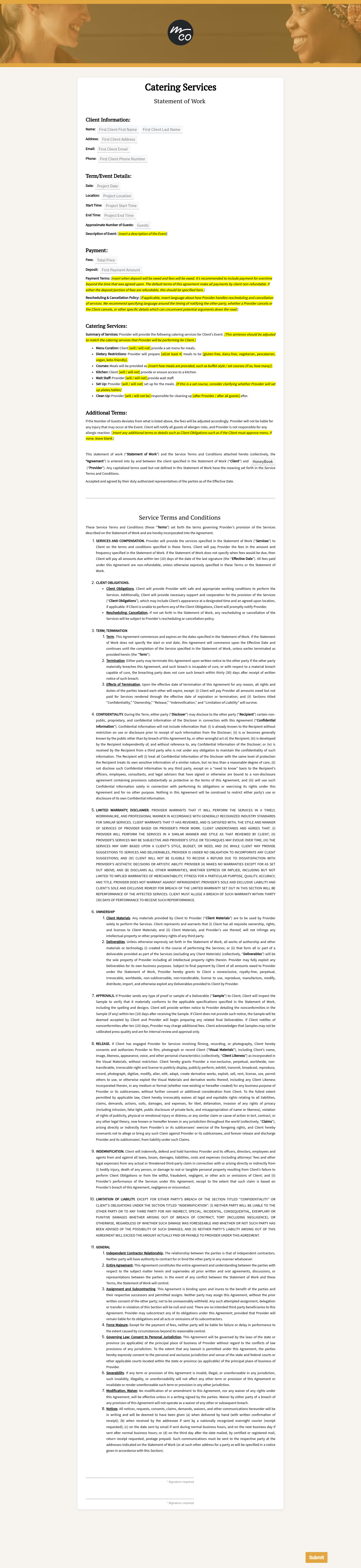
Visit our full catalogue of relevant templates
View all templates
A catering business template kit is a collection of structured, ready-to-use workflows and documents designed to support how a catering business operates, from first inquiry to final payment. Instead of rebuilding menus, proposals, and communication each time, these templates bundle everything into a streamlined system.
The benefit is practical: you stay organized, save time, and deliver a consistent, professional experience for every client. Your business is working on a process that already accounts for how real catering menu planning, client communication, and execution unfold.
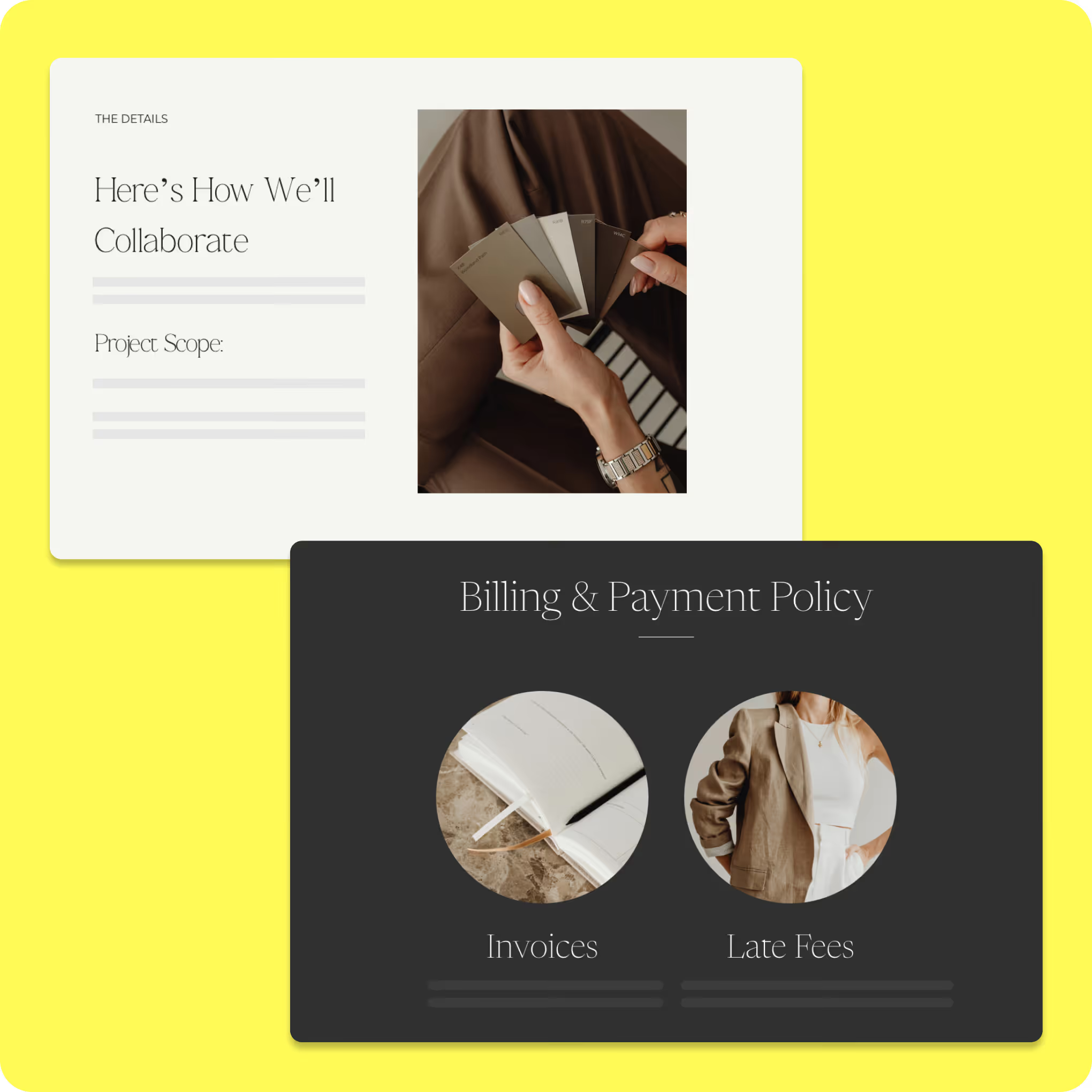
What can you do with HoneyBook event planning kit?
A free event planning template allows you to manage all event details in one accessible location, providing clarity that static spreadsheets can’t. From tracking your budget and communicating with vendors to keeping your event on schedule, using a template helps ensure that your event runs smoothly.
Use ready-made client inquiry and onboarding templates
- Collect event details like guest count, service style, dietary needs, and venue logistics upfront
- Qualify leads faster with structured intake instead of scattered email chains
- Build menus around real operational constraints before sending a quote
- Prevent early mistakes by uncovering staffing, timing, and equipment needs sooner
Customize proposals, contracts, and service packages
- Present plated, buffet, and station-based options in a format clients can review easily
- Adjust pricing more efficiently with templates built around different service models
- Combine proposals, contracts, and invoices into a smoother booking flow
- Reduce booking delays by helping clients sign and pay while interest is high
Organize catering workflows from concept to final execution
- Track guest count updates, menu changes, and deadlines in one organized system
- Trigger reminders tied to confirmations, prep schedules, and staffing adjustments
- Ensure pricing stays accurate when late-stage scope changes occur.
- Support smoother execution by aligning supplier orders, prep timing, and service needs
How to use an event planning template
Once you’ve downloaded an event planning template, getting started is simple. Make a copy of the template and customize it to fit
your specific event.

Customize the template to meet the needs of your event. Give it a unique name and add a clear description outlining the event’s purpose.

Organize tasks into sections that align with the event timeline. Adjust or expand sections to match your schedule.

Get real-time industry insights to help you stay competitive and grow your business.

Give clients your undivided attention while AI takes meeting notes and summarizes to-dos.


Integrations and tools to support a catering business
The catering business template kit is designed to work seamlessly with HoneyBook's built-in functionality, turning your templates into workflows that actively support your day-to-day operations. You can use the following:
- AI tools (faster responses and consistent communication): With HoneyBook AI, you can quickly generate or refine client responses, proposals, and follow-ups. This is especially useful when responding to inquiries tied to your catering menu templates, where clarity and speed matter.
- Meeting scheduler (tastings booked with less back-and-forth): Coordinating tastings or consultations can take multiple emails. With HoneyBook's meeting scheduler, clients can book directly into your availability, so you can move straight into planning the catering menu instead of managing schedules.
- Integrations hub (one system, a connected workflow): Through HoneyBook integrations, your templates connect to the rest of your tools. This keeps your catering business templates at the center of your workflow, so updates don't get lost across platforms.
Integrations extend the value of your catering business templates by connecting them to the tools used during execution. Here's how you can use some of HoneyBook's app integrations.
1. Canva
When you're presenting a catering menu, it's rarely just a document. You're usually talking the client through dietary needs, portion sizes, and how everything will be served (buffet, plated, or family-style). Canva makes that easier to show. Instead of explaining everything back and forth, you can lay it out visually so they actually understand how the menu will work.
2. Zapier
Once the menu is signed off, things can't sit for long. Someone needs to start prepping, suppliers need numbers, and quantities have to be locked in. Zapier helps move that along by triggering prep lists, sending updates, or adjusting internal notes, so the kitchen can start placing orders without waiting for someone to pass the message along.
3. Asana
A confirmed menu quickly turns into a list of tasks. In Asana, that means breaking it down properly: marinating proteins the day before, getting garnishes and sauces ready in the morning, and making sure plating is covered during service. It keeps everyone clear on what they're responsible for when things get busy.
4. Monday.com
Menus do change — sometimes right before the event. A guest count can shift, someone has a dietary request, or portions need adjusting. With Monday.com, those updates can be reflected across your workflow so the kitchen, front-of-house team, and coordinators are all working from the same plan without constant check-ins.
Run your business with confidence, every step of the way
With this ready-to-use template kit, you can streamline your workflows, stay organized, and deliver a seamless client experience without building systems from scratch. This kit gives you the structure you need to manage projects, communicate clearly, and keep everything moving forward from first inquiry to final payment.
If you're ready to build a workflow that supports how catering actually works, explore HoneyBook templates. You can also find contract templates and event templates on HoneyBook for broader workflows.
Because in catering, success isn't just about what you serve — it's about whether every moving part behind the scenes stayed aligned when things changed.

Templates FAQs
Yes. Whether you focus on intimate dinners, large corporate events, or weddings, the templates are flexible enough to adapt to different workflows and client needs.
Absolutely. All templates, including proposals, contracts, emails, and workflows, are fully editable, so you can tailor pricing, branding, and terms to match your business's offerings.
Yes. The template kits are designed to work with the HoneyBook platform, so you'll need an active account to import, customize, and run the workflows as intended.