













Marketing business template kit to streamline your client workflow
Run campaigns, track KPIs, and manage data with reusable templates

Featured templates
.png)


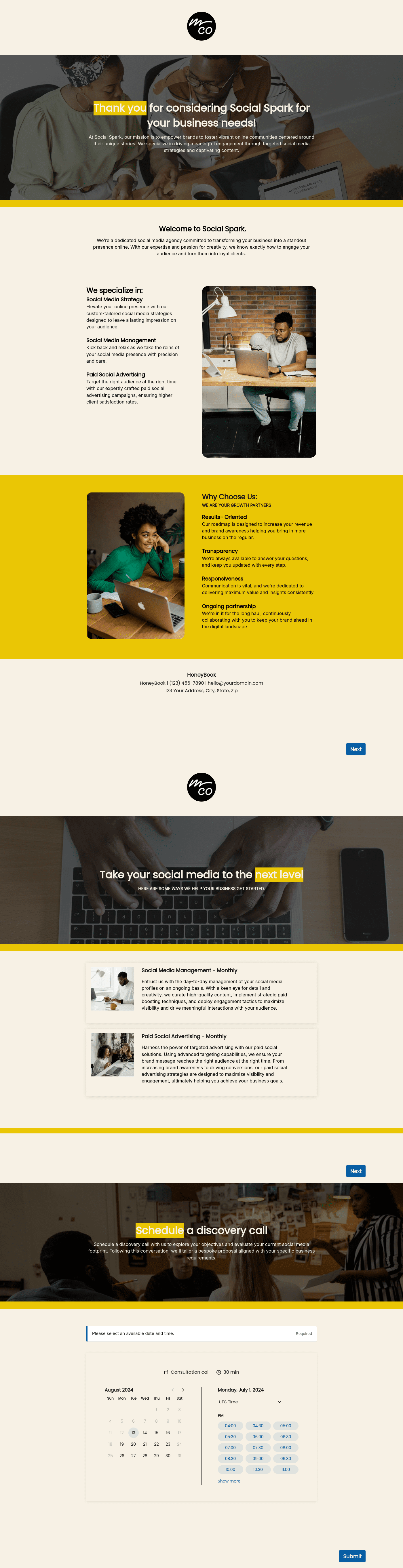
.png)


.png)

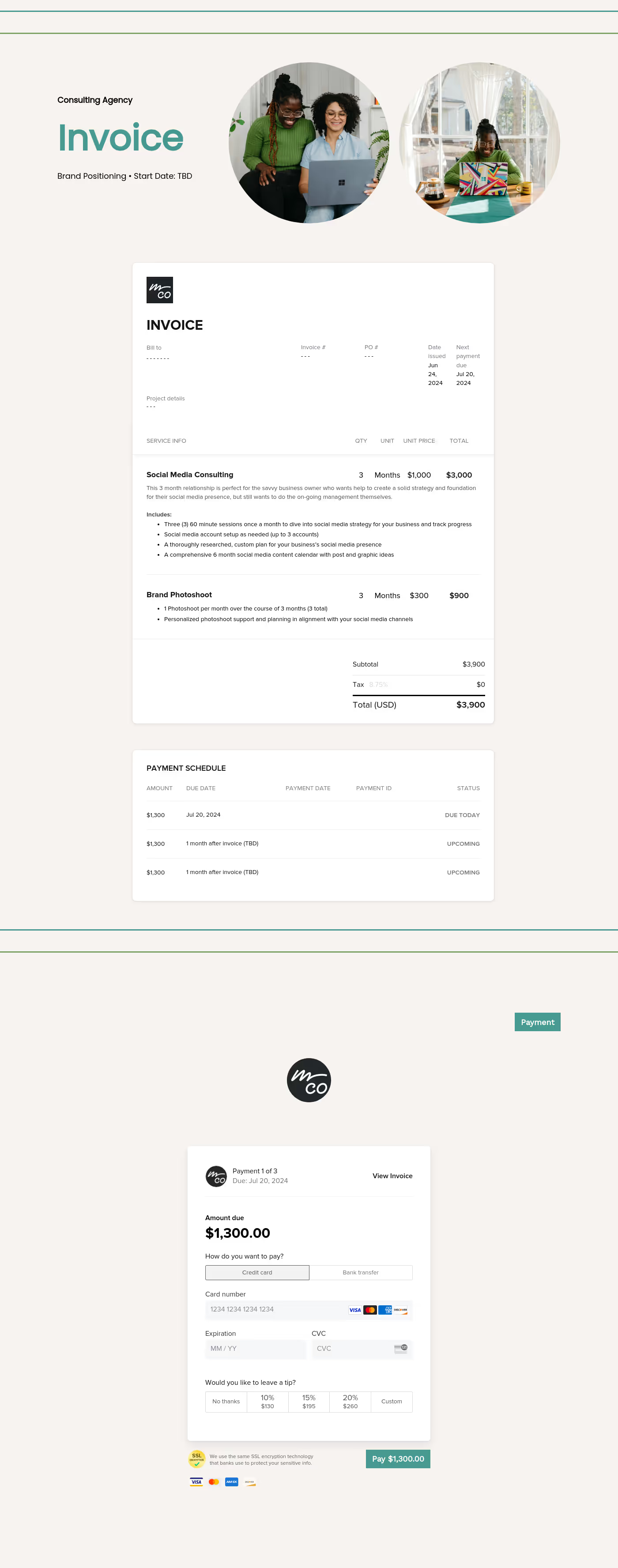

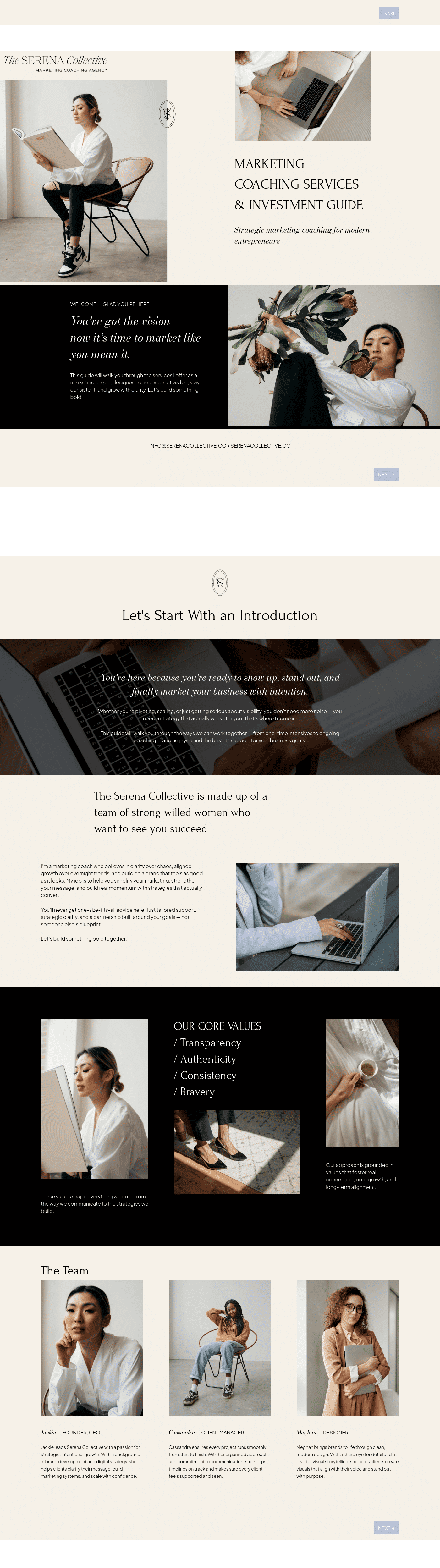
Visit our full catalogue of relevant templates
View all templates
A marketing business template kit is a set of documents designed to handle specific marketing tasks, such as developing and launching campaigns, measuring KPIs, or organizing data reports. By compiling these workflows into ready-to-use templates, your business can be more efficient and productive.
Rather than building everything from scratch with each new campaign or content schedule, these documents serve as a foundation you can customize and reuse.
What can you do with HoneyBook event planning kit?
A free event planning template allows you to manage all event details in one accessible location, providing clarity that static spreadsheets can’t. From tracking your budget and communicating with vendors to keeping your event on schedule, using a template helps ensure that your event runs smoothly.
Use pre-built client intake and discovery templates
- Collect goals, KPIs, communication preferences, and project requirements in one place
- Prepare for discovery calls with structured, detailed client insights
- Eliminate manual data entry with automated intake and project forms
- Keep client information organized and accessible across campaigns
- Present a more professional and thoughtful client onboarding experience
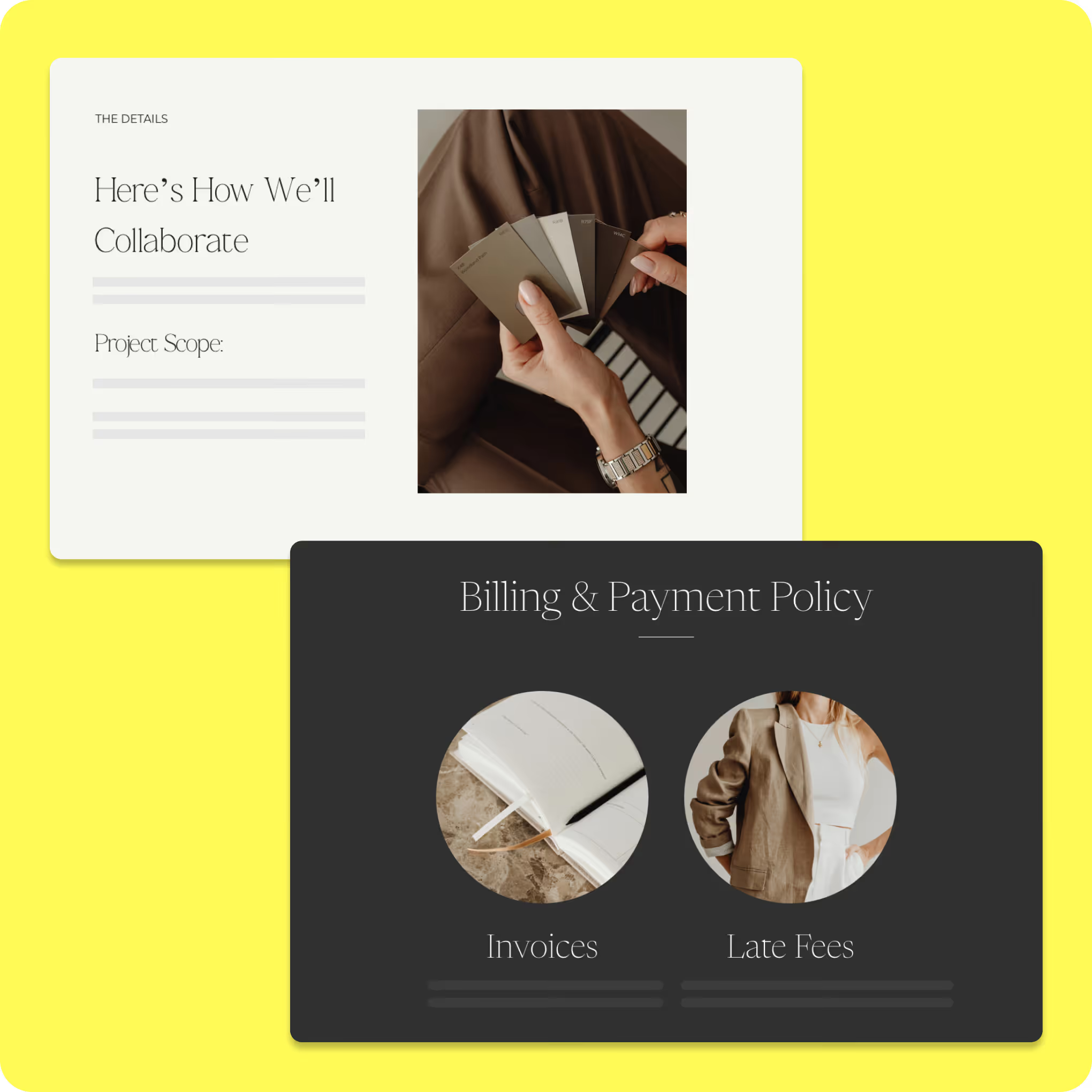
Customize marketing proposals, scopes, and agreements
- Build proposals quickly using reusable templates tailored to each campaign
- Clearly define deliverables, timelines, and client expectations
- Standardize how projects are scoped across clients and services
- Minimize back-and-forth by presenting complete, ready-to-review documents
- Support faster deal cycles with more structured and consistent proposals
Implement campaign and project workflow templates
- Create repeatable workflows for campaigns instead of managing tasks ad hoc
- Coordinate communication, scheduling, and deliverables from one system
- Reduce delays and errors with more structured project execution processes
- Track performance data and report more efficiently across campaigns
- Use automation to keep projects moving without constant manual oversight
How to use an event planning template
Once you’ve downloaded an event planning template, getting started is simple. Make a copy of the template and customize it to fit
your specific event.

Customize the template to meet the needs of your event. Give it a unique name and add a clear description outlining the event’s purpose.

Organize tasks into sections that align with the event timeline. Adjust or expand sections to match your schedule.

Get real-time industry insights to help you stay competitive and grow your business.

Give clients your undivided attention while AI takes meeting notes and summarizes to-dos.


Integrations and tools to support marketing business templates
HoneyBook's marketing business template kit connects with built-in features and external integrations that support day-to-day operations. By linking proposals, scheduling, lead capture, and communication in one system, marketing teams can reduce manual handoffs and keep client projects moving efficiently.
HoneyBook's marketing template kit is designed to work with the platform's built-in tools, helping marketing businesses manage the full client workflow in one place.
Key integrated features include:
- Campaign-specific proposals: Build proposals tailored to each service type without rebuilding from scratch each time.
- E-signatures and form collection: Send agreements and intake forms digitally, collect signatures in the app, and move projects forward without waiting on printed paperwork.
- Mobile-optimized templates: Clients can review, sign, and return documents from any device, reducing delays caused by desktop-only workflows.
- Branded documents: Apply your logo, color scheme, and visual identity across every proposal and client-facing file to keep your presentation consistent.
These features help marketing teams spend less time on document logistics and more time on the work clients are actually paying for.
Although HoneyBook handles much of your business operations internally, it can also integrate with various third-party apps. Since you're using these programs anyway, you can incorporate HoneyBook's templates and automation tools without disrupting your existing workflows.
Some common types of apps that integrate well with HoneyBook include:
- Accounting: Although you can create, send, and receive invoices through HoneyBook, you'll still need to manage your cash flow. Fortunately, new invoice payments can be recorded and updated in real time without manual imports.
- Scheduling: Many marketers have a preferred calendar or scheduling system. Rather than learning a completely new program, you can simply import your existing calendars into HoneyBook.
- Lead capture: Any successful marketing campaign will capture leads from different sources, such as social media, your website, and emails. HoneyBook enables you to collect and manage these leads from a single dashboard, ensuring a faster and smoother intake process.
- Communication: As with calendars, you likely have preferred communication tools, such as Gmail or Slack. By integrating these programs into HoneyBook, it's much easier to manage communications across your team.
Run your marketing operations with clarity and consistency
Running a successful marketing business is much easier when you don't have to worry about back-end operations or administrative tasks. Your primary goal is to deliver consistent results with each campaign for every client. With a streamlined system that leverages templates, automation, and CRM tools, your team can focus on measuring KPIs and running tests, not importing data from one program to another.
HoneyBook's marketing business template kit is a real-world tested and ready-to-use option. Don't waste time, rely on structured, easy-to-use templates to build your business faster. Whether you're just getting started with your first campaign or looking to scale and add new clients, these templates, along with HoneyBook's user-friendly system, can keep your marketing team on track every step of the way.

Templates FAQs
Yes. These templates work for marketing businesses of all sizes, including solo operations. Best of all, because they include standardized workflows, it's easy to scale up and add new team members. Since everyone is working from the same dashboard, no details are missed during handoffs, and everyone is always looking at the most up-to-date version of each document or campaign.
Yes. No two clients are the same, and each project requires different documents and proposals. HoneyBook makes it easy to customize all marketing templates to suit both your brand and your specific project needs.
Yes. These templates are created as Smart Files, which are only usable within the HoneyBook app. But as mentioned, HoneyBook integrates with many tools you may already use, ensuring seamless implementation. Even if you have established workflows, incorporating HoneyBook is straightforward.