












Web design business template kit to streamline your client workflow
Manage projects, contracts, and launches without manual admin work

Featured templates



.png)


.png)
.png)
.png)
.jpeg)
.png)
Visit our full catalogue of relevant templates
View all templates
A web design business template kit is a collection of templates designed to support how a web design business actually unfolds, from first inquiry through to website or app launch.
Web designers create, customize, and maintain an online presence for their clients. Jobs can vary from client to client, but typically involve taking a client's vision, brand, and technical needs into account to create an attractive and functional website or app.
A typical web design project has well-defined phases: discovery, wireframing, design, development, QA testing, client training, and launch. Each of these requires its own documentation, approvals, and communications.
HoneyBook's web design template kit helps with the behind-the-scenes activities that every web design firm or freelancer has to deal with. As a web designer, you may be juggling multiple clients at different stages of the process. Some clients may simply need a small, basic business website, while others may require an entire e-commerce site built from scratch, complete with payment integration, product pages, and a custom CMS.
There's a lot to keep track of, and a single administrative error — a missed revision approval, an unsigned change order, or a vague launch timeline — can slow down the project, delay payment, or hurt your relationship with the client. Our templates help ensure you have the necessary details to protect yourself and deliver websites that impress your clients.
What can you do with HoneyBook event planning kit?
A free event planning template allows you to manage all event details in one accessible location, providing clarity that static spreadsheets can’t. From tracking your budget and communicating with vendors to keeping your event on schedule, using a template helps ensure that your event runs smoothly.
Simplify client management
- Keep project feedback, notes, and communication accessible throughout the full project lifecycle
- Automate client communication for revisions, approvals, and upcoming launch milestones
- Store technical requirements, timelines, and client preferences in one centralized system
- Track design approvals and feedback without searching through past conversations
- Provide client portals for reviewing mockups, signing off, and managing project details
Streamline contracts and agreements
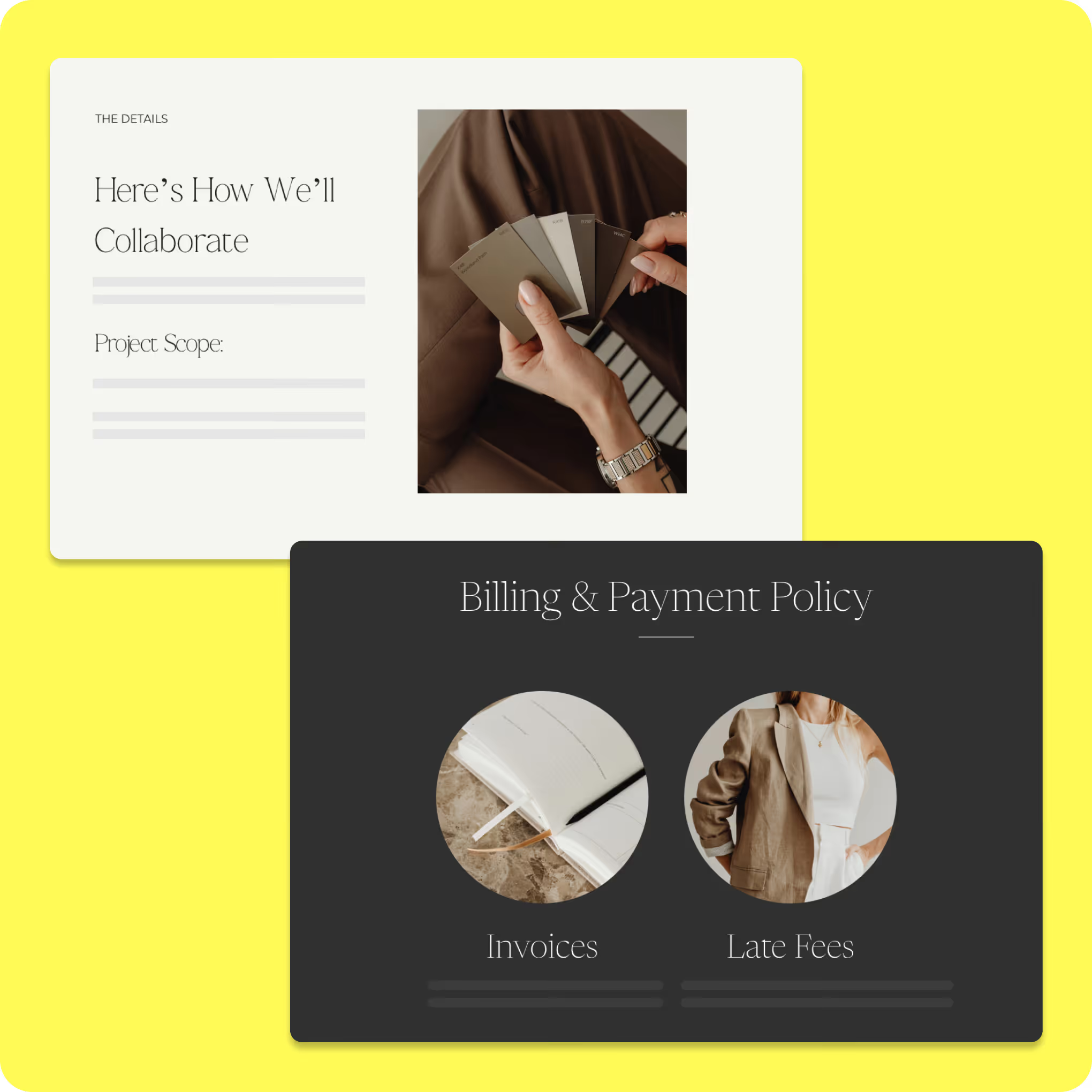
- Create agreements that outline scope, revisions, timelines, and post-launch support
- Collect digital signatures quickly to keep projects moving without delays
- Customize contracts for different project types like brochure sites or e-commerce builds
- Maintain consistent legal coverage while adapting details for each engagement
- Reduce prep time by starting from structured templates instead of drafting from scratch
Make invoicing and payments easier
- Track deposits, milestone payments, and final invoices across multiple projects
- Send branded invoices tailored to different project phases
- Allow clients to pay immediately after approvals through a single platform
- Monitor revenue and expenses together for clearer financial visibility
- Keep payment tracking accurate without relying on manual spreadsheets
How to use an event planning template
Once you’ve downloaded an event planning template, getting started is simple. Make a copy of the template and customize it to fit
your specific event.
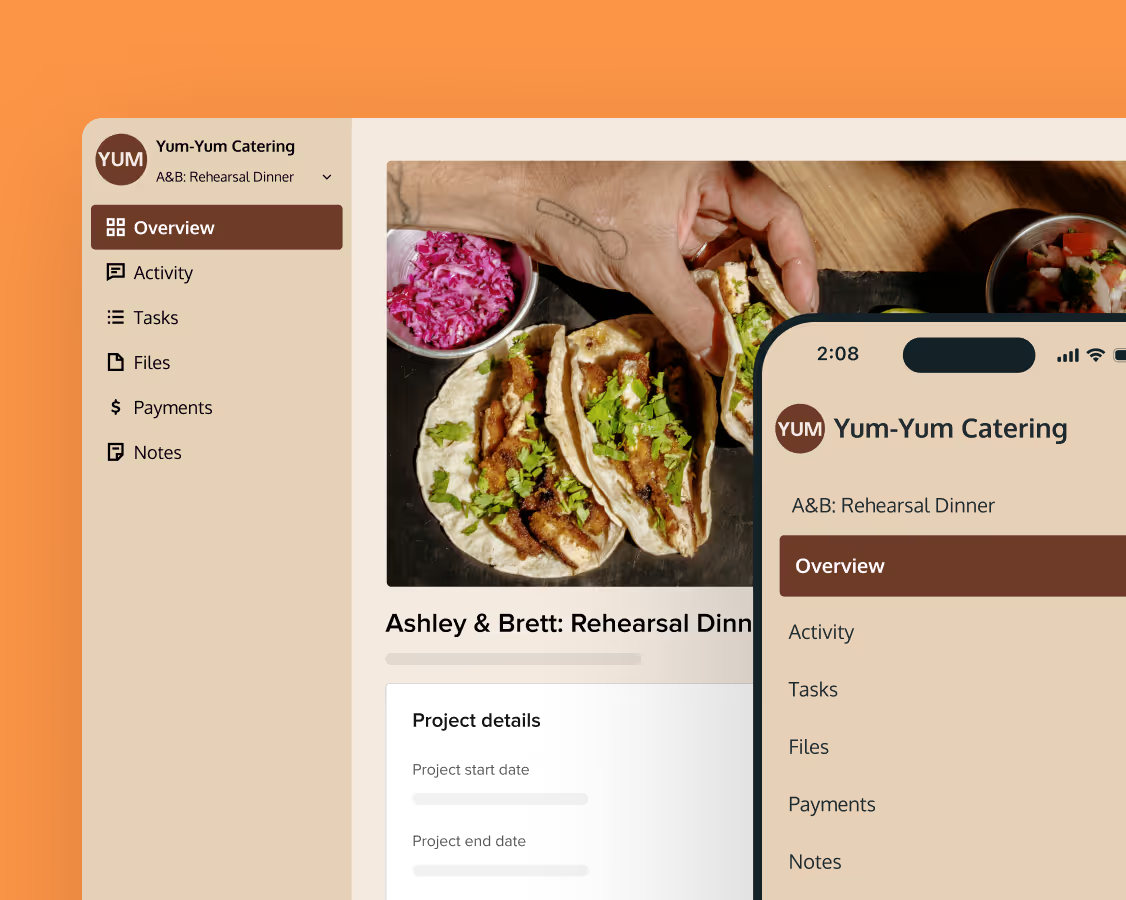
Customize the template to meet the needs of your event. Give it a unique name and add a clear description outlining the event’s purpose.
Organize tasks into sections that align with the event timeline. Adjust or expand sections to match your schedule.
Get real-time industry insights to help you stay competitive and grow your business.

Give clients your undivided attention while AI takes meeting notes and summarizes to-dos.


Integrations and tools to support your web design business
Web design and development businesses rely on specific tools for project management, communications, website layout, debugging, and version tracking. HoneyBook integrates with a wide number of tools you might already have in your stack.
The web design business template kit works seamlessly with HoneyBook's built-in features.
- The e-signature feature lets clients sign contracts or change orders that you create with your HoneyBook templates.
- You can automatically send forms and questionnaires to clients without having to manually draft emails.
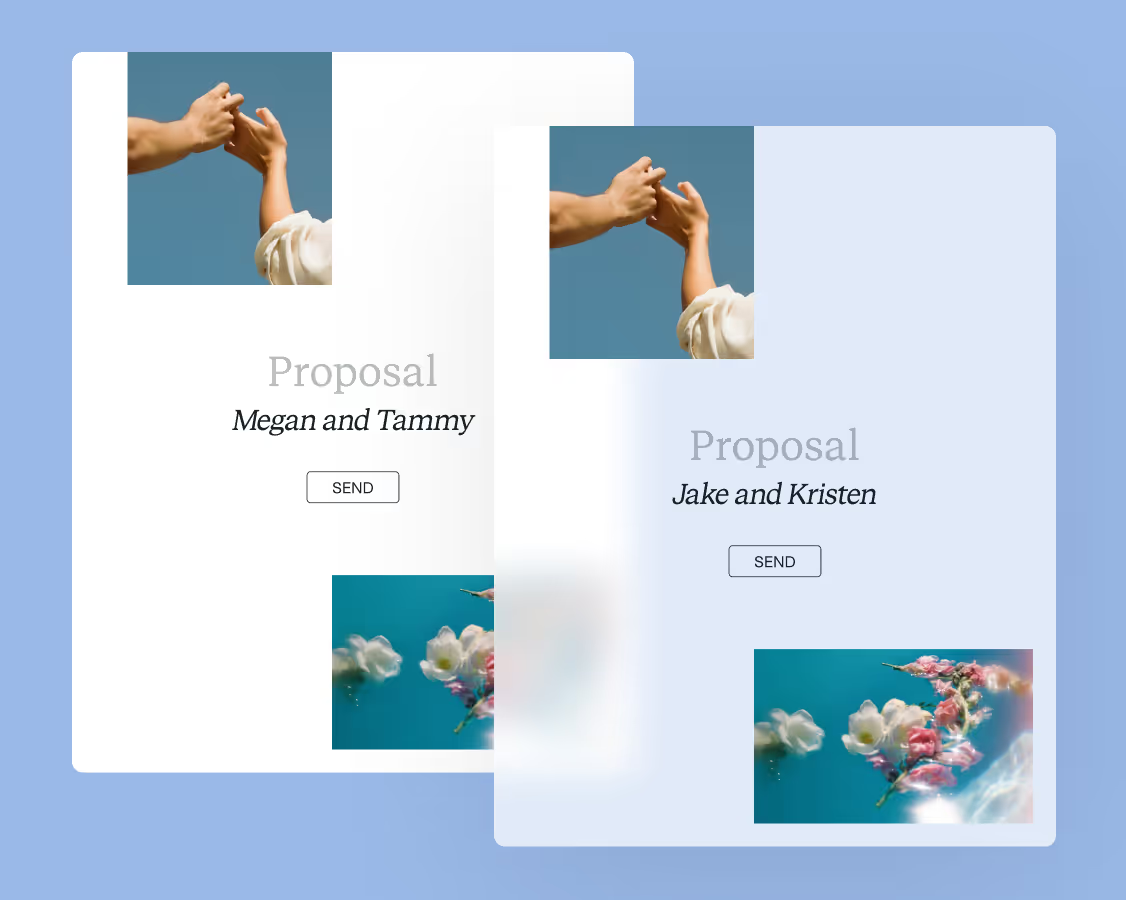
- Connect proposals to your marketing and CRM platforms so that you know where each project stands.
- Once they're in the system, invoices and contracts update automatically based on the services or add-ons your clients choose.
The web design template kit is not a standalone product; it works seamlessly with the other elements in HoneyBook's ecosystem.
All web designers have preferred tools. Many of these can be integrated with HoneyBook, merging their functions and centralizing every aspect of running the business in one place.
- HoneyBook works with communications apps like Gmail and Outlook and marketing automation tools like Mailchimp.
- It's also possible to integrate project management platforms like Asana, Slack, and Monday.
- You can merge HoneyBook's financial tools with accounting software like Wave and QuickBooks.
- Use payment apps like FreshBooks, Square, and Stripe alongside HoneyBook's financial tools.
You can take advantage of HoneyBook's templates and features without having to give up the software and applications you currently use to run your business.
Streamline your web design business with HoneyBook
Ready to design with confidence and run your business more efficiently? Get started with HoneyBook's web design business templates to organize client projects, streamline contracts and invoices, and keep every detail on track. Focus on creating stunning websites while HoneyBook handles the admin work for you.

Templates FAQs
The kit includes templates for contracts, proposals, pricing guides, and project timelines designed specifically for web designers. These tools help professionals stay organized, communicate clearly, and manage each stage of the design process efficiently.
Yes. Each template can be tailored to match a designer's brand, pricing, and process, making it easy to deliver a consistent and professional experience across every client project.
HoneyBook's web design business templates keep every project organized from the discovery phase through launch. Designers can manage proposals, contracts, and invoices in one place, saving time and ensuring a smooth experience for every client.