













Graphic design business template kit to streamline your client workflow
Replace scattered files with one system for proposals, approvals, and invoicing

Featured templates


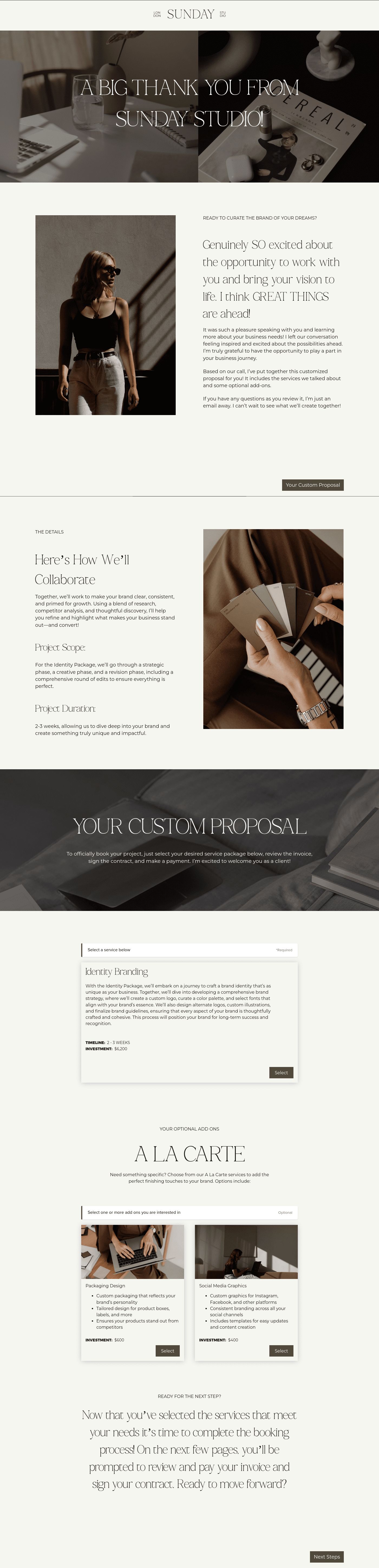






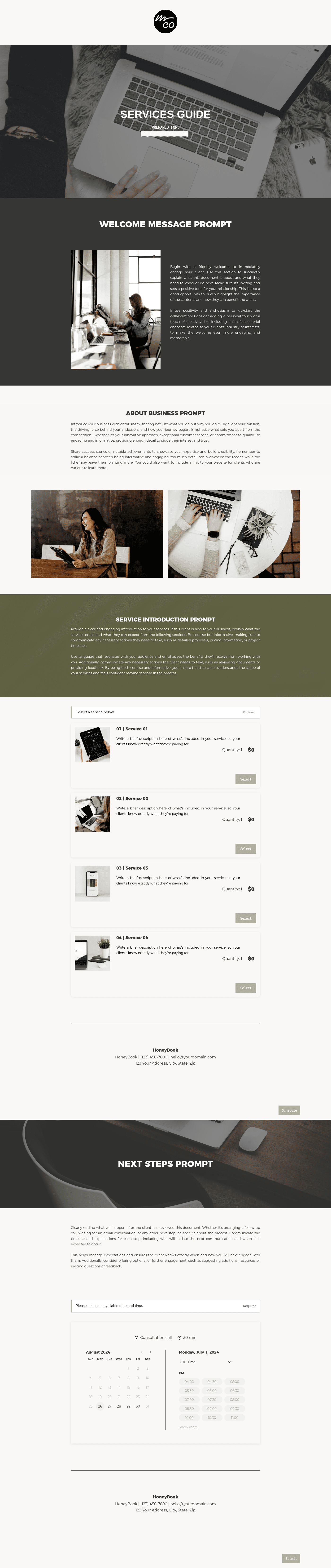

Visit our full catalogue of relevant templates
View all templates
A graphic designer business template kit is a set of connected templates that helps you run the business side of client work with less friction. Instead of creating every form, message, contract, and invoice from a blank page, you start with a ready-to-use structure and shape it around your services, brand, and process.
For designers, that matters because the work is rarely just about design. You're also gathering project details, presenting pricing, defining terms, managing approvals, and collecting payment. A good kit brings those steps together so your client experience feels clear from first contact to final delivery.
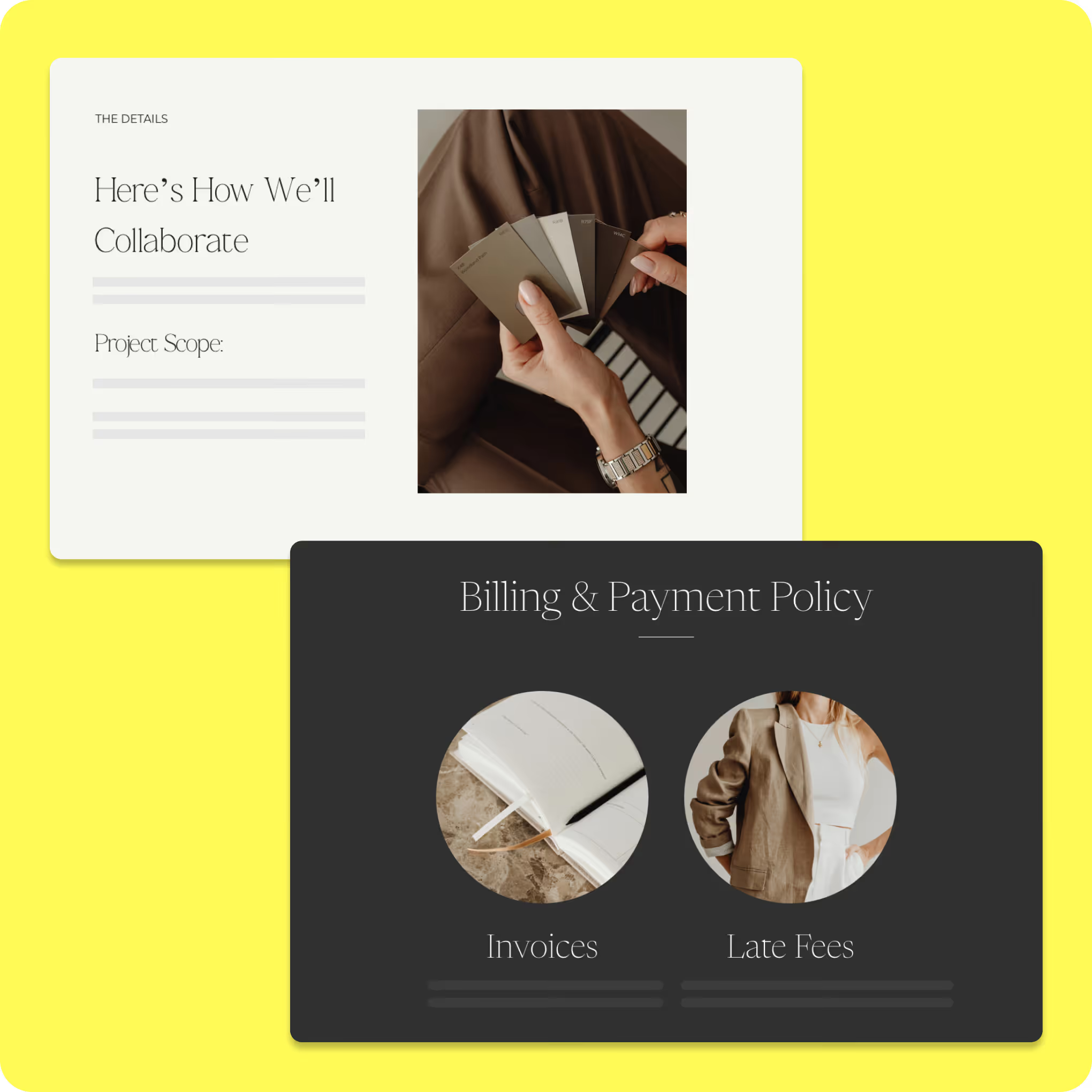
What can you do with HoneyBook event planning kit?
A free event planning template allows you to manage all event details in one accessible location, providing clarity that static spreadsheets can’t. From tracking your budget and communicating with vendors to keeping your event on schedule, using a template helps ensure that your event runs smoothly.
Use prebuilt client brief and onboarding templates
- Collect goals, deliverables, deadlines, inspiration, and approval contacts before kickoff
- Surface gaps in scope earlier so projects start with better alignment
- Replace vague intake emails with a more guided client process
- Set a more polished tone from day one with structured onboarding materials
Customize design proposals, contracts, and pricing guides
- Build proposals faster with a framework for scope, pricing, revisions, and timelines
- Explain value more clearly through cleaner service and deliverable breakdowns
- Define terms like usage rights, turnaround expectations, and source file delivery upfront
- Present packages and add-ons in a branded format that is easier to compare
Organize design project workflows and approvals
- Guide projects from kickoff to presentation to revisions with a repeatable structure
- Keep feedback tied to the correct stage instead of losing it across channels
- Make deadlines and next steps more visible for both you and the client
- Create a more established client experience through consistent project management
How to use an event planning template
Once you’ve downloaded an event planning template, getting started is simple. Make a copy of the template and customize it to fit
your specific event.

Customize the template to meet the needs of your event. Give it a unique name and add a clear description outlining the event’s purpose.

Organize tasks into sections that align with the event timeline. Adjust or expand sections to match your schedule.

Get real-time industry insights to help you stay competitive and grow your business.

Give clients your undivided attention while AI takes meeting notes and summarizes to-dos.


Integrations and tools to support graphic designer business
Templates become more useful when they are part of a larger system. HoneyBook's template kits work alongside built-in tools and outside integrations so you can manage more of your workflow in one place.
Our built-in features support the template kit by helping each step connect to the next. A few of the most helpful include:
- Lead forms and questionnaires: Collect project goals, brand details, deliverables, and timeline expectations before kickoff.
- Proposals and contracts: Present your offer, define terms, gather signatures, and move clients into the booked stage faster.
- Scheduling tools: Let clients book discovery calls, kickoff meetings, or review sessions without extra email back-and-forth.
- Invoices and payments: Send billing requests, collect payments, and keep records organized inside the client process.
- Automation and client management tools: Keep reminders, files, and communication moving through a repeatable system.
For designers, that kind of connection helps cut down on admin time and lowers the odds of something slipping through the cracks.
Integrations can extend the value of the template kit by connecting HoneyBook to tools many designers already use.
- Accounting tools: Apps like QuickBooks can help sync billing records and support cleaner bookkeeping.
- Calendar and email tools: Gmail and Google Calendar can help you keep communication and meeting availability aligned.
- Creative tools: Platforms like Canva can support visual content creation that feeds into client-facing materials.
- Automation connectors: Tools like Zapier can pass information between HoneyBook and the other platforms in your stack.
Billing is one area where connected tools matter a lot. If you're refining that part of your process, our guides on graphic design invoices and the best invoicing software for graphic designers can help.
Run your design business with a smoother, more professional workflow
The best template kit does more than save a little time. It helps you build a client process that people can trust. When your forms, proposals, contracts, timelines, and invoices follow a clear structure, your business feels more consistent from the very first interaction. That doesn't mean your work becomes rigid. You still shape every project around the client, the scope, and your style. What changes is the amount of energy you spend rebuilding the same admin pieces over and over.
At HoneyBook, we built our templates to help designers spend less time on setup and more time on creative work. With ready-to-use systems in place, you can manage communication, present polished offers, and keep projects organized without piecing everything together by hand. Start with this HoneyBook template kit and build a workflow that supports the way you actually want to work.

Templates FAQs
They're designed to support a wide range of designers, including branding specialists, web designers, and freelancers, by providing flexible workflows that adapt to different project types.
Yes. All templates are fully customizable, allowing you to update visuals, language, pricing, and workflow steps so they align with your brand and creative process.
They provide prebuilt structures for briefs, proposals, contracts, and project steps, so you don't have to create processes from scratch. This helps keep projects organized and consistent from start to finish.