













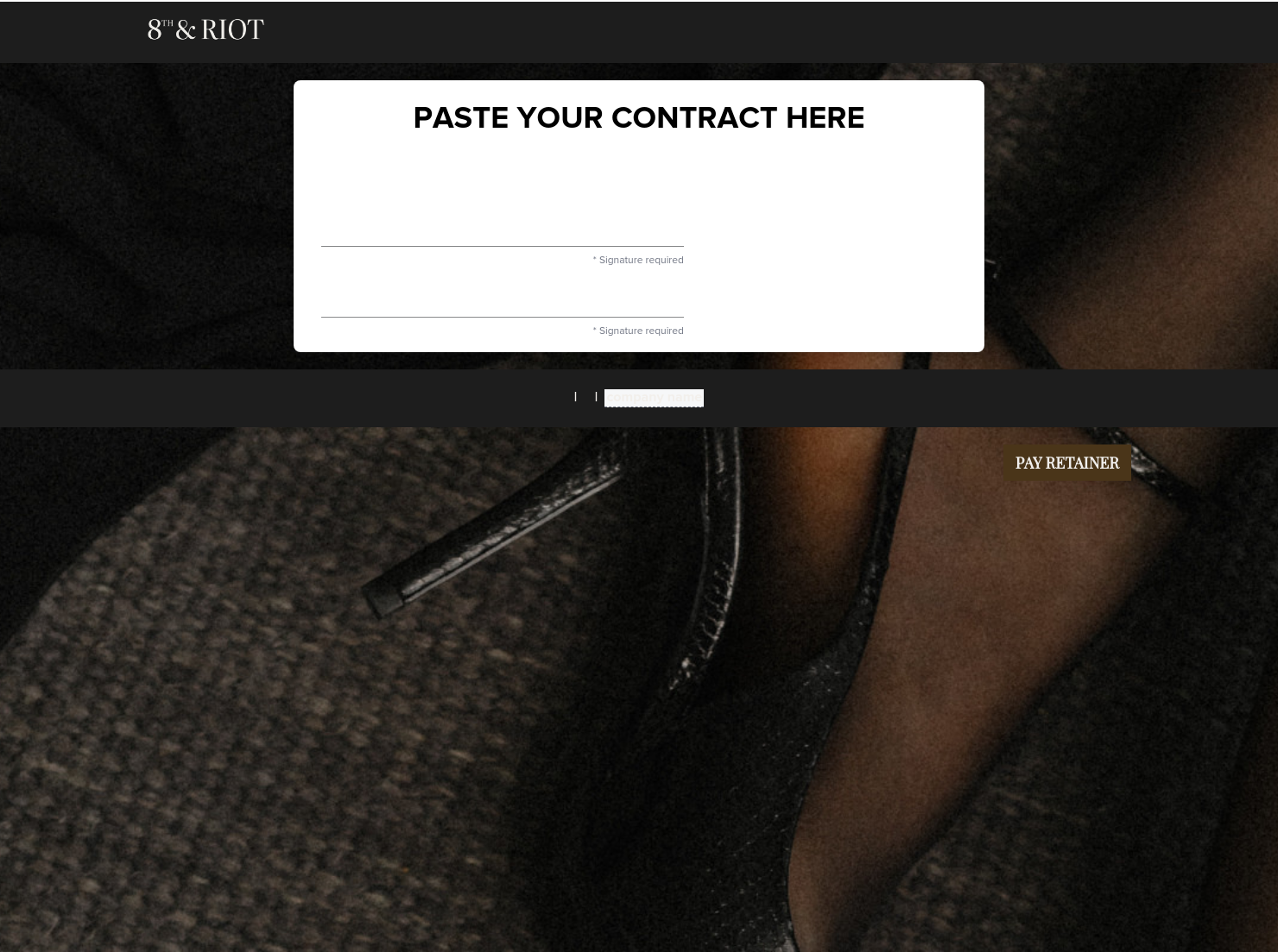

Contract for eSigning

Sign clients easily on the go via eSign with your contracts, or use one of HoneyBook's lawyer-approved contracts

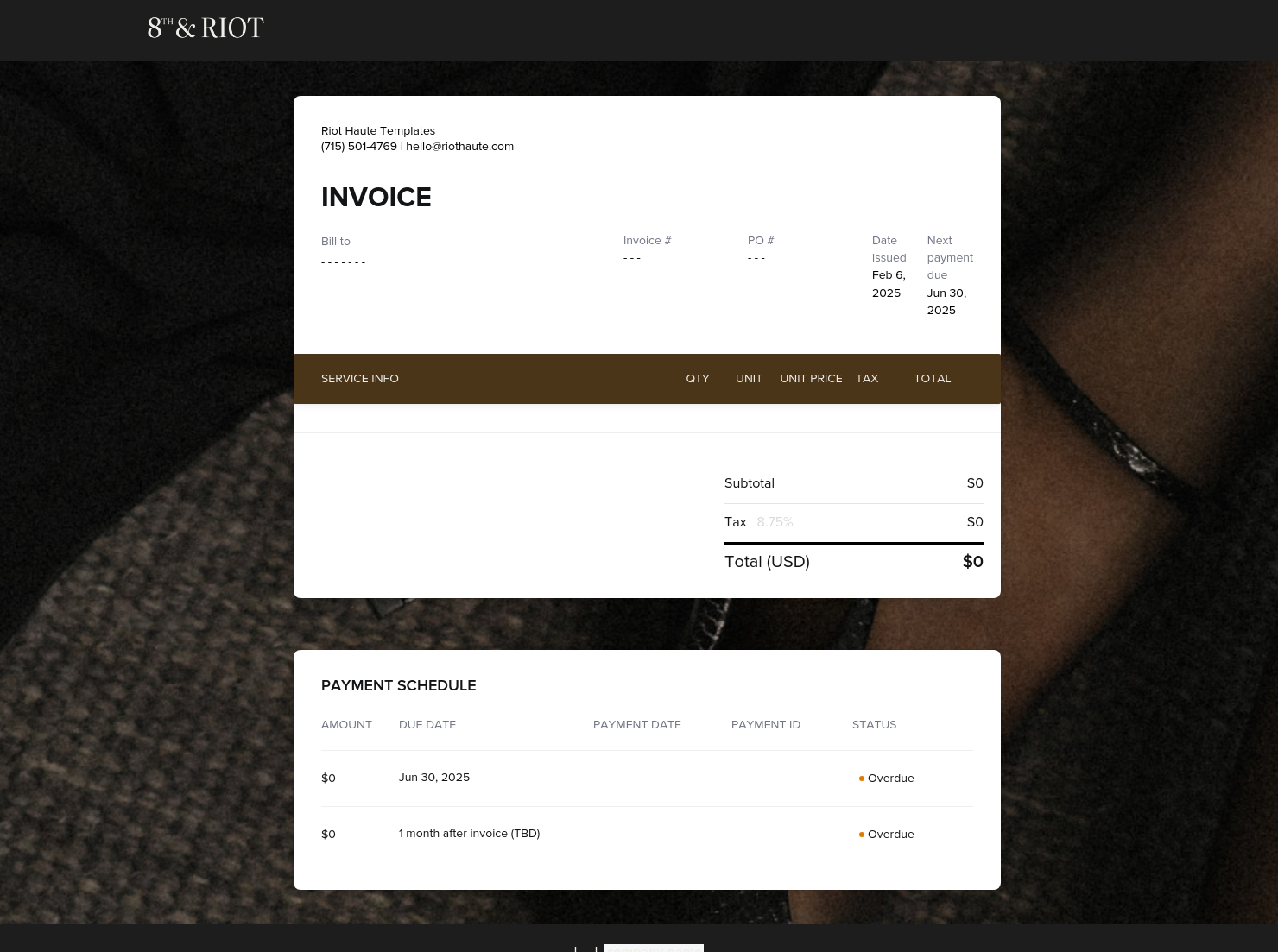
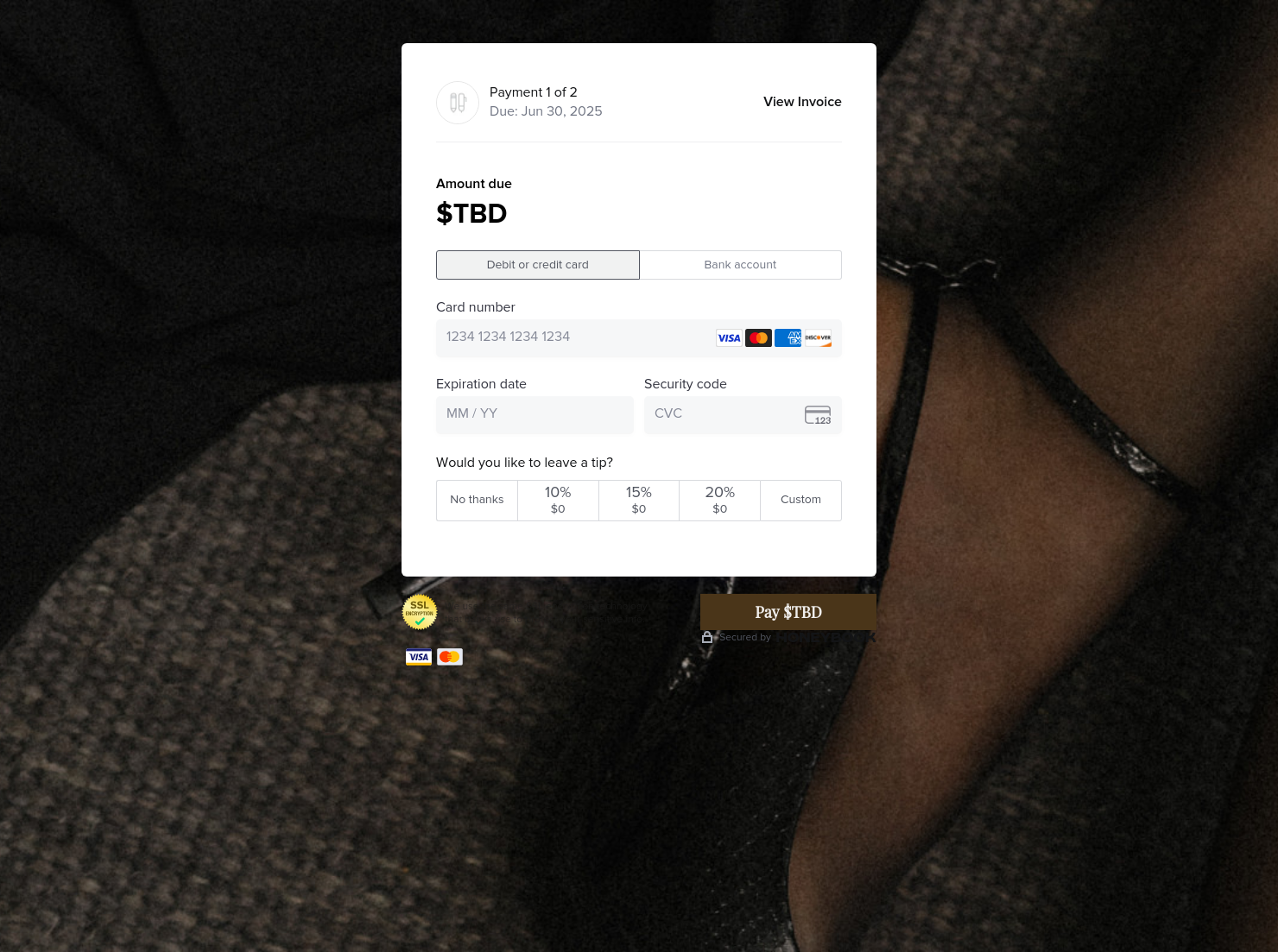
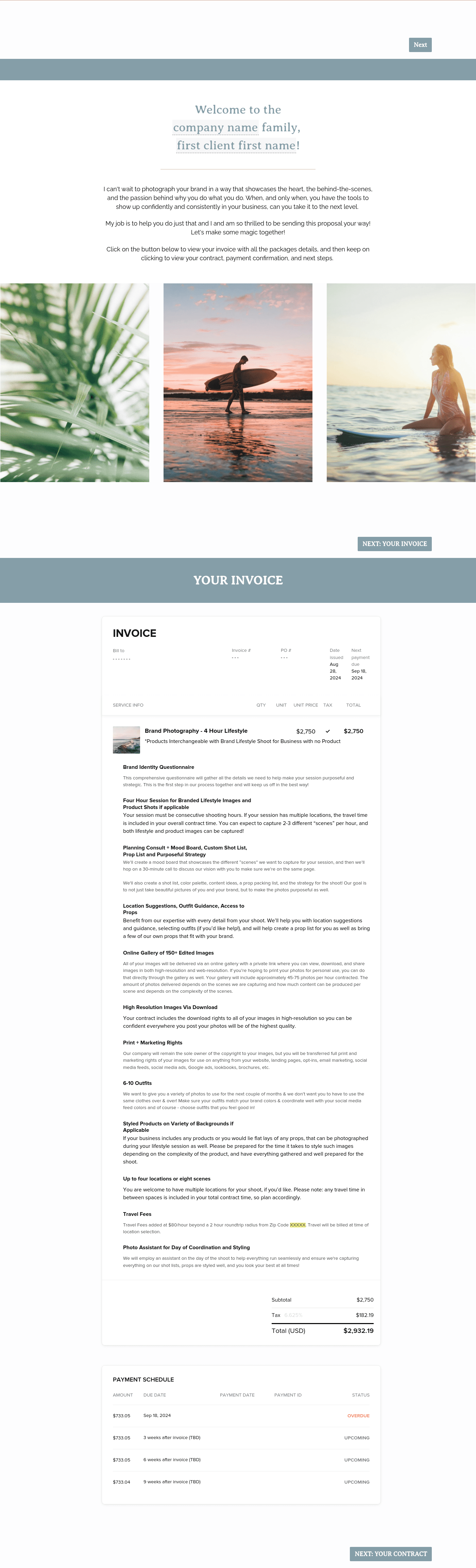
Invoice & online payments
Make it easy for clients to book and pay for your services–all in one file.

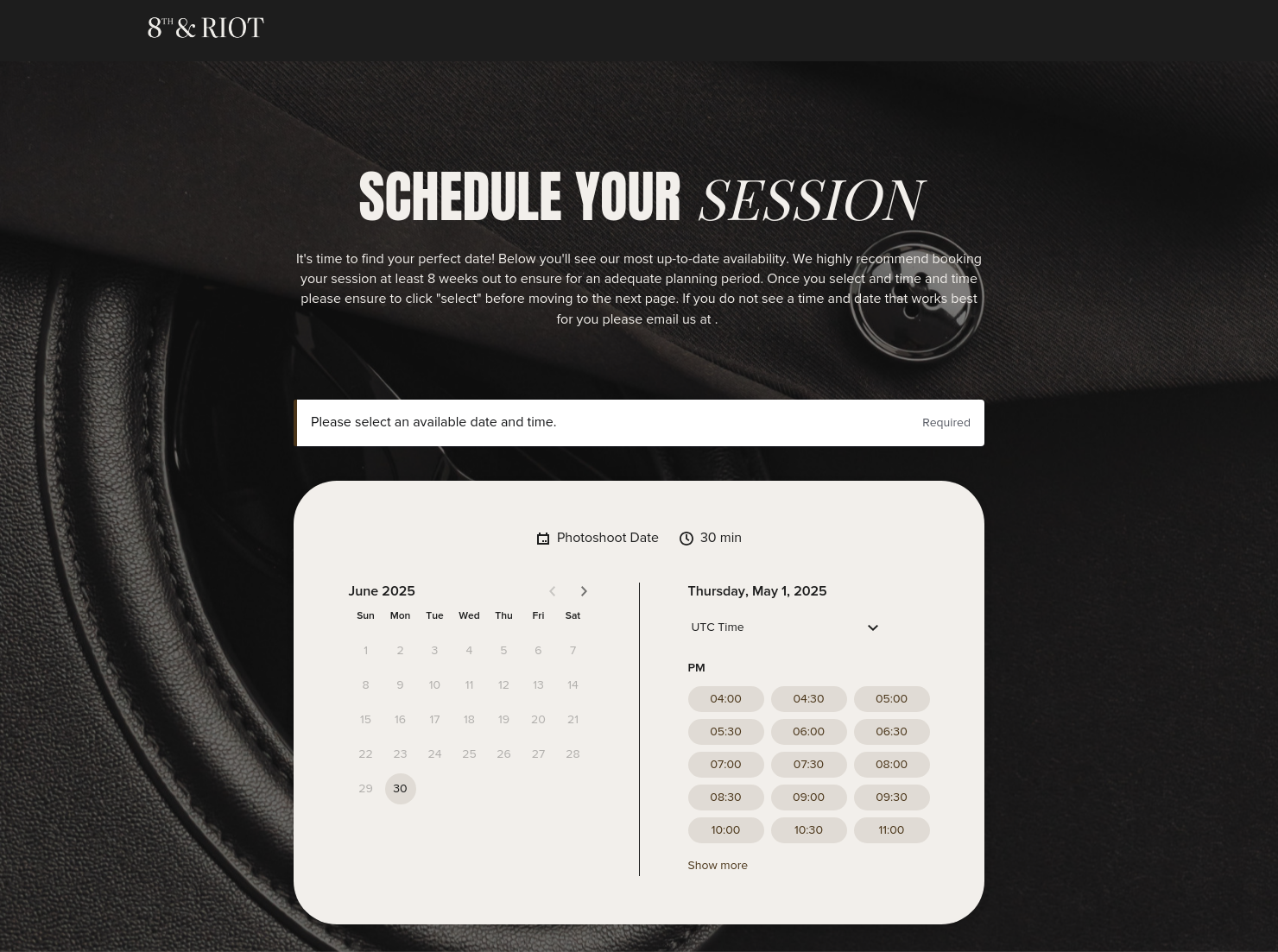
Scheduling
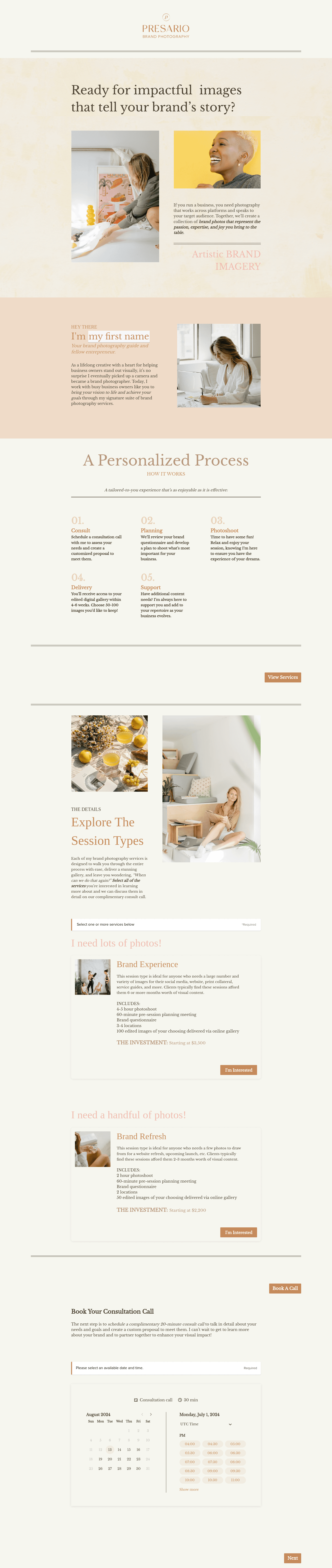
Let clients book meetings, sessions, or appointments during your available time slots.

Services
Showcase your services for easier client booking.

Ready-to-use copy
Templates come filled with prewritten copy you can use as is or edit to match your brand and business.


“
Simplify your booking process with this All-in-one file that showcases your process, packages, and lets your client get on your calendar.
”

October 18, 2026

All there is to know about editorial brand photography, all-in-one booking templates
When booking editorial brand shoots, you’ll find yourself going through multiple steps like sharing proposals, confirming details, sending contracts, and following up on payments. In many cases, clients drop off somewhere between interest and confirmation, costing you opportunities. An editorial brand photography all-in-one booking is the document that addresses this issue. It is a HoneyBook Smart File that allows the client to review shoot details, compare packages, accept the terms and agreement, and also make a payment. With this document, the photographer can answer common questions and avoid confusion and delays, helping to move the client quickly through the booking process.
An all-in-one booking document unifies numerous steps that the photographer would have normally taken into one. This provides various benefits and helps avoid challenges that are either peculiar to each stage of the booking or general to the shoot. Here are some of the benefits that an all-in-one booking file provides:
- Reduces client drop-off between proposal and payment
- Shortens the time from inquiry to confirmed booking
- Increases conversion rate from leads to paying clients
- Creates a smoother, more premium client experience
This file brings key booking steps into one place, making it easier for clients to review, decide, and move forward without delays. While it doesn’t include every detail of proposals, contracts, or invoices, it contains the key elements needed to review the project, approve the agreement, and secure the booking. Here are some of the most important items it should have:
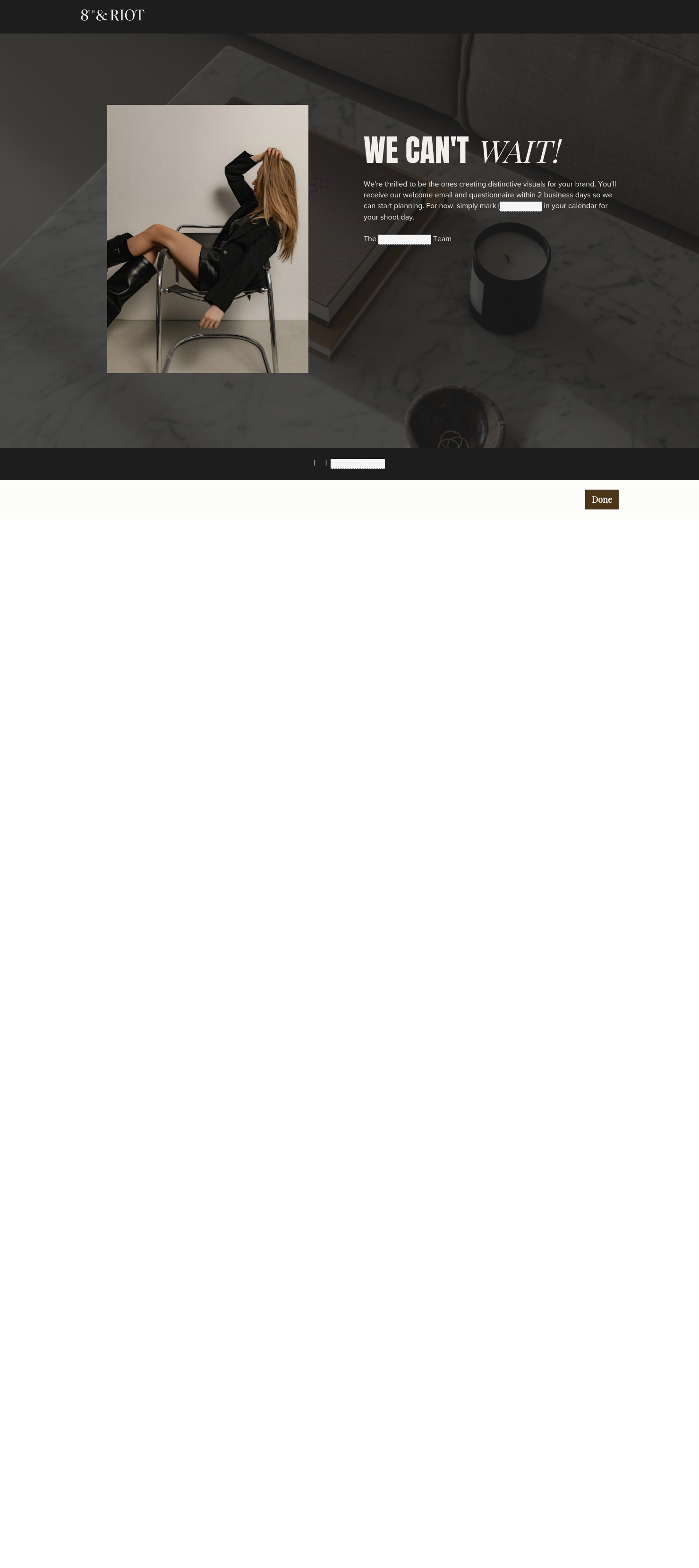
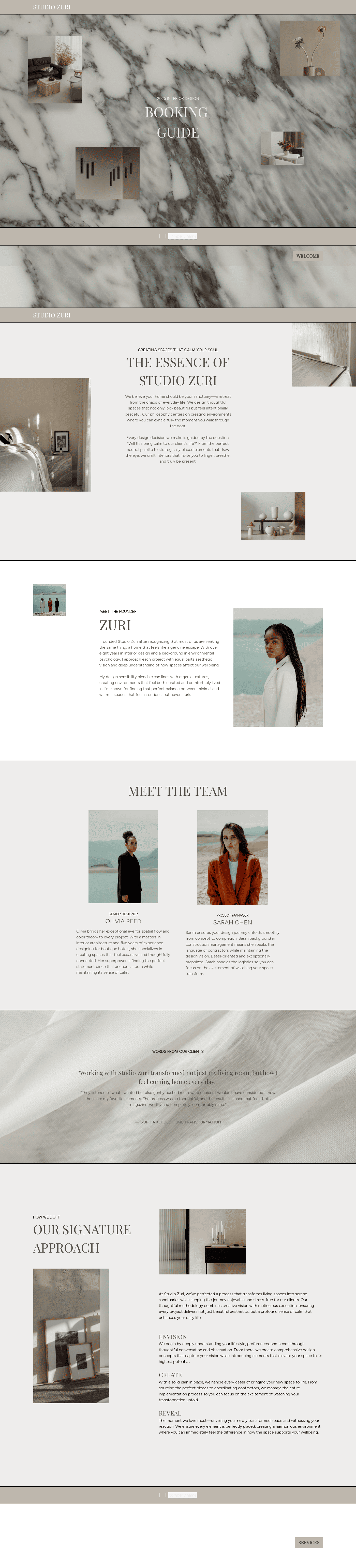
- Cover page: Start with a well-illustrated cover page that carries information about the client, their brand or business, and the date of the booking for a personalized file.
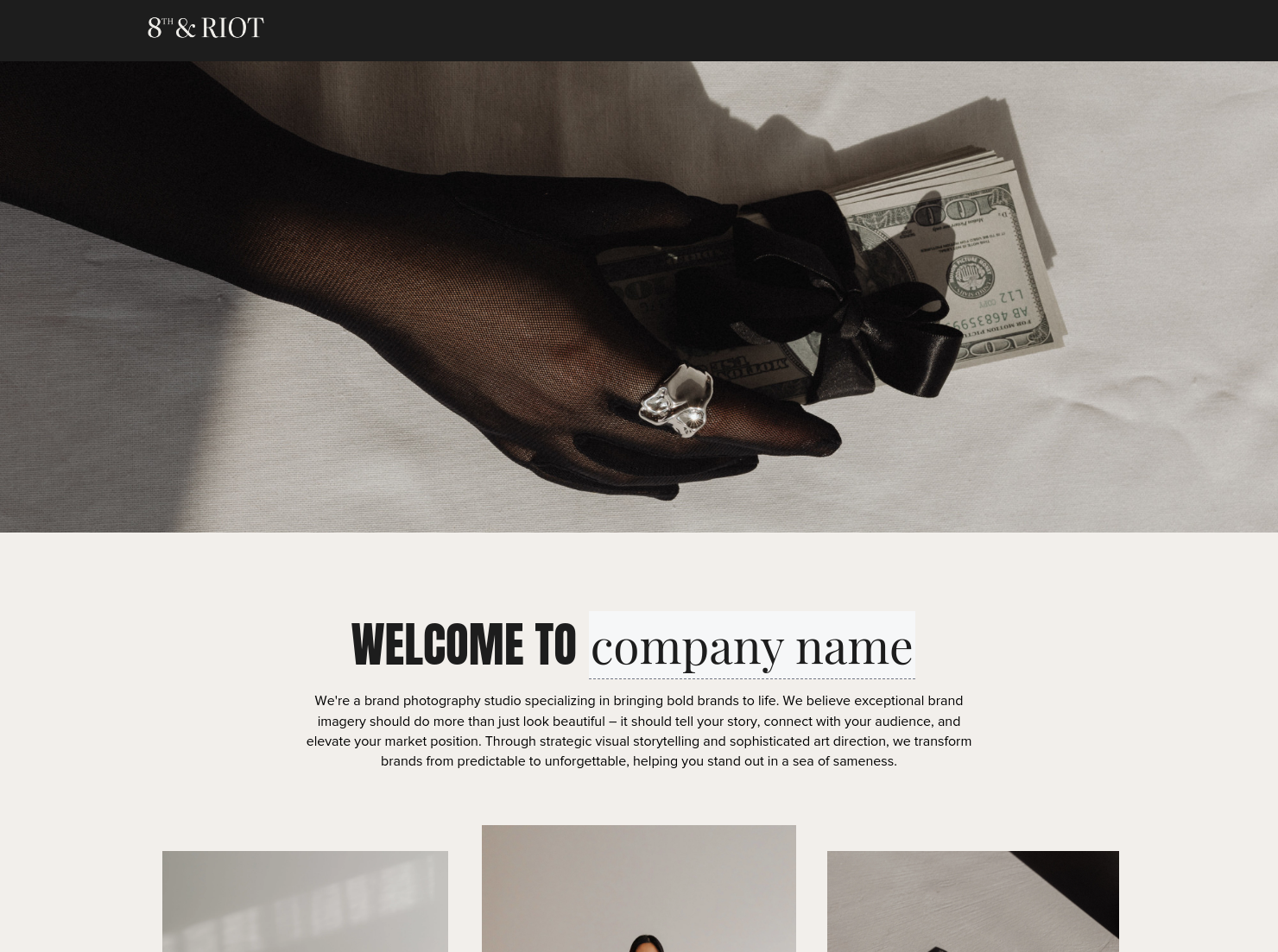
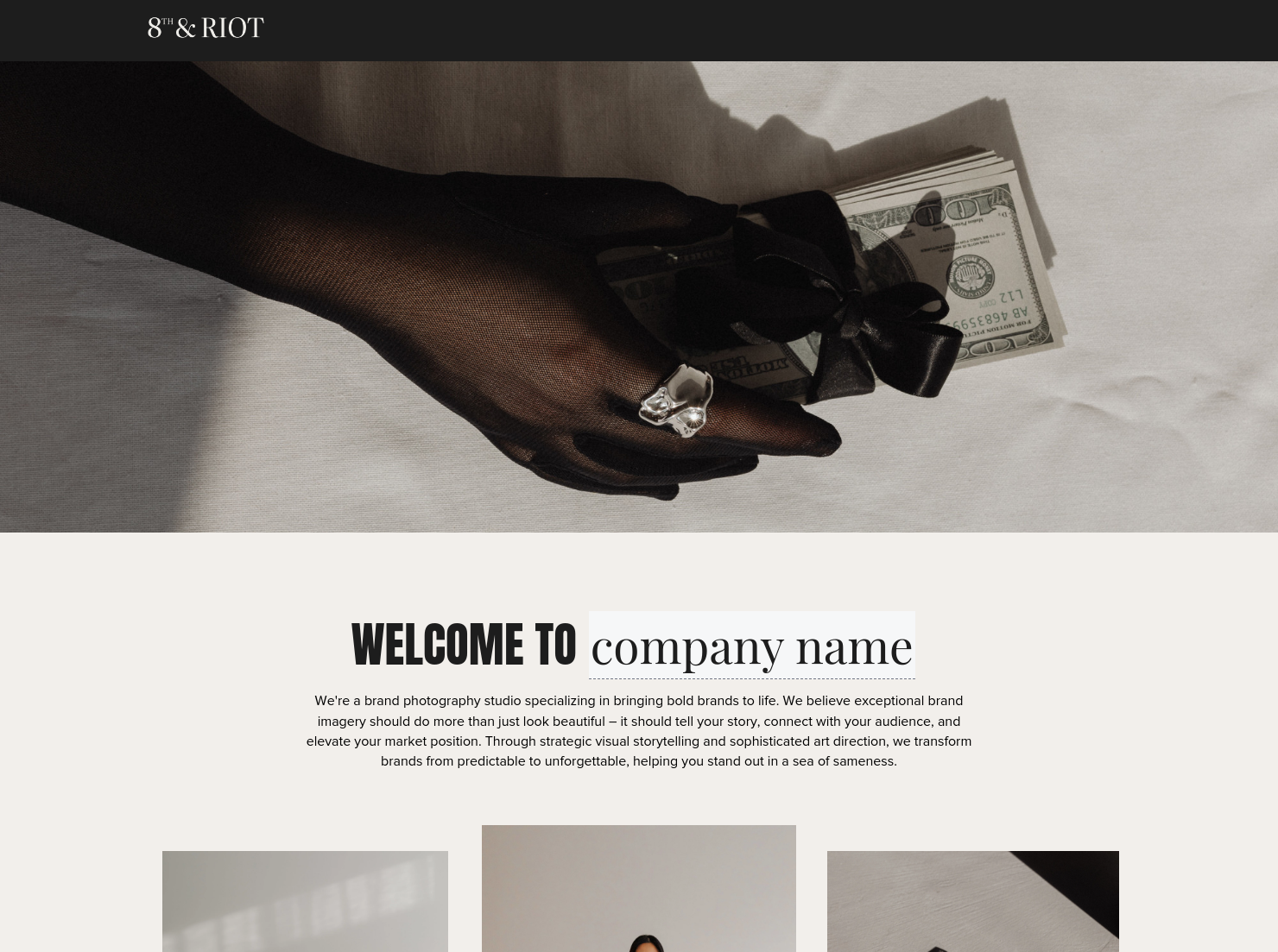
- Welcome section: Use this page to describe your business, your mission and objectives, and how these align with the client's shoot and larger branding purpose.
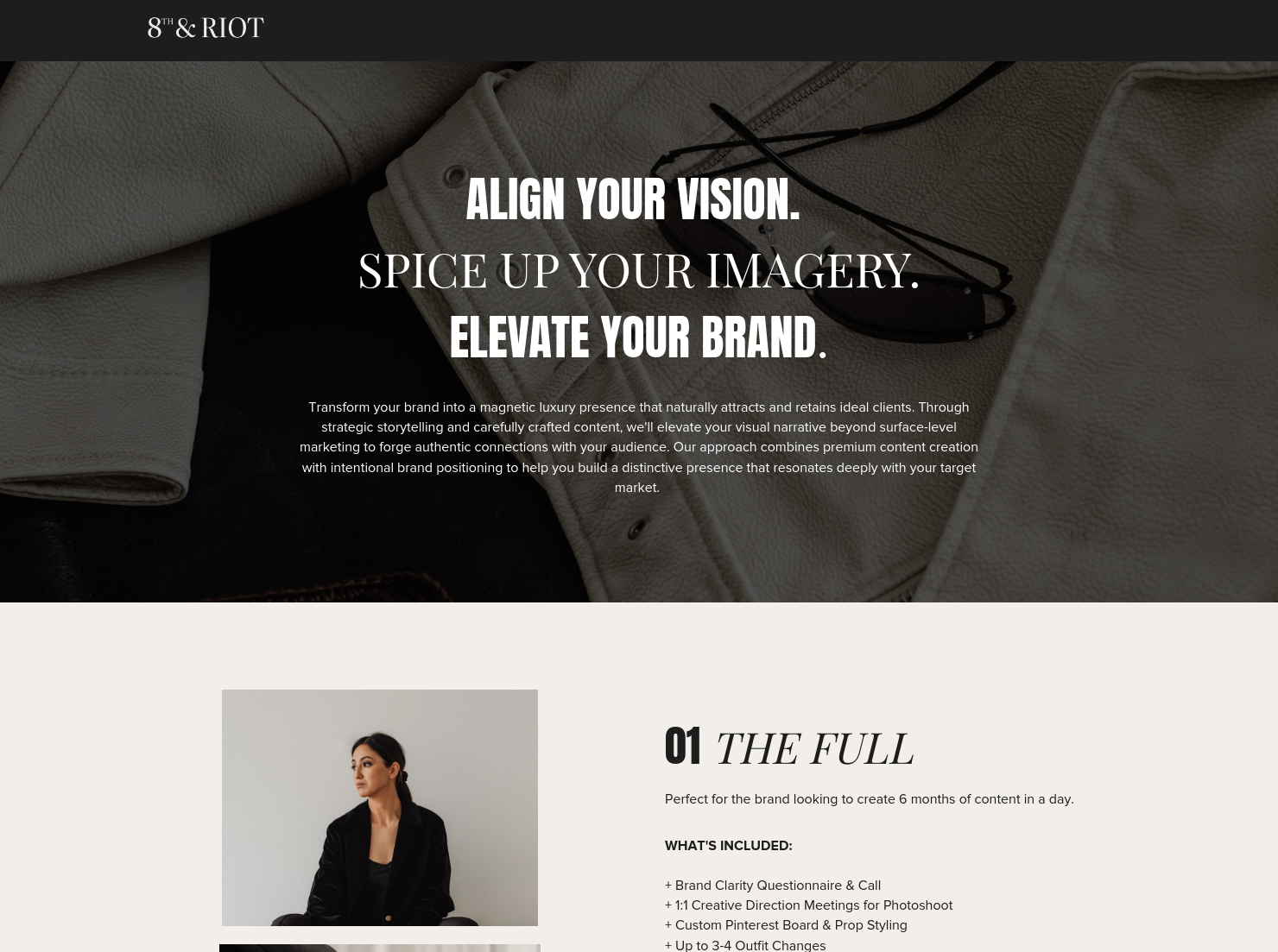
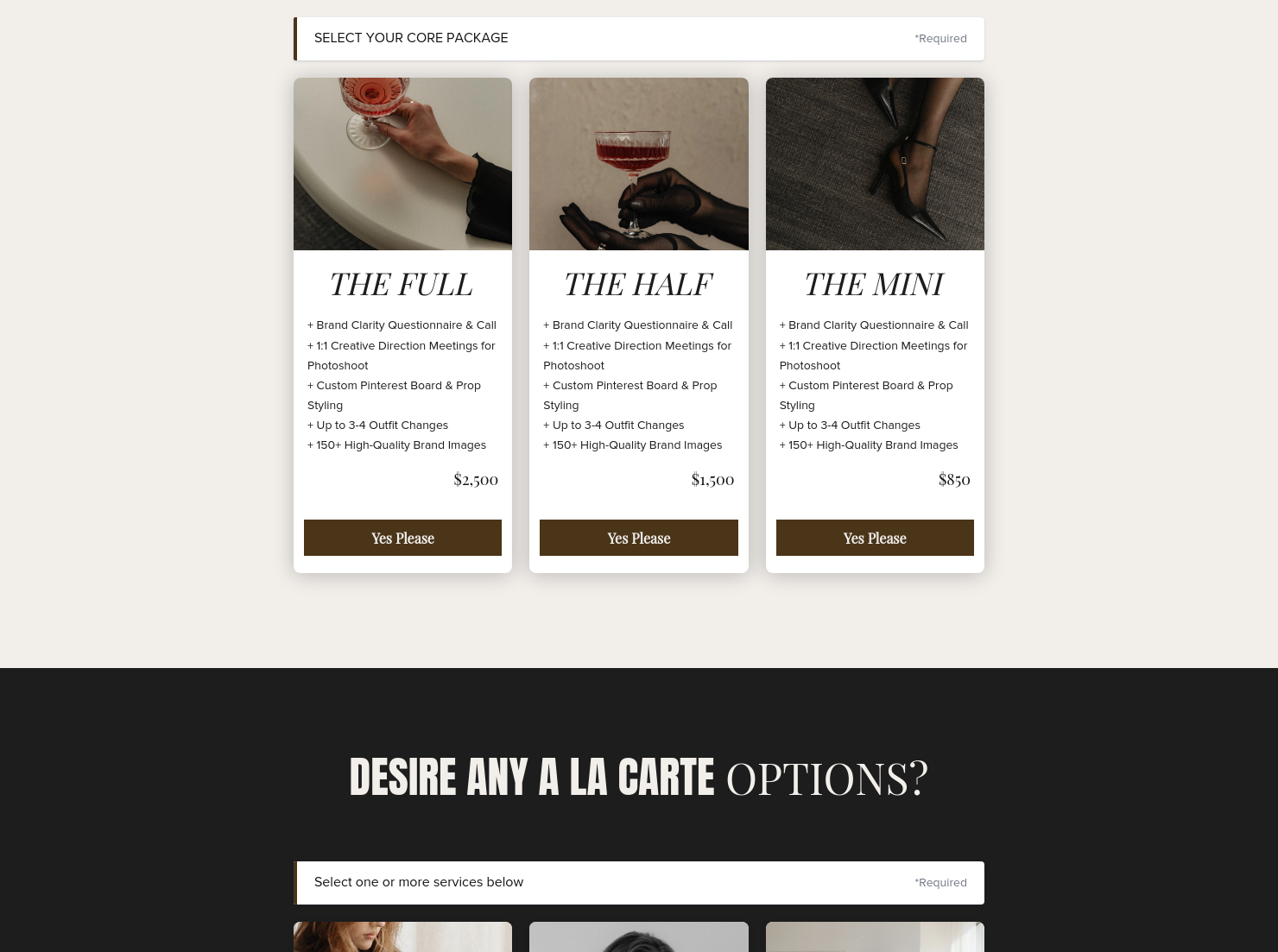
- Photography package or services description: Provide a list of your services and their cost, or a project’s creative direction, moodboards, and brand deliverables such as website assets, social media content, or campaign visuals.
- Invoice and payment schedule: Outline the cost of the particular service that the client has requested, include a payment method, and mention the deadline for the payment.
- Contract terms: Describe the agreement and add a signature section where both parties can accept terms around image usage rights and licensing, especially for commercial and brand-related content.
- Booking timeline: This shows the key steps and dates involved in confirming the photoshoot and preparing for it.
- Thank you note: End the file with an appreciation message to appreciate the client for trusting your services and going through the entire document.
An all-in-one booking file is most effective when it is clear, structured, and easy to navigate. Start with a strong introduction, then guide the client through your services, pricing, timeline, and contract terms in a logical flow.
Keep the design clean and visually engaging, especially when presenting creative elements like moodboards or brand direction. Make key actions obvious. Clients should clearly see how to approve the project, sign the agreement, and complete payment without confusion.
Avoid overloading the document with unnecessary details. Simplicity and clarity are what help clients make faster decisions and move from interest to confirmed booking.
An all-in-one booking template is a customizable Smart File that photographers can send to clients to share shoot details, agreements, and payment information in one place. It is especially useful during the booking stage when you need to confirm project details and secure a client’s commitment. This template is helpful when:
- Booking new clients who need to review the project details, sign the agreement, and pay a deposit.
- Offering brand photoshoot packages that clients can review and select before confirming the session.
- Scheduling personal branding sessions for entrepreneurs, creators, or professionals building their brand image.
Catering has a lot of moving parts, and the menu sits in the center. If your catering menu is scattered across emails, texts, and screenshots, mistakes show up at the worst time.
A structured menu template helps in practical ways.
- Builds client trust and a professional first impression.
- Speeds approvals by making choices simple.
- Reduces payment disputes by documenting totals and terms.
- Saves time by cutting back and forth.
That means fewer surprises for clients and fewer fire drills for you.
Get started with an editorial brand photography all-in-one booking template
Let your creativity shine while eliminating the delays and confusion that often come with managing client bookings. Try our free all-in-one booking template to simplify the process and improve your clients’ experience.
FAQs
Below are quick answers to common questions from caterers building a catering menu that clients can approve with confidence.
You can send this file to your client after you have confirmed their booking before the shooting session.
This document replaces every booking-related resource that you might need to send the client. Anything else that you’ll send after this will be to plan the shoot or deliver the final work.
Yes. You can customize fonts, colors, images, pricing tables, contract language, and messaging to reflect your brand’s voice and visual identity.
Yes. With the HoneyBook mobile app, you can create, customize, send, and manage templates and Smart Files from anywhere. This means you can respond to inquiries, share documents, and keep projects moving whether you’re at your desk or on the go.
Related templates









Related Templates
%2520(1).png)

.png)
.png)
.png)

Make it your own
Fully customize the template to fit your needs. Quickly apply your company branding with just a few clicks.

Share with clients
Create exceptional client experiences through HoneyBook’s dedicated client portal, allowing them to read, review, and take action from any device.

Reuse and scale
Use your customized files with different clients again and again to save time and make managing client interactions that much easier.

Join the 100,000+ businesses growing with HoneyBook.
