
















Ready-to-use copy

Templates come filled with prewritten copy you can use as is or edit to match your brand and business.


“
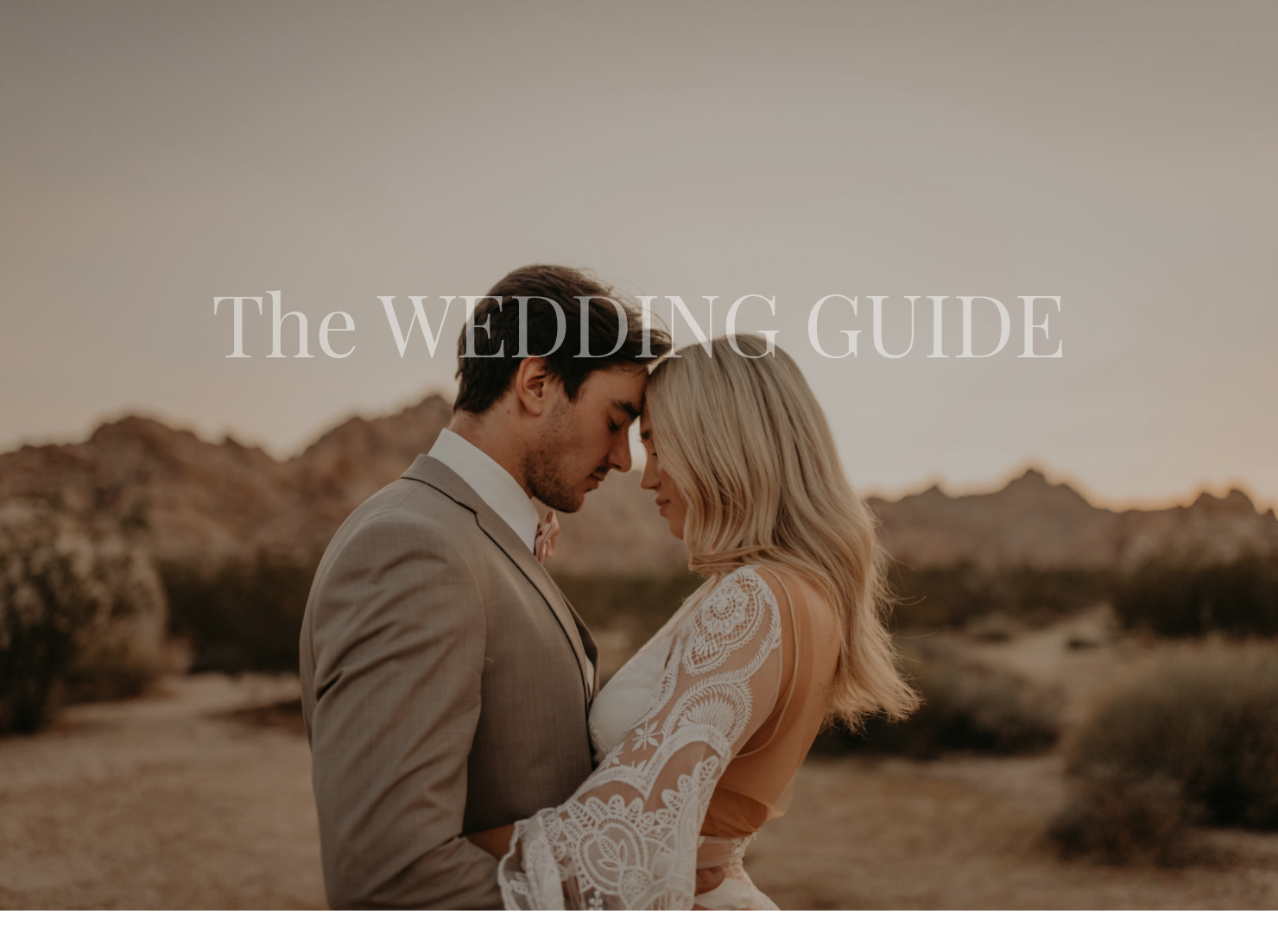
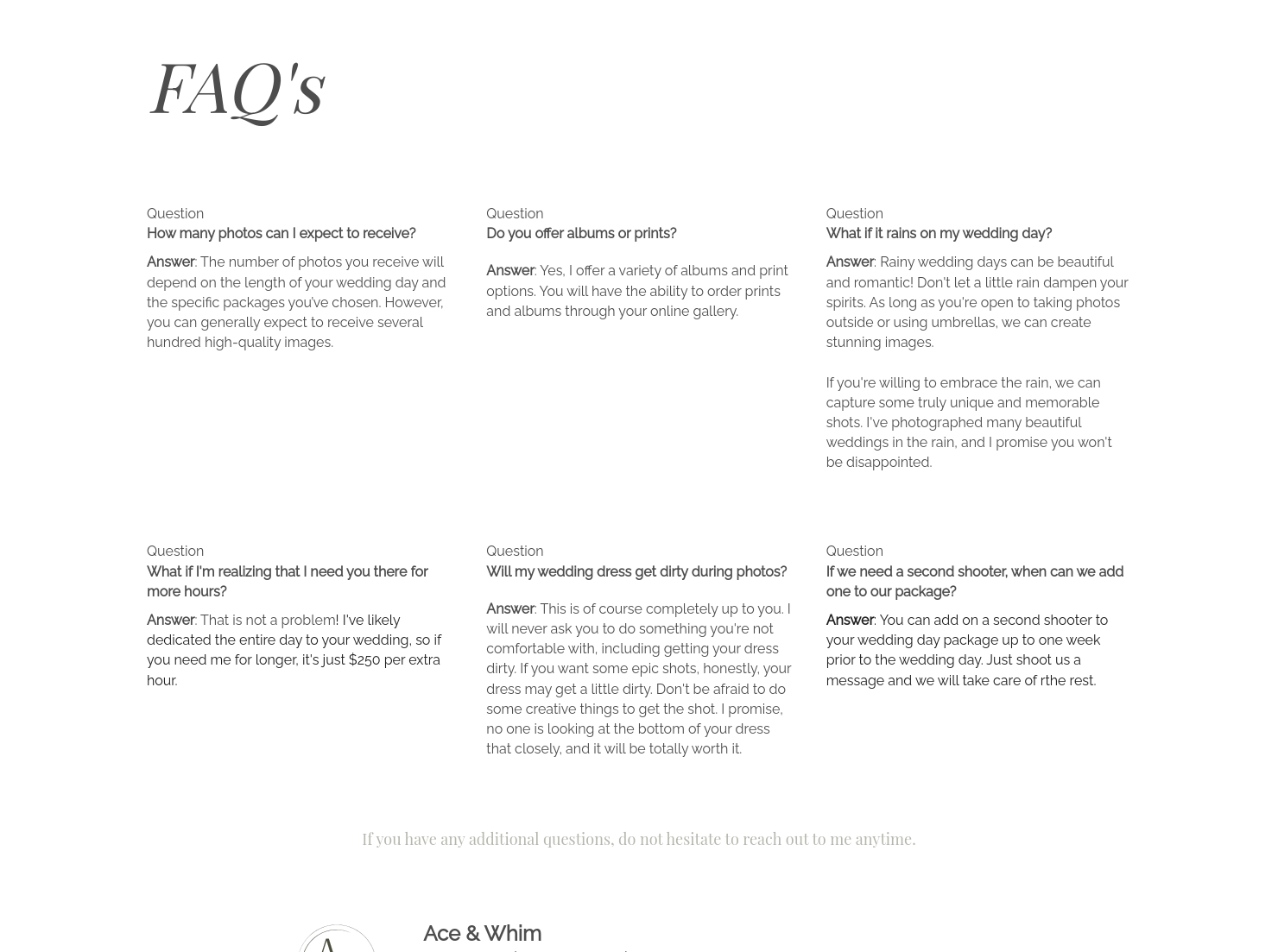
Streamline wedding day communication and expectations with this wedding experience guide.
”
.jpeg)
October 18, 2026

All there is to know about Athena welcome guide templates
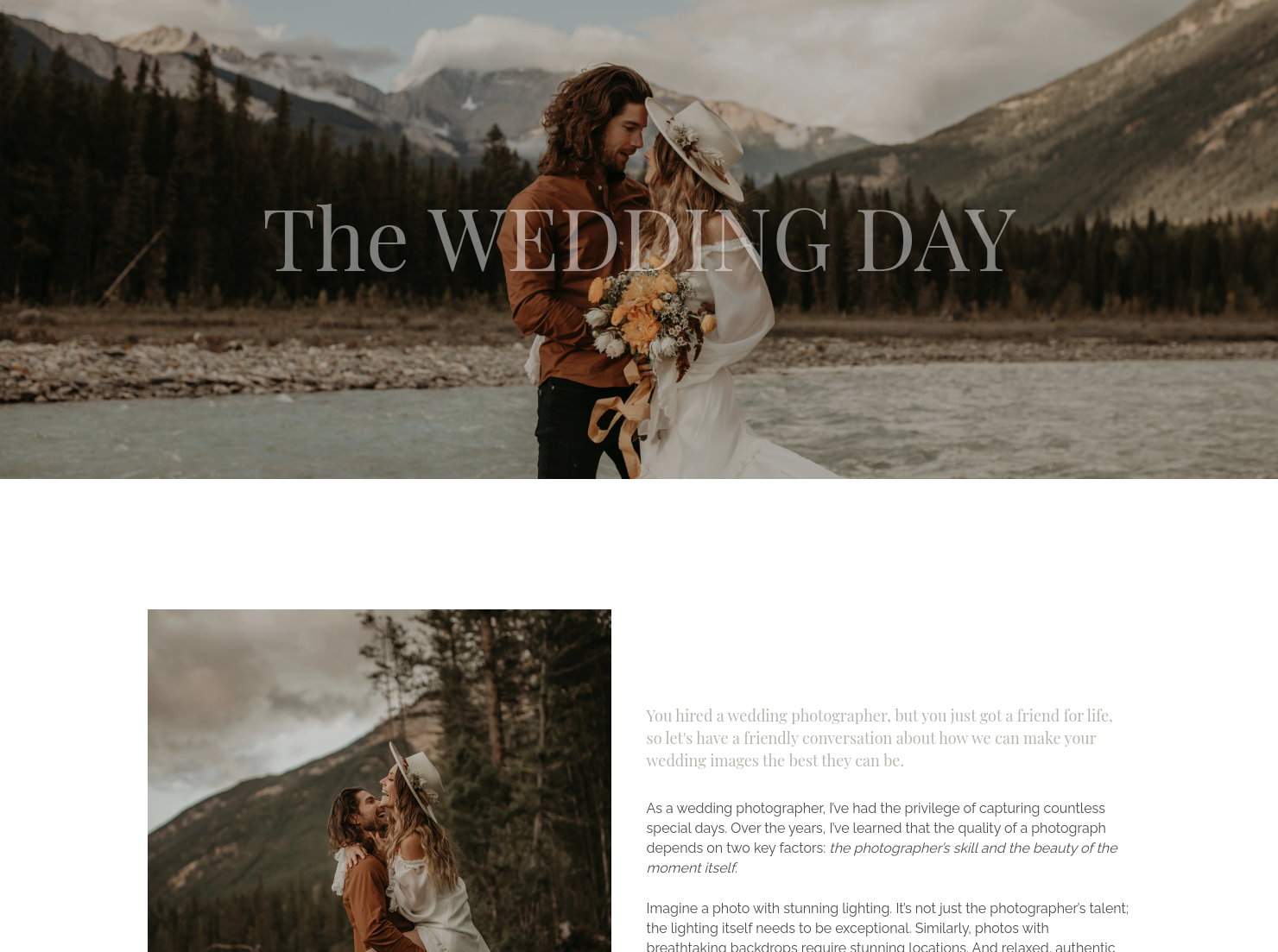
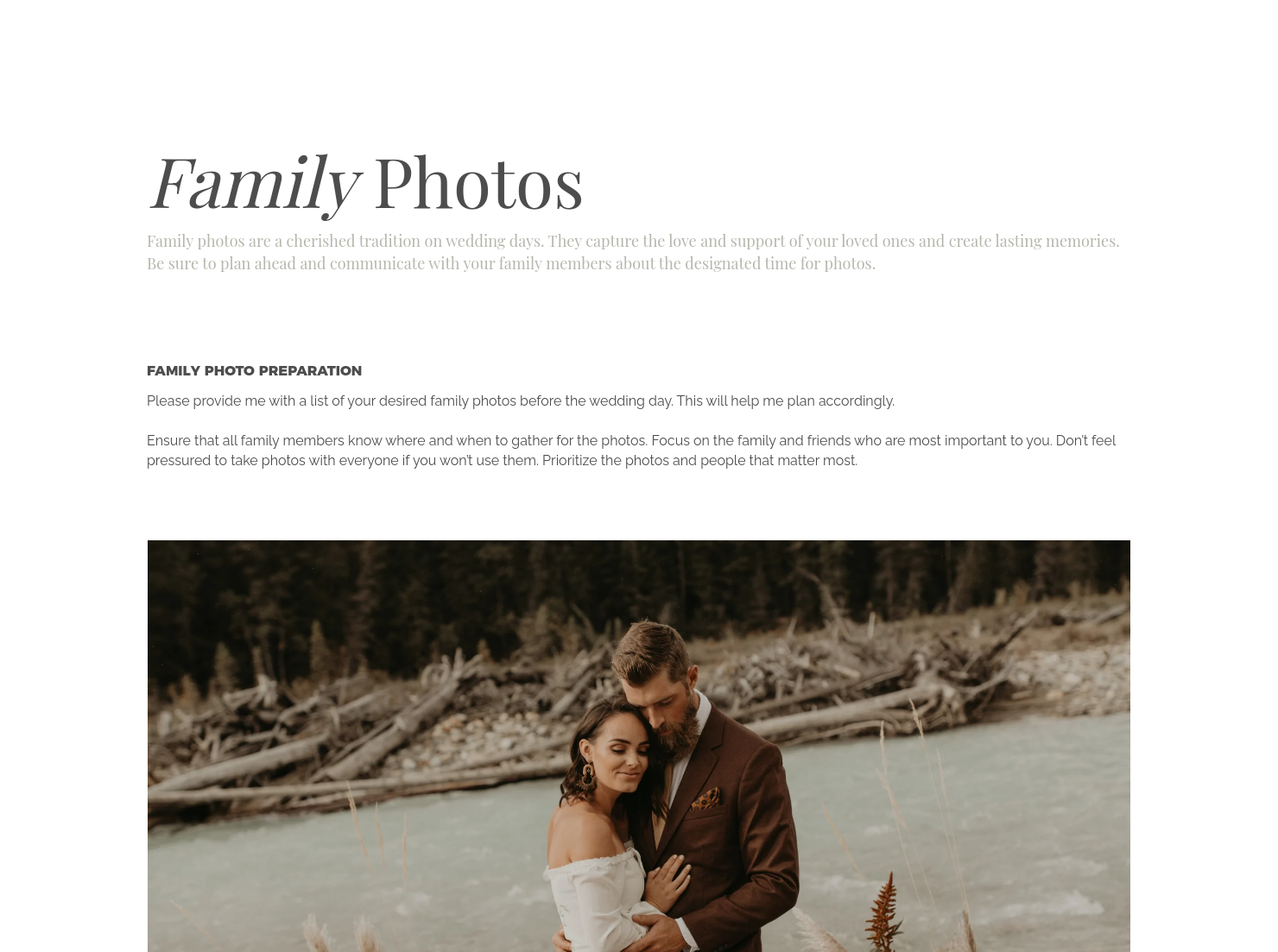
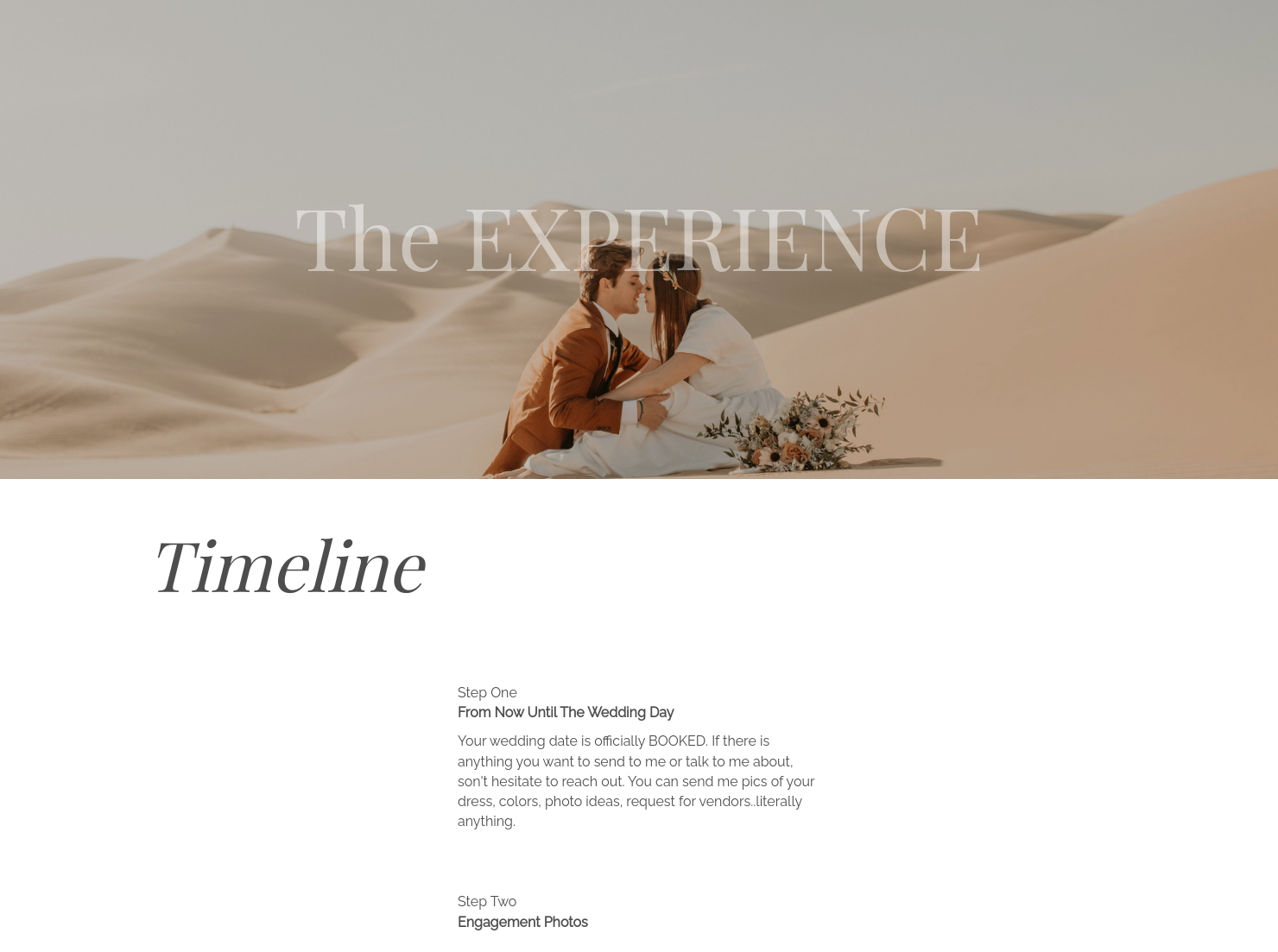
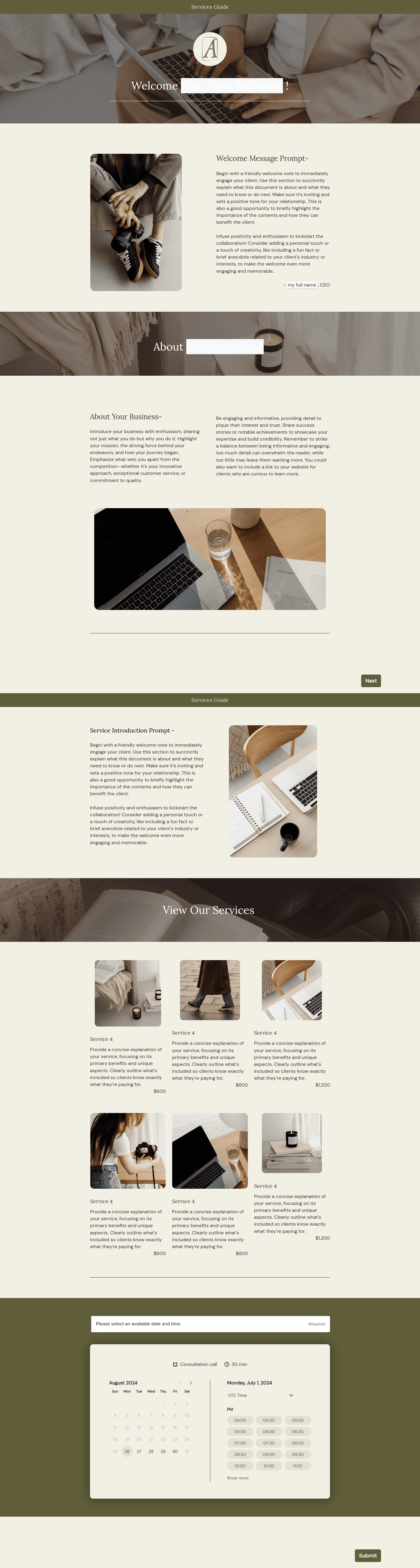
Introduce couples to your process and service with the Athena welcome guide . This comprehensive document helps set clear expectations and encourages a clear planning experience. The guide covers details for every photography moment on the wedding day, the timeline and FAQ. You can start with the pre-made elements and then add your own touch to match your brand voice.
Wedding photography clients often have many questions after booking. Without a structured welcome guide, photographers may spend time repeating the same information or clarifying expectations throughout the planning process.
A well-crafted welcome guide helps photographers:
- Build trust and professionalism from the start
- Clearly explain the workflow and communication process
- Reduce repetitive questions from clients
- Set expectations for timelines, deliverables, and collaboration
A professional welcome guide should provide couples with clear information about working together.
Core elements typically include:
- Photographer’s introduction and brand story
- Overview of the wedding photography process
- Communication guidelines and response times
- Planning timelines and important milestones
- Tips for preparing for engagement sessions or wedding coverage
- Frequently asked questions for clients
- Next steps in the workflow
These elements help couples understand what to expect and how to prepare for their photography experience.
An effective welcome guide should clarify your service but also feel welcoming.
On one hand, it needs to explain your workflow clearly, to simplify planning for both sides. But also, the message should be warm and include advice that builds trust and confidence.
Couples want to know they are working with a professional. However, they are often not as much interested in technical information, rather want to be sure they are working with someone who understands their needs and can help them prepare.
This template is most useful immediately after a couple books your services and enters the onboarding phase.
Common use cases include:
- Welcoming newly booked wedding photography clients
- Explaining the planning and communication process
- Providing preparation tips for engagement sessions or wedding coverage
- Setting expectations for deliverables and timelines
Sending a welcome guide early helps couples feel confident about working with you.
Catering has a lot of moving parts, and the menu sits in the center. If your catering menu is scattered across emails, texts, and screenshots, mistakes show up at the worst time.
A structured menu template helps in practical ways.
- Builds client trust and a professional first impression.
- Speeds approvals by making choices simple.
- Reduces payment disputes by documenting totals and terms.
- Saves time by cutting back and forth.
That means fewer surprises for clients and fewer fire drills for you.
Get started with the Athena welcome guide
Using a template will help you create professional documents without having to build everything from scratch. You can get started with the pre-made elements, then adjust the message and branding to match your voice and workflow.
FAQs
Below are quick answers to common questions from caterers building a catering menu that clients can approve with confidence.
Most photographers send a welcome guide shortly after the couple signs the contract and pays their deposit.
A strong welcome guide usually includes an introduction to your process, communication expectations, planning timelines, tips for engagement sessions, and answers to common questions couples have during the planning stage.
Yes, you can use the same structure, but make duplicates of the template and edit sections depending on the wedding and client priorities.
Templates allow you to standardize documents like proposals, questionnaires, and welcome guides so every client receives a consistent experience.
Yes. With the HoneyBook mobile app, you can create, edit, and send templates directly from your phone.
Related templates









Related Templates

.png)

.png)

Make it your own
Fully customize the template to fit your needs. Quickly apply your company branding with just a few clicks.

Share with clients
Create exceptional client experiences through HoneyBook’s dedicated client portal, allowing them to read, review, and take action from any device.

Reuse and scale
Use your customized files with different clients again and again to save time and make managing client interactions that much easier.

Join the 100,000+ businesses growing with HoneyBook.
