















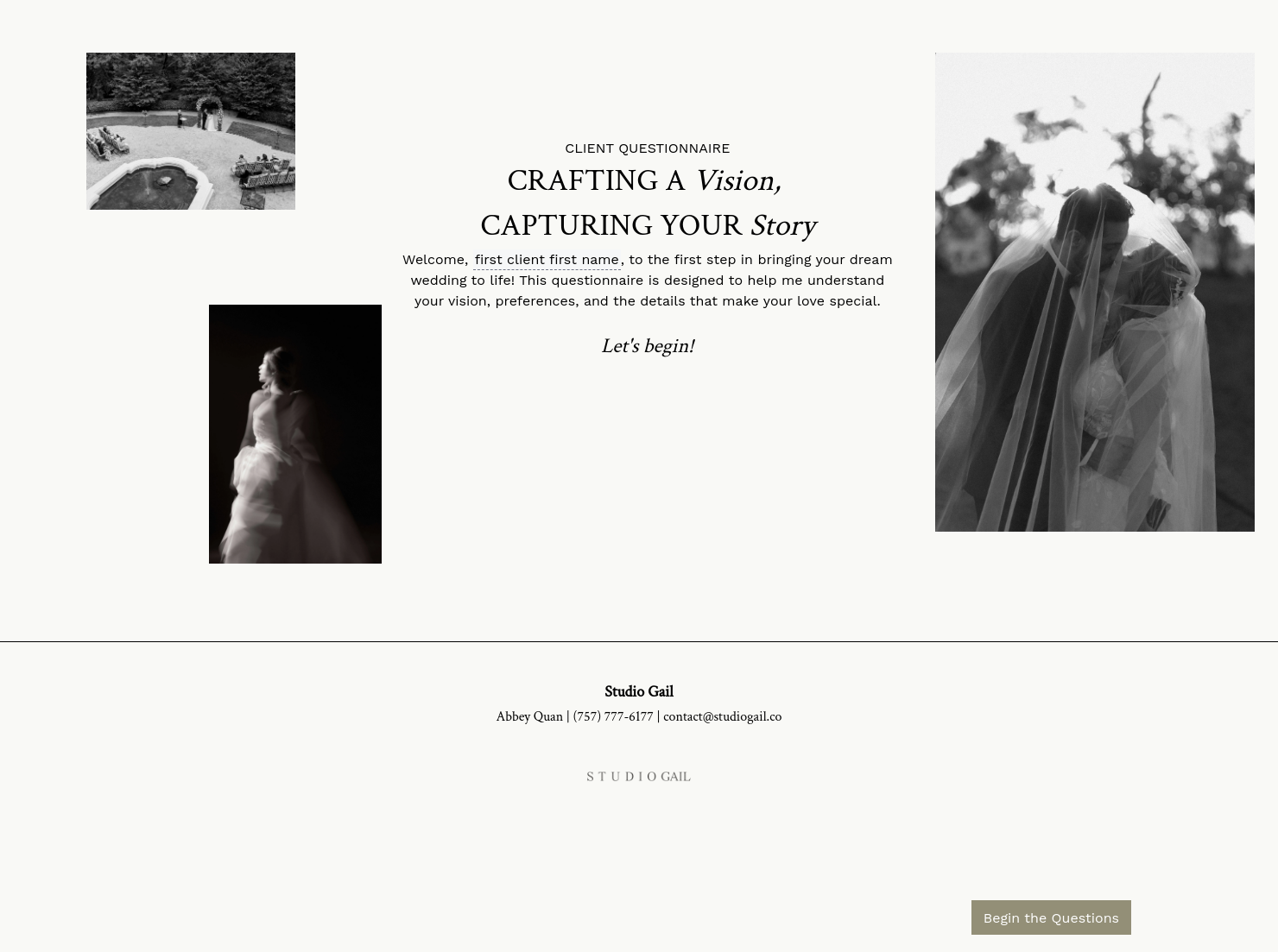
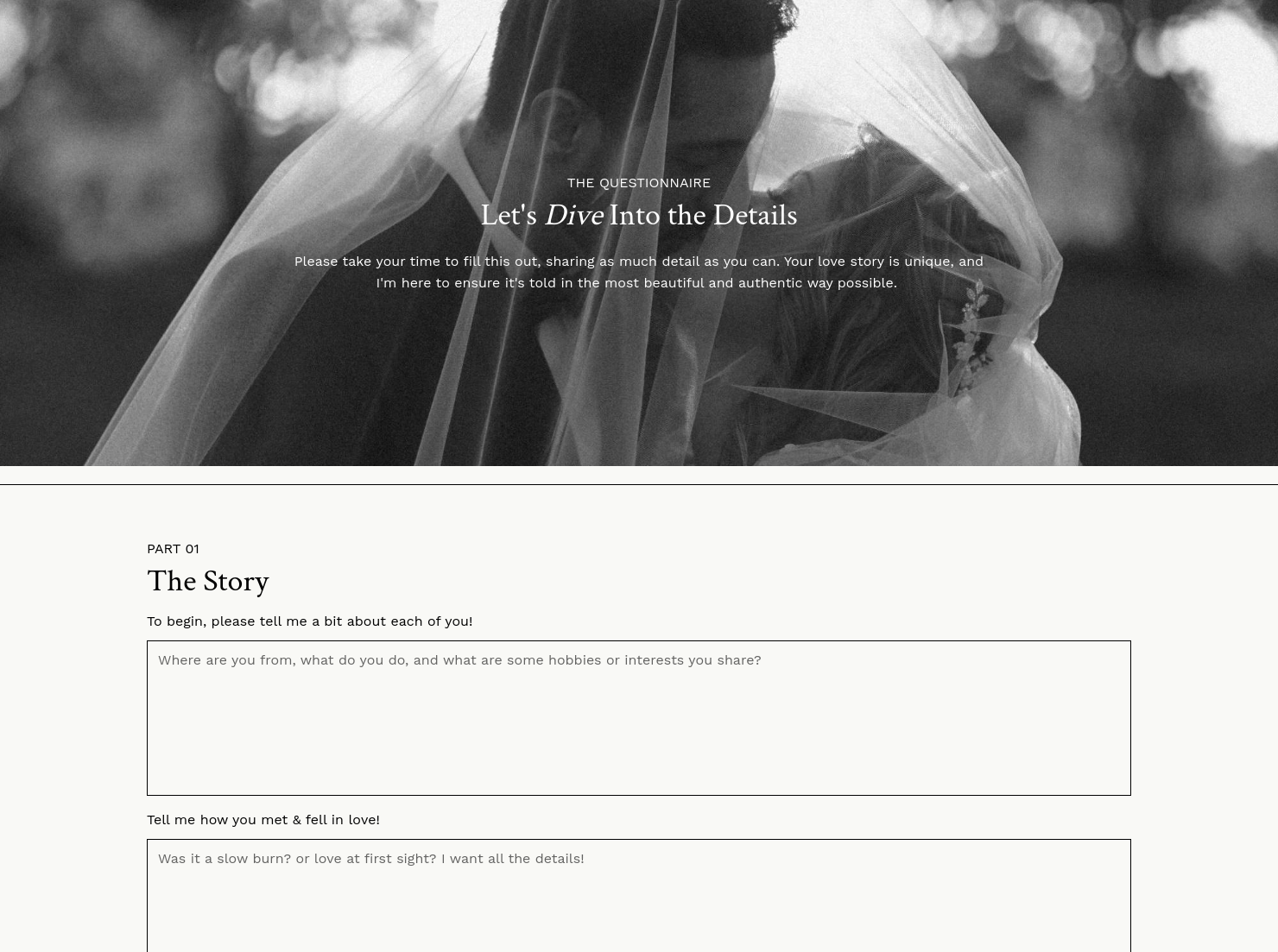

Questionnaire

Get client input, collect project details, and set expectations ahead of—or during—any project.

Ready-to-use copy
Templates come filled with prewritten copy you can use as is or edit to match your brand and business.

Scheduling
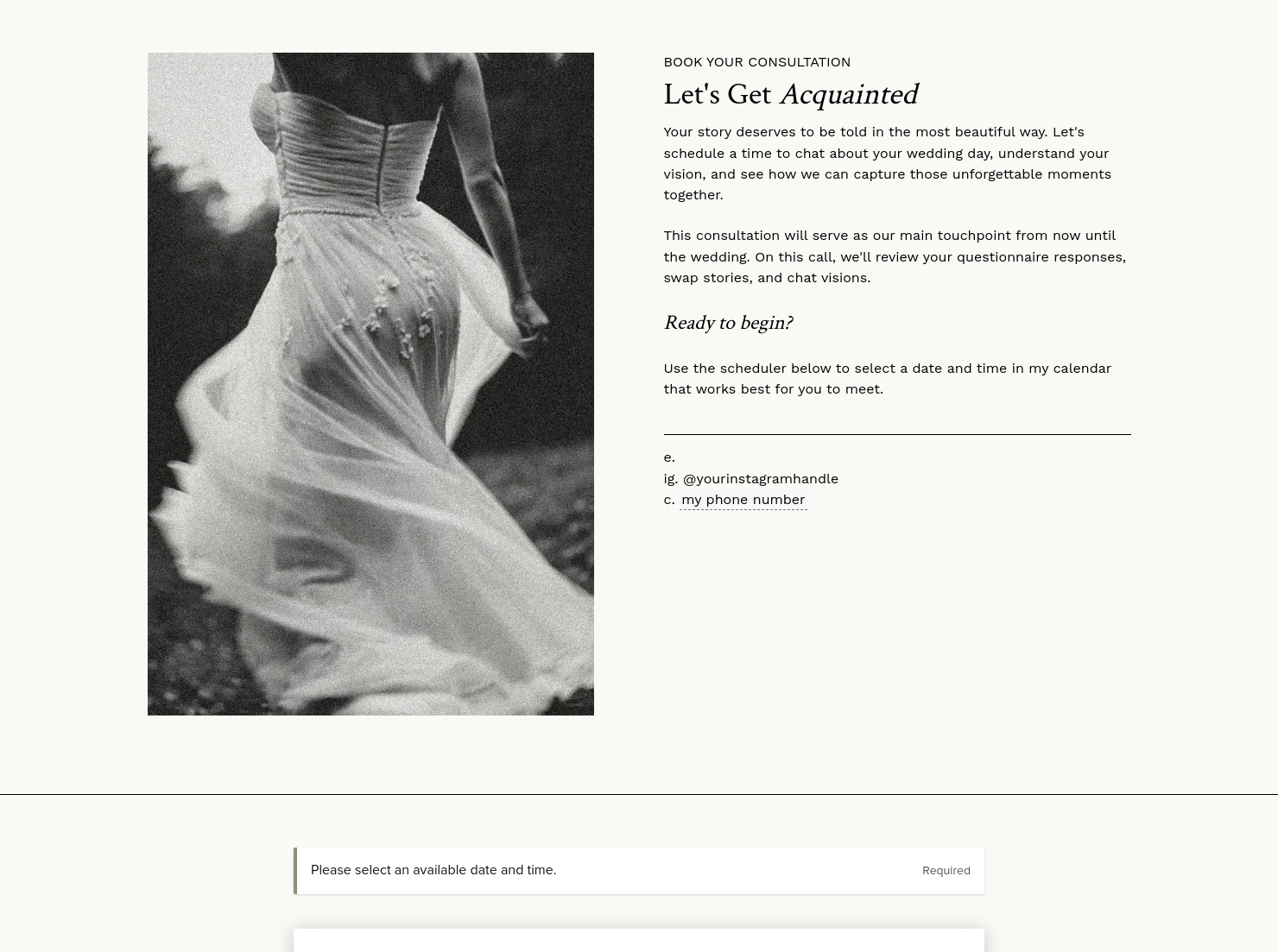
Let clients book meetings, sessions, or appointments during your available time slots.


“
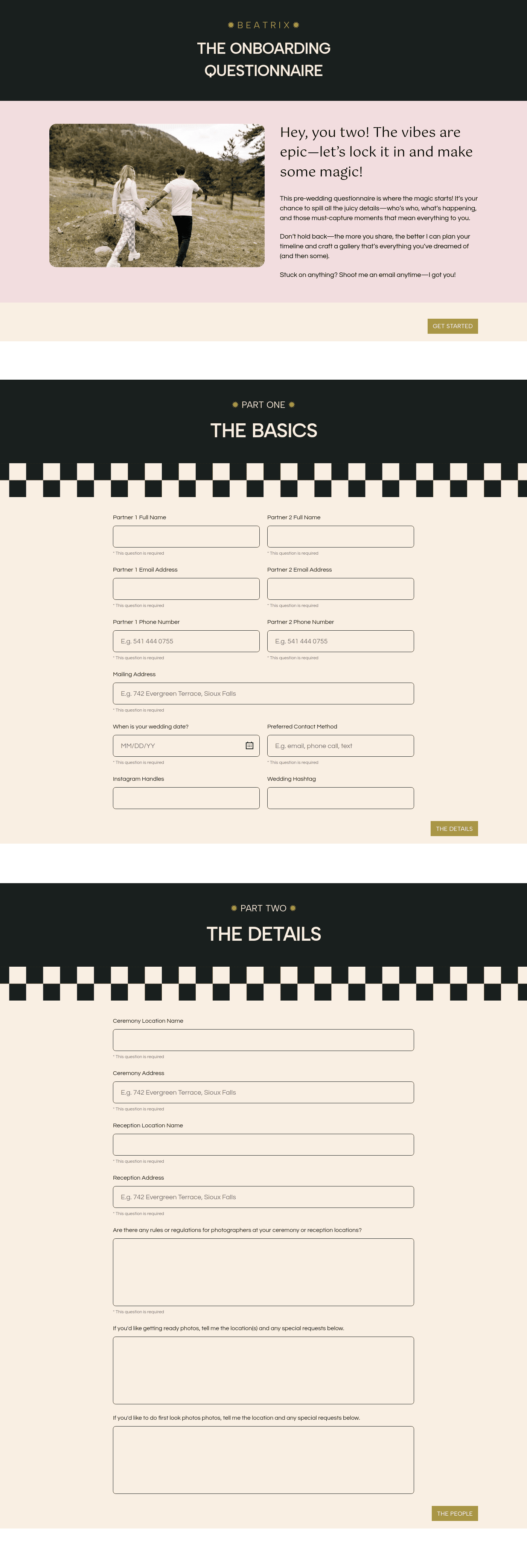
This ready-to-send questionnaire helps you gather all the must-know wedding details and understand your client’s vision as you onboard them!
”

October 11, 2026

All there is to know about the editorial wedding photography onboarding questionnaire templates
An editorial wedding photography onboarding questionnaire helps photographers gather the details they need once a couple officially books. Wedding photographers usually send it early in the onboarding process so they can gather timeline information, wedding details, preferences, and logistical notes in one place before planning begins.
Editorial wedding photography often depends on thoughtful preparation. Once a couple of books, photographers need more than the date and venue. They also need context around the schedule, priorities, family dynamics, creative preferences, and event flow.
Without a clear onboarding questionnaire, important details can get missed or collected too late. A well-structured questionnaire helps you:
- Gather key information in one organized step
- Reduce back-and-forth emails before the wedding
- Prepare for the event with more confidence
- Support a smoother client experience after booking
For editorial photographers, this kind of document also helps create a more consistent process as inquiries turn into active clients.
A strong editorial wedding photography onboarding questionnaire should include the details you need to prepare for the wedding and communicate clearly with the couple.
- Couple's names and contact information
- Wedding date, venue, and event locations
- Timeline details or estimated schedule
- Planner, coordinator, or vendor contact information
- Coverage priorities and must-have moments
- Family details that may affect portraits or planning
- Style preferences, inspiration, or creative notes
- Travel or logistics information, if needed
These details help turn the questionnaire into a practical planning tool. A strong questionnaire should also reflect the way you prepare for weddings, so the information you collect supports your process rather than creating extra follow-up later.
An effective onboarding questionnaire helps you collect the right information at the right stage of the client relationship. Couples should be able to complete it without confusion, and the answers should give you a stronger understanding of the event before you move deeper into planning.
Start by keeping the structure easy to follow. Group questions by topic so couples can move through the form naturally. If you need details about the venue, timeline, family photos, or aesthetic preferences, each section should feel clear and purposeful. Long, scattered forms can make people rush through their answers or skip important details.
The best questionnaires also balance logistics with relationship-building. Editorial wedding photography often involves a strong creative point of view, so it helps to ask questions that go beyond timing and locations. Details about the couple’s priorities, the mood they want to create, or the parts of the day that matter most can help you prepare more thoughtfully.
Use this template after a couple of books with you and before deeper planning begins. It is especially useful when:
- Confirming details after the contract is signed
- Collecting information before a planning call
- Preparing for timeline conversations
- Gathering logistics before the wedding day
- Standardizing your post-booking process
Using an editorial wedding photography onboarding questionnaire early helps you collect details while they are still easy to organize. It also gives couples a clear next step after booking and helps you begin planning with better information.
Catering has a lot of moving parts, and the menu sits in the center. If your catering menu is scattered across emails, texts, and screenshots, mistakes show up at the worst time.
A structured menu template helps in practical ways.
- Builds client trust and a professional first impression.
- Speeds approvals by making choices simple.
- Reduces payment disputes by documenting totals and terms.
- Saves time by cutting back and forth.
That means fewer surprises for clients and fewer fire drills for you.
FAQs
Below are quick answers to common questions from caterers building a catering menu that clients can approve with confidence.
An editorial wedding photography onboarding questionnaire helps photographers gather the information they need after booking and before the wedding. It keeps important details in one place and helps guide the planning process.
It should include wedding details, timeline notes, vendor contacts, coverage priorities, family information, and any creative preferences that may affect how you photograph the day.
Most photographers send it after the contract is signed and the client officially books. That timing gives couples a clear next step while helping you start planning with better information.
HoneyBook templates give photographers a repeatable way to send onboarding forms, pricing guides, proposals, contracts, and other client-facing files without rebuilding them for every booking. With Smart Files, it’s easier to keep the client process consistent.
You can customize Smart Files with your own branding, messaging, and service details so the file matches the way you work and the experience you want clients to have.
Yes. With the HoneyBook mobile app, you can manage Smart Files and client communication from anywhere, which makes it easier to keep bookings and wedding planning details moving even when you are away from your desk.
Related templates









Related Templates

.png)

.png)
%2520(1).avif)



Make it your own
Fully customize the template to fit your needs. Quickly apply your company branding with just a few clicks.

Share with clients
Create exceptional client experiences through HoneyBook’s dedicated client portal, allowing them to read, review, and take action from any device.

Reuse and scale
Use your customized files with different clients again and again to save time and make managing client interactions that much easier.

Join the 100,000+ businesses growing with HoneyBook.
