
















Scheduling

Let clients book meetings, sessions, or appointments during your available time slots.

Services
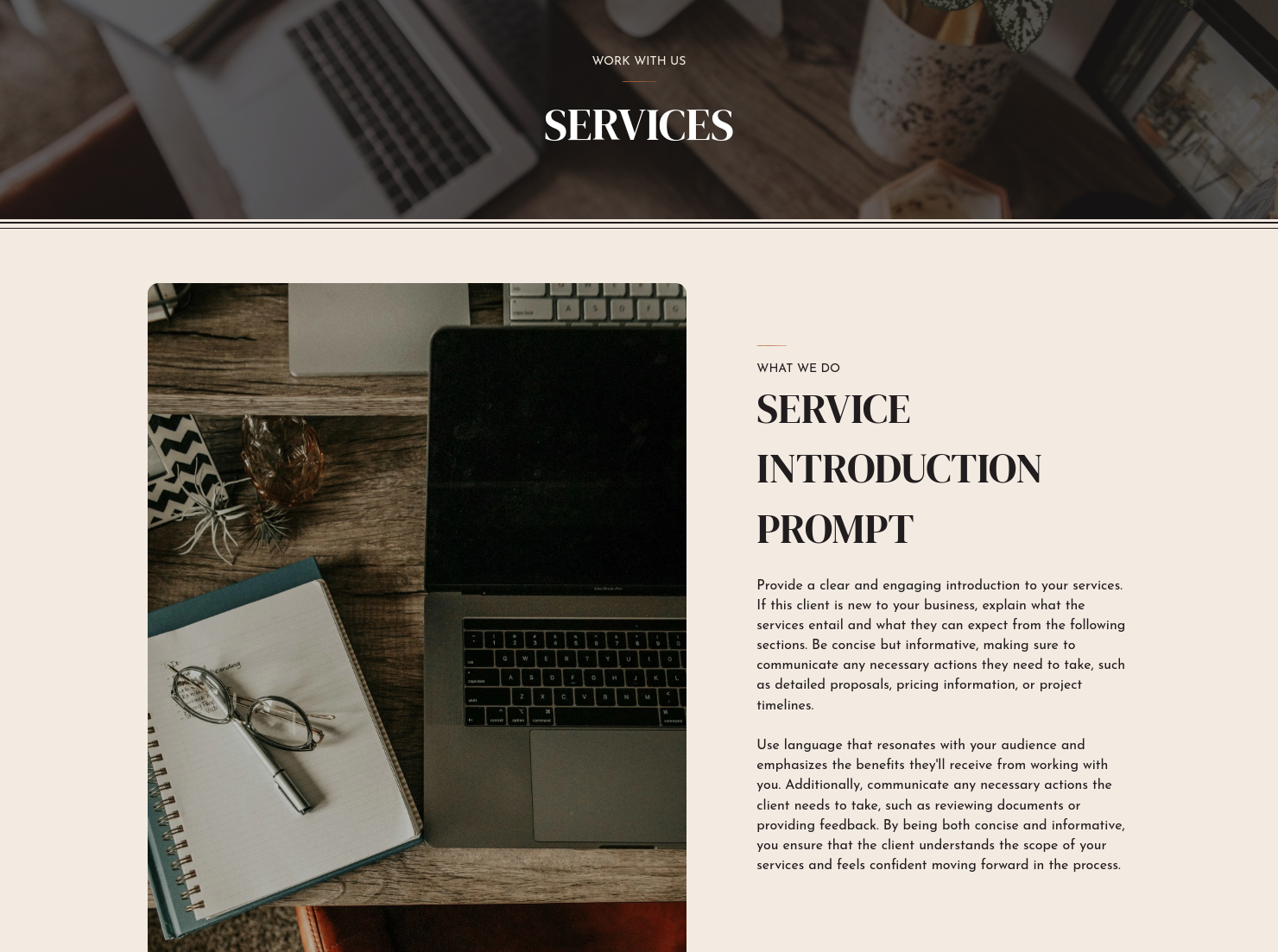
Showcase your services for easier client booking.


“
”

October 25, 2026

Business coaching service guide template: How to customize it for top results
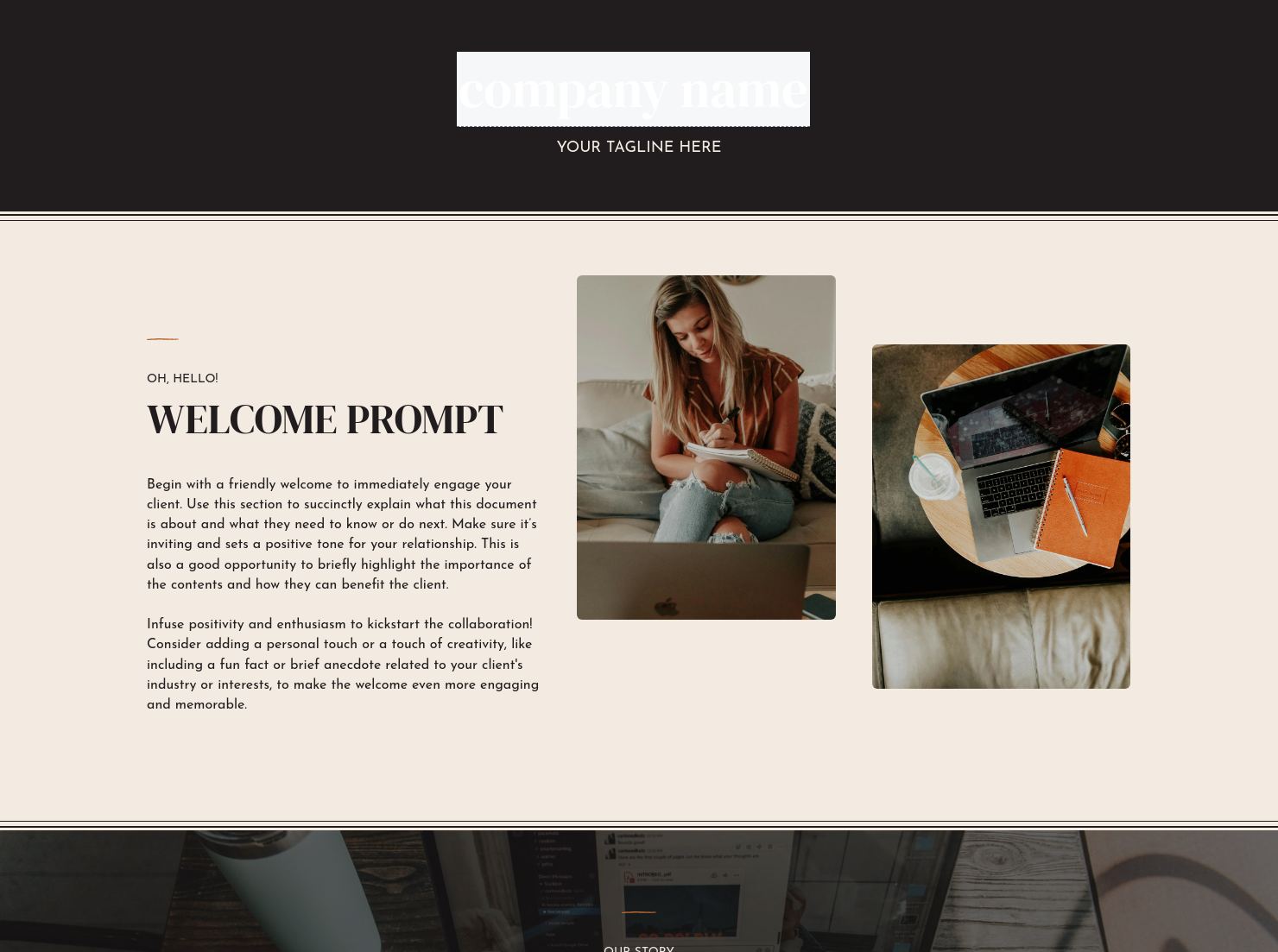
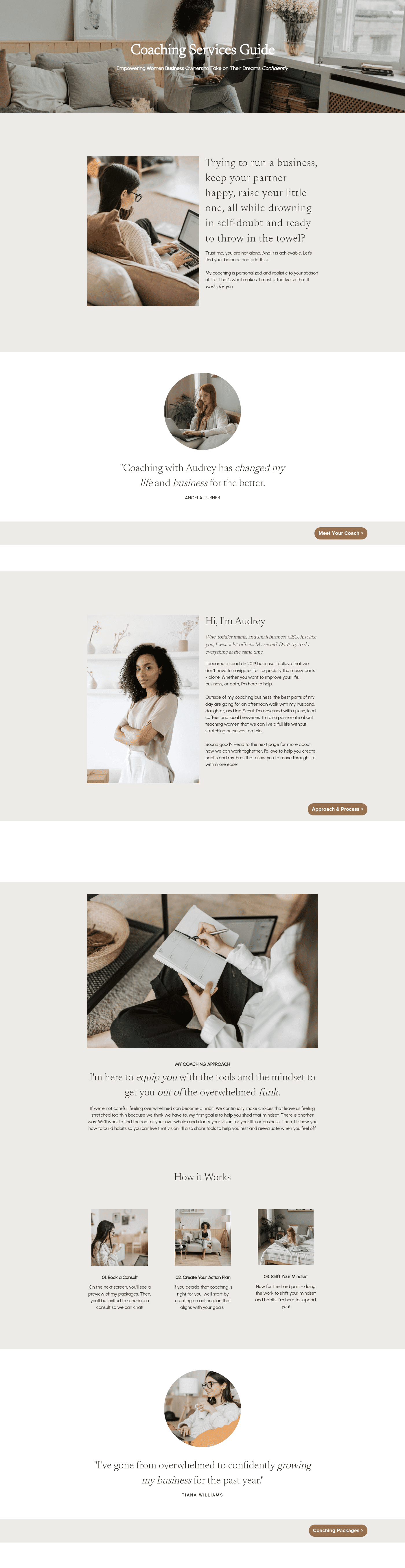
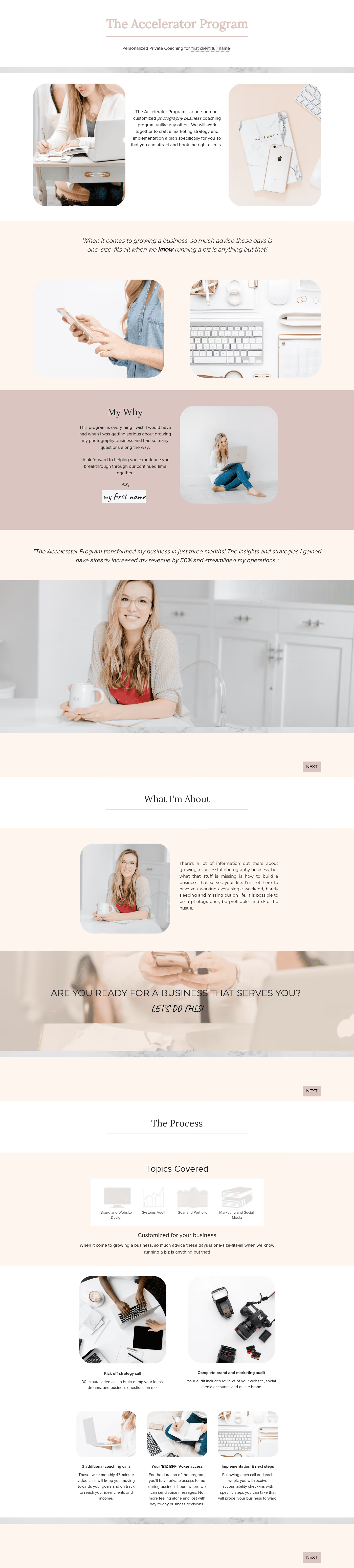
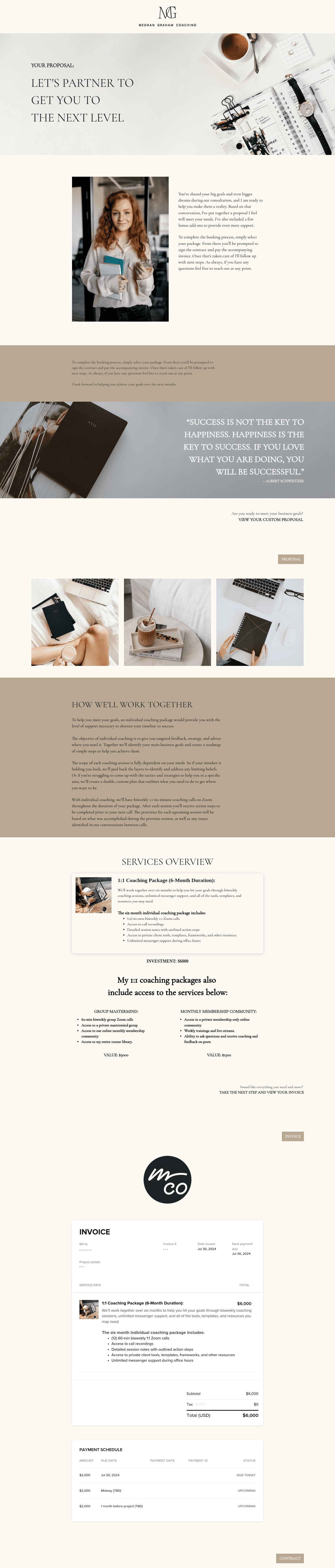
A business coaching service guide template is a customizable document that outlines your offerings, including your coaching programs, pricing, and reviews. These are ready-made templates with inclusions for scheduling and invoices, making it a one-stop calling card for business coaches like you.
Business coaching service guides save you time on repeat questions and show your professionalism as a coach. This way, prospective clients see your value and book you faster.
A properly structured service guide helps business coaches in:
- Setting expectations about the structure of the coaching sessions.
- Answering repetitive questions about your packages and pricing.
- Helping potential clients review your details without needing multiple emails.
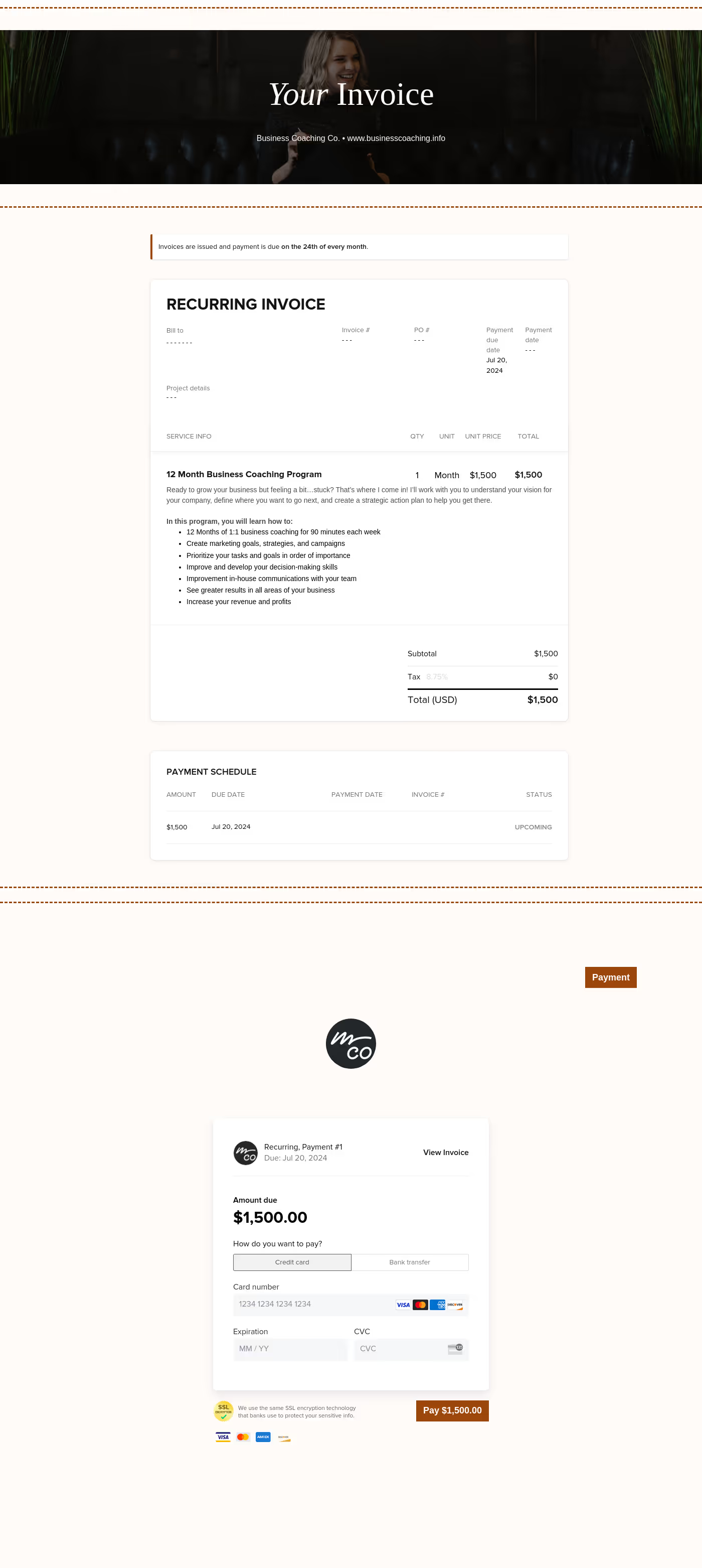
Plus, these service guide templates provide scheduling links, invoices, and eSign contracts, making it an all-in-one marketing and sales hub for business coaches.
A service guide for a business coach must contain the following essential information:
- Coaching approach: Explain your type of coaching and the specific problems you help solve.
- Service tiers: Break down your packages, including 1-on-1 coaching and group workshops.
- Process roadmap: Offer a step-by-step visual of what the first 90 days might look like.
- Deliverables: List down exactly what the client will receive, including weekly calls, email support, or specific workbooks.
- Payment details: Give clients a pricing range, along with payment plan options and refund or cancellation policies.
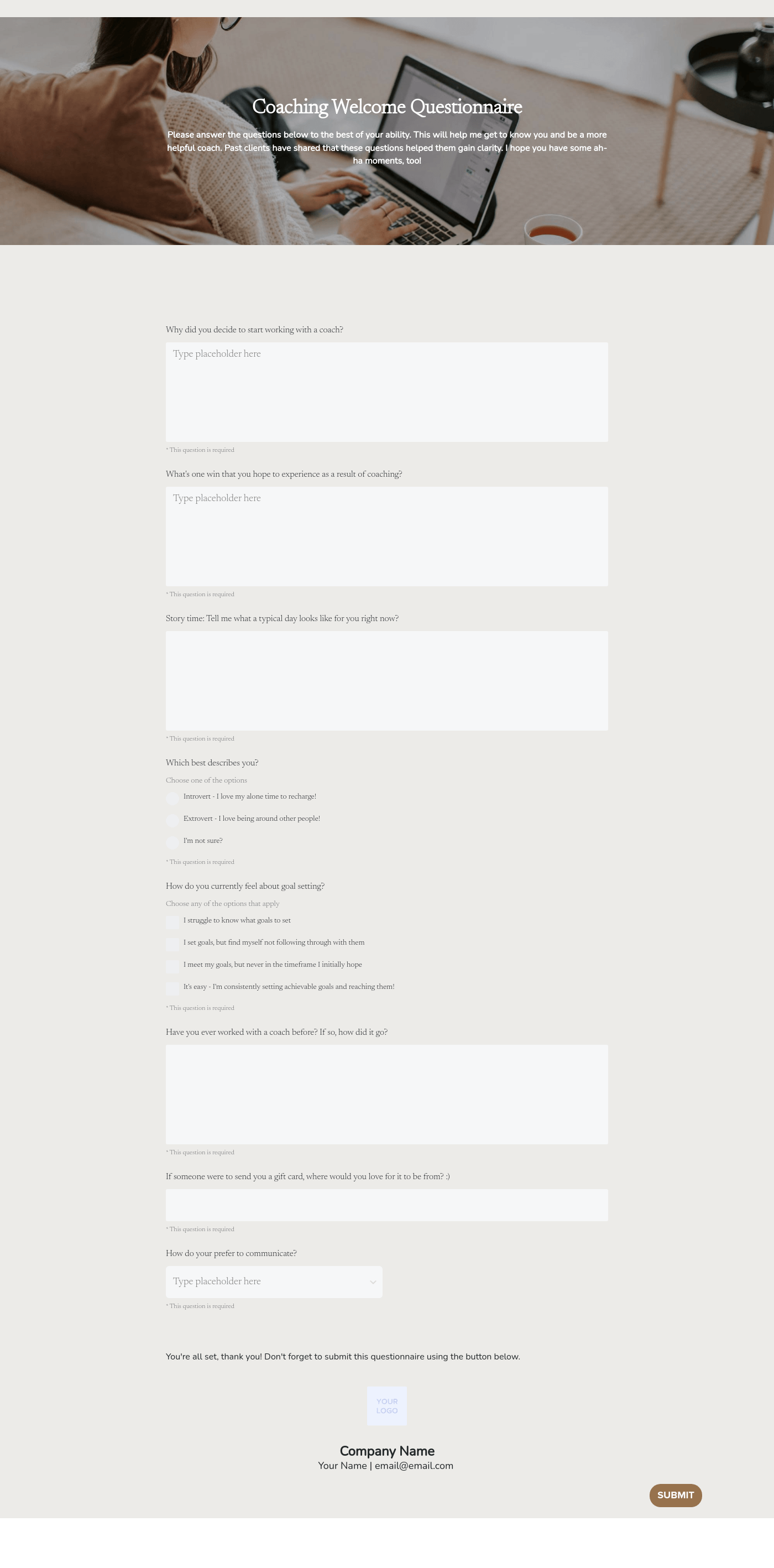
- Client questionnaire: Include a brief questionnaire to gather initial information about the client.
- Social proof: Add a short testimonial or client review to show your credibility as a business coach.
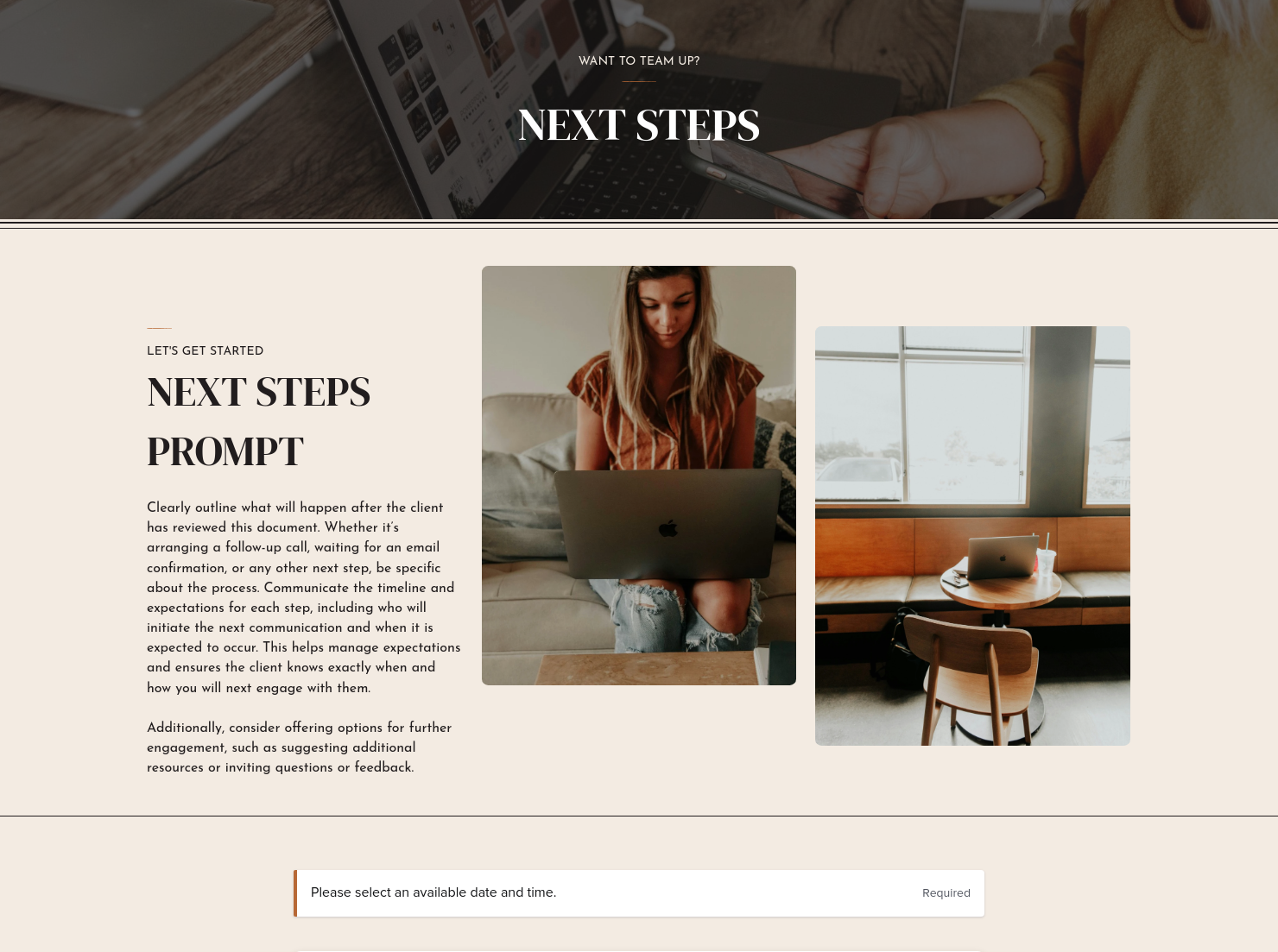
- Next steps and CTA: Guide clients on what they can do next, whether it's booking a discovery call or completing the questionnaire.
- eSign contract: It's optional, but a more dynamic service guide could include eSign contracts to help close deals more conveniently.
More than informing your clients about your coaching programs, your service guide should also be an extension of your brand voice. Making yourself relatable is what makes your business coaching service guide more effective.
- Incorporate a client-centric language and focus on their pain points. Service guide templates make it easier for you to modify your content based on the client you'll give it to.
- Aim for brief sections using short paragraphs, bullet points, and clear headings. Clients might not have the time to read long documents.
- Include information about how you've successfully coached a previous or current client. Short testimonials or data points help potential clients warm up to your coaching approach.
- Maintain a consistent brand voice. You can modify the content of the service guide, but ensure that you have the same visual and communication style.
Most business coaches share their service guide after the first discovery call, but you can also use it in other stages of the client journey:
- Include it in automated inquiry responses, particularly in your social media channels.
- Share as a reference for the client after the discovery call.
- Attach the guide to your business coaching proposal, ensuring that it's modified to the specific client.
- Place the service guide in welcome materials to help onboard new clients.
If you have a website or a Linktree, make sure that you embed links to your service guides.
Instead of starting from scratch, you can customize HoneyBook's business coaching service guide templates and add their unique branding. It's a dynamic file where clients can select the coaching service they need and pay in one go.
These ready-to-use templates allow business coaches to easily modify workflows in their service guides, particularly in the following areas:
- Edit text in different sections, including coaching philosophy, pricing details, and program structure.
- Swap out images, fonts, and color themes to match your unique branding.
- Automate sending the guide when you receive new inquiries.
- Save it as a reusable document for you to modify in the future.
- Track user engagement, particularly when a lead opens the file.
HoneyBook's dynamic templates come with automation features, saving you time and allowing you to properly respond to inquiries.
Catering has a lot of moving parts, and the menu sits in the center. If your catering menu is scattered across emails, texts, and screenshots, mistakes show up at the worst time.
A structured menu template helps in practical ways.
- Builds client trust and a professional first impression.
- Speeds approvals by making choices simple.
- Reduces payment disputes by documenting totals and terms.
- Saves time by cutting back and forth.
That means fewer surprises for clients and fewer fire drills for you.
FAQs
Below are quick answers to common questions from caterers building a catering menu that clients can approve with confidence.
Yes, transparency in your pricing structure builds trust and saves time. Many business coaches include either full package pricing or starting investment ranges.
Most business coaching service guides are between 4 and 8 pages. Focus on essential information, including your coaching programs, process, and pricing structure.
Yes, HoneyBook allows you to include service guides within proposals, smart files, or automated workflows. You can learn how our service guide templates work in HoneyBook's Workflows section:
Yes, you can adjust colors, fonts, and imagery to match your unique brand as a business coach. You can learn more about modifying service guide templates on HoneyBook's Files and Templates section.
Related templates









Related Templates




Make it your own
Fully customize the template to fit your needs. Quickly apply your company branding with just a few clicks.

Share with clients
Create exceptional client experiences through HoneyBook’s dedicated client portal, allowing them to read, review, and take action from any device.

Reuse and scale
Use your customized files with different clients again and again to save time and make managing client interactions that much easier.

Join the 100,000+ businesses growing with HoneyBook.
