








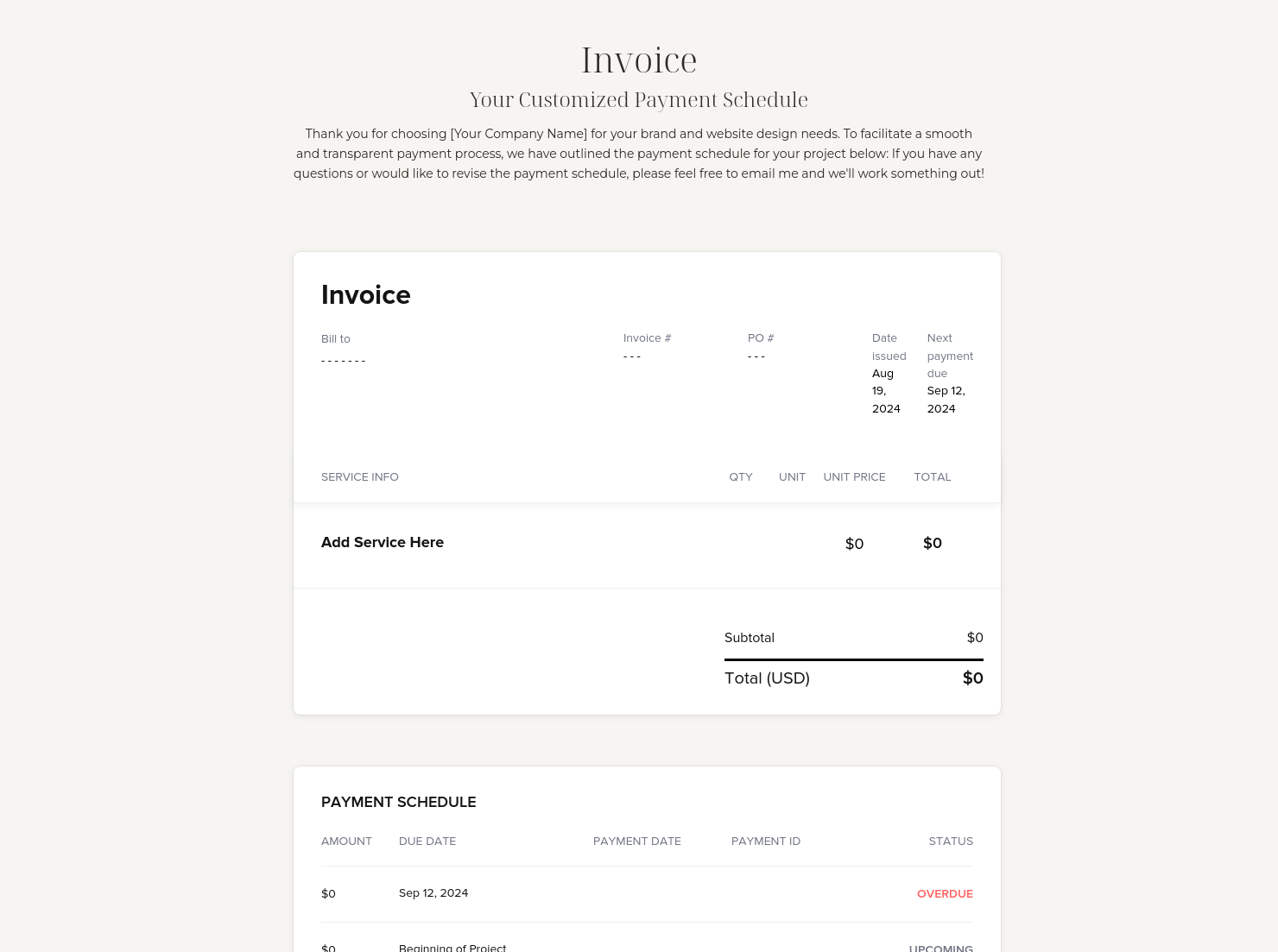
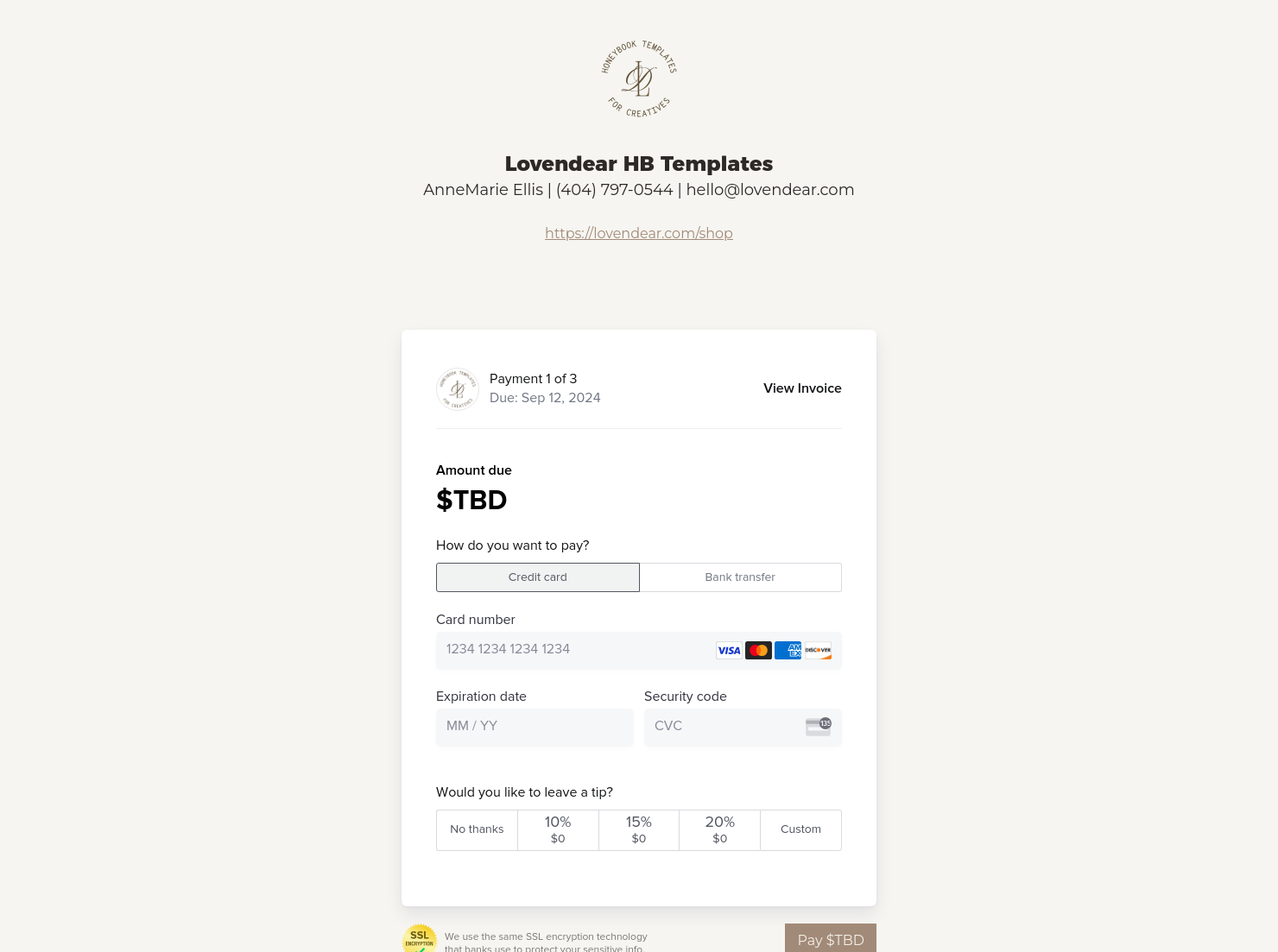
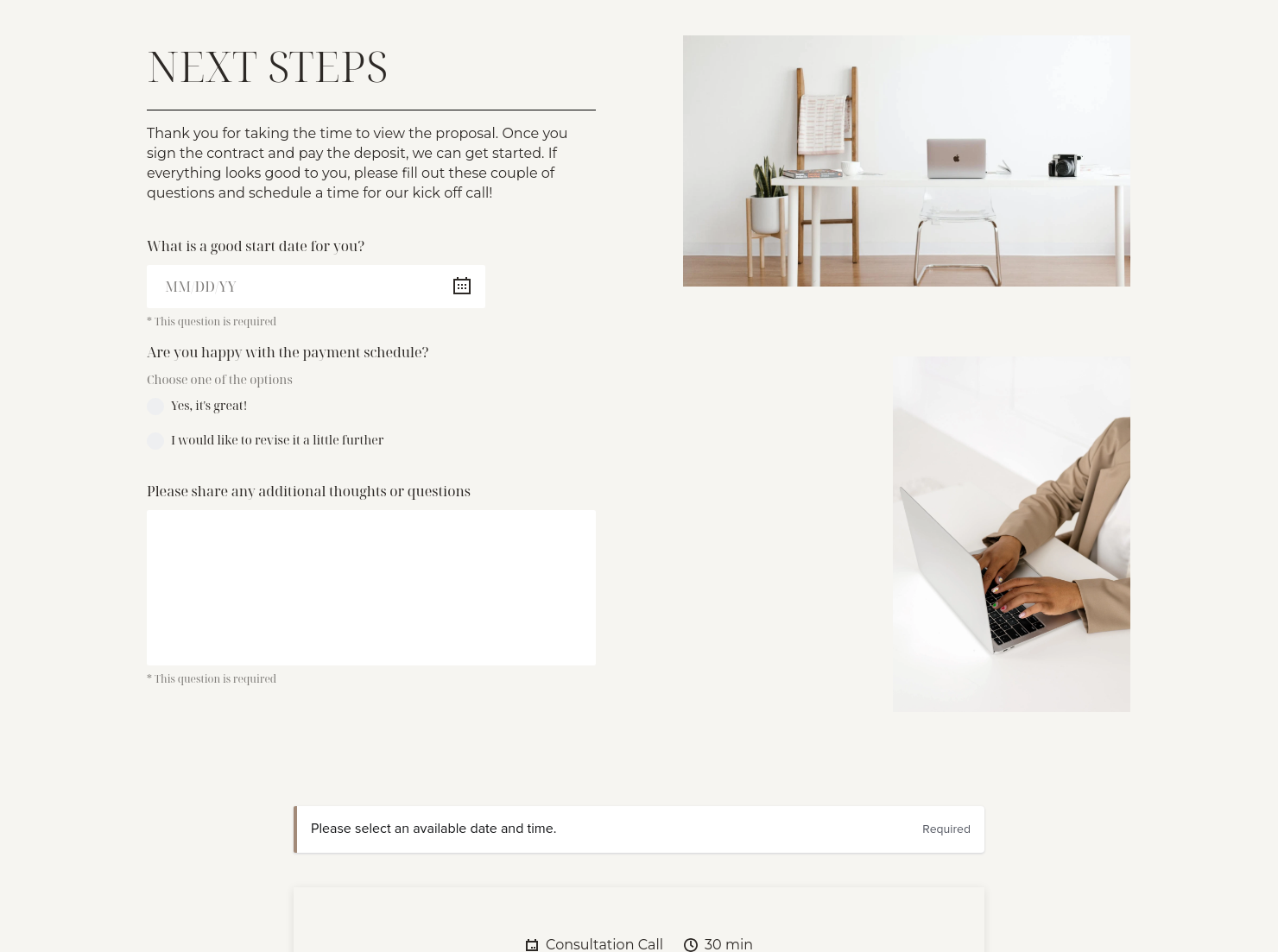

Invoice & online payments

Make it easy for clients to book and pay for your services–all in one file.

Questionnaire
Get client input, collect project details, and set expectations ahead of—or during—any project.

Ready-to-use copy
Templates come filled with prewritten copy you can use as is or edit to match your brand and business.

Scheduling
Let clients book meetings, sessions, or appointments during your available time slots.

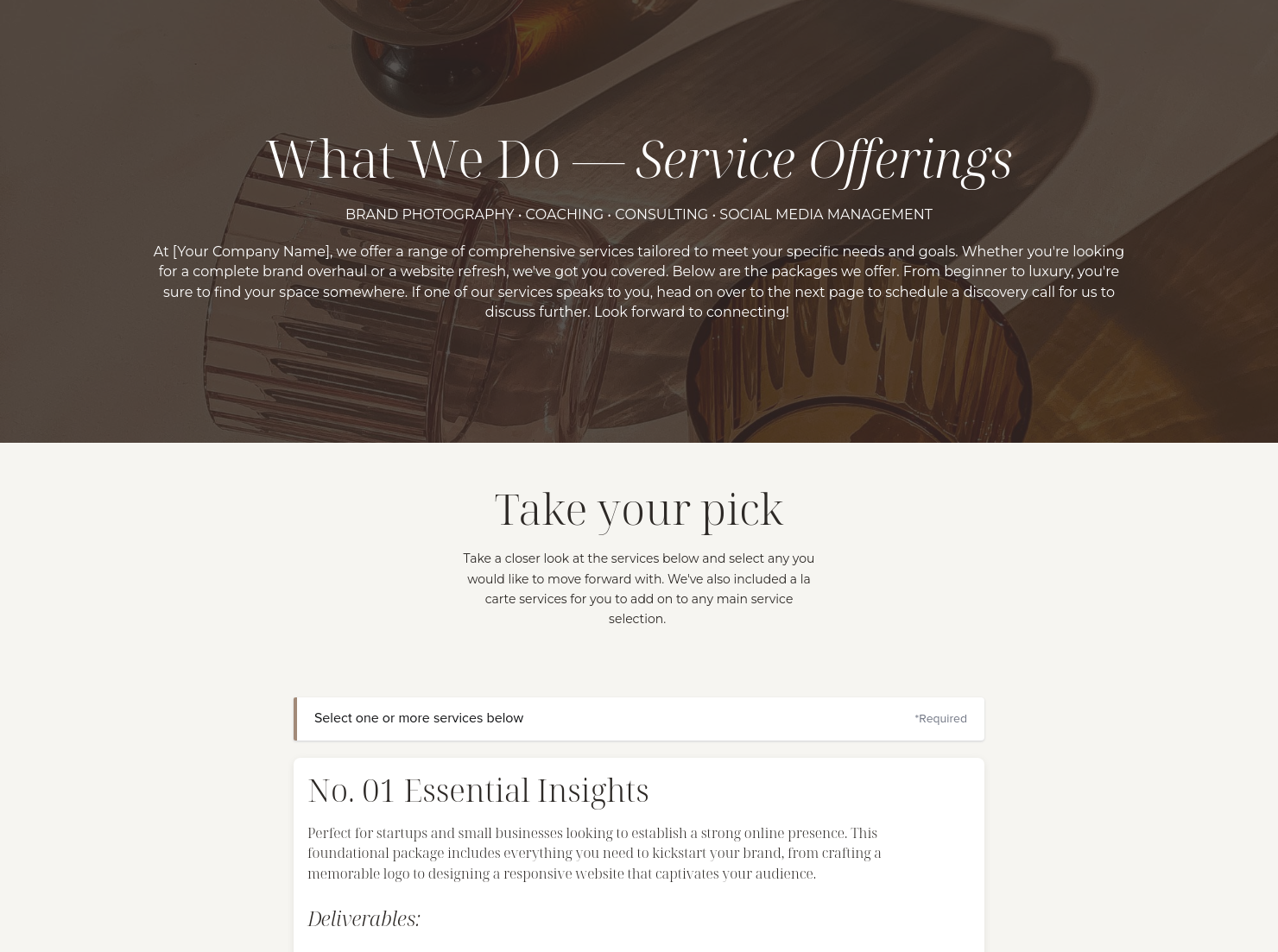
Services
Showcase your services for easier client booking.

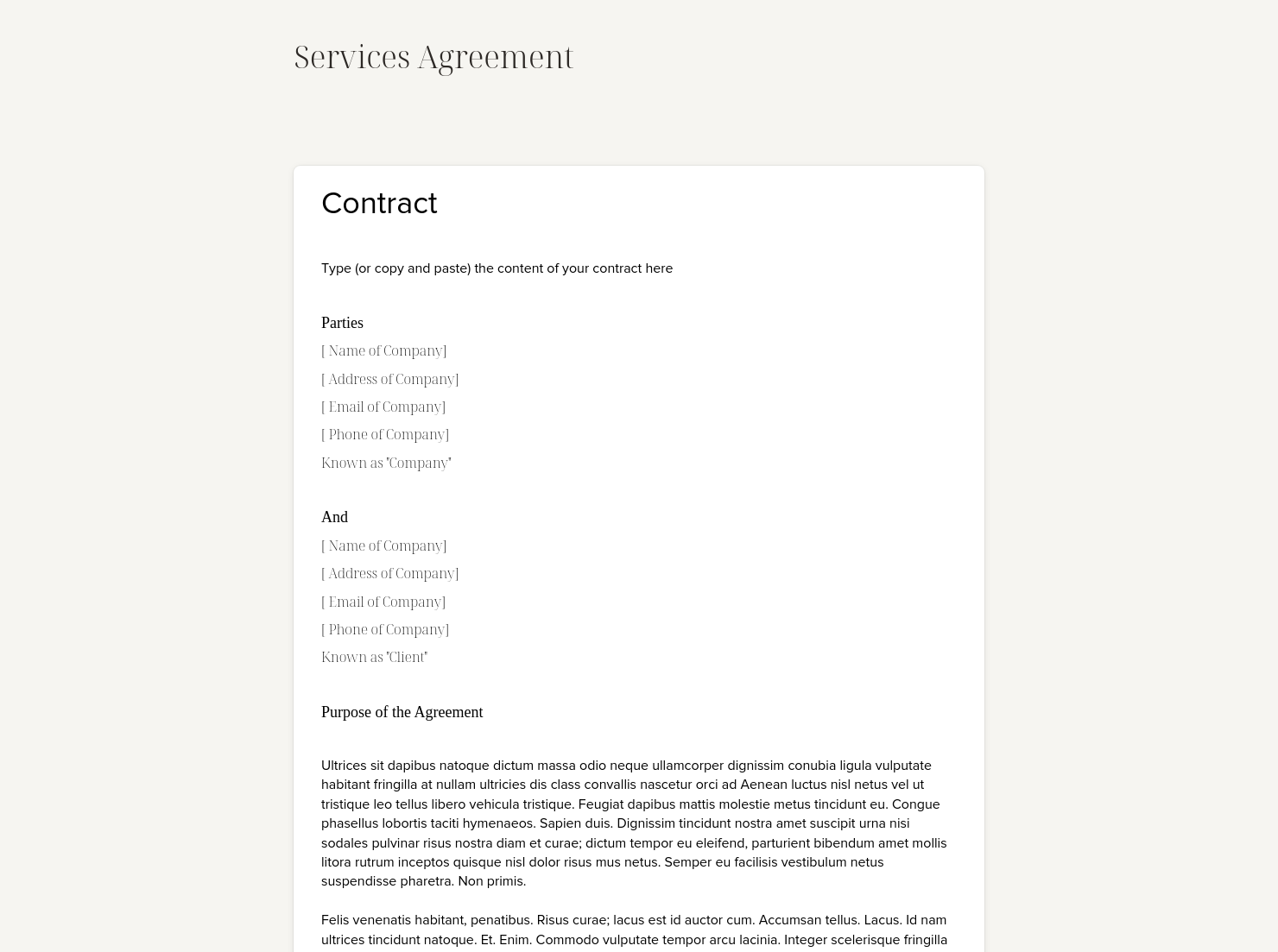
Contract for eSigning
Sign clients easily on the go via eSign with your contracts, or use one of HoneyBook's lawyer-approved contracts


“
Use this template to send to potential clients to book your services!
”

October 18, 2026

Designer proposal template: How to customize it for top results
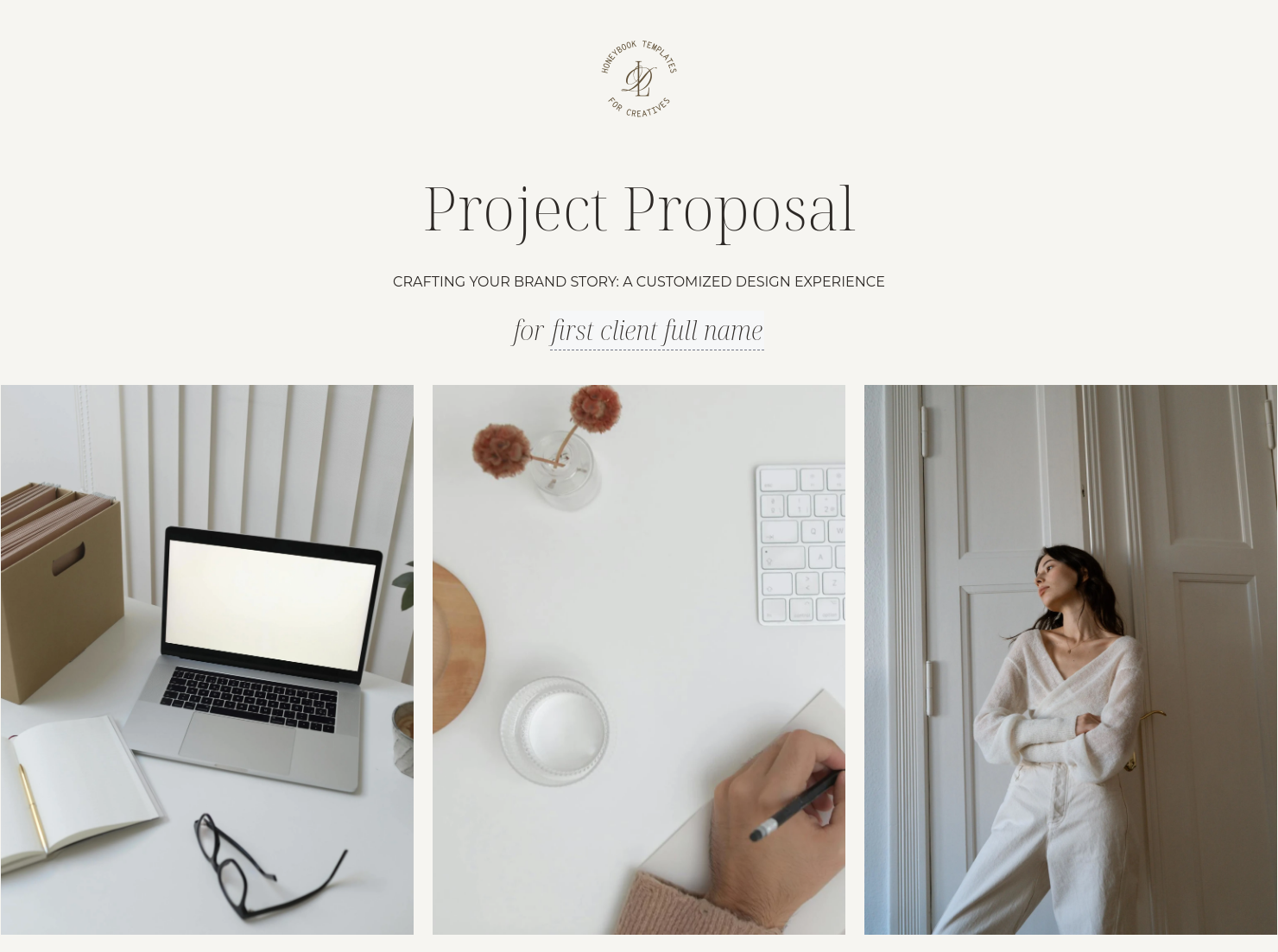
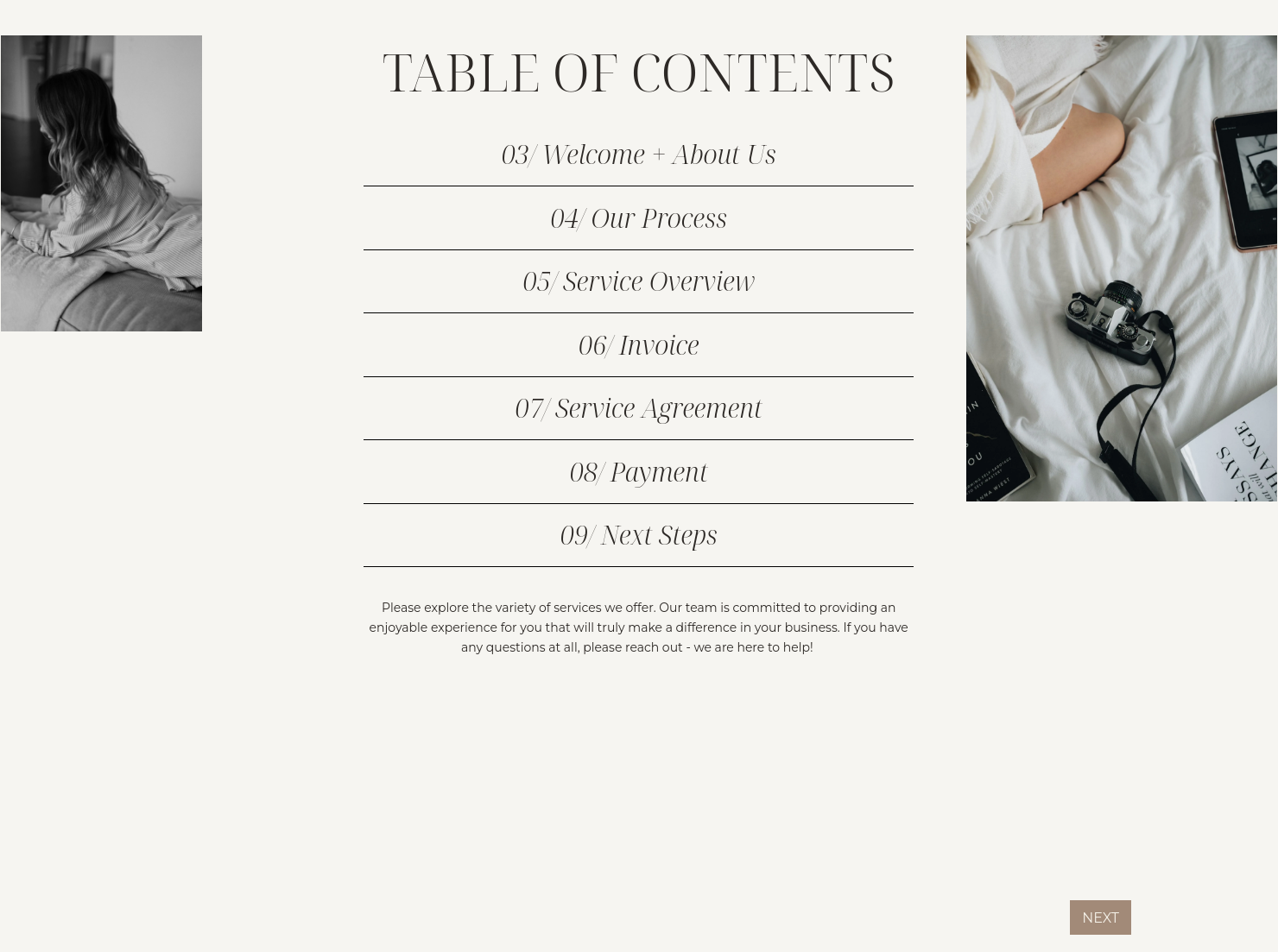
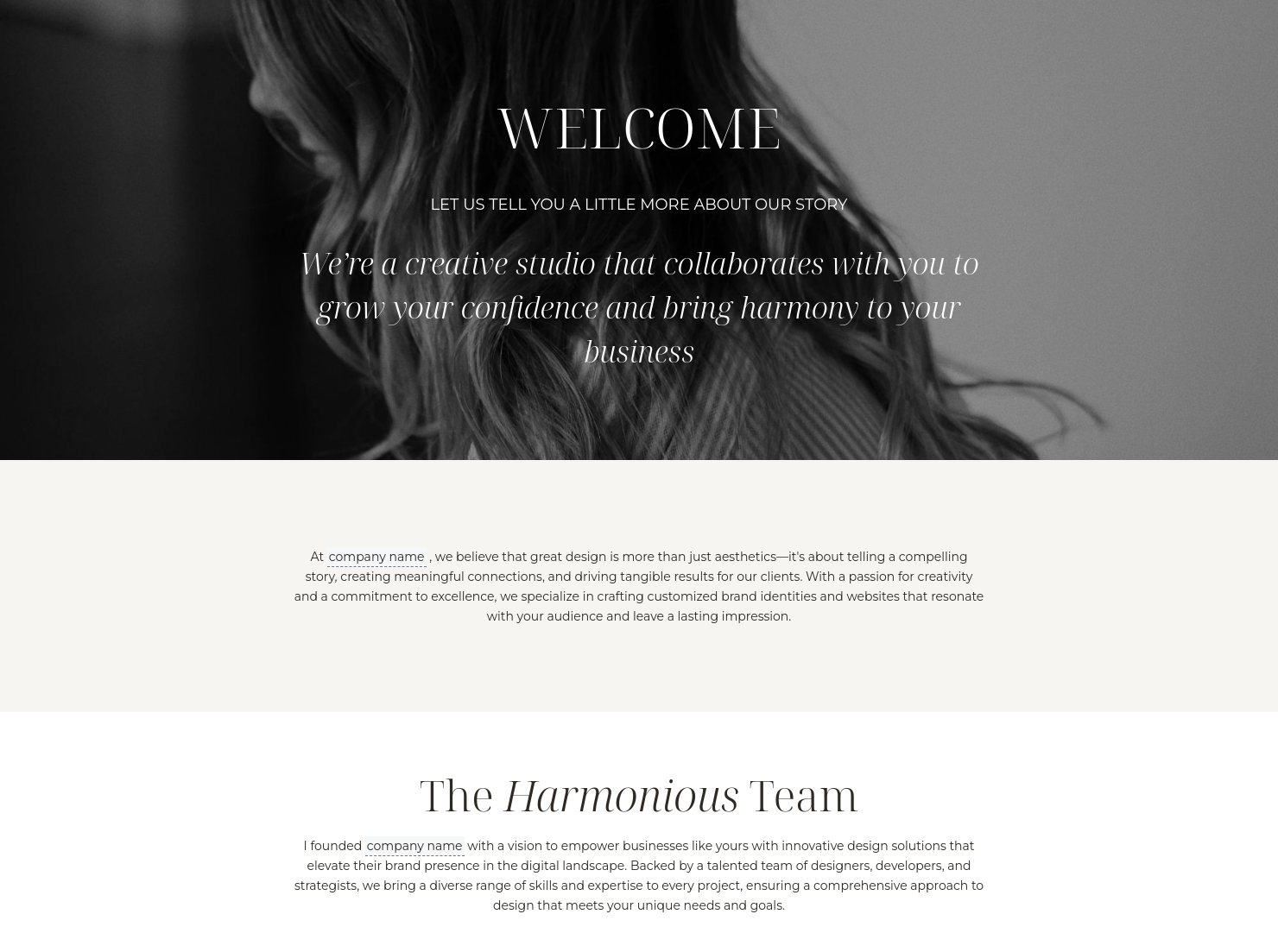
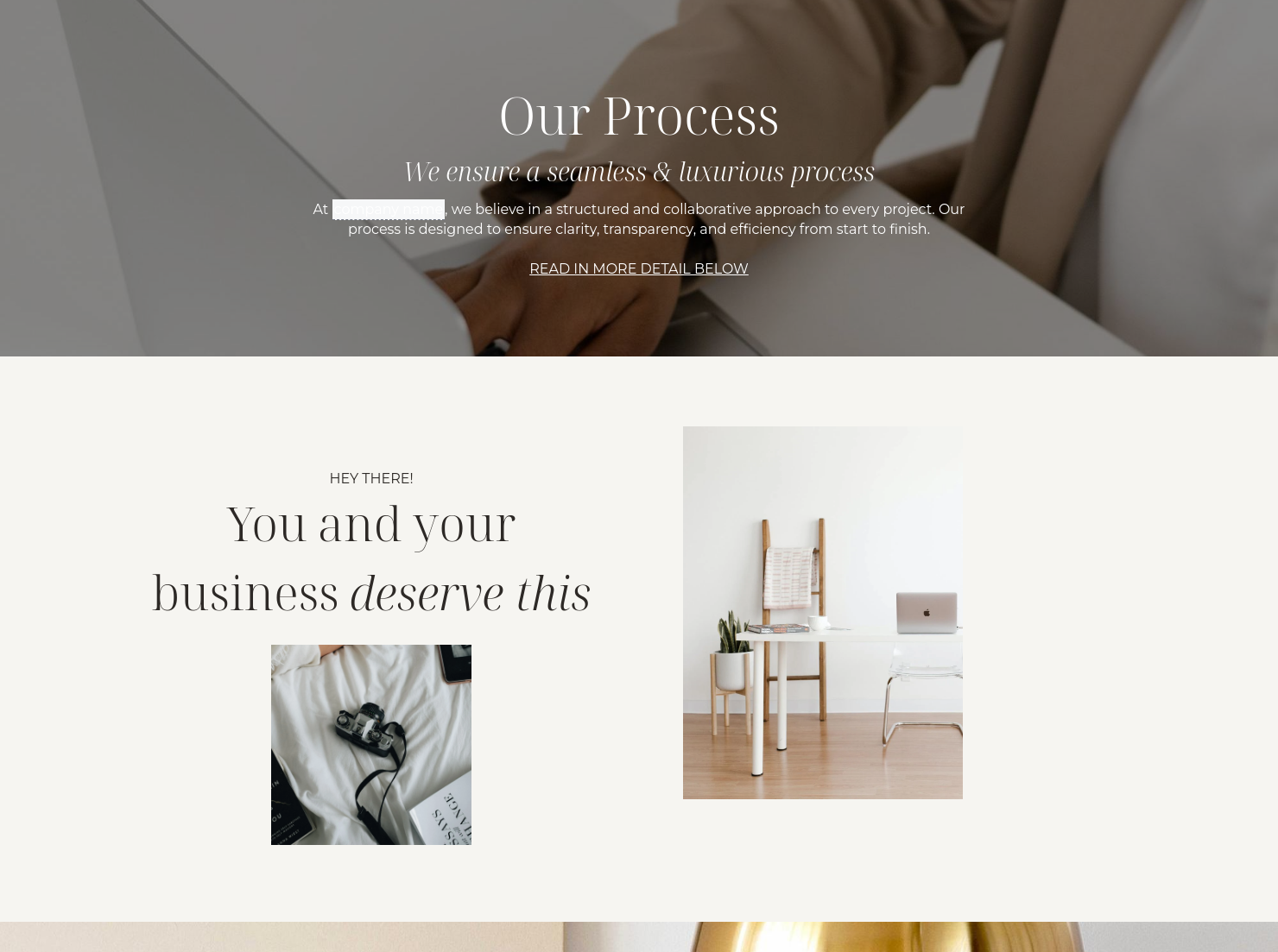
A cluttered proposal slows you down but can also actively hurt the perceived quality of your design work. The HoneyBook designer proposal template is a professional Smart File that allows graphic, interior, and web designers to bridge the gap between an inquiry and final booking with zero friction. By consolidating your portfolio, service tiers, and payment processing into a single, branded document, you can reduce back-and-forth and increase your close rate.
Your proposal is often the first real test of your style and attention to detail in the design business. A document that is messy or has too much text can cause scope creep, late payments, or lost leads who don't trust your process.
Using a structured designer proposal helps you:
- Establish visual authority: Turn your proposal into a portfolio piece that reinforces your design DNA and signals professional attention to detail from the start.
- Speed up client approvals: Consolidate project scope, portfolio, and payments in a single document to move from inquiry to booking in record time.
- Reduce revision disputes: Clearly define project boundaries and standardize your legal clauses to eliminate unpaid scope creep and protect your creative work.
- Minimize administrative drag: Stop building every deck from scratch by using a pre-built structure that allows you to launch professional proposals in minutes.
A professional design proposal is more than a price list; it’s a narrative of your project. Beyond the basics, your template should leverage visual hierarchy and storytelling to guide the client’s eye toward the value you provide. To ensure your proposal is both visually cohesive and functional, it must include:
- Brand and client information: Lead with a high-fidelity header that includes your logo and the specific project name to establish a cohesive brand identity from page one.
- Project scope and deliverables: Use a clear layout to itemize services, such as logo suites, wireframes, or floor plans, ensuring the client understands exactly what they are investing in.
- Transparent pricing structures: Provide a detailed breakdown of fees (whether hourly or flat-rate) alongside required deposits to eliminate any financial ambiguity.
- Strategic project timeline: Map out estimated dates for major milestones and final delivery, using visual markers to help the client visualize the journey ahead.
- Protective terms and conditions: Include essential legal clauses covering intellectual property rights and specific limits on revisions to protect your creative work.
- Integrated booking flow: Use an all-in-one Smart File that allows the client to select their package, sign the contract, and pay the deposit directly within the proposal.
Focus on the client experience to make your sample design proposal stand out. Your proposal should be as beautiful as the work you're being hired to do because designers work in a visual medium.
Use HoneyBook's "Smart Files" to add video introductions or lookbooks that show the client what your creative direction is like.
Avoid the mistake of being too vague. For example, instead of just listing "Web Design," list the specific pages, SEO integration, and training calls included in your service. Customizing the tone to match your brand ensures you attract the right type of clients.
This template is most effective during the "conversion" phase of your funnel. Use it for:
- New client onboarding: Moving a lead from inquiry to a signed project
- Custom design projects: Presenting a tailored solution for specific needs
- Retainer agreements: Outlining ongoing monthly design support
- Project expansions: When an existing client wants to add a new phase to their current work
Customizing your HoneyBook template is simple: just select the designer proposal from the gallery, upload your brand assets, and drag-and-drop elements to fit your specific project needs.
You can create a copy of the master file and adapt the proposal for different clients or service types you offer.
For a deep dive into maximizing these tools, check out this guide on how to use HoneyBook templates.
Catering has a lot of moving parts, and the menu sits in the center. If your catering menu is scattered across emails, texts, and screenshots, mistakes show up at the worst time.
A structured menu template helps in practical ways.
- Builds client trust and a professional first impression.
- Speeds approvals by making choices simple.
- Reduces payment disputes by documenting totals and terms.
- Saves time by cutting back and forth.
That means fewer surprises for clients and fewer fire drills for you.
Get Started With a Designer Proposal
Save time with a pre-made template and create a proposal that stands out. Start using the HoneyBook proposal template designs to create a seamless, branded experience that gets you paid faster.
FAQs
Below are quick answers to common questions from caterers building a catering menu that clients can approve with confidence.
HoneyBook templates streamline your work by putting your introduction, services, and payments into one file. This means you can spend less time on paperwork and more time on creative work.
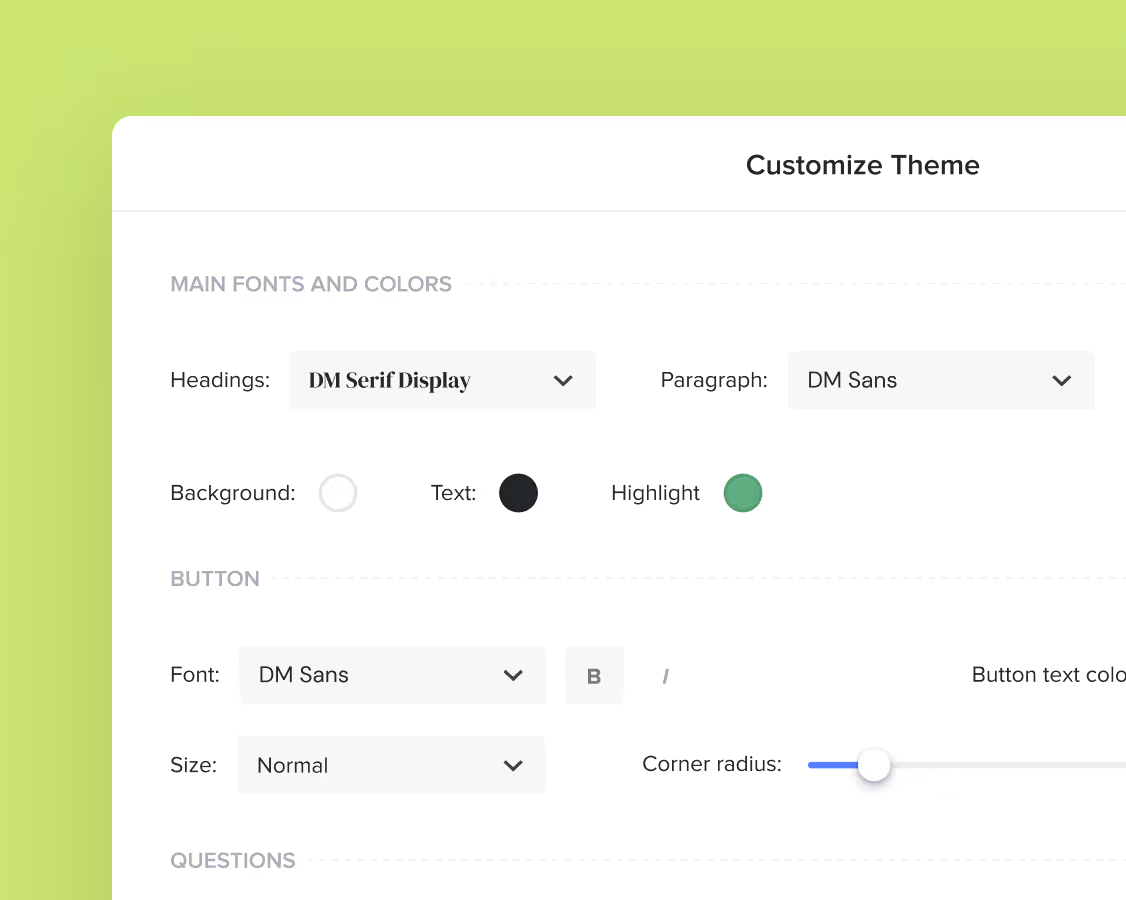
Yes, you can change the colors of the template and adjust other brand elements such as background images, fonts, and button styles.
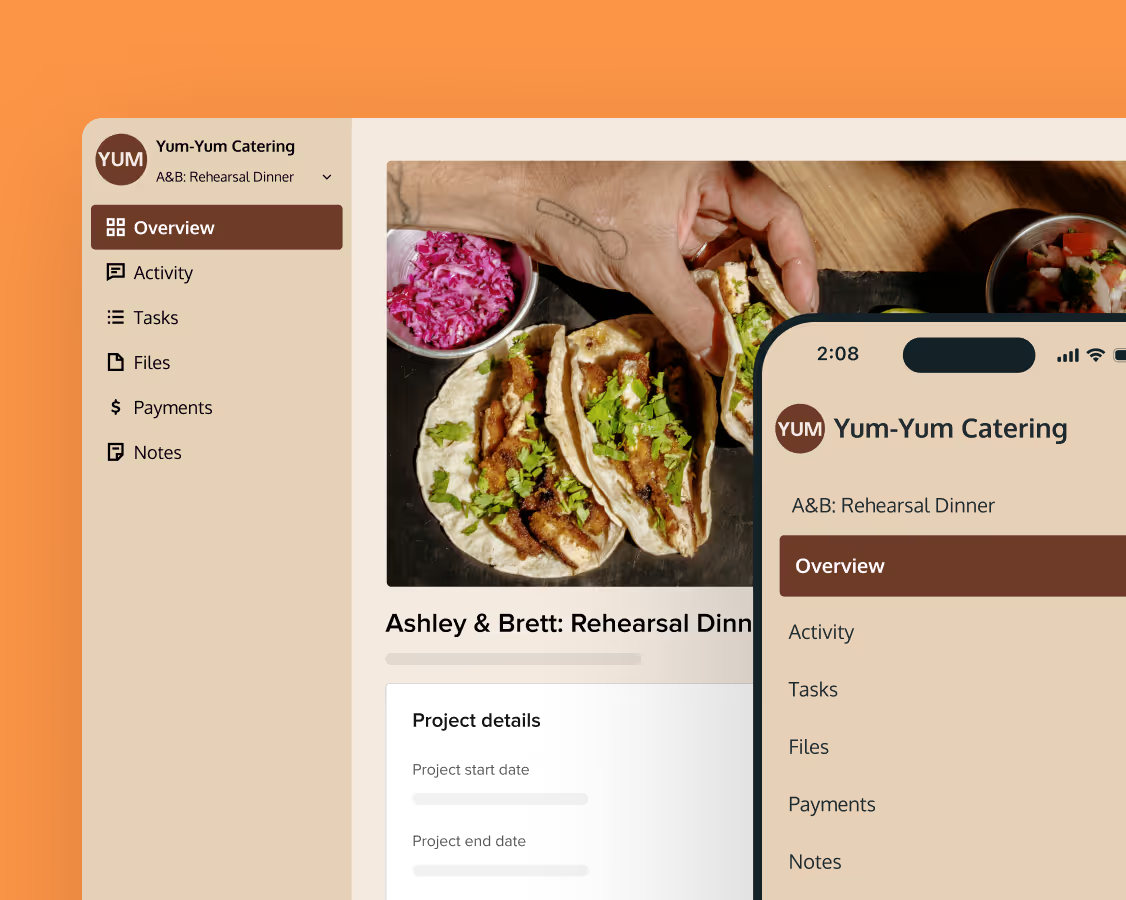
Yes. All HoneyBook templates are mobile-responsive. Your clients can view your design proposal, eSign the contract, and pay the deposit from their phone.
By using pre-written copy and automated fields, you can generate a professional proposal in minutes rather than hours, while also automating the delivery of your proposals.
Related templates

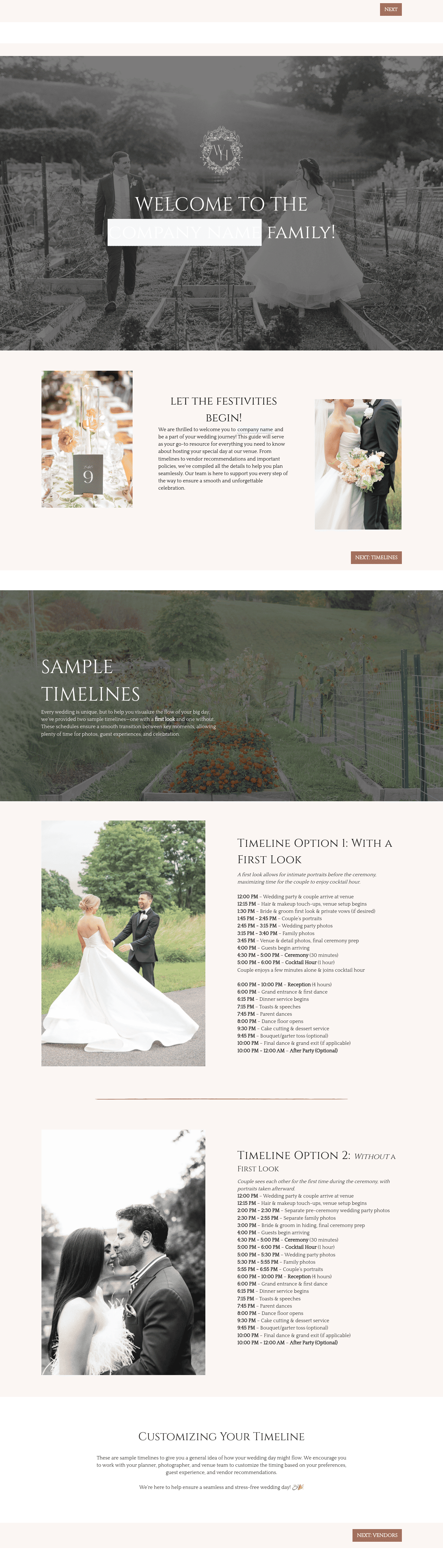


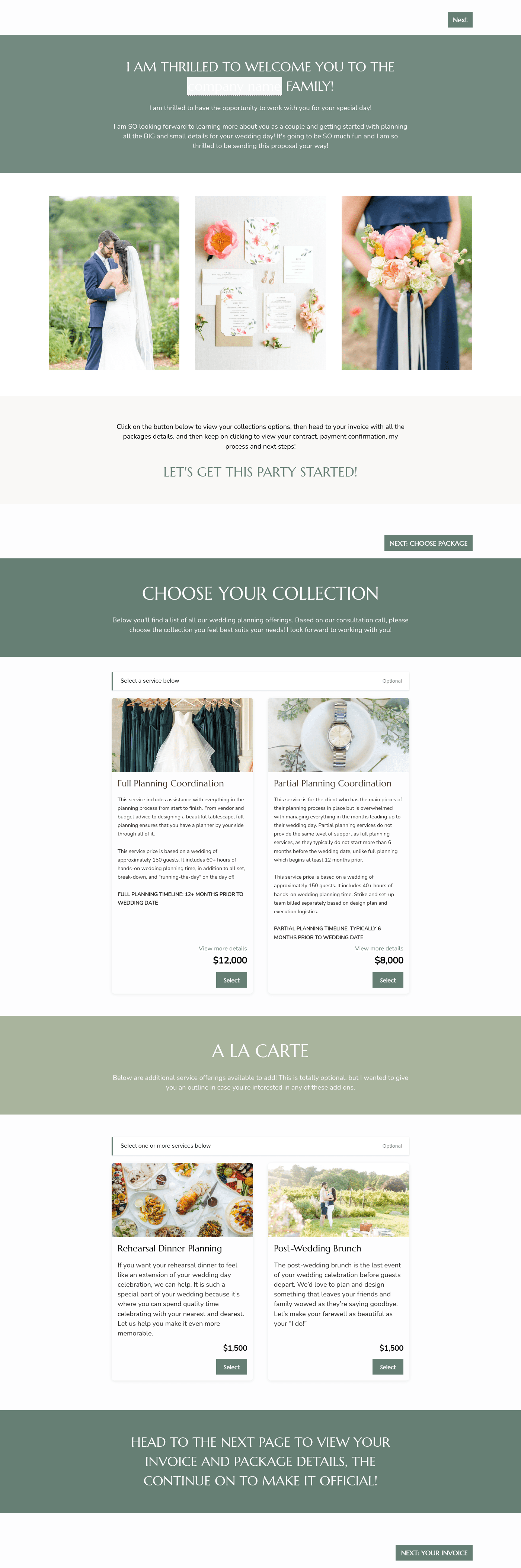

Related Templates
.png)
.png)
.png)
.png)
.avif)
.avif)


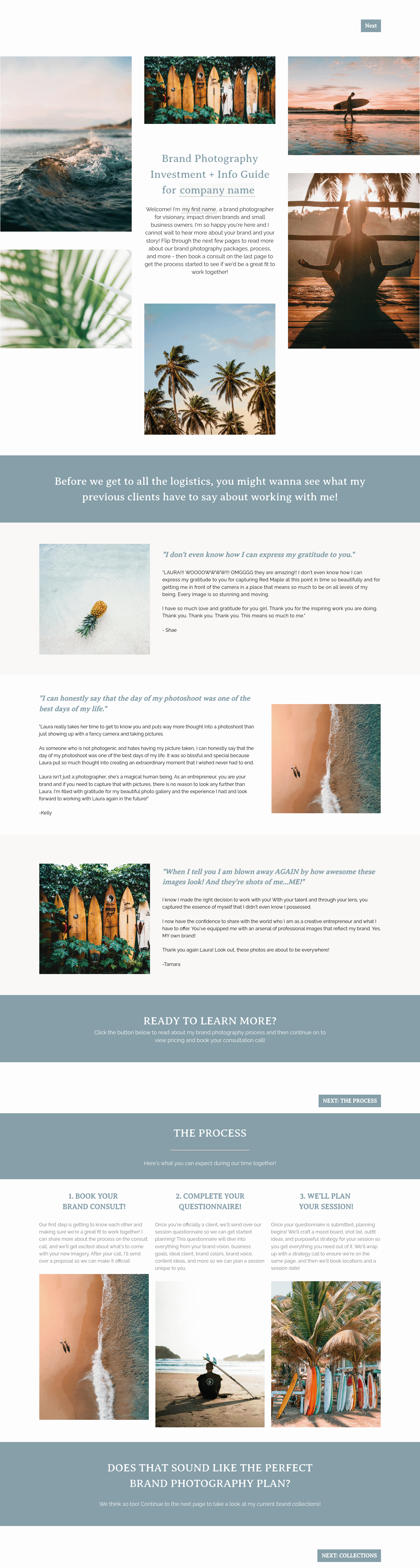
Make it your own
Fully customize the template to fit your needs. Quickly apply your company branding with just a few clicks.
Share with clients
Create exceptional client experiences through HoneyBook’s dedicated client portal, allowing them to read, review, and take action from any device.
Reuse and scale
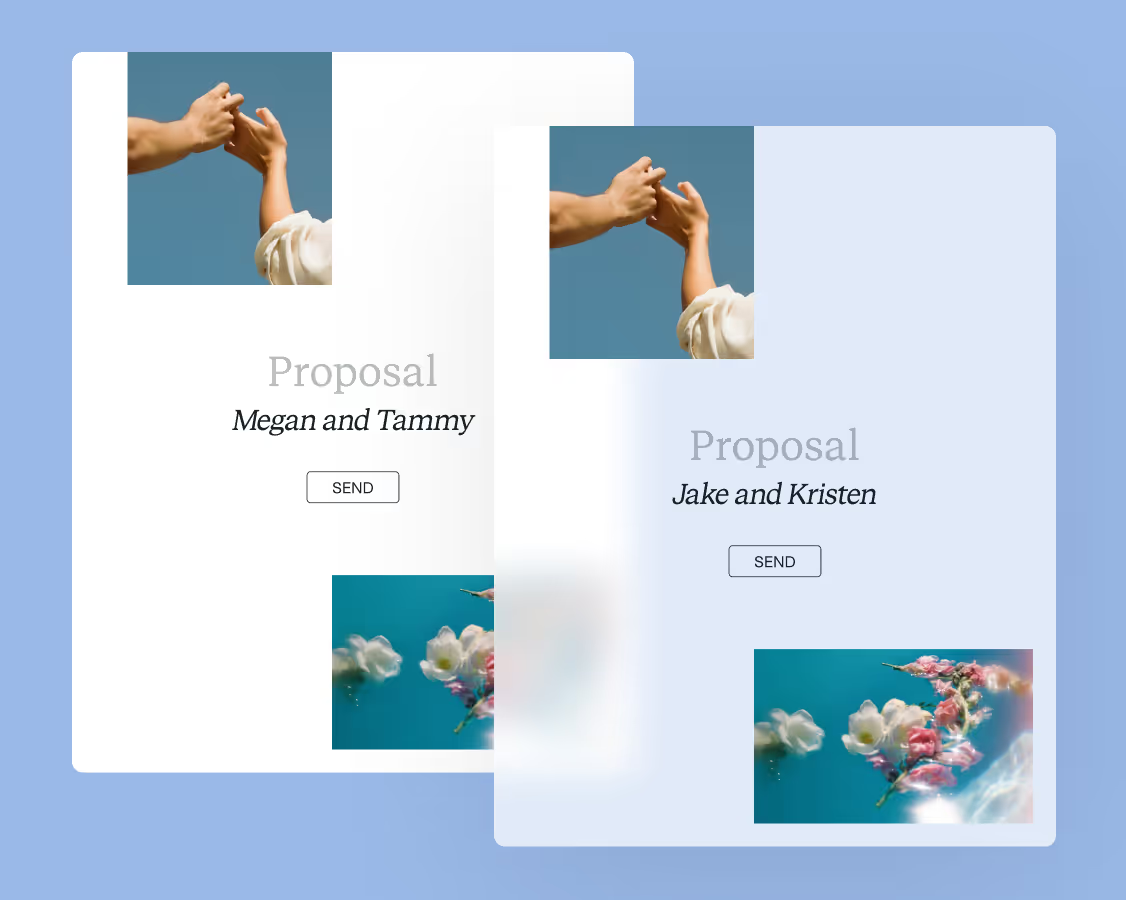
Use your customized files with different clients again and again to save time and make managing client interactions that much easier.
Join the 100,000+ businesses growing with HoneyBook.