















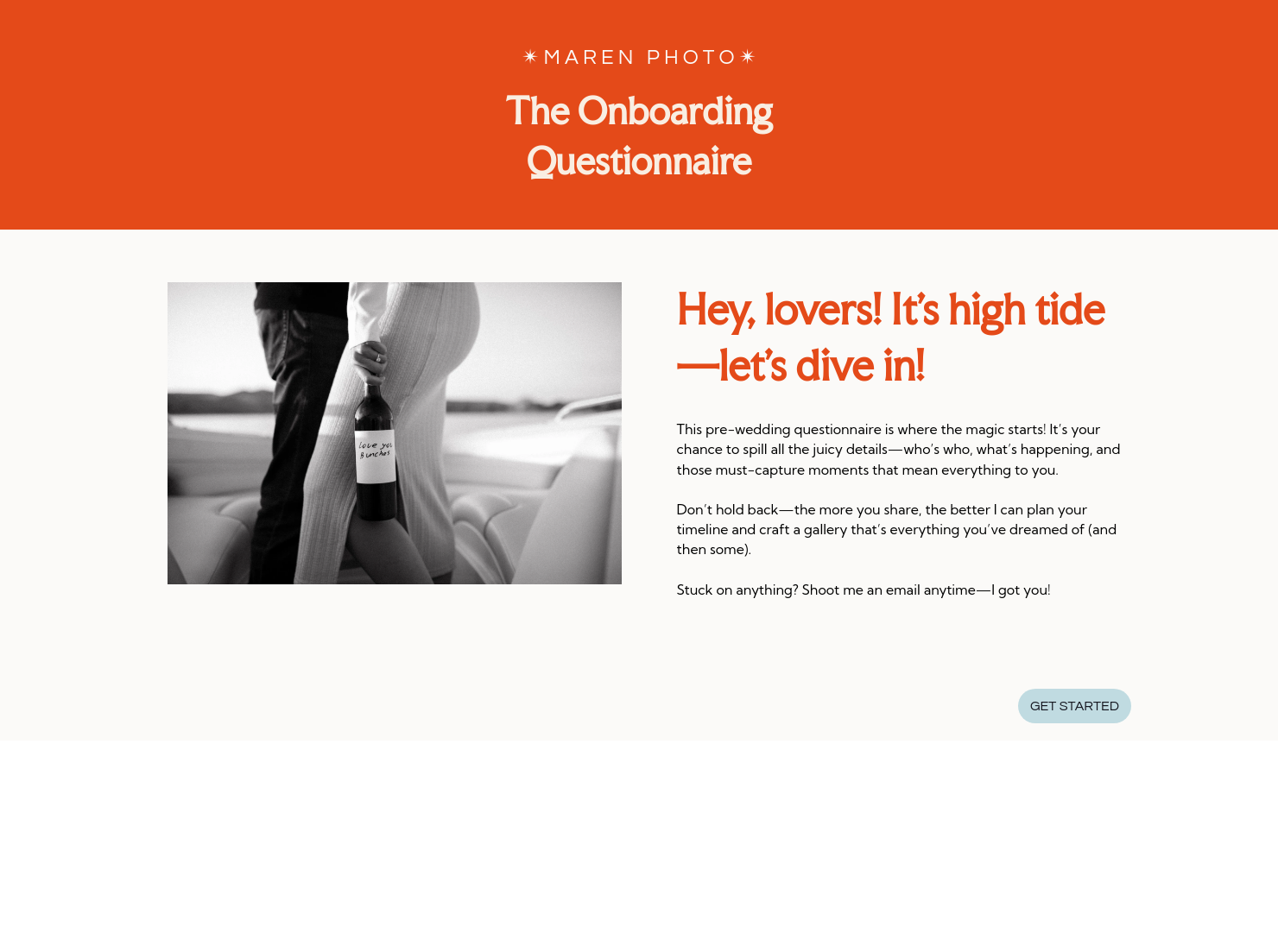

Questionnaire

Get client input, collect project details, and set expectations ahead of—or during—any project.

Ready-to-use copy
Templates come filled with prewritten copy you can use as is or edit to match your brand and business.


“
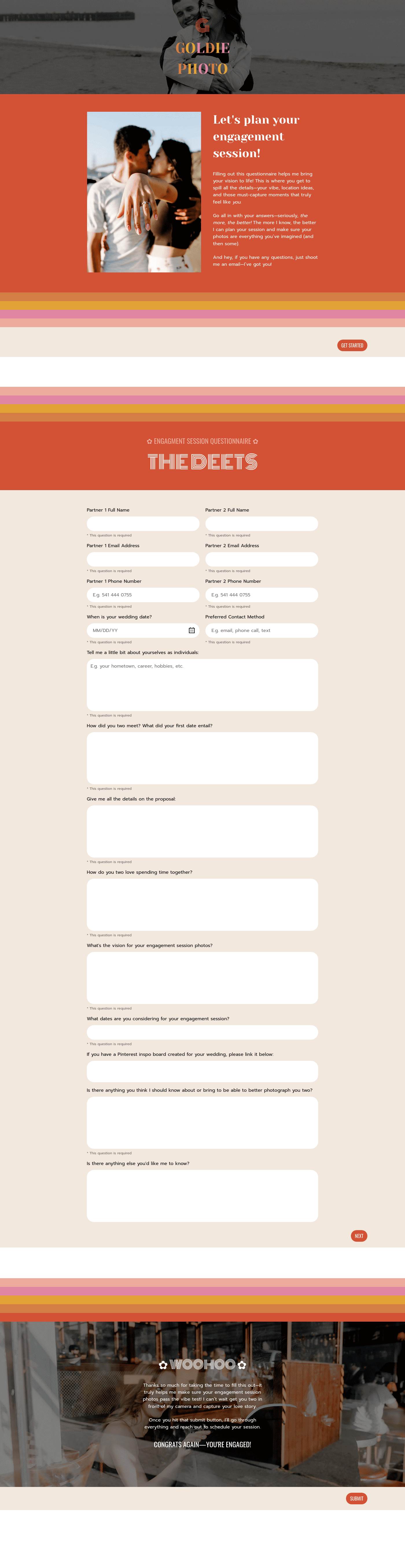
Use this template after booking to collect essential details, streamline your workflow, and ensure every important moment is captured exactly as your clients envision!
”

October 18, 2026

Common Mistakes To Avoid When Sending A Maren Onboarding Questionnaire For Wedding Photographers
A Maren onboarding questionnaire for wedding photographers is meant to organise the day before it begins, from timelines to family groupings and logistics. When it’s rushed or treated as a formality, small gaps slip through. You usually only notice them later, when you’re already on-site and adjusting in real time.
Most issues photographers deal with aren’t technical. They come from missing or unclear information.
You see it when:
- Portraits slow down because no one is sure who’s included
- Timelines shift with no buffer
- Venue restrictions come up on arrival
These moments rarely start on the day. They build earlier.
This is where things tend to drift. Not because sections are missing, but because they don’t guide the client clearly enough.
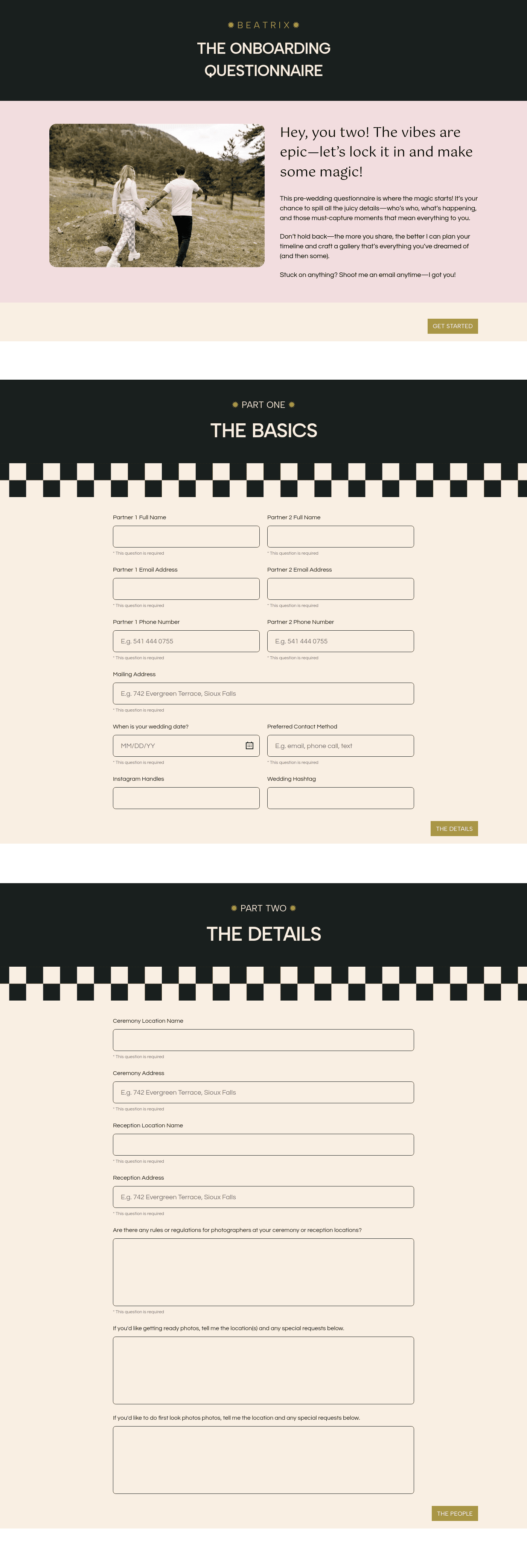
A Maren onboarding questionnaire should include the following sections while avoiding its common mistakes.
- Welcome page
This sets the tone.
Where it goes wrong: If it feels generic, clients rush through it.
Example: Answers like “we’ll confirm later” leave you with nothing to work from.
Fix: Use a structured intro inside HoneyBook Smart Files so it feels intentional, not optional. - Get started page
This prepares clients before they begin.
Where it goes wrong: They don’t have details ready.
Example: Timeline sections come back half complete.
Fix: Add a checklist and send it as part of a Smart File, then pair it with HoneyBook proposal software so onboarding and next steps sit together. - Basic details section
This goes beyond names and dates.
Where it goes wrong: No clarity on decision-makers.
Example: The couple and planner give different timelines.
Fix: Capture roles clearly and organise them in HoneyBook CRM. - Ceremony and reception details
This is where assumptions cause problems.
Where it goes wrong: You know the venue, not the rules.
Example: Flash or movement restrictions appear on arrival.
Fix: Ask direct questions about access and limitations, then keep them easy to reference. - Photography vision and family portraits
This section often looks complete but isn’t.
Where it goes wrong: Questions are too open.
Example: You’re organising groupings on the spot.
Fix: Use guided prompts so clients list exact combinations in advance. - Timeline section
This is where pressure builds quietly.
Where it goes wrong: Timings are too loose.
Example: Getting ready runs late and compresses portraits.
Fix: Review responses early and confirm details formally using HoneyBook online contracts or shared project updates. - Vendor section
This affects coordination more than expected.
Where it goes wrong: You don’t have the right contacts.
Example: You can’t reach the planner when timing shifts.
Fix: Store vendor details centrally using HoneyBook so everything stays connected with one platform. - Traditions or rituals
These are easy to miss without direct prompts.
Where it goes wrong: Moments happen without warning.
Example: A key family tradition starts and you’re out of position.
Fix: Ask clearly in the questionnaire if there are any specific traditions to consider, and review before the day. - Thank you page
This closes the process properly.
Where it goes wrong: Clients submit and disengage.
Example: You’re waiting days for clarifications.
Fix: Add next steps and automate follow-ups with HoneyBook automations.
It comes down to clarity. If a question leaves room for interpretation, the answer usually does too. That’s where follow-ups begin, and where small issues stack up.
The strongest questionnaires reflect real experience. They ask directly, remove guesswork, and surface details early without overcomplicating the process.
Timing is often underestimated, especially when sending a Maren onboarding questionnaire for wedding photographers. Use the questionnaire:
- After booking, while plans are still flexible
- Before timeline discussions
- When multiple locations are involved
- When the day includes structured or cultural elements
Too late, and you’re reacting. Too early, and answers aren’t ready.
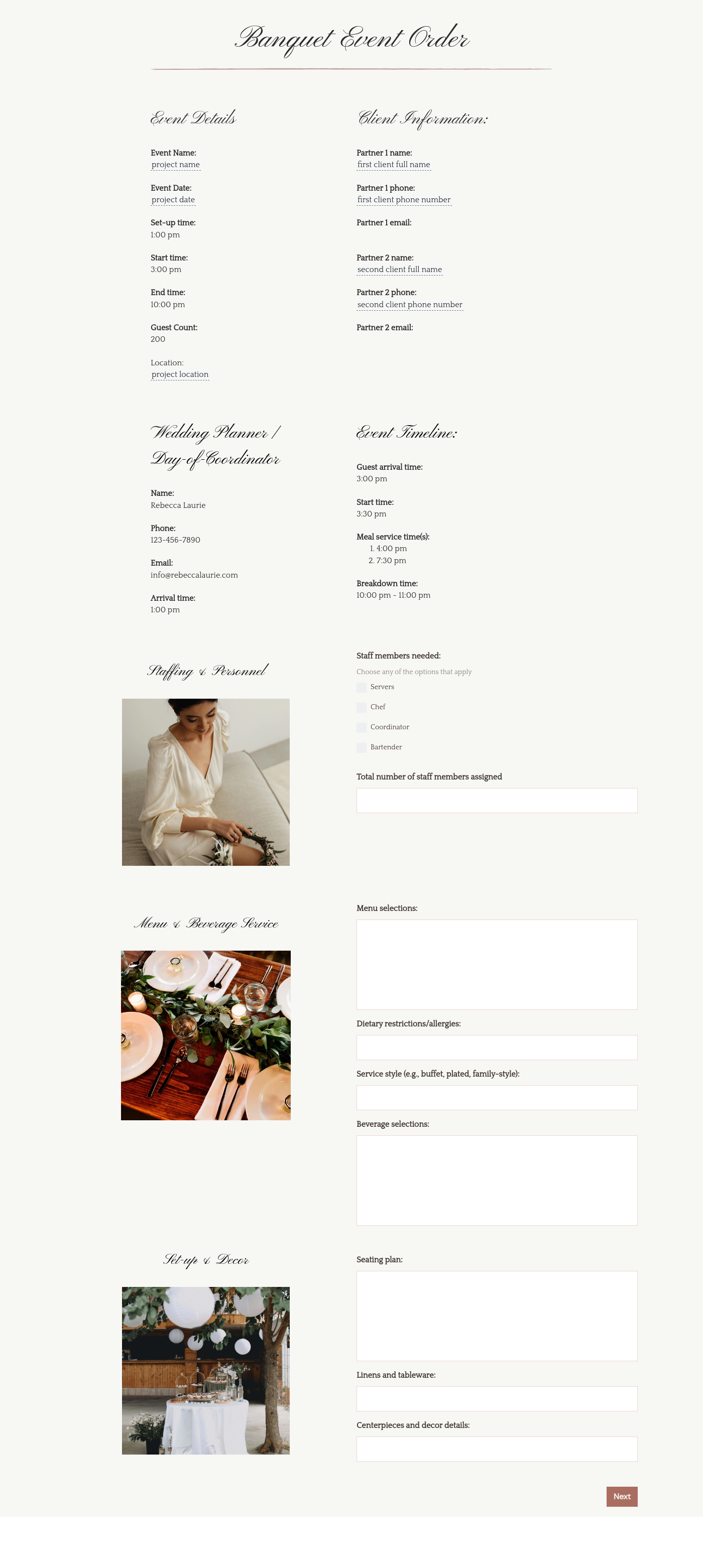
Catering has a lot of moving parts, and the menu sits in the center. If your catering menu is scattered across emails, texts, and screenshots, mistakes show up at the worst time.
A structured menu template helps in practical ways.
- Builds client trust and a professional first impression.
- Speeds approvals by making choices simple.
- Reduces payment disputes by documenting totals and terms.
- Saves time by cutting back and forth.
That means fewer surprises for clients and fewer fire drills for you.
FAQs
Below are quick answers to common questions from caterers building a catering menu that clients can approve with confidence.
It should cover locations, timelines, family groupings, vendor contacts, and any traditions that affect how the day is captured.
They’re often too broad or sent at the wrong time, which leads to incomplete answers.
Yes. HoneyBook Smart Files keep responses tied to each project.
Yes. HoneyBook customization features let you tailor it to your workflow.
Related templates









Related Templates
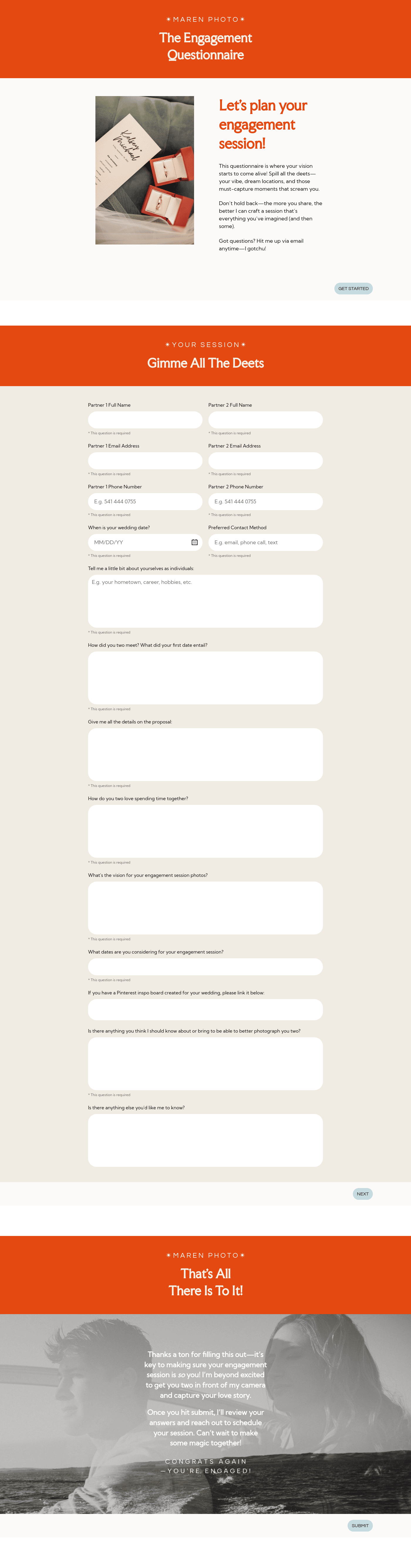
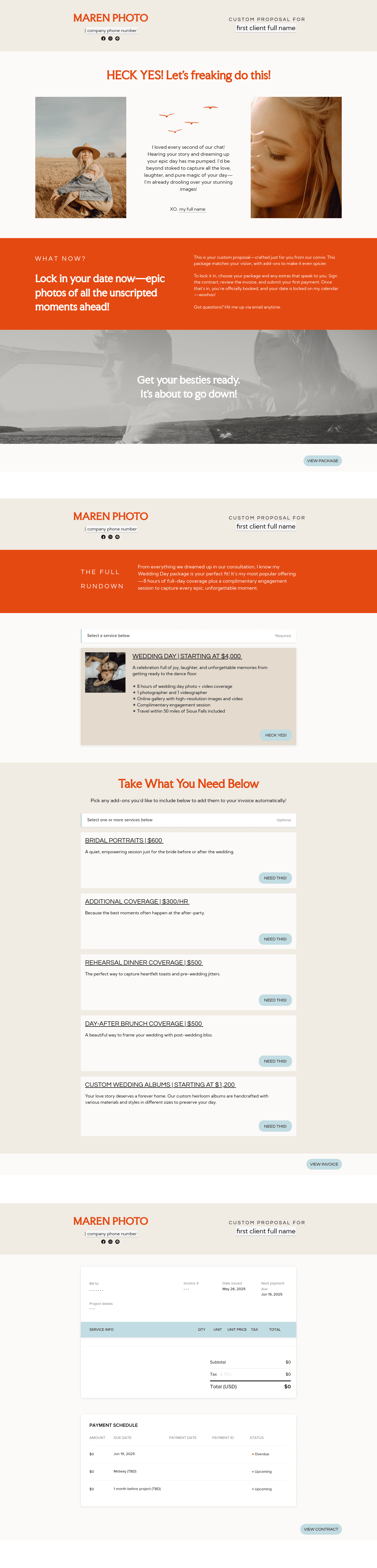

%2520(1).avif)


Make it your own
Fully customize the template to fit your needs. Quickly apply your company branding with just a few clicks.

Share with clients
Create exceptional client experiences through HoneyBook’s dedicated client portal, allowing them to read, review, and take action from any device.

Reuse and scale
Use your customized files with different clients again and again to save time and make managing client interactions that much easier.

Join the 100,000+ businesses growing with HoneyBook.
