











Questionnaire

Get client input, collect project details, and set expectations ahead of—or during—any project.

Ready-to-use copy
Templates come filled with prewritten copy you can use as is or edit to match your brand and business.


“
The getting to know you questionnaire keeps things polished and professional, helping you capture each couple’s unique story for a personalized experience.
”

October 18, 2026

The Key Sections Every Wedding Photographer Questionnaire Should Have
A wedding photography questionnaire template helps photographers gather the details needed before a wedding — timings, locations, expectations, and the moments that matter most to the couple. It’s usually sent after booking, when excitement is high, but plans are still taking shape. Done well, it becomes something you return to — not just a form, but a working reference that supports how you plan and shoot. For example — a couple mentions they’re skipping a first look or have a tight church-to-reception turnaround. When using this template, you can adjust your coverage strategy before the day arrives.
Most photographers have had a wedding where missing information created avoidable stress. A ceremony starts earlier than expected.
A key family member disappears before portraits. A cultural moment happens that no one mentioned. Individually, this is manageable, but together, it's disruptive.
A questionnaire pulls those details forward while there’s still time to adjust. Instead of reacting on the day, you’re prepared. For instance, knowing divorced parents shouldn’t be grouped together, or that sunset photos are a priority, directly shapes how you structure family portraits and timing.
It also surfaces what clients don’t always think to say, like priorities or what matters most. Over time, photographers refine their wedding photographer questions to ask clients based on exactly these situations.
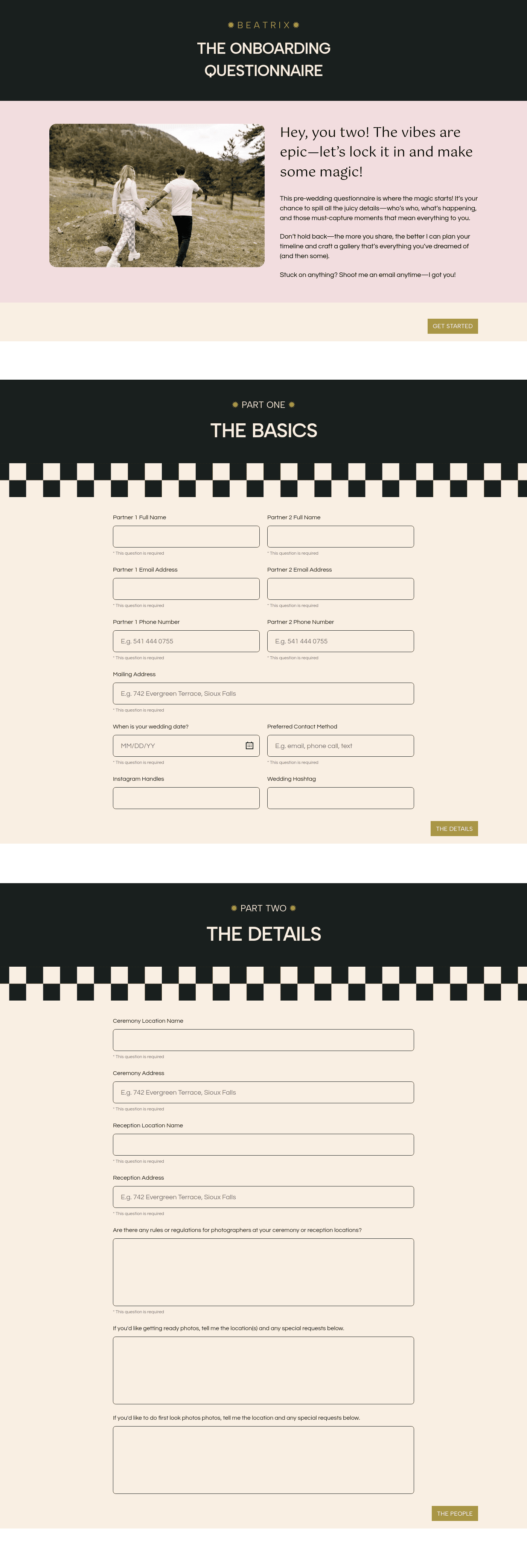
A strong questionnaire follows the flow of the wedding day and mirrors your workflow.
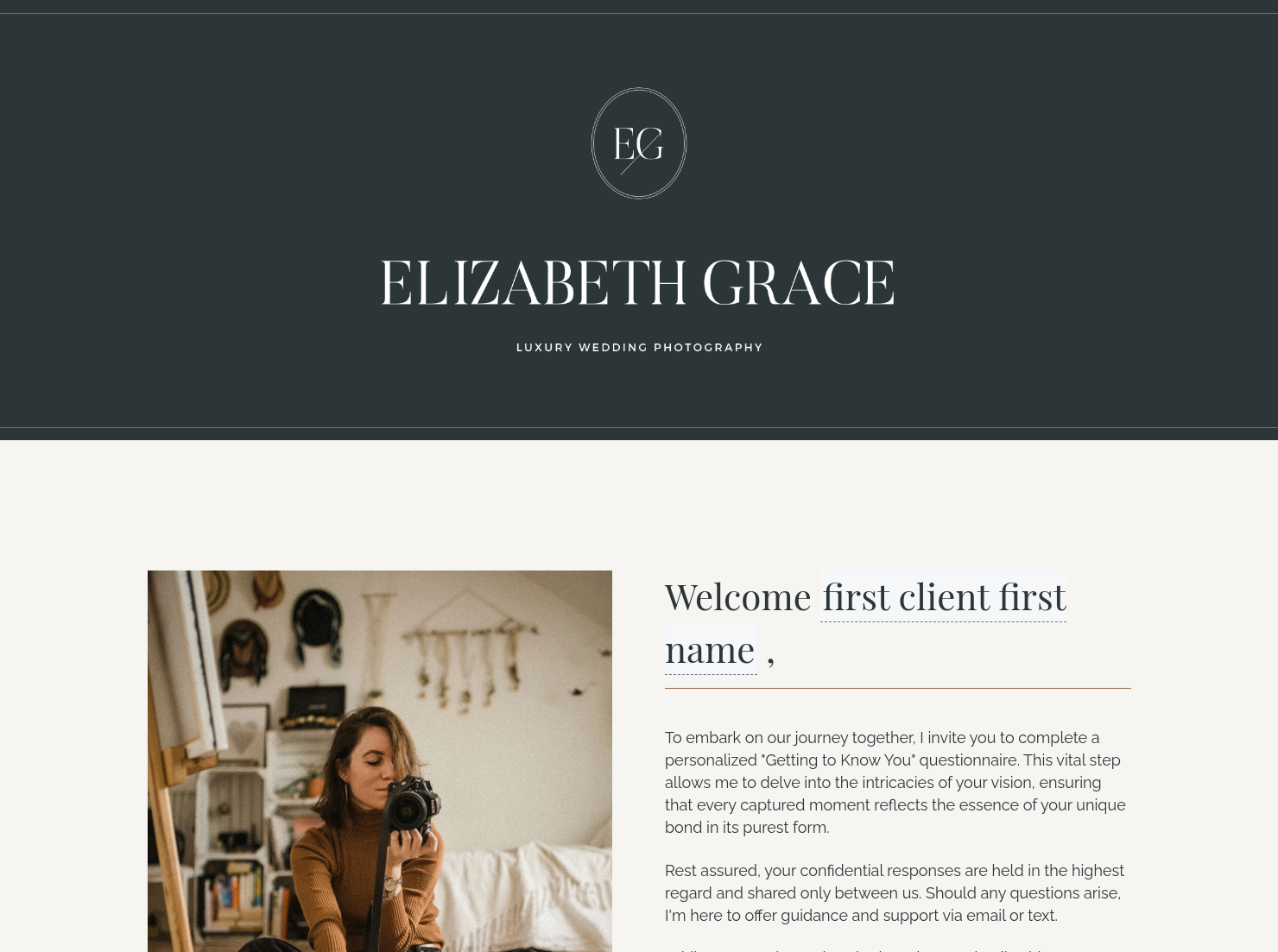
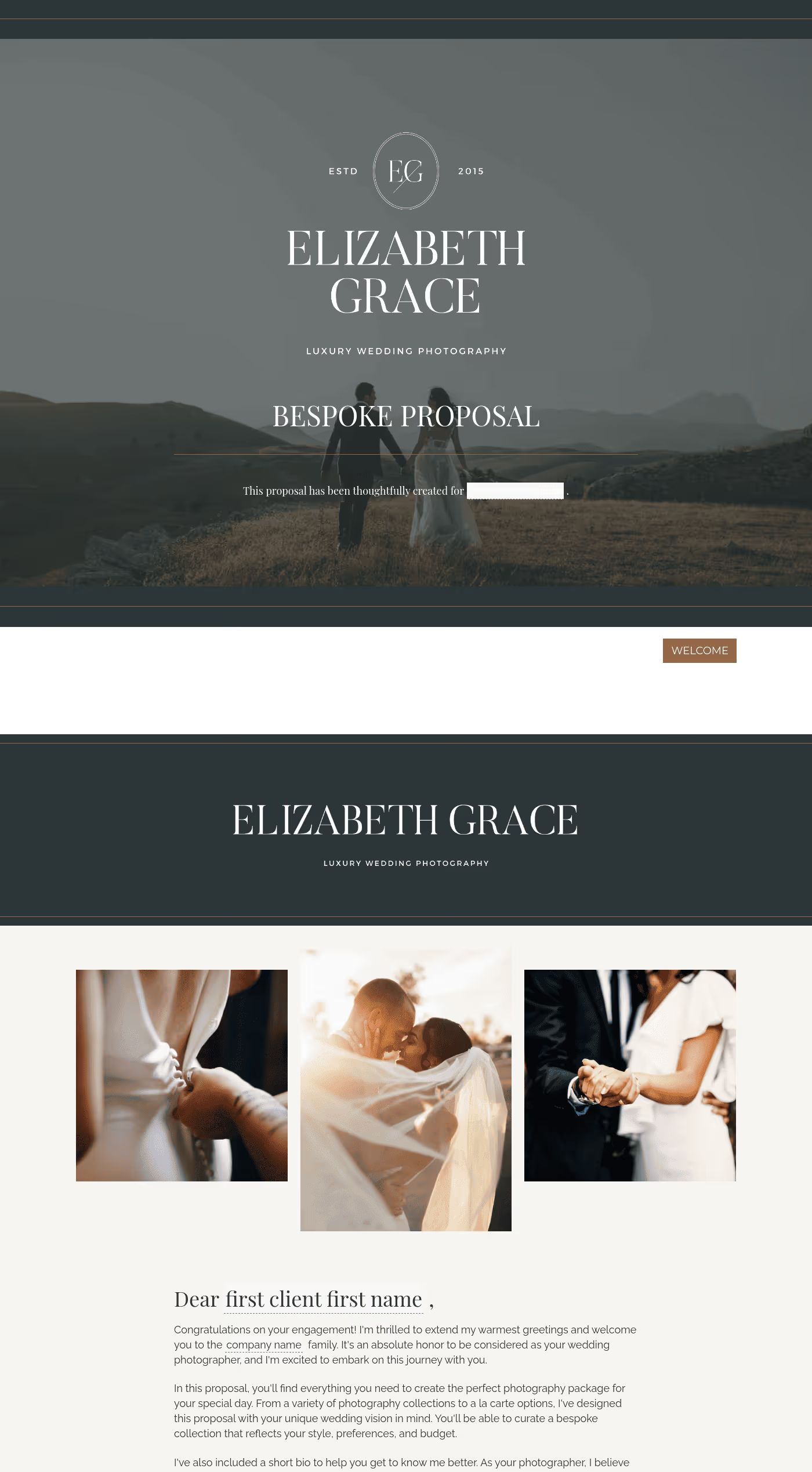
Including a cover page sets expectations. It signals this is part of a structured process. When managed through HoneyBook CRM, everything stays connected.
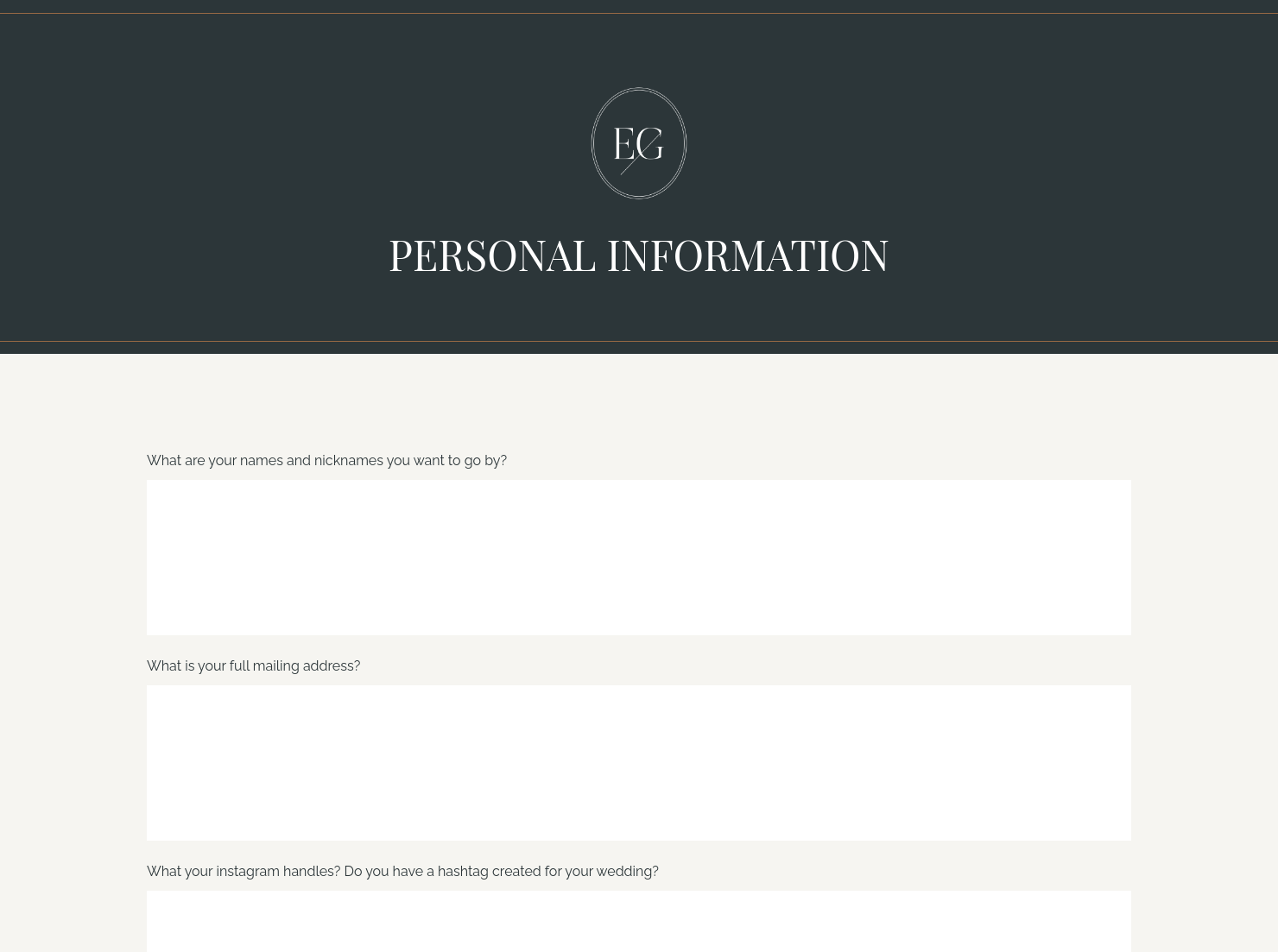
The information page captures essentials — names, contact details, venues. These are details you don’t want to confirm the night before, especially with multiple locations. Using HoneyBook meeting scheduler makes planning calls more efficient, since key details are already confirmed.
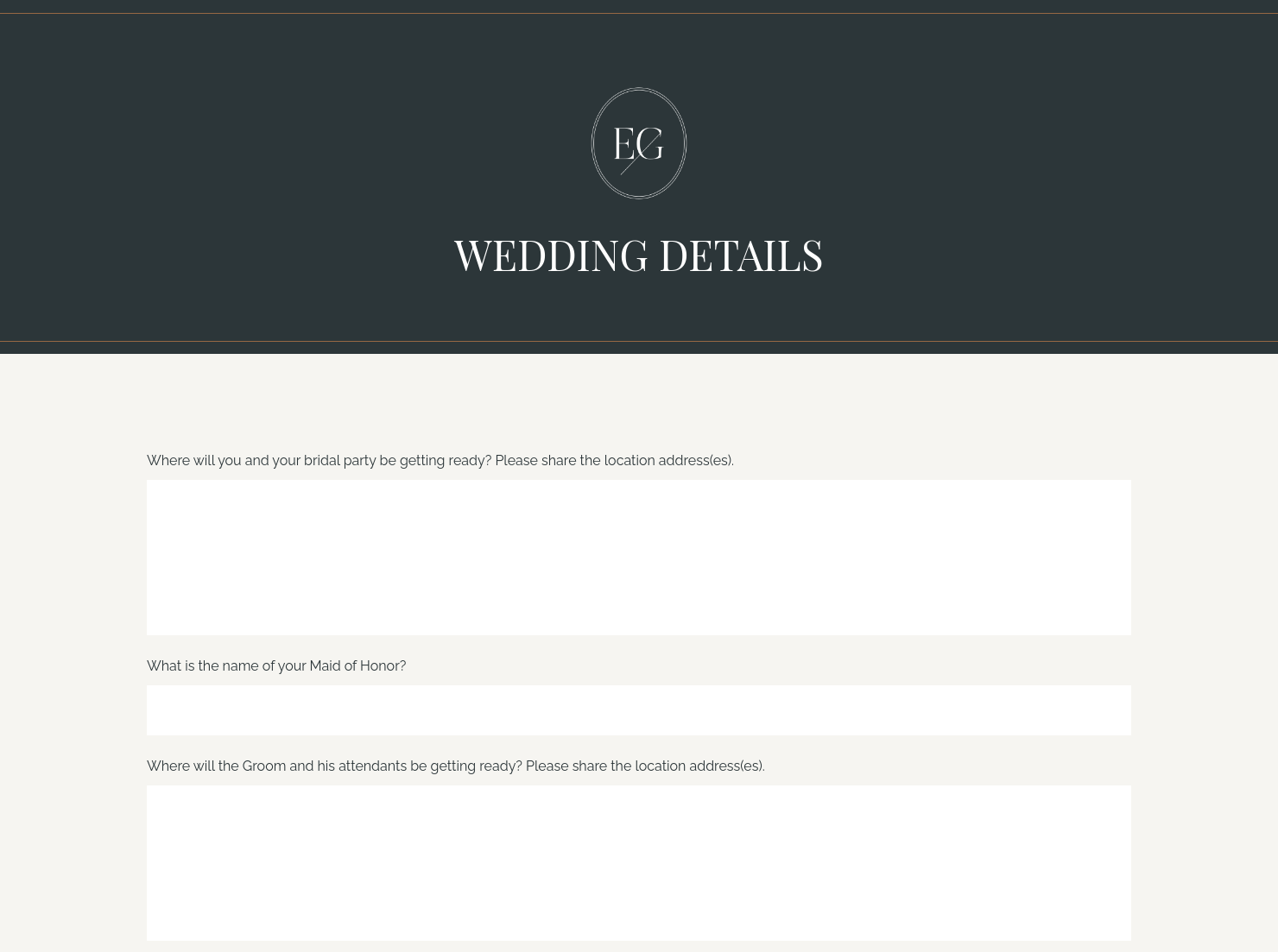
The details page is where the wedding takes shape. Couples might say “we don’t want posed photos” or “our grandparents must be included.” In practice, that means adjusting portrait time or prioritising specific family groupings. This is where photographers refine their wedding photographer questions to ask a client over time.
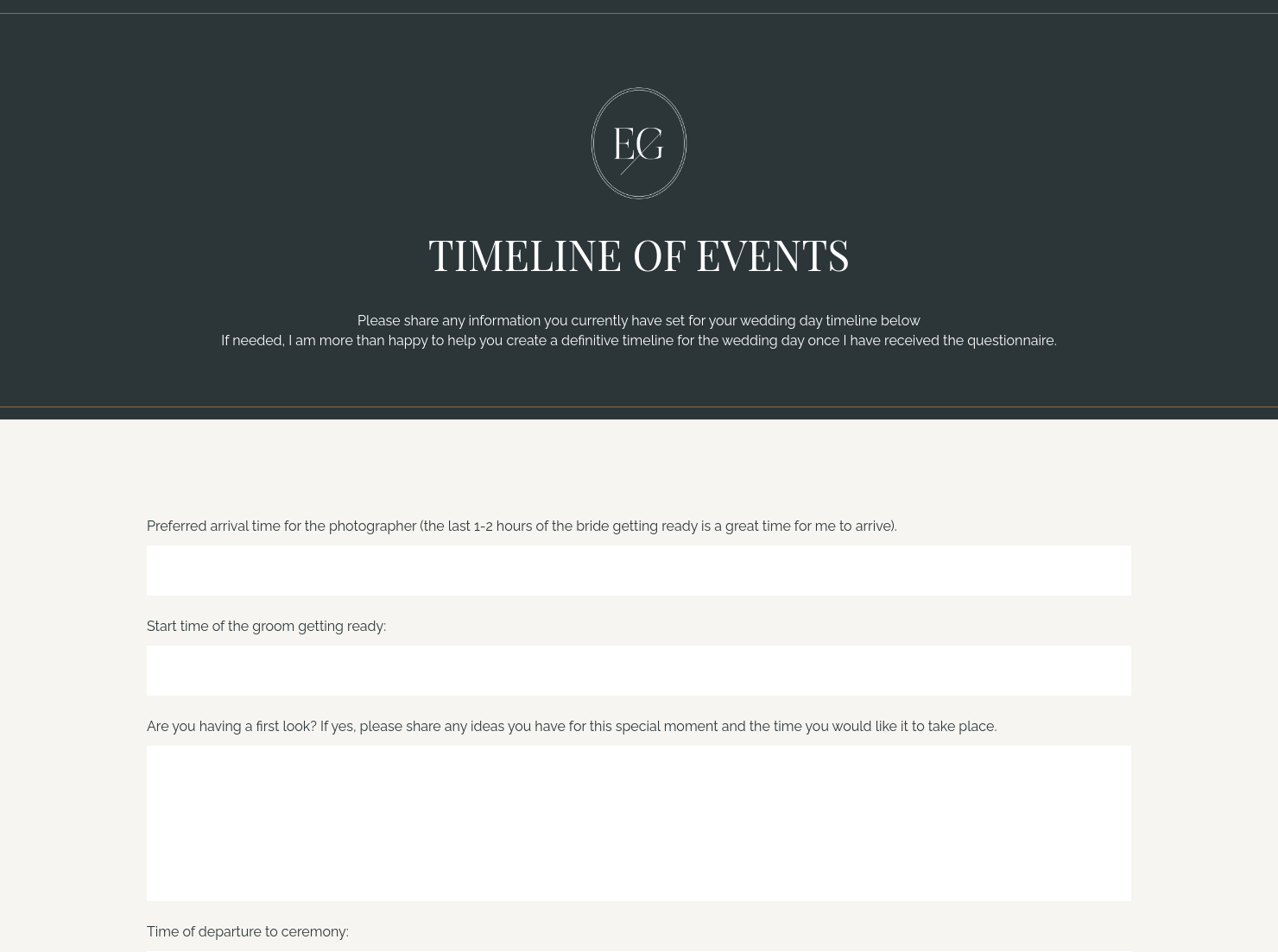
The timeline page turns information into action. You might notice the ceremony ends at 5:30 pm, sunset is at 6:00 pm, and travel takes 25 minutes — leaving almost no time for portraits. Catching that early allows you to suggest moving couple photos earlier or adjusting coverage. Changes like this is efficiently handled through HoneyBook proposal software, and reminders via HoneyBook automations.
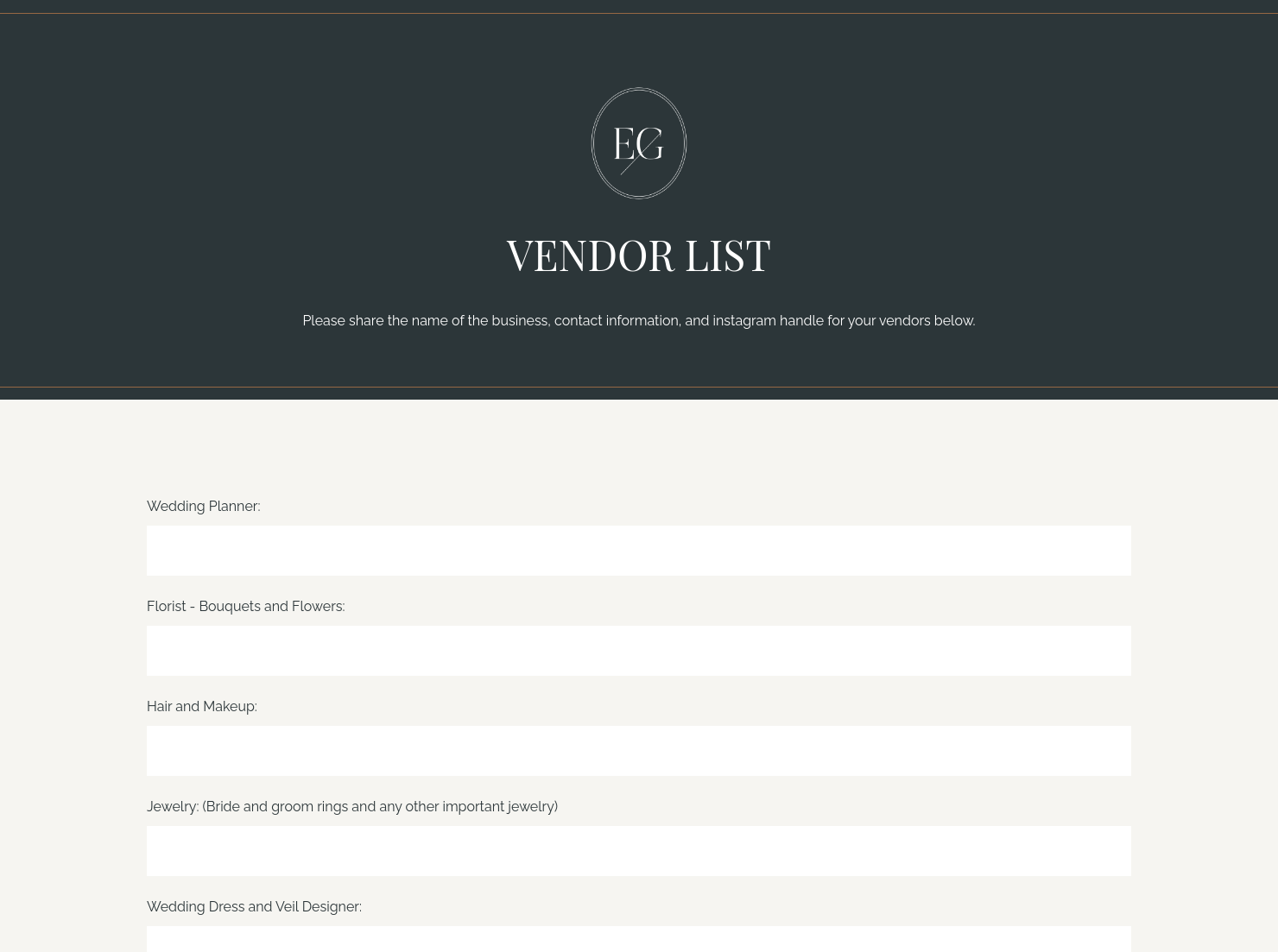
The vendor list page brings the team into view. Knowing there’s a videographer or planner helps you coordinate ahead of time — for example, aligning ceremony positions so neither of you blocks key shots. With HoneyBook integrations, vendor details stay organised and easy to access.
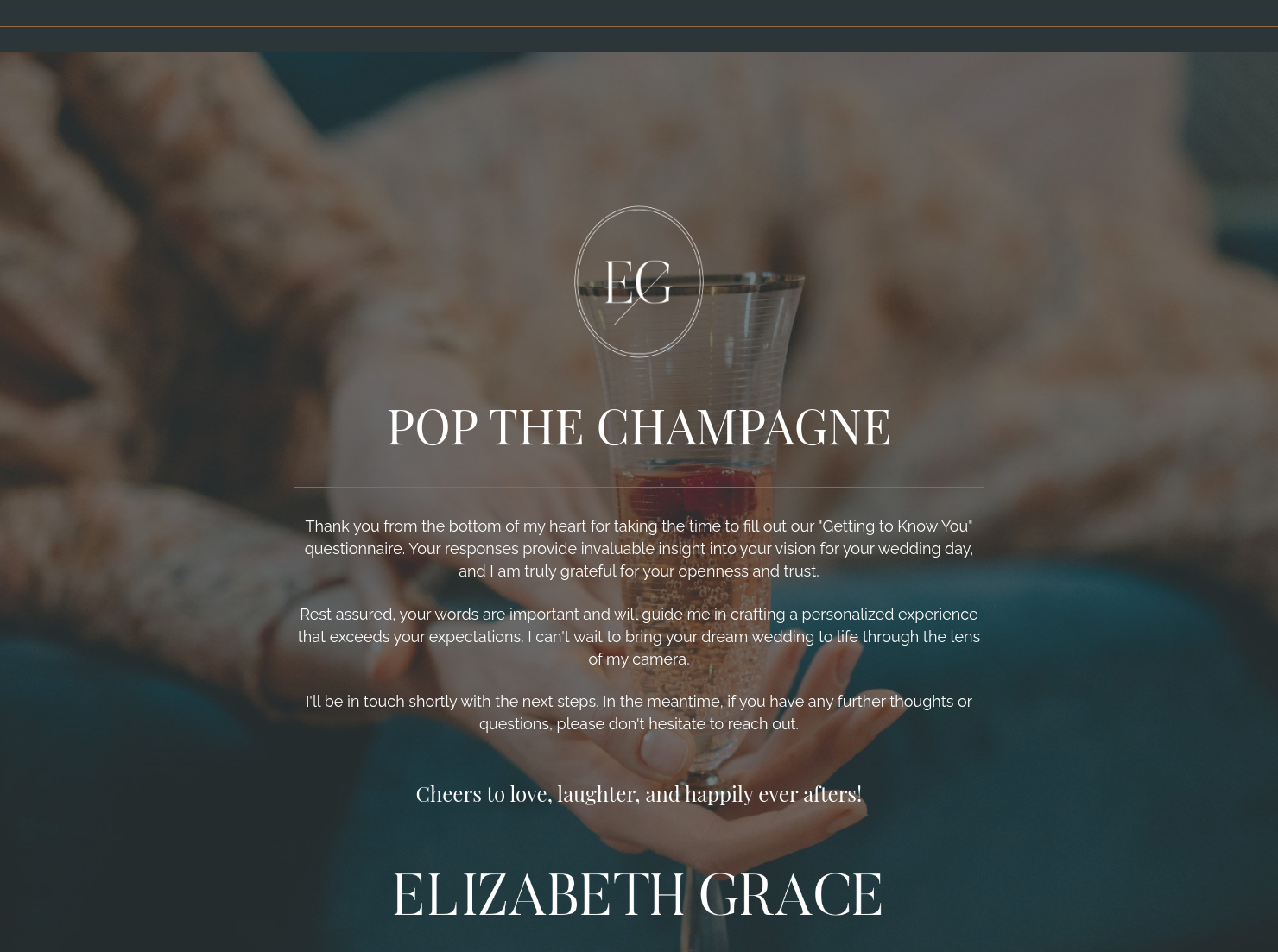
The thank-you page sets the next steps. This could include signing via HoneyBook online contract, invoicing through HoneyBook online invoices, and processing payments through HoneyBook online payment software.
Together, these pages reflect the questions a photographer should ask a wedding client, so your workflow remains streamlined.
Clarity makes the difference. A vague question like “What’s your timeline?” rarely gives you what you need. Walking a client through each step of their day is far more effective.
For example, asking how much time they’ve planned for family portraits often shows there isn’t enough time for a large group —something you can adjust before the wedding day.
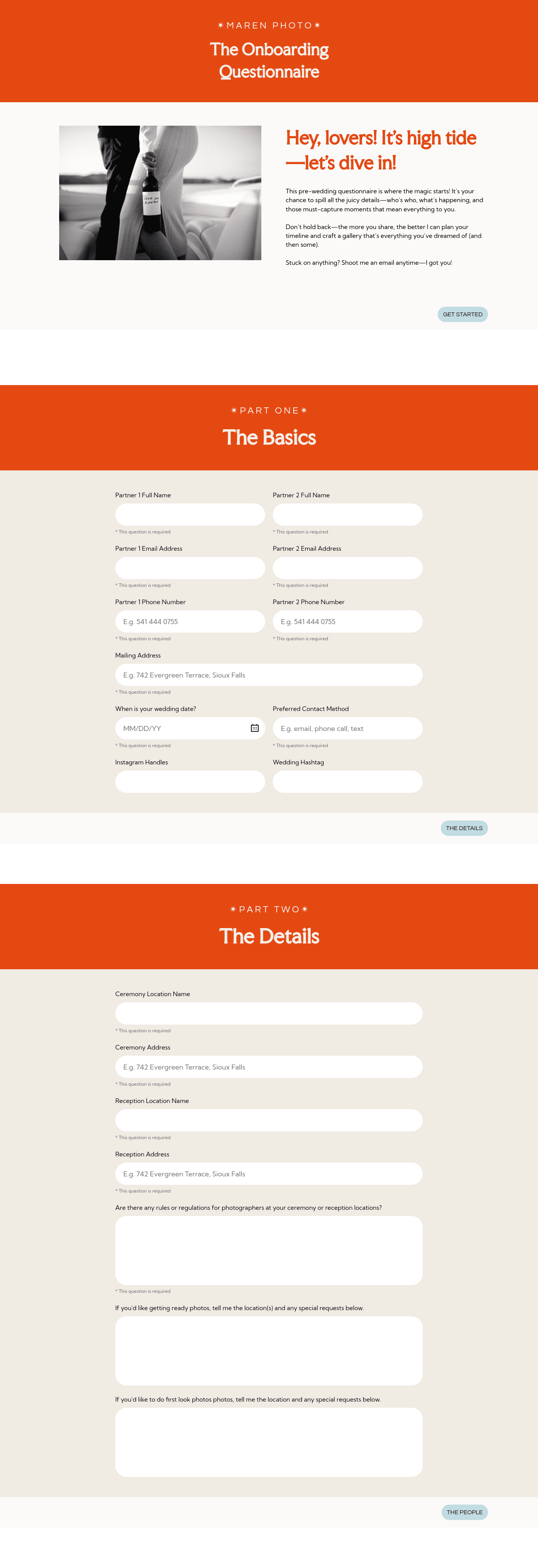
The questionnaire also helps you understand a couple’s comfort level, so you can adjust how you direct or step back. For instance, frameworks like a Maren engagement questionnaire for wedding photographers — which focuses on understanding the couple’s experience and preferences — reflect this shift.
Timing matters. Send it too early, and clients don’t have answers. Too late, and you’re rushed.
Most photographers send it after booking, then revisit it four to eight weeks before the wedding. That second pass is where timelines, vendors, and expectations become clear. It’s also when you catch issues like unrealistic transitions or missing buffer time before key moments.
Catering has a lot of moving parts, and the menu sits in the center. If your catering menu is scattered across emails, texts, and screenshots, mistakes show up at the worst time.
A structured menu template helps in practical ways.
- Builds client trust and a professional first impression.
- Speeds approvals by making choices simple.
- Reduces payment disputes by documenting totals and terms.
- Saves time by cutting back and forth.
That means fewer surprises for clients and fewer fire drills for you.
FAQs
Below are quick answers to common questions from caterers building a catering menu that clients can approve with confidence.
They focus on timeline, key moments, logistics, and personal priorities.
Follow up before the wedding to clarify any missing details, so nothing important is left uncertain.
Templates are used within Smart Files as part of a single client flow. This keeps wedding booking steps organised and reduces back-and-forth by allowing couples to review, sign, and pay in one place.
Yes. You can adjust template structure or design without rebuilding from scratch.
Related templates




Related Templates
.avif)

.png)

Make it your own
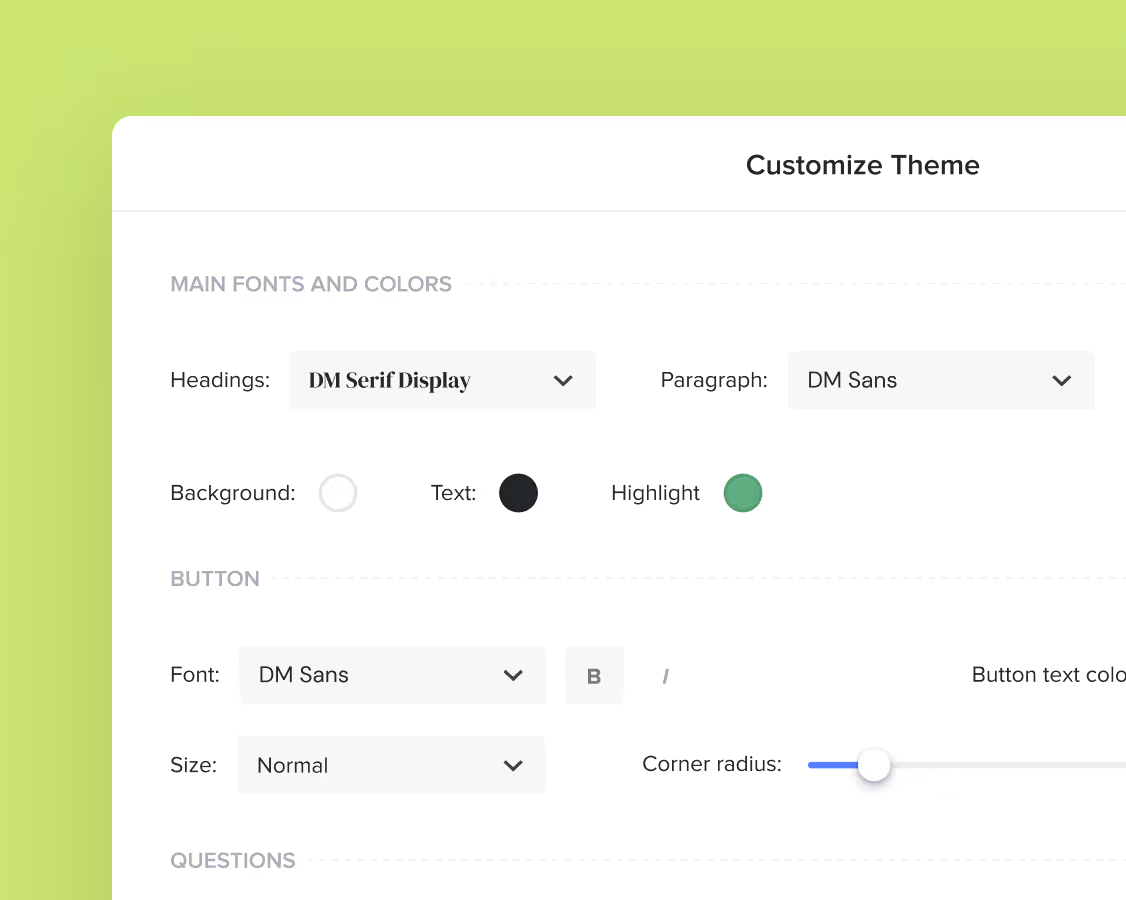
Fully customize the template to fit your needs. Quickly apply your company branding with just a few clicks.
Share with clients
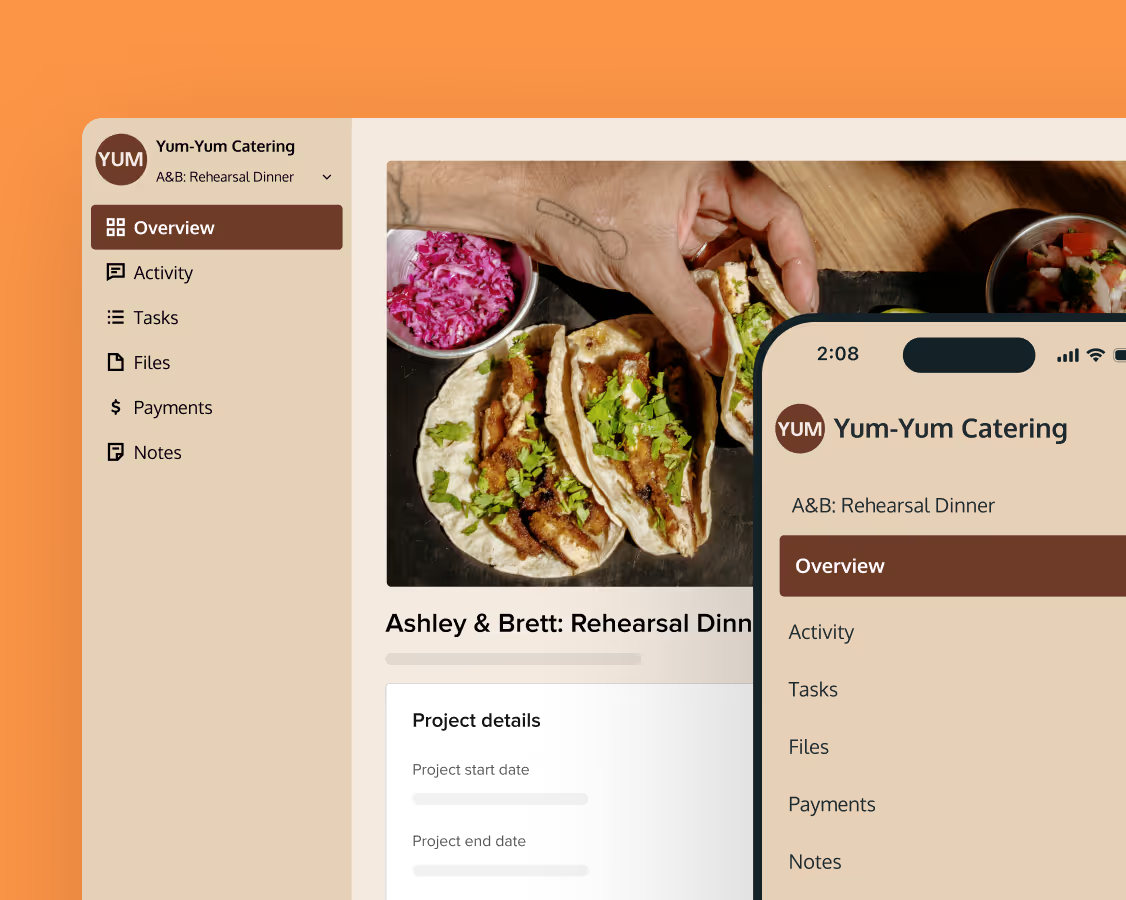
Create exceptional client experiences through HoneyBook’s dedicated client portal, allowing them to read, review, and take action from any device.
Reuse and scale
Use your customized files with different clients again and again to save time and make managing client interactions that much easier.
Join the 100,000+ businesses growing with HoneyBook.