












Services

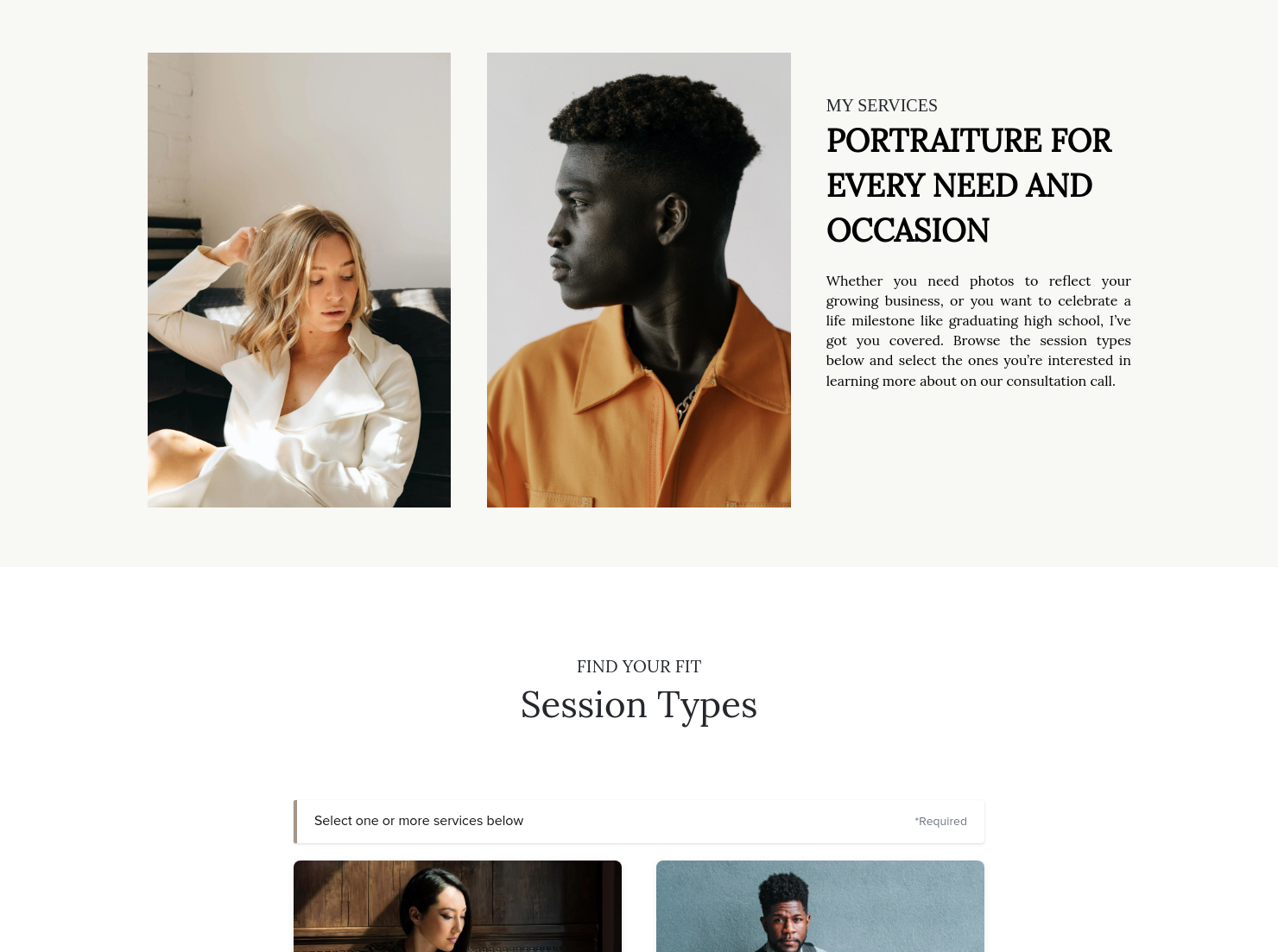
Showcase your services for easier client booking.

Ready-to-use copy
Templates come filled with prewritten copy you can use as is or edit to match your brand and business.


“
”

October 18, 2026

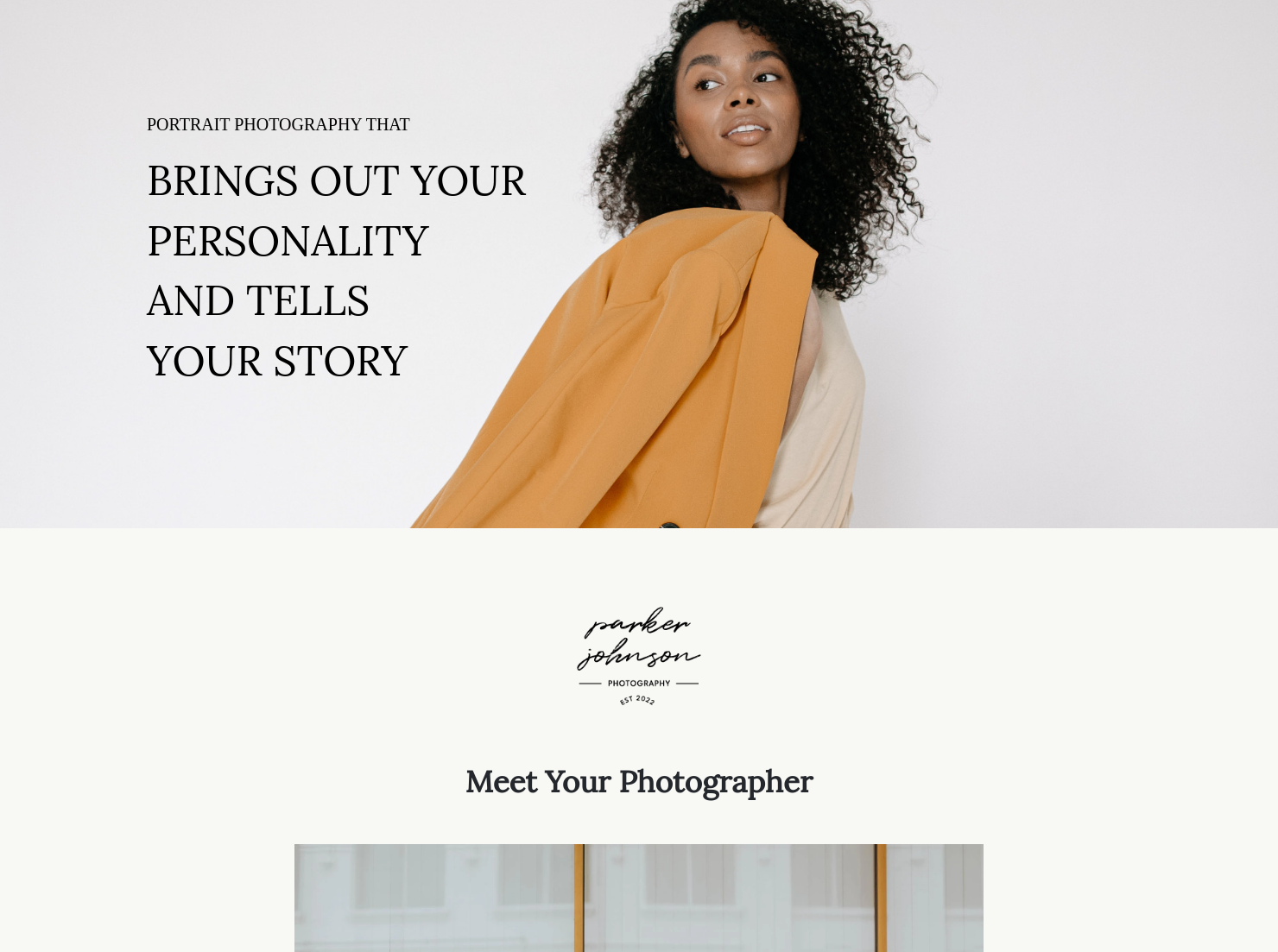
Portrait photography pricing guide template: How to customize it for top results
A big part of building a successful portrait photography business is attracting and converting new leads. While your work itself can help close the deal, it doesn't provide details, such as pricing, session deliverables, add-ons, expectations, and more. That's where a portrait photography pricing guide comes in handy. Sending this document to new leads can help build trust and weed out any unserious offers.
One of the most common questions prospective clients ask is, "How much does it cost to do a photoshoot?" A photography pricing guide answers this and many other questions and allows the client to read through the details at their leisure. Here are some compelling benefits of using a template like this.
- Showcases Professionalism - A clean, easy-to-read, and upfront pricing document makes your business look better than always hashing out details over the phone.
- Organizes Guidelines for Photoshoot Pricing - This guide acts as a bible for your business, ensuring you never forget a detail and acting as a reference point for your clients.
- Delivers Clarity - Rather than haggling over the price for portrait photography, a customizable pricing guide template provides clear, consistent options.
Although HoneyBook offers a comprehensive pricing guide template, here is a rundown of what this document should include for every client.
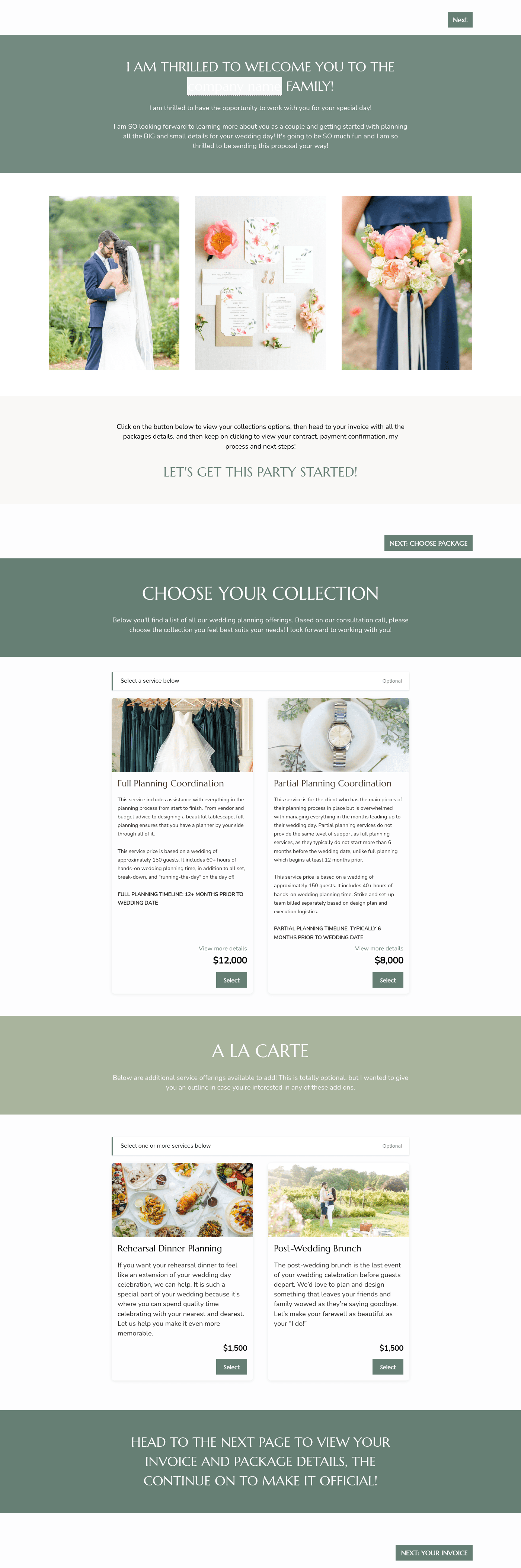
- Session Package Options - Offer multiple pricing options for photos, based on what your client is trying to achieve. Make sure to include time frames and locations.
- Specific Deliverables - These may include the number of photos, resolution and size, prints vs. digital, and more.
- Value Propositions - Dive into detail about what the client can expect and everything you provide, such as props or lighting.
- Background Information - Offer insight into your experience as a portrait photographer, including any specialties (e.g., headshots or family photos).
- Add-Ons and Extras - These may include options like expedited editing, additional photo files, and more.
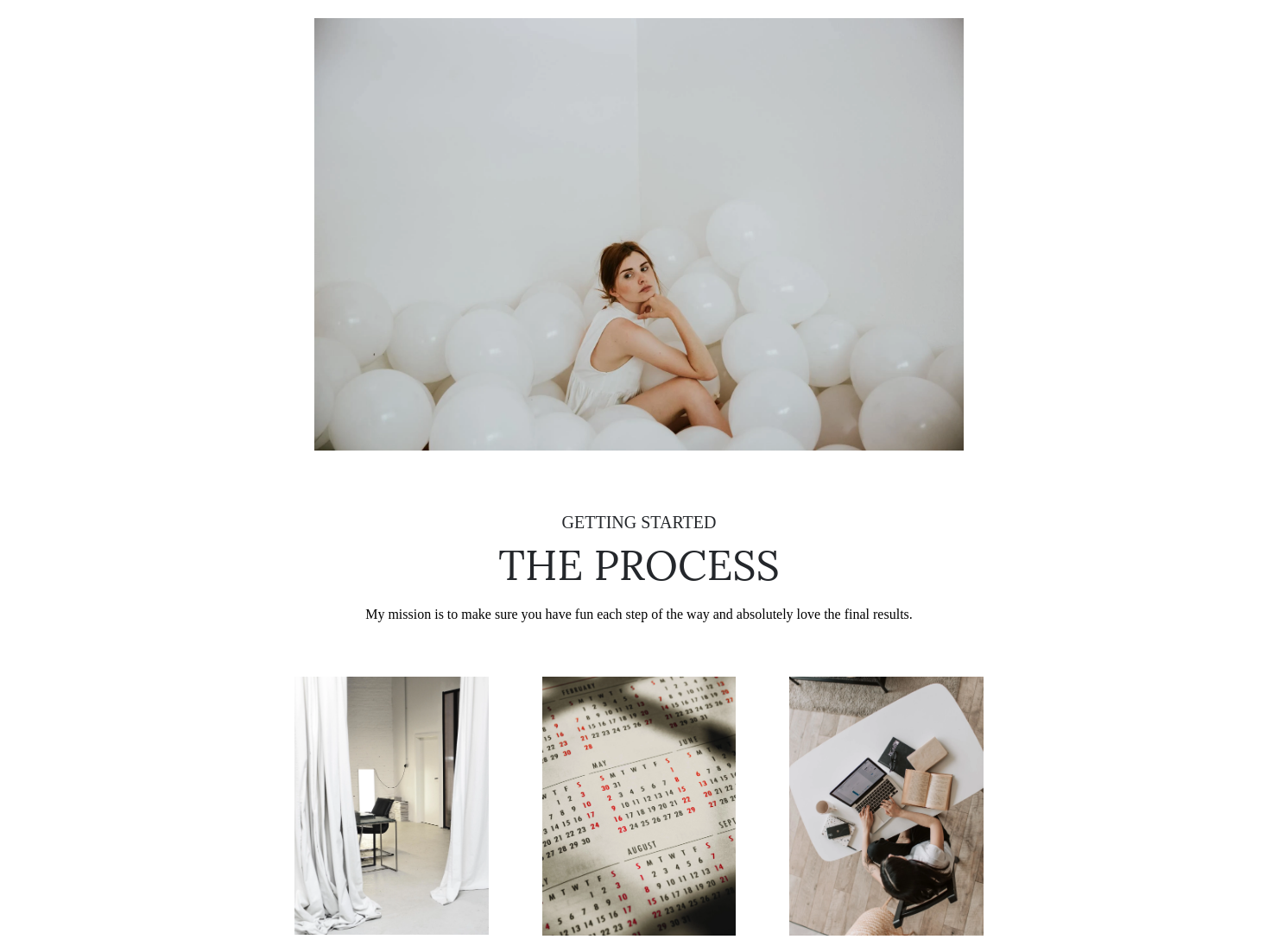
- Overview of Next Steps - Make sure the client knows every step of the portrait photography process, from booking to receipt.
First and foremost, this guide should ensure you're offering competitive pricing for portrait photography. While you can research what other professionals are charging, you should be able to calculate your overall costs, including setup, equipment, and editing time. If necessary, provide a pricing breakdown so clients know exactly what they're paying for.
One common mistake photographers may make in a pricing guide is showcasing too much of their work. Let your portfolio do that. While you can include some key images in this document, the primary focus is on detailing expectations between you and the client.
A compelling way to make a photography pricing guide more effective is to speak to common objections or concerns. Answering these talking points makes it easier to close the deal and negotiate any specific pricing options.
Finally, have confidence in your abilities as a photographer and price your work according to both your talents and the actual amount of work involved. Confidence converts clients better than discounts or haggling.
A sleek, professional photography pricing guide can act as a lead magnet and qualifier for your business. Best of all, as a digital document, it's easy to send the guide to new leads when they visit your portfolio website or social media pages. You can also send a copy when receiving calls or during in-person consultations.
Best of all, a pricing guide helps you weed out unserious inquiries looking for free or cheap services.
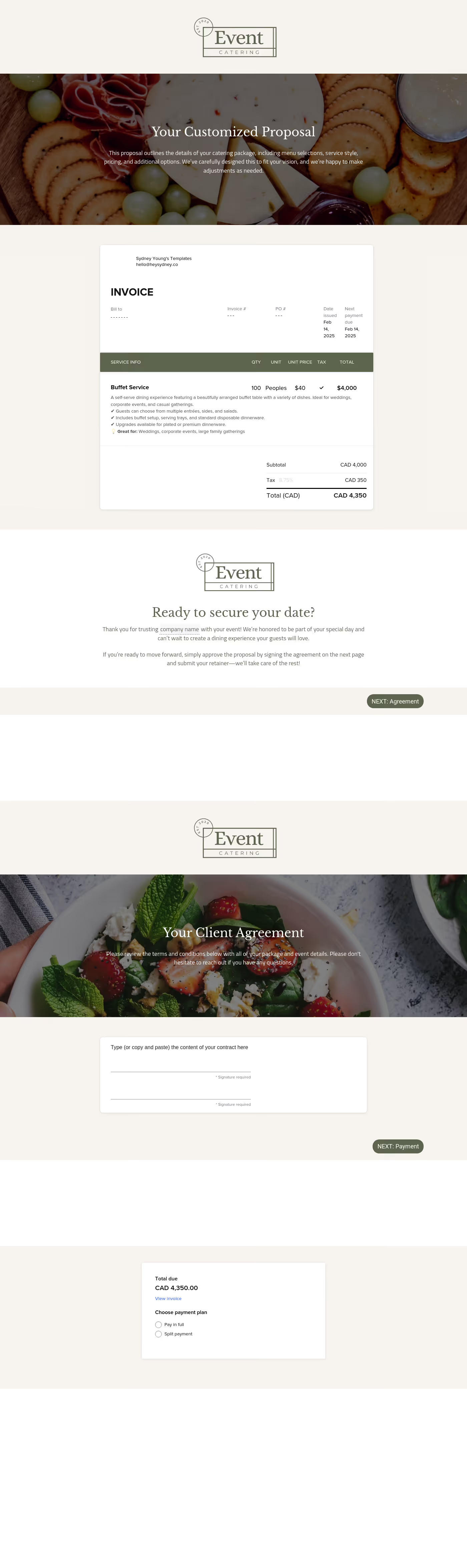
Catering has a lot of moving parts, and the menu sits in the center. If your catering menu is scattered across emails, texts, and screenshots, mistakes show up at the worst time.
A structured menu template helps in practical ways.
- Builds client trust and a professional first impression.
- Speeds approvals by making choices simple.
- Reduces payment disputes by documenting totals and terms.
- Saves time by cutting back and forth.
That means fewer surprises for clients and fewer fire drills for you.
Get started with a portrait photography pricing guide template
You don't have to be a graphic designer or build this document from scratch. HoneyBook makes it easy to adjust our template to suit your needs. Start creating your guide today and let it help you book more clients tomorrow.
FAQs
Below are quick answers to common questions from caterers building a catering menu that clients can approve with confidence.
That depends on the scope of your work and the types of clients you're trying to attract. Think like your ideal client and offer the service options they would likely want.
Typically, photographers set pricing based on the total number of hours worked, as well as any additional expenses like equipment rentals or transportation costs.
Yes, the HoneyBook mobile app enables you to access and send any template to prospective clients easily.
Yes, clients can click links to specific pages to make it easier for them to book your services or reach out with additional questions.
Related templates




Related Templates

.png)





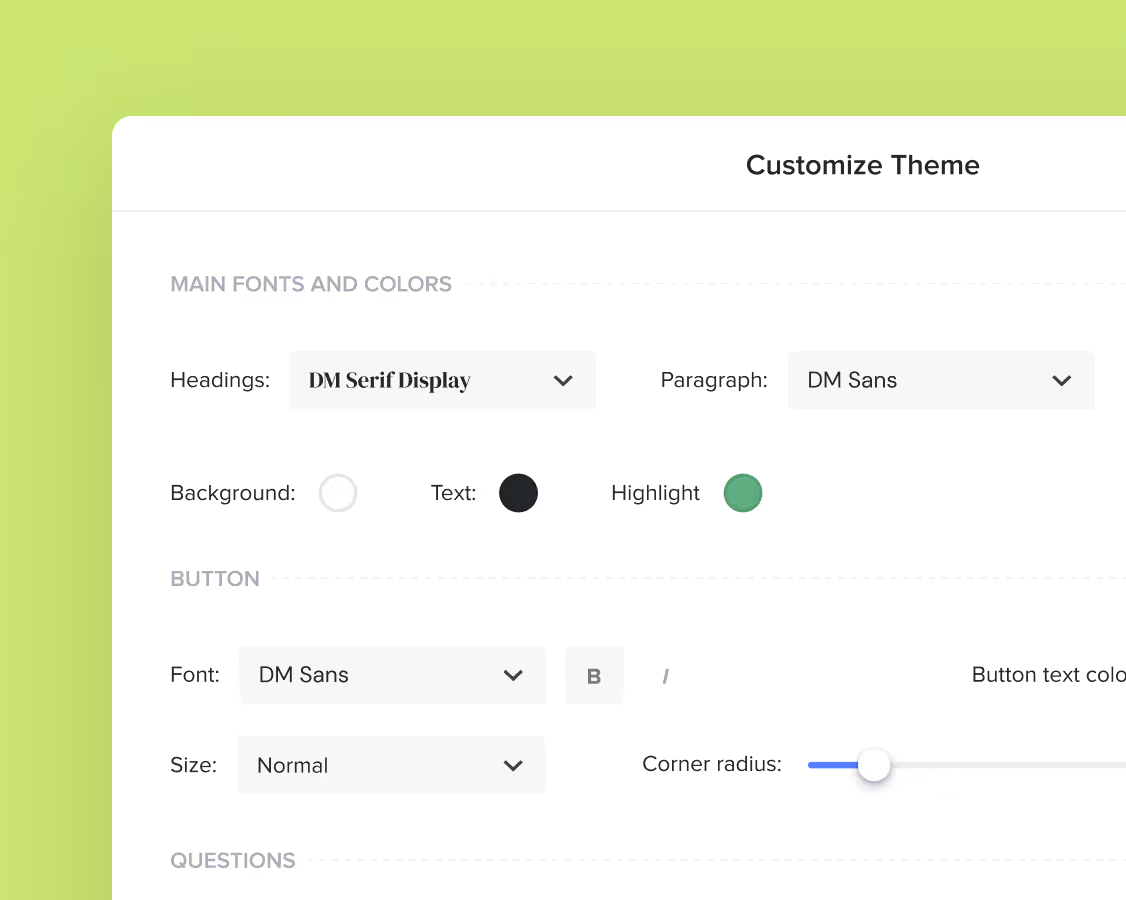
Make it your own
Fully customize the template to fit your needs. Quickly apply your company branding with just a few clicks.
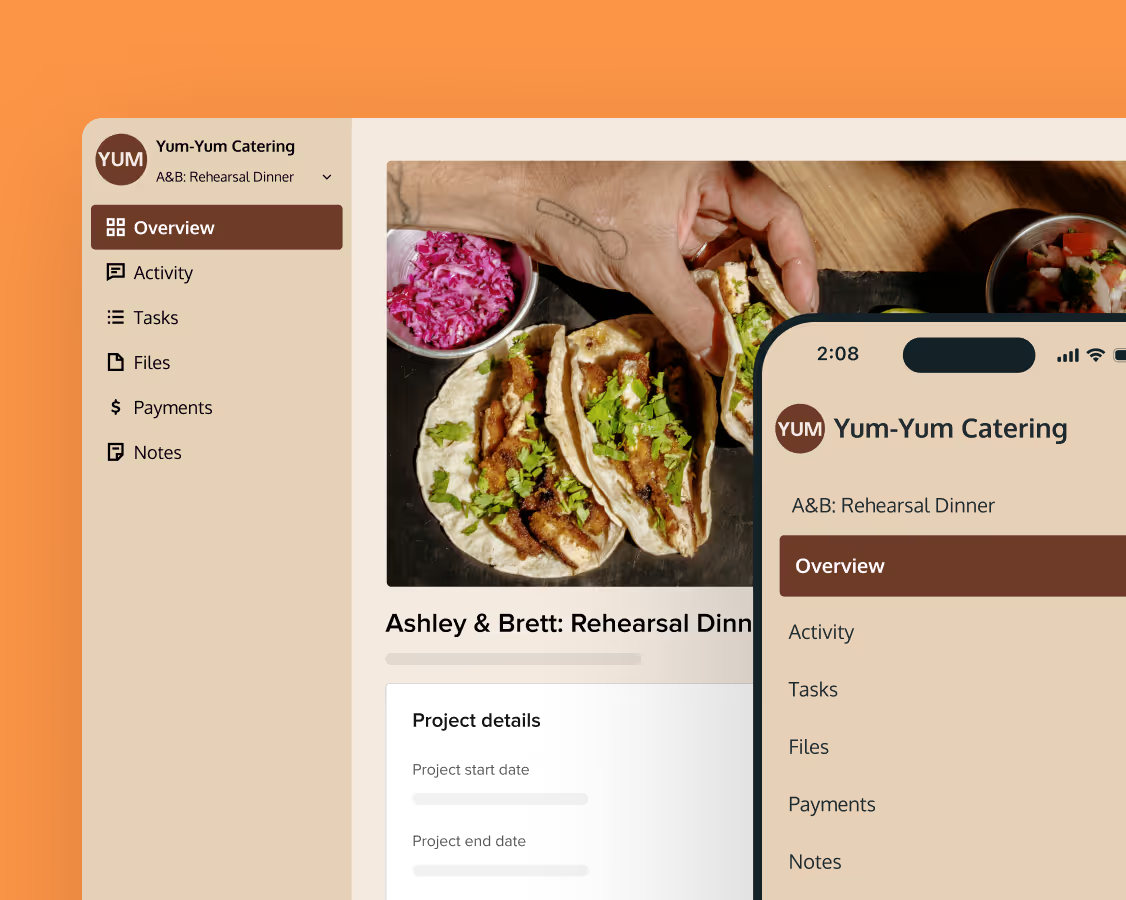
Share with clients
Create exceptional client experiences through HoneyBook’s dedicated client portal, allowing them to read, review, and take action from any device.
Reuse and scale
Use your customized files with different clients again and again to save time and make managing client interactions that much easier.
Join the 100,000+ businesses growing with HoneyBook.