













Ready-to-use copy

Templates come filled with prewritten copy you can use as is or edit to match your brand and business.

Scheduling
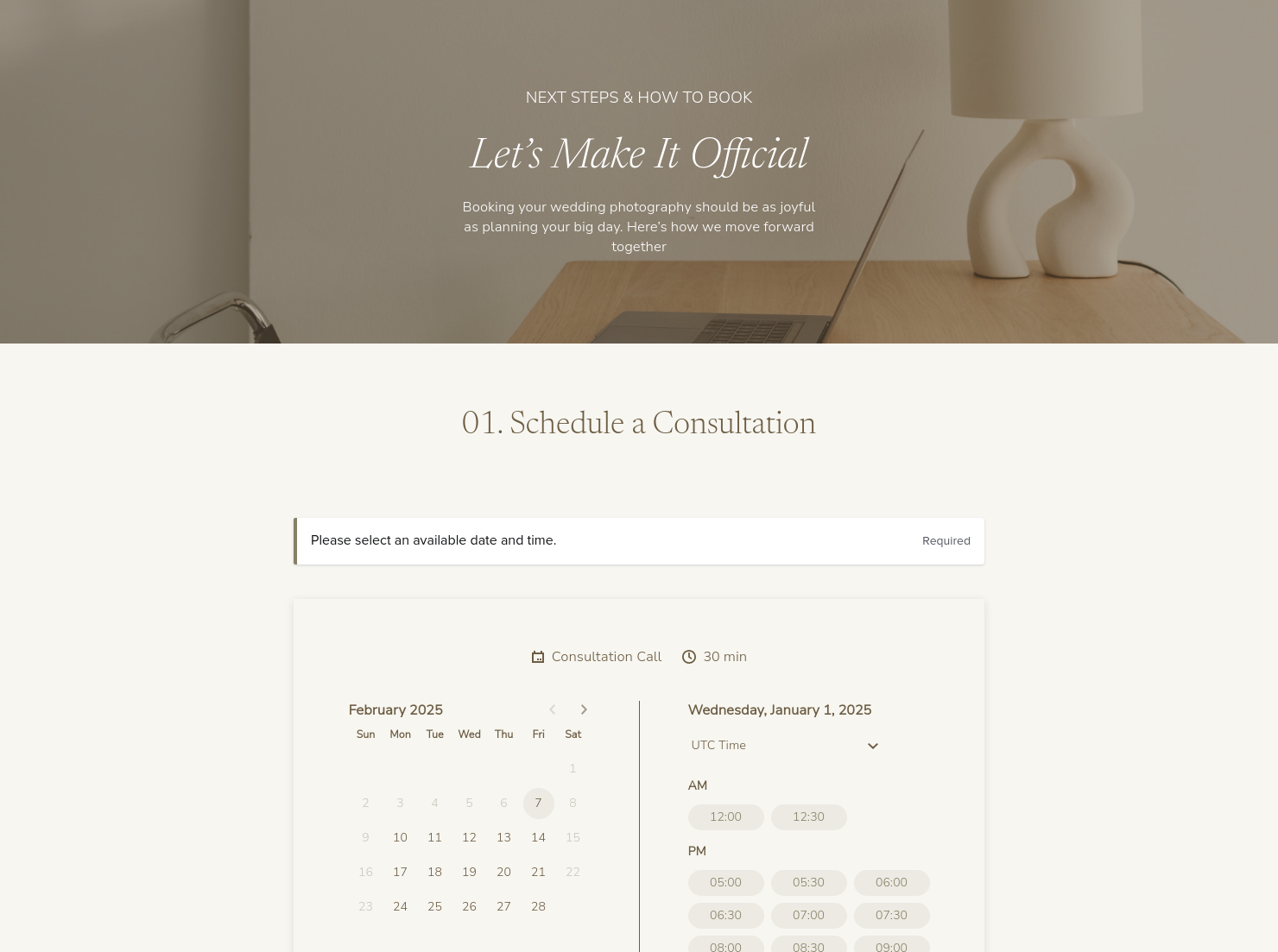
Let clients book meetings, sessions, or appointments during your available time slots.

Services
Showcase your services for easier client booking.


“
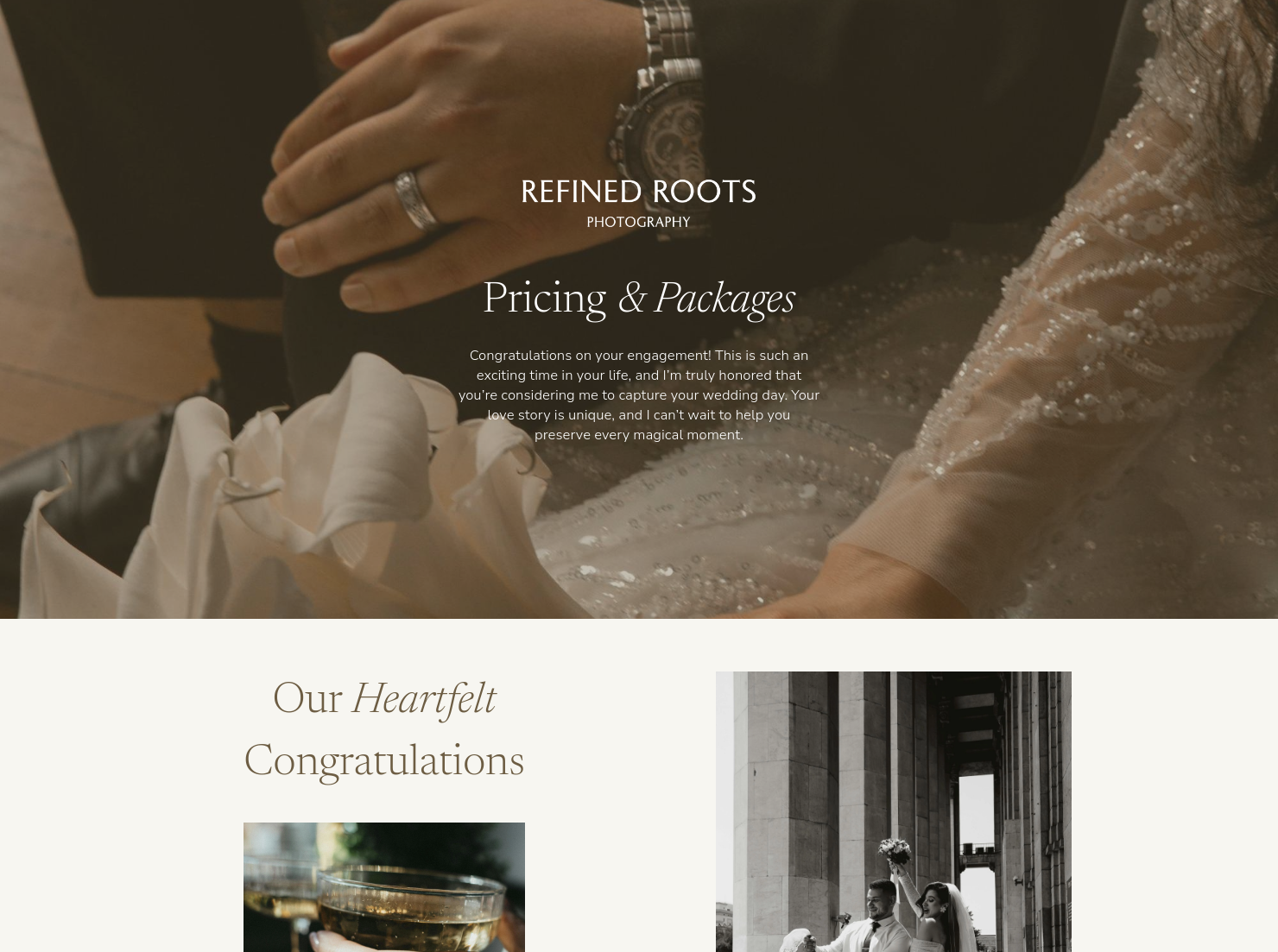
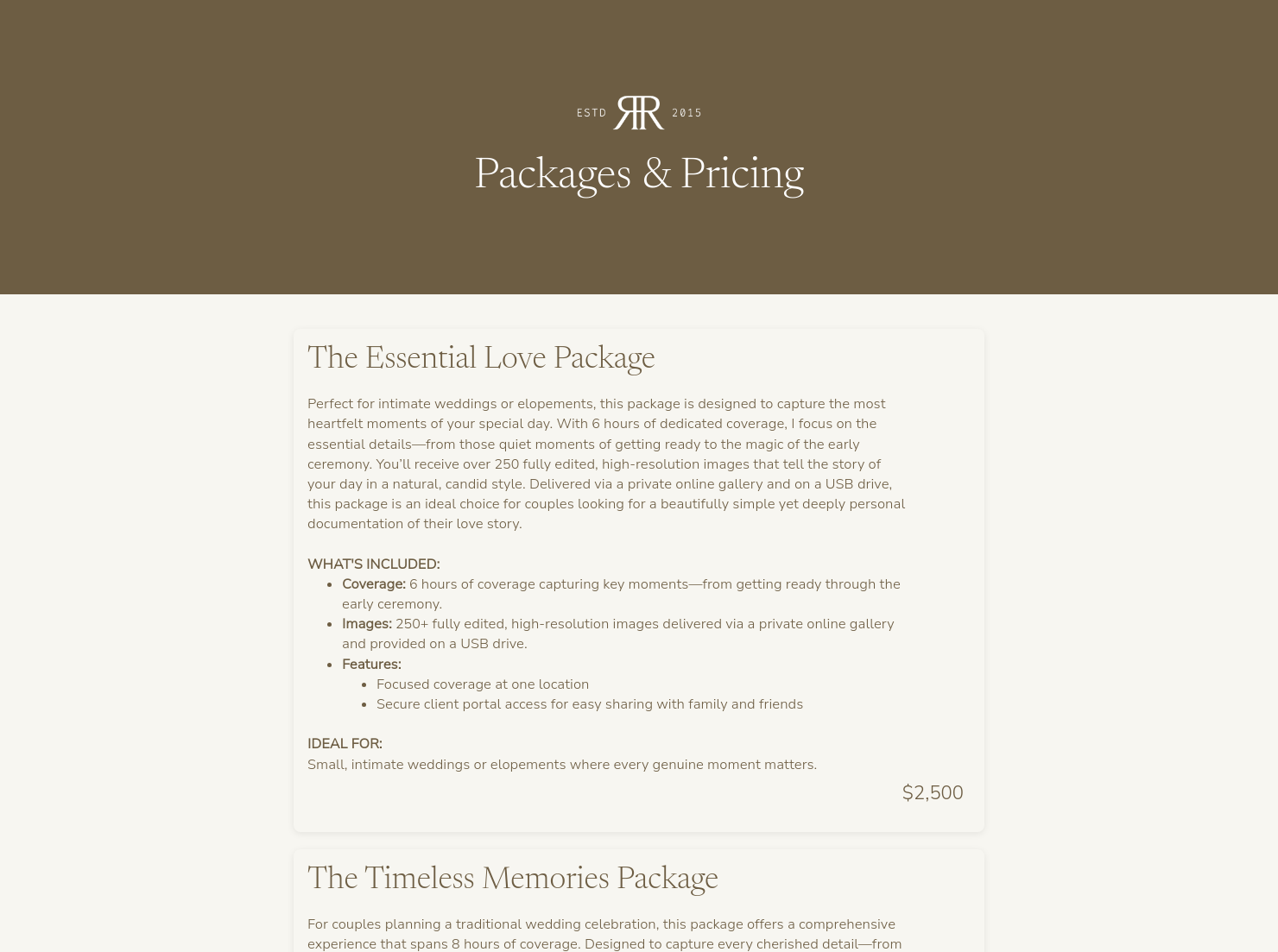
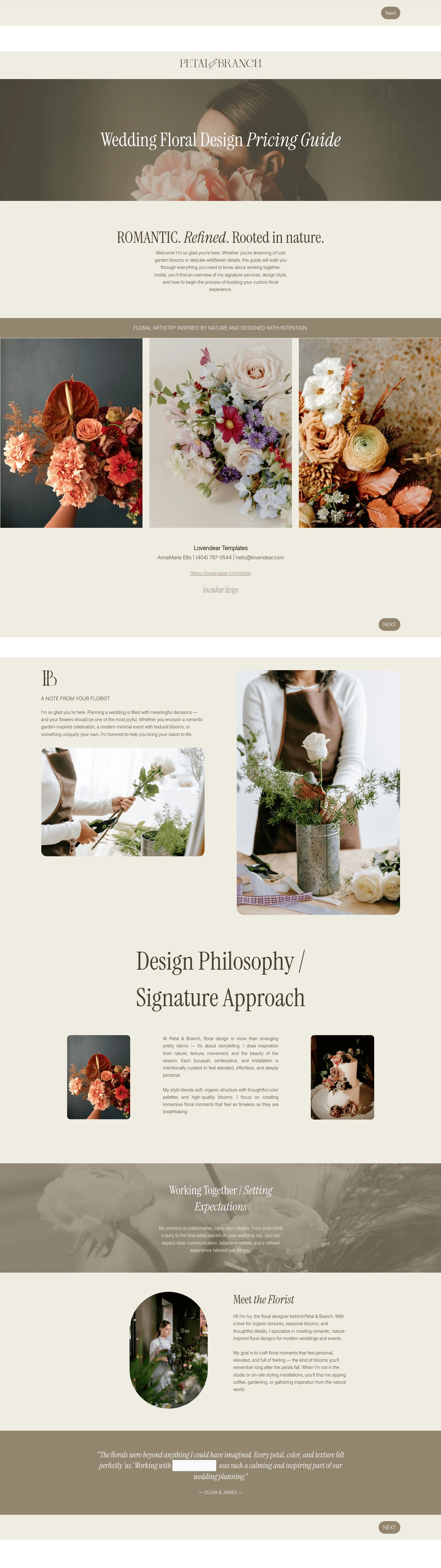
Use this template to share your wedding photography pricing and packages to increase bookings!
”

October 18, 2026

All there is to know about pricing guide for wedding photographers templates
A good pricing guide for wedding photographers can be more than a menu of services and costs. It can give couples different packages and price options while also showcasing your brand, your skills, and the value that you bring to your clients.
A well-put-together pricing guide for wedding photographers is very useful because it:
- Creates a good first impression and shows that you are a legitimate professional.
- Saves time by explaining pricing upfront.
- Gives couples a chance to choose a package that fits their budget.
- Presents couples with the information they need to discuss the options in private.
- Keeps pricing consistent for all your clients.
HoneyBook's pricing guide for wedding photographers template ensures you enjoy all these benefits, don't miss any vital details, and consistently create polished pricing guides.
A guide can do much more than simply list wedding photography package pricing. It gives you a chance to showcase the qualities that differentiate you from the competition.
What should your wedding photography pricing guide include?
- Introduction: The pricing guide should start by thanking people for their interest and explaining your brand and approach to wedding photography.
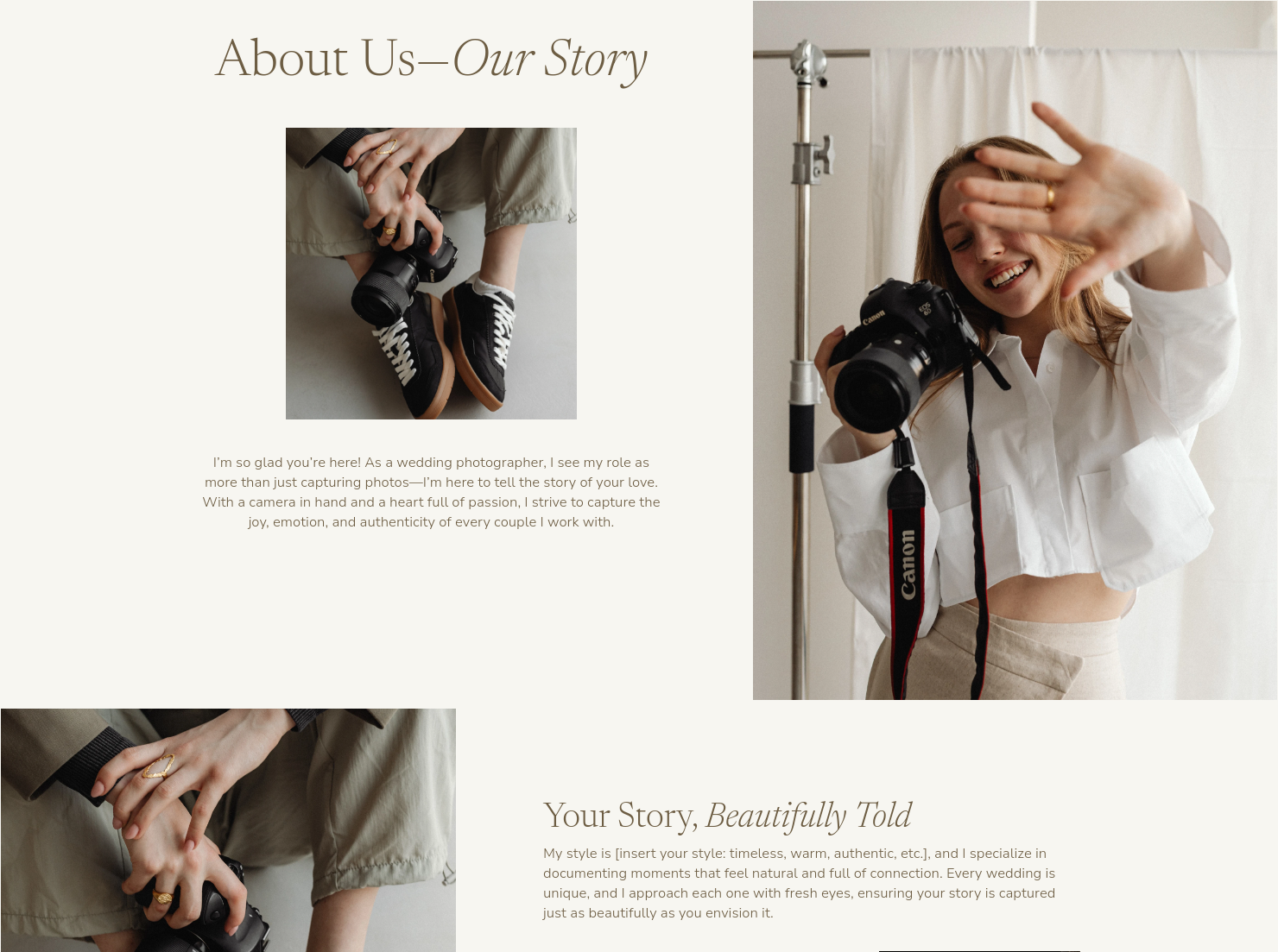
- About: This section explains your experience and training. You can also offer a short summary of your photography style.
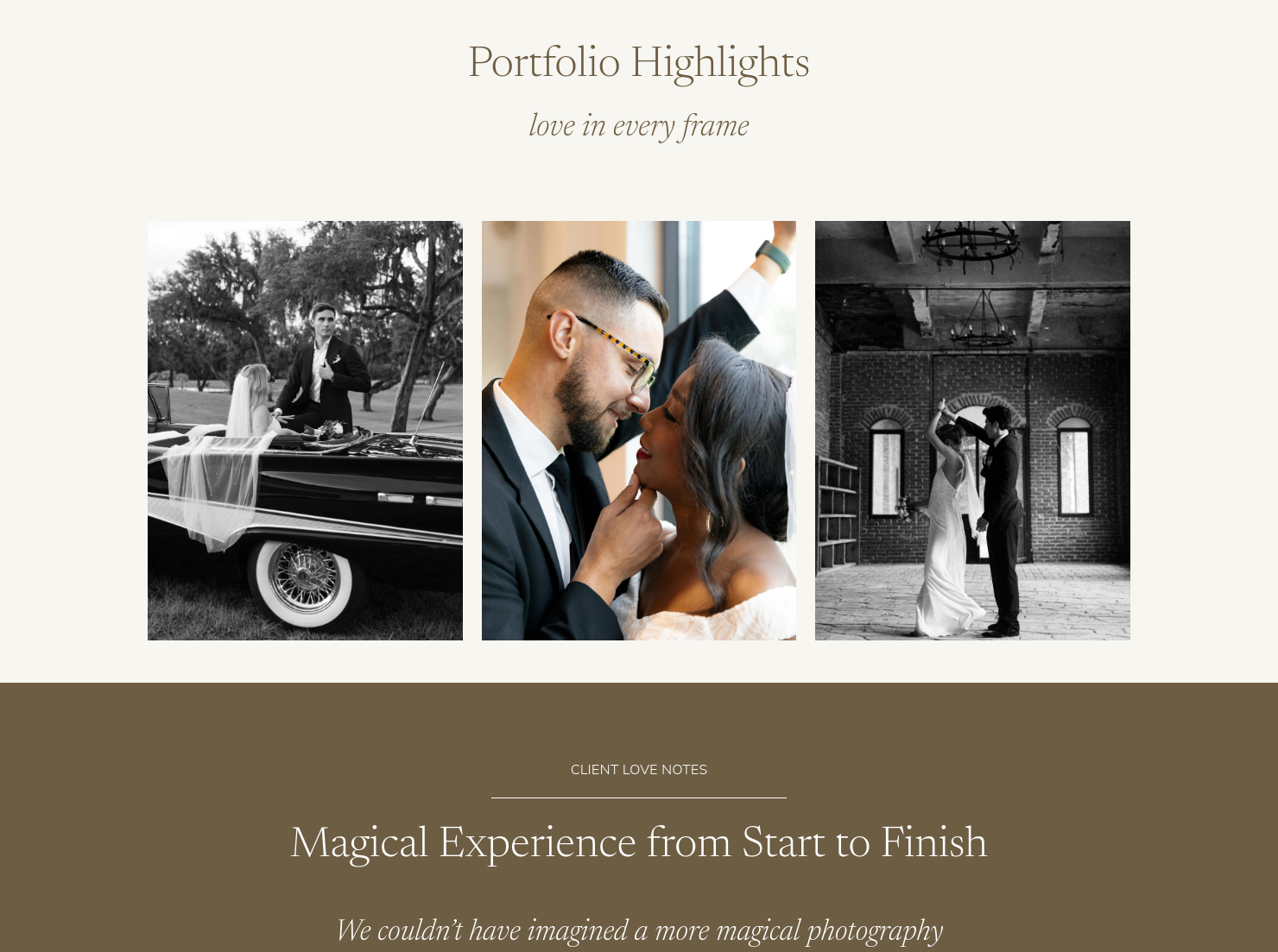
- Portfolio highlights: Add five or so of your best wedding photos. These should illustrate the type of pictures offered in your different wedding packages.
- Packages: List the packages and include vital details like number of hours, events, or places that you will cover, and the format of the pictures you will deliver (for example, digital, online gallery, or print).
- Extras and upgrades: List add-ons and a la carte pricing options. This can include additional events, such as pre-wedding dinners, behind-the-scenes coverage, and special albums or prints.
- Value section: List all the services that are included in every package. This helps highlight the value that you offer. In addition to documenting the event and taking portraits of the couple, mention other services, such as scouting locations for the couple's pre-wedding photo shoots.
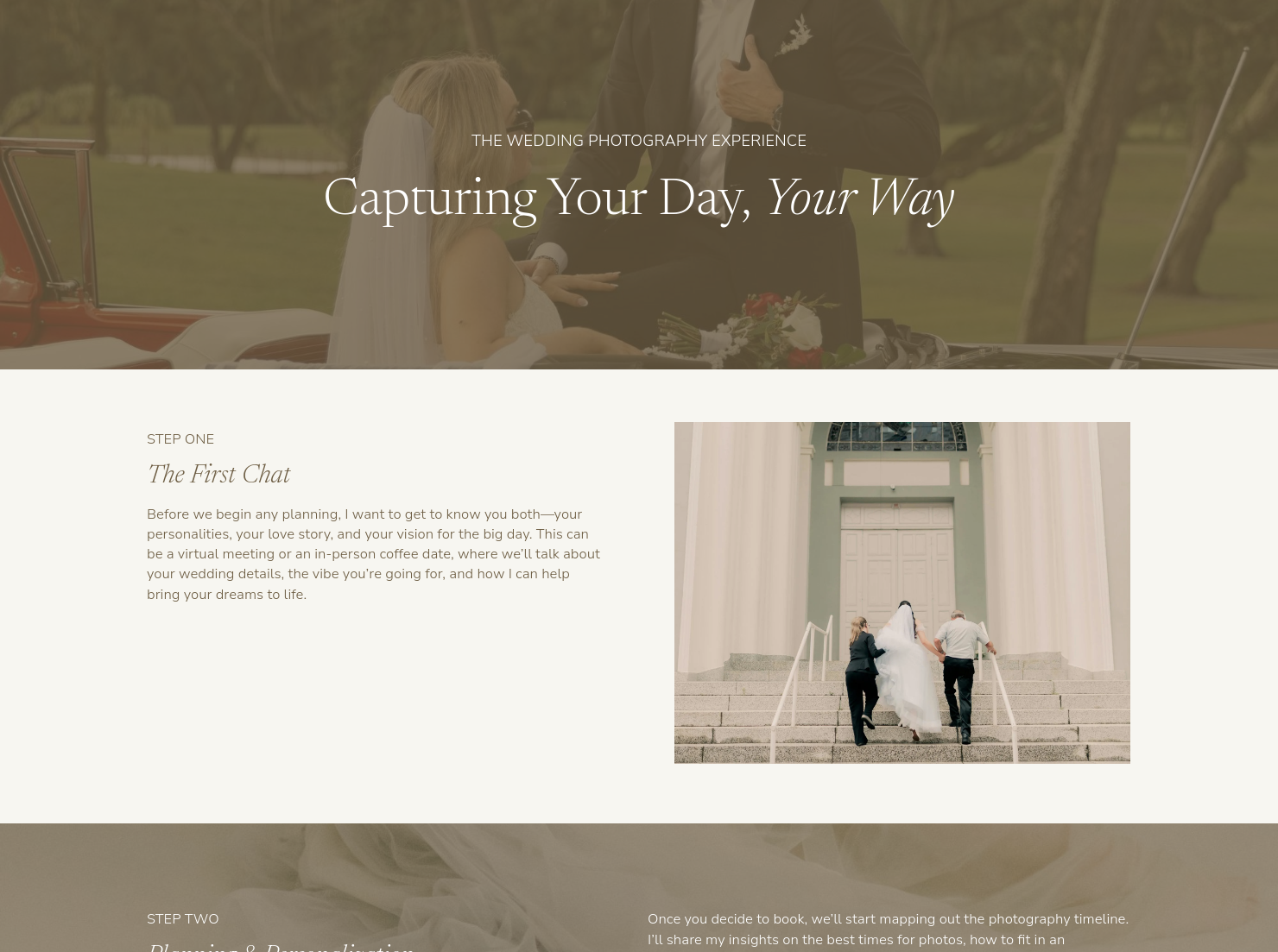
The guide should also outline the booking process. Clearly explain the steps for scheduling an initial consultation, reserving the date, and making a deposit.
Two qualities can make your pricing guide stand out: clarity and value. Here's how to give your pricing guide these traits:
- Clearly list everything included in each package, and use the same format for each list so that couples can easily compare.
- Outline the scheduling process to make clients feel more confident and comfortable when it's time to book your services.
- Highlight value beyond photos by mentioning additional services, such as choosing a timeline for the photos and selecting locations.
- Talk about other things you bring to the job, including your experience, your backup equipment, and your ability to offer alternative locations/settings based on weather and other factors.
These intangibles let couples know that you do much more than simply showing up to snap pictures.
As a photographer, you should always use a guide to explain photography charges for weddings, but you might wonder when to give the pricing document to a couple.
- When a couple first inquires about your services: The guide gives them the info they need right away, and it also weeds out couples looking for cheap options.
- Before a face-to-face consultation: The guide can give you a starting point for the meeting and give the couple a framework for asking specific questions.
- To follow up after an initial call or meeting: This reminds the couple of your packages and pricing and also helps them remember the value you can provide.
Consider putting a simple version of the pricing guide on your website so that you attract couples who fit in your price range.
Catering has a lot of moving parts, and the menu sits in the center. If your catering menu is scattered across emails, texts, and screenshots, mistakes show up at the worst time.
A structured menu template helps in practical ways.
- Builds client trust and a professional first impression.
- Speeds approvals by making choices simple.
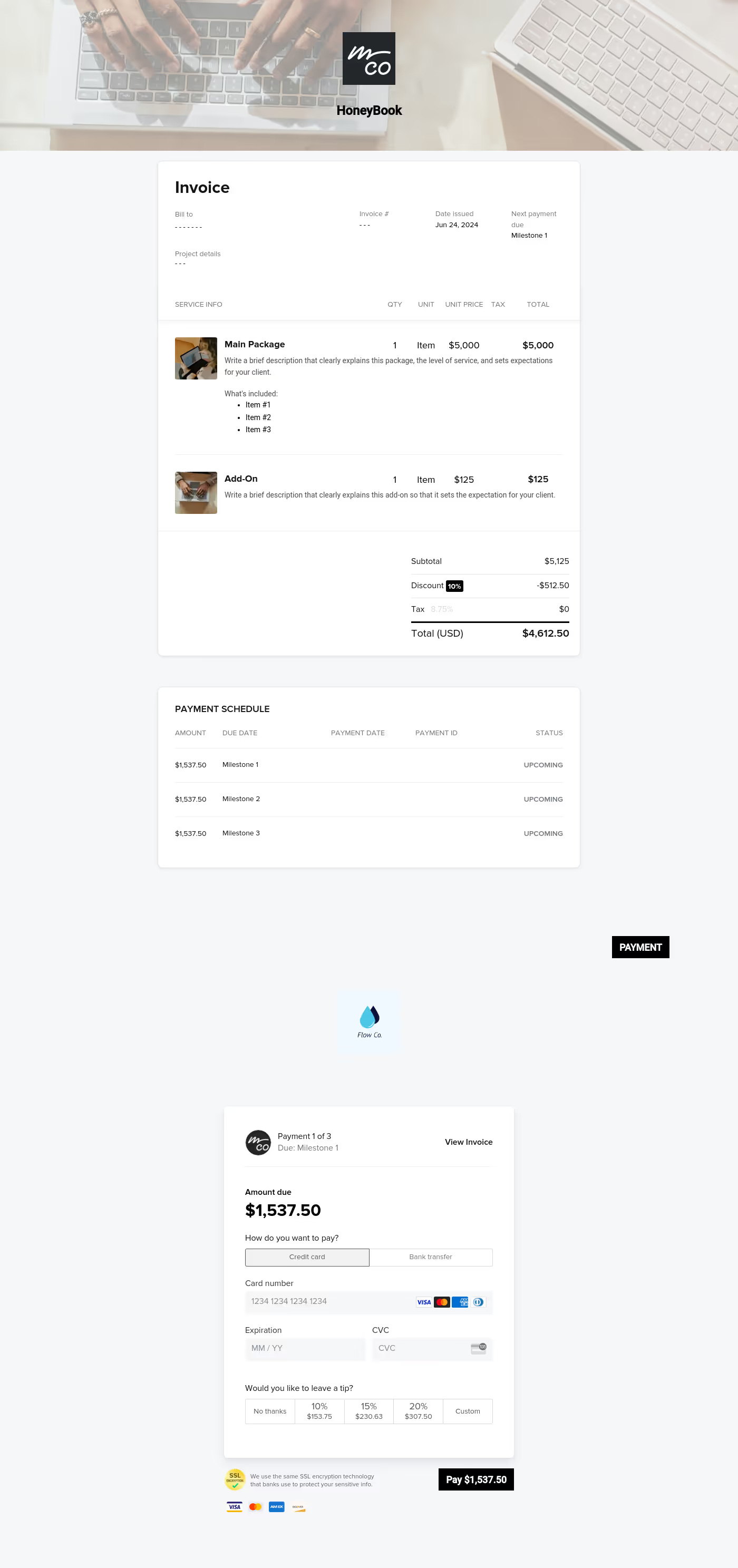
- Reduces payment disputes by documenting totals and terms.
- Saves time by cutting back and forth.
That means fewer surprises for clients and fewer fire drills for you.
Get started with HoneyBook's pricing guide for wedding photography template
Use HoneyBook's pricing guide for wedding photographers template to efficiently create a polished and professional menu of services and packages. With our framework, you will also bring the same client experience to every couple considering hiring you. Pair the template with our scheduling tool so that couples can immediately book a meeting to discuss your services further.
FAQs
Below are quick answers to common questions from caterers building a catering menu that clients can approve with confidence.
Wedding photography charges should be based on your experience level, the hours of coverage, editing time, and deliverables (digital galleries or physical prints).
Include a short intro about your experience, then talk about the philosophy that guides your wedding photography style. You can also explain why you chose wedding photography. The goal of this section is to build trust and a personal connection while still maintaining a professional image.
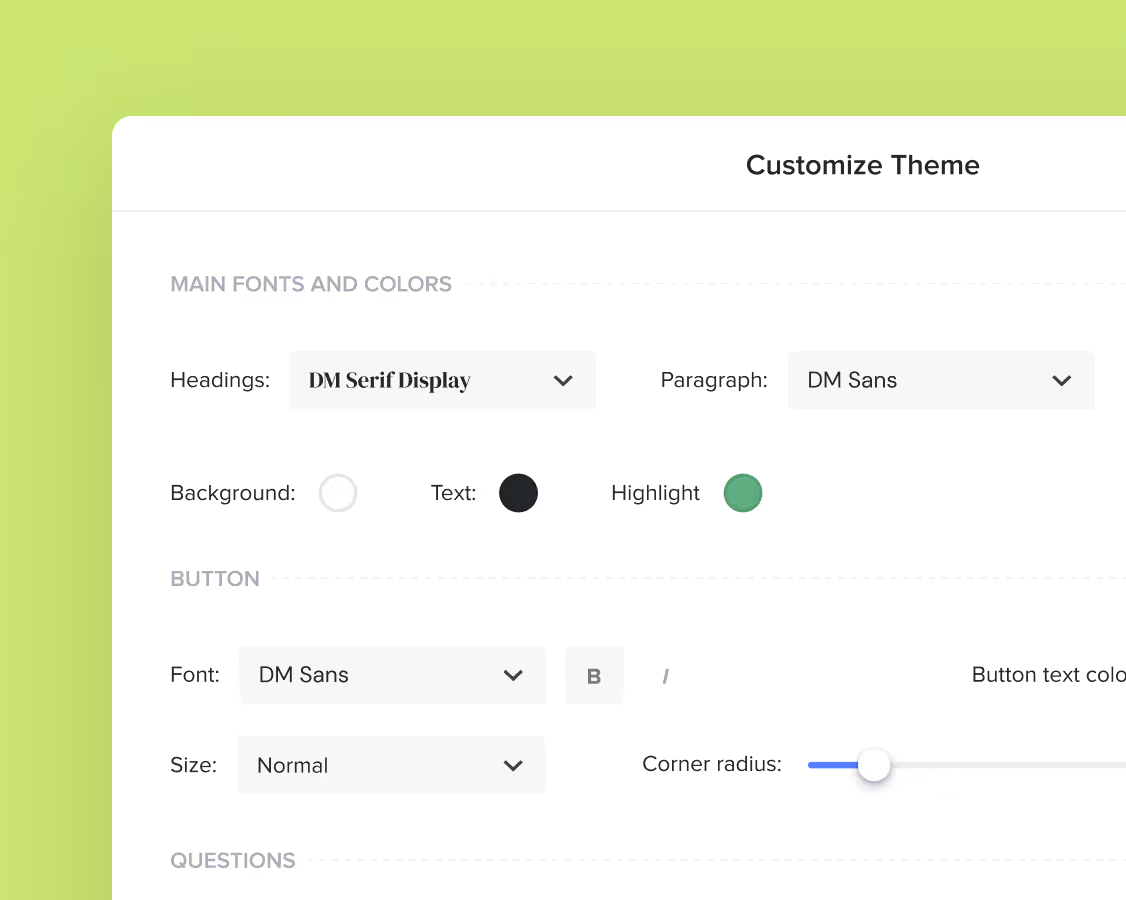
Yes. You can customize fonts, colors, images, pricing tables, contract language, and messaging to reflect your brand’s voice and visual identity.
Yes. With the HoneyBook mobile app, you can create, customize, send, and manage templates and Smart Files from anywhere. This means you can respond to inquiries, share documents, and keep projects moving whether you’re at your desk or on the go.
Get started with a Honeybook wedding photographer template.
Related templates
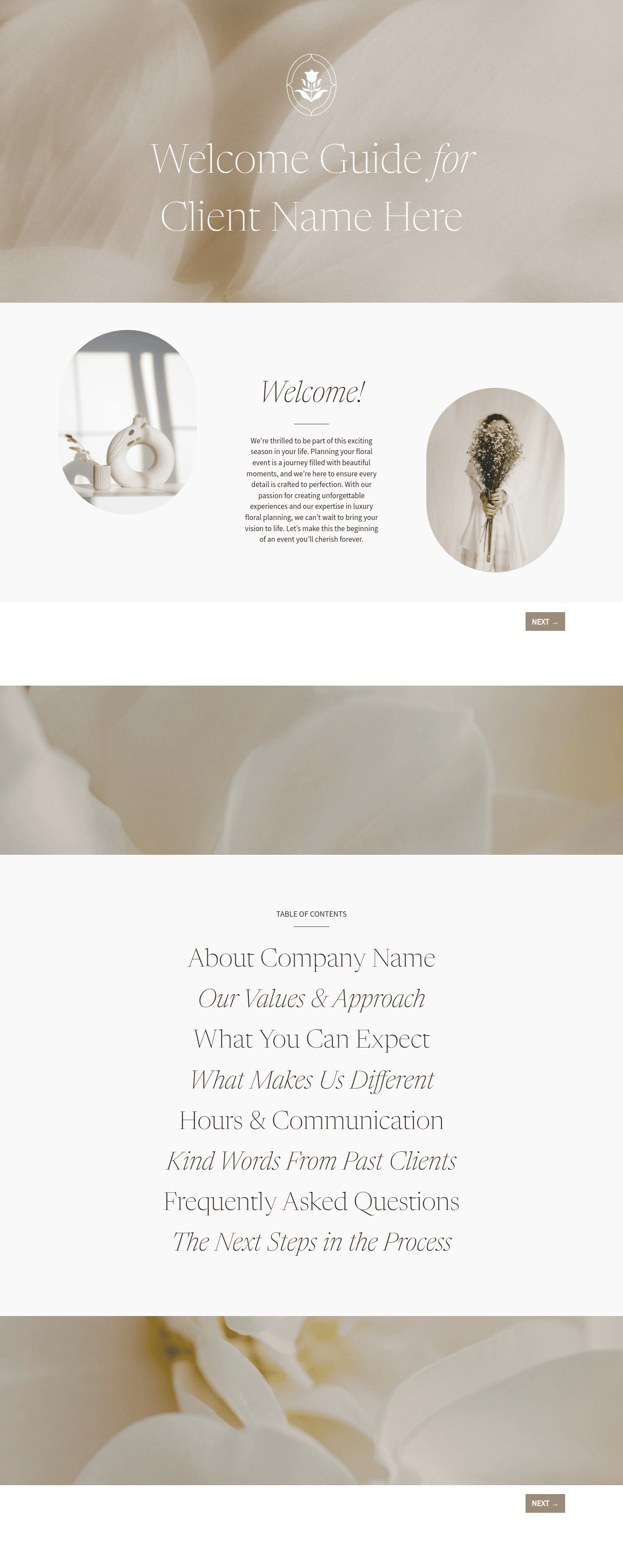

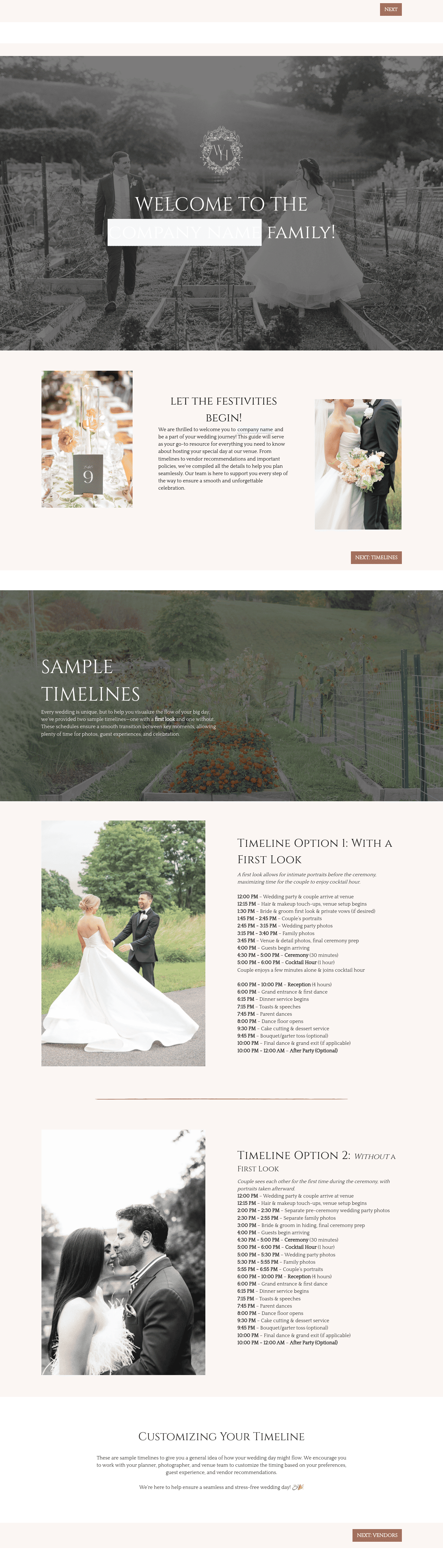


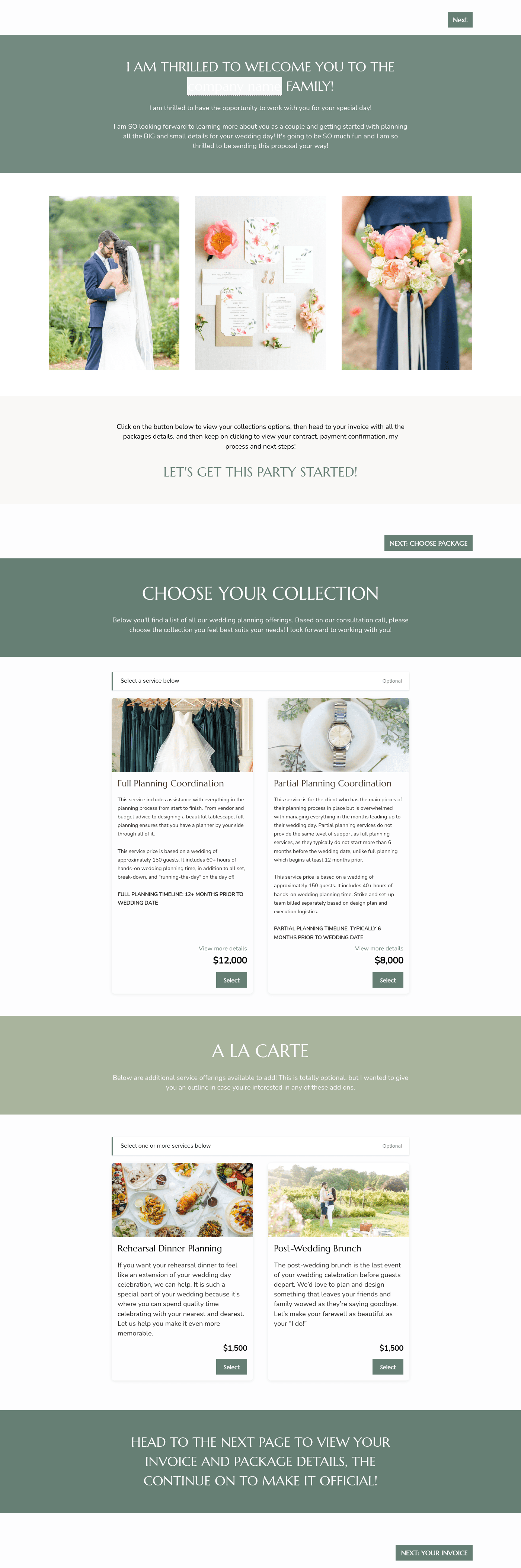

Related Templates






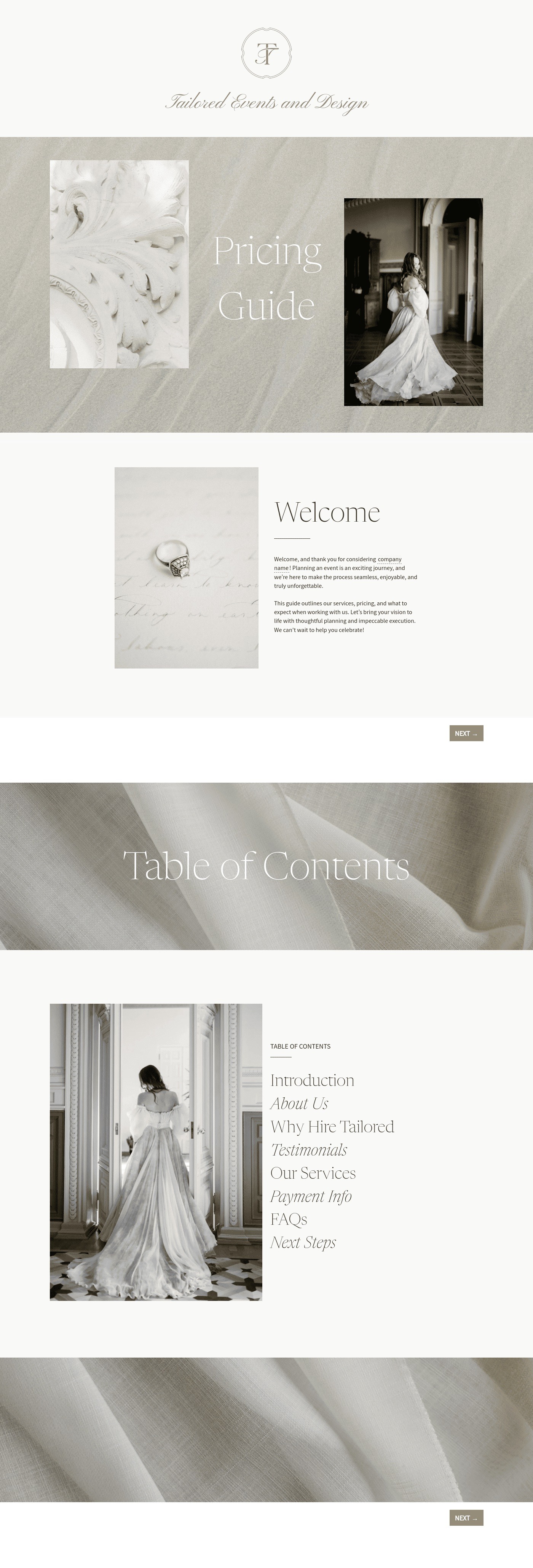
Make it your own
Fully customize the template to fit your needs. Quickly apply your company branding with just a few clicks.
Share with clients
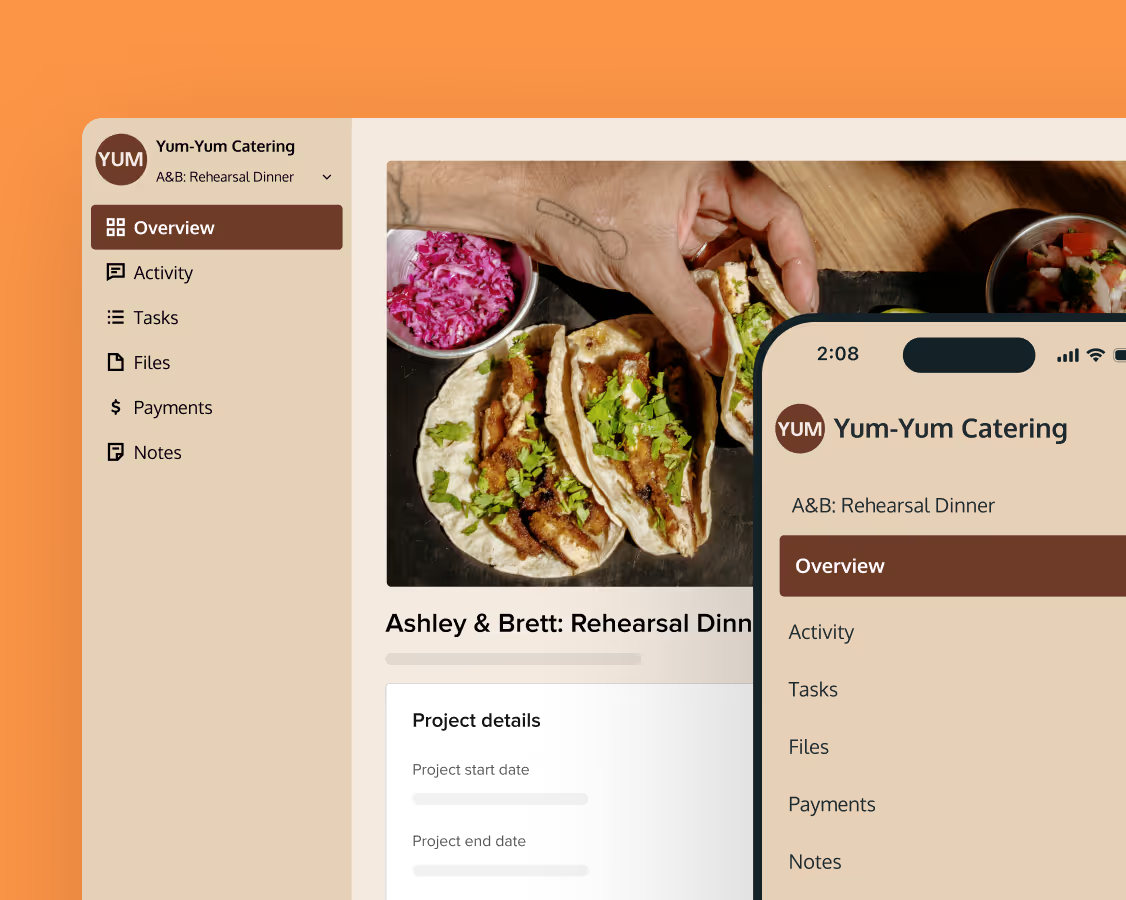
Create exceptional client experiences through HoneyBook’s dedicated client portal, allowing them to read, review, and take action from any device.
Reuse and scale
Use your customized files with different clients again and again to save time and make managing client interactions that much easier.
Join the 100,000+ businesses growing with HoneyBook.