
















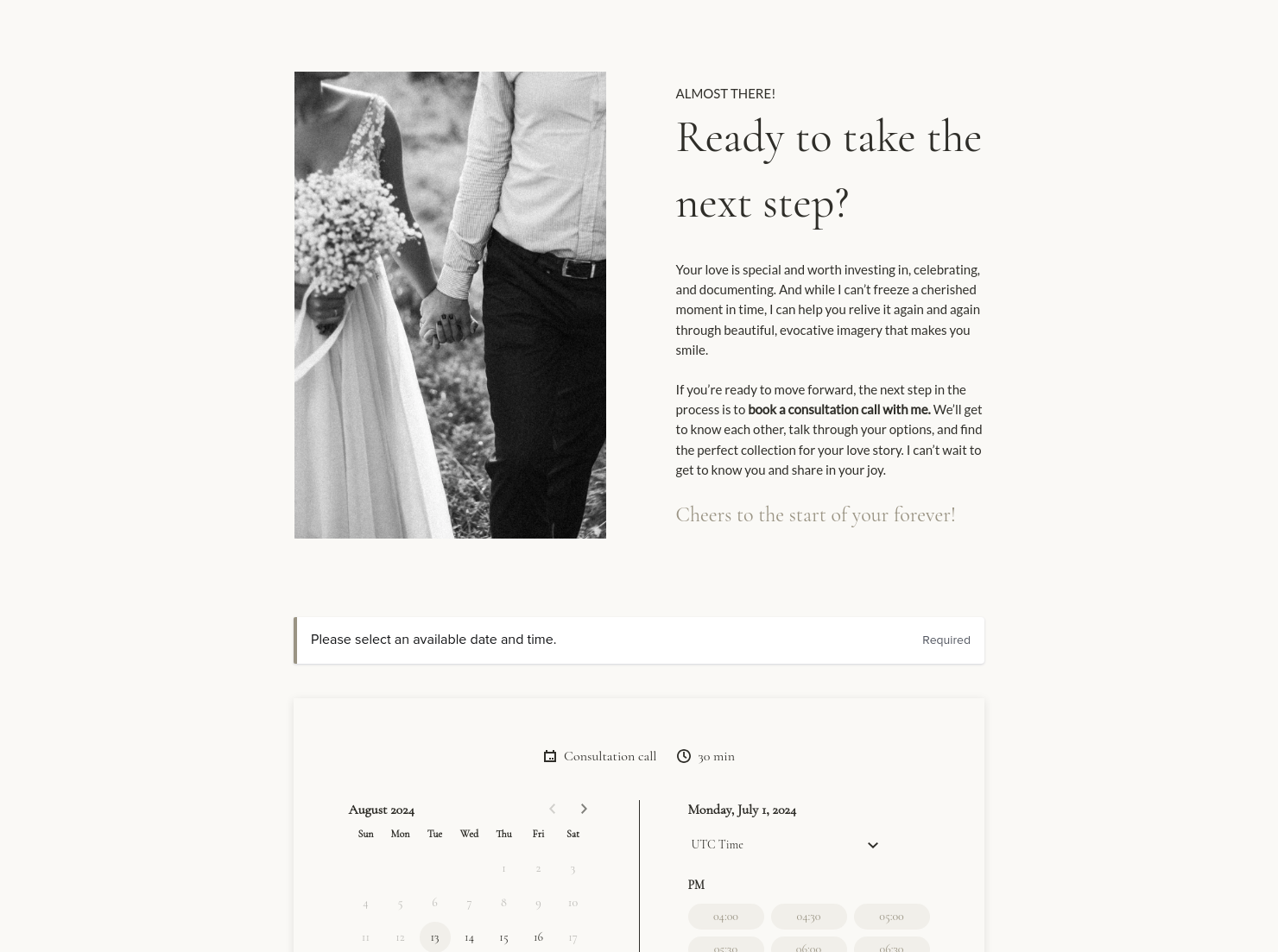

Scheduling

Let clients book meetings, sessions, or appointments during your available time slots.

Ready-to-use copy
Templates come filled with prewritten copy you can use as is or edit to match your brand and business.

Services
Showcase your services for easier client booking.


“
”

October 11, 2026

Wedding photography pricing guide template: how to customize it for top results
A wedding photography pricing guide is a client-facing document you send after an inquiry or around the co [a] prices to your process, so couples can decide faster and you can move into booking steps with less confusion.
Wedding photography is high-trust work. Couples are making a big decision fast, often after looking at the average cost for a photographer at a wedding and comparing several photographers in a short window. If your pricing feels vague, they hesitate or judge you only on the number.
A clear wedding photography pricing guide helps you.
- Build trust by showing what’s included and what costs extra.
- Cut back-and-forth by answering common questions up front.
- Set payment expectations early.
When couples can see the full picture, they book with more confidence. You spend less time clarifying and more time shooting.
A solid guide covers the details clients need before they commit. It should read like a simple roadmap from “interested” to “booked,” with no missing steps.
- Business and client information.
- Package options with the cost of a photographer for a wedding shown as a clear total per tier.
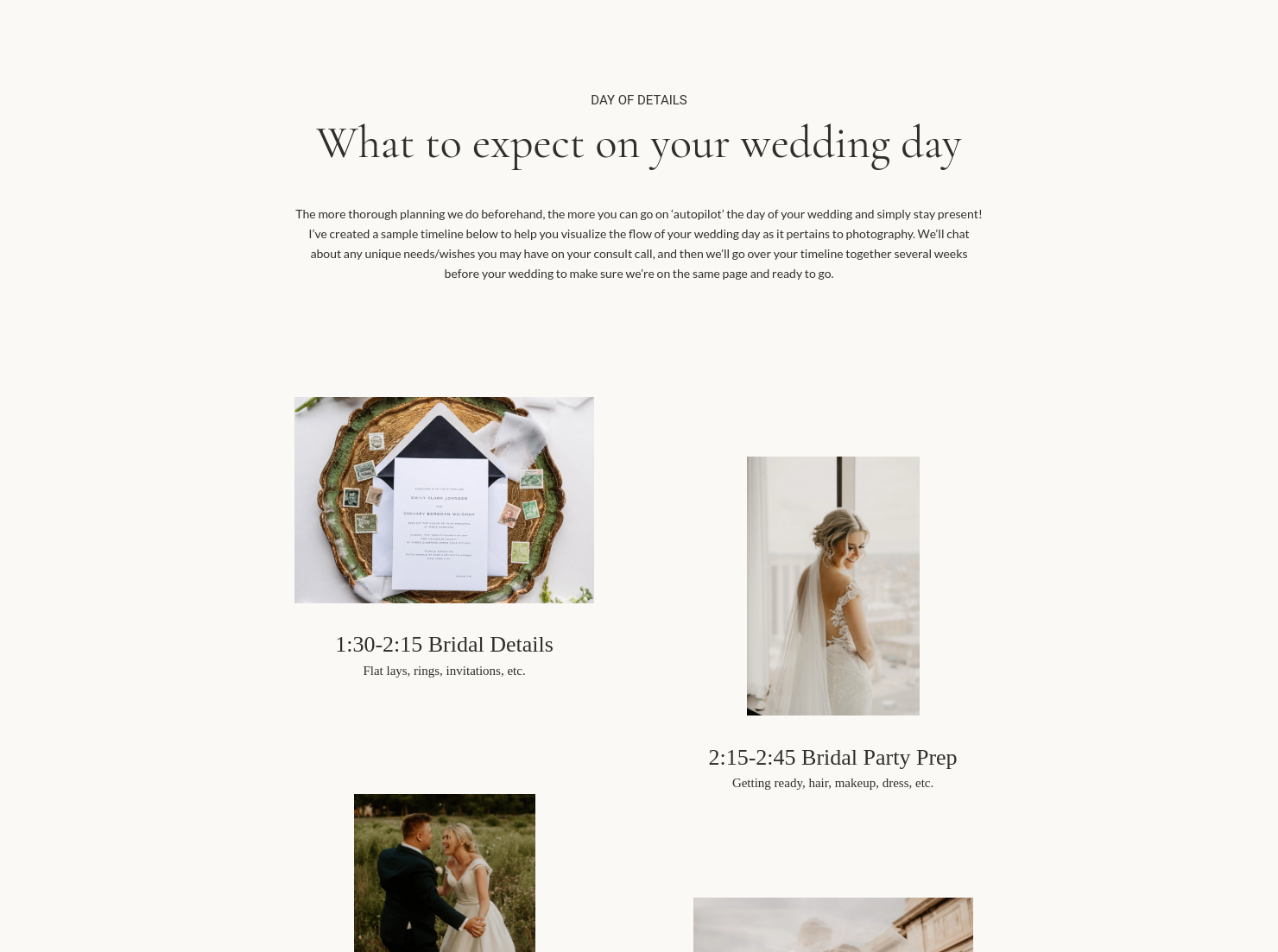
- Coverage hours and what parts of the day are included.
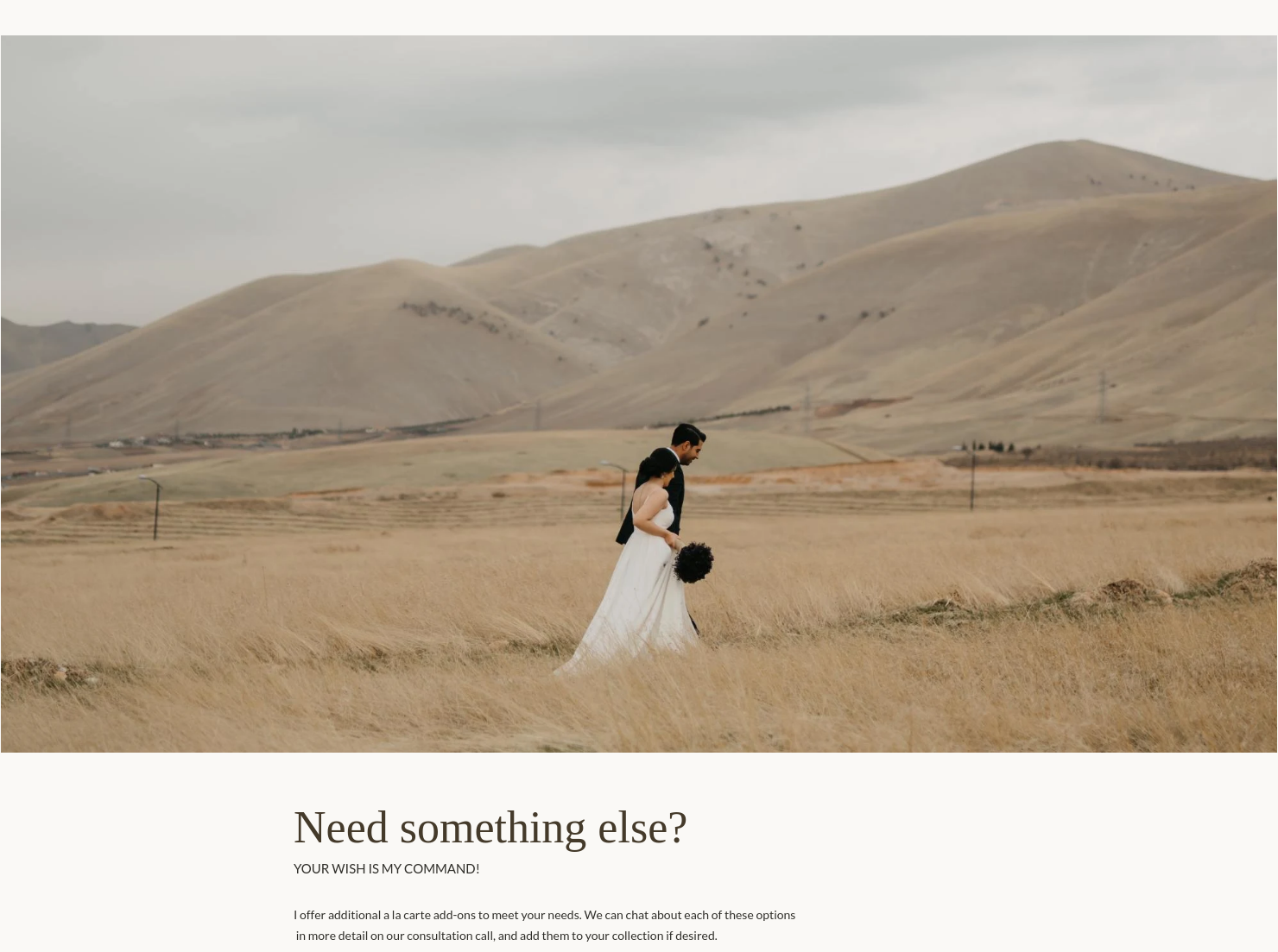
- Add-ons and fees like extra hours, travel, albums, or a second shooter.
- Payment terms, deposit timing, and final balance due date.
- Usage rights, including any print release language.
- Next actions, like booking a call or reserving the date.
If you include these basics, your guide feels complete without being overwhelming. It also helps you avoid awkward surprises later, on both sides.
Most couples look up the average cost for a photographer at a wedding before they reach out. Add one sentence that acknowledges the average cost for a photographer for a wedding depends on location, hours, and what’s included. Then pivot to your packages.
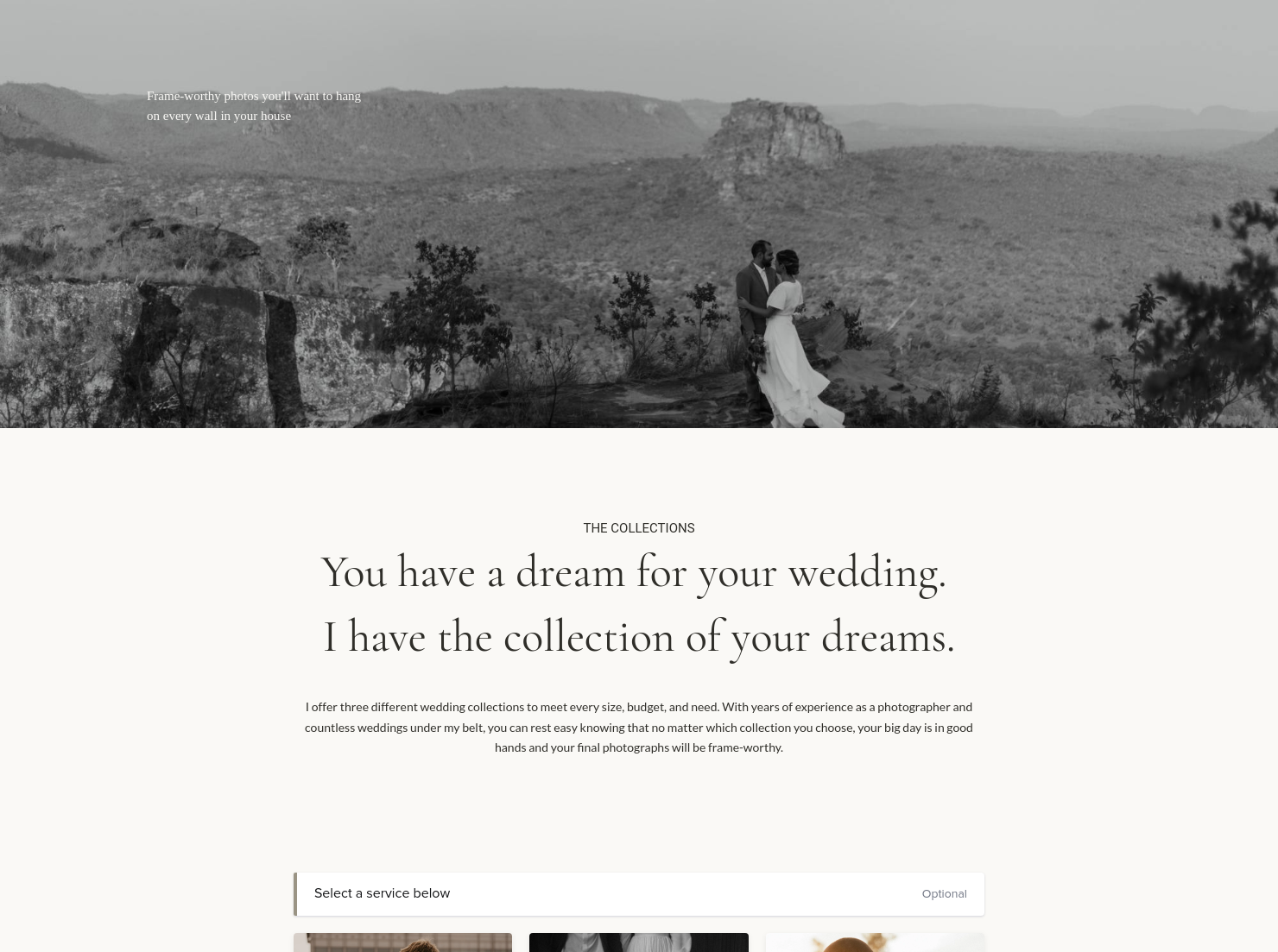
Aim for 3 tiers. Keep each tier’s headline details consistent, like hours, photographers, and what’s delivered. Put add-ons on their own page so couples don’t do math.
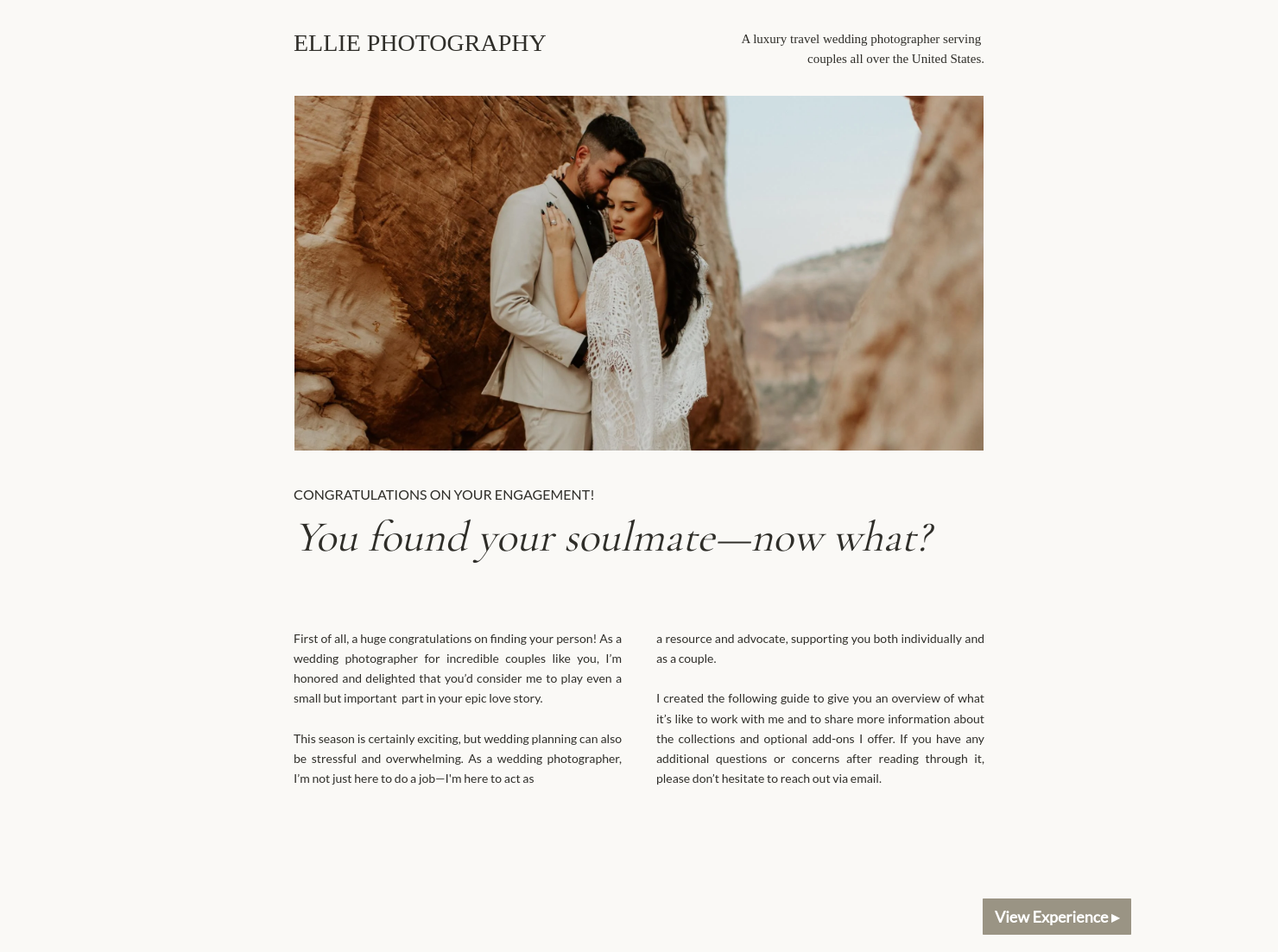
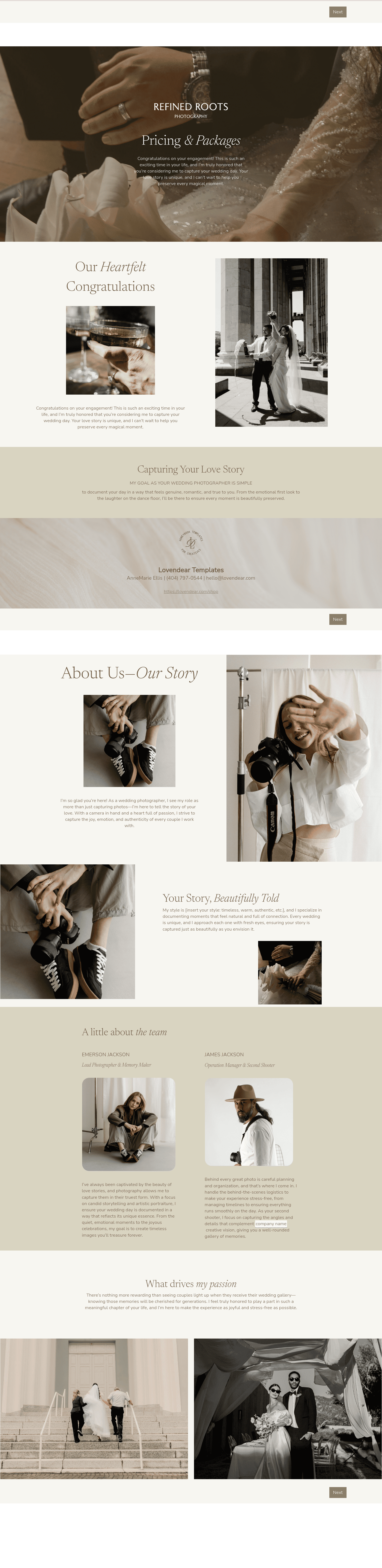
Customize the template with your branding, a few portfolio images, and plain-language copy. The file already supports a clean flow with sections for process, services, add-ons, and scheduling in one place.
This template works best at decision points, when couples are trying to figure out fit, budget, and next steps. It gives them something concrete to review, share, and say yes to without a long email thread.
- Right after a new inquiry, so you set expectations before you spend time on a call.
- Before or after the consult as the decision file, so the couple can pick a package while the conversation is still fresh.
- For custom requests, so scope and pricing stay in one place and you don’t lose details across messages.
It also helps explain the average cost of wedding photos in context, since that spend often tracks with coverage, editing time, and deliverables. When your pricing is organized and easy to scan, couples can compare value instead of guessing.
Catering has a lot of moving parts, and the menu sits in the center. If your catering menu is scattered across emails, texts, and screenshots, mistakes show up at the worst time.
A structured menu template helps in practical ways.
- Builds client trust and a professional first impression.
- Speeds approvals by making choices simple.
- Reduces payment disputes by documenting totals and terms.
- Saves time by cutting back and forth.
That means fewer surprises for clients and fewer fire drills for you.
Get started with this wedding photography pricing guide template
Start with the Wedding Photography Pricing Guide template and personalize it once so it becomes your default. After that, you’ll only tweak small details per couple, which keeps your workflow steady and your pricing consistent.
FAQs
Below are quick answers to common questions from caterers building a catering menu that clients can approve with confidence.
It includes sections to introduce your work, outline your process, list services and add-ons, and offer scheduling in the same file.
Put add-ons on their own page and list the price next to each item, especially extra hours and travel.
HoneyBook templates help simplify the steps between inquiry and booking, so you can deliver a professional client experience while saving time on repeat tasks.
Yes, all HoneyBook templates are highly customizable. You can change fonts, colors, images, pricing tables, contract language, and messaging.
Yes. The app lets you create, customize, send, and manage templates and Smart Files from anywhere.
[a]@[email protected] Same here, feels like a typo.
_Assigned to [email protected]_
Related templates









Related Templates

.png)






Make it your own
Fully customize the template to fit your needs. Quickly apply your company branding with just a few clicks.

Share with clients
Create exceptional client experiences through HoneyBook’s dedicated client portal, allowing them to read, review, and take action from any device.

Reuse and scale
Use your customized files with different clients again and again to save time and make managing client interactions that much easier.

Join the 100,000+ businesses growing with HoneyBook.
