
















Services

Showcase your services for easier client booking.

Scheduling
Let clients book meetings, sessions, or appointments during your available time slots.

Ready-to-use copy
Templates come filled with prewritten copy you can use as is or edit to match your brand and business.


“
”

October 18, 2026

Social media marketing pricing guide template: how to customize it for top results
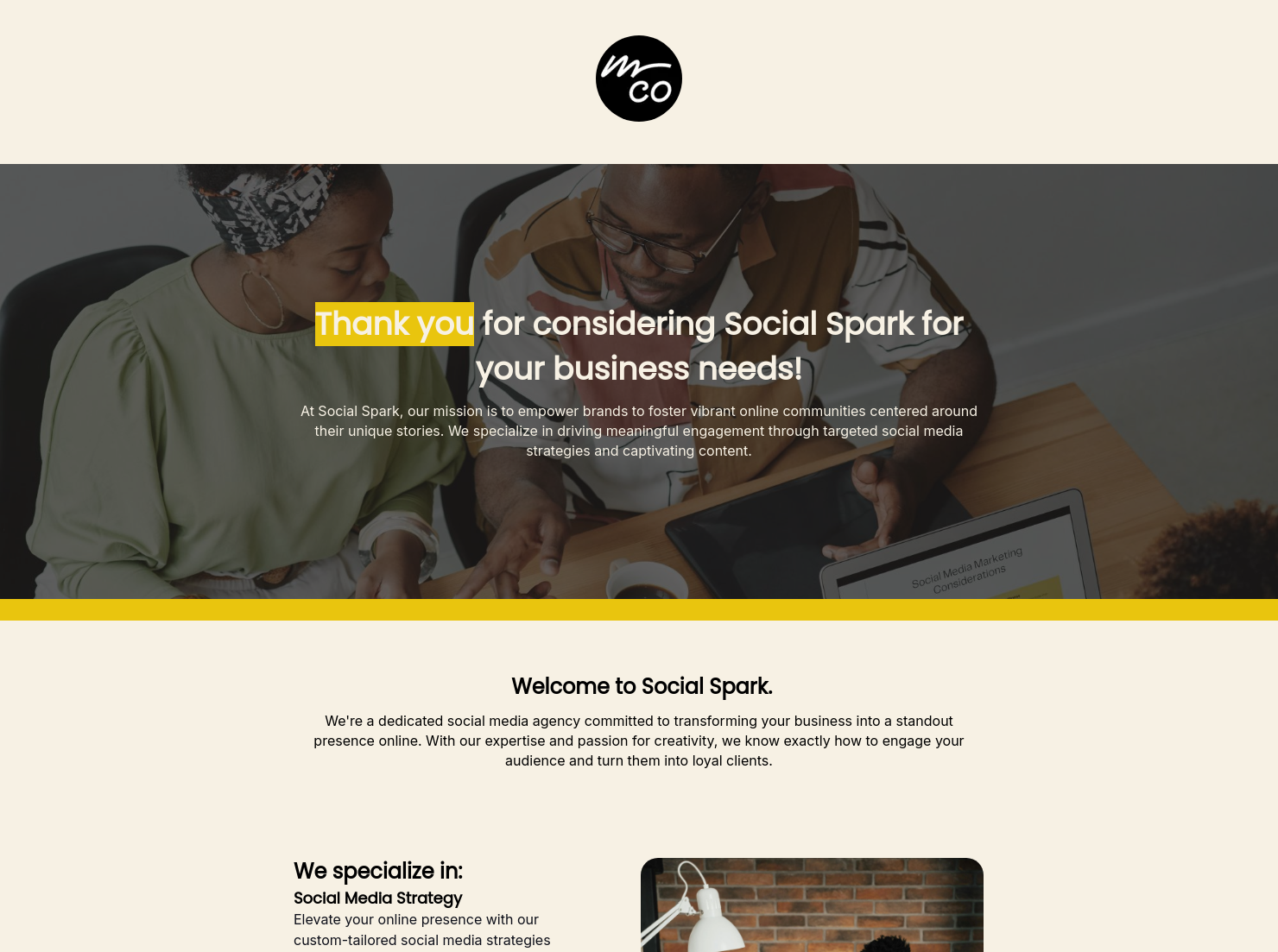
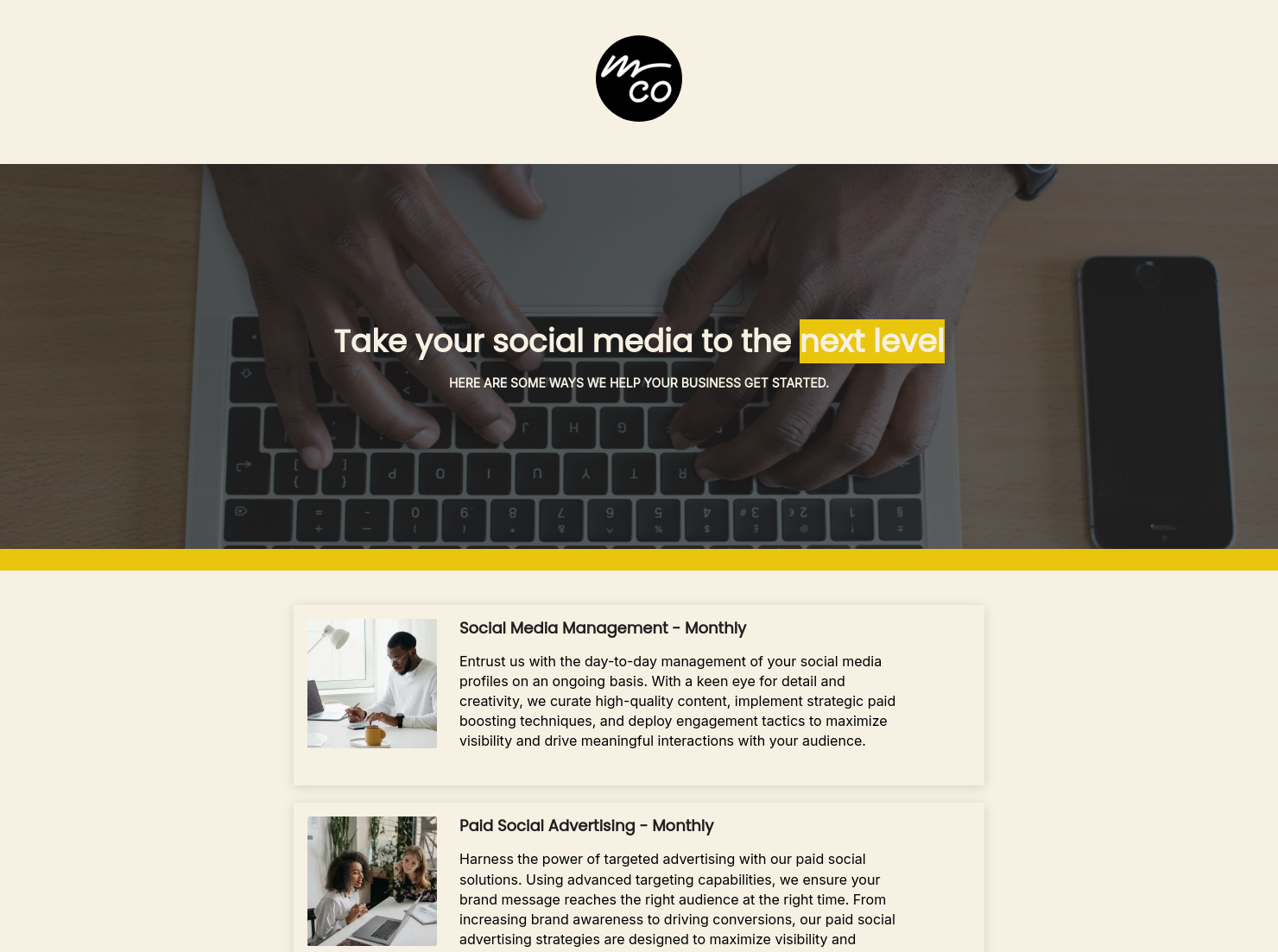
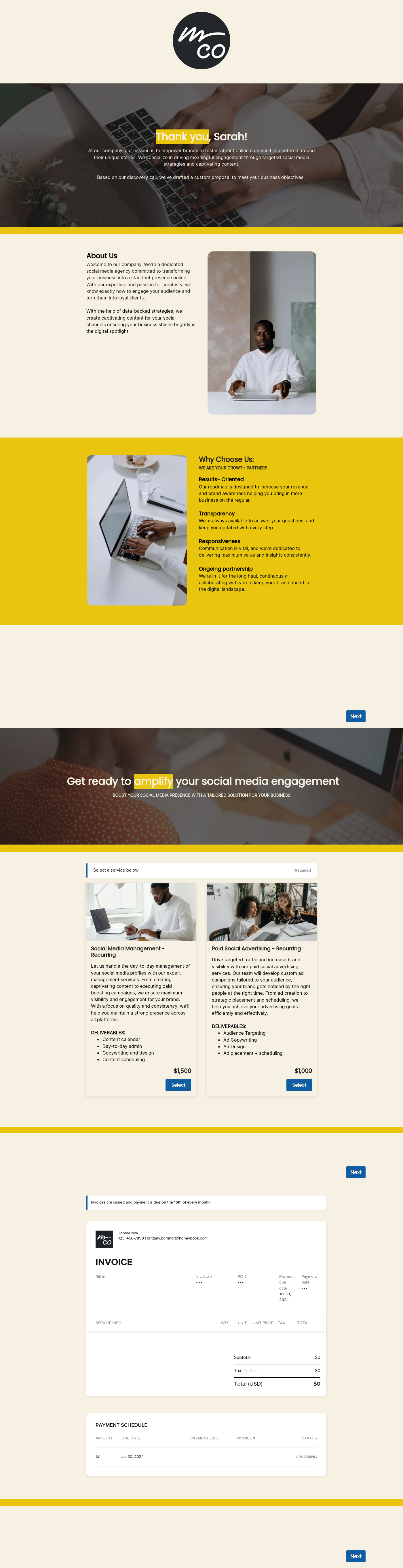
Using this social media marketing pricing guide template, you can promote your agency's services with a professionally designed website that includes a welcome page, a services page, and a scheduling page with a calendar integrated into it, making it easy for prospects to book a consultation call with you.
Social media marketing professionals need a website or landing page to showcase services and pricing. This clean social media marketing pricing template enhances visibility, displays services and pricing, and includes an instant appointment scheduling page, effectively attracting and moving potential clients toward conversion.
A social media marketing pricing guide template must include everything clients need to know: your services, who you are, and how to get in touch with you.
Here are the most important elements you should include in it:
- About You: Describing your business, team, and expertise.
- Service Tiers: Clear descriptions of packages and their pricing (e.g., Starter, Growth, Enterprise).
- Platform Coverage: Specific list of managed channels (Instagram, TikTok, LinkedIn, etc.).
- Content Volume: Exact number of monthly posts and their formats.
- Strategy & Setup: Initial audit, competitor analysis, and brand voice development.
- Content Creation: Costs for photography, graphic design, and writing.
- Paid Ad Management: Separate fees for campaign setup and ongoing ad spend.
- Reporting & Analytics: Frequency of performance reports and ROI consultations.
- Meeting Scheduling: Link or calendar to schedule a consultation.
- Terms of Service: Payment schedules, contract lengths, and cancellation policies.
The welcome page copy can have a huge impact on the effectiveness of the social media marketing pricing guide. Compelling copy that wins the prospect over by showcasing your past campaigns and team’s expertise can make a huge difference.
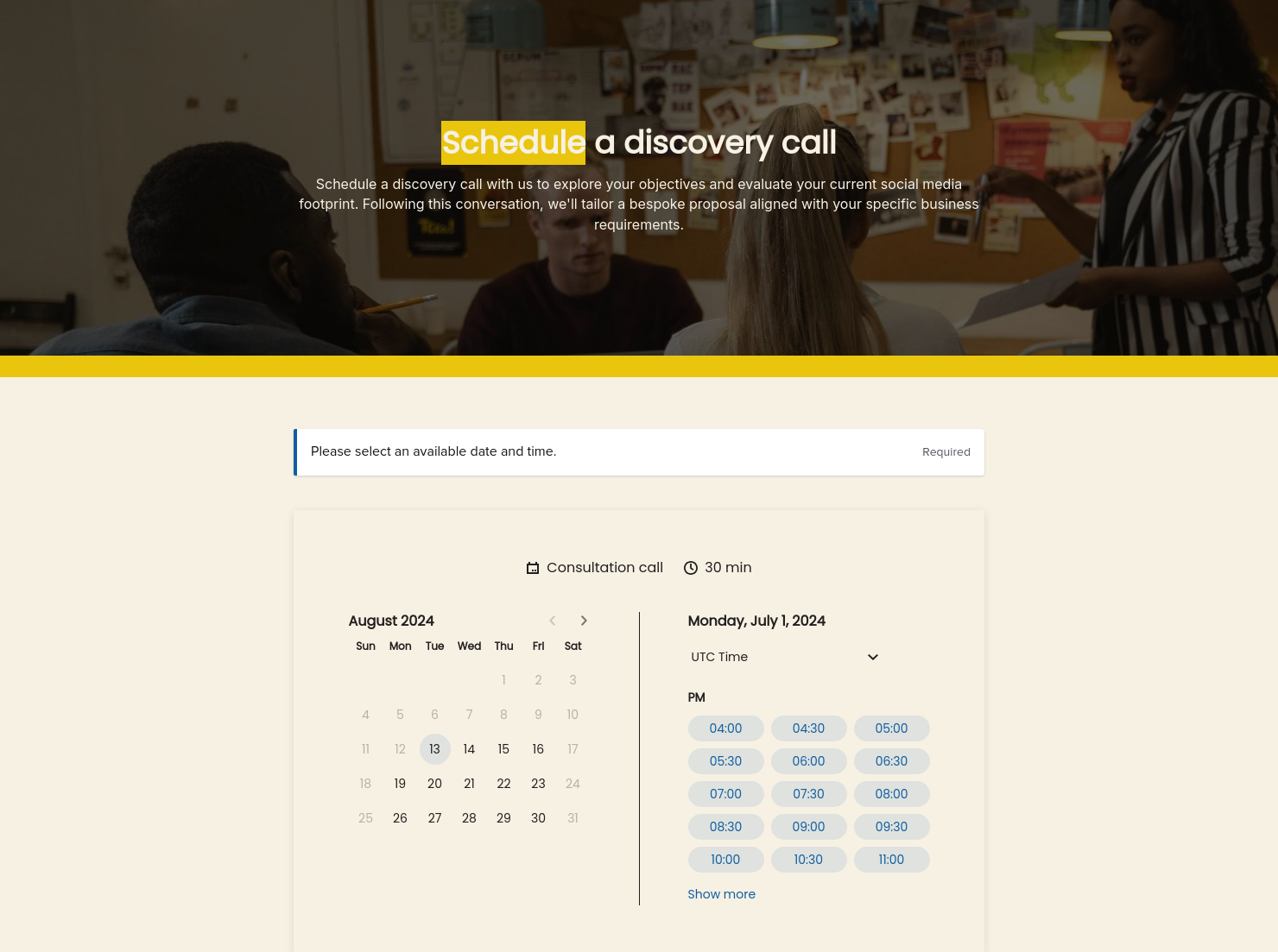
At the same time, you’d want the prospect to get in touch with you as soon as possible. Having a built-in calendar and meeting scheduling tool can enable that.
For instance, in this template, we’ve incorporated a meeting scheduler that lets prospects select a time and date for a 30-minute consultation in seconds.
As a freelancer or a social media marketing agency, you’ll primarily need to use this template right at the top of the funnel to attract prospects.
It serves as a gateway to increasing your visibility and convincing your target audience and prospects to schedule a call with you to move them to the lead stage. From there, you can move them further down your funnel toward conversion.
Catering has a lot of moving parts, and the menu sits in the center. If your catering menu is scattered across emails, texts, and screenshots, mistakes show up at the worst time.
A structured menu template helps in practical ways.
- Builds client trust and a professional first impression.
- Speeds approvals by making choices simple.
- Reduces payment disputes by documenting totals and terms.
- Saves time by cutting back and forth.
That means fewer surprises for clients and fewer fire drills for you.
FAQs
Below are quick answers to common questions from caterers building a catering menu that clients can approve with confidence.
Yes, while the social media marketing pricing guide template comes with prewritten copy, you can edit it to insert your services and pricing plans. It’s also possible to add more sections to the page.
Prospects can head to the “Schedule” page and book a consultation call using the built-in calendar. They can select the appropriate date and time for the call and click on the submit button to book it.
Yes, it's absolutely possible to personalize the social media marketing pricing guide template quickly. All you need to do is add your company name, and the template will add it to all three pages. If your services are consistent with the ones mentioned in the template, you’re all set.
You can edit things like your logos, brand color, email signature and company name in the company settings option using the company settings option in your navigation menu. This ensures that all the details will automatically start appearing in the templates you choose.
Yes, HoneyBook templates are optimized for mobile web browsers and have a responsive design. In fact, if you preview any template, you will see an option to view how the template would look on your smartphone.
Absolutely, it's possible to share your HoneyBook templates with both HoneyBook members and non-members through a link that you can generate from within the platform.
Related templates









Related Templates
.png)
.png)
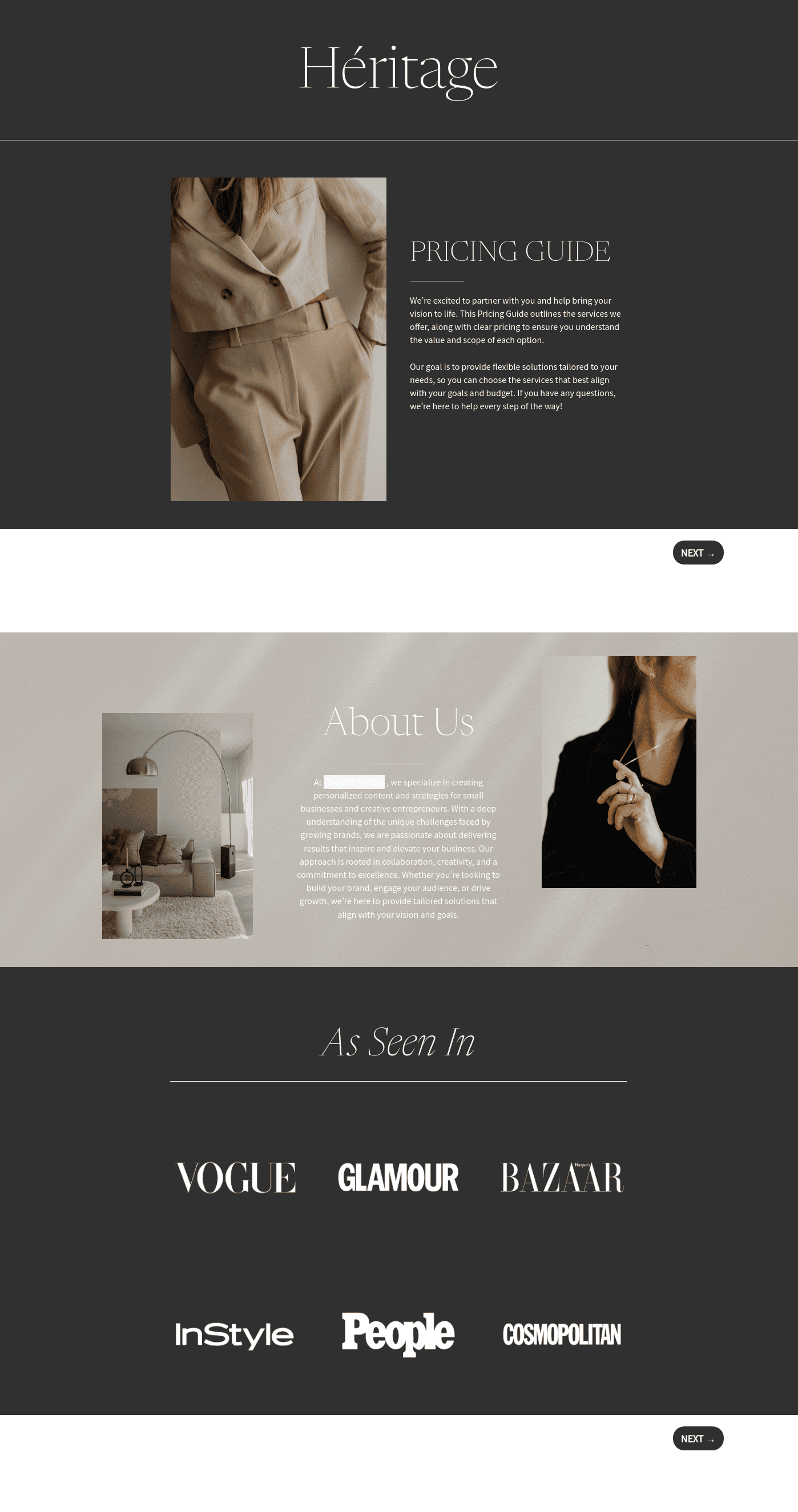
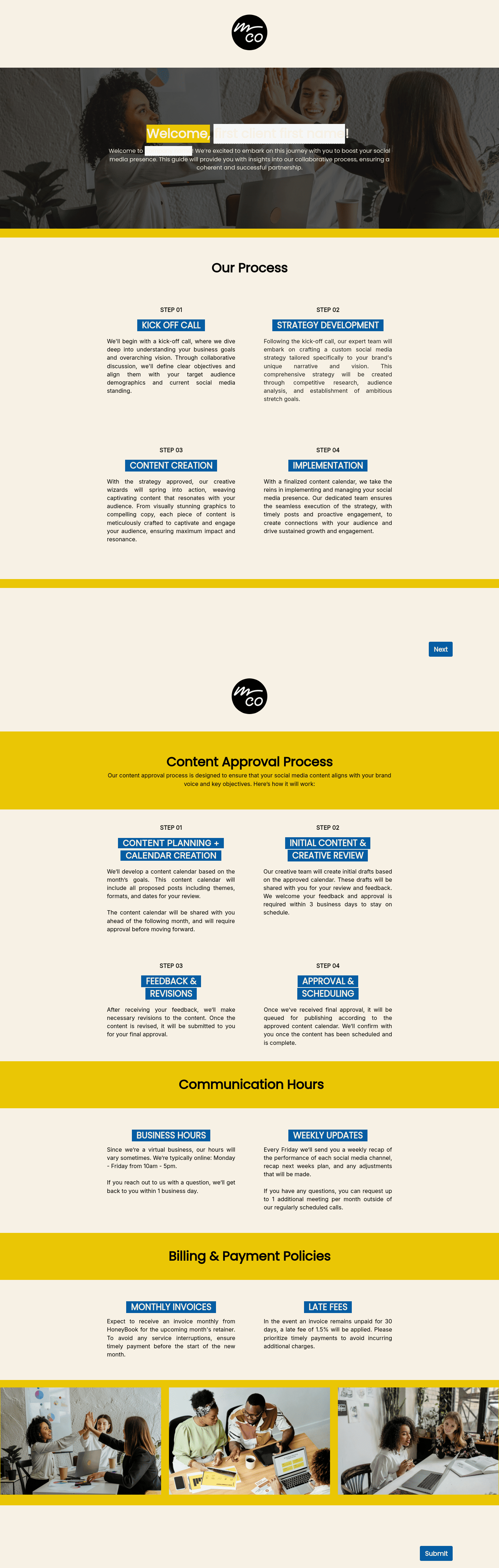

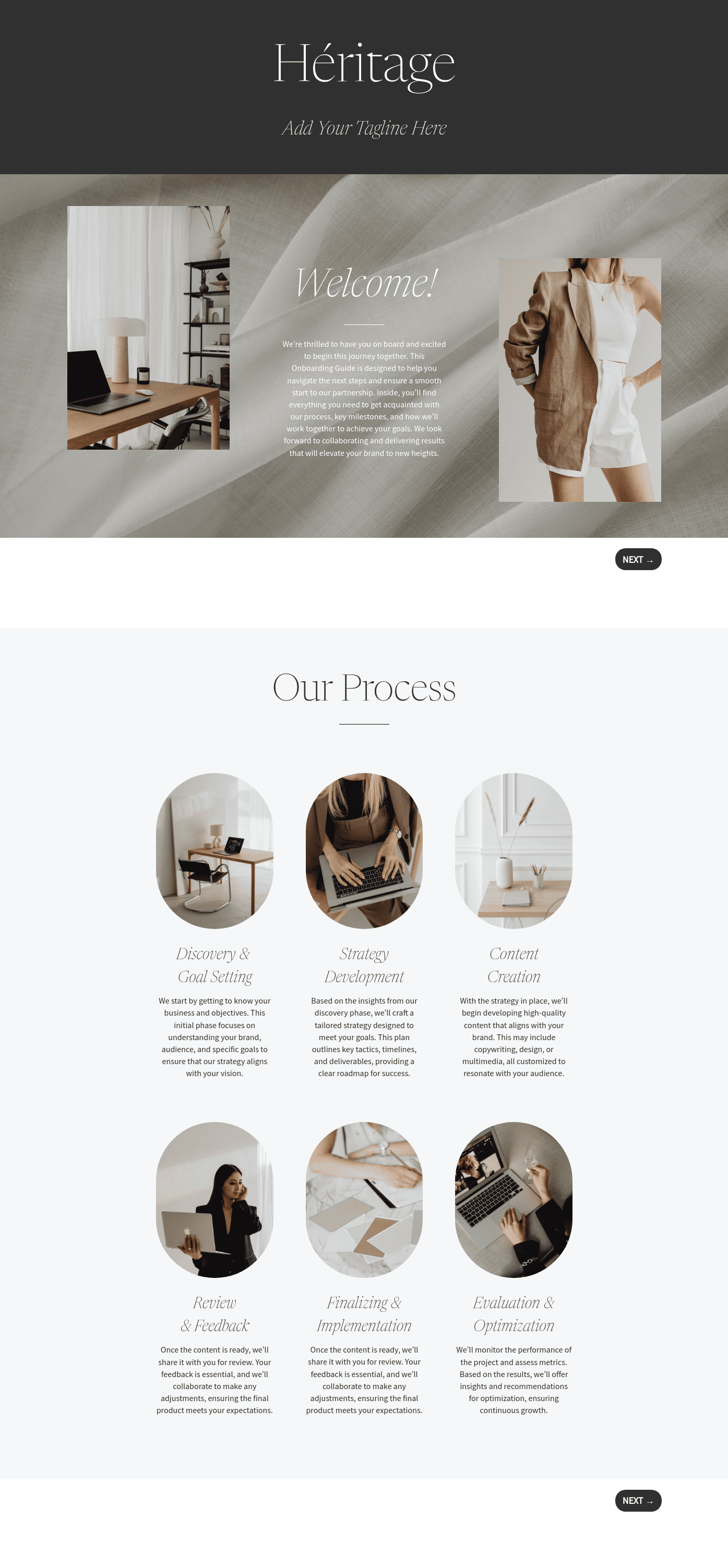

Make it your own
Fully customize the template to fit your needs. Quickly apply your company branding with just a few clicks.

Share with clients
Create exceptional client experiences through HoneyBook’s dedicated client portal, allowing them to read, review, and take action from any device.

Reuse and scale
Use your customized files with different clients again and again to save time and make managing client interactions that much easier.

Join the 100,000+ businesses growing with HoneyBook.
