












Questionnaire

Get client input, collect project details, and set expectations ahead of—or during—any project.

Ready-to-use copy
Templates come filled with prewritten copy you can use as is or edit to match your brand and business.


“
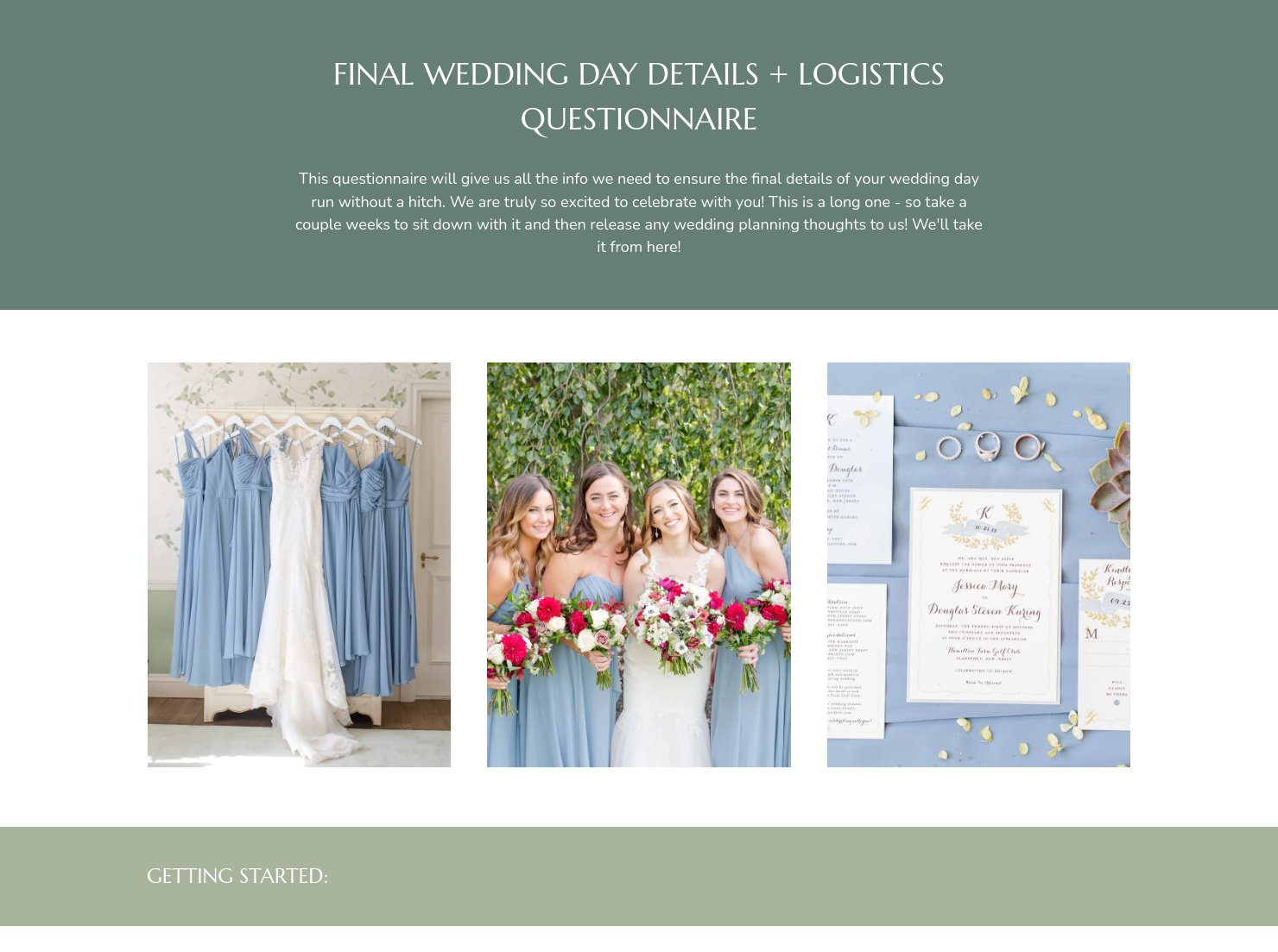
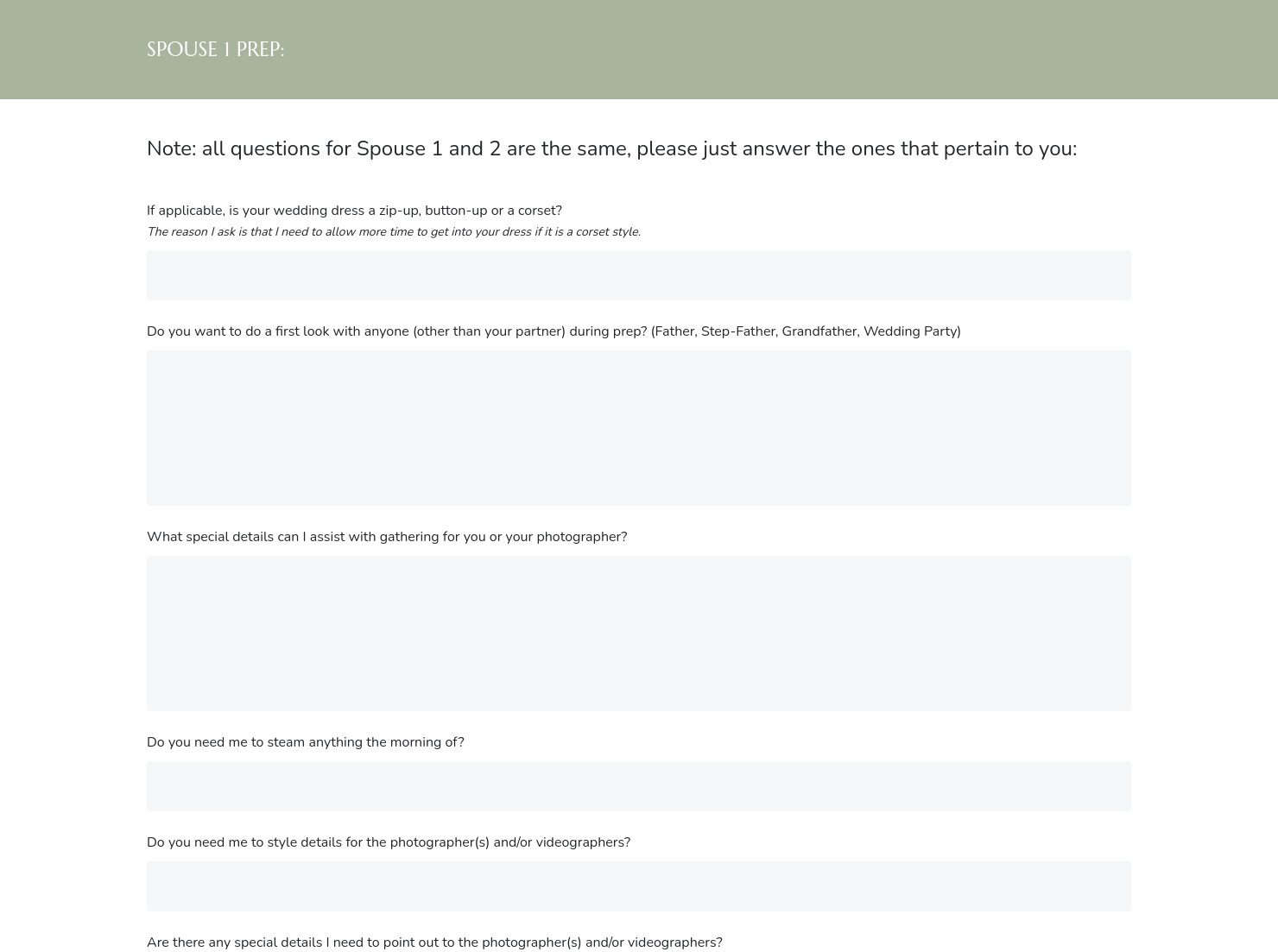
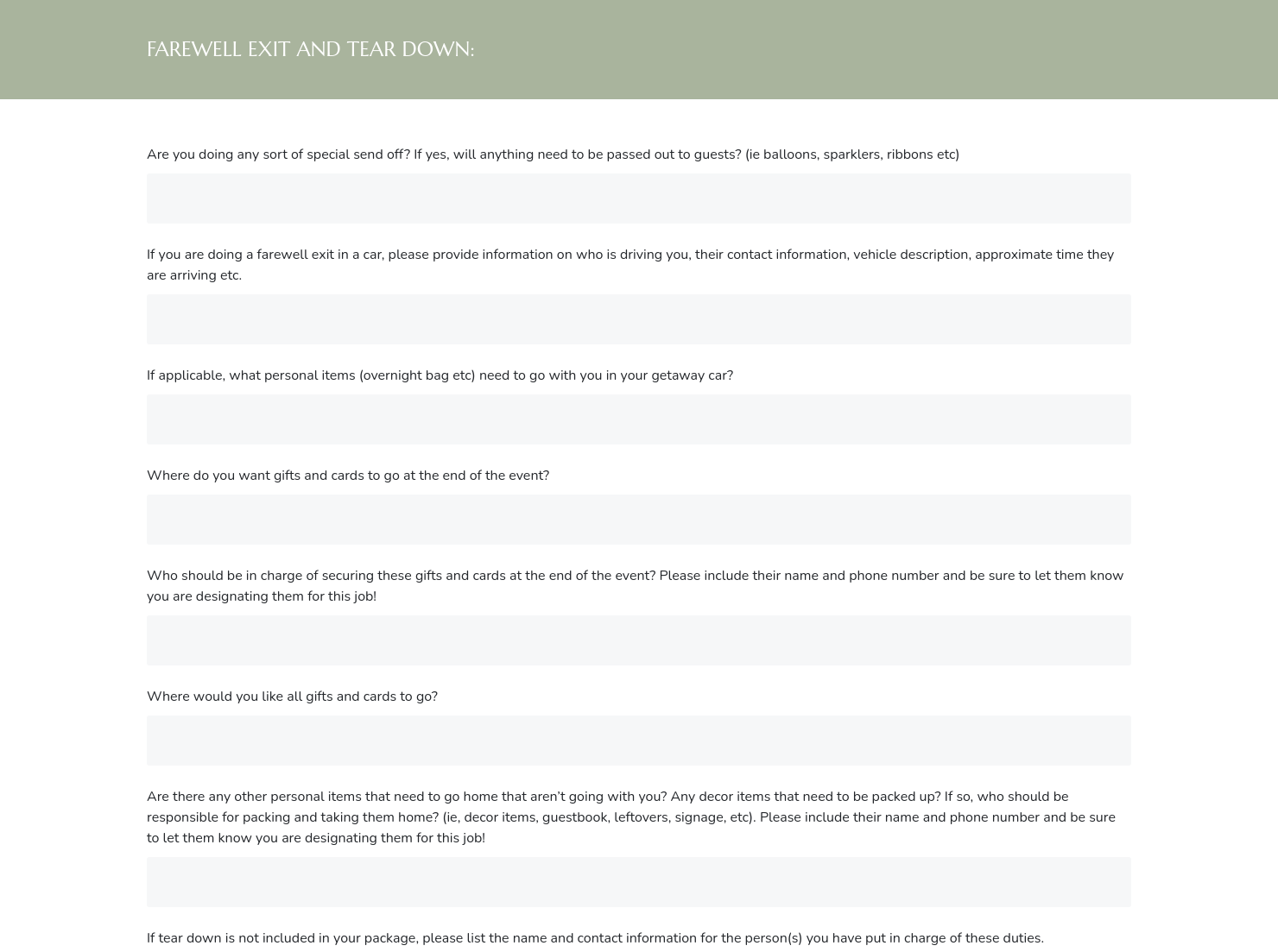
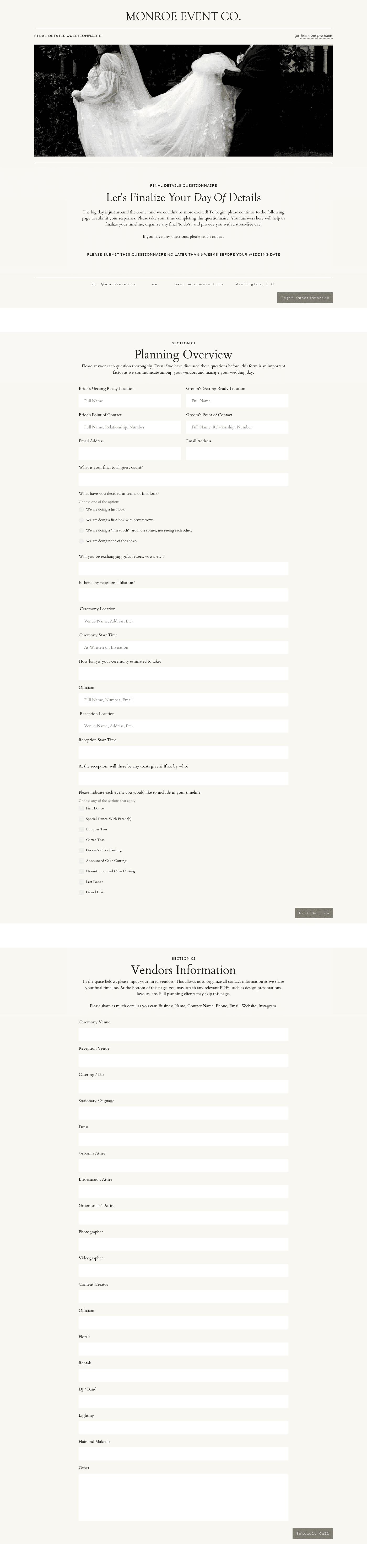
Use this questionnaire to gather EVERYTHING you need to execute a completely flawless wedding day!
”
.jpeg)
October 18, 2026

How to explain your wedding planner final details questionnaire to clients who've never seen one
A wedding planner final details questionnaire is a comprehensive intake document for couples weeks before their wedding. Wedding planners send it out to capture every logistical detail they need to build an accurate day-of timeline, coordinate vendors, and manage the event. Unlike early-stage planning questionnaires, this one is quite comprehensive. It's the last structured conversation before the wedding day itself.
Most couples have never planned a wedding before. When you as a planner send a multi-page questionnaire six to eight weeks out, couples can feel overwhelmed, or wonder why so much detail is needed this late in the process. Taking a moment to introduce and frame the document makes a difference in how thoroughly clients engage with it.
A well-explained wedding planner final details questionnaire helps planners:
- Get accurate, complete answers rather than vague or skipped responses
- Confirm details that vendors and venues may have updated since the initial booking
- Surface last-minute changes to the timeline, guest list, or ceremony structure
- Build a day-of run sheet that reflects the wedding as it actually stands
- Reduce the volume of back-and-forth in the final weeks before the event
A thorough questionnaire for wedding planners in the final stretch should revisit confirmed details and fill any remaining gaps.
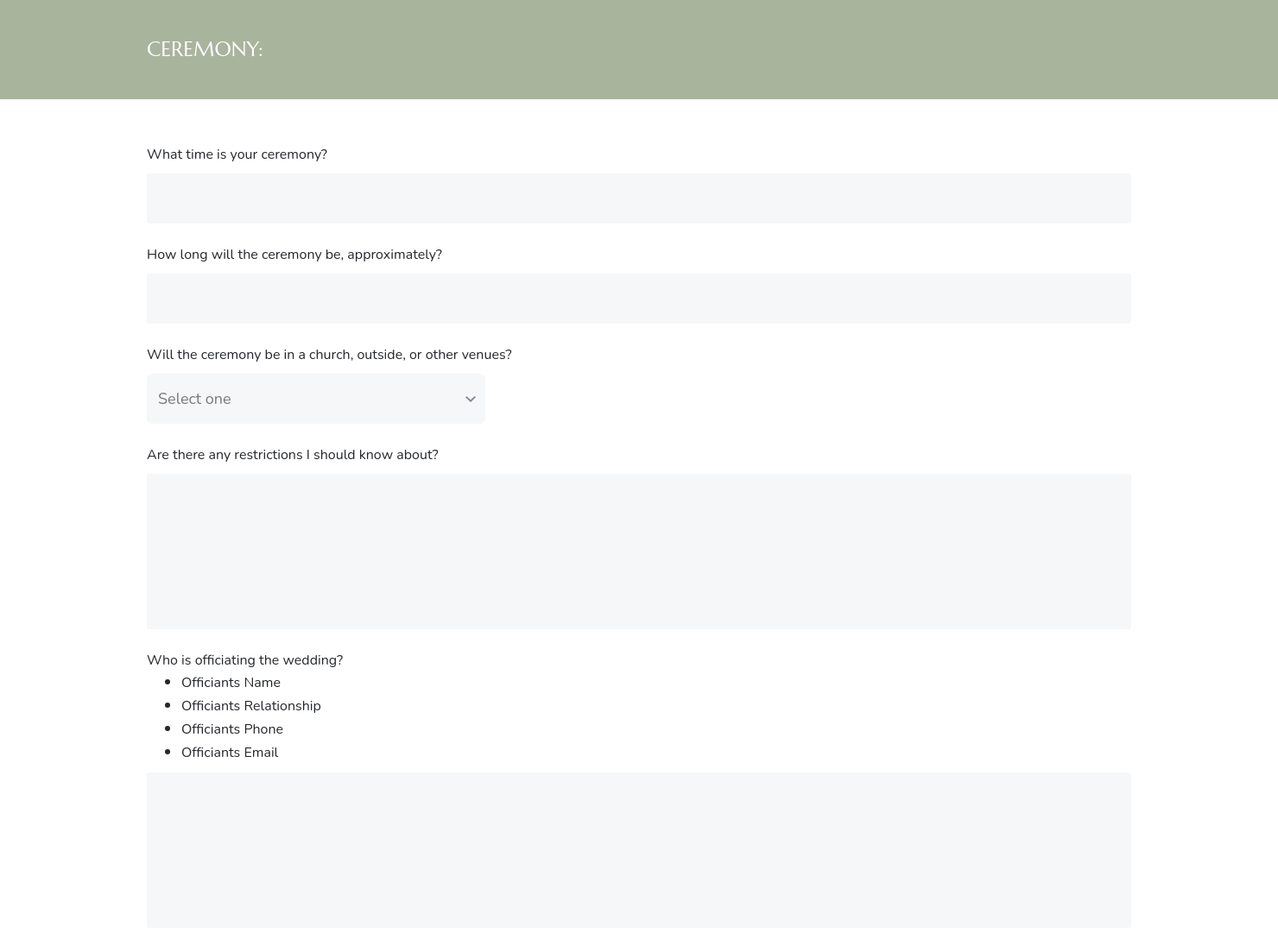
- Ceremony details: exact start time, processional order, readings, vows, and special rituals
- Reception flow: entrance, first dance, speeches, cake cutting, and send-off timing
- Full vendor list: names, contact numbers, arrival times, and any special access requirements
- Guest logistics: final head count, seating chart status, dietary restrictions, and accessibility needs
- Personal and family details: VIP guests, family dynamics, and any sensitivities the planner should know
- Décor and setup notes: any DIY elements, family heirlooms, or items requiring special handling
- End-of-night plan: who collects gifts, personal items, and florals, and how transportation is arranged
The framing matters as much as the content. Wedding planners who clearly communicate what the questionnaire is for and why the detail level is necessary tend to receive more complete responses. A short explanatory note tells couples this is the final information-gathering step before building their day-of timeline.
Question sequencing also affects completion rates. Grouping by topic (ceremony, reception, vendors, guests) helps couples move through the form without feeling lost. Long, open-ended blocks with no structure cause people to skim, skip, or stop. The wedding planning questionnaire template works best when it feels like a conversation with a clear direction.
Finally, consider the timing. Too close to the wedding date leaves no time to act on new information. Six to eight weeks out gives planners room to contact vendors, adjust timelines, and address any surprises before they become problems.
This template belongs at a specific moment in the planning timeline. Use it:
- Six to eight weeks before the wedding date
- After the final planning meeting, to capture decisions made in that conversation
- When a couple's circumstances have shifted and key details need reconfirming
- As part of your pre-wedding workflow that every client moves through
Catering has a lot of moving parts, and the menu sits in the center. If your catering menu is scattered across emails, texts, and screenshots, mistakes show up at the worst time.
A structured menu template helps in practical ways.
- Builds client trust and a professional first impression.
- Speeds approvals by making choices simple.
- Reduces payment disputes by documenting totals and terms.
- Saves time by cutting back and forth.
That means fewer surprises for clients and fewer fire drills for you.
Get started with a wedding planner final details questionnaire
Couples who understand the purpose of these detailed questions tend to answer them more attentively. This template gives wedding planners a professional way to collect everything needed to execute a smooth wedding day. Add your branding, adjust questions to match your planning style, and make it a standard part of how you close out the planning process with your clients.
FAQs
Below are quick answers to common questions from caterers building a catering menu that clients can approve with confidence.
It's a structured document sent to couples shortly before their wedding to confirm every logistical detail a planner needs: vendor contacts, ceremony flow, reception timeline, guest information, and end-of-night. It replaces scattered emails with a single, organized intake that forms the foundation of the day-of run sheet.
Six to eight weeks before the wedding is the standard window. It's late enough that most details are confirmed, but early enough that the planner has time to follow up with vendors, address changes, and build an accurate timeline before the final walkthrough.
An initial wedding planner questionnaire captures a couple's vision, priorities, and general preferences at the start of the planning process. The final details questionnaire is about execution. It confirms logistics, gathers updated information, and documents everything in one place without relying on scattered notes or email threads.
HoneyBook templates are built to simplify the steps between inquiry and booking, so you can deliver a professional client experience while saving time on repeat tasks. Learn more about files and templates.
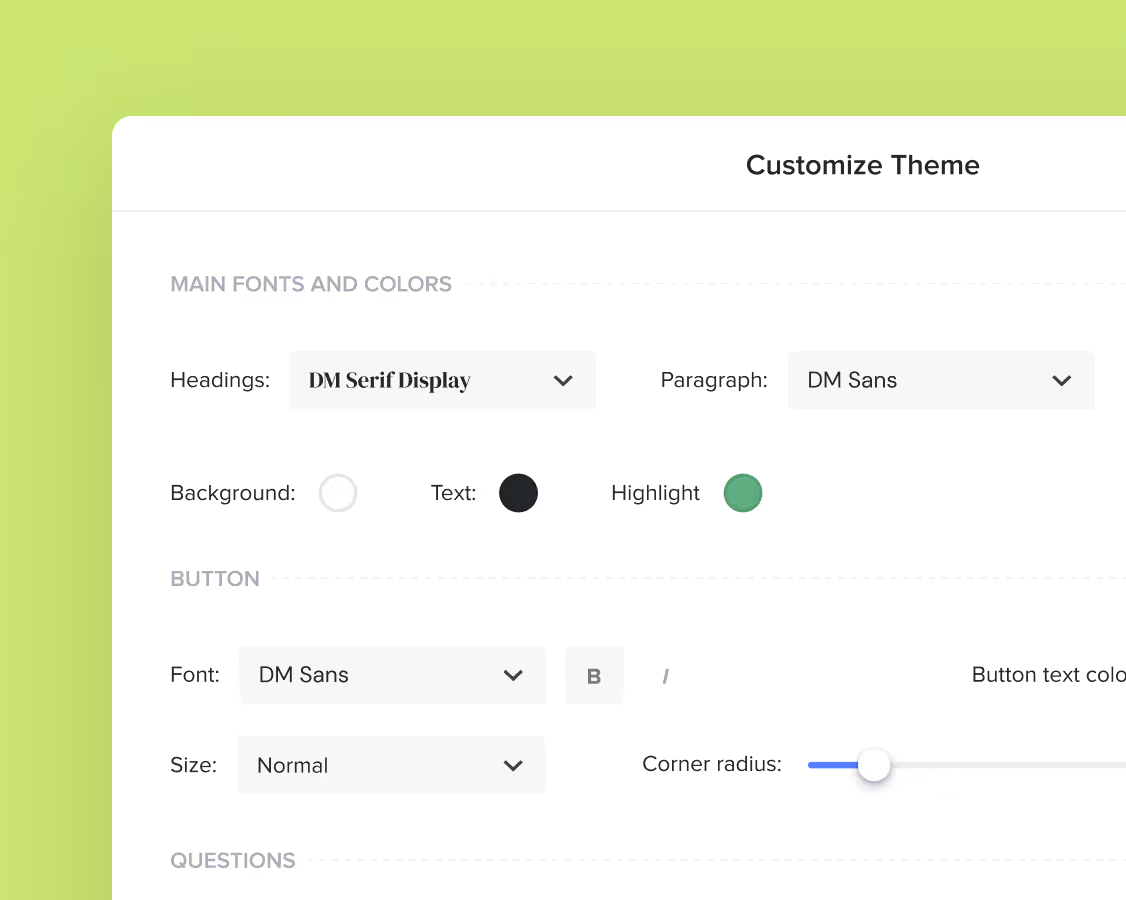
Yes. You can customize fonts, colors, images, pricing tables, contract language, and messaging to reflect your brand's voice and visual identity. See how to customize your Smart Files.
Related templates

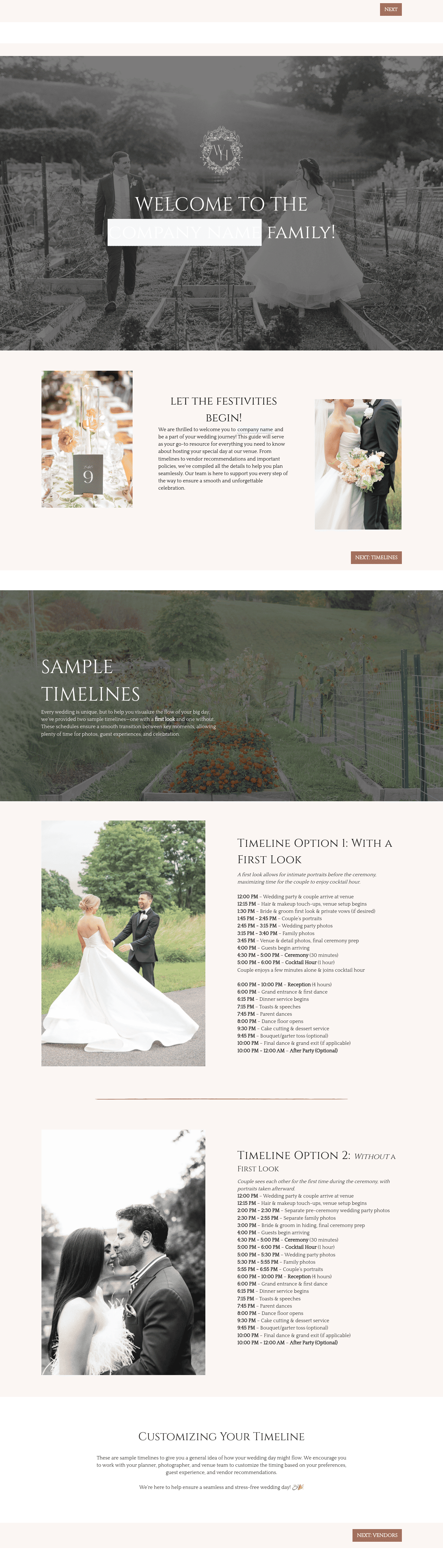


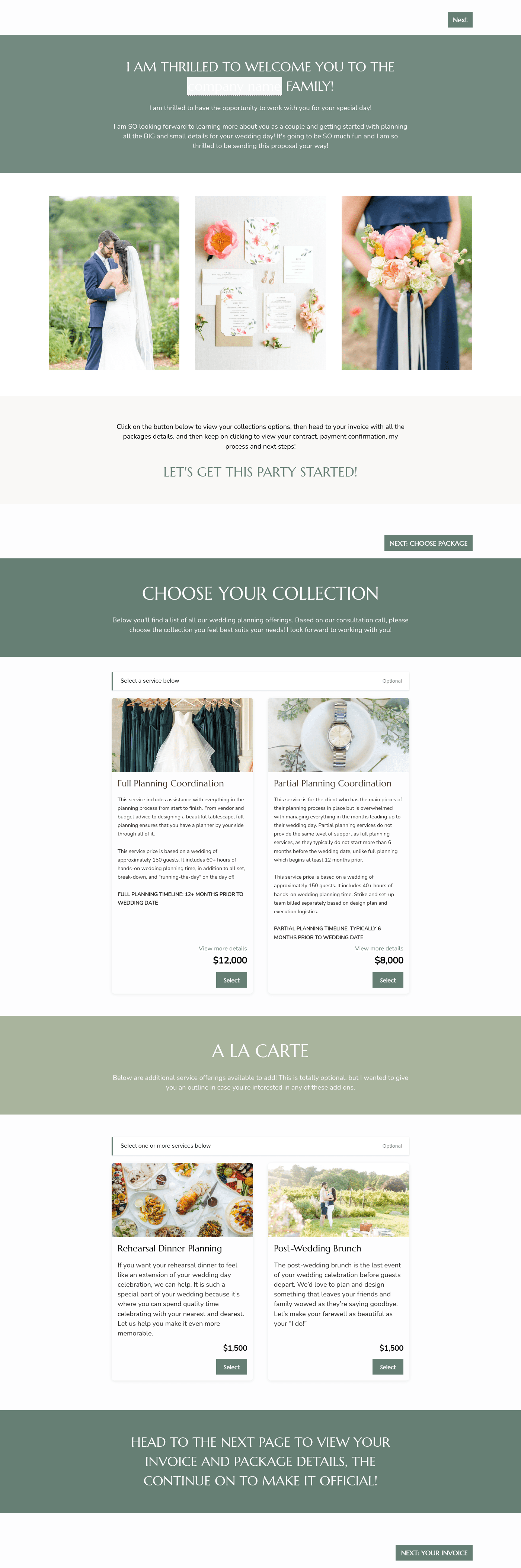

Related Templates



%2520(1).avif)




Make it your own
Fully customize the template to fit your needs. Quickly apply your company branding with just a few clicks.
Share with clients
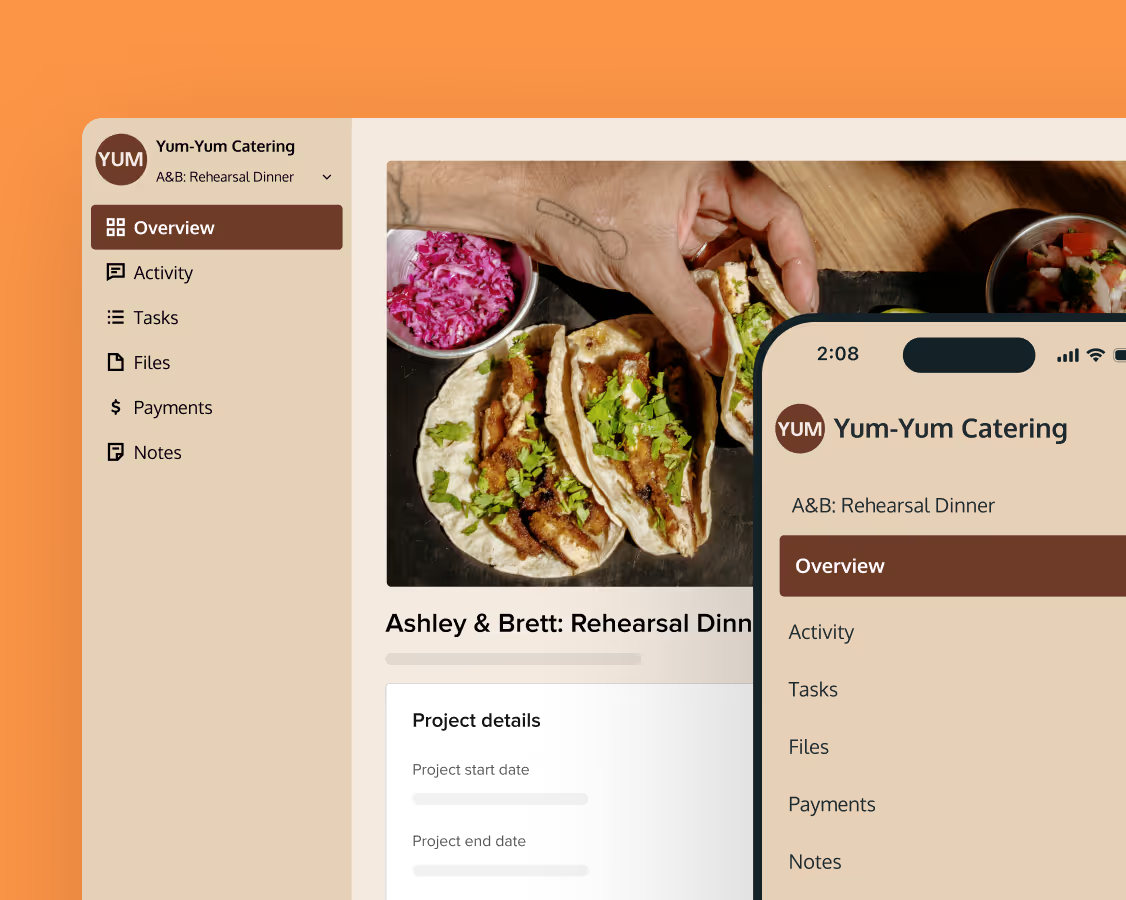
Create exceptional client experiences through HoneyBook’s dedicated client portal, allowing them to read, review, and take action from any device.
Reuse and scale
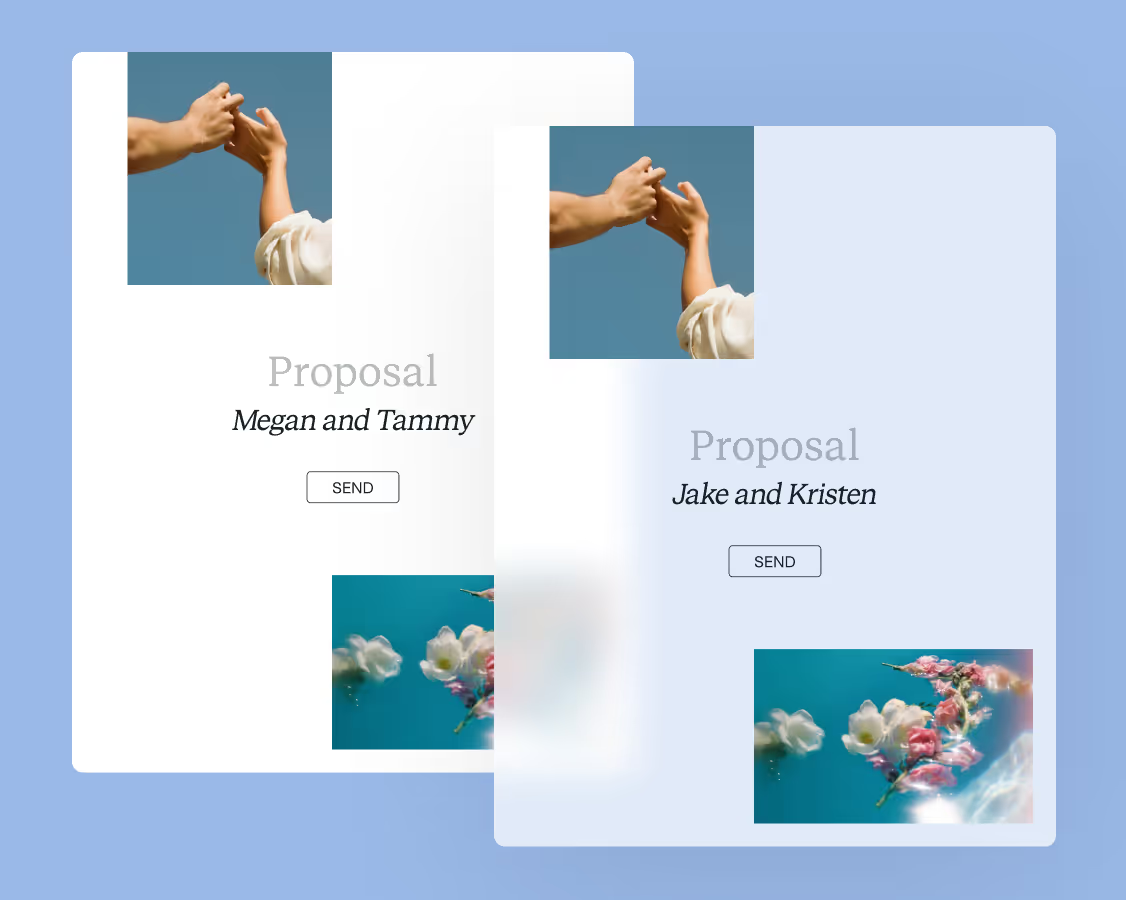
Use your customized files with different clients again and again to save time and make managing client interactions that much easier.
Join the 100,000+ businesses growing with HoneyBook.