












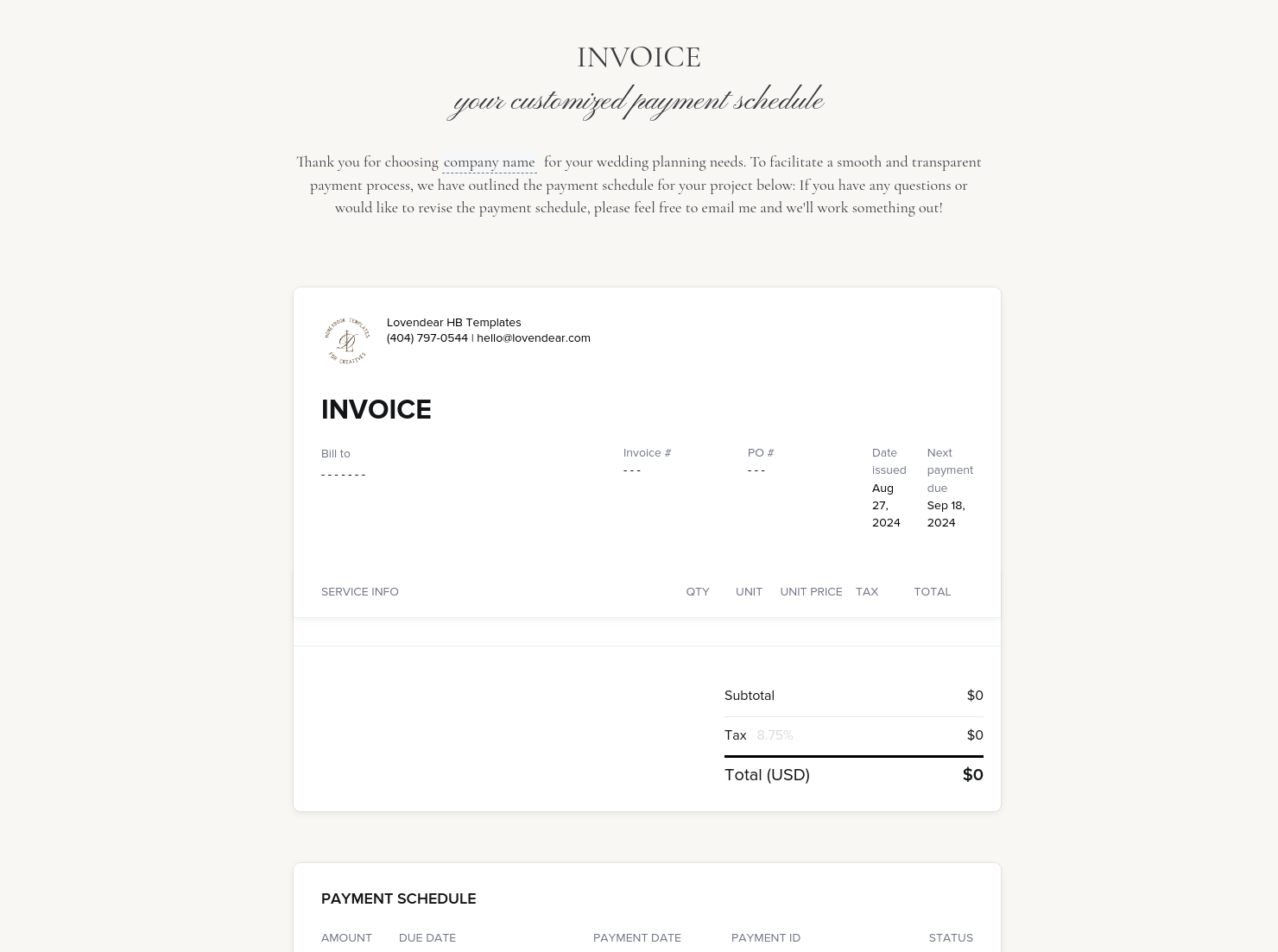
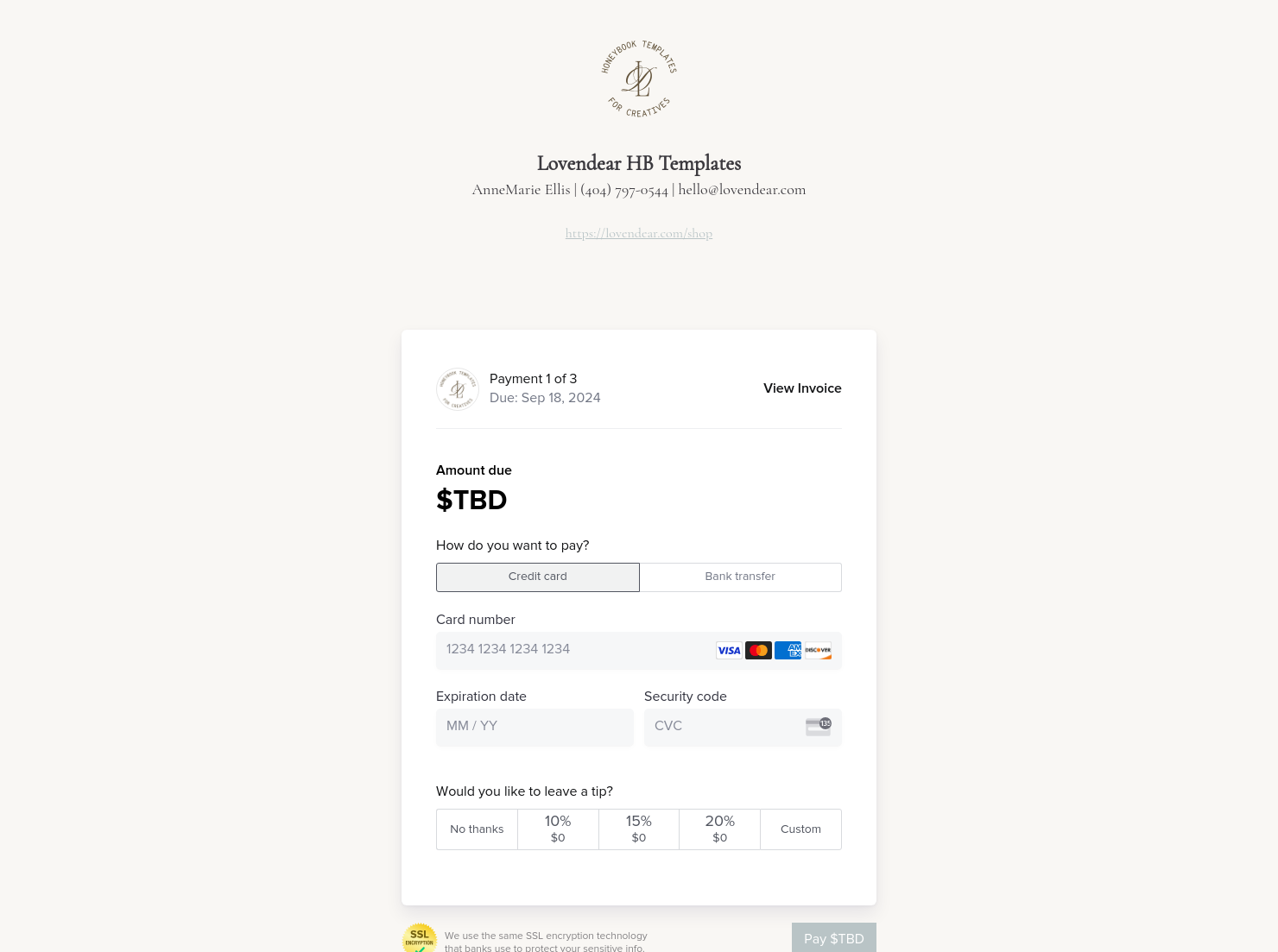

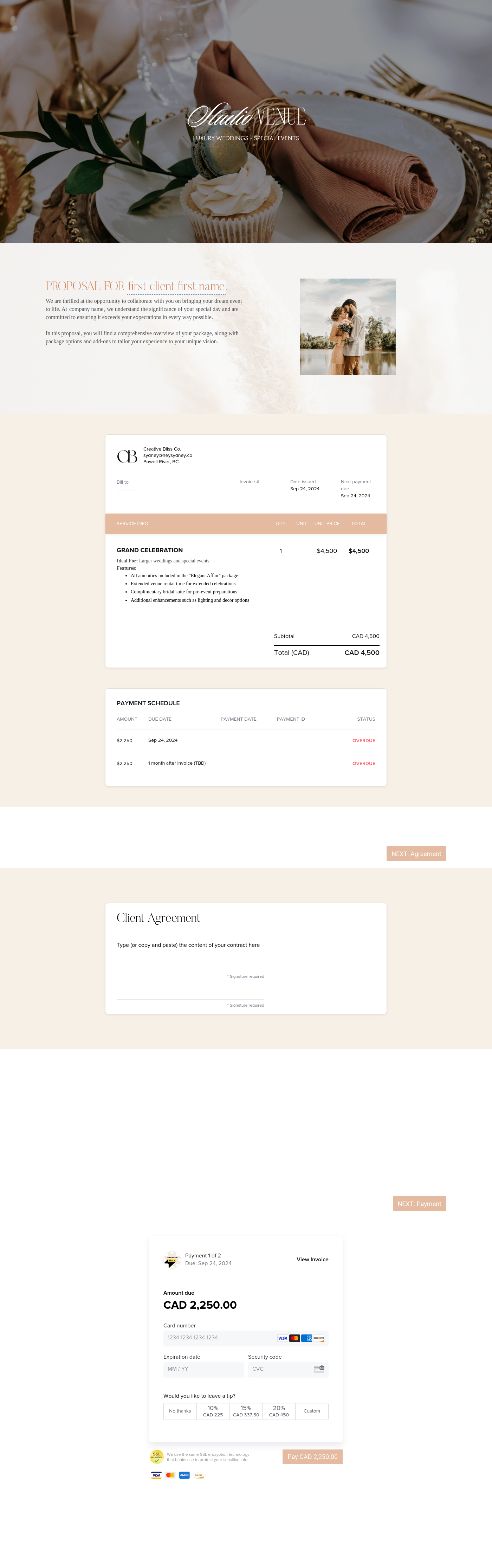
Invoice & online payments

Make it easy for clients to book and pay for your services–all in one file.

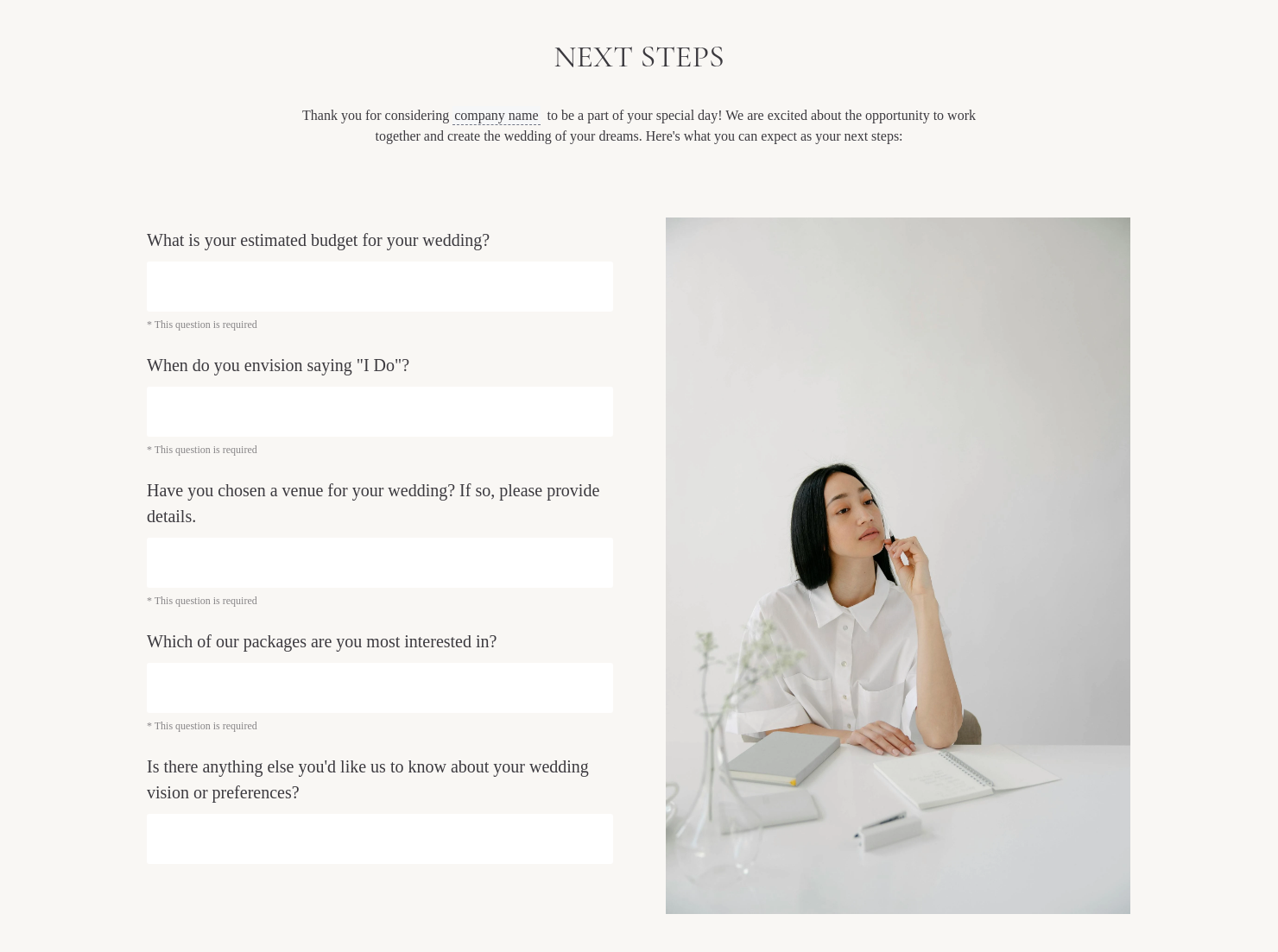
Questionnaire
Get client input, collect project details, and set expectations ahead of—or during—any project.

Ready-to-use copy
Templates come filled with prewritten copy you can use as is or edit to match your brand and business.

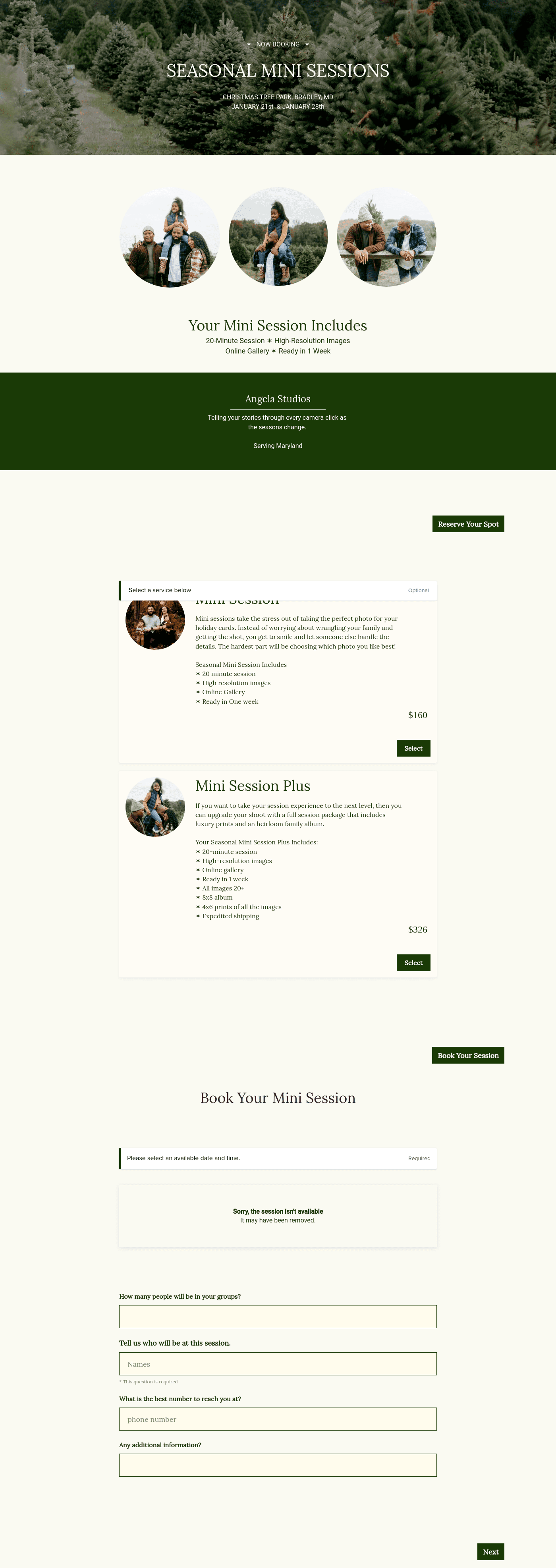
Scheduling
Let clients book meetings, sessions, or appointments during your available time slots.

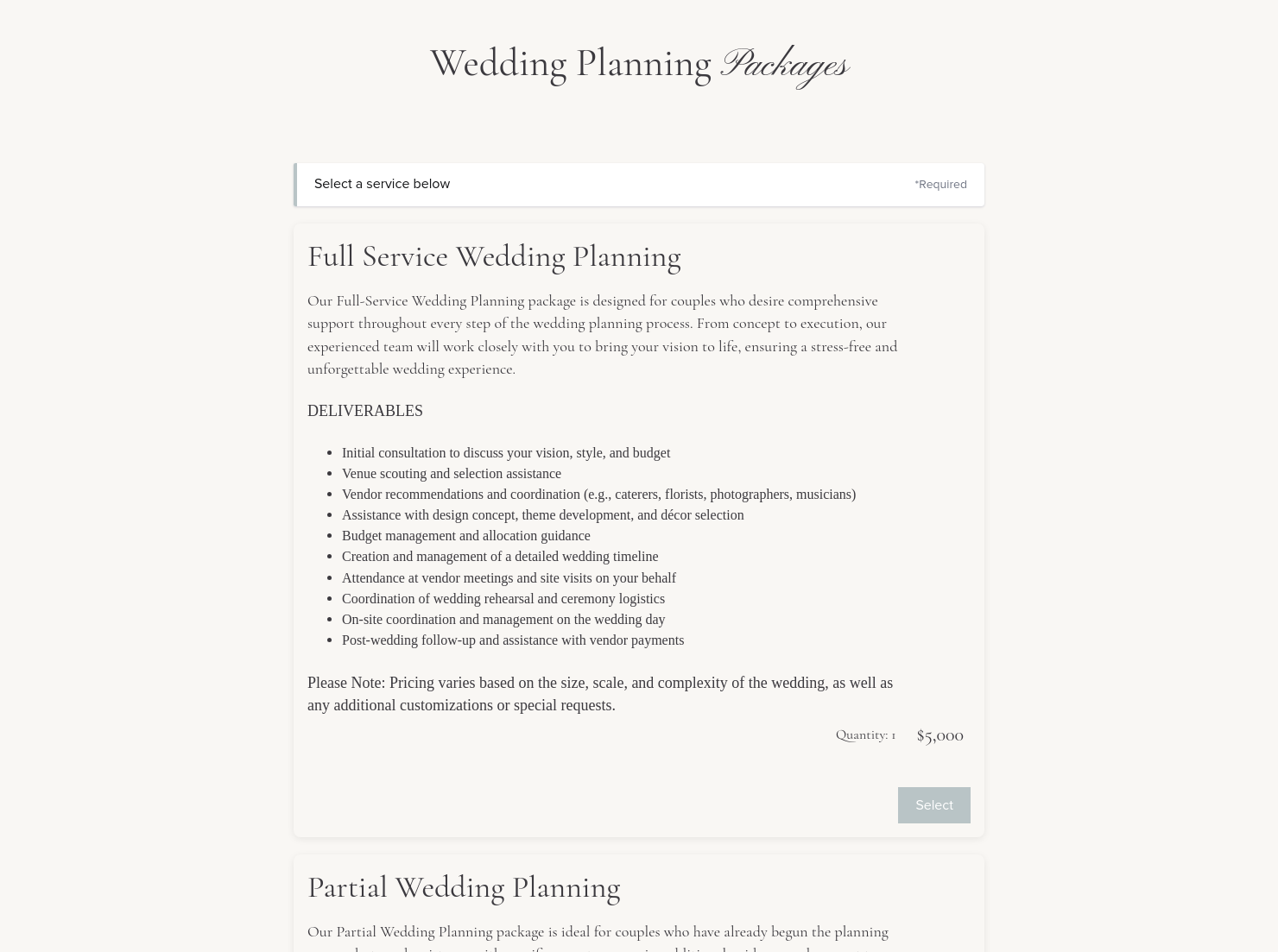
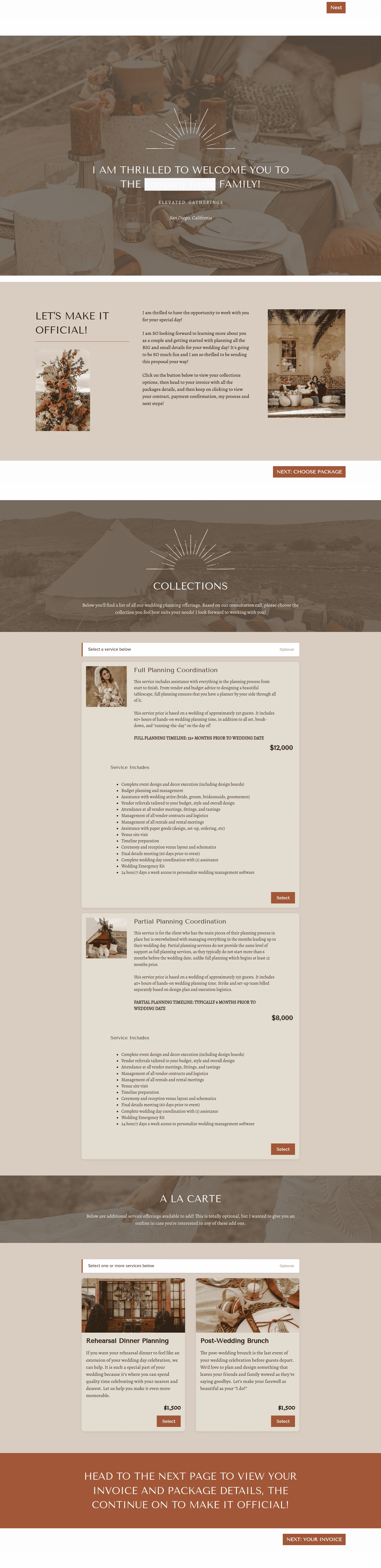
Services
Showcase your services for easier client booking.

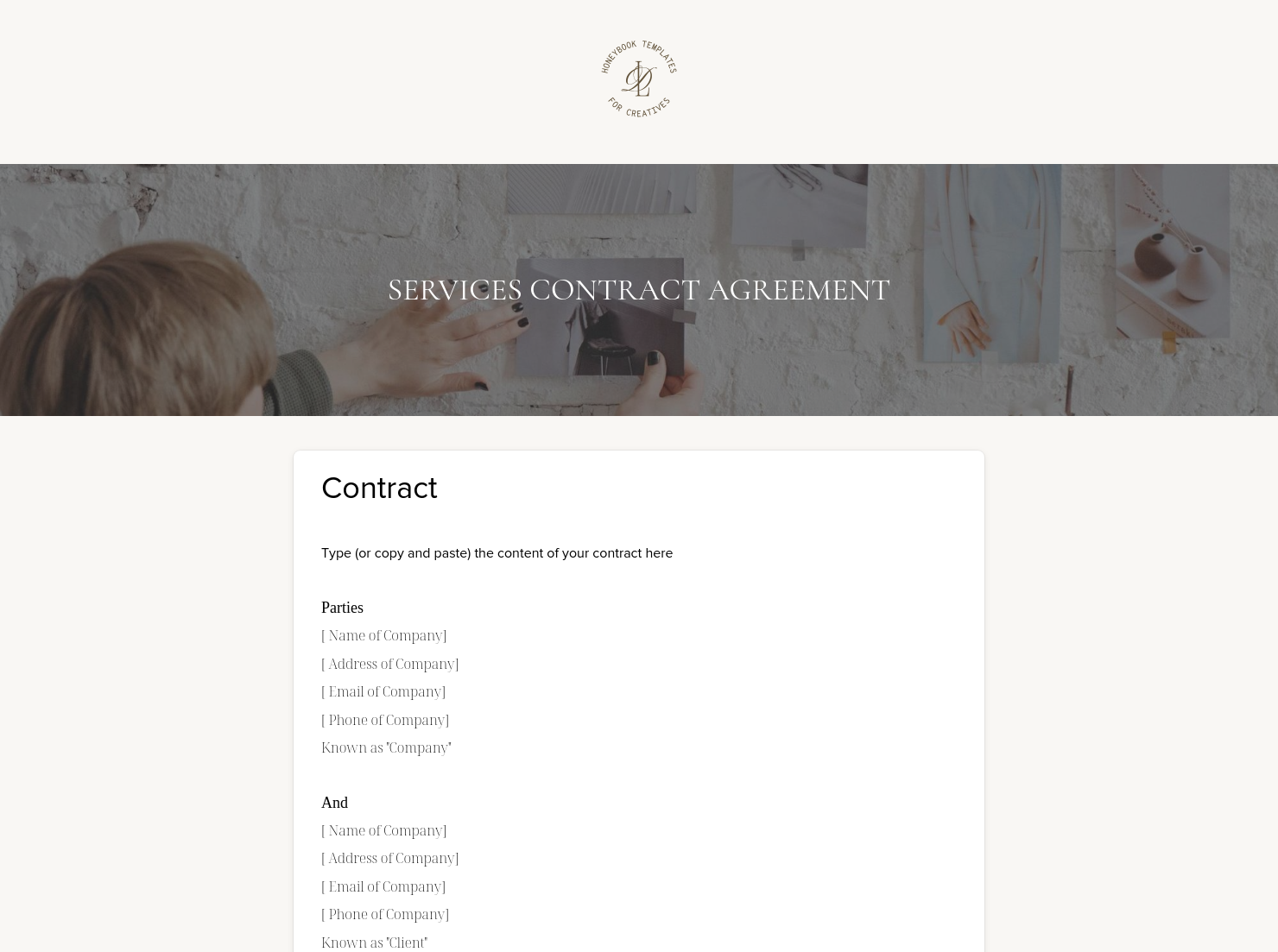
Contract for eSigning
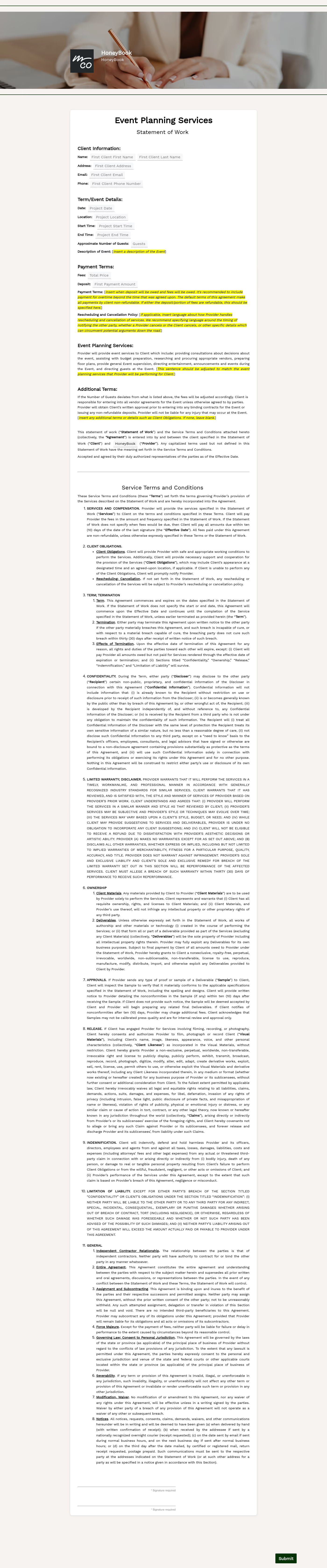
Sign clients easily on the go via eSign with your contracts, or use one of HoneyBook's lawyer-approved contracts


“
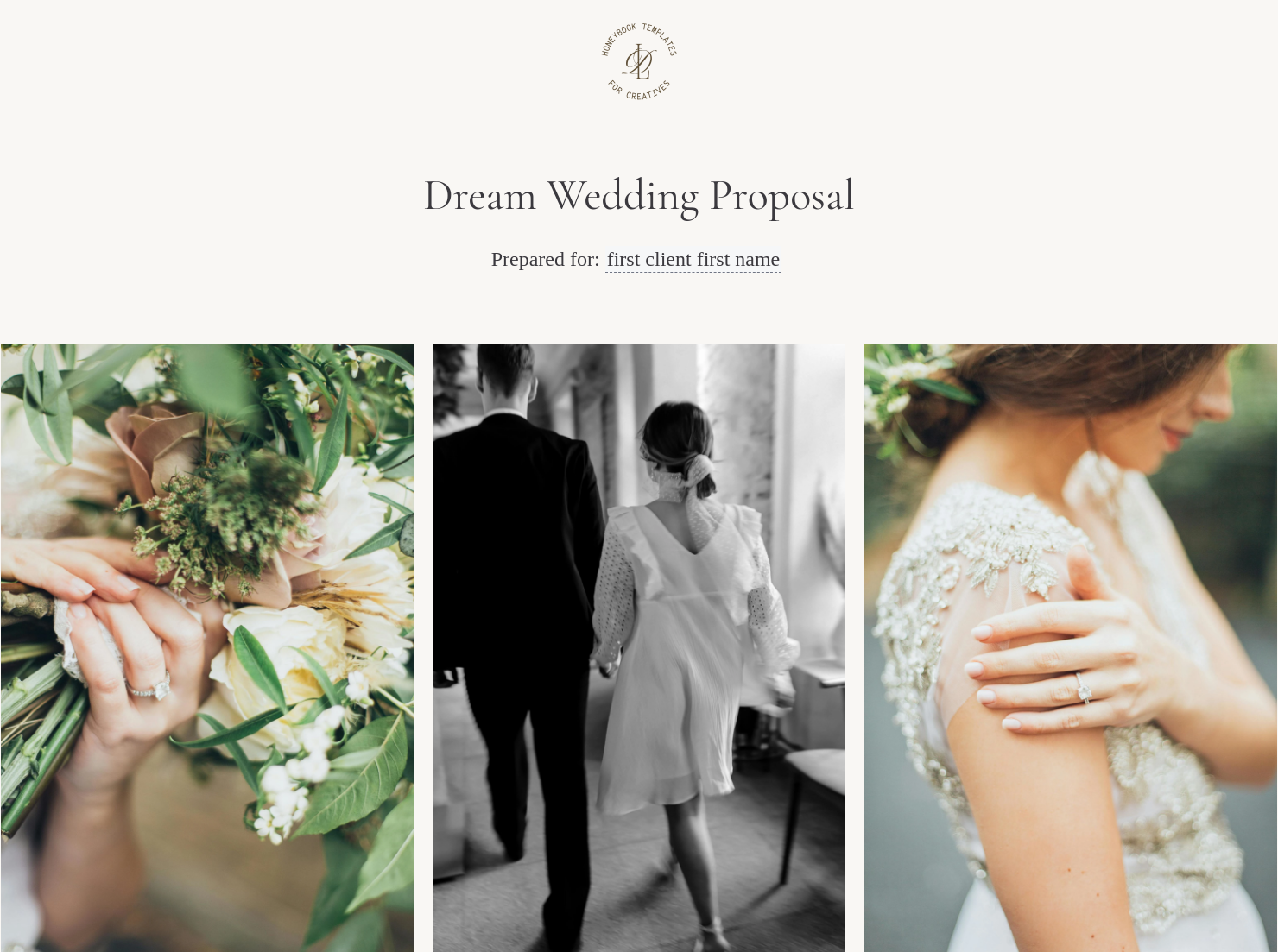
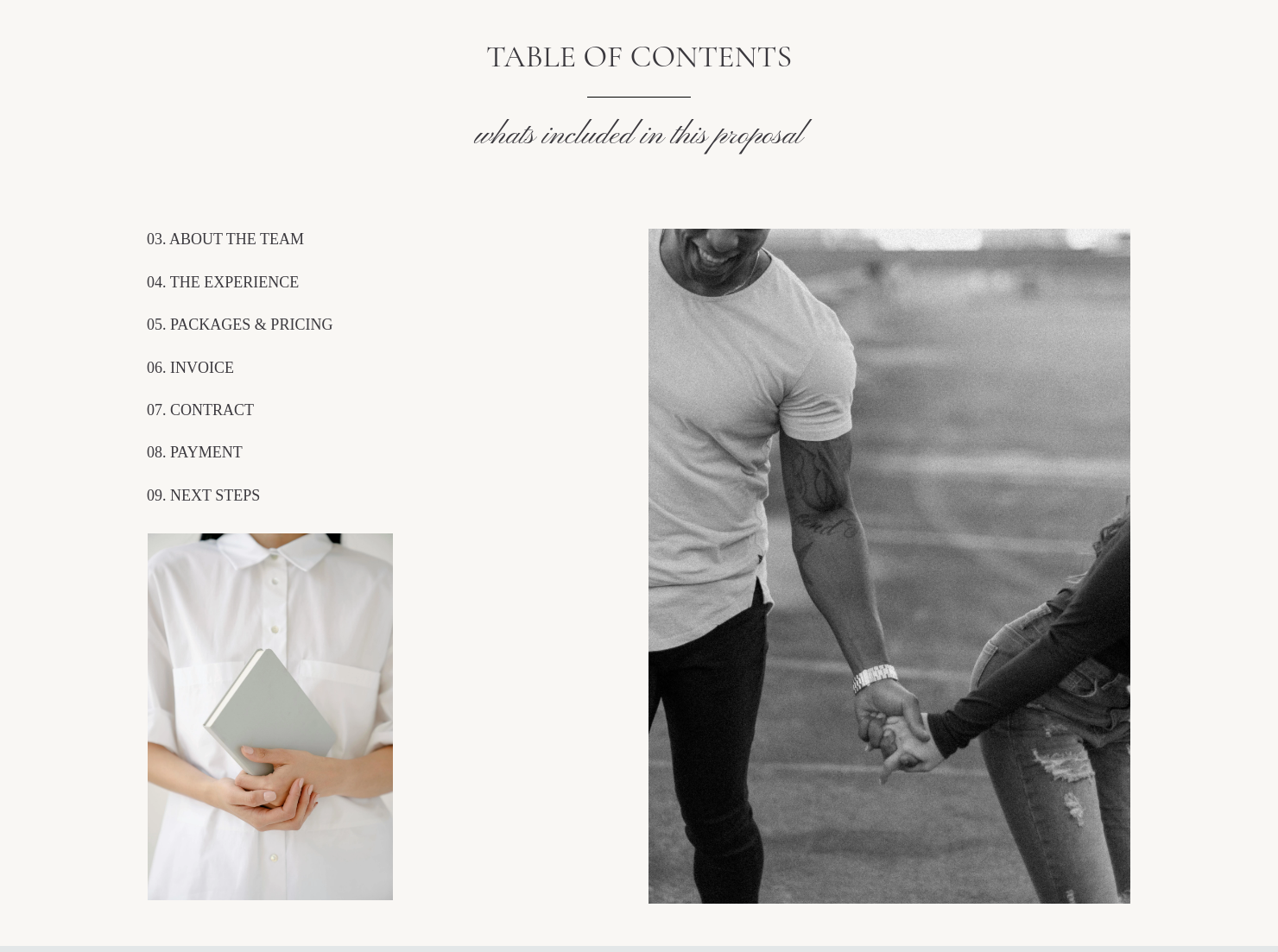
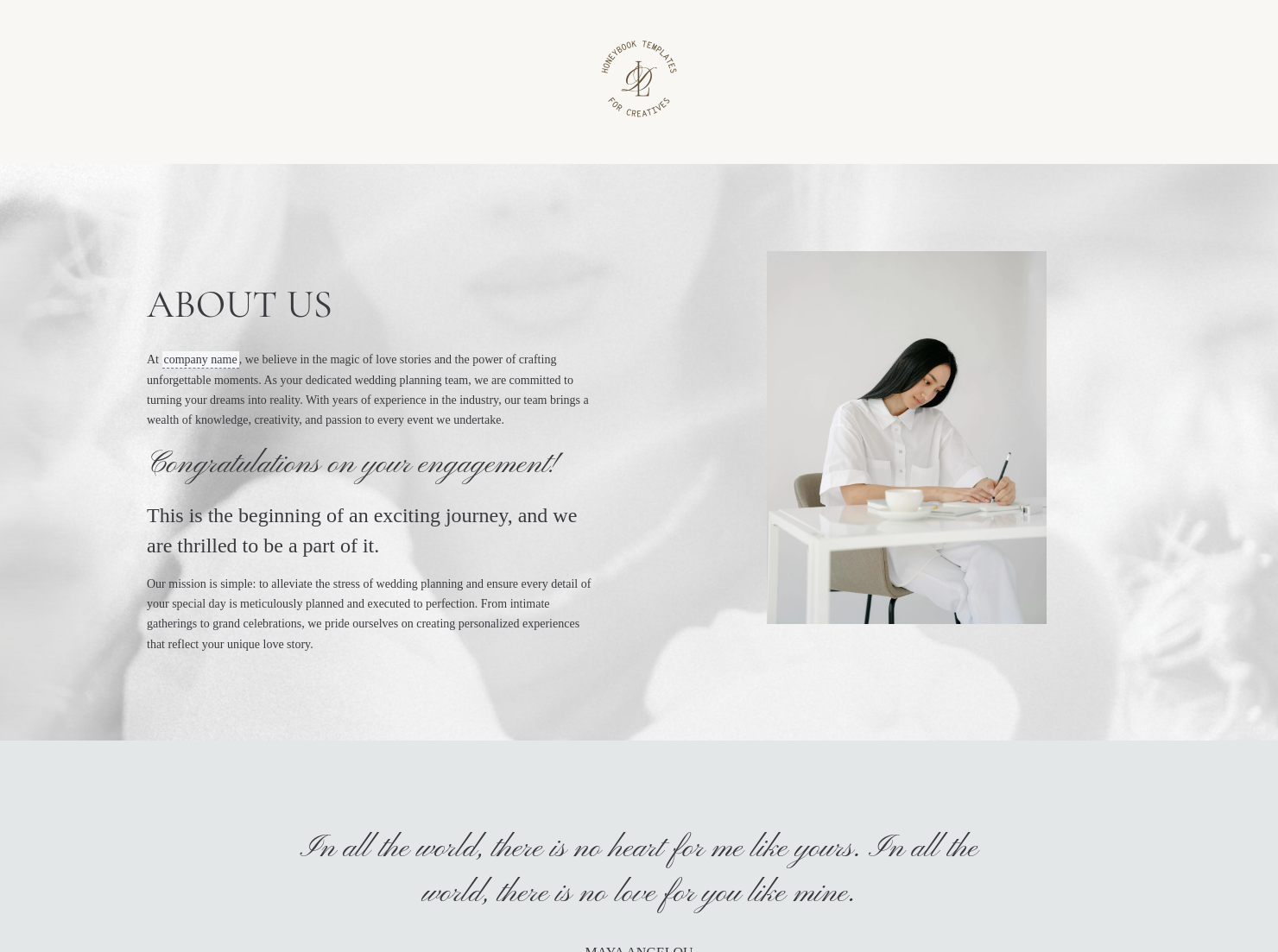
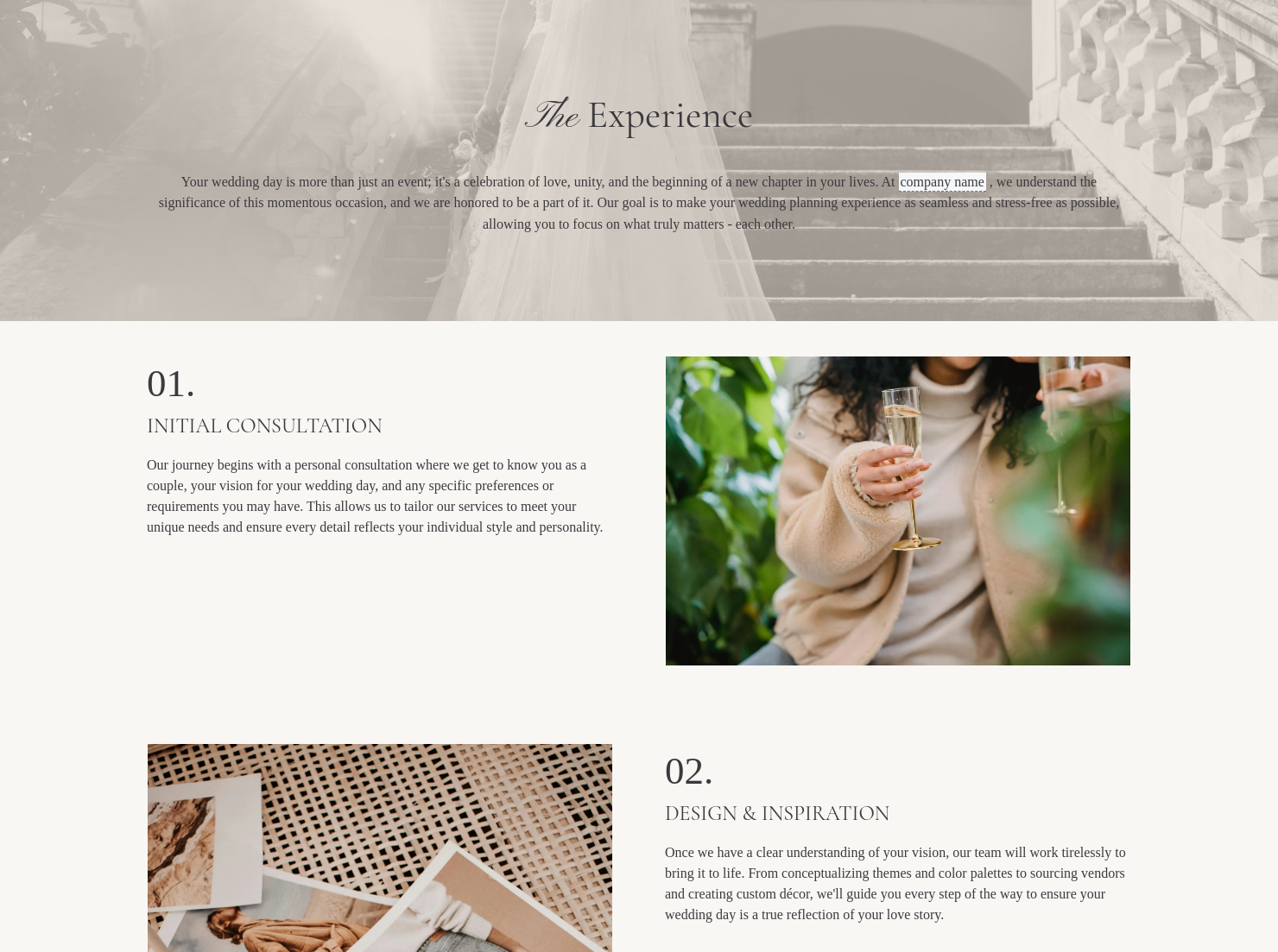
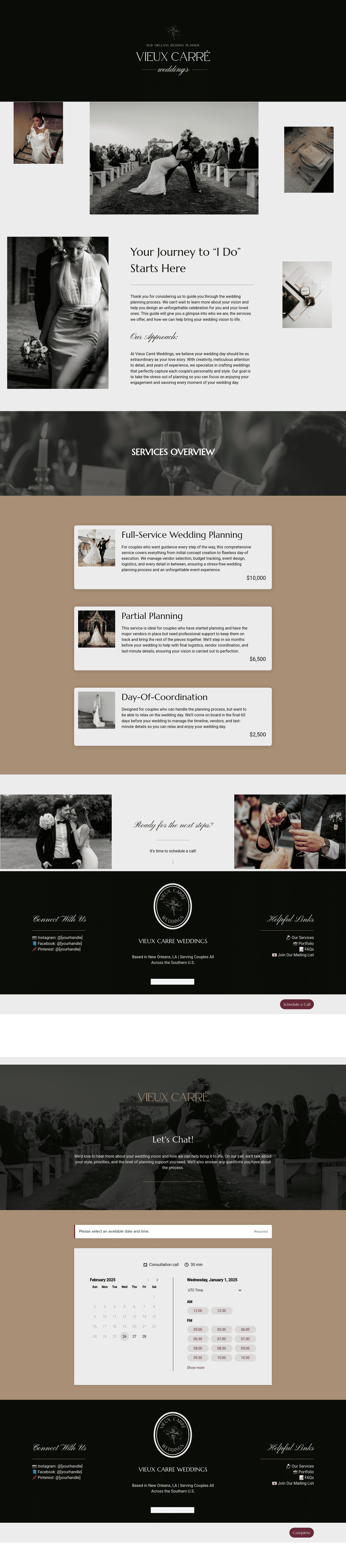
Book clients, promote your event planning services, and get paid all with one beautifully designed easy-to-edit document!
”

October 18, 2026

Best practices for using event planner proposal templates
An event planner proposal outlines the services, pricing, and vision for a potential event project. Event professionals use this document to present their ideas, communicate expectations, and help clients understand the scope of the event. A clear event planner proposal helps planners present their services professionally while making it easier for clients to review details and move forward with booking.
Planning an event involves many moving parts, from vendor coordination to budgeting and logistics. Without a structured proposal, it can be difficult for clients to understand the full scope of the event or the services provided.
A well-written event planner proposal helps:
- Present services and event details clearly
- Set expectations for timelines, responsibilities, and pricing
- Build trust and professionalism with potential clients
- Reduce misunderstandings before planning begins
When clients receive a clear proposal, they can review the plan with confidence and make decisions more quickly.
A professional event planner proposal should include several essential elements that help both the planner and the client understand the project.
- Business and client information: The planner’s business details along with the client’s name and contact information.
- Event overview: A brief description of the event, including the type of event, location, and expected date.
- Scope of services: The services the planner will provide, such as vendor coordination, timeline creation, or day-of management.
- Venue or location considerations: If applicable, details related to the venue proposal, including layout ideas, logistics, or recommendations.
- Pricing and payment terms: The total cost of services, payment schedule, and any deposit requirements.
- Timeline or planning milestones: Important dates or phases in the event planning process.
- Approval and signature section: A section where the client can confirm approval of the proposal and move forward with the project.
Including these details helps ensure the proposal is clear, professional, and easy for clients to review.
An effective event planner proposal balances clarity with creativity. While the document should clearly outline services and pricing, it should also help clients visualize how the event will come together.
Many planners include sections that highlight their planning approach, design ideas, or logistics strategies. This helps clients understand how the planner will bring the event to life.
Clear structure also matters. Proposals that organize information into simple sections make it easier for clients to review the document and understand what is included.
Using a structured template can simplify the process. A sample event planner proposal provides a starting point that planners can customize for each client while maintaining consistent formatting and professionalism.
An event planner proposal template is useful whenever a planner needs to present services or planning ideas before beginning an event project.
Common situations include:
- Proposing planning services to new clients
- Presenting ideas for weddings or large celebrations
- Creating proposals for corporate events or conferences
- Sharing venue proposals or event concepts with stakeholders
- Providing planning options before final contracts are signed
Using a structured proposal helps ensure clients receive all the information they need to evaluate the event plan.
Catering has a lot of moving parts, and the menu sits in the center. If your catering menu is scattered across emails, texts, and screenshots, mistakes show up at the worst time.
A structured menu template helps in practical ways.
- Builds client trust and a professional first impression.
- Speeds approvals by making choices simple.
- Reduces payment disputes by documenting totals and terms.
- Saves time by cutting back and forth.
That means fewer surprises for clients and fewer fire drills for you.
Get started with an event planner proposal template
Using a ready-made event planner proposal template helps planners create professional proposals without starting from scratch. Once customized, the template can be reused for future clients, making it easier to present services clearly and keep the event planning process organized.
FAQs
Below are quick answers to common questions from caterers building a catering menu that clients can approve with confidence.
An event planner proposal is a document that outlines an event planner’s services, pricing, and vision for an event. It helps clients understand the proposed event plan and decide whether to move forward with the planner.
To make an event proposal, start by outlining the event details and goals. Then describe the services you will provide, include pricing and payment terms, and present a clear overview of how the event will be planned and executed.
A venue proposal typically includes details about the location, layout possibilities, logistics considerations, and how the venue supports the event’s overall concept. This information helps clients understand how the venue fits within the event plan.
HoneyBook templates simplify the steps between inquiry and booking by allowing you to send polished proposals, contracts, and other documents quickly. You can learn more about managing templates in the HoneyBook files and templates Help Center guide.
Yes. HoneyBook templates can be customized to reflect your business style and branding. You can adjust fonts, colors, images, pricing tables, and messaging. The Help Center explains how to add and customize Smart File pages.
Yes. With the HoneyBook mobile app, you can create and send templates from your phone so you can respond to clients and manage projects from anywhere. Learn more about how to create invoices and Smart Files on mobile.
Related templates









Related Templates

.png)
.png)

Make it your own
Fully customize the template to fit your needs. Quickly apply your company branding with just a few clicks.

Share with clients
Create exceptional client experiences through HoneyBook’s dedicated client portal, allowing them to read, review, and take action from any device.

Reuse and scale
Use your customized files with different clients again and again to save time and make managing client interactions that much easier.

Join the 100,000+ businesses growing with HoneyBook.
