















Questionnaire

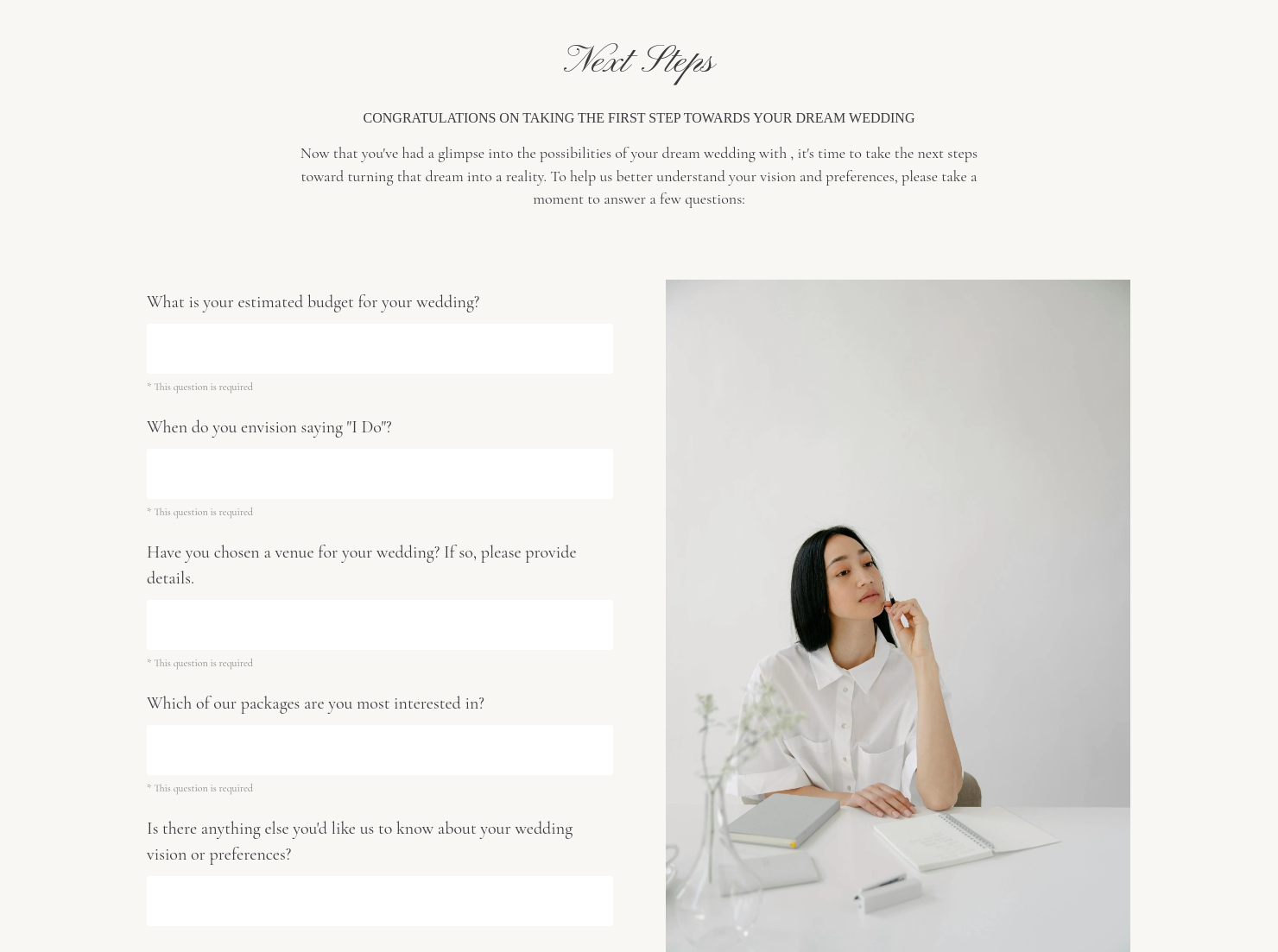
Get client input, collect project details, and set expectations ahead of—or during—any project.

Ready-to-use copy
Templates come filled with prewritten copy you can use as is or edit to match your brand and business.

Scheduling
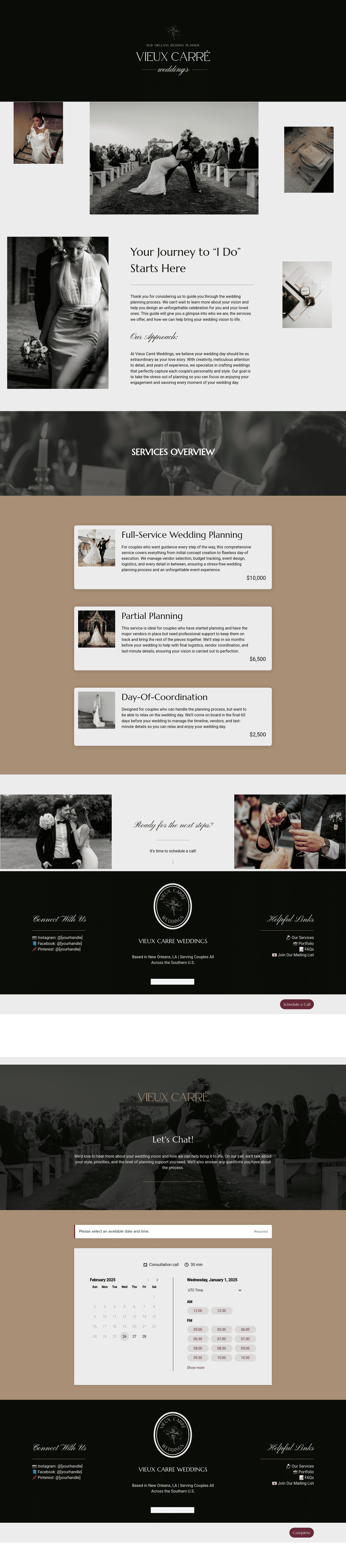
Let clients book meetings, sessions, or appointments during your available time slots.

Services
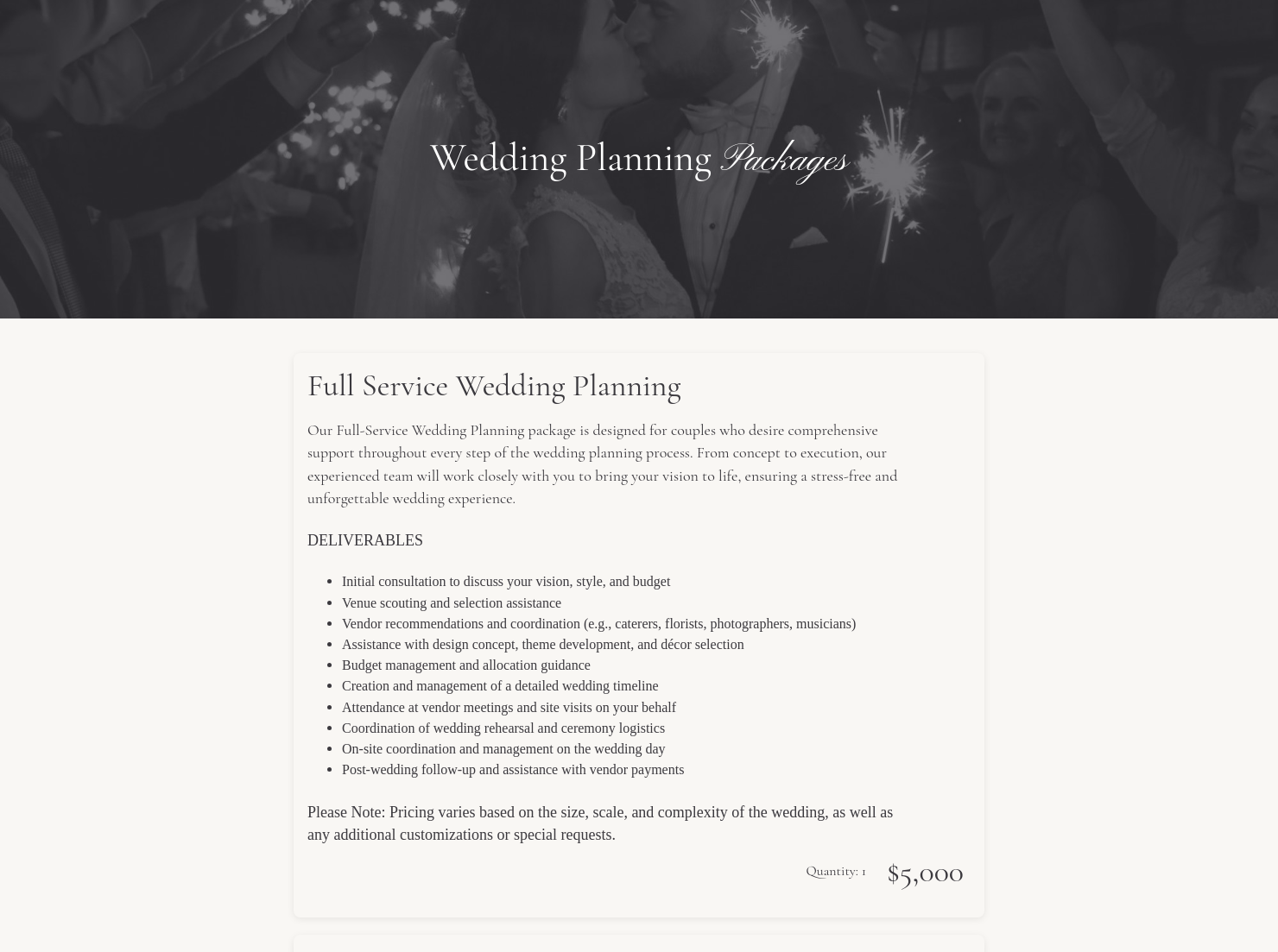
Showcase your services for easier client booking.


“
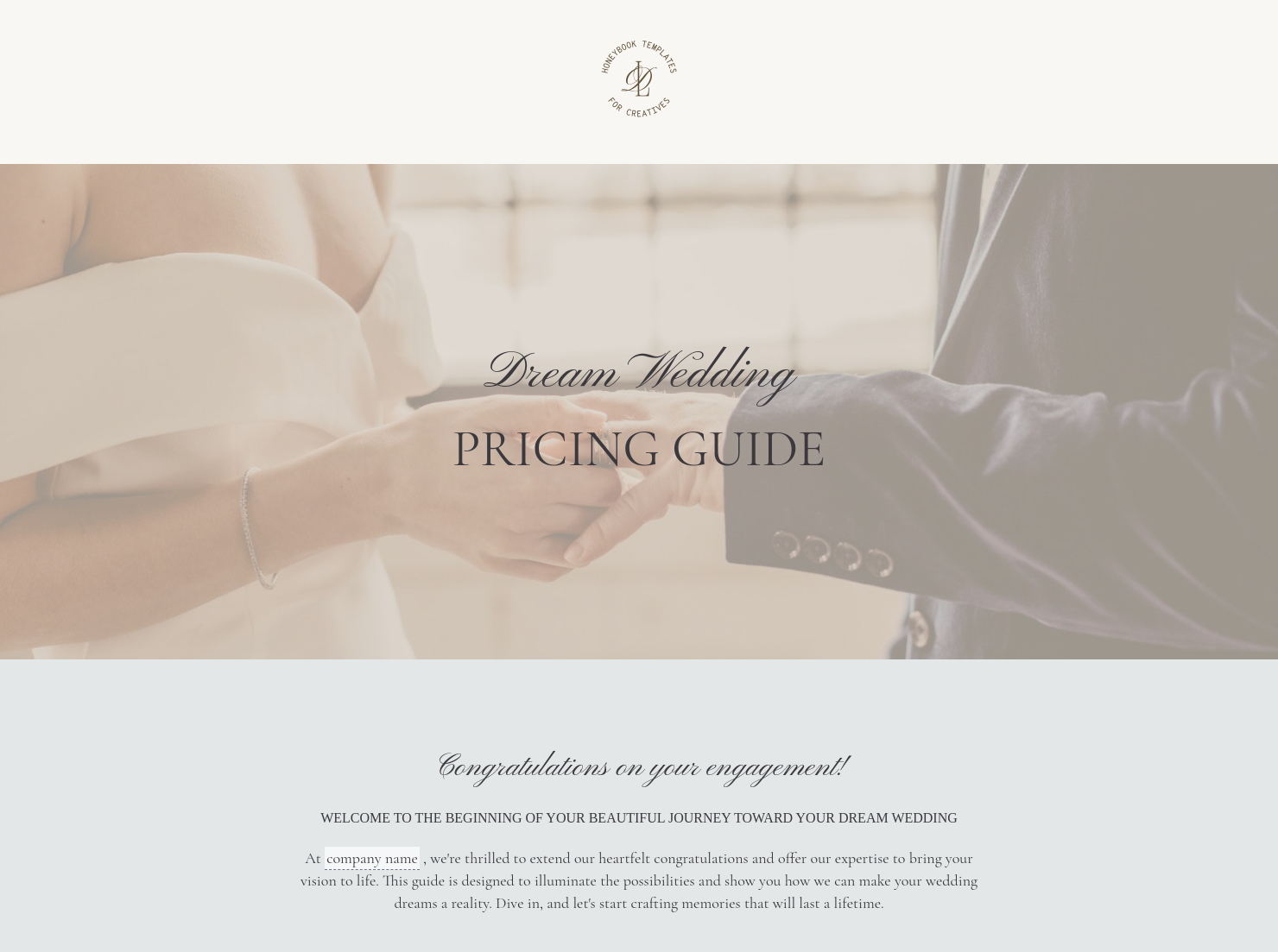
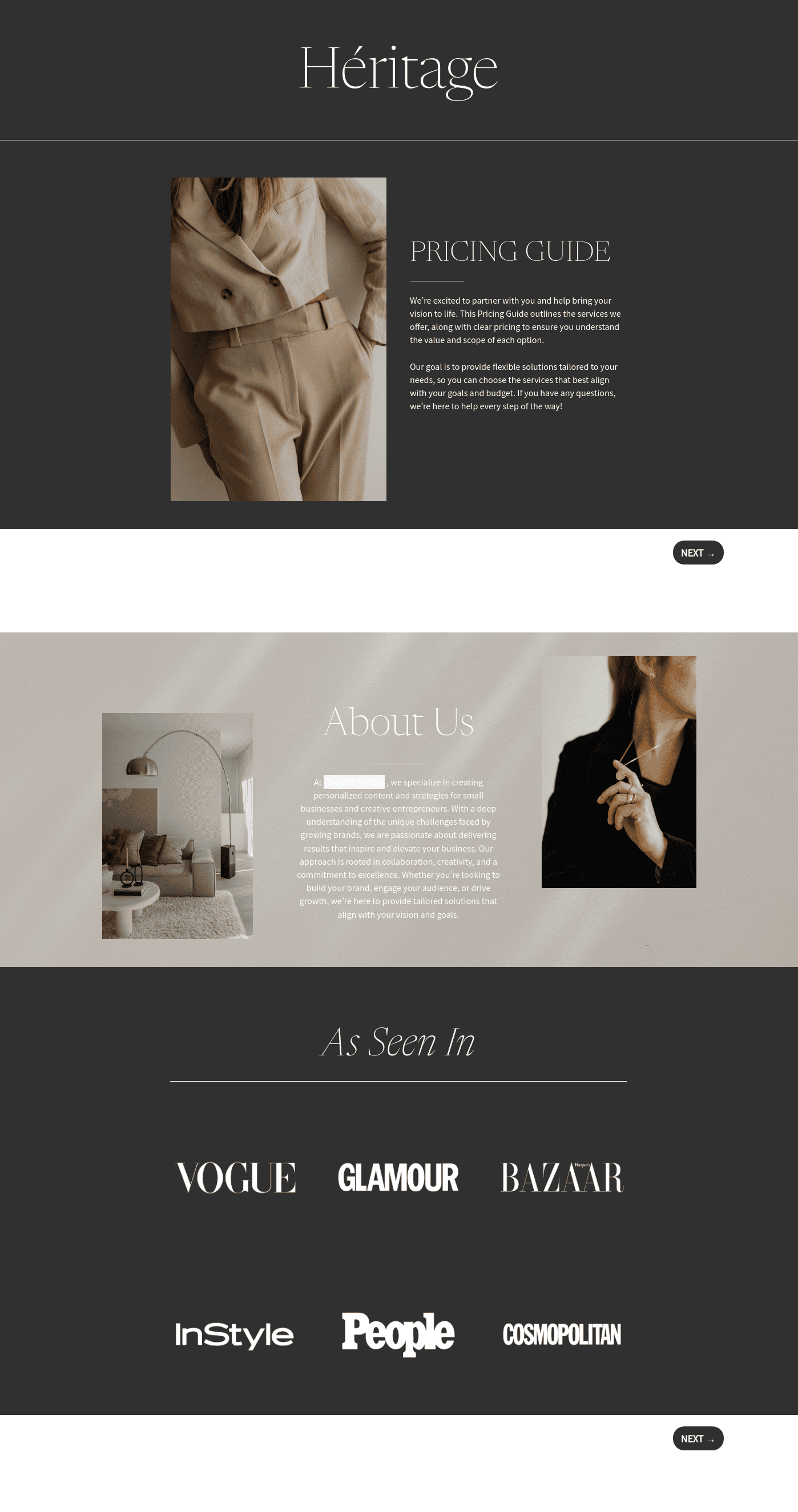
Use this template to impress your dream clients about your event planning services!
”

October 11, 2026

Best practices for using event planner pricing guide templates
An event planner pricing guide explains the services an event professional offers, along with the associated costs. Planners often share this document with potential clients to outline pricing packages, service levels, and planning support. A clear event planner pricing guide helps clients understand what services are available and how much an event planner costs before moving forward with a consultation or booking.
Pricing is one of the first things clients want to understand when hiring a planner. Questions like “How much do event planners charge?” or “What do party planner prices usually include?” often come up early in the inquiry process.
Without a structured way to present pricing, planners may find themselves answering the same questions repeatedly.
A well-designed event planning pricing guide can help:
- Present services and pricing tiers clearly
- Answer common cost questions early in the conversation
- Help potential clients evaluate service options
- Create a consistent way to explain pricing
When pricing information is organized and easy to review, clients can better understand the planner’s services and determine whether the offering fits their event.
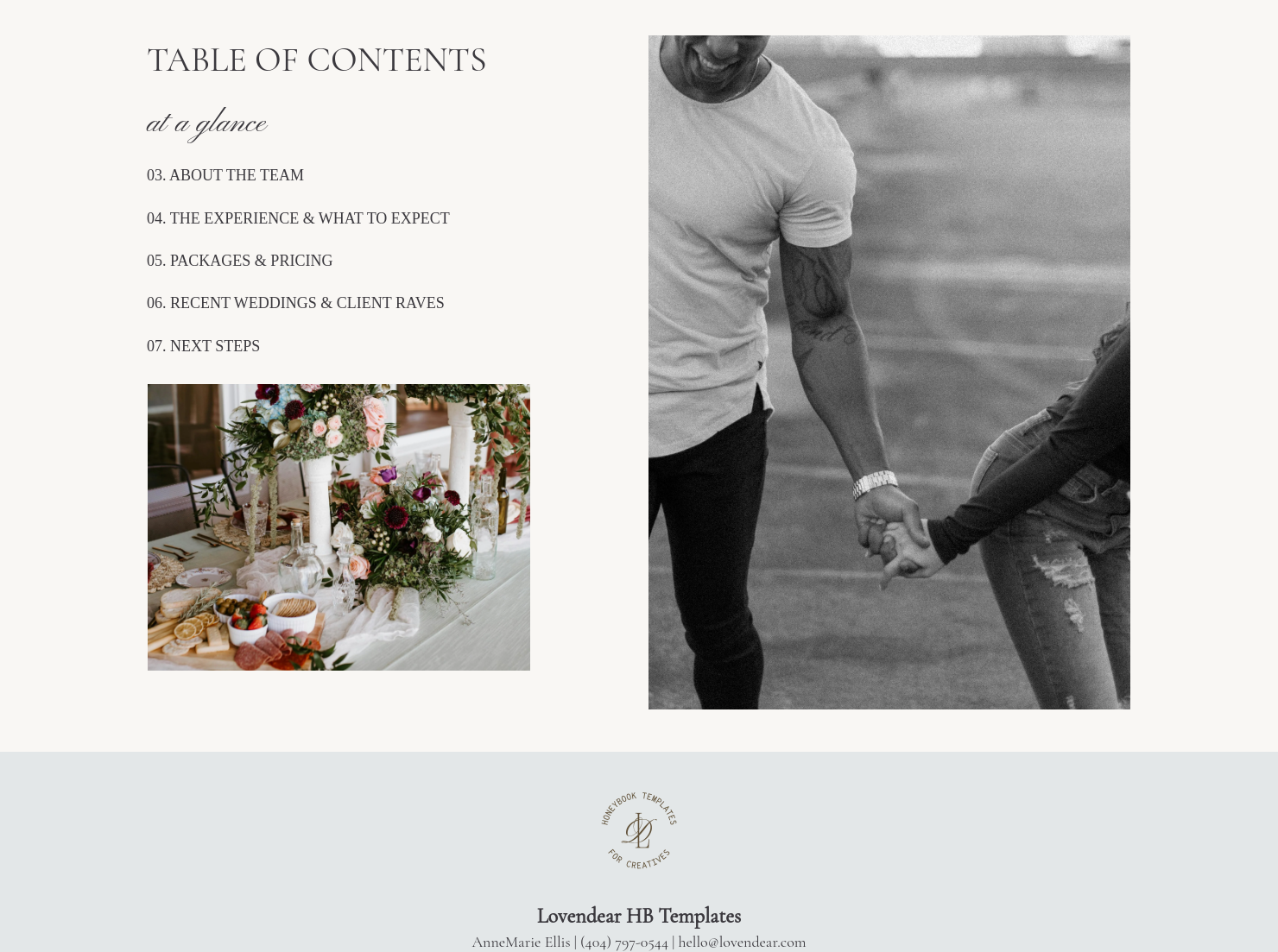
A professional event planner pricing guide should include several sections that explain services and pricing in a clear way.
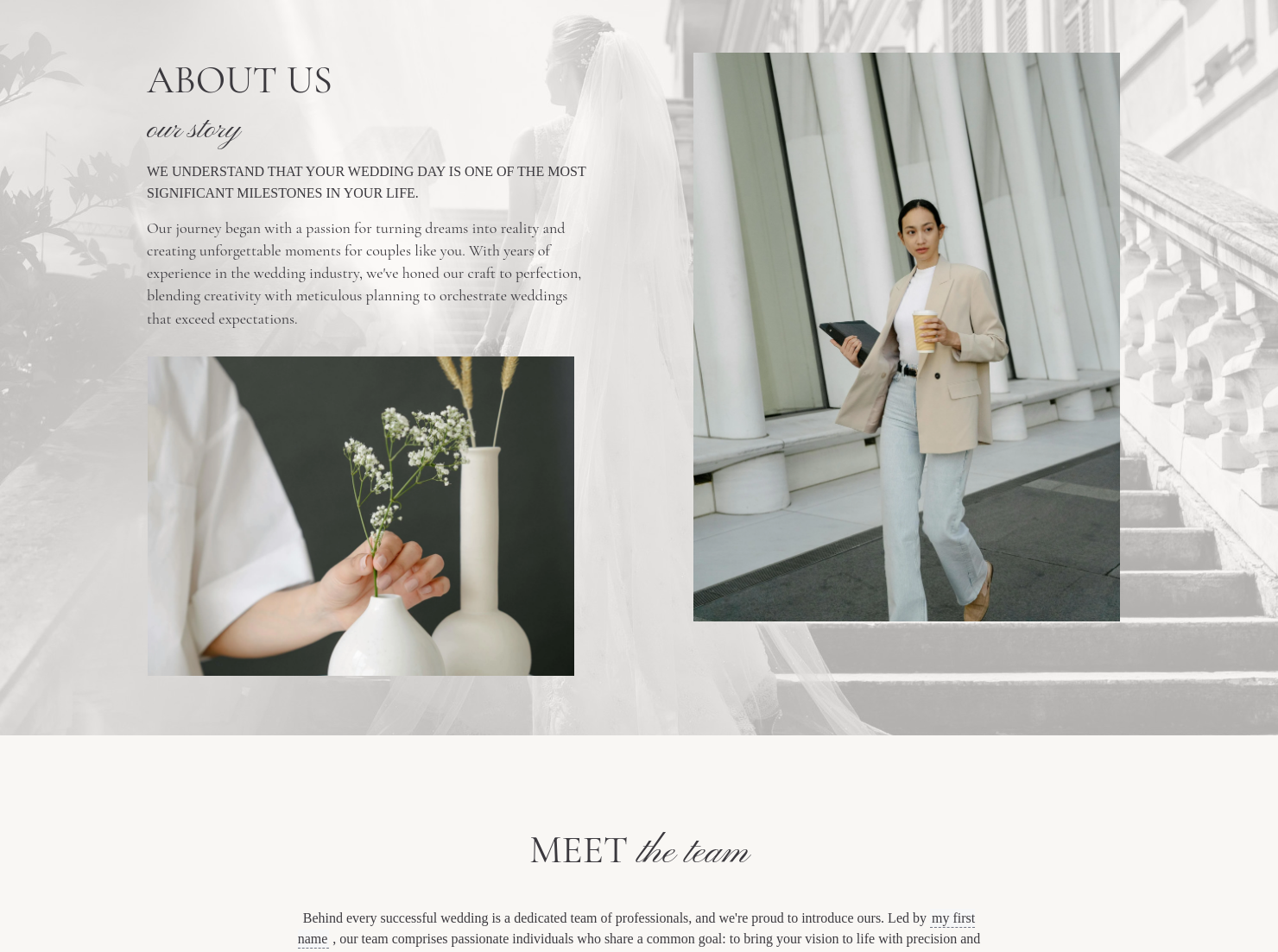
- Business overview: Basic information about the planner’s business, experience, and the types of events they specialize in.
- Service options: An outline of the planning services offered, such as full-service planning, partial planning, or coordination services.
- Pricing packages or tiers: Clearly defined service packages that describe what is included at each level.
- Optional services: Add-ons that clients may choose depending on their event needs, such as design consultation or vendor sourcing.
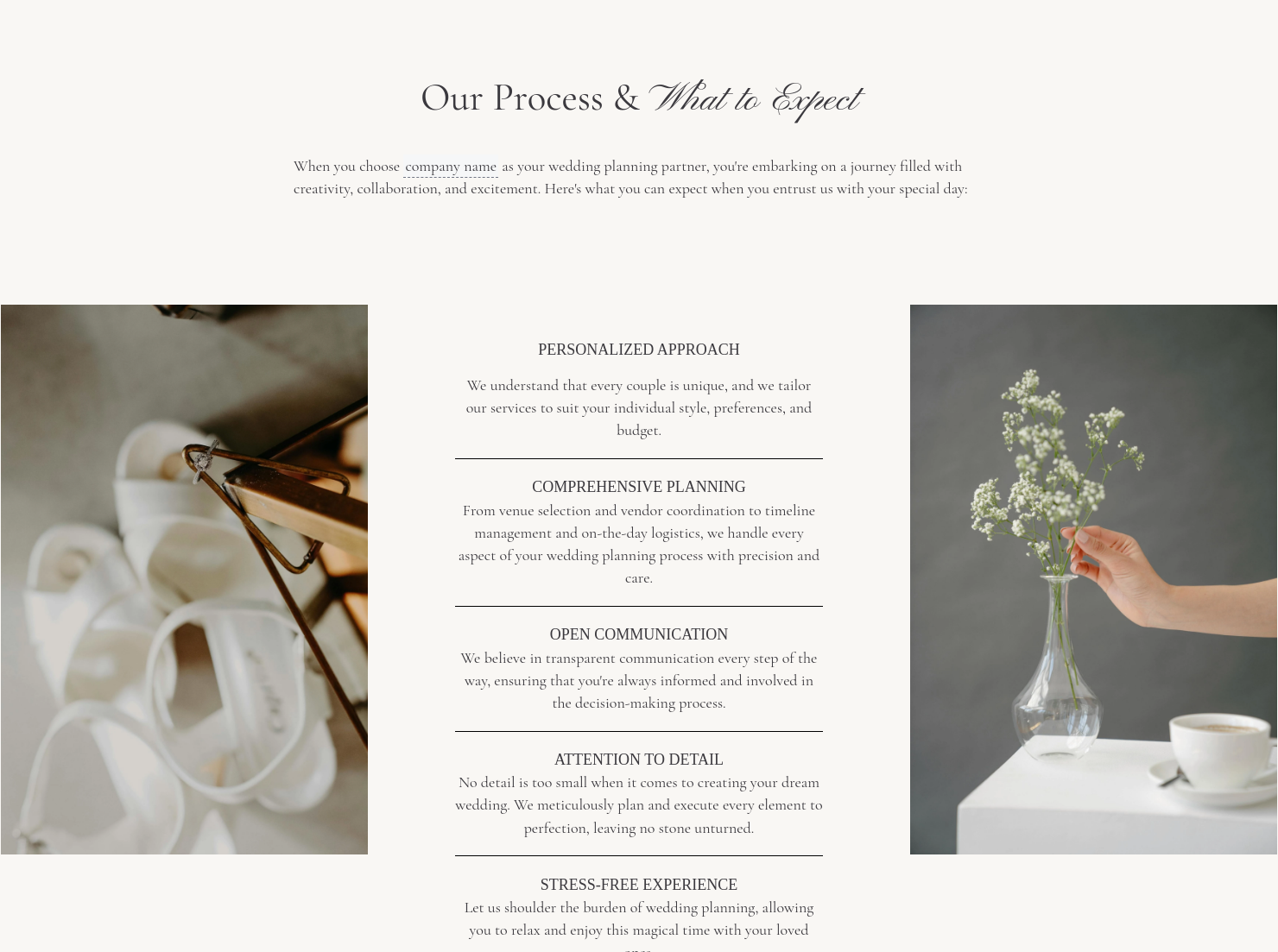
- Planning process overview: A brief explanation of how the planner works with clients from initial consultation through the event day.
- Booking information: Next steps for clients who want to move forward with planning services.
Including these details ensures that potential clients receive a complete picture of available services and pricing.
An effective event planner pricing guide focuses on clarity. Clients should be able to quickly understand the services offered and how pricing is structured.
Many planners organize services into packages so clients can easily compare options. For example, tiers may include full-service planning, partial planning, or day-of coordination.
It can also help to explain what influences pricing. Event size, vendor coordination, design complexity, and timeline management may all affect the overall cost.
Starting with an event planner pricing guide template makes it easier to organize this information while keeping pricing consistent across client inquiries.
Event planners typically share pricing guides during the early stages of client communication so potential clients can review service options before scheduling consultations.
A pricing guide can be useful when:
- Responding to new client inquiries
- Introducing service tiers to potential clients
- Providing an overview of event planning pricing
- Explaining party planner prices before consultations
- Helping clients evaluate planning options
Sharing pricing information early helps clients determine whether the planner’s services match their event needs.
Catering has a lot of moving parts, and the menu sits in the center. If your catering menu is scattered across emails, texts, and screenshots, mistakes show up at the worst time.
A structured menu template helps in practical ways.
- Builds client trust and a professional first impression.
- Speeds approvals by making choices simple.
- Reduces payment disputes by documenting totals and terms.
- Saves time by cutting back and forth.
That means fewer surprises for clients and fewer fire drills for you.
Get started with an event planner pricing guide template
Using a ready-made event planner pricing guide template helps planners present pricing information in a clear and consistent format. Once customized, the template can be reused for future inquiries, making it easier to share pricing details and explain available services without recreating documents each time.
FAQs
Below are quick answers to common questions from caterers building a catering menu that clients can approve with confidence.
An event planner pricing guide is a document that outlines the services offered by an event planner along with the associated costs. It helps potential clients understand available packages, pricing tiers, and what services are included.
The cost of an event planner can vary depending on the type of event, the level of planning support required, and the planner’s experience. Pricing may be structured as flat fees, hourly rates, service packages, or a percentage of the event budget.
Event planning pricing depends on factors such as event size, vendor coordination needs, and the level of planning support required. Pricing guides help planners explain these service options so clients can choose the package that fits their event.
HoneyBook templates simplify the process of creating and sending professional documents such as pricing guides, proposals, and contracts. Instead of recreating documents for every inquiry, planners can reuse templates and customize them for each client. Learn more about managing templates in the HoneyBook files and templates Help Center guide.
Yes. HoneyBook templates allow you to customize fonts, colors, images, pricing tables, and messaging so your documents reflect your brand identity. The Help Center explains how to add and customize Smart File pages.
Yes. With the HoneyBook mobile app, you can create, edit, and send templates directly from your phone. This makes it easier to respond to clients and manage event planning tasks from anywhere. Learn how to create invoices and Smart Files on mobile.
Related templates









Related Templates

.png)



.png)
Make it your own
Fully customize the template to fit your needs. Quickly apply your company branding with just a few clicks.

Share with clients
Create exceptional client experiences through HoneyBook’s dedicated client portal, allowing them to read, review, and take action from any device.

Reuse and scale
Use your customized files with different clients again and again to save time and make managing client interactions that much easier.

Join the 100,000+ businesses growing with HoneyBook.
