
















Invoice & online payments

Make it easy for clients to book and pay for your services–all in one file.


“
”

October 4, 2026

Best practices for using photography invoice templates
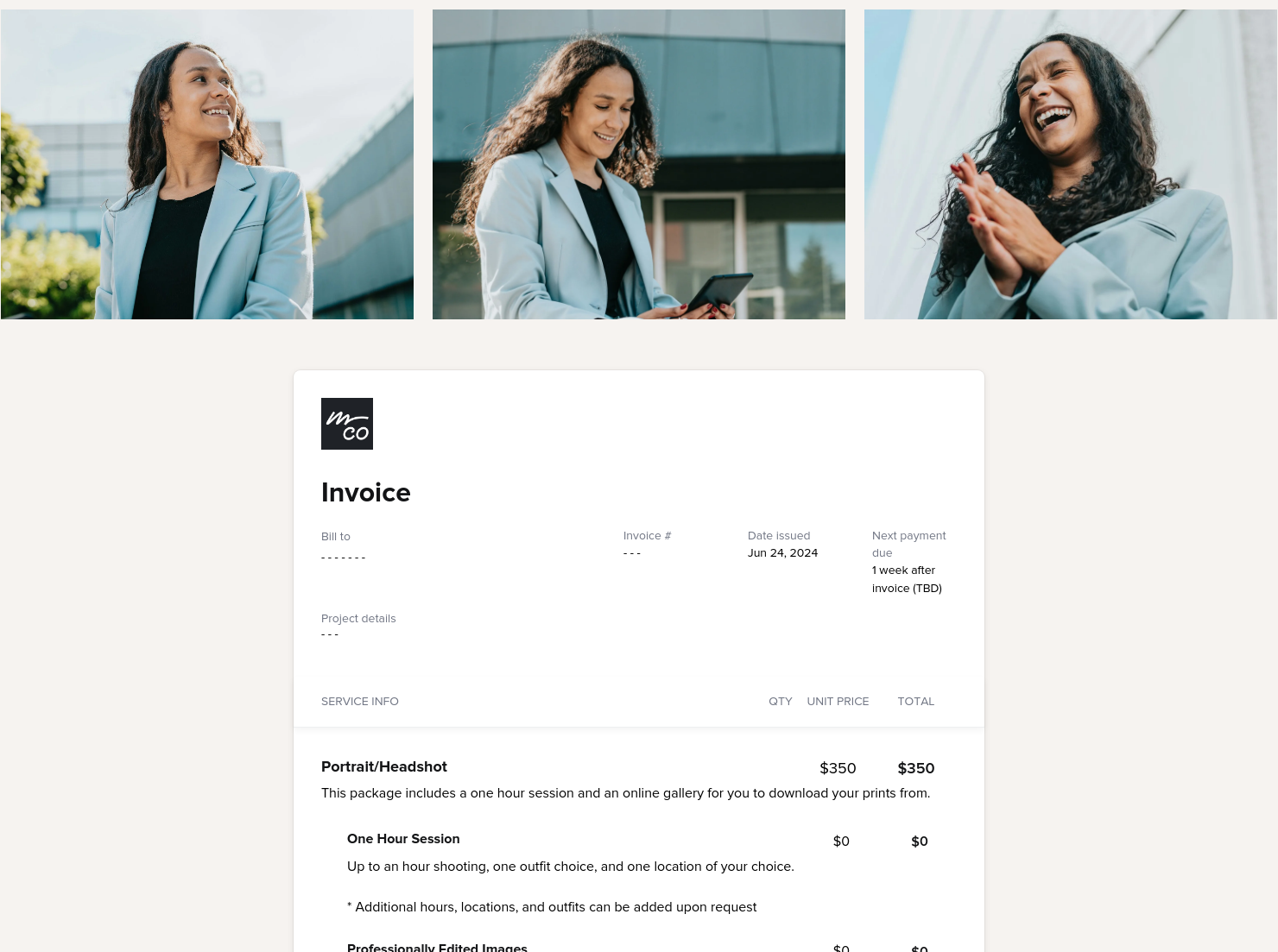
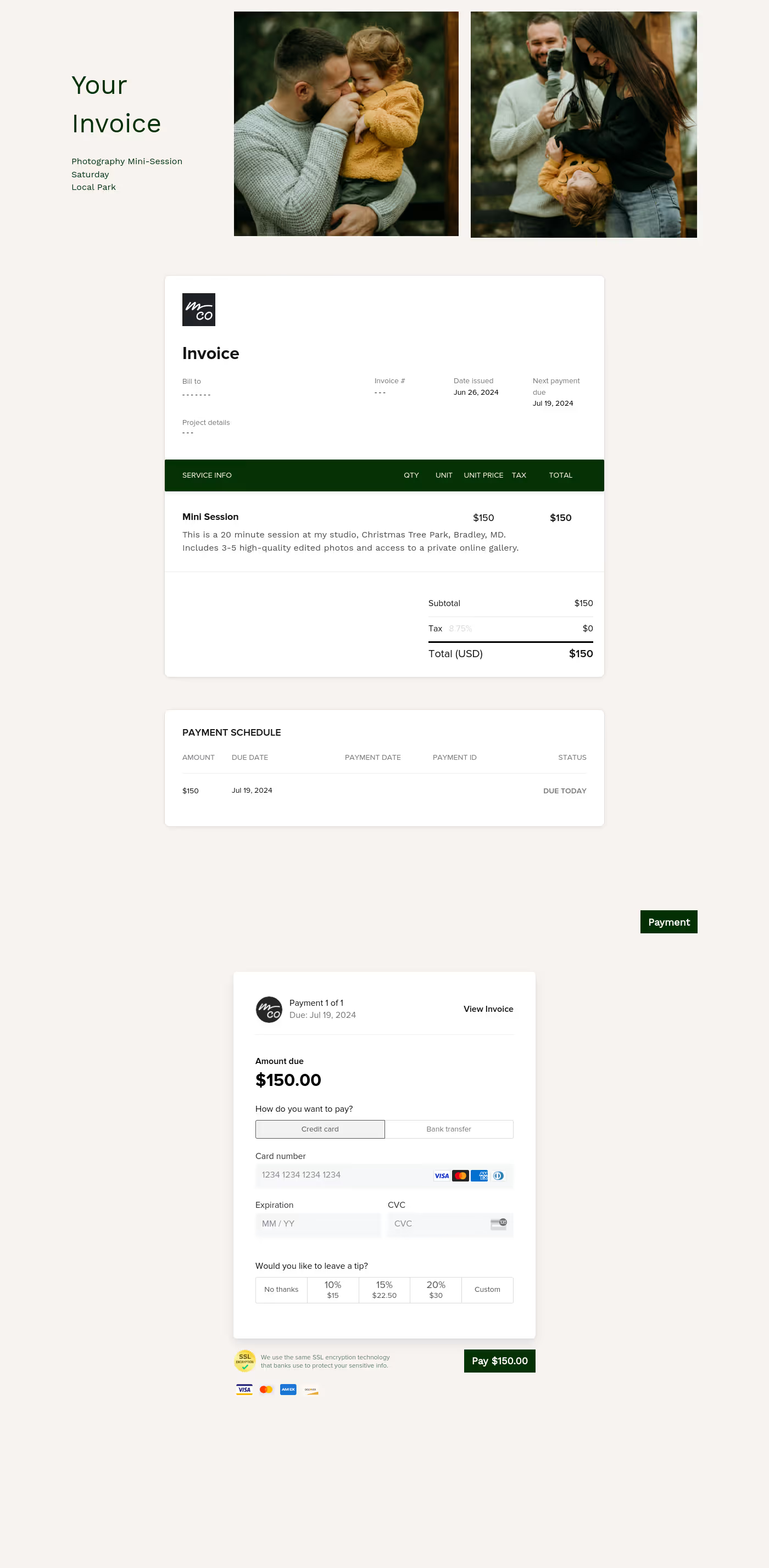
This photography invoice template is a clear, concise, and thorough document that is used by virtually all types of freelance and professional photographers to outline your charges for your photography services, as well as bill your clients. It is typically used when booking and onboarding clients, and/or when you have finished the photography work with your client and are ready to bill them for your work. The well-organized and thorough template may help with bookings, as it includes information on your fees and services up front. It will also clarify what payment terms you accept, so there are no misunderstandings later on with clients.
Using a photography invoice template is especially important in the photography industry for a number of reasons. By using this clear billing document, you can ensure transparency with your clients by providing them with correct billing and payment information from the start. Professional and freelance photographers who do not use a template like this one can run the risk of missing key pieces of information about their session fees and print costs, and payments may also fall through the cracks.
A well-structured document like this helps with:
- Easy and timely invoicing for photographers
- Building client trust and professionalism
- Speeding up payments or reducing disputes
- Avoiding back-and-forth about fees and payments
A professional photography invoice template should also include a number of core elements. These include:
- Information on session fees and print costs
- Accepted payment terms
- Business and client information
- Final pricing, fees, and totals
- Due dates for payments
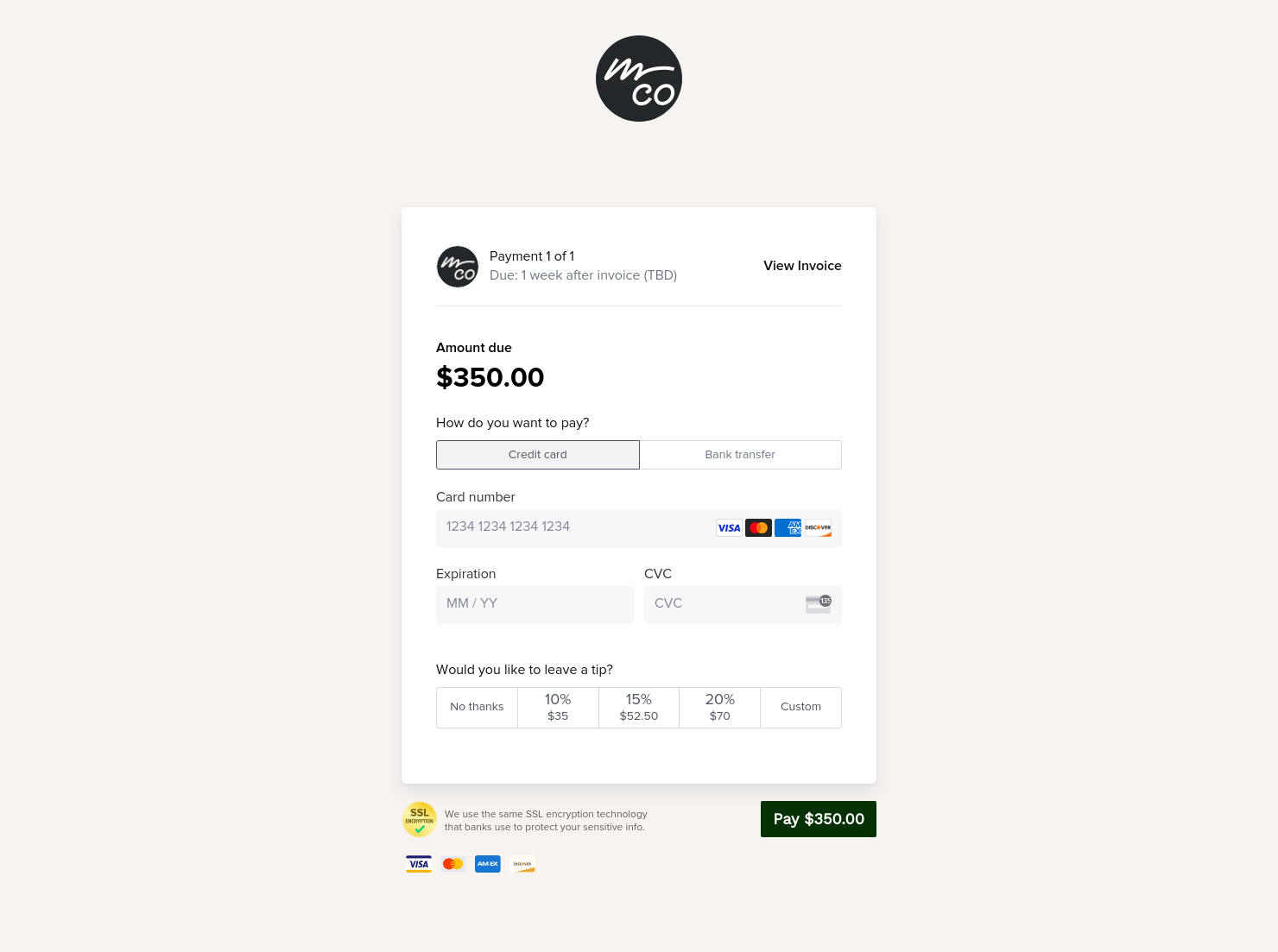
- The ability to pay online through the template
The template should also include in-depth details about your services and billing. These include things like what type of photography shoot you are scheduling with the client (family, graduate, newborn, etc.), licensing and usage fees, editing hours, travel costs, and print packages.
As a busy photographer, you probably spend a great deal of your workdays meeting new clients and also doing what you love the most: taking beautiful photographs. While these are definitely important tasks, it is also crucial that you get paid for your hard work in a timely manner. Learning how to write an invoice for photography services on your own can be time-consuming. Rather than try to create a payment template by yourself, this professional and thorough commercial photography invoice template includes everything you need to ensure accurate billing and payments.
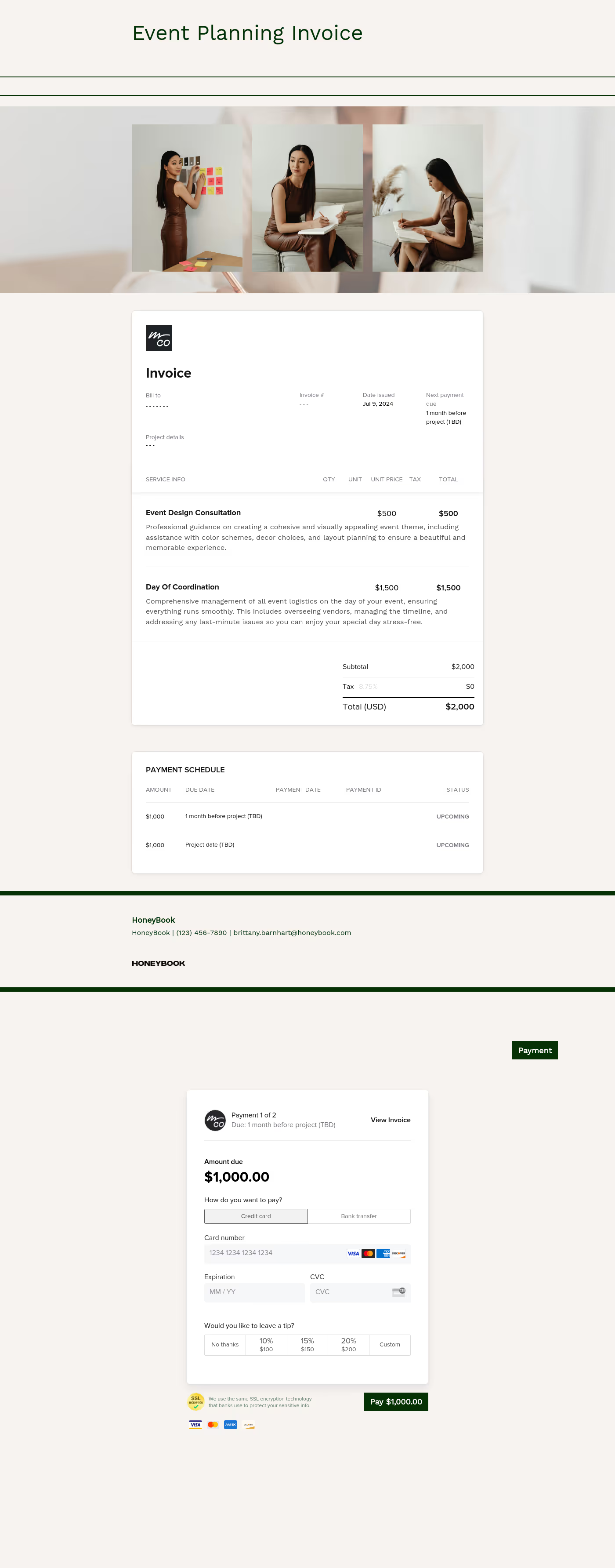
Another plus of this template is that it allows your clients to pay you directly through the document, using one of the credit cards that you accept. This way, the entire process can be completed with one template, and making it easy for your clients to pay you may result in quicker payments.
The photography invoice template can be presented to clients during your first meeting; this way, they will be able to see what you charge for sessions, prints, and other related services. If you charge for your services prior to the photography session, you can present the invoice to your client before booking. Or, if you bill after the work has been completed, the template can be updated with the final invoice photo details and the billing amount, and can be presented after the session is over and the prints have been delivered.
Catering has a lot of moving parts, and the menu sits in the center. If your catering menu is scattered across emails, texts, and screenshots, mistakes show up at the worst time.
A structured menu template helps in practical ways.
- Builds client trust and a professional first impression.
- Speeds approvals by making choices simple.
- Reduces payment disputes by documenting totals and terms.
- Saves time by cutting back and forth.
That means fewer surprises for clients and fewer fire drills for you.
FAQs
Below are quick answers to common questions from caterers building a catering menu that clients can approve with confidence.
Yes! The HoneyBook template uses the same SSL encryption technology that banks use to protect your sensitive info.
Yes. The first page of the invoice has plenty of room to include a thorough list of your photography services, as well as how much each costs.
Definitely! Both pages of the photography invoice template include spaces for you to include clear and concise information about when the payment is due. The client can also pay the bill online, directly through the template.
HoneyBook templates are built to simplify the steps between inquiry and booking, so you can deliver a professional client experience while saving time on repeat tasks.
Yes. You can customize fonts, colors, images, pricing tables, contract language, and messaging to reflect your brand’s voice and visual identity.
Yes. With the HoneyBook mobile app, you can create, customize, send, and manage templates and Smart Files from anywhere. This means you can respond to inquiries, share documents, and keep projects moving whether you’re at your desk or on the go.
Related templates









Related Templates
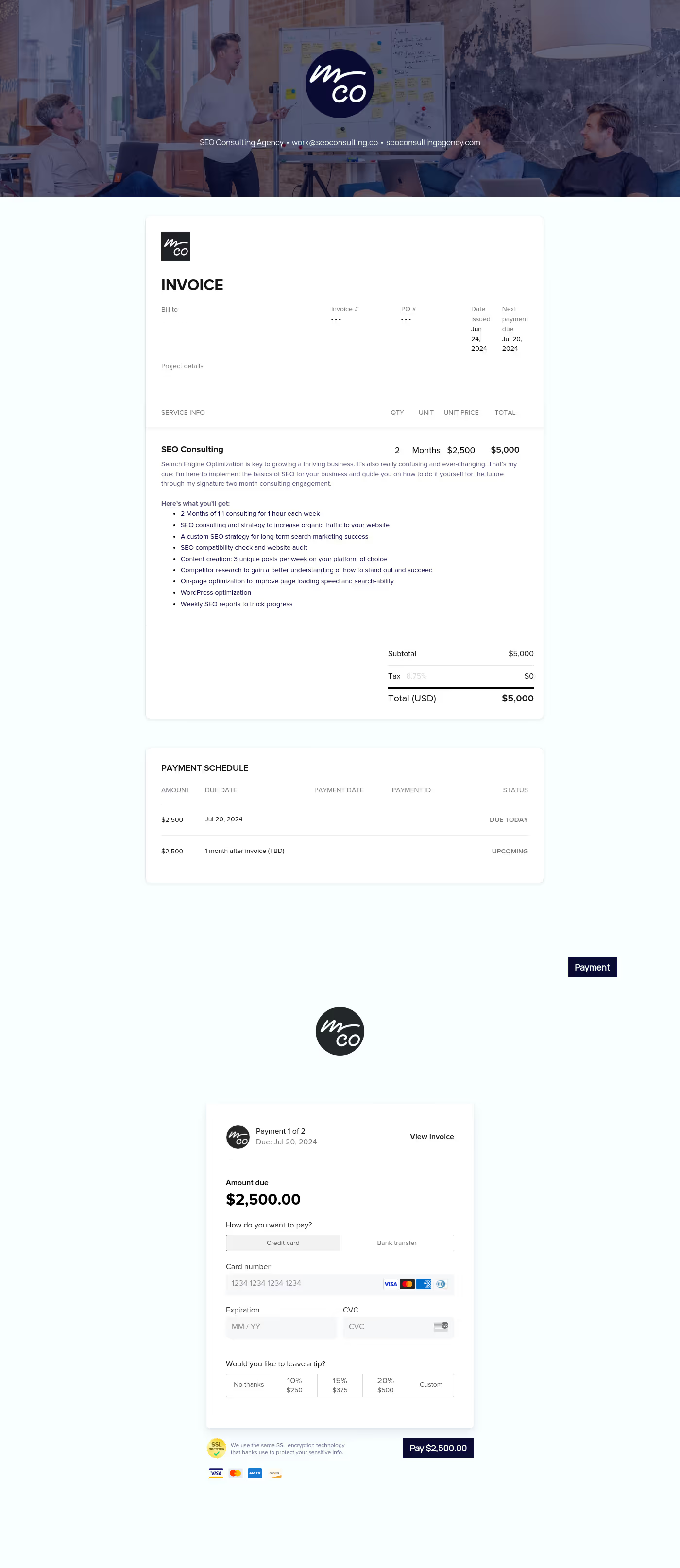
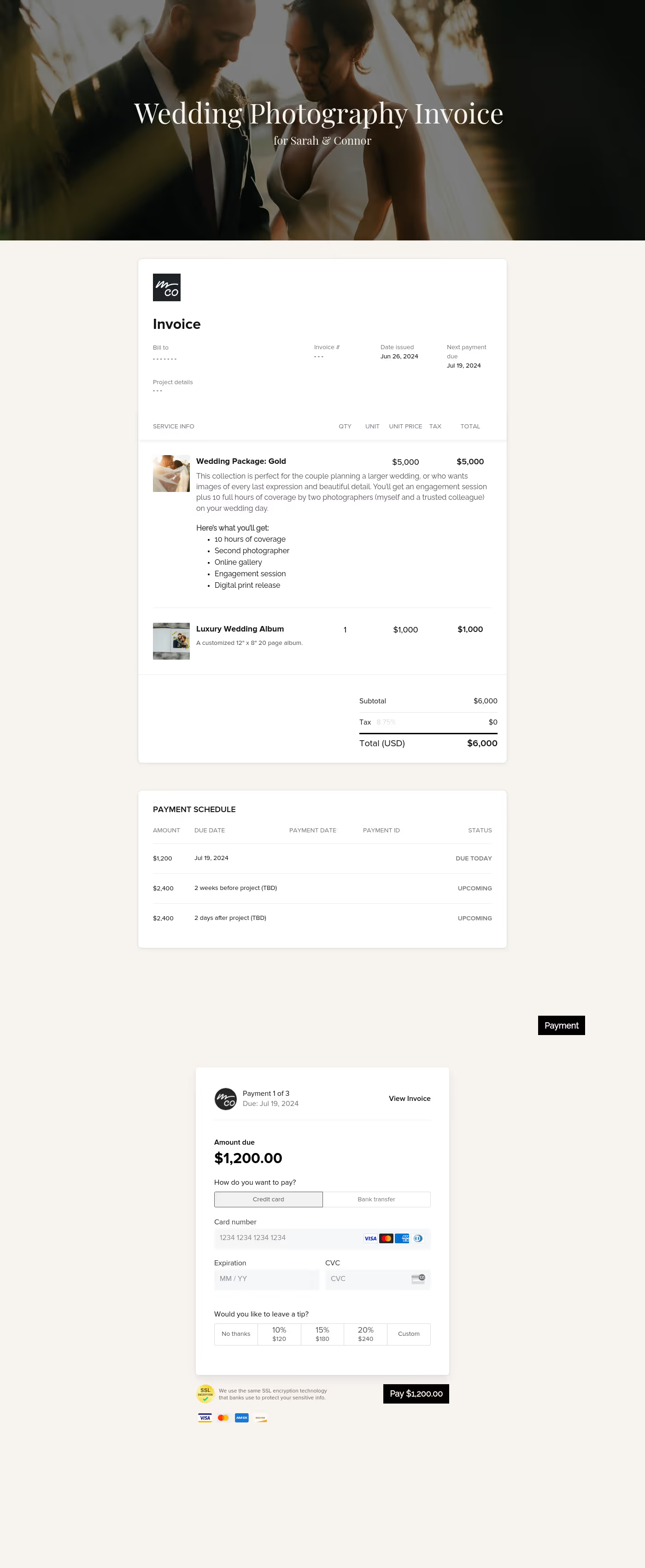
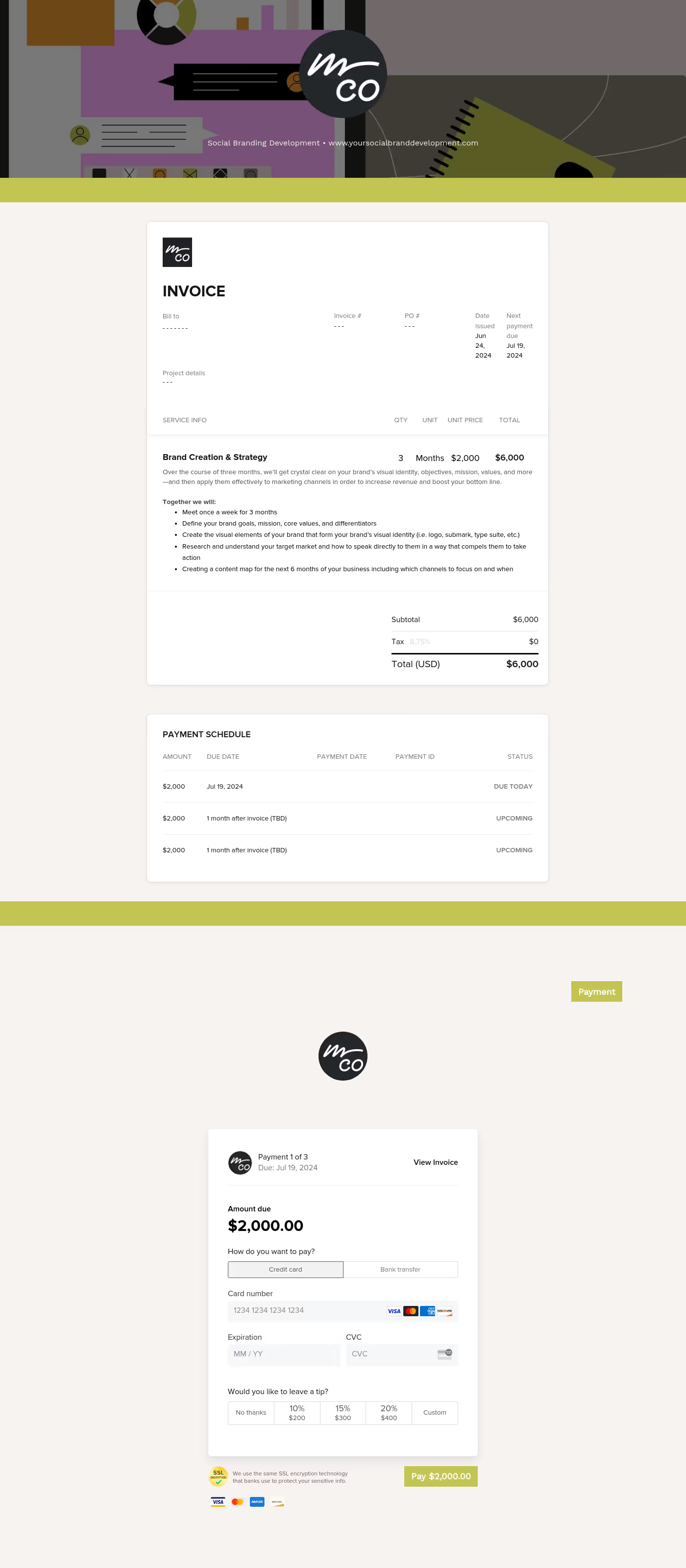
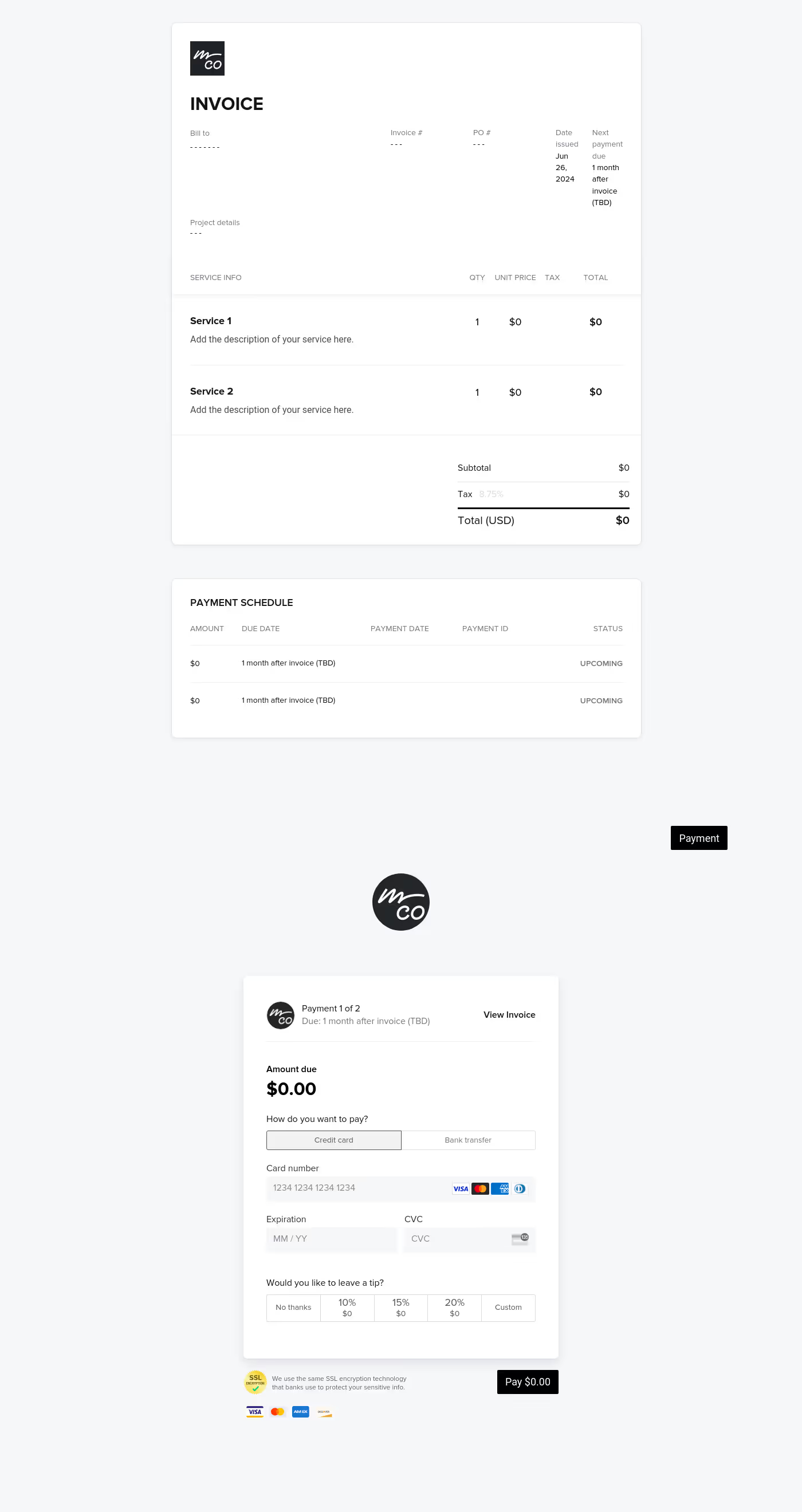


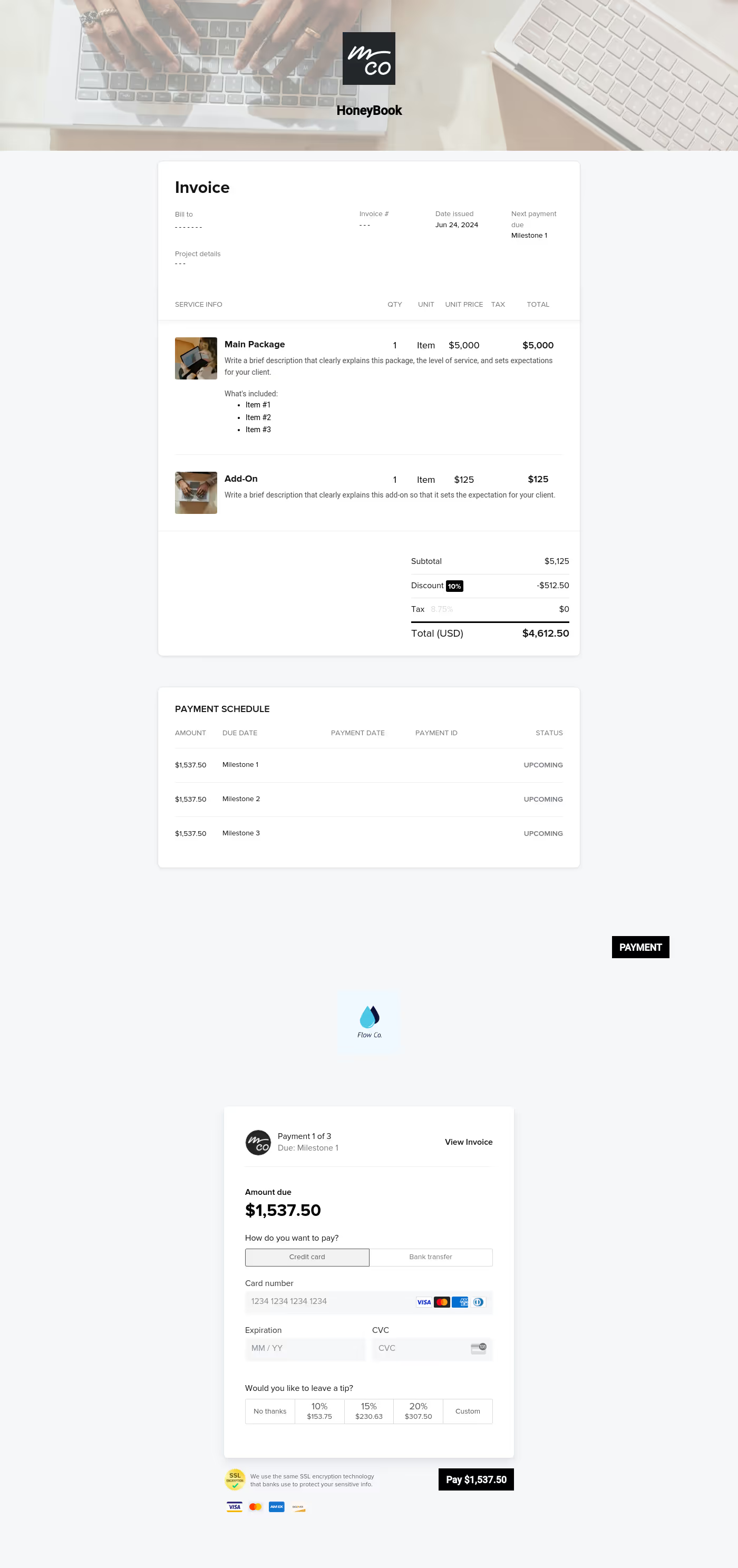
Make it your own
Fully customize the template to fit your needs. Quickly apply your company branding with just a few clicks.

Share with clients
Create exceptional client experiences through HoneyBook’s dedicated client portal, allowing them to read, review, and take action from any device.

Reuse and scale
Use your customized files with different clients again and again to save time and make managing client interactions that much easier.

Join the 100,000+ businesses growing with HoneyBook.
