












Invoice & online payments

Make it easy for clients to book and pay for your services–all in one file.


“
”

November 1, 2026

Best Practices for Using Invoices with Pictures Templates
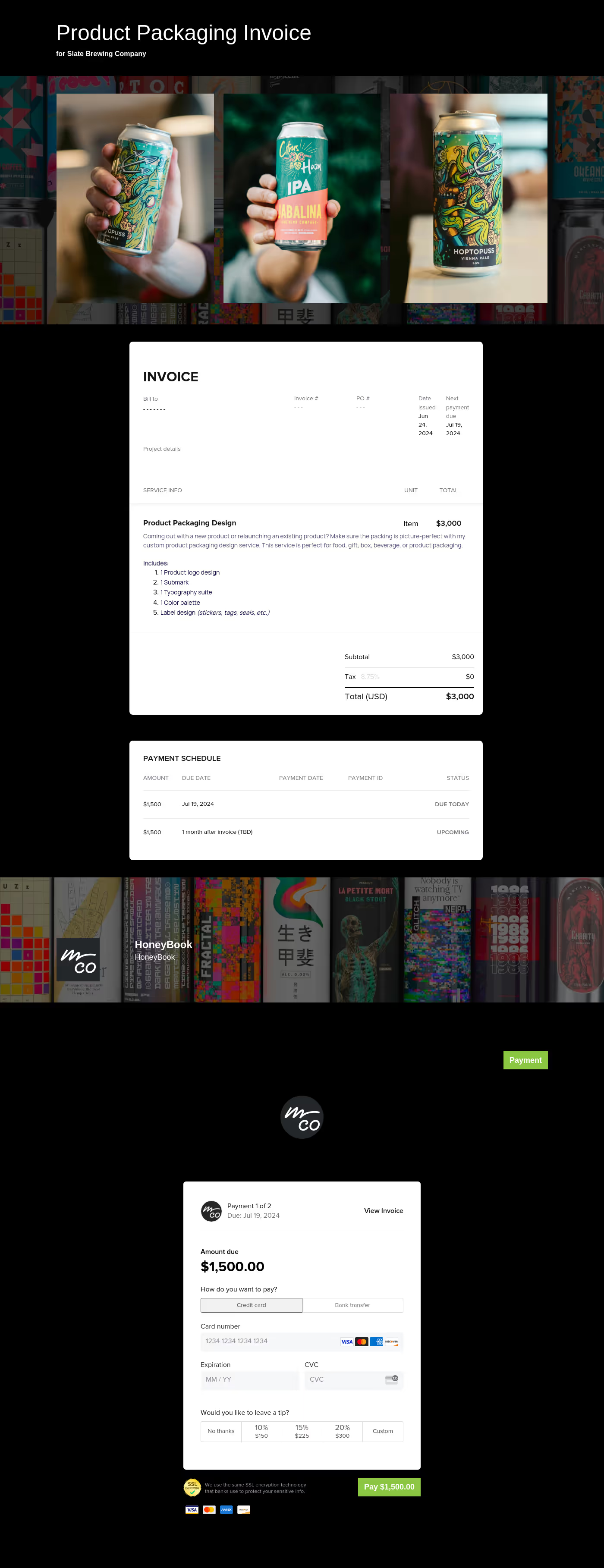
Traditional invoices rely on text, but businesses, freelancers, and entrepreneurs can use invoices with pictures to add clarity to the billing process. This option brings an extra layer of transparency and a professional appearance that customers will appreciate.
With pictures for each service or product, the invoice does much more than list items and amounts. It also accomplishes the following:
- Reduces the chance of disputes.
- Provides proof of work completed.
- Gives a visual reminder to customers.
- Adds transparency and limits misunderstandings.
In other words, generating an invoice with pictures helps you ensure a smooth transaction while building trust with customers.
Images are an important part of invoices with pictures, but they aren't the only part of the document. You still need to include all the fundamental information.
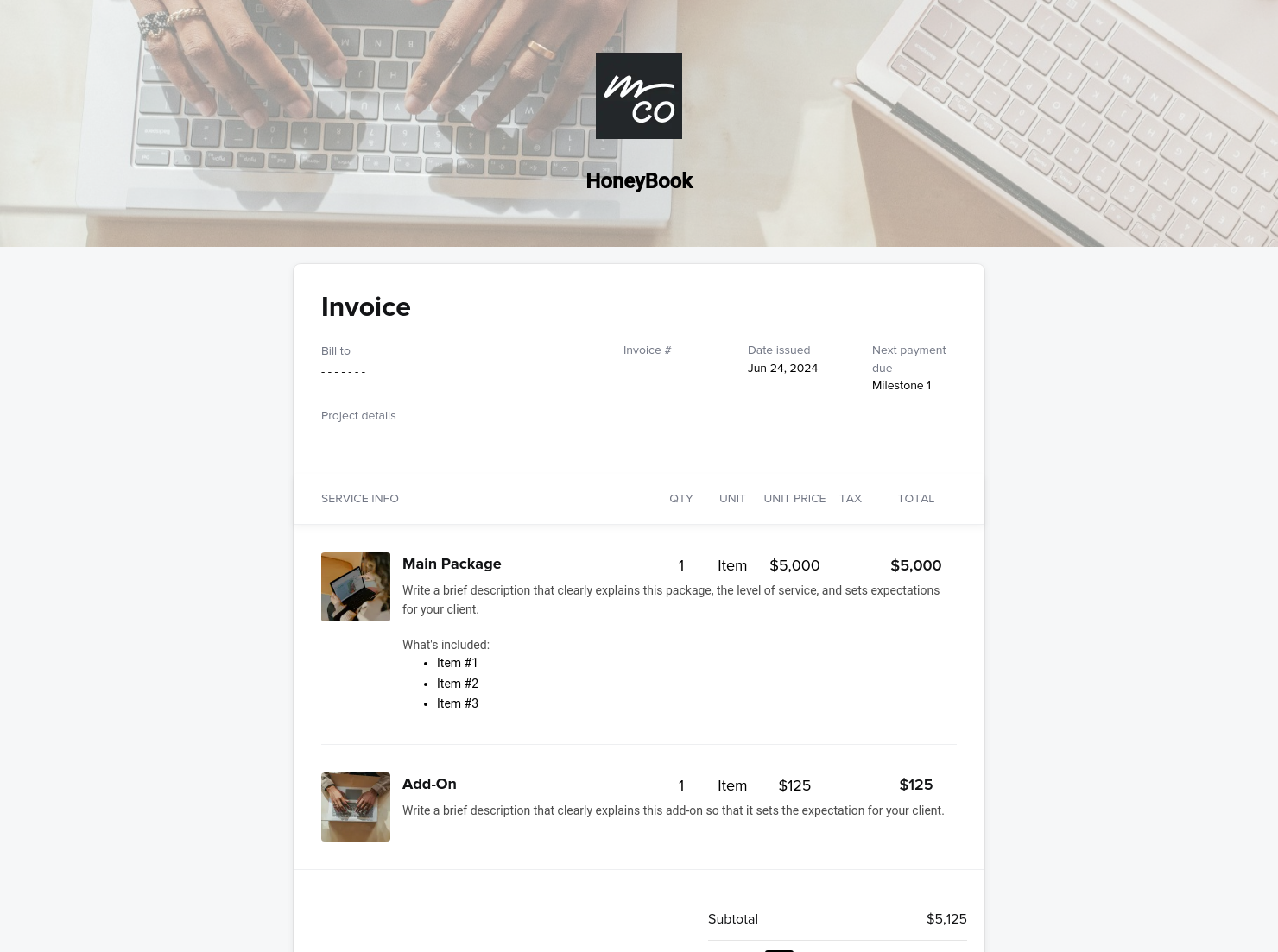
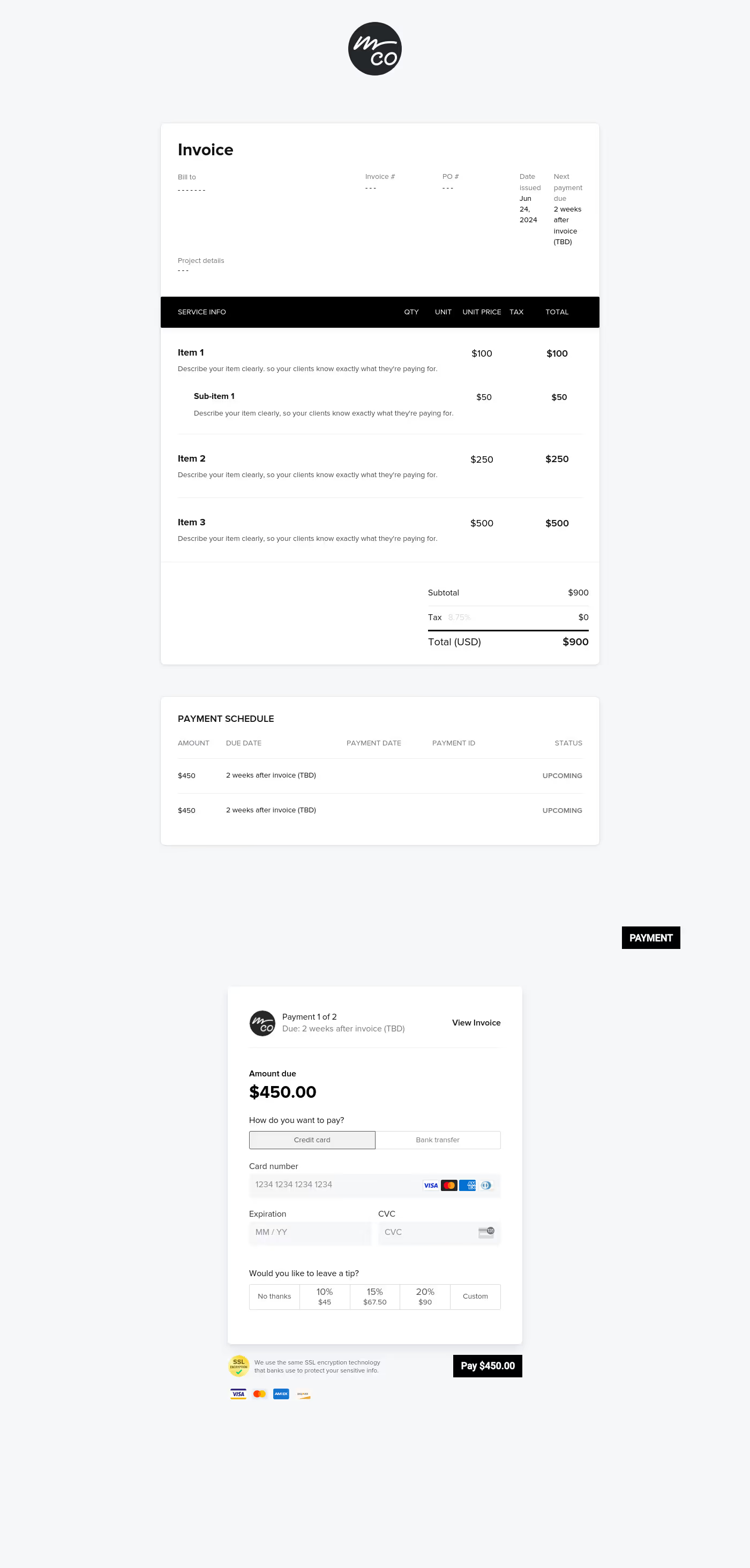
- Invoice number: This unique number makes it easy to file and identify each invoice.
- Business information: This section should include your business name, address, phone, email, and logo.
- Customer information: The customer's name, address, and contact details are essential for every invoice.
- Billing and due dates: This part shows the date the invoice was sent and the due date. The due date can be a specific day (05/15/2026) or Net 15/Net 30 (due 15/30 days after receipt).
- Itemized description of each product or service: This portion of the document has a text description of the product or service, the quantity or hours worked, the price for each unit, and the total cost for each line.
- Pictures: This section should include an image of each product or a picture of the item or area serviced. In some cases, such as repair or renovation, there could be "before and after" pictures.
- Totals: Underneath the itemized list, there should be a total amount due. This section should also include any additional taxes or fees.
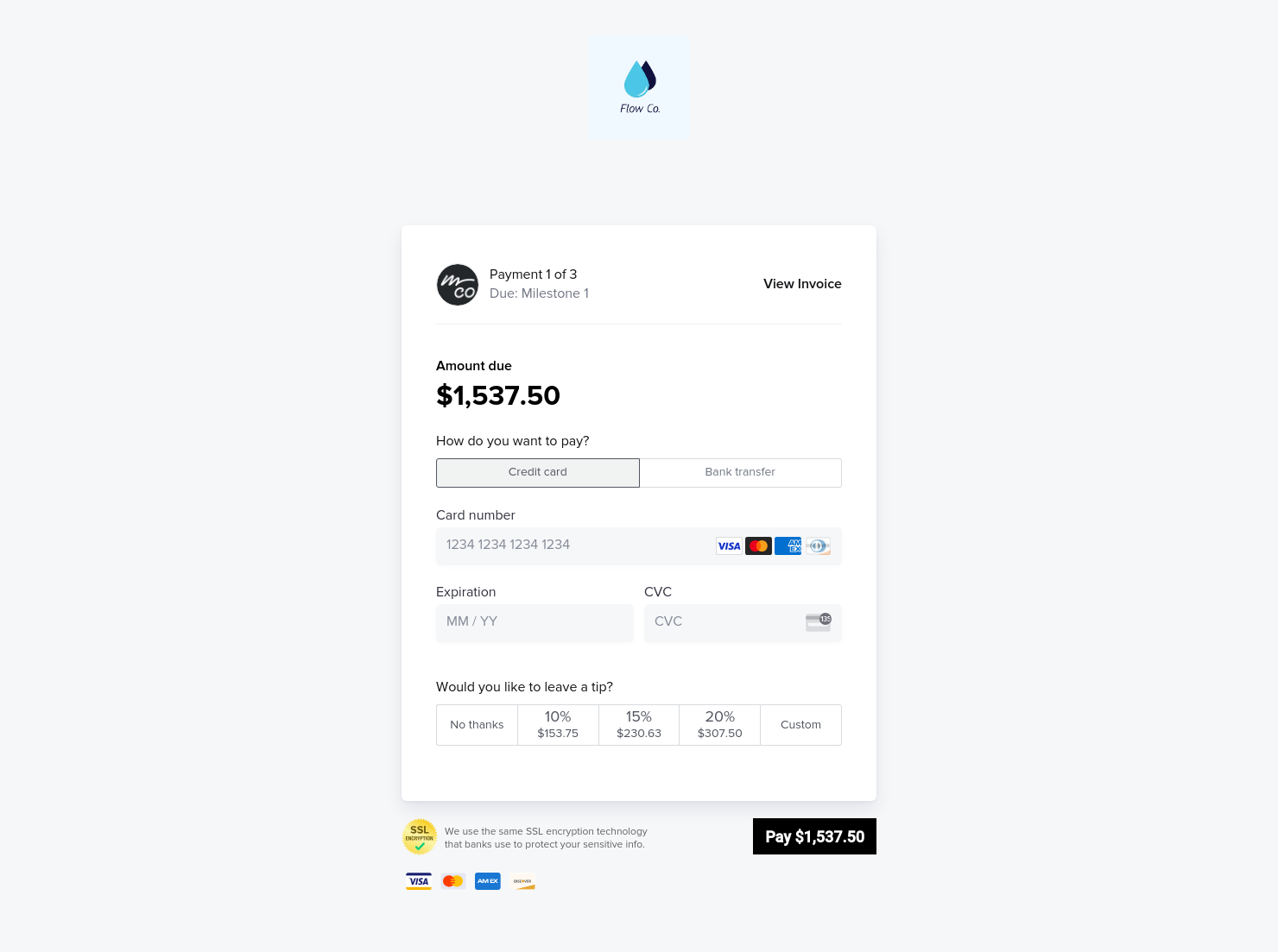
The invoice should also have details about all accepted payment methods. In general, multiple payment options (check, credit, debit, ACH, PayPal, Google/Apple Pay, cash) can lower the chance of delays.
It might be tempting, but you shouldn't crowd the invoice with images. You should have a reason for each picture, and there shouldn't be more than one image of the same item or area.
Also, the images should always be clear. It's alright to use stock pictures for products. Ensure that before or after pictures for services show the item or area cleaned, repaired, or built. To avoid overcrowding the invoice, use separate lines and pictures for add-ons.
You will appreciate the flexibility of a template that gives you the option to add images. Using pictures is especially useful in certain situations.
- Service businesses can show work progress with before-and-after images. Examples include auto repair or detailing, landscaping, home renovations, cleaning, or appliance repairs.
- Delivery services and e-commerce sellers can use images to show where the delivery driver placed items.
- Pictures can serve as evidence for work done off-site. Property management companies or real estate services could benefit from this template.
- Any business that wants to build trust with customers can use picture invoices to show their customers that they are transparent.
HoneyBook lets you generate an invoice easily for any of these situations. You can create a free invoice using the template and enjoy the benefits that pictures bring.
Catering has a lot of moving parts, and the menu sits in the center. If your catering menu is scattered across emails, texts, and screenshots, mistakes show up at the worst time.
A structured menu template helps in practical ways.
- Builds client trust and a professional first impression.
- Speeds approvals by making choices simple.
- Reduces payment disputes by documenting totals and terms.
- Saves time by cutting back and forth.
That means fewer surprises for clients and fewer fire drills for you.
Create standout invoices with this template
Quality templates manage the layout of text and images. It ensures the document looks professional, with the right balance between text and images. HoneyBook's invoice with pictures template lets you create invoices for free and bring transparency and trust to your customers.
FAQs
Below are quick answers to common questions from caterers building a catering menu that clients can approve with confidence.
Stock pictures will work for products. You and your staff need cameras or phones that can take pictures of items or areas serviced. Make clear guidelines for framing pictures, using the flash, and documenting locations or repair work. These should be in writing so that you and your staff can reference them.
Pictures and text should complement each other. Text should still include a clear description of work completed or products delivered. The images should support what the text says.
HoneyBook templates are built to simplify the steps between inquiry and booking, so you can deliver a professional client experience while saving time on repeat tasks.
Yes. With the HoneyBook mobile app, you can create invoices for free, customize, send, and manage templates and Smart Files from anywhere. This means you can respond to inquiries, share documents, and keep projects moving whether you’re at your desk or on the go.
Related templates




Related Templates
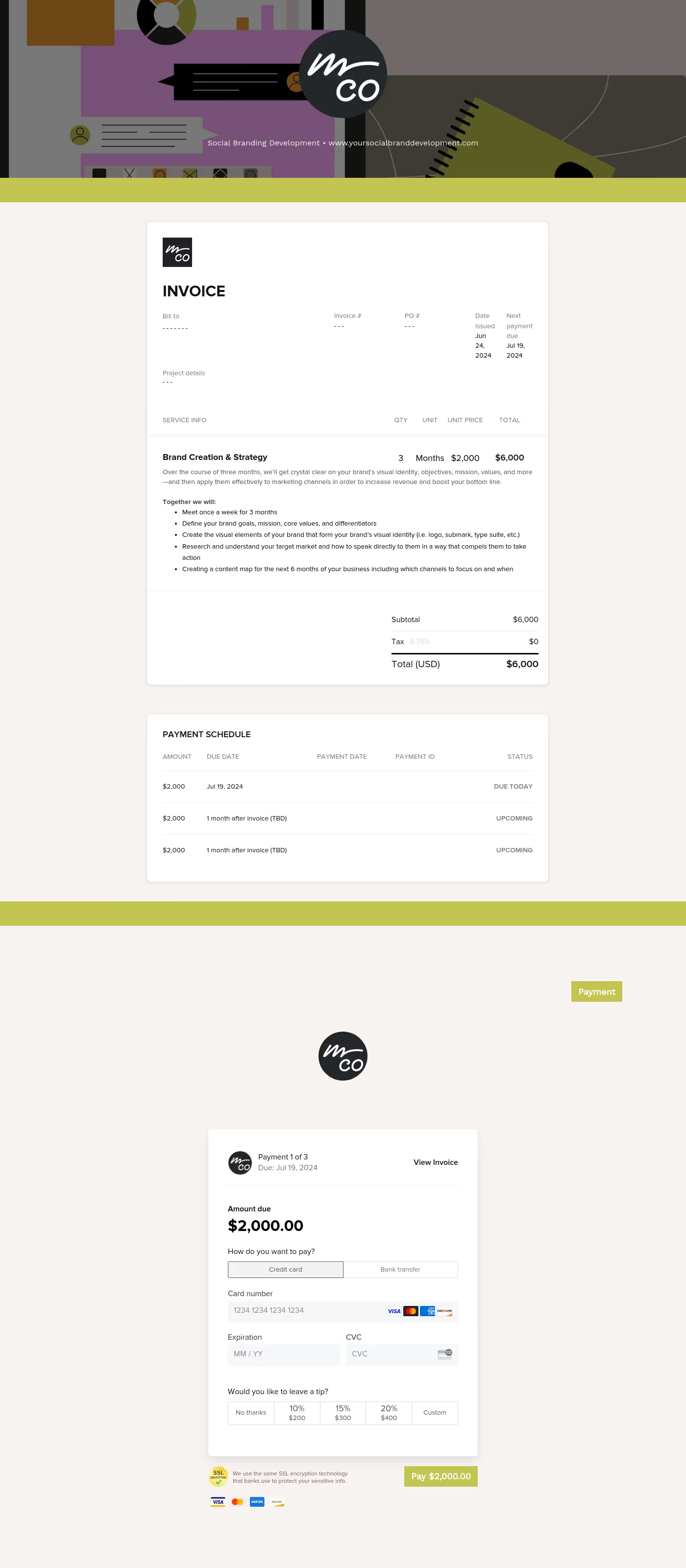
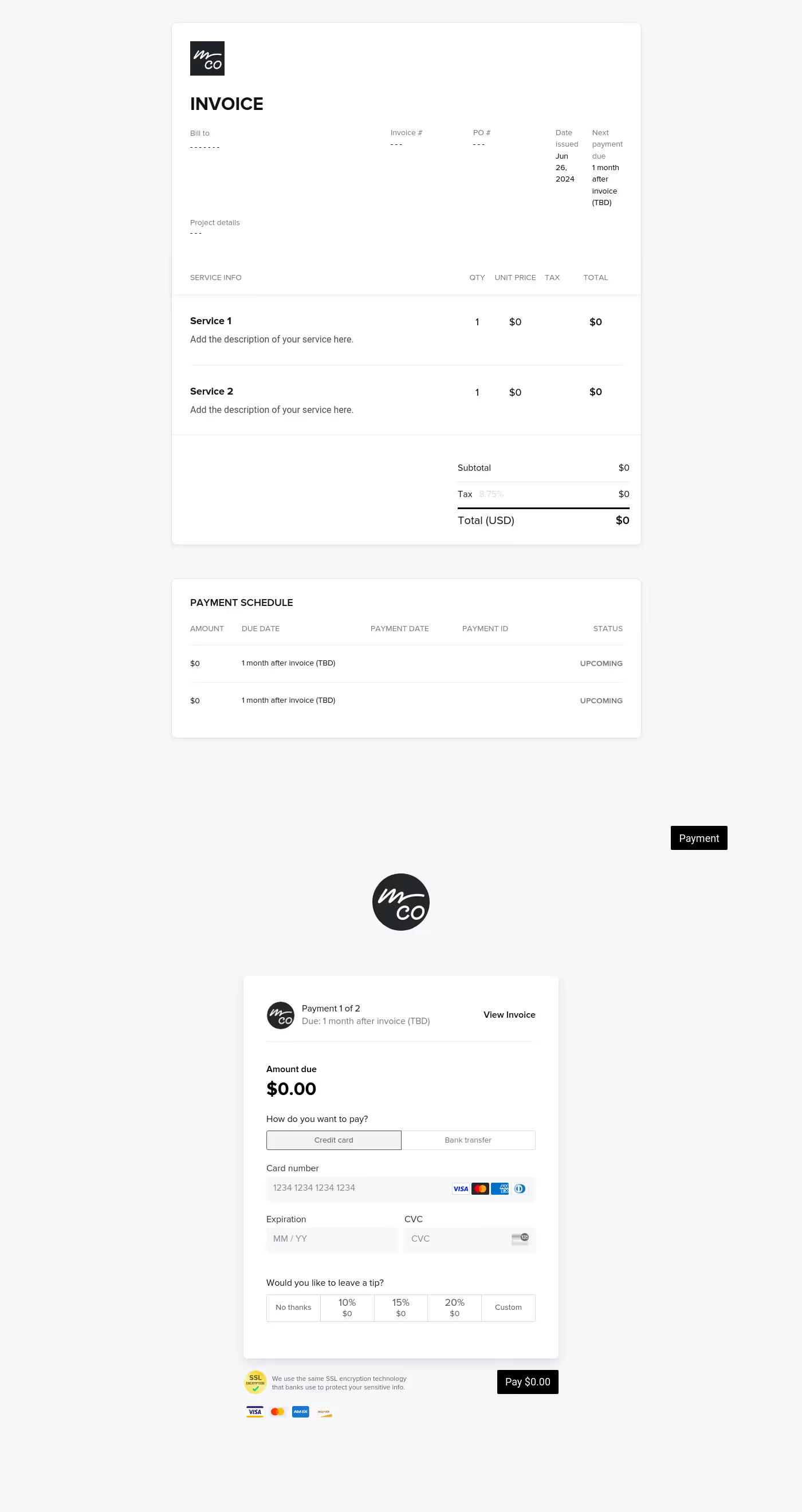
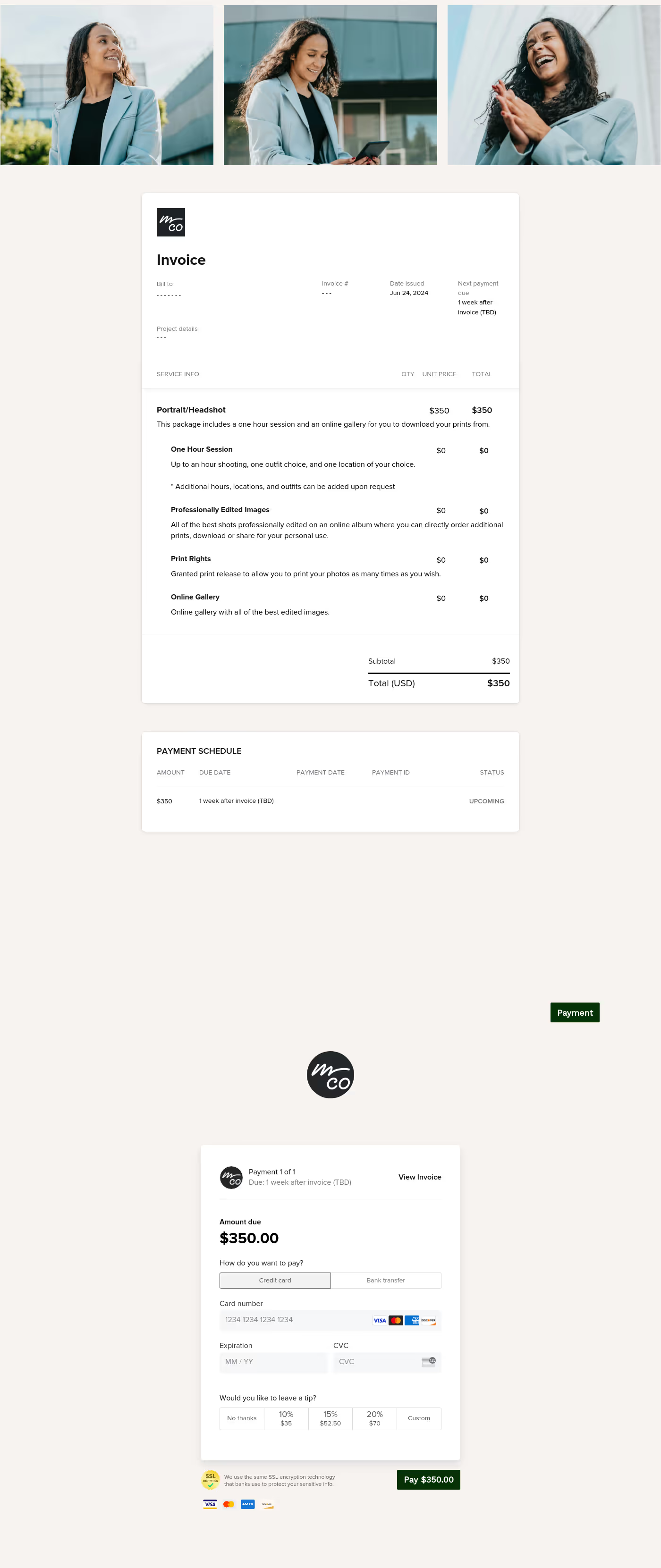
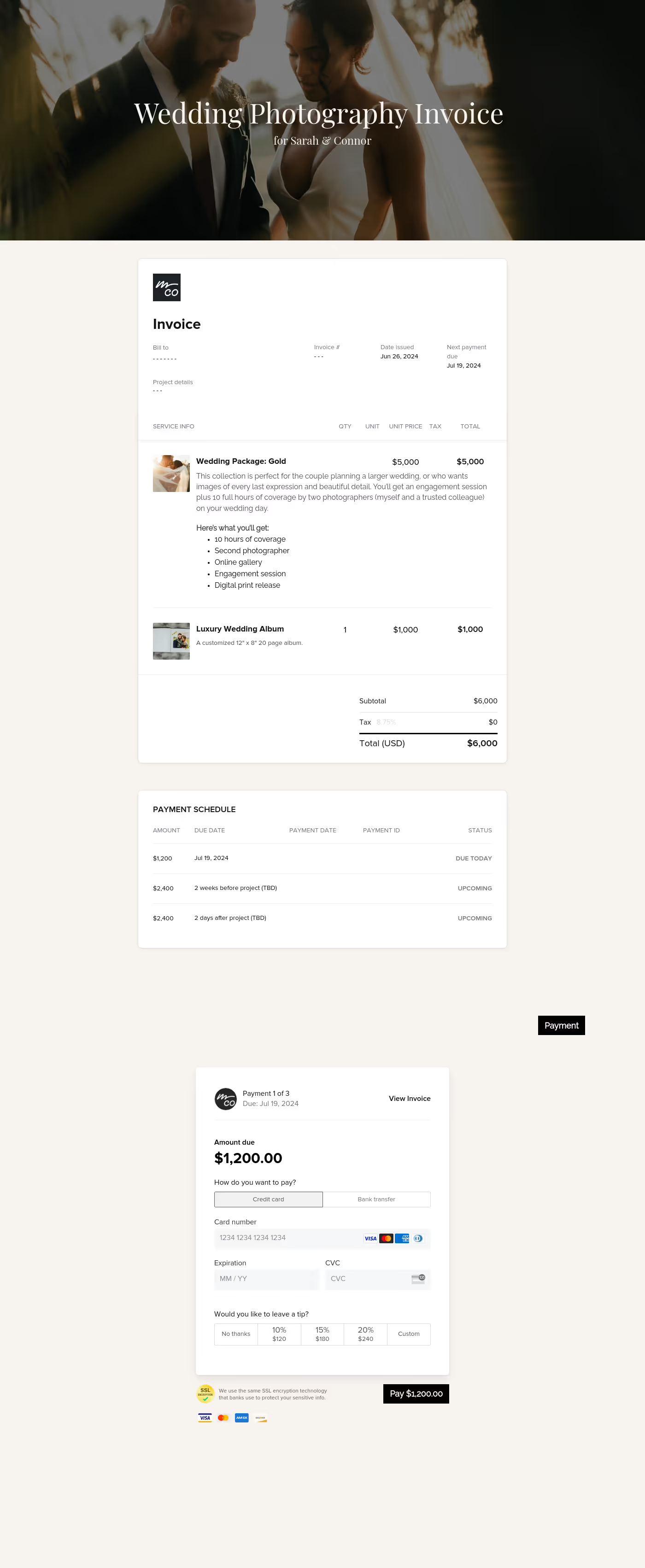

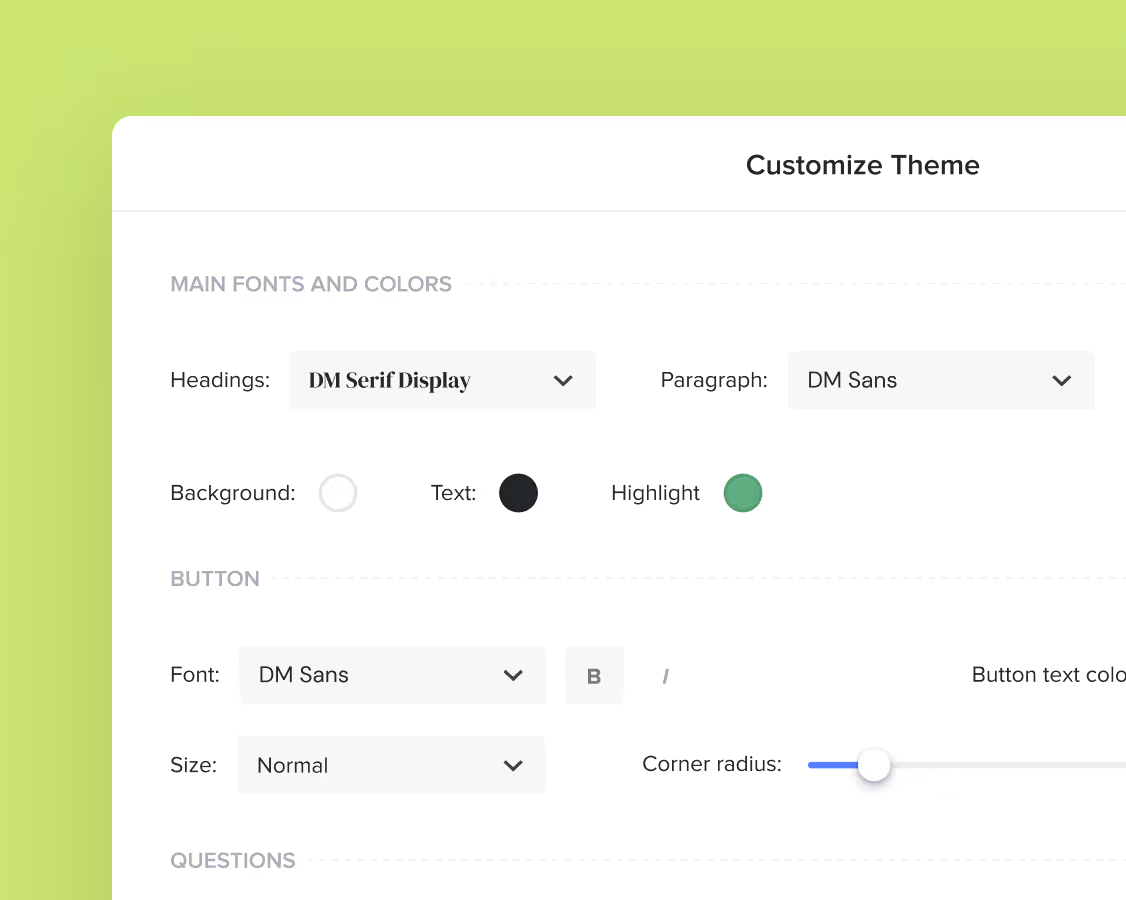
Make it your own
Fully customize the template to fit your needs. Quickly apply your company branding with just a few clicks.
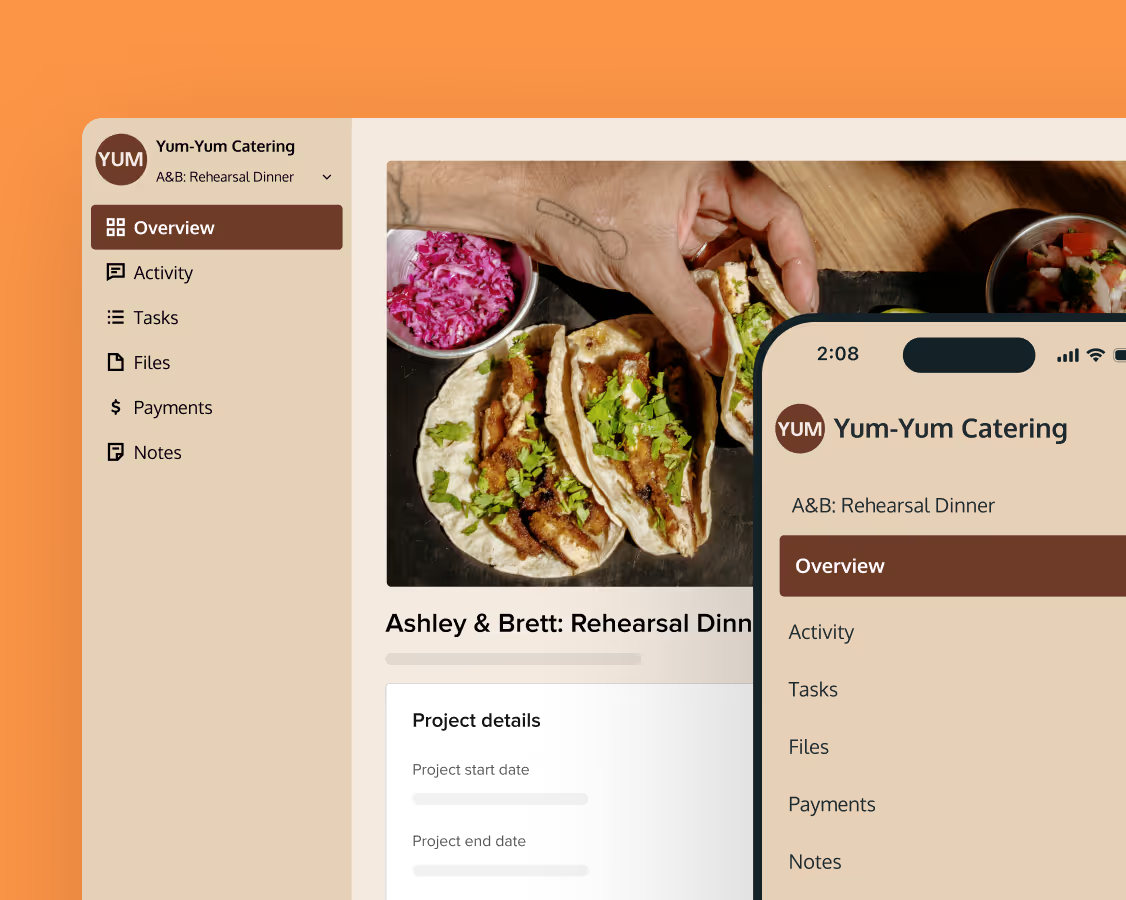
Share with clients
Create exceptional client experiences through HoneyBook’s dedicated client portal, allowing them to read, review, and take action from any device.
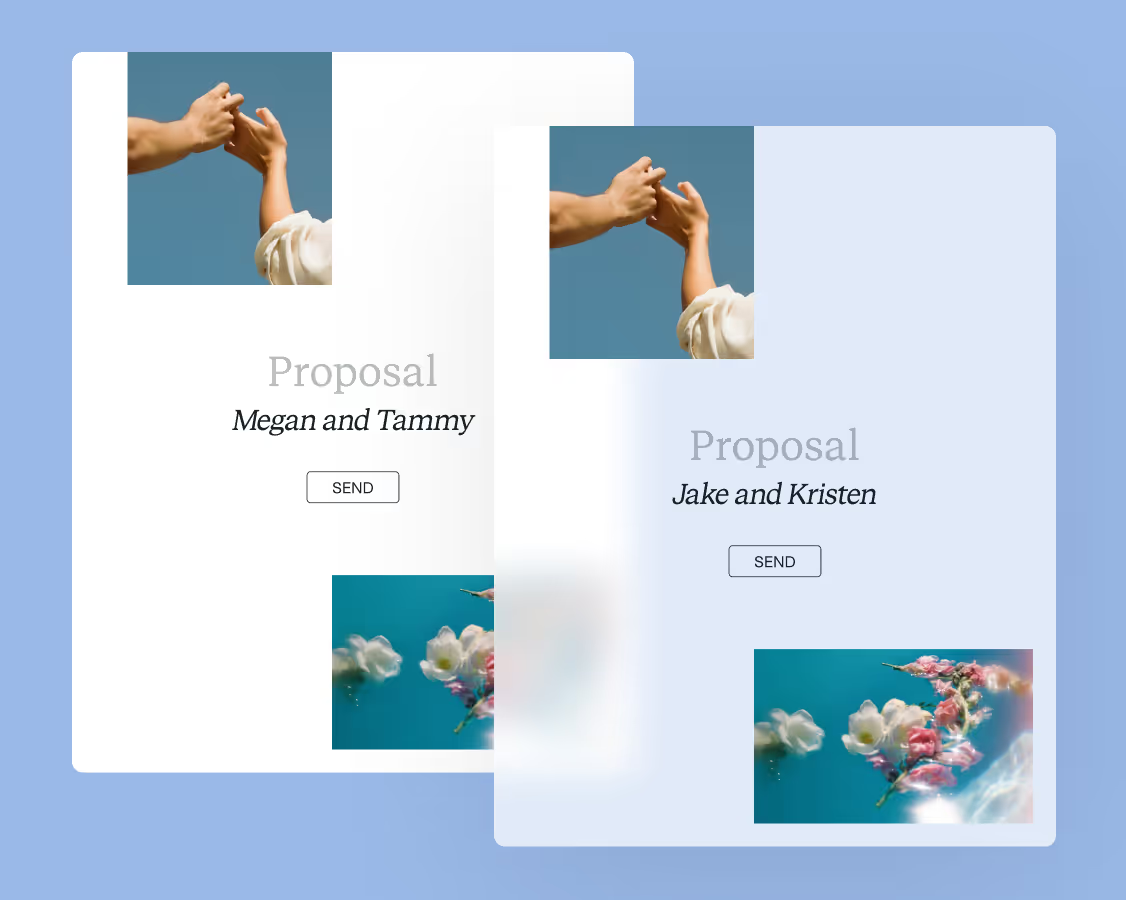
Reuse and scale
Use your customized files with different clients again and again to save time and make managing client interactions that much easier.
Join the 100,000+ businesses growing with HoneyBook.